
Software Updates in Car Manufacturing: How Vehicle Systems Are Refreshed
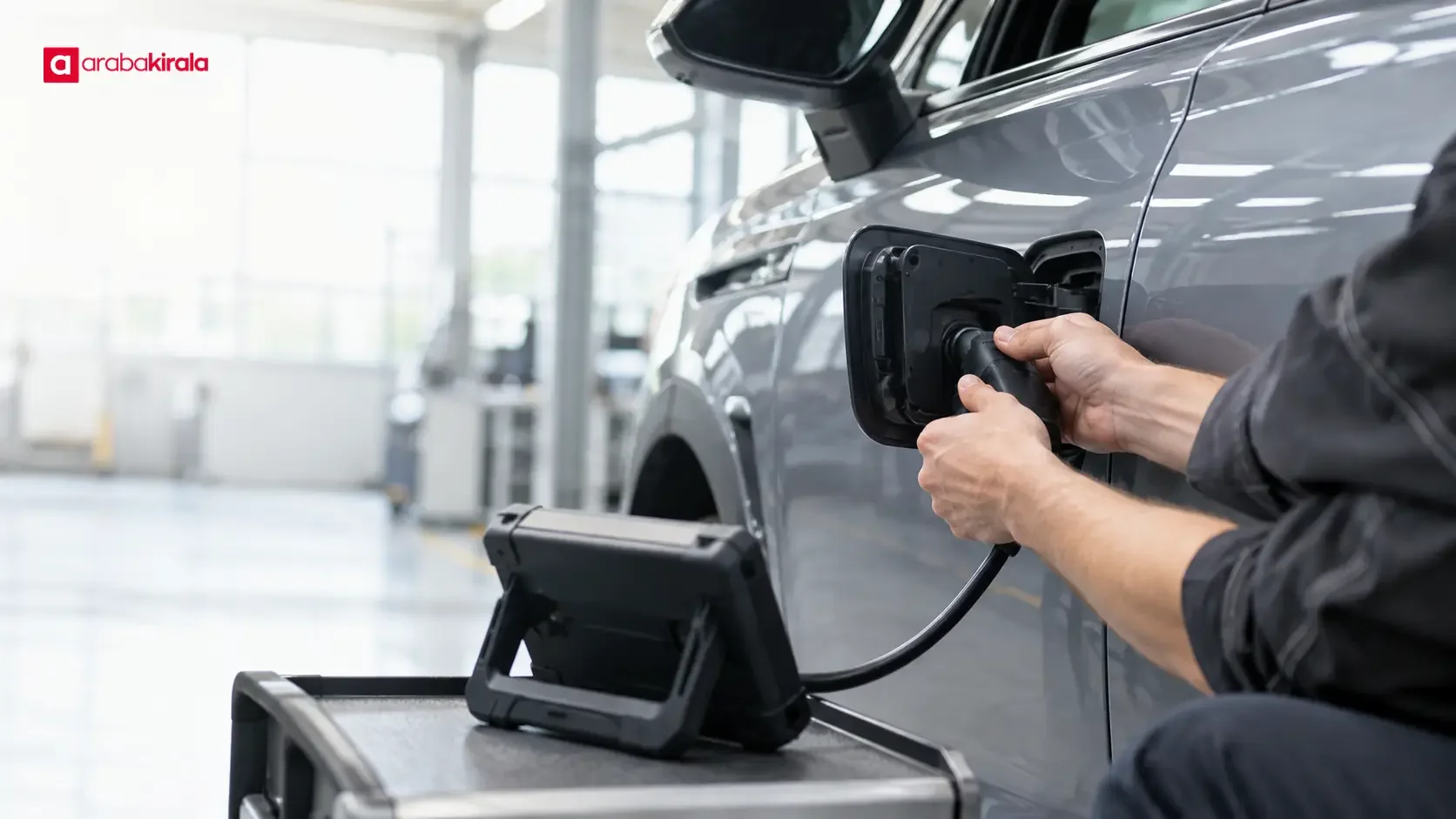
An automotive software update replaces or revises programs that run a vehicle’s electronic systems. Because software may control engine management, infotainment, driver assistance, climate, lighting, and other functions, an update can affect more than the screen or feature mentioned in a brief notice. Software installed on the production line and software updated after a vehicle enters service are different stages of the same broader process.
Software defines how electronic hardware behaves, but an update does not add a physical component by itself. A new version may correct an issue, improve compatibility, or change how a supported function operates. Its scope depends on the vehicle’s model, equipment, existing software, and the manufacturer’s technical release information. The word “update” alone does not tell a driver what will change.
What vehicle systems use software?
Modern cars have electronic control units that process information from sensors and send commands to relevant components. Separate or connected software may support engine and transmission management, braking and stability functions, climate control, lighting, the instrument display, and the infotainment system. The number and arrangement of control units differ across vehicles, so one architecture should not be assumed for every model.
These units can exchange data over in-vehicle networks. A driver assistance function, for example, may rely on information from a camera or radar and coordinate with other systems. This means a change to one module can still need to remain compatible with connected functions. During production, software installation is part of matching electronic components to a vehicle’s equipment and configuration.
How software is installed during production
At the factory, software is loaded onto the control units specified for a vehicle’s configuration through a defined production process. Production equipment can transfer the relevant software, after which checks may confirm version information and basic operation. The required components and software can vary with equipment level, powertrain, market, and model configuration.
This is more than copying a file. The software must match the intended control unit and hardware configuration, and connected modules may require compatible versions. Production setup and verification are among the technical steps used to prepare a vehicle for delivery. The exact checks are determined by the vehicle manufacturer’s process.
Software and calibration are related but different
Software contains the instructions and logic a control unit uses. Calibration refers to settings and parameters that shape how a particular hardware configuration responds. The same basic control software may use different calibration values with different engines or equipment. An update can change code, calibration data, or both; release notes are the useful place to identify the change.
Ways to update a vehicle after production
Two common approaches are remote delivery and updates carried out in a service environment. With a remote update, a supported vehicle receives a software package through a connection and follows steps defined by the manufacturer. This capability is not available for every vehicle, system, or region. Other updates require diagnostic equipment and suitable connections at a service facility.
A remote process may let the driver review the update description, requirements, and estimated duration on the vehicle display. In a service setting, a technician connects the vehicle to the appropriate equipment and updates the relevant modules. The suitable method depends on the update and the vehicle’s supported technology. In either case, follow instructions issued for the specific software release.
What can an update change?
An update may correct software faults, improve compatibility between systems, revise a user interface, or adjust the behavior of a control function. Some releases may include security or stability improvements. These are general possibilities, not promises about a particular update. Check the manufacturer’s release description for the changes associated with the vehicle and version.
A software revision does not, by itself, change the physical capability of the vehicle’s hardware. Even if an update is designed to enable a feature, the feature may not work when required sensors, processing hardware, or other components are absent. Availability can also depend on model year, equipment, market configuration, and software version. A general update announcement is not enough to establish that a feature applies to a particular car.
What should drivers check before an update?
Start by reviewing which systems the update covers and what preparation the manufacturer requires. The vehicle display or the official owner’s manual may explain connection requirements, the vehicle state needed, and the order of steps. Follow those instructions. Do not assume an update can take place while driving; follow any explicit guidance about whether the vehicle may be used during installation.
Before starting, consider the displayed duration and any period when the vehicle may be unavailable. Timing can vary with the update scope and connection conditions. If the instructions require the vehicle to remain in a particular state, leave it that way. Do not switch systems off or disconnect equipment while installation is in progress. An interruption may prevent completion. If an error appears, record the message and follow the manual or the manufacturer’s official support guidance instead of repeatedly restarting the process.
After the update, you can check the software version shown by the vehicle and observe the relevant function as described in the owner’s information. If a warning light, loss of function, or unexpected behavior persists, stop safely and contact the manufacturer’s support or service channel. Do not attempt your own repair when a safety-related system appears to be affected.
Is an update the same as a recall?
A software update describes a technical change. A recall is a separate process that a manufacturer or relevant authority may announce for specified vehicles and owners. The existence of an update does not by itself mean that a vehicle has been recalled, and a recall does not necessarily involve software. To check whether a notice applies to a vehicle, consult the manufacturer’s official channel and the stated vehicle scope.
Common questions about automotive software updates
Does every software update add a feature?
No. Some updates focus on correcting existing behavior, improving compatibility, or increasing stability. Only the manufacturer’s description for that specific release can confirm whether it adds a user-facing feature.
Will an update make a car more powerful or efficient?
That cannot be said of updates in general. If a change concerns engine control, energy management, or another relevant system, the technical release information should explain its purpose. Do not infer a performance or consumption result from the word “update.”
Can I install an update myself?
That depends on the vehicle’s supported method and the manufacturer’s instructions. If the vehicle offers remote updates, follow the official prompts on its display. If the process requires service equipment, have it handled in an appropriate service setting. Avoid unverified files and instructions.
Could my settings change after an update?
That depends on the update. The manufacturer may note changes to the interface or settings behavior in the release information. Read it before installation and review important vehicle settings afterwards.
Use vehicle-specific information
Vehicle software helps coordinate a range of electronic systems. Factory installation and verification prepare the configured vehicle, while updates in service refresh specified software components. Use the manufacturer’s documentation for your model to confirm an update’s effects, supported method, and required driver steps. If you are renting a car, ask the branch you will rent from whether an update is in progress or whether there are vehicle-specific operating instructions before taking delivery.
Legal Disclaimer: All content, articles and information on the Araba Kirala website are provided solely to inform users. No information shared on this website constitutes definitive advice or guidance. Araba Kirala Teknoloji A.Ş. and its authors cannot be held responsible for any direct or indirect damages arising from the application of information on the website. For all questions and requests regarding car rental, please contact the office from which you will rent your vehicle.










