
Navigation Prep for Car Rental in Beylikdüzü: Phone Mounts and Clear Sightlines
Published: October 9, 2026 • Reading Time: 6 min • Last Updated: October 9, 2026
Plan navigation before driving in Beylikdüzü: position a phone mount without blocking the road view, check mirrors and controls, and set the route while parked.
Contents
- Why navigation setup starts when you collect the car
- Choosing and positioning a phone mount
- Assess the view from the driver's seat
- Fit, stability and ease of use
- Prepare a Beylikdüzü route before setting off
- Audio and display settings
- A brief navigation check at collection
- Make one clear final check before driving
- Frequently Asked Questions
Navigation preparation for a car rental in Beylikdüzü involves more than entering a destination. Secure your phone where you can glance at it without obscuring the road, mirrors or dashboard, then set your route and audio before moving off. This guide explains how to assess a phone mount, keep a clear sightline, prepare for city driving and handle route changes safely.
Why navigation setup starts when you collect the car
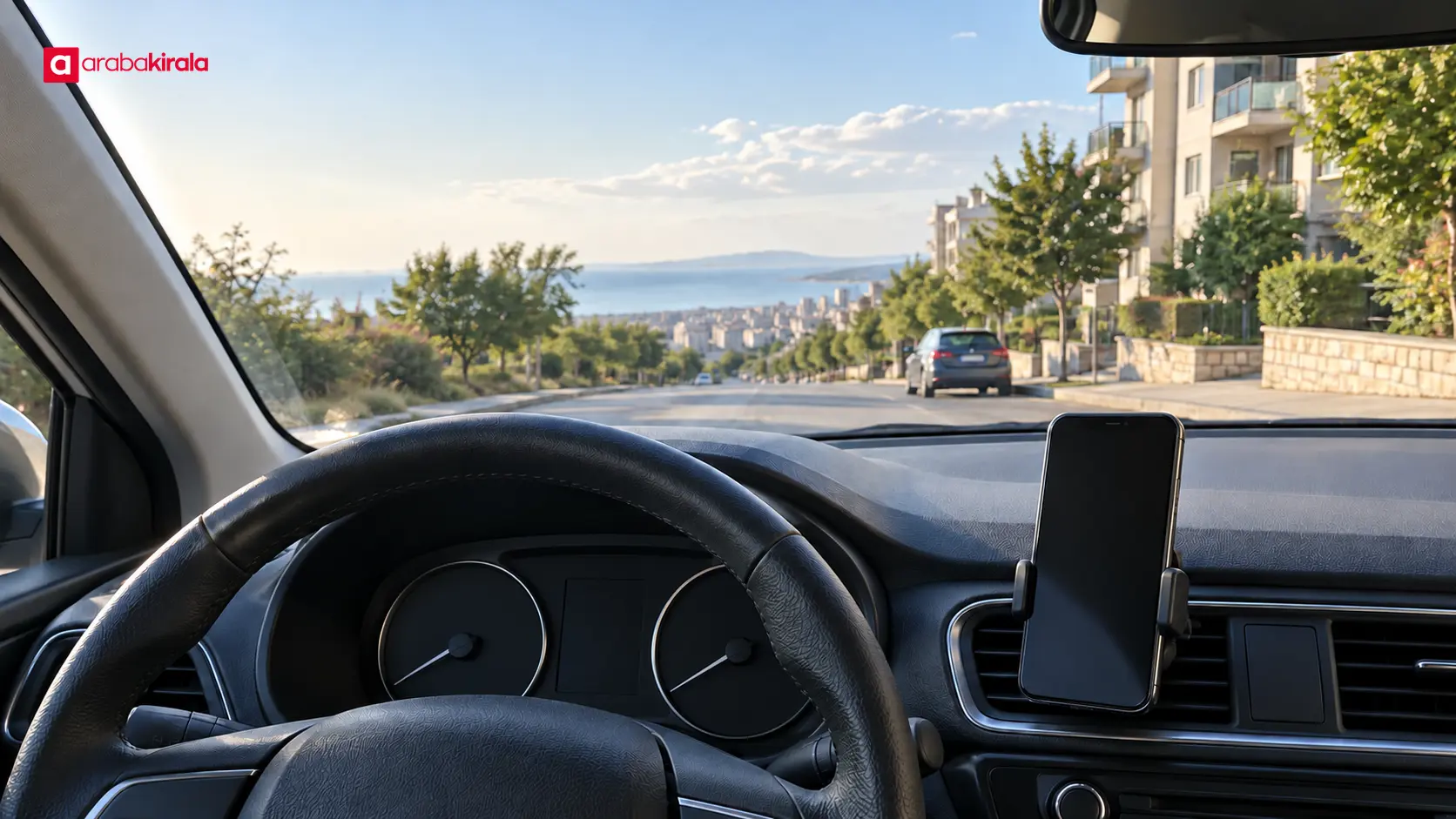
A car you have not driven before may have a different seat position, steering wheel, mirror layout and control arrangement from the one you know. Attaching a phone to the windscreen immediately can leave you unaware of how it affects your view from the driver’s seat. First adjust the seat and steering position, then set the rear-view and side mirrors for your own posture. Consider where a phone can sit only after those adjustments.
In Beylikdüzü, navigation can help with junctions, lane choices, connecting roads and changing traffic. It is still a guide, not a substitute for observing the road. Looking at the screen for a long time or typing an address while driving takes attention away from traffic. Enter your destination and any stops, choose audio settings, and prepare offline maps if your app supports them before the car is moving.
Choosing and positioning a phone mount
Assess the view from the driver's seat
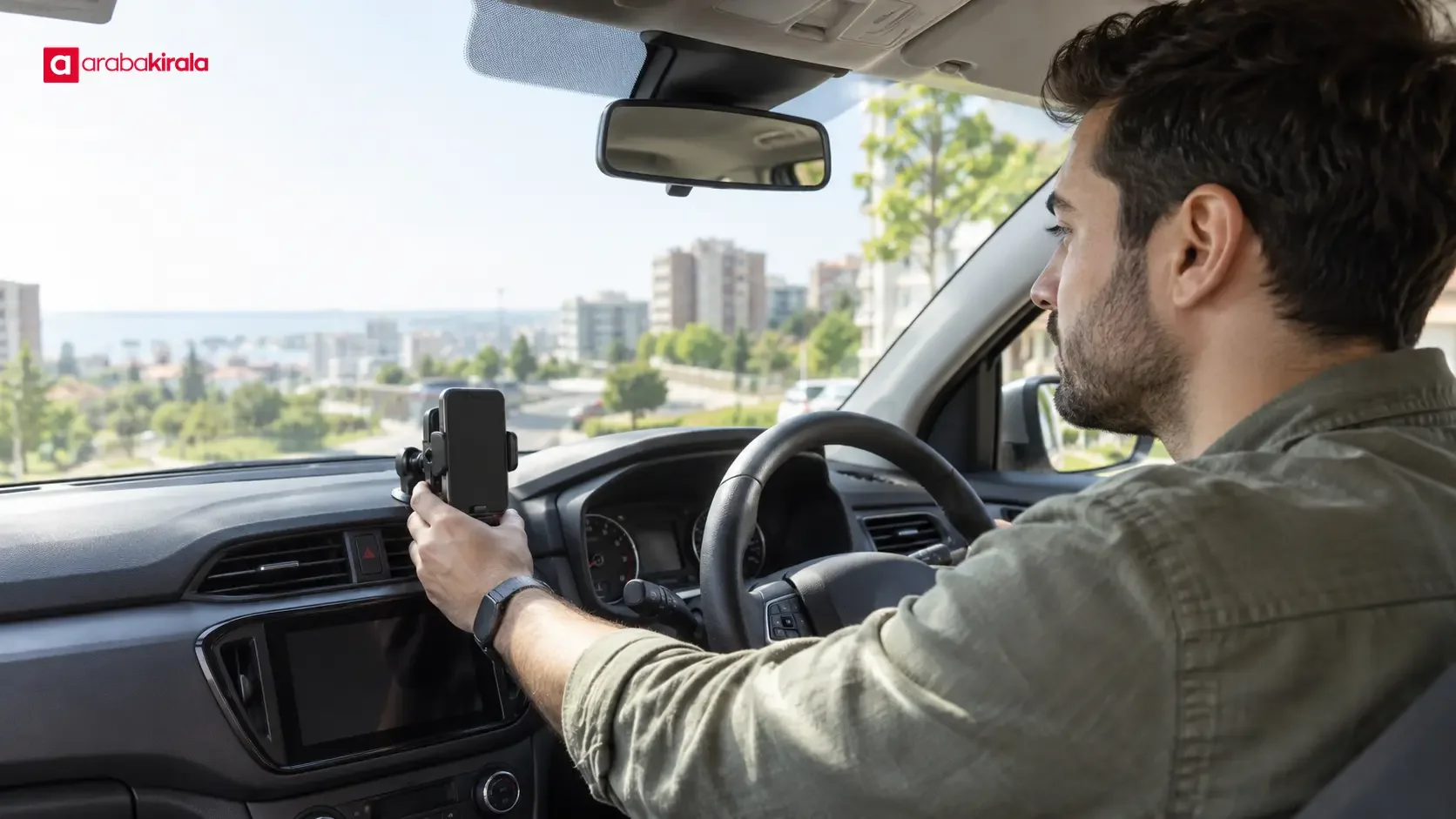
There is no single mounting position that works in every car. The interior layout and your seating position matter. The phone should not obstruct your view through the windscreen, hide a mirror or cover useful dashboard information. A windscreen mount should not take up a broad area of glass or narrow the view when you turn your head. A vent-mounted holder can also interfere with controls or airflow, depending on the vehicle.
After placing the phone, look ahead, check both mirrors and confirm that the instrument panel remains visible from your normal driving position. If you need to lean forward or turn your head substantially to see directions, try another location. Make these checks while parked. Confirm that the holder stays firm, the phone does not slide with vibration and any cable stays clear of the steering wheel, gear selector and pedals.
Fit, stability and ease of use
A mount needs to hold the phone securely as well as fit the car. Phone size and a protective case can affect the grip. The shape of the vent or the surface of the dashboard may also limit where a holder can be attached. If the vehicle has a built-in mount, check how it secures the phone and whether it blocks any controls. If you bring your own holder, consider whether its attachment could leave marks or affect a surface. Ask the branch you are renting from if you are unsure about fitting it.
Set the navigation app so that you are not relying on touchscreen adjustments while driving. Turn on voice guidance, check the phone’s power level and, if available, try the vehicle connection while parked. Secure the cable and keep slack away from moving controls. Avoid leaving the phone for an extended period in direct sunlight, where it may heat up.
Prepare a Beylikdüzü route before setting off
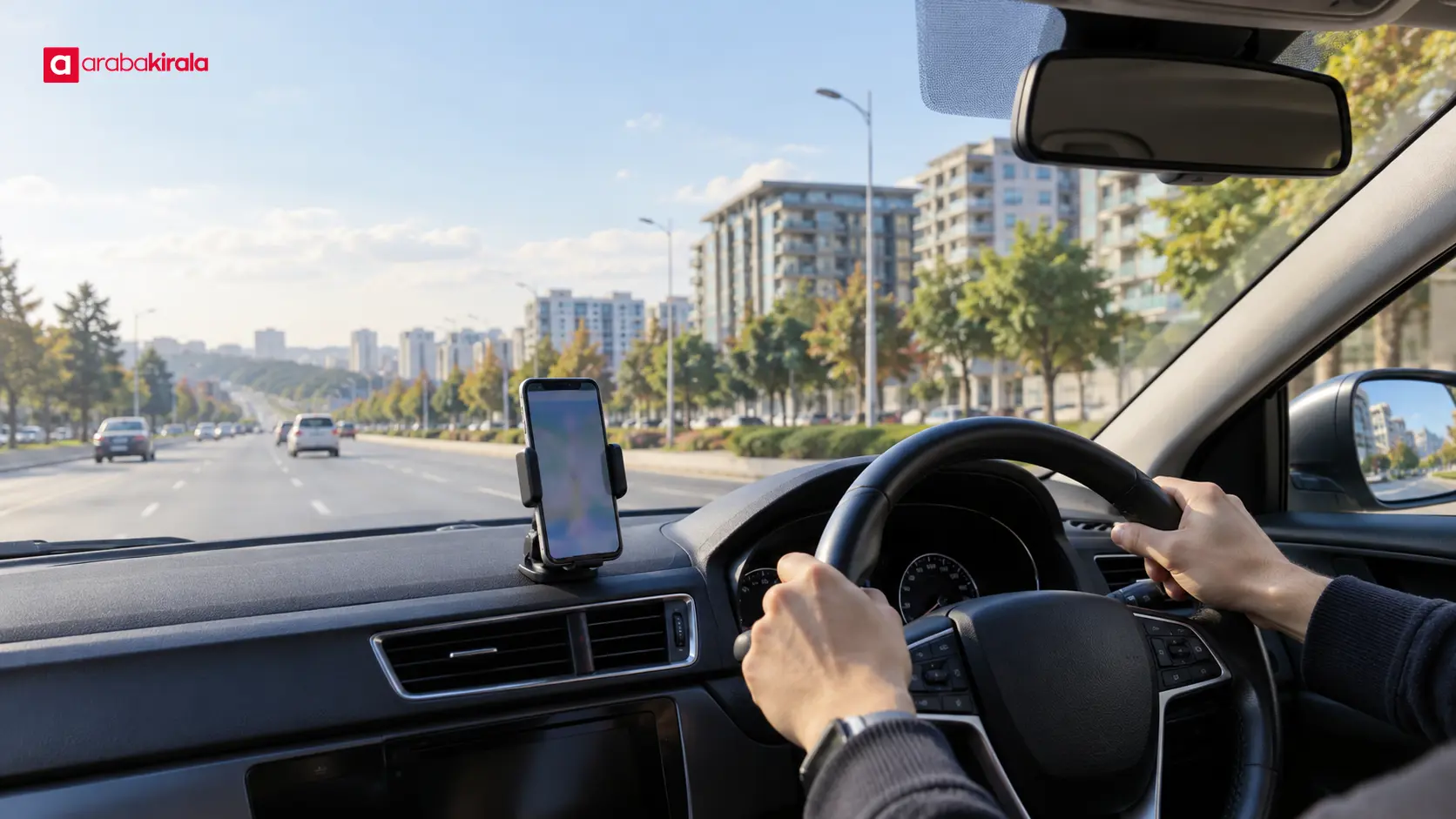
Enter the destination and any intermediate stops while parked. Check the map pin to make sure it points to the intended place; similar street or venue names can lead to a different location. You do not have to accept the first suggested route. Depending on your trip, review the app’s options for toll roads, estimated arrival and current traffic. These details can change, so it helps to check them shortly before departure.
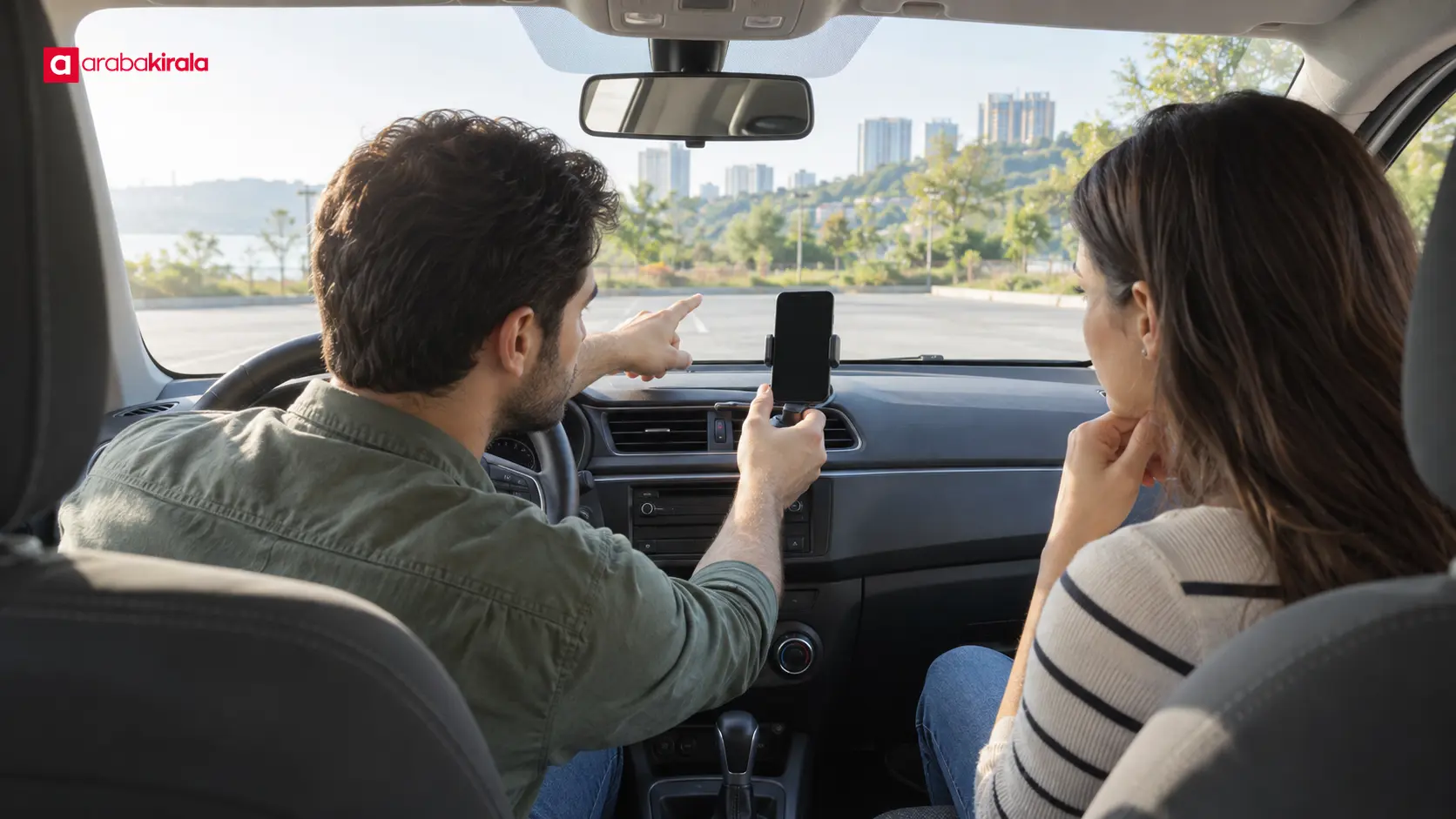
Near the destination, the map pin may not correspond exactly to the entrance or place where you can safely stop. Do not zoom the map or adjust your position while moving. If the navigation signal or connection drops, find a safe, permitted place to stop before recalculating. A passenger can also monitor the route, allowing the driver to keep their attention on the road.
Audio and display settings
Voice directions can reduce the need to look at the screen, but the volume should not drown out traffic sounds or conversation. Choose the map view, text size and brightness before moving. A screen that is too bright can be distracting at night. Muting non-navigation notifications can prevent the display from changing unexpectedly during a drive.
Follow safe driving practices and the rules that apply where you are driving. Handling a phone while driving is distracting and may be restricted under local rules. Entering an address, changing the route or repositioning a mount should be done only when the car is fully stopped in a safe place.
A brief navigation check at collection
- Adjust the seat and mirrors to your driving position.
- Position the mount and check its effect on the windscreen, mirrors and instruments.
- Make sure the phone is held firmly and its cable stays away from controls.
- Enter the destination and stops, then verify the map pin.
- Set audio, brightness and any connection while the car is parked.
- Ask the rental branch if a mount, connection option or vehicle-specific detail is unclear.
If you notice a problem with the mount or your view, address it before setting off. Whether a mount or a particular phone connection is available may vary by vehicle or branch. Check these details with the branch where you will collect the car, either when arranging the rental or at collection.
Make one clear final check before driving
Good navigation preparation is about finding your way without taking your attention from the road, not about placing the screen as close as possible. Secure the phone, keep your sightlines open and set the route and audio while parked. Review your Beylikdüzü destination and stops in advance. If anything changes, stop safely before using the phone. Ask the rental branch about any mount or connection detail that is specific to the vehicle you will collect.
Frequently Asked Questions
Should I mount my phone on the windscreen or an air vent?
The right position depends on the vehicle. A windscreen mount should not narrow your view of the road; a vent mount should not obstruct controls or airflow. Check the position from the driver’s seat before setting off.
Can I assume the rental car will include a phone mount?
No. A mount or a particular connectivity option may depend on the vehicle and branch. Confirm availability with the branch where you will collect the car.
Do I need an internet connection for navigation?
That depends on the app and its settings. Some apps can use maps downloaded in advance, while updated routes and traffic information may require a connection. Check how your app works before the trip.
Can I change my route while driving?
Using a phone while driving distracts you. If you need to enter a new destination or choose another route, stop fully in a safe and permitted place first.
What should I do if the mount blocks my view?
Before driving, move it to another suitable position or use a different way to secure the phone. Do not set off with an arrangement that obstructs your view of the road, mirrors or instruments.
Legal Disclaimer: All content, articles and information on the Araba Kirala website are provided solely to inform users. No information shared on this website constitutes definitive advice or guidance. Araba Kirala Teknoloji A.Ş. and its authors cannot be held responsible for any direct or indirect damages arising from the application of information on the website. For all questions and requests regarding car rental, please contact the office from which you will rent your vehicle.












