
Organizing Photos and Documents After a Car Insurance Accident
Published: October 7, 2026 • Reading Time: 7 min • Last Updated: October 7, 2026
Put safety first, then organize accident photos, documents, and factual notes into a clear record for an insurance claim.
Contents
- Start with safety, then document the scene
- What details should the photos show?
- A photograph records appearance; it does not explain the cause
- Keep paperwork and notes in one filing system
- Review the record before sending a claim
- If the vehicle is a rental
- Frequently asked questions
- In what order should I take photos?
- Can I edit or mark up the photos?
- What if I lost a photo or document?
- Can I make a damage record without photos?
- Next step: make the file clear and safe to use
A car insurance damage record is an organized collection of photos, documents, and factual notes made after an accident. This guide explains how to put safety first, what kinds of images can help, how to file records so they are easy to find, and what to check before contacting your insurer. A clear record can make it easier to recall and explain what you observed, but it does not determine coverage or the outcome of a claim by itself. Reporting steps depend on the policy and the circumstances, so follow the instructions provided by your insurer.
Start with safety, then document the scene
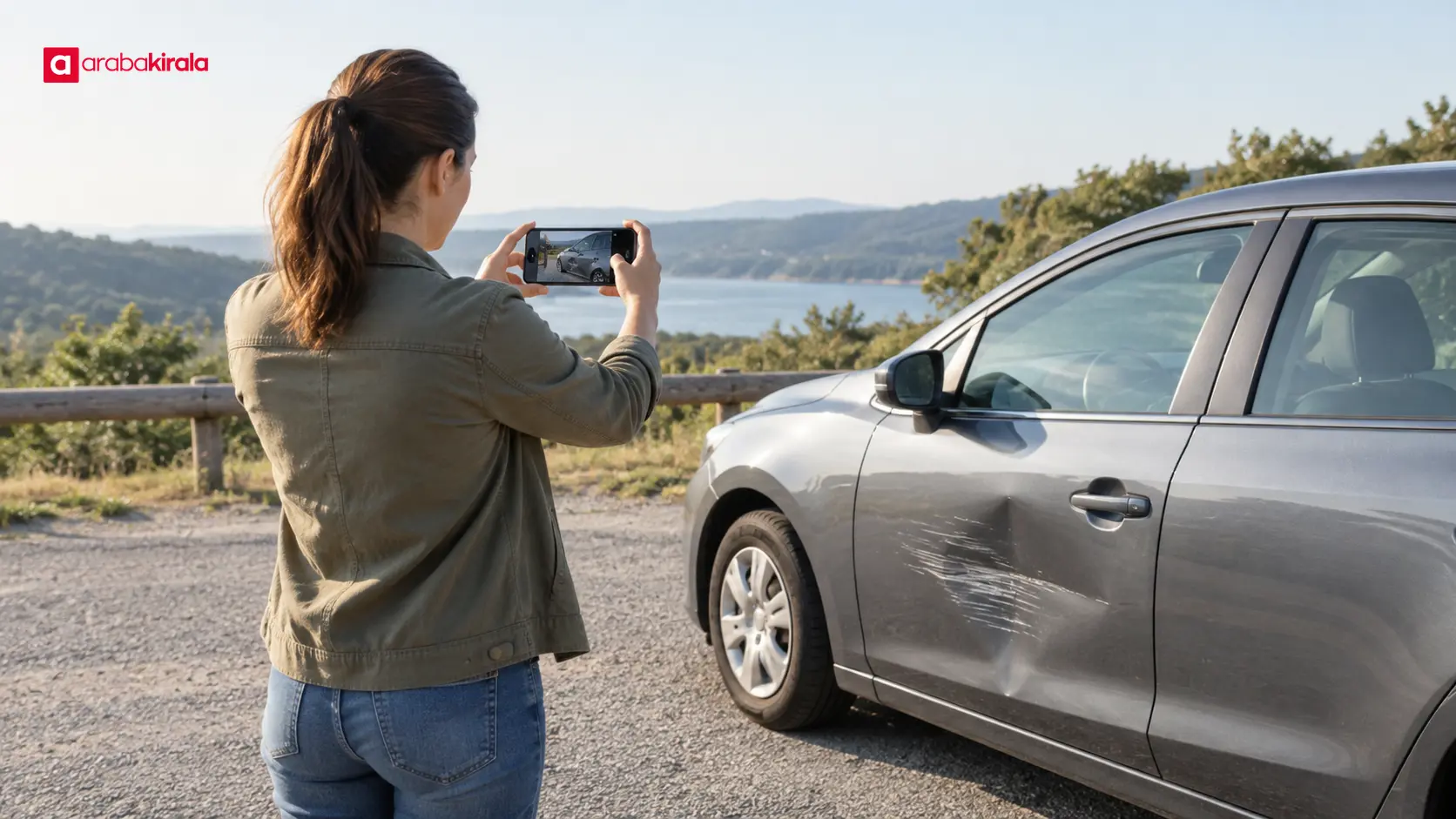
Before taking photos, assess whether you and other people are safe. If anyone is injured, there is a fire, traffic creates an immediate hazard, or another urgent danger exists, stop documenting and use the appropriate emergency channels. Standing in moving traffic, approaching a damaged vehicle, or stepping into a road for a better angle can create additional risk. Move to a safe place before attempting to record anything.
If it is safe to document the scene, do not change vehicle positions just to improve a photograph, and do not put anyone at risk for the sake of a record. If a vehicle must be moved for safety, use your judgment about the immediate conditions and note the location and circumstances afterward. Not having a photograph is never a reason to put safety second.
What details should the photos show?
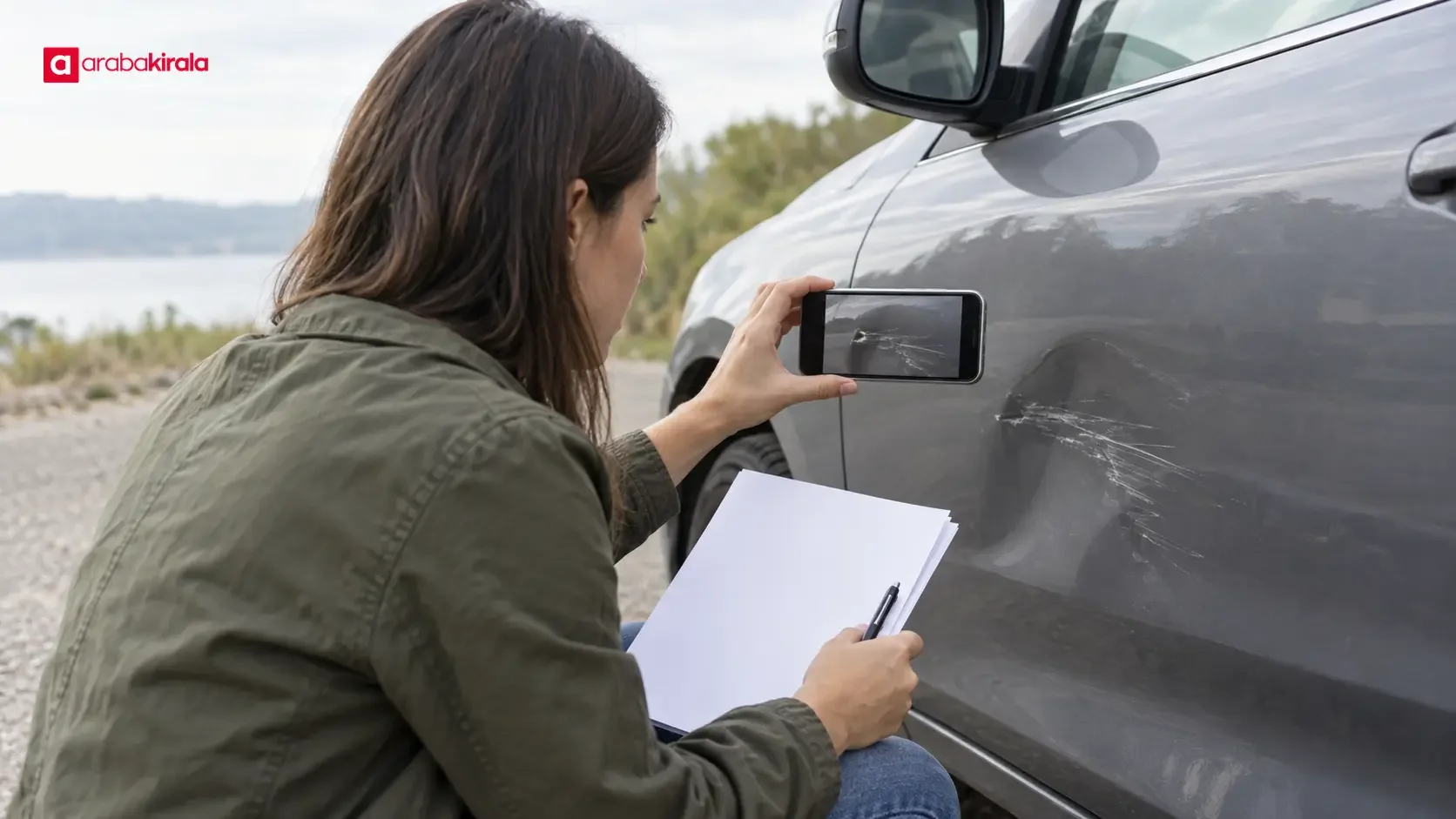
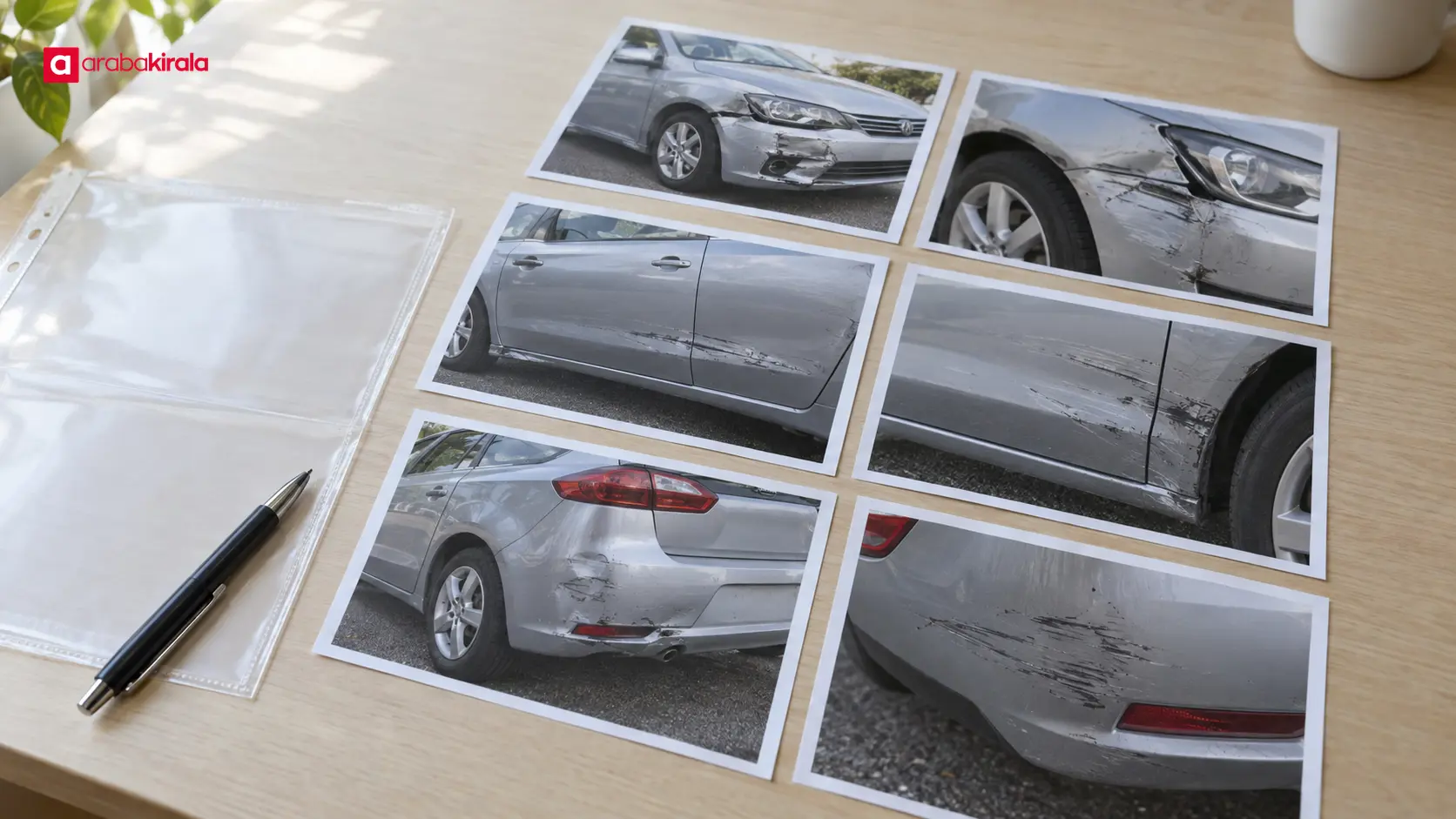
A useful record is more than one close-up. If conditions permit, take images at several distances: first the overall context, then the vehicles and their positions, and finally the damaged areas. Photographing the same area from more than one angle can help show a scratch, dent, broken part, or piece that has come loose.
- Overall view: From a safe position, show how the vehicles relate to each other and the surrounding roadway.
- Mid-range view: Identify which part of each vehicle is affected and where the damage sits on the vehicle.
- Close-up: Keep the damaged part, edges of a break or scrape, and visible loose pieces in focus. If a scale reference is naturally available, include it without touching the damage.
- Surroundings: If it is safe and relevant, record visible road conditions or scattered pieces with enough context to understand where they were.
Keep images in focus and adequately lit. If a damaged area is too dark, consider using the flash or taking another image when conditions are safe. Pair close-ups with a wider frame that identifies the side of the vehicle; isolated detail shots can be hard to place later. Preserve each original image. If you need a cropped or marked copy for your own reference, save it separately and make clear in the filename that it was edited.
A photograph records appearance; it does not explain the cause
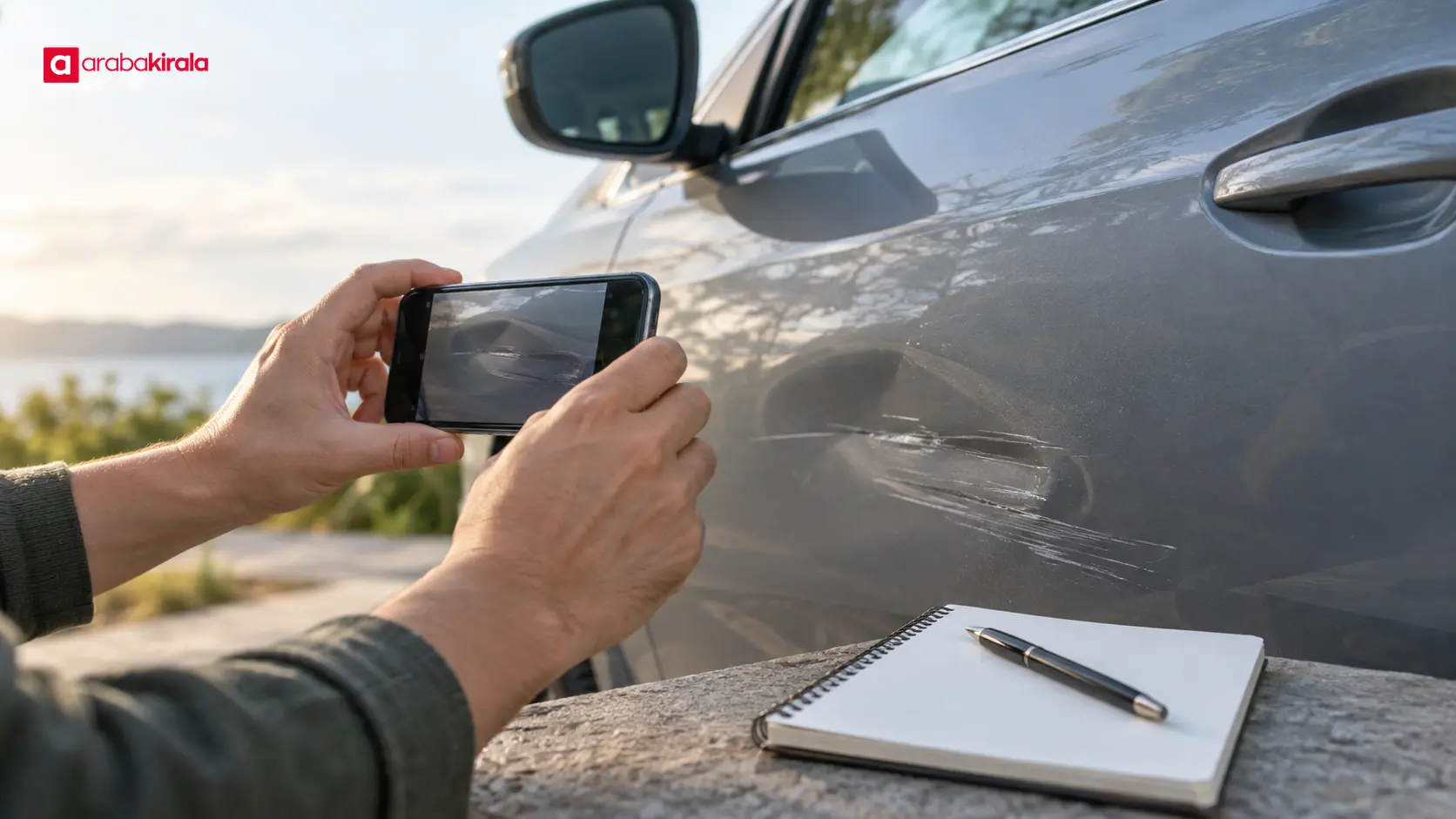
A photo shows what was visible at the time. Do not assume that it alone proves how an accident happened or who was responsible. Add concise, factual notes: the date and approximate time, a description of the location, which vehicle or area appears in the image, and who took the photo. If you do not remember a detail, mark it as unknown instead of guessing.
When an incident account is needed, distinguish what you observed from what you infer. “A dent is visible on the front passenger-side door” describes an observation; it does not claim to establish the cause. Do not present another person’s explanation as your own observation. This distinction helps keep the relationship between your images and notes clear when you review the file later.
Keep paperwork and notes in one filing system
Sort the records you have by type. Depending on the incident, a file may include accident-related records, claim forms, repair or assessment paperwork, correspondence with the insurer, and expense documents. Do not assume that every item is required in every case. Check the insurer’s notice and instructions to learn which records are actually requested.
Create one main folder for the incident on your phone or computer. Inside, use subfolders such as “Photos,” “Documents,” “Messages,” and “Notes.” Name files consistently with the date, a short description, and a sequence number where useful. A name such as “2026-10-07_overall-view_01” is easier to search than a camera’s default filename. If several vehicles are involved, use consistent labels in your notes rather than putting unnecessary personal information in filenames.
- Make document scans or photos readable, with page edges and relevant fields in frame.
- Keep paper originals organized and protected in case they are requested.
- Download email and message attachments into the relevant folder, preserving the sender and date.
- Keep a second copy in a secure storage location. Avoid sharing sensitive documents through public links.
Review the record before sending a claim
Before submitting a notification or claim, do a brief completeness check. Confirm that the dates in your notes are consistent with the photo files. Open the images to make sure they are viewable, the damage is clear, and each file’s purpose is understandable. If a document is incomplete in the frame or an image is blurred, obtain a better copy when safe and possible; do not delete the original.
- Leave unrelated personal documents out of the file.
- Confirm the required file format, contact channel, and reporting steps in your own policy materials and insurer instructions.
- Record the names of the files you sent and the date you sent them; keep any submission confirmation.
- If you do not have a requested item, do not invent a replacement. Explain the situation to the relevant team and ask what alternative record they can accept.
An organized folder does not automatically fill a missing document. If the account in your claim differs from a photo or paper record, clarify the reason before sending it. Do not make a definitive technical assessment of damage you cannot determine; ask the insurer how any required inspection will be handled.
If the vehicle is a rental
If the accident involves a rental vehicle, contact the branch or authorized team handling your rental after addressing safety and any necessary emergency reports. The channel and order for reporting the event, as well as the requested documents and how to deliver them, may depend on the branch and rental agreement. Confirm the right contact channel and recipient before sending photos or paperwork. This is a prompt to check the arrangements for your rental, not a statement that one company’s terms apply everywhere.
Keeping clear photos and factual notes can also help when an incident involves a rental vehicle. Record what happened accurately, follow the branch’s instructions, and do not assume that a dispute will occur. Avoid working on the damaged area yourself; get direction from the authorized team about repair or towing arrangements.
Frequently asked questions
In what order should I take photos?
If it is safe, begin with an overall view, then take mid-range images showing vehicle and damage locations, and finish with close-ups. This makes it easier to understand which detail belongs to which vehicle and area. The sequence is a practical approach, not a universal claim requirement; aim for clear images with context.
Can I edit or mark up the photos?
Keep the original file unchanged. Store any annotated or edited copy separately as a working copy and identify it as edited. Check your insurer’s instructions for the format accepted with a claim.
What if I lost a photo or document?
Ask the relevant person or organization whether the record can be obtained again. Contact the claims team to learn what alternative information may be accepted. Do not present a recreated item as an original or guess at dates and incident details.
Can I make a damage record without photos?
The absence of photos alone does not determine how a claim will be handled. Organize the documents, factual notes, and communication records you do have, and ask your insurer what additional information is needed. Never try to take a photograph when doing so would put anyone in danger.
Next step: make the file clear and safe to use
After an accident, address safety first, then document the overall scene and damage without losing context. Preserve original photos, file documents by date and type, and keep observations separate from interpretations in your notes. Finally, check your insurer’s reporting instructions; if you are driving a rental, confirm the contact and document process with the relevant branch. The result is a consistent car insurance damage record that is easier to review and retrieve when needed.
Legal Disclaimer: All content, articles and information on the Araba Kirala website are provided solely to inform users. No information shared on this website constitutes definitive advice or guidance. Araba Kirala Teknoloji A.Ş. and its authors cannot be held responsible for any direct or indirect damages arising from the application of information on the website. For all questions and requests regarding car rental, please contact the office from which you will rent your vehicle.












