
Car Rental Payments, Preauthorizations, and Invoices: A Booking Guide
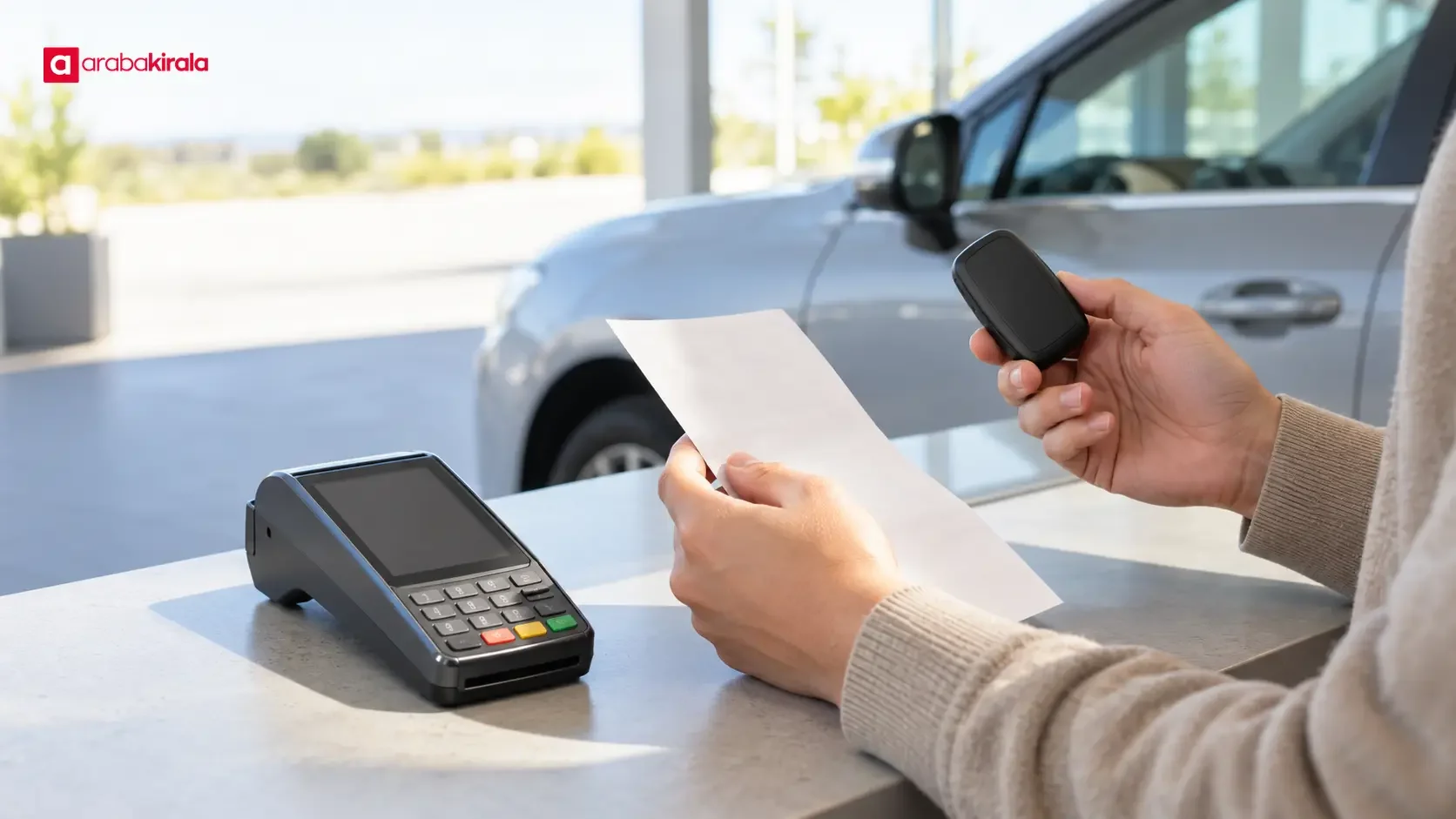
Published: October 10, 2026 • Reading Time: 8 min • Last Updated: October 10, 2026
Understand the difference between a car rental payment, a card preauthorization, and an invoice. Learn what to check before booking, how to read card activity, and which billing details to confirm with your rental office.
Contents
- Payment, preauthorization, and invoice are different records
- What to clarify about payment before booking
- Check what the displayed total includes
- Read cancellation and change terms separately
- How a card preauthorization works
- Questions to ask the rental office
- Invoice details to prepare and check
- Make payments easier to verify
- Pre-booking checklist
- Frequently Asked Questions
Before confirming a car rental, learn how the amount charged, a card preauthorization, and the final invoice differ. This guide explains when payment may be collected, why a pending card entry is not always a completed charge, which details to check on an invoice, and what to ask the office where you will collect the vehicle. These distinctions make it easier to plan your available funds and keep useful records.

Payment, preauthorization, and invoice are different records
A payment is money collected for the rental service. Depending on the booking and the office’s process, it may be collected when you reserve, when you collect the car, or in more than one step. Read the payment schedule as separate entries instead of assuming that the first amount shown is the only transaction. The timing and method can be specific to a booking, so confirm them directly with the relevant rental office.
A preauthorization is an approval request that temporarily sets aside an amount against a card’s available balance or credit. It is not, by itself, proof that the rental fee has been finally charged. Your banking app may describe it as pending, authorized, or held. The entry may later be completed or released, and the timing and display can depend on the payment process and card issuer.
An invoice records the service and its charges. It serves a different purpose from a card statement or payment receipt, which shows a payment transaction. Keep the booking confirmation, payment records, and invoice together. If amounts or dates do not match, first identify which stage each document describes before treating the entries as duplicates or discrepancies.
What to clarify about payment before booking
Check what the displayed total includes
Read the booking summary to see which rental dates and service items are included in the amount shown. Determine whether it is the full rental price, an initial payment, or a subtotal that excludes other items. The way taxes and optional services appear can vary by booking flow, so keep a copy of the final confirmation page and its itemization. Do not assume that an item is included unless the booking information says so.
Check the currency, collection date, and payment method before approving a transaction. If a payment screen or link shows an amount, confirm what that amount is for and whether another payment is expected later. When charges are planned at different stages, ask what each one covers and when it is due. This gives you a clearer picture of the total cash or credit you may need during the rental process.
Read cancellation and change terms separately
Review the payment schedule separately from any cancellation or date-change terms. The handling of an amount already collected can depend on the booking. Read the terms attached to your reservation and ask the office responsible for it when a line is unclear. A refund initiated by the rental office and the time a bank takes to update a card record are separate parts of the process, so avoid relying on a single assumed timeline.
How a card preauthorization works
When a card is used, a business may request approval for an amount it expects to collect. An approved request can temporarily reduce available credit or balance. The final charge may differ from the original authorization, depending on how the transaction is completed. Before booking, ask whether an amount that may appear on your card is a completed payment or a temporary preauthorization, and what transaction it relates to.
Keep the preauthorization separate from the rental price in your own records. If two entries appear for the same booking, check whether one is a completed charge and the other is still pending. Note the dates, amounts, status, and booking reference. A screenshot of the banking app can help you track the entry, but the app’s status may change. Ask the rental office to explain the transaction, and contact the card issuer if you need help interpreting a pending authorization.
There is not necessarily one release time that applies to every card and transaction. The business may need to complete a step before the issuer updates the account record, and the bank’s processing can take additional time. Do not plan around an assumed number of days. Ask the office what it does to close the authorization and ask your card issuer how to follow a pending entry.

Questions to ask the rental office
Instead of asking only for a single total, ask about each payment stage. This helps distinguish the reservation payment, any collection at pickup, and a temporary hold on the card. Keep answers in an accessible booking email or other written record so you can refer to them later.
- What amount will be collected at booking, and is another payment planned at pickup?
- Could a card entry be a temporary preauthorization rather than a final charge, and what does it relate to?
- Who initiates the release or closure of a preauthorization, and how should I follow it with my bank?
- Which payment methods are accepted for this booking, and does the card need to be in a particular person’s name?
- If the booking is cancelled or changed, how will an amount already collected and any pending authorization be handled?
Invoice details to prepare and check
An invoice is useful for personal records or business accounting. Check that the name and other customer details entered in the reservation are accurate. If you need an invoice for a business, give the office the correct legal business name and the information it requests before the document is issued. Ask when those details must be supplied rather than assuming they can always be changed afterward.
Confirm when and how the invoice will be sent, whether the email address on file is correct, and which service items it will show. If you receive an electronic invoice, download the file and keep it somewhere you can retrieve it; saving only the notification email can make the actual document harder to find later. If you receive a paper copy, store it with your booking and payment records.
When the invoice arrives, compare the service dates, customer or business details, total, and item descriptions with the booking and payment records. If something differs, ask what each amount represents. A card transaction and an invoice total may not look identical when charges occur at different stages or cover separate items. Get an explanation tied to the documents before treating the difference as an error.
Make payments easier to verify
Use a payment method you can connect to the booking and verify with the rental office. If you receive a payment direction whose relationship to the reservation is unclear, confirm it with the office before sending money. Avoid sharing card details through unnecessary messaging channels, and check the amount and recipient shown on the payment page before approving.
Store the booking confirmation, rental agreement or pickup paperwork, payment receipts, and invoice together. Dates, transaction amounts, and the booking reference can help identify which step a question concerns. If an unfamiliar entry appears in your account, check first whether it is pending or completed. Then contact the office that processed it and, if needed, your card issuer.
Pre-booking checklist
- Save the final booking total and the services it covers.
- Confirm which amounts are collected in advance, at pickup, or held temporarily as a preauthorization.
- Ask the office about accepted payment methods, cardholder requirements, and currency for your booking.
- Provide accurate personal or business billing details before the invoice is prepared.
- Ask how payment and any pending authorization are handled if your booking is cancelled or changed.
- Keep booking, payment, pickup, and invoice records in one accessible place.
Understanding each record makes the car rental payment, preauthorization, and invoice process easier to manage. Before confirming the booking, check the payment schedule, the nature of any pending card entry, and the details required for your invoice. For terms specific to your reservation or pickup location, request an explanation directly from the office where you will collect the car.

Frequently Asked Questions
What is the difference between a preauthorization and a charge?
A preauthorization temporarily reserves part of a card’s available credit or balance. A charge is a completed collection. Check whether the entry is pending or completed in your banking app, and ask the rental office to identify the transaction if its status is unclear.
Does a preauthorization have to equal the rental price?
Not necessarily. Its purpose and amount can depend on the booking and the office’s payment process. Ask before booking whether the amount is separate from the rental price and how it will be handled.
When will a preauthorization disappear from my account?
The office’s step to close an authorization and the card issuer’s account update may happen at different times. Ask the office how it handles closure and your issuer how to track a pending entry instead of relying on a fixed timeline.
Can a payment receipt replace the invoice?
They serve different purposes: a receipt records a payment, while an invoice describes the service and its charges. Ask the rental office when and how the invoice for your booking will be provided.
How do I request an invoice for my business?
Give the rental office the business name and other details it requests before the invoice is issued. Check the information in the booking record and review it again when the invoice arrives.
What should I do if two card entries appear?
Compare their dates, amounts, and status to see whether one is a pending authorization and the other a completed payment. If both appear completed, contact the office with your booking reference and follow up with your card issuer.
Legal Disclaimer: All content, articles and information on the Araba Kirala website are provided solely to inform users. No information shared on this website constitutes definitive advice or guidance. Araba Kirala Teknoloji A.Ş. and its authors cannot be held responsible for any direct or indirect damages arising from the application of information on the website. For all questions and requests regarding car rental, please contact the office from which you will rent your vehicle.












