
Dashboard Warning Lights: Colors and Safe First Steps
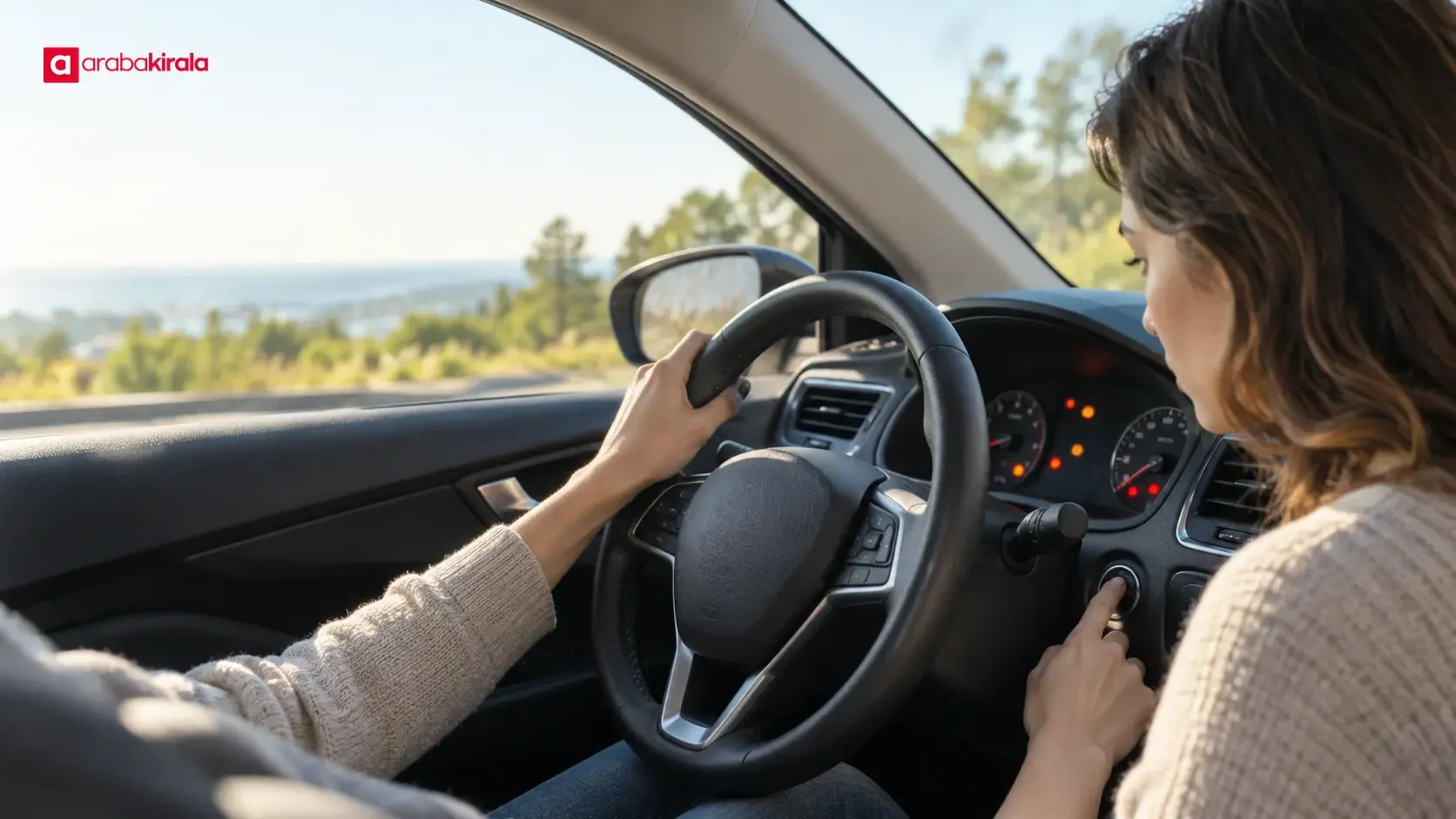
Dashboard warning lights share information about a vehicle’s systems. One symbol may show that a feature is active; another may call for inspection or an immediate safety decision. Read the color, whether the light is steady or flashing, and when it appears together. Symbols and instructions vary by vehicle, so the owner’s manual is the best reference for a specific car.
What do the warning light colors mean?
Color offers a quick clue about priority, but it is not a diagnosis on its own. Two lights with the same color may relate to different systems. Consider the icon, any text on the display, audible alerts, and changes in how the car behaves.
Red: consider stopping safely
Red warnings often draw attention to a serious condition or one that may affect safe operation. Oil pressure, braking, engine temperature, and seat belt indicators are among the different matters that may be represented with red symbols. Not every red light has the same meaning, so identify the icon in the manual before deciding what to do.
If a red warning appears while driving, look for a safe place to stop while taking traffic and road conditions into account. Slow down in a controlled way rather than braking abruptly or stopping in a hazardous location. A serious warning involving the engine or brakes may worsen if you continue, or make the vehicle harder to control. Once safely stopped, follow the manual’s instructions. If the situation is unclear, seek assistance.
Amber or yellow: attention and inspection
Amber and yellow lights commonly indicate that a system needs attention, a function may be limited, or the driver should check something. Engine management, tire pressure, and driver assistance alerts may appear in this group. Their meaning and the appropriate response depend on the vehicle and the circumstances.
If the light is steady, consult the manual for operating guidance and arrange an inspection at an appropriate time. Treat it as more urgent if it flashes, comes with another message, or coincides with power loss, vibration, or unusual noise. An amber color is not a promise that it is safe to drive in every situation.
Green and blue: system information
Green or blue symbols often indicate that a feature is operating, such as a turn signal, headlight, high beams, or a driving function. They are usually status indicators rather than fault warnings, but recognizing them helps you understand what is active. The high beam indicator, in particular, can remind you to consider the effect on approaching drivers.
Why is the light on? Read the timing
Some indicators briefly illuminate when the ignition is switched on as part of a dashboard check. If one stays on after the engine starts, or appears after you begin moving, consult the vehicle manual. A light that appears only during startup should not automatically be interpreted the same way as one that comes on while driving.
Note whether the light is steady, intermittent, or flashing, and whether other messages appear with it. A warning going out does not necessarily mean the underlying issue has disappeared. If it returns, record when it happens and how the vehicle responds instead of ignoring a repeated alert.
First steps when a warning appears
- Keep your attention on the road: Do not browse dashboard menus or reach for your phone while moving. First maintain control of the vehicle and watch surrounding traffic.
- Identify the alert: Note the color and shape of the symbol, any display message, and any audible signal. If you need a photo, take it only after the car is stopped.
- Notice how the car responds: Without distracting yourself from safe driving, pay attention to unusual braking or steering, engine sounds, temperature readings, or changes in power.
- Stop in a safe place when needed: For a red or serious alert, loss of control, or signs of overheating, stop somewhere suitable. Use hazard lights and decide whether to exit based on the location and road conditions.
- Use the manual: Follow the vehicle’s own explanation and recommended steps. Similar symbols can mean different things, or call for different action, across models.
- Get help if necessary: If a warning remains, returns, or the vehicle cannot be driven safely, seek appropriate technical support instead of continuing the trip.
How to respond to common warnings
Oil pressure and engine temperature
A serious oil pressure warning may point to inadequate engine lubrication, while a high temperature warning can indicate a cooling system problem. Stop in a safe location and follow the manual. Opening a hot cooling system cap can cause burns. Follow the vehicle’s instructions before inspecting the engine area and avoid touching hot components. If the warning remains, do not keep running the engine; get technical assistance.
Brake system and parking brake
The meaning of a brake warning can depend on the parking brake, the brake system, and other messages on the display. Confirming that the parking brake is fully released may be a simple first check, if consistent with the manual. If the warning stays on, the pedal feels unusual, or braking performance changes, do not continue driving. Safe stopping and expert help take priority when brake system status is uncertain.
Tire pressure and engine warning
A tire pressure warning may indicate that one or more tires need checking. Pull over somewhere safe and look at the tires; do not continue if you see obvious damage. Check pressures using the vehicle manufacturer’s stated values and measurement conditions. For an engine warning, whether the light is steady or flashing matters, as does how the engine runs. Follow the manual rather than trying to clear the symbol, and arrange inspection when indicated.
If a warning appears in a rental car
In a rental car, safety comes first too. Read the vehicle’s own manual. If the warning is red, the car shows clear signs of a problem, or the manual says not to continue, stop somewhere safe. Then tell the branch from which you collected the car what happened and share the display message; ask that branch what to do next. Contact the branch only when the vehicle is stopped in a safe place. Do not assume another branch’s process or another vehicle’s features apply to your rental.
If a symbol is already illuminated at pickup, ask what it means before setting off and clarify any instructions. When useful, note the warning message, time, and vehicle behavior. Keep the car stationary when taking a photo; an image of the dashboard does not replace a technical diagnosis. These details can help you explain the situation clearly when contacting the branch.
Frequently asked questions about dashboard warnings
Is every light that appears when I turn on the ignition a fault?
No. Some indicators briefly illuminate during startup as part of a dashboard check. If a light stays on after the engine starts or appears again later, consult the vehicle’s manual. Interpret the indicator according to the operating instructions for that model.
Can I drive with an amber warning?
That depends on what the light indicates and the condition of the car. Amber alone does not mean you can continue driving. Follow the manual; if the light flashes, the vehicle does not run normally, or another alert appears, stop somewhere safe and seek help.
If the light goes out, is the problem fixed?
Not necessarily. Some alerts can go out temporarily as conditions change, and the issue may return. Note recurring warnings and when they appear, consult the manual, and arrange a check when appropriate.
Where can I find the meaning of a warning light?
The owner’s manual for the vehicle’s make and model is the most reliable starting point. It may explain the symbol, possible meaning, and steps for the driver. If the explanation is not enough or the alert affects safe operation, contact technical support.
Use the whole situation to make a safe decision
Color provides a fast starting clue, but a sound decision depends on the symbol, when it appears, related messages, and the vehicle’s behavior. For a critical alert, stopping safely and following the owner’s manual is more useful than guessing. In a rental, assess the technical warning using the manual, then ask the branch where you collected the car for guidance on the next steps.
Legal Disclaimer: All content, articles and information on the Araba Kirala website are provided solely to inform users. No information shared on this website constitutes definitive advice or guidance. Araba Kirala Teknoloji A.Ş. and its authors cannot be held responsible for any direct or indirect damages arising from the application of information on the website. For all questions and requests regarding car rental, please contact the office from which you will rent your vehicle.










