
Driver Assistance Systems: Alerts, Intervention and Driver Responsibility
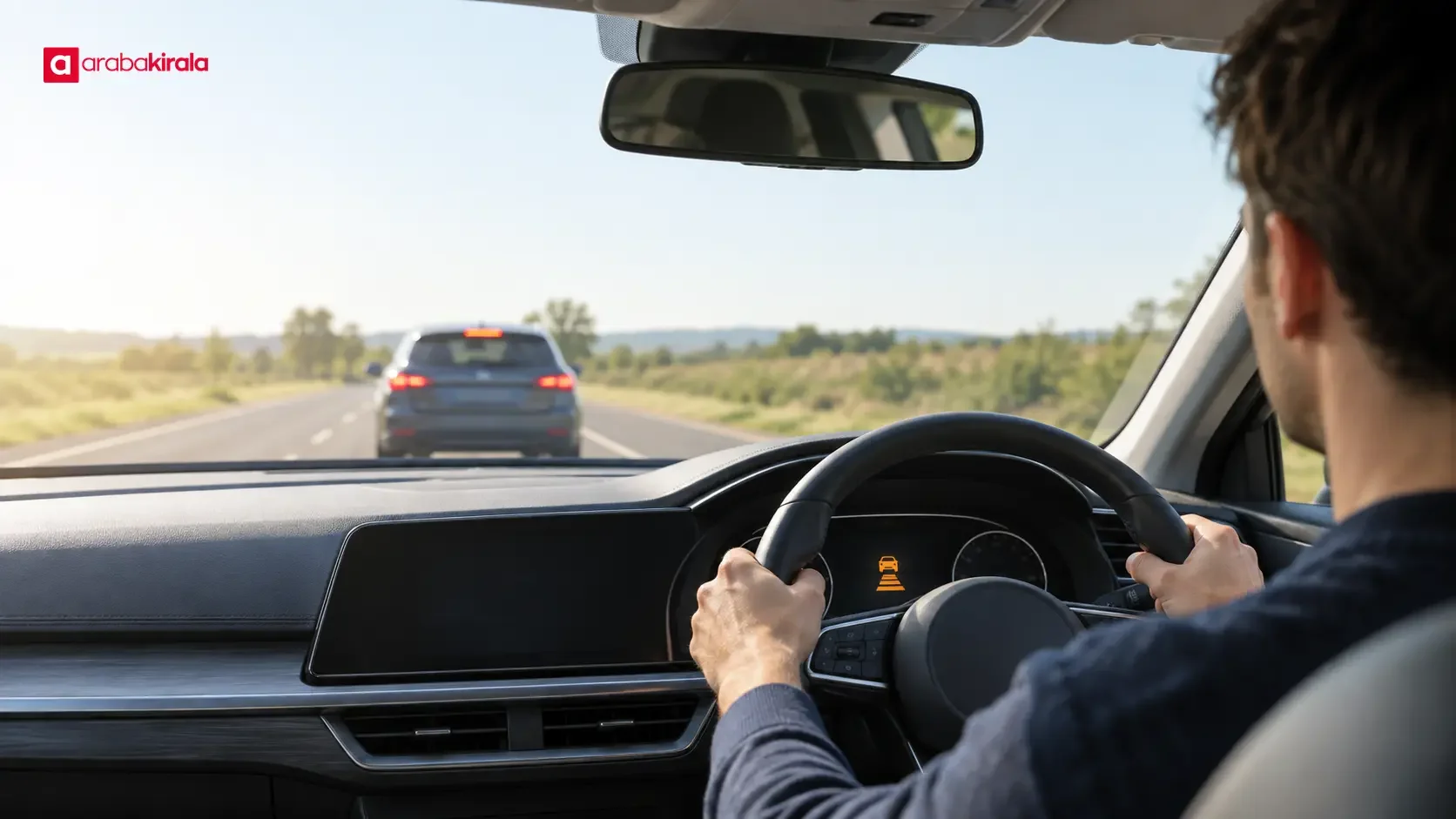
Driver assistance systems monitor aspects of driving and either alert the driver or briefly influence the vehicle under specific conditions. A lane departure warning, adaptive cruise control and automatic emergency braking do different jobs: some only provide information, while others can apply the brakes or steer. Safe use starts with understanding what each feature does, when it may be unreliable and how to remain in control.
What driver assistance systems do
Depending on the vehicle, these features use cameras, radar, ultrasonic sensors and information about the car’s movement to assess conditions. They may give a visual or audible alert, or make a limited adjustment to speed, braking or steering. Their purpose is to support the driver and help manage some risks. Their presence does not mean that the road environment is fully detected or that a collision will be prevented.
Feature names and behavior can differ between vehicles. Two systems with similar names may use different detection methods, activation conditions and driver inputs. Check the owner’s manual to identify the features fitted to the vehicle and understand the symbols on its display.
Alerts versus systems that intervene
Warning systems
Warning systems help the driver notice a possible hazard. A lane departure warning may sound, vibrate or display a message when the vehicle appears to move toward or across a lane marking without a signal. A blind spot warning may illuminate an indicator when another vehicle is detected alongside. The driver must still look at the road and mirrors and make the maneuver decision. No alert does not prove that a lane or road is clear.
Systems that intervene
Lane keeping assistance may make a limited steering correction based on lane markings it detects. Adaptive cruise control may adjust speed to maintain a selected gap from a vehicle ahead. Automatic emergency braking may apply the brakes, or increase braking, when it detects a collision risk. These actions depend on the system’s detection and operating limits. The driver must remain ready to steer, brake and control speed at all times.
The distinction matters: a warning tells the driver about a potential issue but does not control the car; an intervention feature may make a limited control input, but it does not take over the driving decision. Check the vehicle’s manual to confirm whether a particular feature only alerts or can affect steering or braking.
Common types of driver assistance
- Lane departure warning: May alert the driver when the vehicle seems to leave its lane unintentionally. Worn, obscured or unclear markings can make detection difficult.
- Lane keeping or lane centering assistance: Some vehicles make limited steering adjustments. This is not a reason to take your hands off the wheel or stop watching the road.
- Forward collision warning and automatic emergency braking: May warn about a detected risk involving a vehicle or obstacle ahead and, depending on equipment, apply braking. Do not expect it to recognize every object or collision situation.
- Adaptive cruise control: Attempts to maintain a set speed and following gap in relation to traffic ahead. Sharp bends, vehicles cutting in and changing traffic flow may require the driver to intervene.
- Blind spot and rear cross traffic alerts: Can flag detected movement beside or behind the vehicle. They do not replace mirror checks and direct observation.
- Parking assistance and rear cameras: May show nearby obstacles or provide distance alerts. Camera angle, dirt and field of view can leave areas unseen.
- Driver attention alerts: Some vehicles use steering behavior or other driving cues to suggest a break. They do not conclusively measure whether a driver is tired.
When detection can be limited
Camera-based detection may be affected by dirt, ice, heavy rain, fog, low light, sun glare or shadows on the road. Faded, temporary, obscured or overlapping lane markings can also make lane features less reliable. Radar and other sensors have limits related to vehicle design, sensor position and surroundings. A missing or delayed alert alone does not prove that the system has failed, but an unexpected warning or loss of function should be taken seriously.
Accessories or unauthorized changes that block sensor areas may affect system operation. After windshield replacement, bumper repair or damage near a sensor, ask an authorized service provider whether calibration is required under the manufacturer’s instructions. Do not change settings without understanding what they do.
Before driving a rental car
At pickup, use the owner’s manual or vehicle display to learn how driver assistance features and warnings are shown. Dashboard symbols can indicate that a feature is active or that a sensor needs attention; their meaning varies by model. Ask the branch from which you are renting which features are fitted, what to do if a warning appears and how to report an alert noticed at pickup.
With the car safely parked, look through the driver assistance menus. Find out which features are on or off, how alerts sound or feel, and where system status appears on the screen. Avoid spending time on detailed settings while driving. If you do not understand a feature’s behavior, check the manual before setting off.
Look for visible dirt or damage around exterior cameras and sensors, and report anything apparent before leaving. This check cannot diagnose hidden faults, but it can help identify an obvious obstruction or damage early. If a persistent warning appears and its meaning is unclear, do not ignore it without understanding its effect on safe operation.
Using assistance safely on the road
- Keep your attention on the road. A support feature is not a substitute for observation.
- Choose a safe speed for the road, visibility and traffic. When cruise control is on, remain ready to use the accelerator and brakes.
- Check mirrors and surroundings before changing lanes. Do not let a blind spot warning make the decision for you.
- If lane assistance moves the steering, recognize the response but keep your hands on the wheel. Do not assume it is tracking the markings correctly.
- Poor weather, unclear markings and dense traffic may affect detection. Follow the manual if you need to switch a feature off or stop somewhere safe.
- If the vehicle brakes or steers unexpectedly, or displays a fault warning, maintain safe control. Once stopped somewhere suitable, consult the manual and contact the rental branch for guidance.
Driver responsibility and settings
A driver assistance system is not a self-driving driver. The person behind the wheel remains responsible for monitoring the road and traffic, keeping a safe speed and distance, assessing maneuvers and intervening when needed. When an alert sounds, check the surroundings and respond safely rather than simply silencing it. A system may miss a hazard, so attention, visibility checks and safe following distance still matter.
If the vehicle offers adjustable following distance, warning sensitivity or lane assistance settings, read the manual before changing them. Experimenting with menus on the road can distract you. If the controls are unclear, leave them at their existing settings and get information in a safe place. Using assistance is not a reason to take your hands off the wheel or look at a phone.
Frequently asked questions
Do driver assistance systems mean the car drives itself?
No. The warning and support features described here may perform specific tasks in certain conditions. The driver must continue to monitor the surroundings and control the vehicle. The capabilities and limits vary by model.
If there is no lane warning, is it safe to change lanes?
No. The absence of a warning does not show that the next lane is clear. Check your mirrors, direct view and surrounding traffic before changing lanes. Alerts do not replace observation or judgment.
Will automatic emergency braking stop the vehicle for every obstacle?
You should not rely on that. A system may be designed to detect certain objects in certain conditions, and its detection and braking behavior varies by vehicle. Maintain a safe following distance and brake yourself when you see a hazard.
What should I do if a rental car displays a driver assistance warning?
Keep control of the vehicle and check the warning’s meaning in the owner’s manual. When you can stop safely, contact the branch you rented from. If the warning may affect safe operation, clarify it before continuing.
Conclusion
Driver assistance systems range from alerts to braking and steering support, but all still depend on the driver’s attention and decisions. Learn the vehicle’s features before setting off, understand sensor limits and respond carefully to alerts. For details specific to a rental vehicle or reservation, ask the branch where you will collect the car, and remain in control throughout the drive.
Legal Disclaimer: All content, articles and information on the Araba Kirala website are provided solely to inform users. No information shared on this website constitutes definitive advice or guidance. Araba Kirala Teknoloji A.Ş. and its authors cannot be held responsible for any direct or indirect damages arising from the application of information on the website. For all questions and requests regarding car rental, please contact the office from which you will rent your vehicle.










