
How to Read an Electric Car’s Battery Percentage and Range Estimate
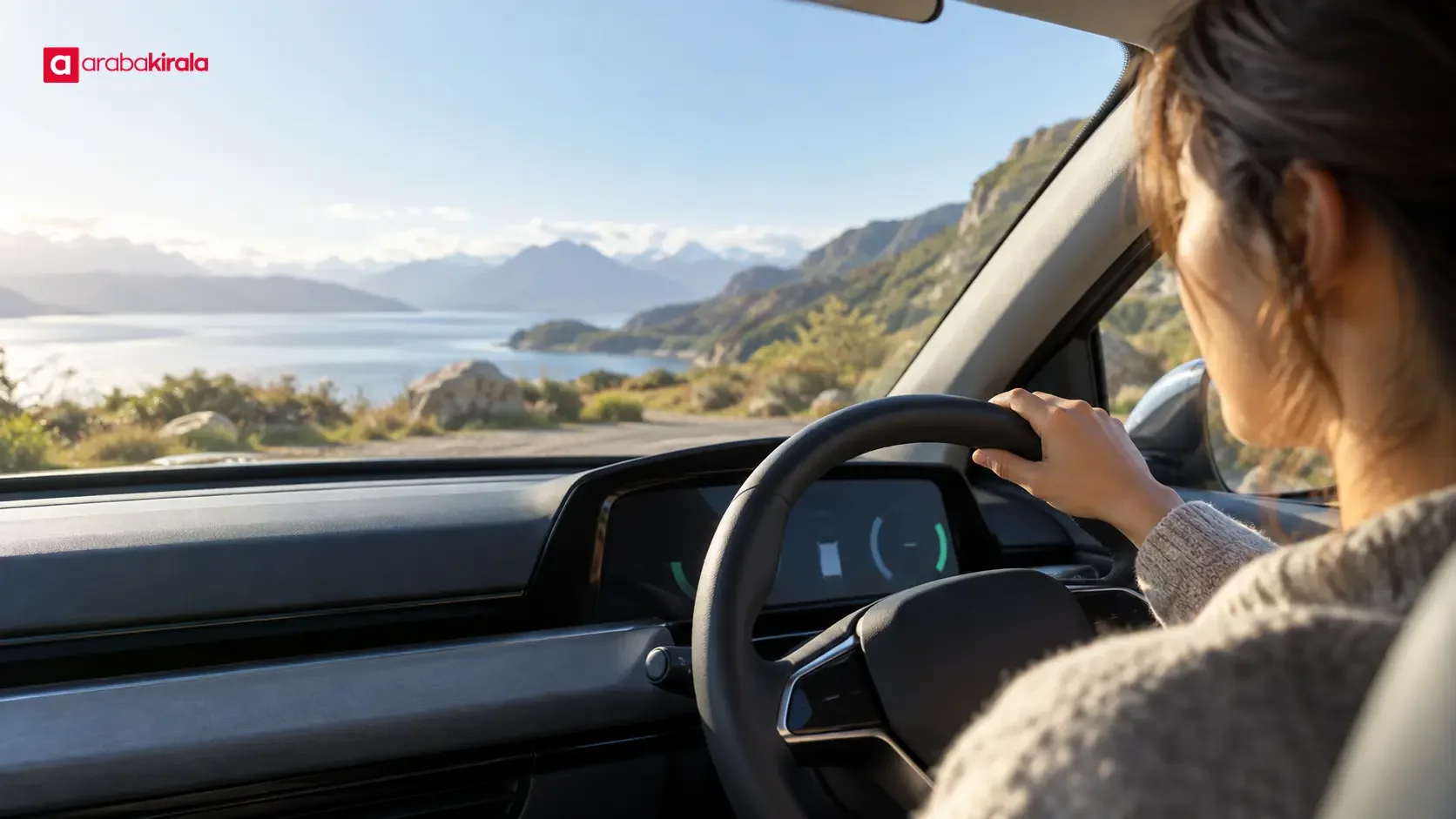
The electric car remaining range indicator shows the battery’s energy level and an estimate of how far the car may travel under its current consumption assumptions. Battery percentage describes the available energy as a percentage; the range figure translates that energy into an estimated distance. The two readings are related, but they do not measure the same thing. Understanding the difference helps you plan charging stops and begin a journey with a clearer sense of what the display can—and cannot—tell you.
Battery percentage and estimated range are different readings
Battery percentage is a representation of the energy currently available for use. Remaining range is the vehicle’s estimate of the distance that energy may support. A battery at 50% does not correspond to one fixed number of miles or kilometres in every car or situation. The estimated distance can change as consumption changes, even when the battery percentage has barely moved.
Think of the readings as answers to two separate questions: “How much energy is available?” and “How far might that energy take the car under the current calculation?” The first is a state-of-charge reading; the second is an estimate based on energy use. It is useful for planning, but it is not a promise of a precise distance. A different speed, route, or use of the climate system can lead the vehicle to revise its estimate.
How a car estimates remaining range
An electric vehicle uses an estimate of its usable battery energy together with information about energy consumption to calculate a possible distance. In many vehicles, recent driving consumption contributes to that calculation. As a result, the same battery percentage can be paired with different range estimates after journeys with different energy use, or when the car’s calculation method takes different inputs into account.
Displays and calculation methods vary by model. Some estimates respond quickly to recent changes in consumption; others move more gradually. Check the owner’s manual for the specific display and explanation for the car you are driving. If you are renting, ask the branch you will collect from to explain unfamiliar range, charging, or drive-mode indicators when you pick up the vehicle.
What can change the estimate?
Speed and driving style
Energy use is affected by speed and how consistently it is maintained. Sustained high-speed driving can increase aerodynamic drag and raise consumption. Repeated hard acceleration and braking can also affect energy use over a journey. Smooth, traffic-aware driving can help avoid unnecessary swings in consumption while supporting safe driving. Follow posted speed limits and do not drive in a way that disrupts traffic to try to extend range.
Road profile and traffic
Climbing a hill can require more energy. Regenerative braking on a descent may recover some energy, but it does not necessarily return all the energy used on the climb. Stop-and-go traffic, roadworks, congestion, and changes in route speed can all affect the estimate. The navigation app’s distance and arrival time are not the same as an energy forecast: the energy needed depends on the route and driving conditions.
Weather and cabin comfort
Outside temperature can affect the conditions in which the battery and vehicle operate. Heating, air conditioning, window demisting, and seat heating also use electricity. Use these systems in a way that supports safe visibility and reasonable comfort. Never leave a windscreen misted or reduce visibility to conserve energy; safety needs come first.
Load, tyres, and vehicle condition
Passengers and luggage change the vehicle’s total load. Incorrect tyre pressure can affect both efficiency and handling. Check tyre pressure against the vehicle maker’s specified values. Do not infer tyre pressure, battery, or electrical-system procedures from a range estimate. If a warning light appears, you hear an unusual noise, or the car behaves unexpectedly, stop somewhere safe, follow the owner’s manual, and seek appropriate assistance.
Use the range estimate to plan a trip
Before setting off, consider the estimated range alongside route distance and available charging options. Do not treat the number on the dashboard as a complete trip plan. Since the estimate can change, it helps to identify suitable charging points and alternatives in advance. If the vehicle navigation or a map shows chargers, verify on the day that the locations are accessible and suitable for your needs.
- Note the starting battery percentage and range estimate, then observe how each changes as you travel.
- Consider the total route distance, significant climbs, and expected traffic conditions.
- Check charger locations, access details, and suitability using current information.
- Include alternative charging options in case the estimate falls faster than expected.
- Learn model-specific details such as how charging starts and which connector the vehicle uses from the owner’s manual or at handover.
Avoid relying on one fixed threshold for every journey. Route length, the spacing of charging points, and possible delays all matter. If the estimate declines faster than expected, keep driving safely and reassess the nearest suitable options rather than making a rushed decision. Map information may be out of date, so checking access before a long journey or a route with few alternatives is especially useful.
Monitor the display while driving
The estimated range may update as the car gathers new consumption information. Small changes over a short distance do not, by themselves, show that something is wrong. If the estimate drops much faster than expected, review speed and climate-system use, but do not compromise safe driving or traffic rules. Reconsider the charging options along your route. If the vehicle displays a battery warning or another alert, follow the instructions in its owner’s manual.
Learning where the range reading appears, how low-energy warnings are presented, and how to locate chargers in the navigation system can reduce distraction on the road. Adjust display settings while parked rather than operating menus while driving.
Checks when collecting a rental electric car
For a rental, it can help to check the displayed battery level and vehicle condition at collection against the handover record. A photo of the display or a check of the written handover information can help you remember the starting state. Ask how the charging cable, charge port, and any included equipment work. Whether equipment is supplied and how it should be returned can depend on the car and branch, so confirm those details with the branch you will rent from before booking.
Arrangements for charging costs, access to a charging network, or the battery level expected at return may also depend on the rental. Check the written booking and handover information rather than assuming a universal rule, and ask the branch you will rent from to clarify anything unclear. Read the sections covering the vehicle’s condition and energy level, and request an explanation before signing if any wording is unclear.
Frequently asked questions
If the battery is at 50%, is the range half of the car’s full range?
Not necessarily. The percentage indicates energy level, while the range estimate depends on consumption assumptions. Speed, weather, route profile, cabin systems, and recent driving can all affect the result.
Why can the range estimate change while parked or driving?
The car may update the estimate as it processes new consumption information or operating conditions. Temperature and electricity-using equipment may also be relevant in some models. Check the owner’s manual for the particular vehicle’s explanation.
Should I keep driving until the range display is nearly zero?
No trip plan should depend on the estimate being exact. Identify charging options in advance, adjust your plan to the route, and take battery warnings seriously instead of leaving charging until the last moment.
Does an inaccurate estimate mean the car has a fault?
A difference between the estimate and the distance actually covered does not by itself prove a fault; real consumption may differ from the calculation. If a warning appears, the vehicle behaves unusually, or a substantial discrepancy keeps recurring, stop safely, follow the manual, and seek assistance. For a rental car, contact the appropriate support channel.
In summary
Battery percentage describes energy level; the remaining-range display estimates how far that energy may go under the vehicle’s current consumption calculation. Speed, route, temperature, cabin systems, and load can all affect the estimate. Use it as an updating planning aid, not a guaranteed distance. Check charging options before setting off, learn the vehicle-specific controls, and clarify rental details with the branch you will use.
Legal Disclaimer: All content, articles and information on the Araba Kirala website are provided solely to inform users. No information shared on this website constitutes definitive advice or guidance. Araba Kirala Teknoloji A.Ş. and its authors cannot be held responsible for any direct or indirect damages arising from the application of information on the website. For all questions and requests regarding car rental, please contact the office from which you will rent your vehicle.










