
Electric Car Software Updates and Their Effects
Published: October 8, 2026 • Reading Time: 7 min • Last Updated: October 8, 2026
Learn what electric car software updates can affect, how over-the-air and service updates differ, and what to check before and after installation.
Contents
- What does software manage in an electric car?
- How might an update affect the driving experience?
- Interface and vehicle settings
- Charging and energy information
- Driver assistance and safety functions
- Over-the-air updates and service updates
- What to consider before and during an update
- What should you check after installation?
- Understanding software updates in a rental electric car
- Summary: use updates with care
- Frequently Asked Questions
An electric car software update installs a newer version of software used by the vehicle’s electronic control units and user interface. This guide explains which systems an update may affect, how over-the-air installation differs from service work, what changes a driver might notice, and what to check before and after an update. The scope depends on the model, equipment and release; an update does not automatically mean more range or new features.
What does software manage in an electric car?
Software in an electric car is more than the screen in the cabin. Separate electronic control units coordinate components such as the battery, electric motor, power electronics, braking, climate control and infotainment. They process information from the vehicle and manage how hardware works together. The software also handles monitoring and control tasks that may not be visible to the driver.
The battery management system monitors cell operating conditions and supplies information for energy use and charging calculations. Motor and power electronics controls handle how the driver’s accelerator request is delivered to the electric drivetrain. Instrument and infotainment software presents items such as speed, energy status, navigation and vehicle settings. These systems interact, but a particular update does not necessarily change all of them.
How might an update affect the driving experience?
Interface and vehicle settings
An update may change menu locations, icons, notification presentation or the steps needed to reach a setting. The underlying function may remain the same even if the route to it changes. Reviewing the display while parked after installation can help you find familiar controls. Check whether preferences such as lighting, regenerative braking, charging target or drive mode remain as you set them.
Charging and energy information
Software may relate to scheduled charging, target state of charge, energy consumption displays or route planning around charging stops. A displayed range estimate is not a fixed-distance promise. Temperature, speed, gradients, load, climate use and driving style all affect energy use. A different estimate or graph after an update does not by itself prove that battery capacity has changed. For a meaningful comparison, consider similar conditions and consult the vehicle maker’s documentation.
Driver assistance and safety functions
Release notes may mention changes to driver assistance, alerts, cameras or sensors. These functions support the driver; they do not replace attention. If the update affects how a support feature works, read the relevant section of the owner’s manual and get familiar with the change in safe, low-risk conditions. Do not explore new menus while driving.
Over-the-air updates and service updates
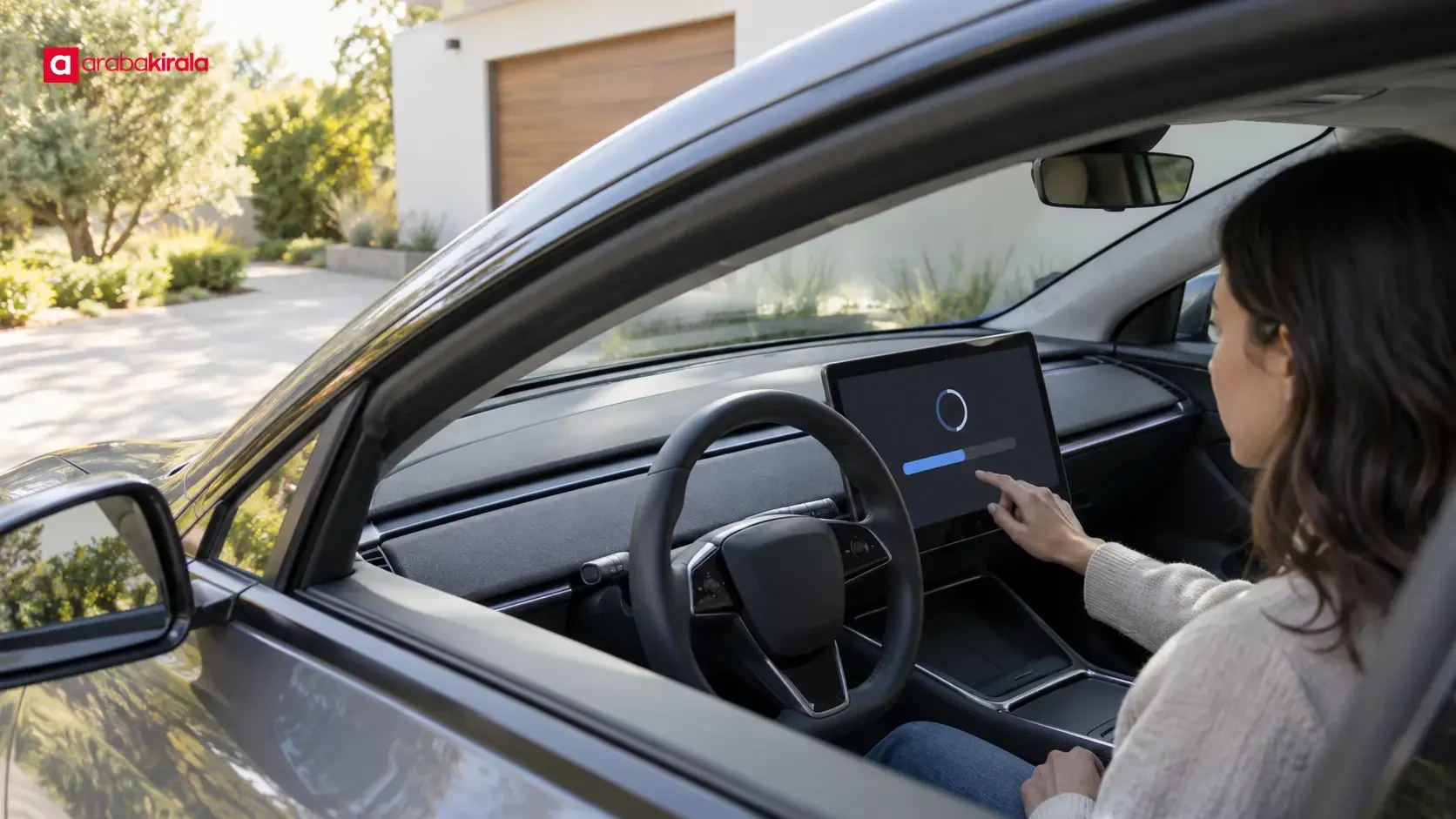
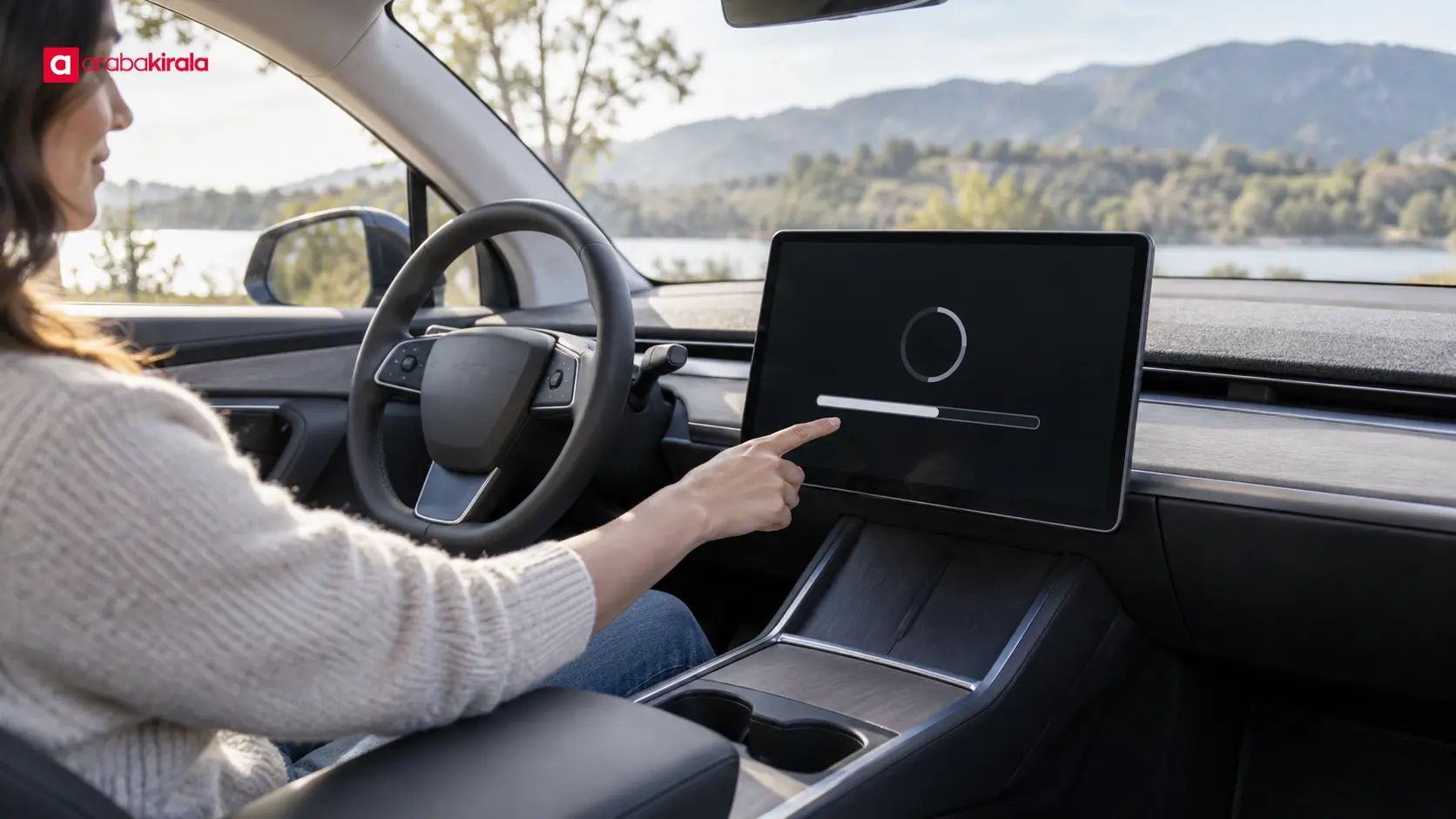
Over-the-air updates are delivered through the vehicle’s connection and can be installed without a service visit in vehicles that support the relevant update. The display may show downloading, preparation and installation as separate stages. Connectivity, model, software version and the manufacturer’s release method determine whether this option is available. Do not assume every software operation can be completed remotely on every electric car.
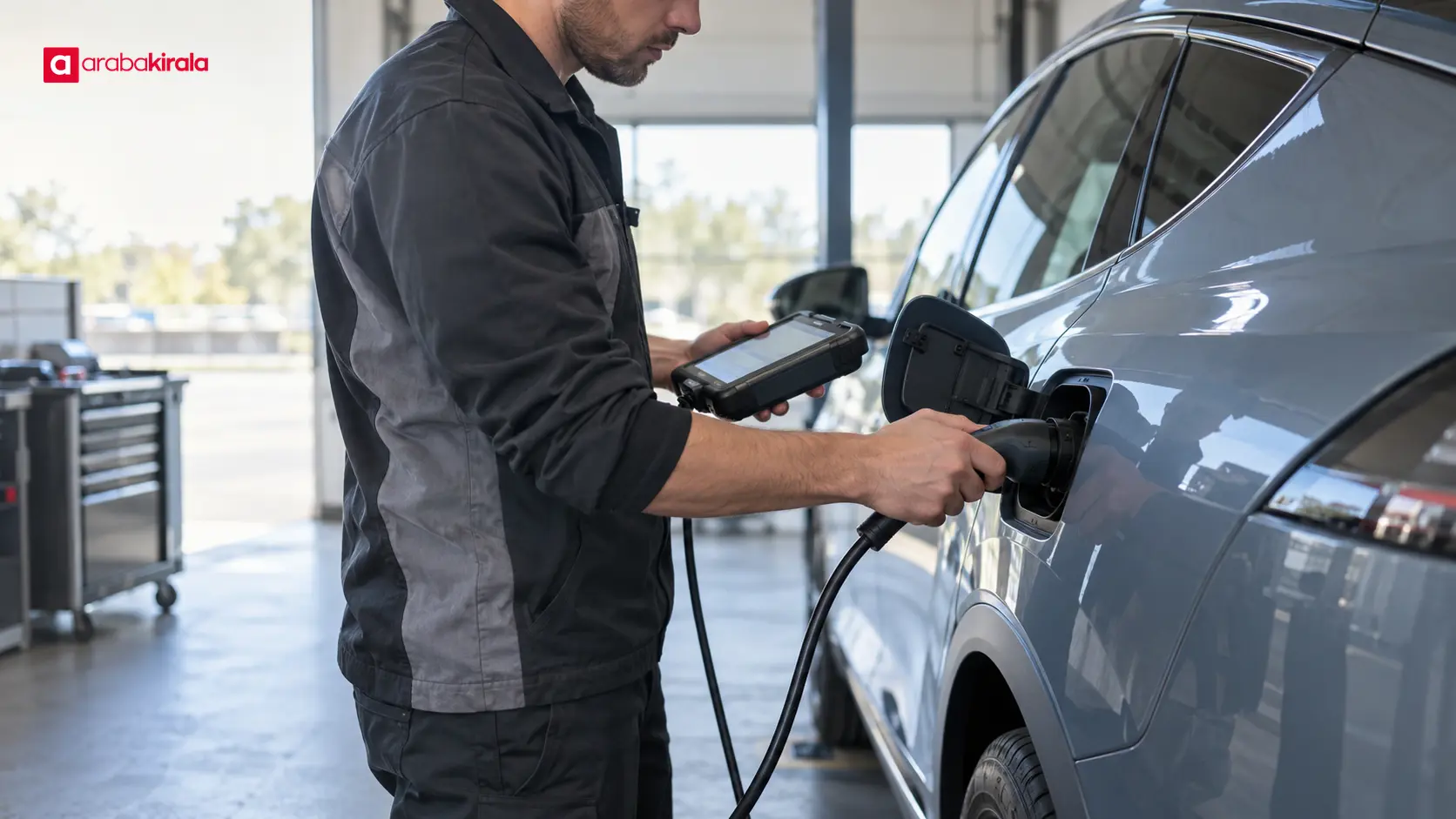
For a service update, a technician may connect diagnostic equipment and apply changes to selected control units. Some software work may require technical checks, hardware inspection or manufacturer guidance. The absence of an update notification on the dashboard does not, on its own, confirm that every system is current. If you have a specific fault, a recall notice or a manufacturer instruction, verify the next step with the manufacturer or an authorized service center.

What to consider before and during an update
- Read the release notes: Check which functions are covered and whether the manufacturer expects you to take any action. Use the owner’s manual or official manufacturer support if an instruction is unclear.
- Prepare the car safely: Follow any installation directions to park, keep doors closed or maintain a stated charge level. Requirements vary by model and release, so use the instructions shown for your vehicle.
- Do not drive during installation: Some functions may be temporarily unavailable while the software is being installed. Plan around the time the car may be unavailable, and do not move it until the display confirms completion.
- Check connection and power conditions: Follow the manufacturer’s stated connectivity requirements. Downloading and installing are different stages; a completed download does not necessarily mean installation is finished.
- Keep a record of unexpected interruptions: If the display shows an error, retry instruction or service referral, note the message or photograph it when safe. Ask manufacturer support for guidance instead of restarting systems in a way the instructions do not recommend.
What should you check after installation?
Confirm that the display says installation is complete. Review vehicle settings and personal profiles. Check the clock, connectivity preferences, charging target, energy display and selected driver assistance settings. These do not need to change with every update; checking helps you catch an unexpected reset early.
During your first drive, focus on normal driving. If a warning light, unusual sound, loss of function or repeated error appears, follow the safety guidance in the owner’s manual and contact the manufacturer or service support. A small change in interface response and a fault that affects safe operation are not the same thing; persistent symptoms need professional assessment.
Understanding software updates in a rental electric car
If an update notification appears in a rental electric car, contact the rental branch before starting the process. The time an update could affect vehicle use, the handover schedule and how the notification should be handled depend on the vehicle and rental arrangement. Share the on-screen message and software version so the branch can explain the appropriate next step.
At handover, it is useful to learn where to find basic displays, how the charging connection works and where the estimated range is shown. Report any dashboard warning before setting off. If the vehicle is handed to you after an update, read the on-screen explanations before using driver assistance or charging-planning functions. Features can vary with hardware and software, so do not assume that a menu learned in another model is in the same place.
Summary: use updates with care
An electric car software update may affect selected control units or user functions, and the scope varies by release. Read the notification and release notes, follow installation instructions, keep the car parked until the process is complete, and review key settings afterwards. If a notification appears in a rental car or alongside a warning, contact the rental branch or manufacturer support before starting the update. As a next step, find the software update section in the owner’s manual and read it alongside the release notes shown on the vehicle.
Frequently Asked Questions
Can an electric car software update increase range?
Not every update increases range. Some releases may affect energy management or range estimation, while others focus on the interface or bug fixes. Read the release notes and compare consumption under similar driving conditions.
Can I use the car while an update is installing?
Some vehicle functions may be unavailable during installation, and the manufacturer may require the car to remain parked. Follow the displayed instructions and wait for confirmation that the process is complete before moving the car.
Are over-the-air updates safe?
Use the update method provided by the vehicle manufacturer and follow the on-screen steps. Do not install unknown files or make outside changes to the vehicle software. Contact manufacturer support or a service center if an error appears.
Why might my settings change after an update?
An update may reset some preferences, move them to a different menu or require a profile to be loaded again. Check key choices such as charging target, drive mode and driver assistance settings, and consult the manual if a change is unclear.
What should I do if an update notification appears in a rental car?
Before starting the process, tell the rental branch what the notification says and share the software version shown in the vehicle. The branch can advise you based on the handover schedule and update status.
Legal Disclaimer: All content, articles and information on the Araba Kirala website are provided solely to inform users. No information shared on this website constitutes definitive advice or guidance. Araba Kirala Teknoloji A.Ş. and its authors cannot be held responsible for any direct or indirect damages arising from the application of information on the website. For all questions and requests regarding car rental, please contact the office from which you will rent your vehicle.












