
How to Read Electric Vehicle Charging Indicators Together
Published: October 7, 2026 • Reading Time: 6 min • Last Updated: October 7, 2026
Battery percentage, charging power and estimated time remaining describe different things. Learn how to interpret them together, why charging speed changes, and how to use the displays when planning a trip.
Contents
- Three indicators, three kinds of information
- What does battery percentage tell you?
- Charging power: the kW value
- Why is the remaining time an estimate?
- Why do the indicators change together?
- How to read the charging screen
- Charging targets and trip planning
- Frequently asked questions
- Why does charging power fall while the battery percentage rises?
- Why does the remaining-time estimate keep changing?
- Why might the charger and vehicle show different power values?
- What percentage should I charge to?
- In summary: use the three readings together
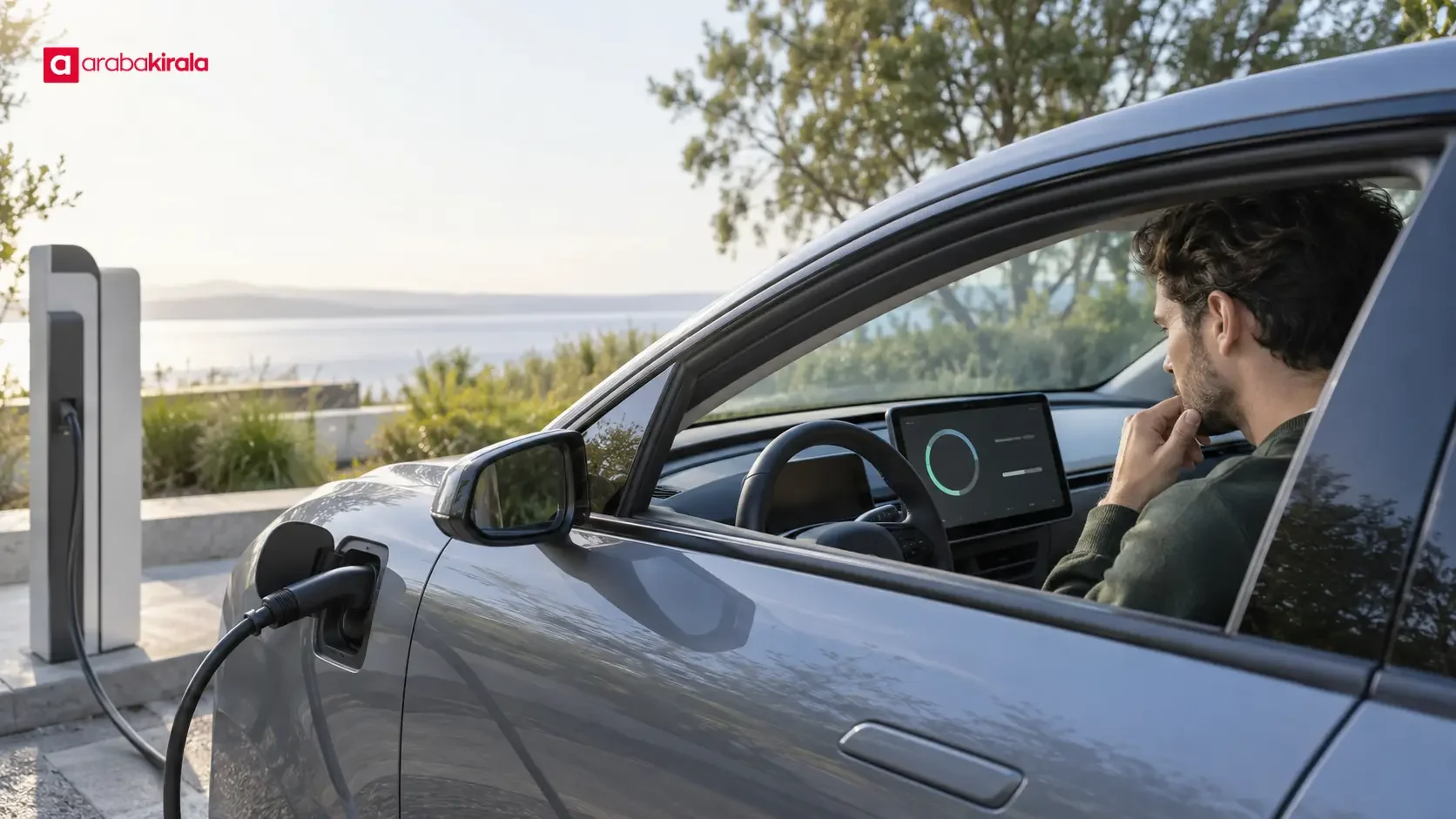
Electric vehicle charging indicators show how much energy is in the battery, how quickly energy is entering it at that moment, and roughly how long charging may take. This guide explains the difference between battery percentage, power in kilowatts and the remaining-time estimate, why these values change together, and how to use them when planning a journey.
Three indicators, three kinds of information
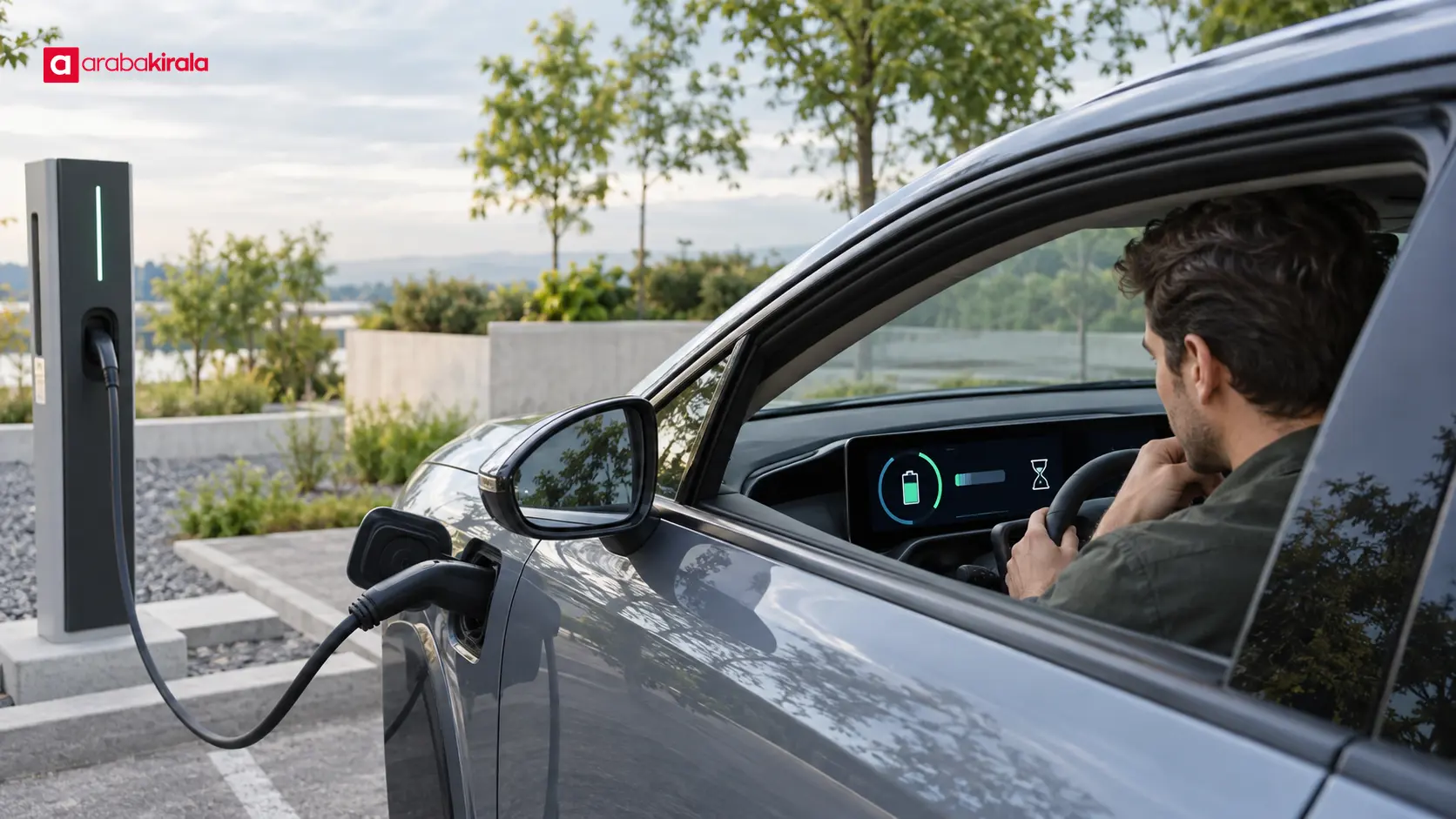
Battery percentage describes the current state of charge. Charging power describes the instantaneous rate of energy transfer. The time estimate predicts how long it may take to reach a selected target. Treating these as interchangeable measures can create false expectations. Percentage is a state reading, power is a current rate, and time is a forecast that can change as conditions change.
What does battery percentage tell you?
The percentage represents the battery’s state of charge relative to its usable capacity. A reading of 40 percent means the battery is roughly two-fifths charged; it does not guarantee a particular remaining distance. Energy use changes with speed, road gradient, weather, cabin heating or cooling, load and driving style. Reading the percentage alongside the vehicle’s range estimate is therefore more useful than relying on either alone.
Some vehicles emphasize estimated range instead of a percentage in the main display, or let the driver choose a view. Range estimates may reflect recent consumption and driving conditions. Before a longer trip, review the battery percentage, estimated range and charging options along the route together.
Charging power: the kW value
Charging power is usually shown in kilowatts (kW). It describes the rate of energy transfer at that moment. The displayed value does not have to remain constant: the vehicle’s battery management system may adjust power according to factors such as battery temperature and state of charge. Technical limits of the vehicle and charging point also affect the transfer. The maximum rating printed on a unit does not mean the vehicle will charge continuously at that level.
kW and kilowatt-hours (kWh) are different units. kW describes the rate of power at a moment; kWh describes an amount of energy transferred over time. This distinction helps explain why the readings differ: power is the current flow rate, while percentage describes the accumulated energy as a share of usable battery capacity.
Why is the remaining time an estimate?
The vehicle calculates an approximate duration from the current charging conditions and the chosen target state of charge. If power rises or falls, the estimate can update. Do not expect the first estimate to stay fixed throughout the session. If the vehicle or charging interface lets you select a target percentage, check which target the time estimate refers to. Time to 80 percent answers a different question from time to a full battery.
Why do the indicators change together?
As a battery becomes more charged, a vehicle may reduce charging power. This can make charging slower near a higher state of charge than it was at the start, though the charging curve depends on the vehicle and conditions. A rising percentage alongside falling kW is not, by itself, evidence of a fault. If power increases, the time estimate may shorten; if power then drops, it may lengthen again.
Battery temperature can also affect charging performance. A vehicle may manage the battery to keep it within a suitable operating range, and the displayed power may vary during that process. Models behave differently, so the vehicle owner’s manual is the most direct source for model-specific charging and temperature guidance.
Technical conditions at the charging point, power being shared with other connections and the state of the connection can also affect the result. If charging stops unexpectedly, read the vehicle and charger alerts, check that the connection is properly established, and follow the charger’s instructions. Do not handle a damaged cable or connector. If the issue continues, contact the charging point operator for assistance.
How to read the charging screen
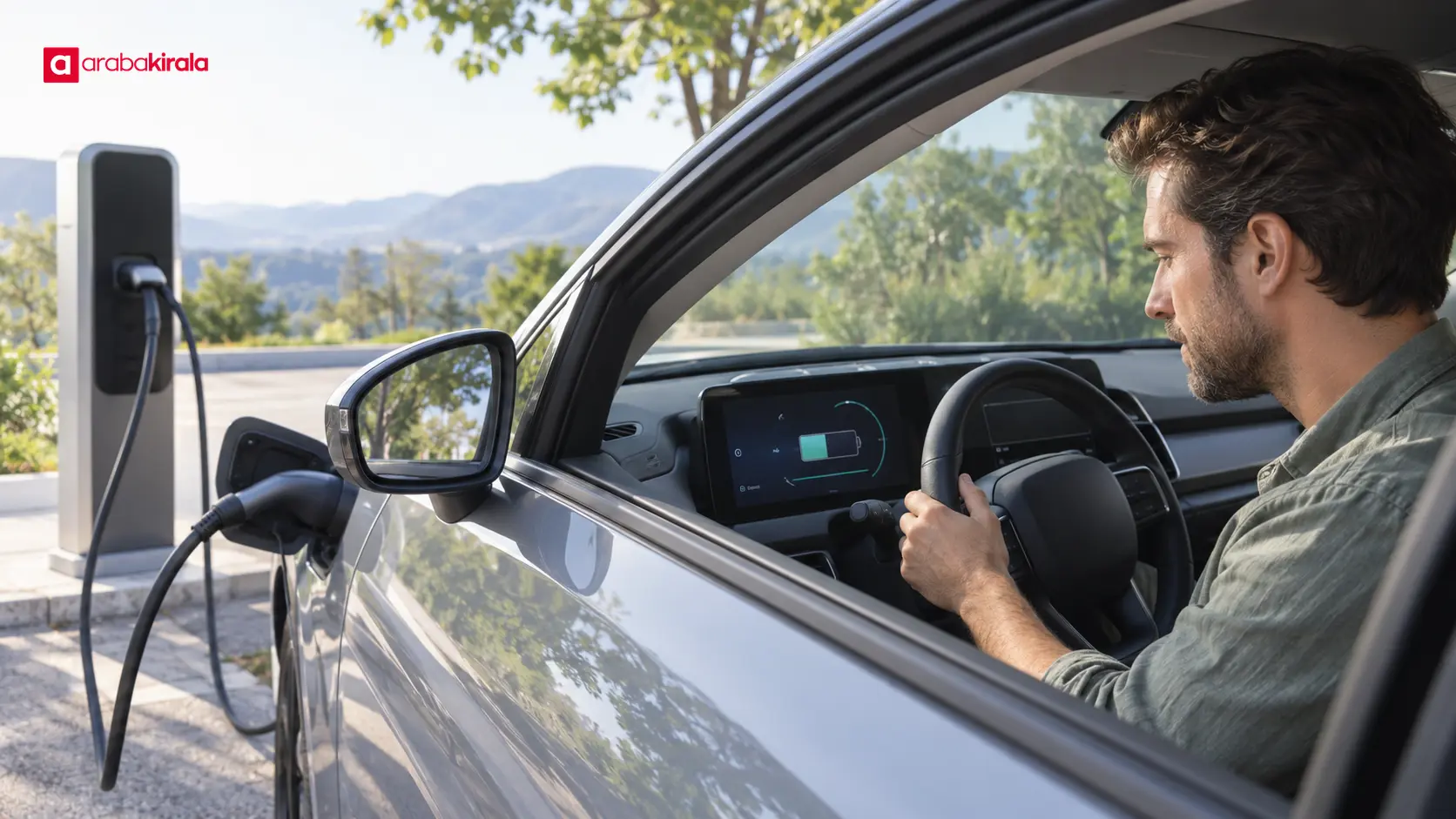
- Start with the battery percentage: It shows the current energy state. Consider it together with the estimated range and your route.
- Read the current power next: The kW value is the rate at that moment. A single reading does not tell you the duration of the entire session.
- Confirm the target: Find out which state of charge the remaining-time estimate uses. Changing the target can change the estimate.
- Look for a trend: Checking the percentage and power after a short interval can help show whether charging is continuing. Park safely and follow any alerts rather than watching the screen while driving.
- Check the route separately: A range estimate does not tell you whether a charging point is available. Before travelling, confirm charging options and the connector type suitable for the vehicle.
Charging targets and trip planning
Whether it makes sense to charge to full for everyday use depends on the vehicle and the purpose of the trip. Consult the manufacturer’s manual for battery care and recommended operating ranges; do not assume that one general rule applies to every model or battery chemistry. Planning around the energy you need can help avoid spending longer than necessary at a charging stop.
On a longer journey, the goal is not simply to reach the highest possible percentage; it is to make a charging plan that fits the route. A navigation system or in-car route planner can help, but road conditions, weather and actual consumption can vary, so reassess the remaining range as you travel. Leave a suitable margin before the next stop and consider an alternative charging location.
If you are driving a rented electric vehicle, learn the vehicle-specific charging process, connector type and location of the relevant displays before setting off. When needed for your trip, confirm available charging facilities and related details with the rental branch. These details can vary by vehicle and location.
Frequently asked questions
Why does charging power fall while the battery percentage rises?
A vehicle may reduce the rate of energy transfer as the battery becomes more charged. Battery management and operating conditions influence the change. Consider the display alerts alongside the manual’s explanation.
Why does the remaining-time estimate keep changing?
It is a forecast. The vehicle updates it when charging power, battery conditions or the selected target changes. Treat the first value as an estimate, not a guaranteed finish time.
Why might the charger and vehicle show different power values?
The displays may reflect different moments or measurement points. The vehicle, charging unit and connection conditions can also affect the power being transferred. If the values remain inconsistent, consult the vehicle and charger instructions and contact the operator if needed.
What percentage should I charge to?
There is no single target that fits every vehicle and trip. Consider your daily needs, route and manufacturer’s battery guidance. For a longer trip, account for the way charging time can vary at higher states of charge.

In summary: use the three readings together
Battery percentage shows the current state of charge, kW shows the instantaneous transfer rate, and remaining time estimates how long it may take to reach a selected target. Because conditions change, do not use a single screen reading as a guaranteed range or arrival time. As a next step, find the charging and range section in the vehicle manual, check the target shown on screen, and review charging options along your next route before you set off.
Legal Disclaimer: All content, articles and information on the Araba Kirala website are provided solely to inform users. No information shared on this website constitutes definitive advice or guidance. Araba Kirala Teknoloji A.Ş. and its authors cannot be held responsible for any direct or indirect damages arising from the application of information on the website. For all questions and requests regarding car rental, please contact the office from which you will rent your vehicle.












