
What Do Formula 1 Steering Wheel Controls and Displays Do?
Published: October 10, 2026 • Reading Time: 7 min • Last Updated: October 10, 2026
Learn how Formula 1 steering wheel buttons, rotary selectors, shift paddles, and displays help drivers manage car functions and follow race information.
Contents
- Why does an F1 steering wheel have so many controls?
- Main parts and their general roles
- The wheel and its grip areas
- Shift paddles
- Buttons and rotary selectors
- What information does the display show?
- The difference between a control and an indication
- How are the controls used during a race?
- How to understand the wheel while watching a race
- Why is the wheel tailored to the driver?
- Summary: a multi-function interface with defined purposes
- Frequently Asked Questions
Formula 1 steering wheel controls do more than steer the car. Buttons and rotary selectors let a driver send commands to certain car systems, while the display presents selected settings and information needed during a race. This guide explains the main parts of the wheel, the broad purpose of its controls, how to read the display, and why drivers do not use every control at every moment.
Why does an F1 steering wheel have so many controls?
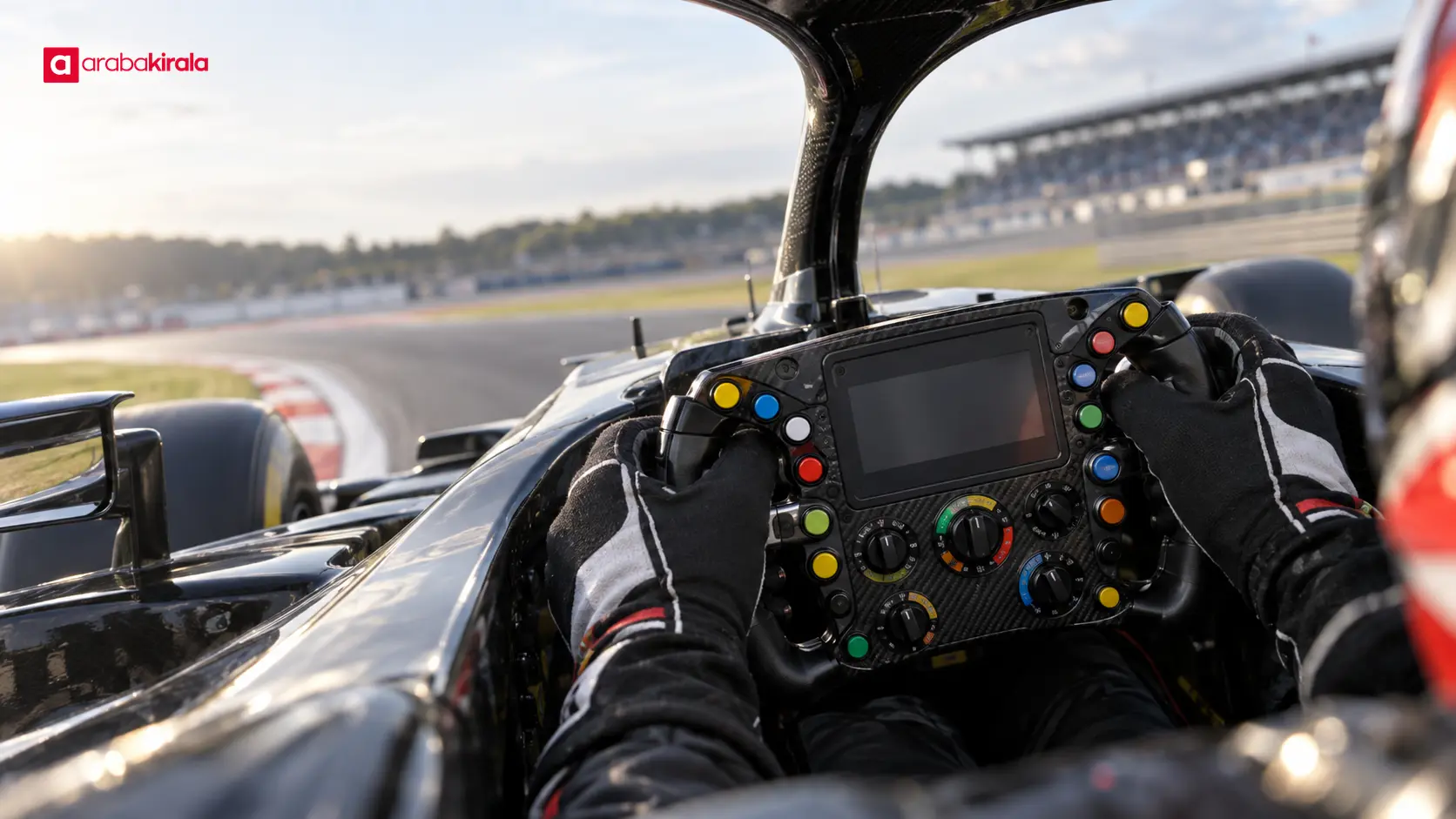
A Formula 1 car operates differently from a road car and is configured for demanding race conditions. The driver needs access to selected functions without leaving the cockpit, so some controls are grouped on the steering wheel. Their presence does not mean that the driver uses them constantly. Each has a purpose and a context in which it may be needed.
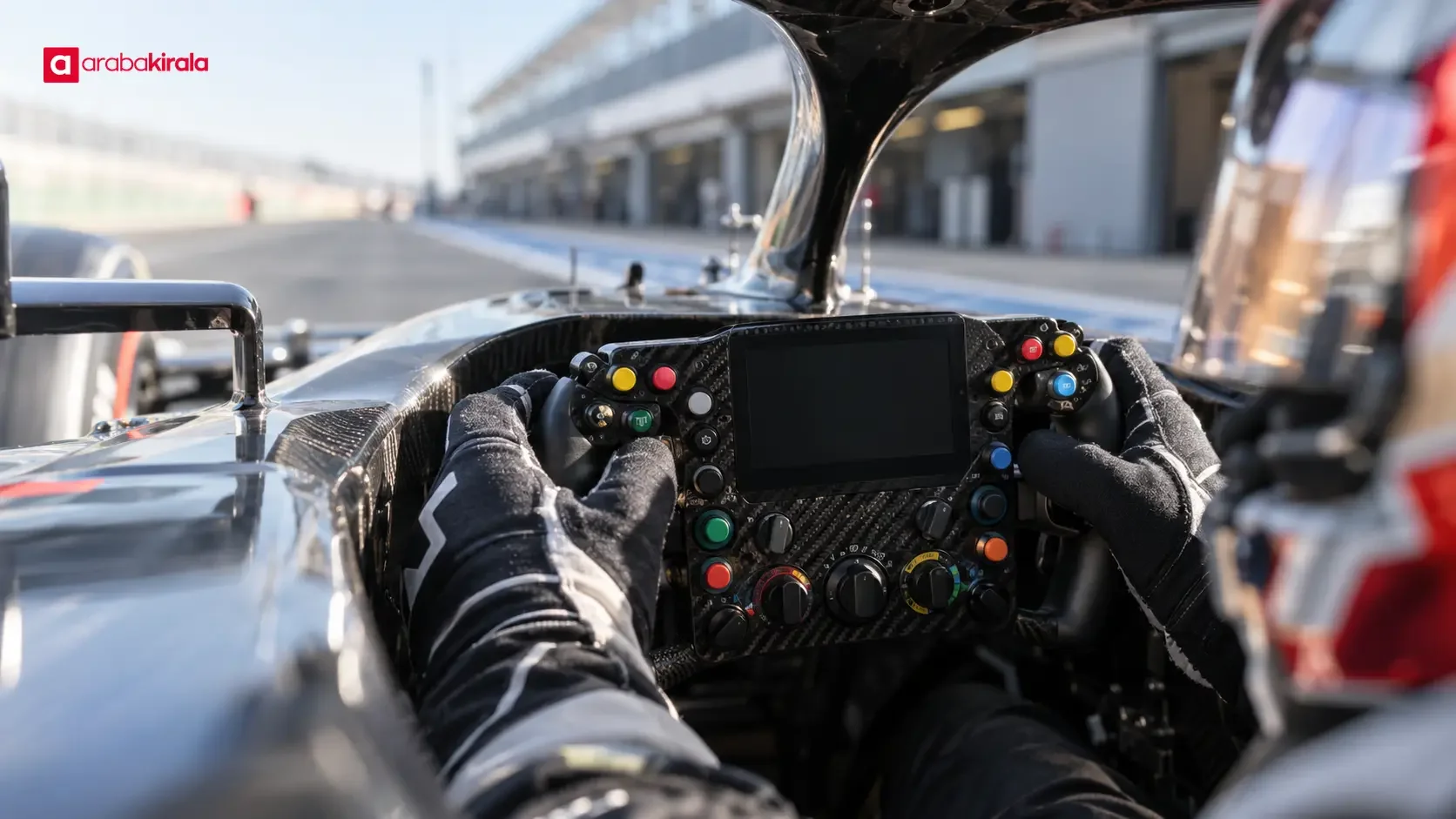
The front of the wheel commonly carries buttons, rotary selectors, and a display. Shift paddles and clutch-related paddles may sit on the rear. The exact design varies with the car’s architecture and the driver’s preferences. A button’s color or position on one wheel therefore does not prove that it serves the same purpose on another.
Main parts and their general roles
The wheel and its grip areas
The driver steers by holding the wheel at its grip areas. Its shape is designed around the compact cockpit and arranged so the driver can see the display and reach selected controls with the fingers. A Formula 1 wheel looks unlike a typical road-car wheel partly because of those packaging and ergonomic needs. The controls also need to remain usable while the driver wears gloves.
Shift paddles
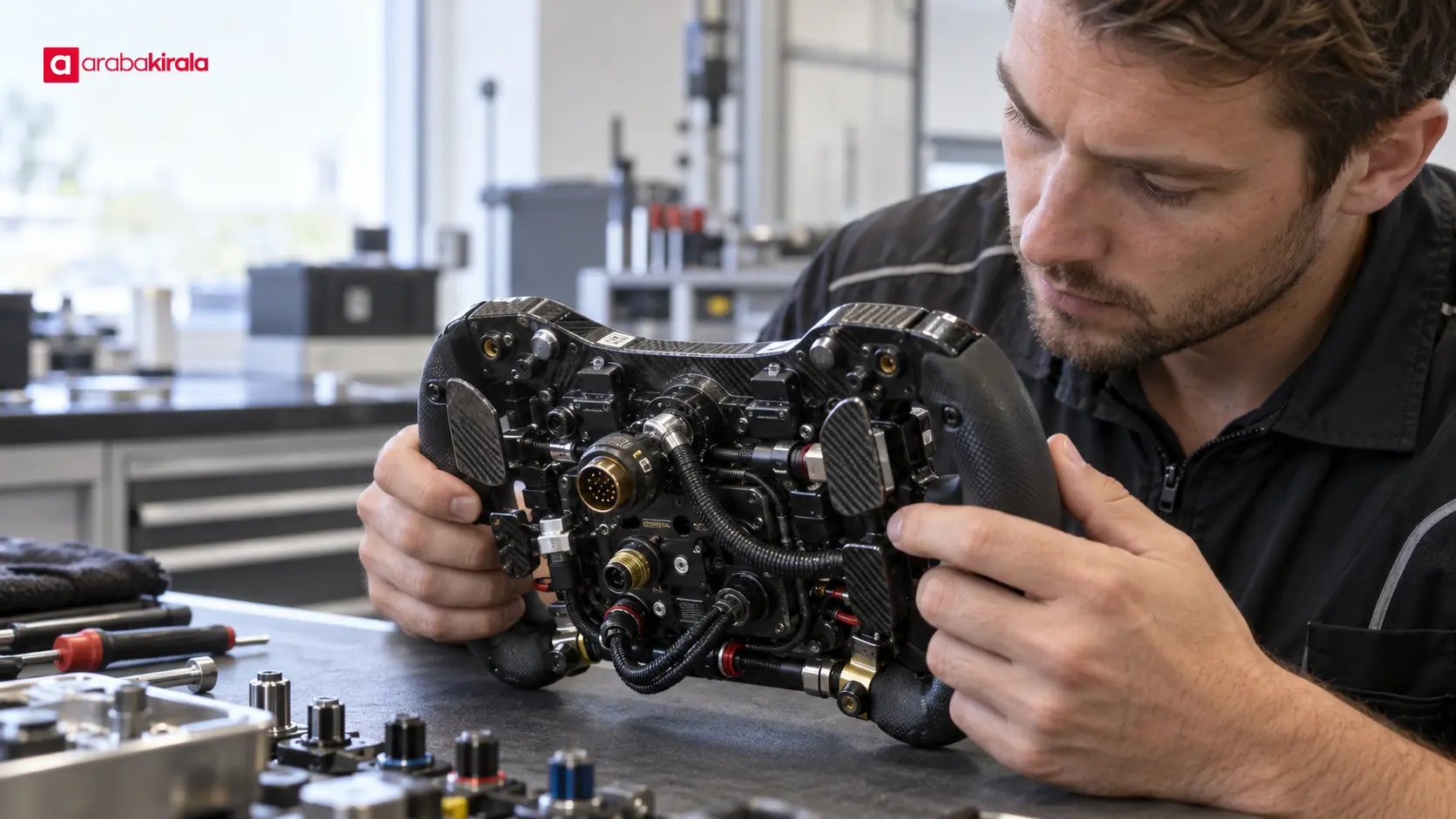
Paddles behind the wheel allow the driver to change gears without moving the hands away from the grips. One paddle is generally associated with an upshift and another with a downshift, though the details depend on the car’s design. Keeping the hands in place helps the driver maintain control while braking and cornering.
Clutch-related paddles may also be fitted behind the wheel. They give the driver hand control over the clutch, which is important during a start. Their number and operating method can vary between cars, and an image alone may not reveal exactly how a particular paddle works.
Buttons and rotary selectors
Buttons commonly issue a specific command or access a function. Rotary selectors let the driver choose between several positions or settings. Pressing a button and turning a selector are different types of input: one may activate a function, while the other selects an option from a defined set. The mapping and color scheme are specific to the team and car.
Steering wheel controls may relate to vehicle settings, energy management options, radio communication, and other functions the driver needs during a race. These are broad categories, not a claim that every car has identical controls or uses the same labels. An accidental turn can change a selected setting, so drivers learn the layout and practice until operating it becomes familiar.
What information does the display show?
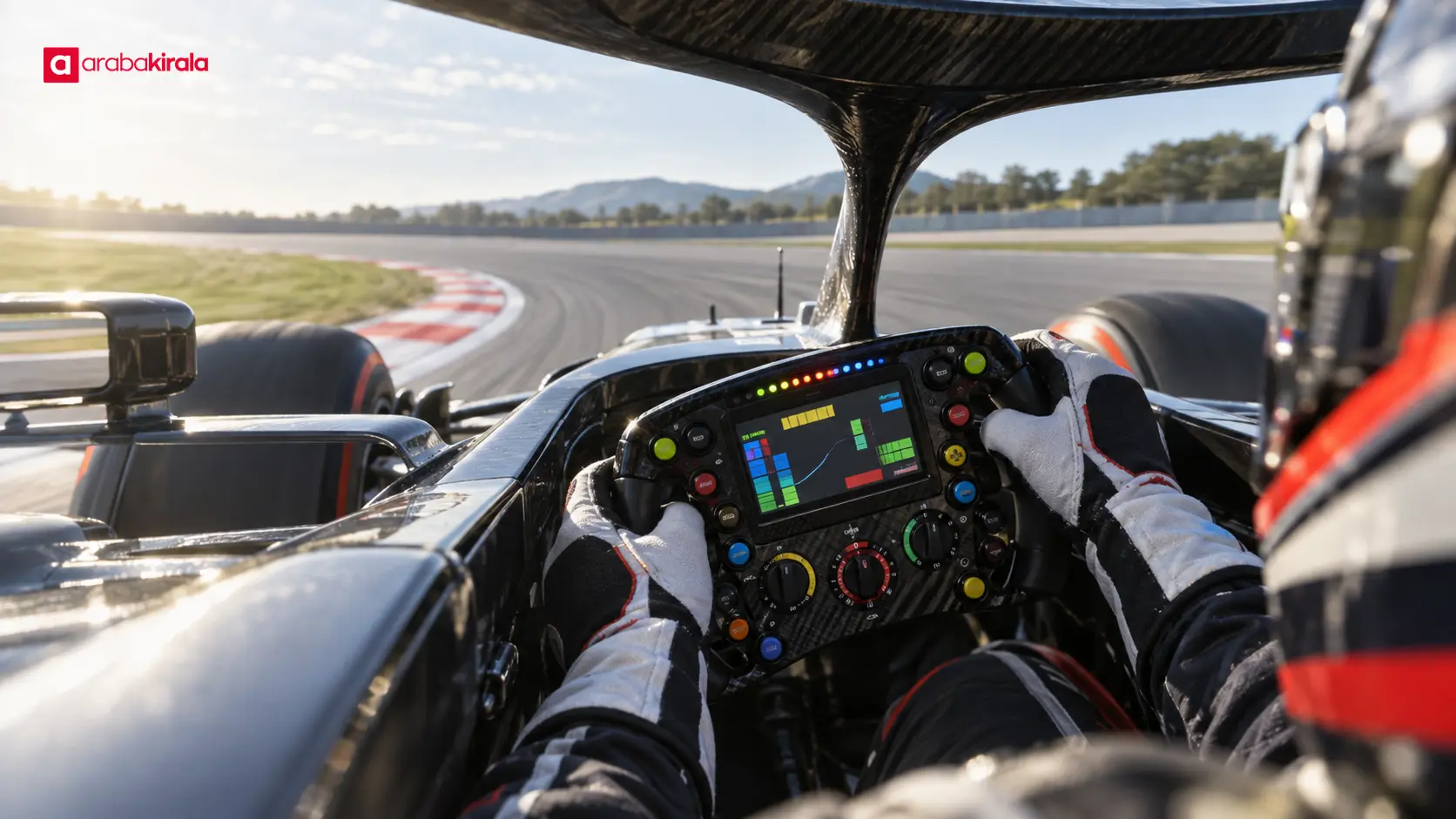
The steering wheel display lets the driver see some car and race information without looking away from the track for long. It may show the selected gear, rev-related indications, chosen settings, or warnings from the car. The data and layout depend on the car’s electronic systems and the team’s design choices. There is no single universal screen template for every wheel.
Information is often presented through colors, symbols, or brief indicators so that the driver can recognize a relevant state at a glance. A screen containing many data points does not mean the driver reads them all at once. In race conditions, attention remains on the track, nearby cars, and controlling the vehicle. The display helps confirm information when it is useful.
The difference between a control and an indication
A control sends an input from the driver to the car: the driver presses a button or turns a selector. An indication sends information back from the car to the driver: the display makes a selected state, measurement, or warning visible. In some operations, the driver chooses a setting and checks the display to confirm the selection. This two-way relationship explains how the screen and controls work together.
How are the controls used during a race?
Learning the wheel layout is part of a driver’s preparation. Knowing where each control is and what it does helps the driver select a command without keeping their eyes on the display for long. The sequence of use and the conditions for a particular function depend on the car and race plan. Those details are handled through the team’s technical work; a camera shot of a button press does not reveal the full context by itself.
When a driver changes a setting, they consider the car’s response alongside the display. It is not accurate to say that every command improves performance or is appropriate in every situation. The effects of a setting relate to factors such as the circuit, tire condition, weather, race phase, and technical limits. The wheel is not a simple panel that lets the driver change anything at any time.
How to understand the wheel while watching a race
- Separate information shown on the display, such as a gear or status indication, from buttons the driver presses. One presents information; the other sends a command.
- If a selector is turned, watch whether the display changes afterward. The footage may suggest a connection without proving which function was selected.
- Do not treat colors as a universal code. The same color can serve different purposes on different teams’ wheels.
- Do not confuse shift paddles with front-facing buttons. Paddles are at the rear and provide gear or clutch control.
- A screen detail that is unreadable in a broadcast should not be treated as certain. Camera angle and image quality can make symbols ambiguous.
Why is the wheel tailored to the driver?
Drivers differ in hand size, grip, and the way they reach controls. The layout is arranged to help each driver keep a natural grip and reach necessary controls quickly. The limited cockpit space and the need to remove the wheel from the car also influence its shape. These design choices make the wheel both a steering component and an interface between driver and car.
The wheel’s technical design is integrated with electronic connections and systems inside the car. A button visible in a photograph should not be interpreted like a button on a household device: its function, software mapping, and operating conditions depend on the car. Team technical explanations and official race footage can offer general context, but a precise function requires a verified source for that specific car.
Summary: a multi-function interface with defined purposes
A Formula 1 steering wheel brings together steering, shift and clutch paddles, buttons, rotary selectors, and an information display. Controls send commands to the car; the display helps the driver monitor selected states and useful data. Because layouts and functions vary by car and team, one wheel’s arrangement should not be treated as a rule for all Formula 1 cars.
When watching a race, it helps to think of the wheel as both a control and information interface. Observe the relationship between a driver’s input and what appears on the display, while avoiding firm conclusions about functions that the footage cannot verify. That approach makes the dense layout easier to understand and the driver’s decisions easier to follow.
Frequently Asked Questions
How many buttons are on a Formula 1 steering wheel?
The number varies with the car and team design. A count from one photograph or broadcast is not a universal standard for all Formula 1 steering wheels.
Is the steering wheel display just a speedometer?
It should not be thought of only as a speedometer. It may provide gear, car-status, selected-setting, and warning information; the exact data depends on the car and team layout.
What do the colored buttons on an F1 wheel mean?
Colors can help a driver distinguish controls quickly, but there is no universal color-to-function mapping. The same color may correspond to different functions on different wheels.
Can a driver change every setting during a race?
The controls provide access to selected systems, while available functions are determined by the car’s design, software, and technical rules. It is not safe to assume every setting can be changed at any moment.
Where are the shift paddles located?
Shift paddles are generally behind the steering wheel. This lets the driver issue gear commands without moving their hands from the grip areas, though the precise layout can differ.
Can a broadcast show what a particular button does?
Sometimes a driver’s movement and a change on the display appear connected, but camera angles and readability limit what can be established. Without a verified technical explanation, the button’s function should not be stated as certain.
Legal Disclaimer: All content, articles and information on the Araba Kirala website are provided solely to inform users. No information shared on this website constitutes definitive advice or guidance. Araba Kirala Teknoloji A.Ş. and its authors cannot be held responsible for any direct or indirect damages arising from the application of information on the website. For all questions and requests regarding car rental, please contact the office from which you will rent your vehicle.












