
Emergency Contacts and Vehicle Information in a Rental Car
Published: October 5, 2026 • Reading Time: 7 min • Last Updated: October 5, 2026
Learn where to find a rental car’s owner’s manual, booking details, support contacts and location information before a breakdown or collision. This practical guide explains how to prepare, distinguish emergency services from rental support, and communicate clearly while putting safety first.
Contents
- Know which source contains which information
- What to check in the owner’s manual
- Rental documents and support contacts
- Prepare a short emergency note on your phone
- Put safety first during a breakdown or collision
- What to tell the person answering
- Describe your location clearly
- Frequently asked questions
- Who should I call first if the rental car breaks down?
- How can I understand a warning light if the manual is missing?
- Does every rental car have an SOS or eCall button?
- What should I confirm at pickup?
- A quick pre-drive check
Rental car emergency information helps you identify the vehicle, reach the right support channel and explain your location when something goes wrong. This guide shows where to look for the owner’s manual, booking documents and contact details, and how to use them during a breakdown, collision or medical emergency. A few minutes of preparation at pickup can reduce the time spent searching for details when you are under pressure.
Know which source contains which information
Vehicle information and rental assistance details usually serve different purposes. The owner’s manual explains the car’s controls, warning indicators and model-specific features. Your reservation confirmation and handover documents relate to your rental and may help identify the booking or vehicle. Contact details supplied by the rental office tell you where to ask for help with the rental. Knowing these differences makes it easier to find a warning-light explanation without confusing it with a support number.
What to check in the owner’s manual
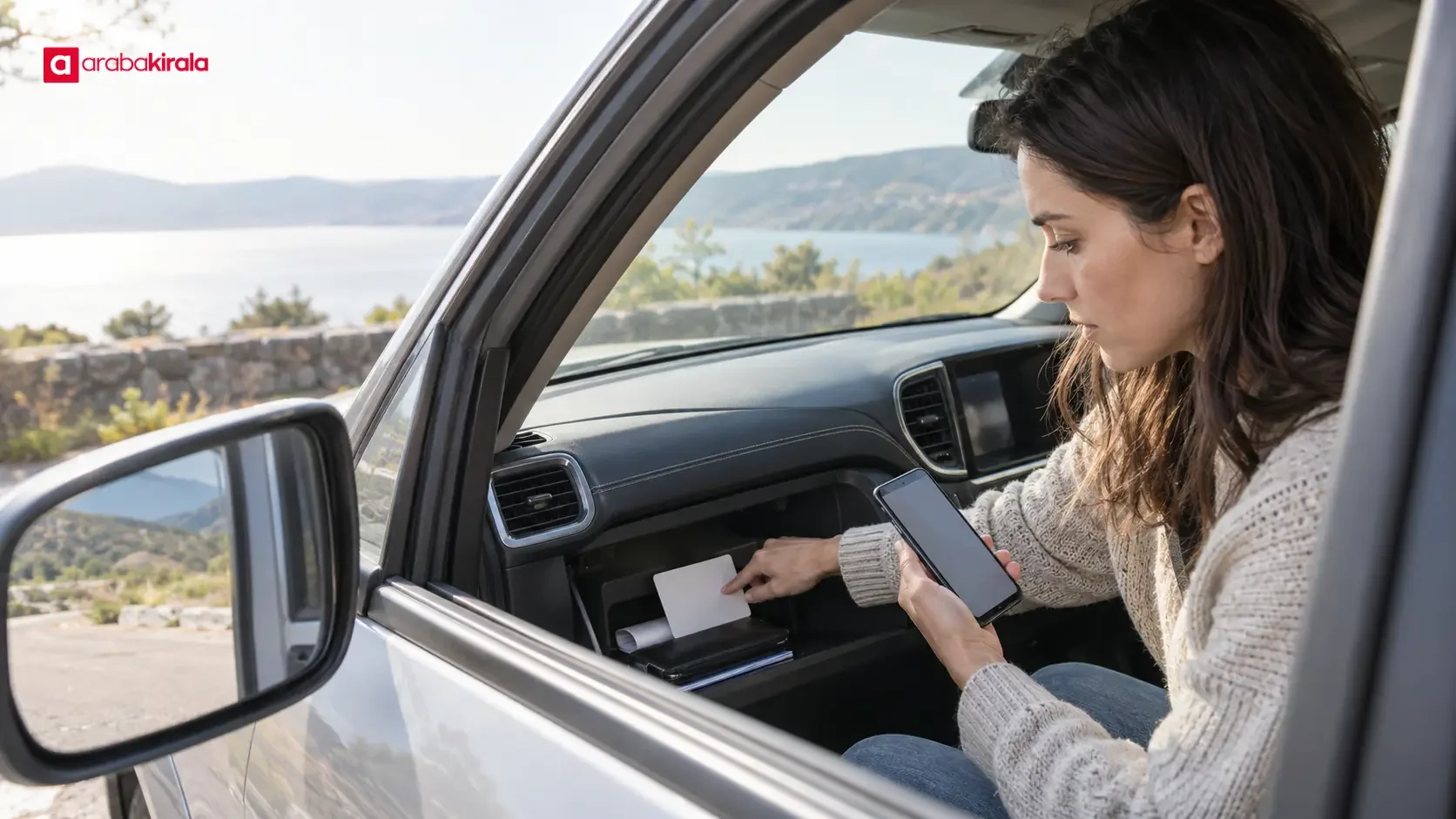
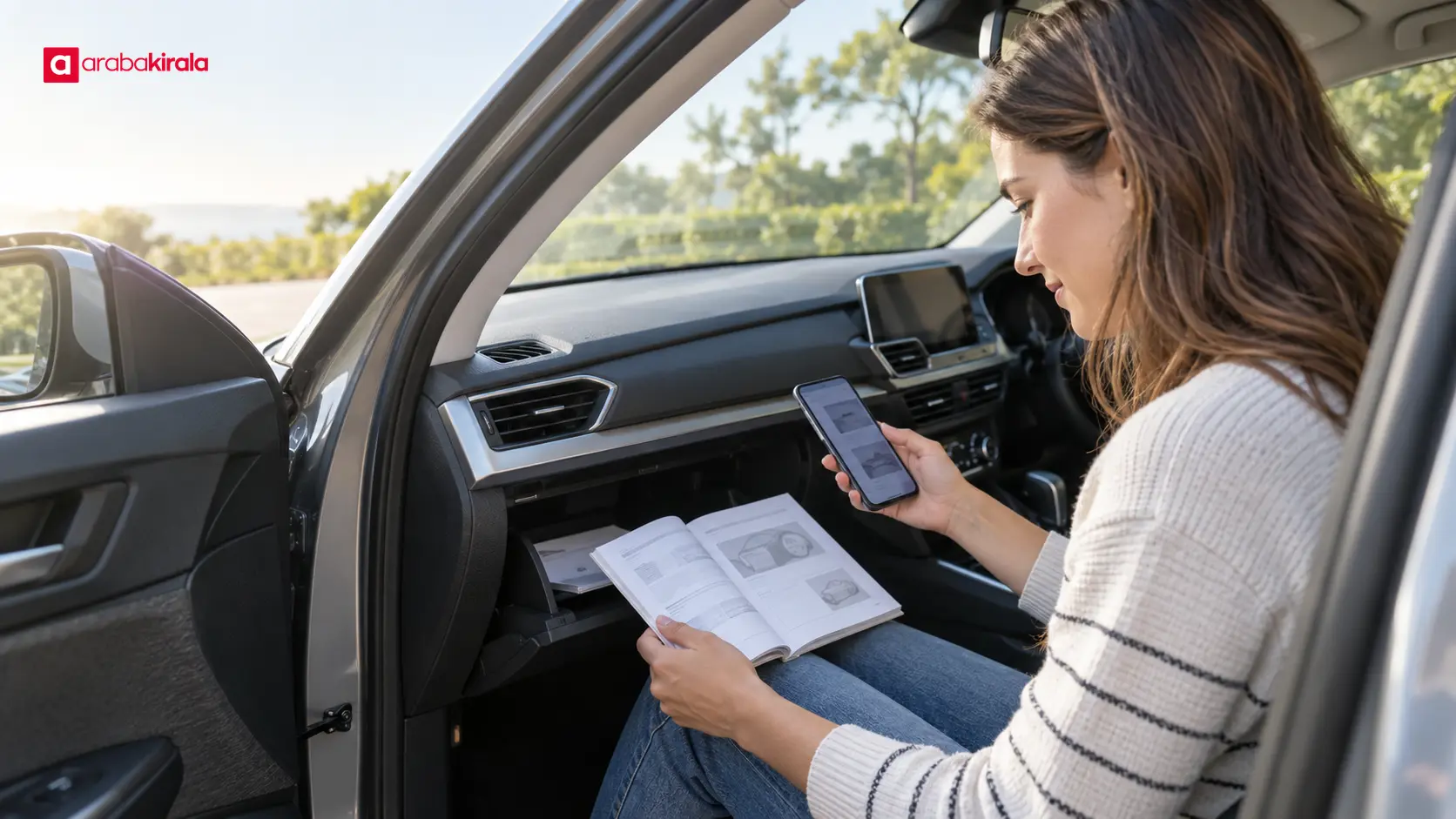
The manual may be in the glove compartment, another storage area or a digital menu, depending on the vehicle. Before setting off, find the sections on dashboard warnings, fuel type, tyre-pressure alerts, opening the fuel door and any emergency-call control. These are useful reference points when an unfamiliar symbol appears or you need to understand a control. Do not guess what a warning means from its colour or shape alone; the details can differ between models.
The manual is a vehicle-specific reference, not a reason to attempt every repair yourself. Avoid working around hot components, the engine bay or high-voltage equipment. In an electric or hybrid vehicle, do not touch high-voltage components. If you cannot tell whether the vehicle is safe to drive, stop in a safe place and request qualified assistance instead of trying to force it to continue.
Rental documents and support contacts
Your booking confirmation, handover record and other documents may contain a reservation reference, vehicle identifiers or contact routes. You do not need to memorize every page. Know where the documents are kept, and consider saving an offline copy on your phone. Email or app access can depend on battery, signal or internet availability, so saving the relevant support number in your contacts can also help.
At pickup, ask which channel handles mechanical problems and which handles booking or return questions. Details such as opening hours, roadside assistance arrangements and the process for help in another city can vary by rental and location. Confirm them with the branch you will rent from and refer to the information for your reservation. Save the number under a clear name. A commercial support line is not a substitute for public emergency services when an urgent response is needed.
Prepare a short emergency note on your phone
A compact note can make it easier to find essentials quickly. Include:
- The rental office or support number provided to you, plus any relevant hours.
- Your reservation reference and the location of your handover documents.
- Vehicle identifiers such as the licence plate, make and model, checked against the documents.
- A familiar way to share your location from your phone’s map, and a charging cable for the trip.
- The local emergency number; in Türkiye, 112 is the public emergency call centre.
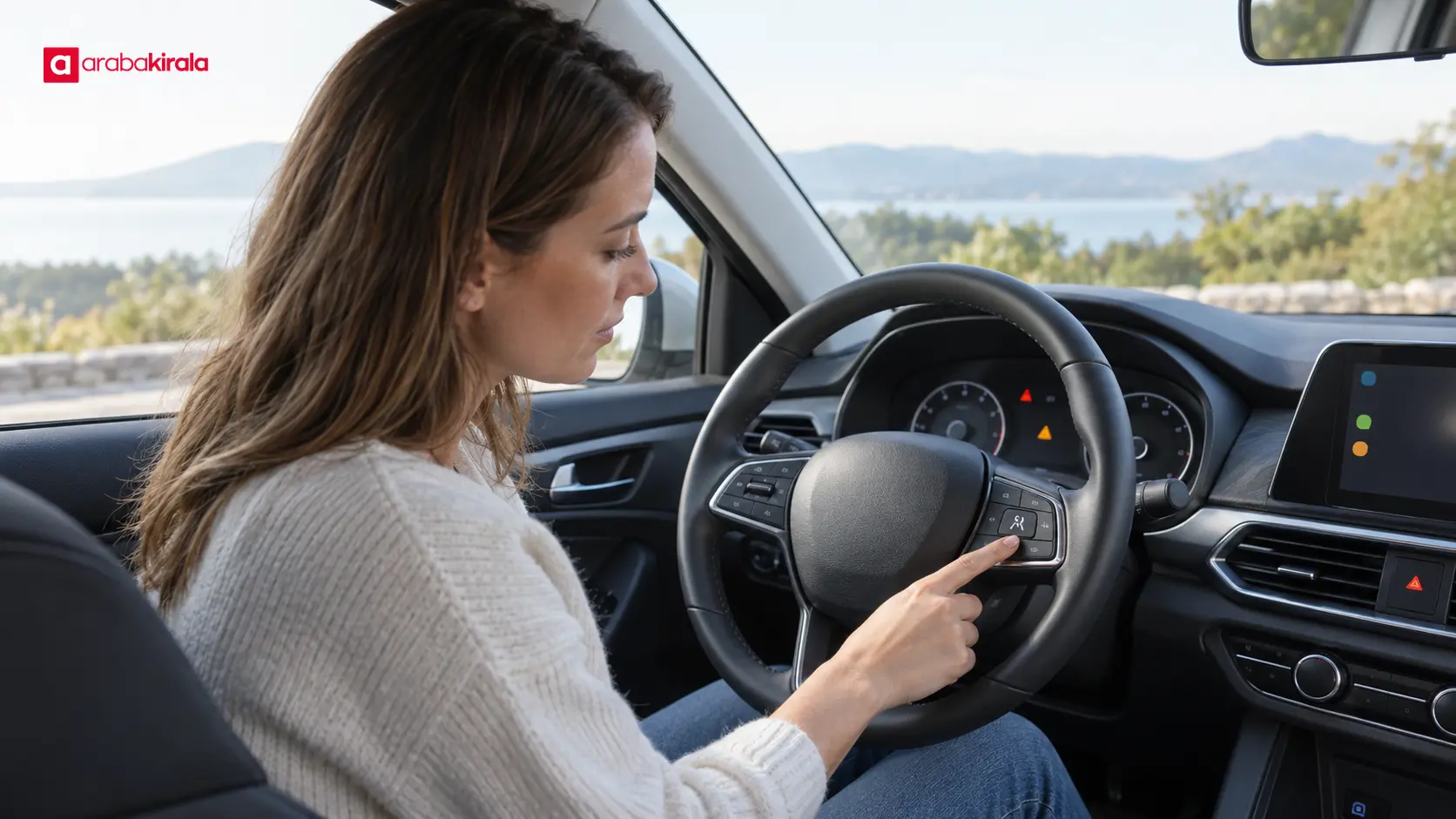
You do not need to put personal information where it is visible to anyone who can see your lock screen. The goal is to keep necessary details accessible to you. If you are driving in another country, check that destination’s official guidance for emergency numbers and road procedures before departure. If the car has an SOS or eCall feature, locate the control and check the manual to understand what it does. Such features are not identical in every vehicle, so keep your phone and a backup way to contact help available.
Put safety first during a breakdown or collision
The road, traffic and vehicle condition determine where it is safe to stop. If possible, move away from moving traffic and choose a safe stopping place. Use hazard warning lights only as appropriate to warn others and in line with the vehicle’s instructions. On a motorway or another fast road, getting out, retrieving items from the boot or placing a warning triangle may expose you to danger. Do not take an action that puts you close to traffic when it is unsafe. If you cannot leave the vehicle safely, calling for emergency help while remaining inside may be the safer choice. Follow local road guidance.
In Türkiye, call the official 112 emergency call centre when a situation requires urgent public assistance for health, fire, security or coordinated response. If there is a risk to life, an injury, fire or an incident seriously affecting traffic, do not wait for rental support before seeking emergency help. For a non-emergency mechanical issue, vehicle-use question or ongoing rental matter, use the office or support channel provided to you. The channels have different roles: one coordinates urgent public response, while the other assists with the rental vehicle and booking process.
What to tell the person answering
Start with a short, clear description: is it a breakdown, collision, injury or another immediate hazard? Give the road name or number, your direction of travel, a nearby exit or landmark, and—if available—the location shown on your phone map. Mention smoke or flames, an obstructed lane, or passengers who cannot leave the vehicle safely. Answer the questions you are asked and follow instructions before ending the call.
When contacting rental support, have the licence plate and reservation reference ready so the vehicle and booking can be identified. Describe observable symptoms: which dashboard warning is lit, whether the engine starts, and whether there is an unusual sound or smell. Avoid making a diagnosis based on guesswork. If you are asked for a photo, take it only from a safe place. When the vehicle creates an immediate road hazard, deal with safety and emergency directions first; paperwork and photographs can wait.
Describe your location clearly
Sharing a pin from your phone map is often useful, but do not rely on it alone if the signal is weak or the displayed position seems inaccurate. Provide the road name, direction, exit number, a distance marker or another visible reference point as well. Say if you are in a tunnel, enclosed car park or on a rural road. Keep your phone available while you communicate with the people arranging help, and conserve its battery by closing apps you do not need.
Share only the information needed to get assistance. The local procedure explained at pickup can be especially useful if your trip takes you to another city or across a border. Clear location details help responders or support staff find you; the vehicle and reservation details complete the picture and can help them direct you appropriately.
Frequently asked questions
Who should I call first if the rental car breaks down?
First assess whether you and your passengers are safe. Call the public emergency number if there is an injury, fire or another urgent danger. For a vehicle problem that does not require emergency public response, use the rental office or support contact explained at pickup. Check your reservation documents if you cannot remember the channel.
How can I understand a warning light if the manual is missing?
Identify the make and model and look for the manual through a reliable manufacturer source, but do not search while driving. If the warning appears serious or you are unsure whether the vehicle is safe, stop appropriately and request help. Continuing based on a random online interpretation of a symbol can be risky.
Does every rental car have an SOS or eCall button?
Availability and operation depend on the vehicle and local connectivity. If you see a button, check the manual or pickup information to learn which service it reaches. Keep the public emergency number available on your phone as well.
What should I confirm at pickup?
Confirm the contact route for breakdowns, what to do outside office hours, how to respond to a warning that requires stopping, and how assistance works if you are in another city. The specific scope, phone number and steps may depend on the branch and booking. Save the answers in your documents or phone note.

A quick pre-drive check
Locate the owner’s manual, review a few key warning symbols, distinguish public emergency help from rental support, save the office contact and know where your documents are. Learn how to share your location and keep your phone charged. In an emergency, move to safety first, call 112 when urgent public help is needed, then contact the appropriate rental channel for vehicle assistance. At pickup, make confirming these details with the branch you rent from your next step.
Legal Disclaimer: All content, articles and information on the Araba Kirala website are provided solely to inform users. No information shared on this website constitutes definitive advice or guidance. Araba Kirala Teknoloji A.Ş. and its authors cannot be held responsible for any direct or indirect damages arising from the application of information on the website. For all questions and requests regarding car rental, please contact the office from which you will rent your vehicle.












