Rental Reservation Equipment Check: A Practical Guide
Published: November 20, 2026 • Reading Time: 6 min • Last Updated: November 20, 2026 • Author: Merve B.
Contents
- What does the reservation description tell you?
- Read the booking before you reach the car
- Inspect the delivered vehicle in a useful order
- Start with class and basic use
- Test the equipment you need
- Safety equipment and child seat anchors
- What to do when you find a difference
- Read the booking and handover record together
- A quick pickup checklist
- Frequently Asked Questions
- Related Articles
- Sources
A rental reservation equipment check is a practical comparison between the vehicle features described in your booking and the equipment on the car presented at pickup. This guide shows you how to read the reservation, inspect the features that matter to your trip, and resolve unclear differences before you drive away.
What does the reservation description tell you?
A booking may describe a vehicle class, body style, transmission, fuel type, or selected equipment. The level of detail can differ from one reservation to another. Start by separating what is explicitly stated from what you are assuming, then identify which details matter to your use of the car.
Vehicle class generally groups vehicles with similar size or purpose. It should not automatically be read as a promise of one exact model or every optional feature. If a particular model or item of equipment is named, treat that as a separate point to verify. If the wording is unclear, ask the reservation contact or the branch handling the pickup what it means.
Read the booking before you reach the car
Review the confirmation, any vehicle description, and the handover documents together. Do not treat similar sounding details as interchangeable: an automatic transmission is a driving characteristic, while a reversing camera or navigation system is equipment. Note any feature that is essential for your trip.
- Mark the vehicle class and body style stated in the reservation.
- Separate driving essentials such as transmission and fuel type.
- Check how a child seat, navigation device, or other requested item is described.
- If a model is named, read any adjacent trim or equipment notes as well.
Do not assume that an unlisted feature will be present. If you need a feature that is not clearly described, treat it as something to verify at pickup. If it is not relevant to your trip, there is no need to make it the focus of the inspection.
Inspect the delivered vehicle in a useful order
Start with class and basic use
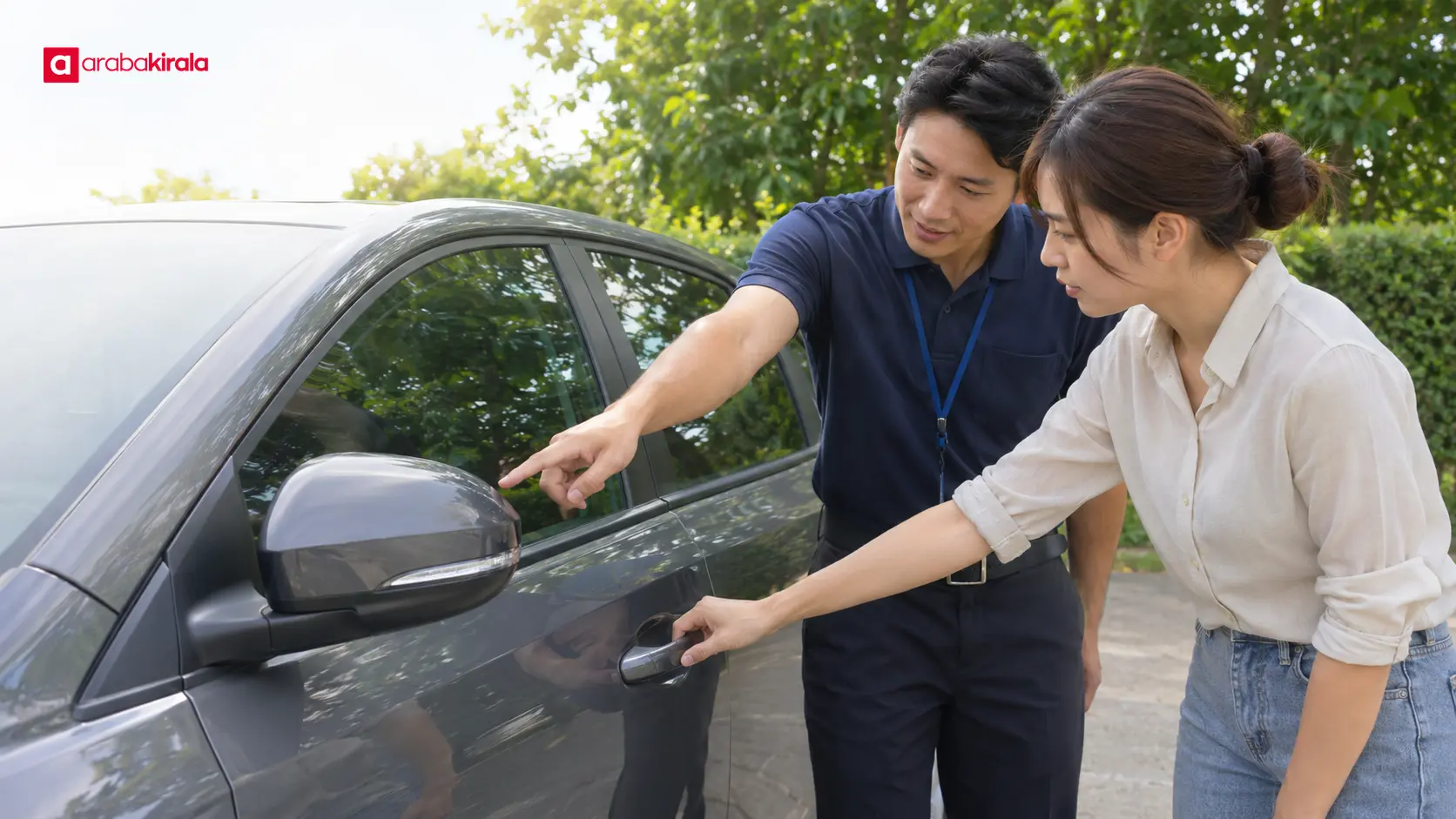
Look at the body shape, door and trunk arrangement, seating space, and driving controls. If the vehicle seems materially different from what the class description led you to expect, point it out to staff before moving the car. Assess luggage space against your actual bags; a class label by itself does not establish how much will fit.
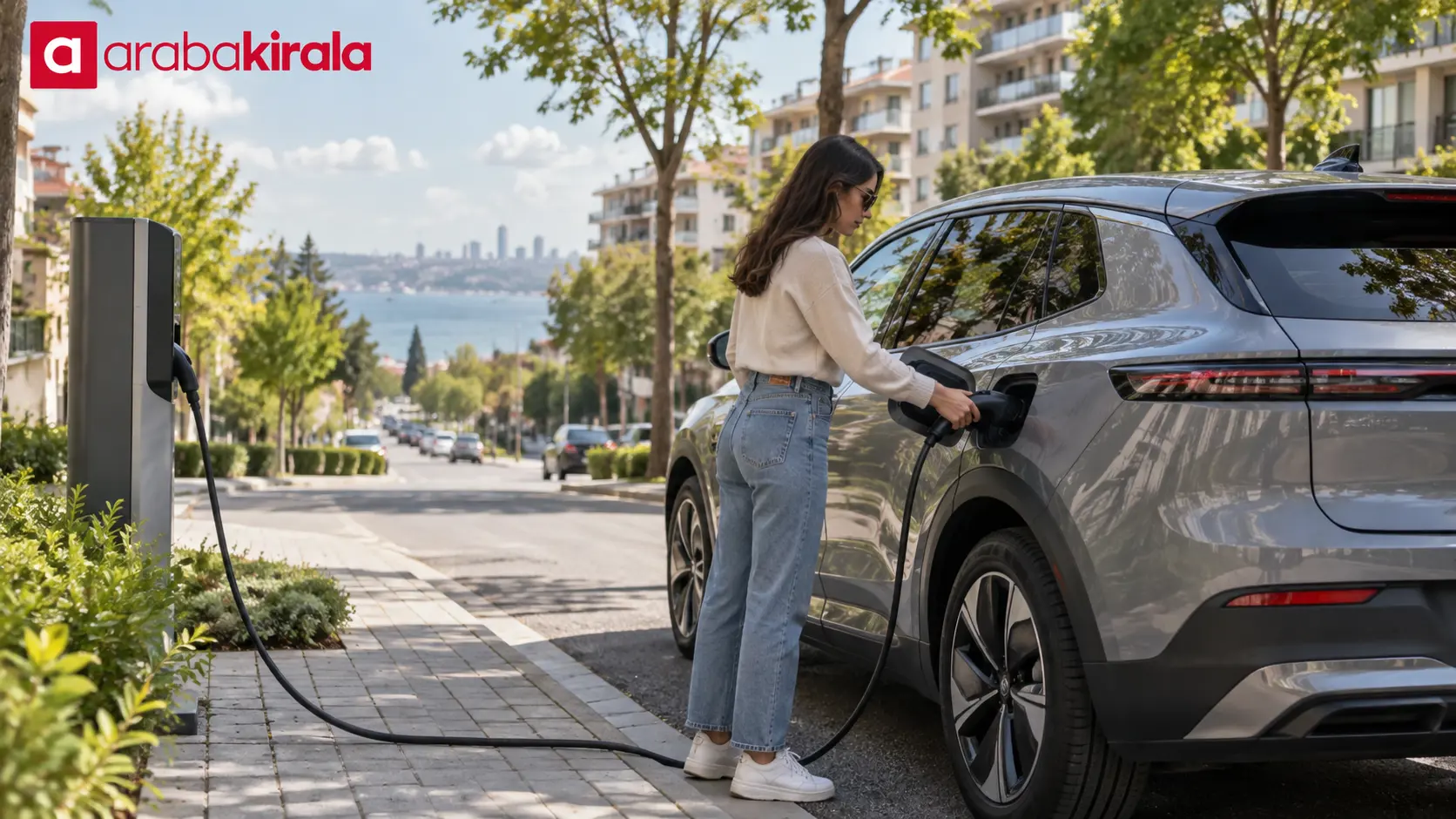
Transmission and fuel type affect how you operate the vehicle. Check the selector and the markings around the fuel filler while the car is safely parked. If you are unsure which fuel the vehicle uses, do not guess; consult the vehicle documents or ask the attendant.
Test the equipment you need
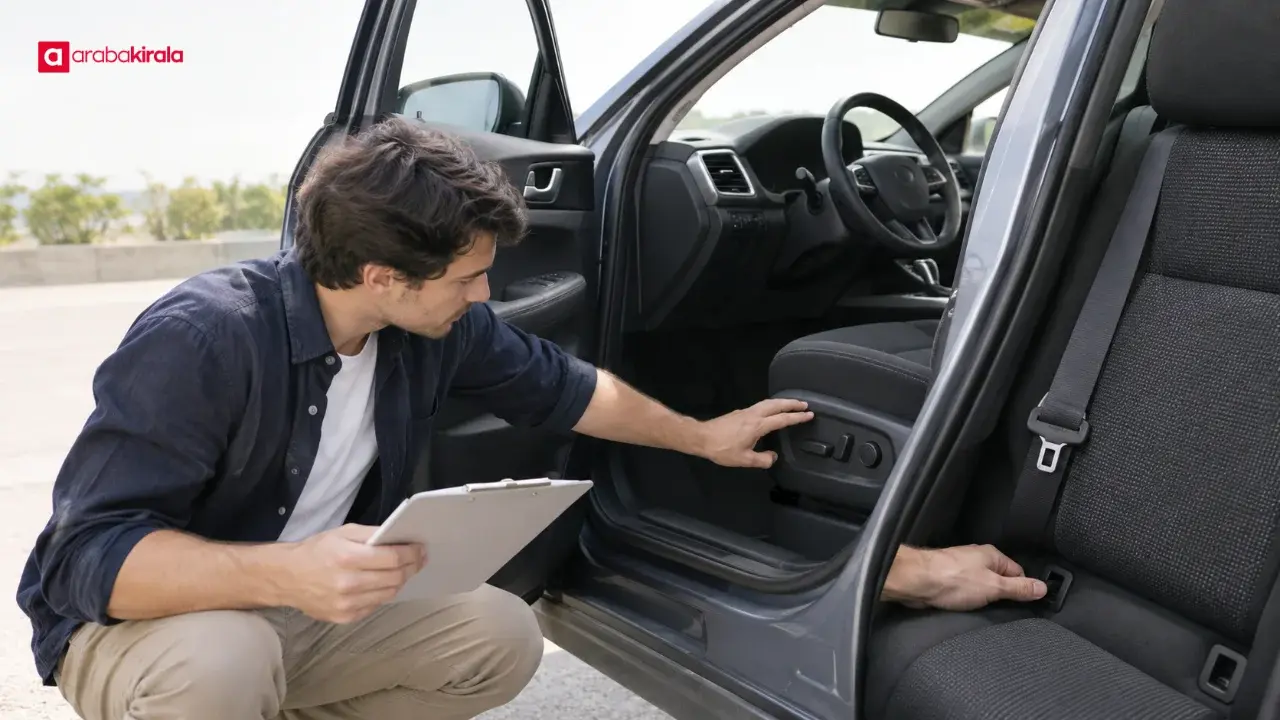
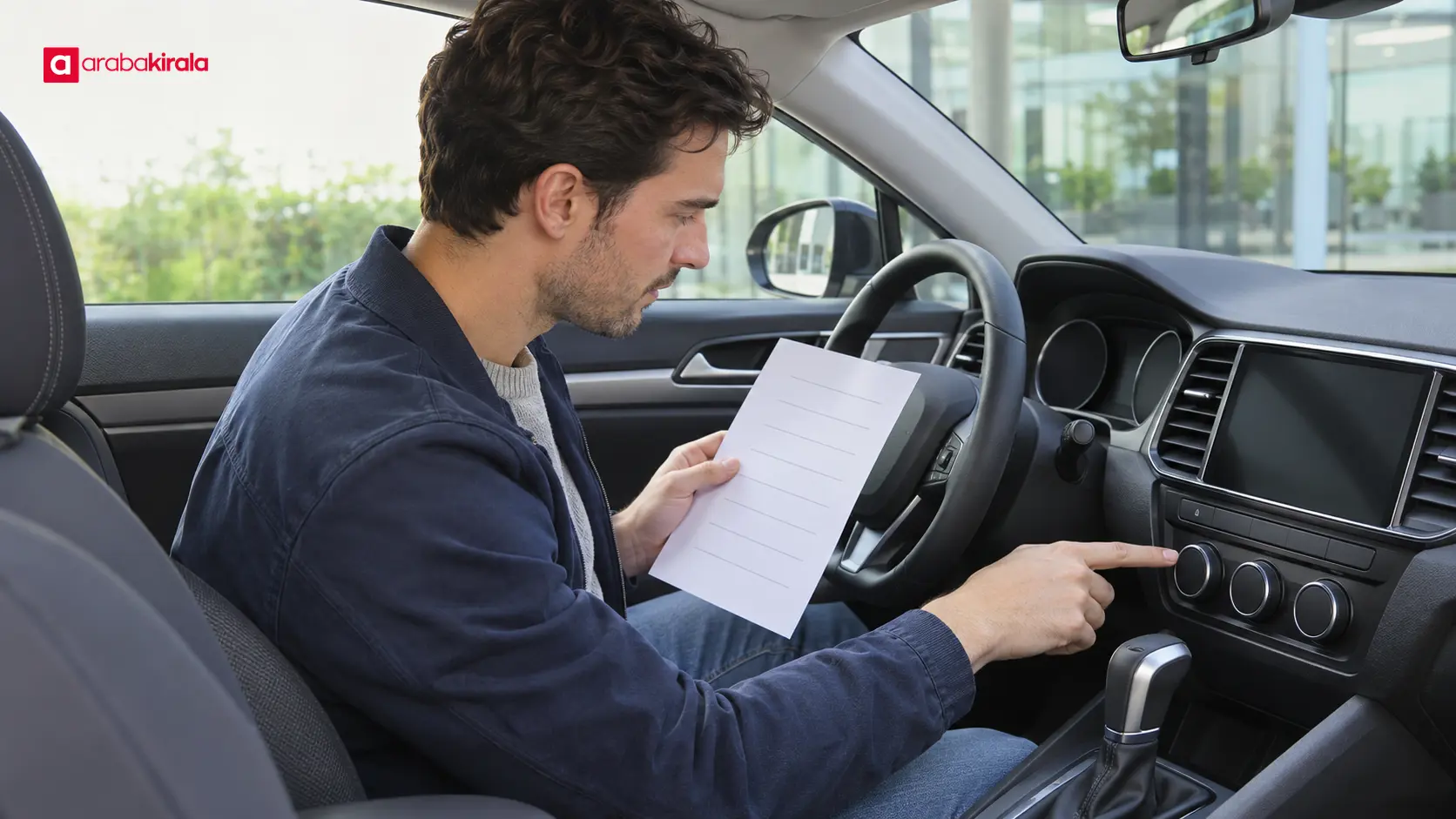
Verify equipment named in the reservation or specifically requested. You can check whether the multimedia screen starts, whether phone connectivity is available, whether parking sensors give an indication, and whether the reversing camera, climate controls, and seat adjustments respond. Do these checks while stationary, in a safe setting, and with attention to the vehicle’s instructions.
A feature appearing in a menu does not necessarily mean it is working as expected. If a screen does not respond, a warning light remains on, or a control behaves unexpectedly, tell the attendant. Avoid changing unfamiliar vehicle settings at random; use the owner’s manual if you need help understanding a function.
Safety equipment and child seat anchors
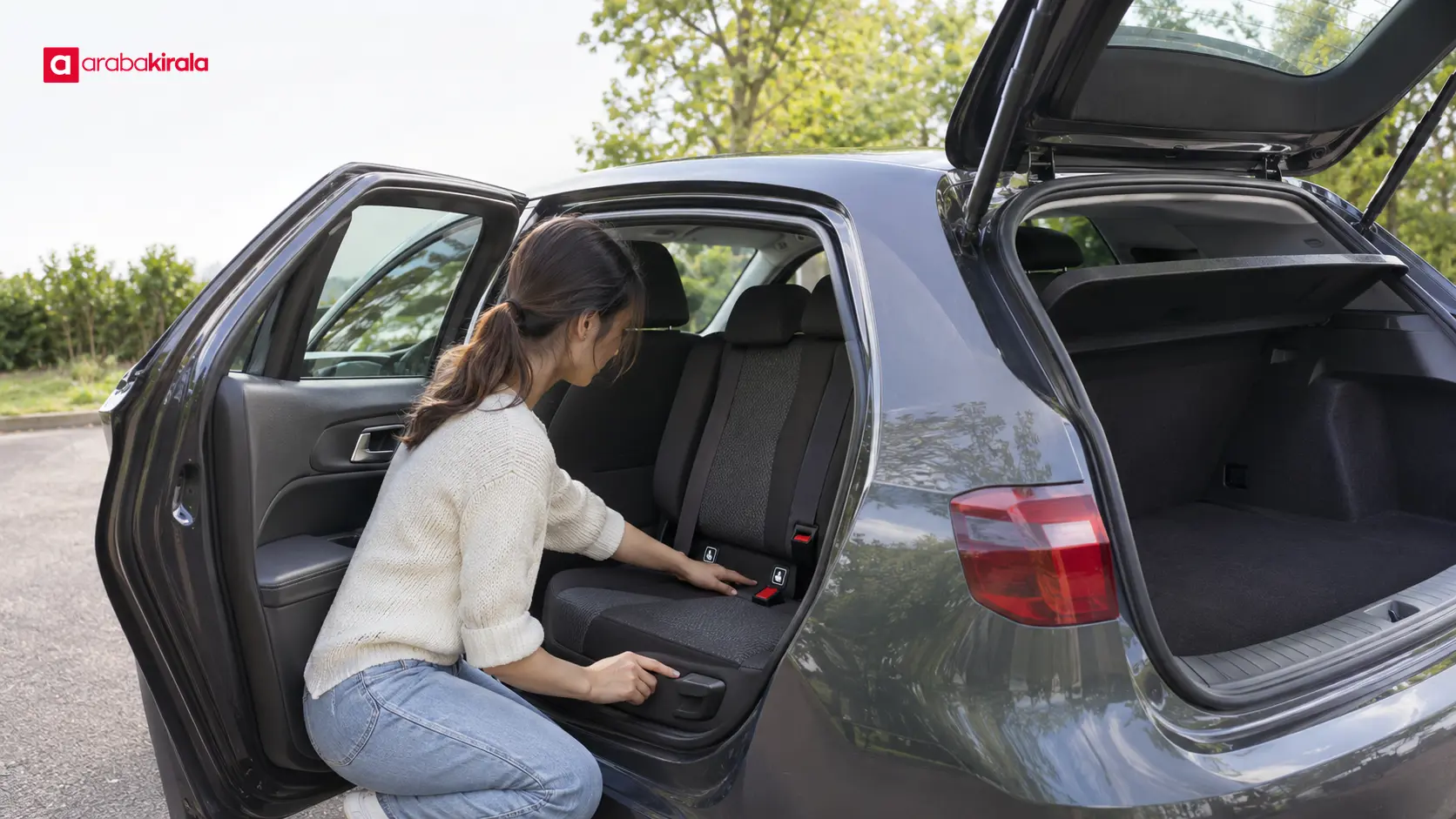
Look over the visible seat belts, head restraints, and seat adjustments. If you will use a child seat, check that the vehicle has compatible anchorage points and install the seat according to its own instructions. Ask for help before driving if you are unsure whether a particular seat fits the vehicle or how it should be secured.
The availability and scope of airbags, lane alerts, and driver assistance features can vary by model and trim. Do not infer their presence or limitations from a model name alone. Check the vehicle indicators and consult the manual for the specific car.
What to do when you find a difference
Describe the discrepancy specifically: quote the wording in the reservation, identify what you see in the car, and explain why it matters to your planned use. Instead of saying only “the equipment is missing,” name the feature and the control, screen, or anchor point you cannot find. This makes it easier for staff to investigate.
Before completing the handover, ask how the difference will be handled, whether an appropriate alternative is available, and how any change will appear in the paperwork. If another vehicle is offered, repeat the relevant checks on that vehicle. An inspection of the first car does not confirm the features of the replacement.
If the difference affects safe operation or a key need, ask for an explanation before driving away. Keeping the agreed outcome visible in the handover record can help everyone remember what was discussed. If you take photos, avoid capturing personal information or other vehicles unnecessarily.
Read the booking and handover record together
The reservation records what was described before pickup; the handover record captures the vehicle actually provided and observations made at that time. They serve different purposes and may not contain the same level of detail. Read them side by side and ask about any wording that is unclear.
If you need to confirm the vehicle identity, ask staff how to compare the identifying information on the vehicle with the handover documents. A vehicle identification number helps identify a particular vehicle; it is not, by itself, a complete list of that vehicle’s equipment. A manufacturer’s manual or official vehicle information can explain how a feature works, but it does not replace the reservation description.
A quick pickup checklist
- Read the class, body style, and basic use details in the reservation.
- Prioritize equipment that matters to your trip.
- Inspect the car and safely test key functions while it is stationary.
- Show missing, different, or nonworking equipment to staff before departure.
- Clarify how the discrepancy will be addressed and recorded.
- Repeat the check if you receive a different vehicle.
This approach makes a rental reservation equipment check a clear part of pickup rather than a last-minute guess. Before your next step, review the confirmation, note the features you need, and ask the pickup branch about any vehicle-specific details that remain unclear.
Frequently Asked Questions
What should I check if the reservation lists a vehicle class instead of a model?
Ask what the class description covers, and do not assume it guarantees one model or every optional feature. Verify the details that matter to you separately, such as transmission, fuel type, luggage layout, or specific equipment.
What should I do if the listed equipment is missing?
Show the difference to the attendant before driving and compare the reservation wording with the vehicle. Clarify how it will be resolved and how the outcome will be reflected in the handover record.
How can I tell whether a feature works?
While parked safely, try the basic control or screen function. If a warning light remains on, connectivity fails, or you cannot work out the control, consult the manual and ask the attendant.
Does the vehicle identification number verify its equipment?
The number helps identify the vehicle, but it does not provide a complete equipment list on its own. Use the reservation description, the features on the vehicle, and official manufacturer information where useful.
Should I inspect a replacement vehicle again?
Yes. Features can differ by model year and trim. Check the replacement for the equipment you need and clarify any differences before accepting it.
Related Articles
- How to Check a Car Rental Reservation, Contract, and Pickup Details
- How to Check a Car Rental Reservation: Dates, Times, and Pickup Location
- Car Rental Included Services: How to Read Your Booking