
What Is a Software-Defined Vehicle? Software-Based Automotive Development
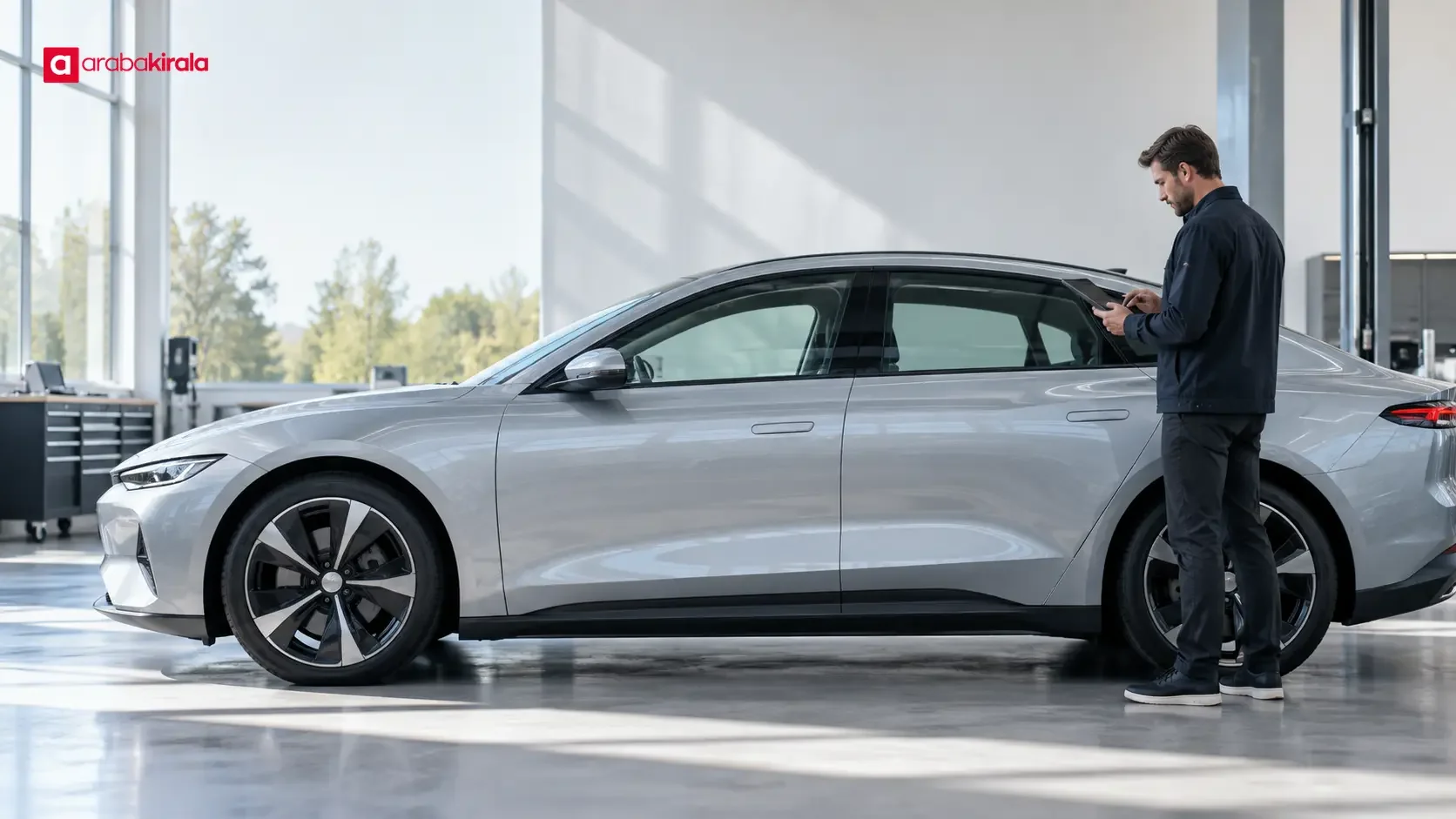
A software-defined vehicle is an approach to car design in which software manages a significant share of vehicle functions and can be updated over the vehicle’s life. The term does not simply mean a car has more screens. It also describes how software for areas such as powertrain control, driver assistance, energy management, infotainment, and connected services is designed, how electronic units communicate, and how changes are delivered safely.
This approach changes automotive development. Hardware and software need to be planned together, functions must work consistently across systems, and support needs to be considered beyond the vehicle’s launch. For drivers, it is useful to understand not only what a feature does, but also the conditions under which it works, whether it depends on connectivity or an account, and what a software update may change.
What does software-defined vehicle mean?
In a conventional car, many electronic functions rely on dedicated control units and the software running on them. Engine management, body electronics, and multimedia, for example, may be handled by separate units. A software-defined approach considers these functions as part of a more integrated architecture. Computing capacity, communications between vehicle systems, and software layers can be designed to make functions easier to coordinate and, where supported, improve later.
The phrase “software-defined” does not mean that any hardware feature can be added later through an update. A function may require a sensor, camera, processor, communications component, or physical mechanism that the vehicle does not have. Software can determine how available hardware behaves, but it cannot remove the hardware’s physical limits.
How does it differ from a traditional vehicle approach?
The difference cannot be described by counting electronic control units alone. The key questions are how vehicle functions are divided and how their software is maintained. In a more traditional architecture, improving a feature may require replacing a particular control unit or hardware version. In a more integrated architecture, a manufacturer may be able to provide some improvements through a software update, remotely or through a service visit, for vehicles with compatible hardware.
That does not mean every update adds a feature. Updates can correct faults, improve security or stability, or change the user interface. Some apply only to particular vehicle versions. Others may not be offered because of hardware, region, connectivity, or user settings. The duration and scope of software support should therefore be checked in information specific to the vehicle and its manufacturer.
How does software-based vehicle development work?
Functions and electronic architecture are planned together
Development begins by defining what the vehicle must do. Engineers determine which sensors provide information, where it is processed, and how the result is presented to the driver. Software behavior in safety-relevant areas such as braking, steering, and propulsion needs careful validation. Functions such as infotainment also need to be designed so that they do not create avoidable distraction while driving.
Different software components communicate with one another. A driver assistance system may process camera or radar data, while the instrument display reports the system’s status. The format and timing of the data, as well as the response to faults, are part of the design. Integration also means checking that a change to one component does not cause unexpected effects elsewhere.
Testing, validation, and version control
Software must work beyond normal conditions. Engineers also evaluate factors such as temperature, vibration, lost connectivity, insufficient sensor data, and faults in an electronic unit. Simulation and laboratory work can speed up development; vehicle testing helps assess behavior under real operating conditions. Careful validation and version tracking are especially important for changes affecting safety-related functions.
A car may contain many connected systems, so software versions must remain compatible. An update needs to work with the vehicle’s hardware and other control units. Release notes, when available, can help drivers understand what changed, but it should not be assumed that every vehicle receives the same notes or uses the same update process.
What does an over-the-air update provide?
An over-the-air update is a software change delivered through a network connection to a compatible vehicle. It can allow some changes to be installed without a service visit. Whether this is possible depends on the vehicle’s connectivity hardware, software architecture, the manufacturer’s service, the region, and the type of update. It is not a universal method for every car or every software component.
Before starting an update, read the explanation shown in the vehicle and check when the process can take place and whether it affects vehicle use. Follow the manufacturer’s instructions during installation, including any guidance about using the car or switching systems off. If a notification is unclear, consult the vehicle manual or the manufacturer’s service channel.
Connected services and personal data
A software-defined vehicle may connect to the internet or a manufacturer’s service to provide traffic information, vehicle-status details, remote access, or digital features. These functions can involve data exchange between the car, a mobile app, a user account, and a network connection. Connected services differ from functions provided solely by hardware in the car; some may require an account, activation, or an ongoing connection.
Drivers can review the privacy information in the vehicle and any associated app to learn what data is used and for what purpose. Location sharing, phone pairing, and account settings deserve particular attention. If an account or paired device belonging to a previous user remains in the vehicle, follow the manufacturer’s recommended steps to remove it and protect personal information.
Benefits and limits for drivers
Software-based development can make it possible to update vehicle functions and improve some systems over time. Interface changes, fault corrections, or developments in connected services can affect the driving experience. However, an update does not guarantee that a vehicle will automatically become safer or more efficient. The result depends on the update, the vehicle’s hardware, and how the car is used.
Driver assistance systems rely on software, but they do not remove the driver’s responsibility. Lane support, cruise control, and parking assistance each have operating limits described in the vehicle manual. Before using a system, learn the conditions it requires and the situations in which it may disengage. Pay attention to dashboard warnings and system messages to understand its current status.
What should you check when choosing a vehicle?
- Feature scope: Check the manual for the hardware a feature uses and the road or environmental conditions that limit it.
- Update method: Find out whether updates are delivered remotely or through a service channel, and what steps the driver must take.
- Support and compatibility: Confirm which vehicle versions receive software support and whether an account or connection is required.
- Service terms: If connected services have conditions such as a trial period, continued access, or an additional charge, review them with the service provider.
- Data settings: Review location, account, phone-pairing, and data-sharing choices according to how you plan to use the vehicle.
In a rental car, the availability of a particular digital feature may depend on the model, its equipment, and the vehicle provided on the day. If you need a feature, ask the branch you will rent from about the vehicle’s equipment and how to use it before booking or collecting the car. Exploring the menus while parked before setting off can help reduce distraction on the road.
Frequently asked questions
Is a software-defined vehicle the same as an electric vehicle?
No. An electric vehicle describes a type of propulsion that uses an electric motor and battery. Software-defined vehicle describes an approach to managing functions through software and an updatable electronic architecture. An electric car can use this approach, and a car with an internal combustion engine can also have software-based systems, with a different scope.
Does every software update add a feature?
No. An update may correct a fault or improve stability without adding a new function. Its scope depends on the vehicle version and the information published by the manufacturer.
Can an update eliminate the need for hardware?
No. Software can manage existing hardware differently, but it cannot create a sensor or physical component that is absent from the vehicle. A feature depends on compatible software and hardware.
Are software-defined vehicles driverless cars?
No. Using software for many vehicle functions does not make a car autonomous. The capability and limits of each driving assistance system must be considered separately, and drivers should follow the vehicle manual.
A software-defined vehicle brings hardware, software, connectivity, and safety processes together in the design of a car. Drivers benefit most from understanding a vehicle’s actual functions and limits, rather than relying on broad technology labels. Reading the manual, reviewing update descriptions, and verifying questions about equipment or services through the relevant channel can help drivers use features with confidence.
Legal Disclaimer: All content, articles and information on the Araba Kirala website are provided solely to inform users. No information shared on this website constitutes definitive advice or guidance. Araba Kirala Teknoloji A.Ş. and its authors cannot be held responsible for any direct or indirect damages arising from the application of information on the website. For all questions and requests regarding car rental, please contact the office from which you will rent your vehicle.












