Airport Car Rental Wayfinding: Desk to Pickup Area

Published: November 19, 2026 • Reading Time: 6 min • Last Updated: November 19, 2026 • Author: Merve B.
Contents
- What happens after the rental desk?
- Follow terminal signs in sequence
- A simple way to keep your bearings
- Confirm the car park level and section
- Complete the handover before driving away
- If you lose your way
- Quick check before leaving the desk
- Summary: connect each sign to the next
- Frequently Asked Questions
- Related Articles
Airport car rental wayfinding can involve more than walking from a desk to a nearby row of vehicles. This guide explains how to follow terminal signs, confirm parking levels, and get help if the route does not match the instructions you received. Airport layouts and pickup arrangements vary, so use the directions from the branch handling your booking alongside the signs in the terminal.
What happens after the rental desk?
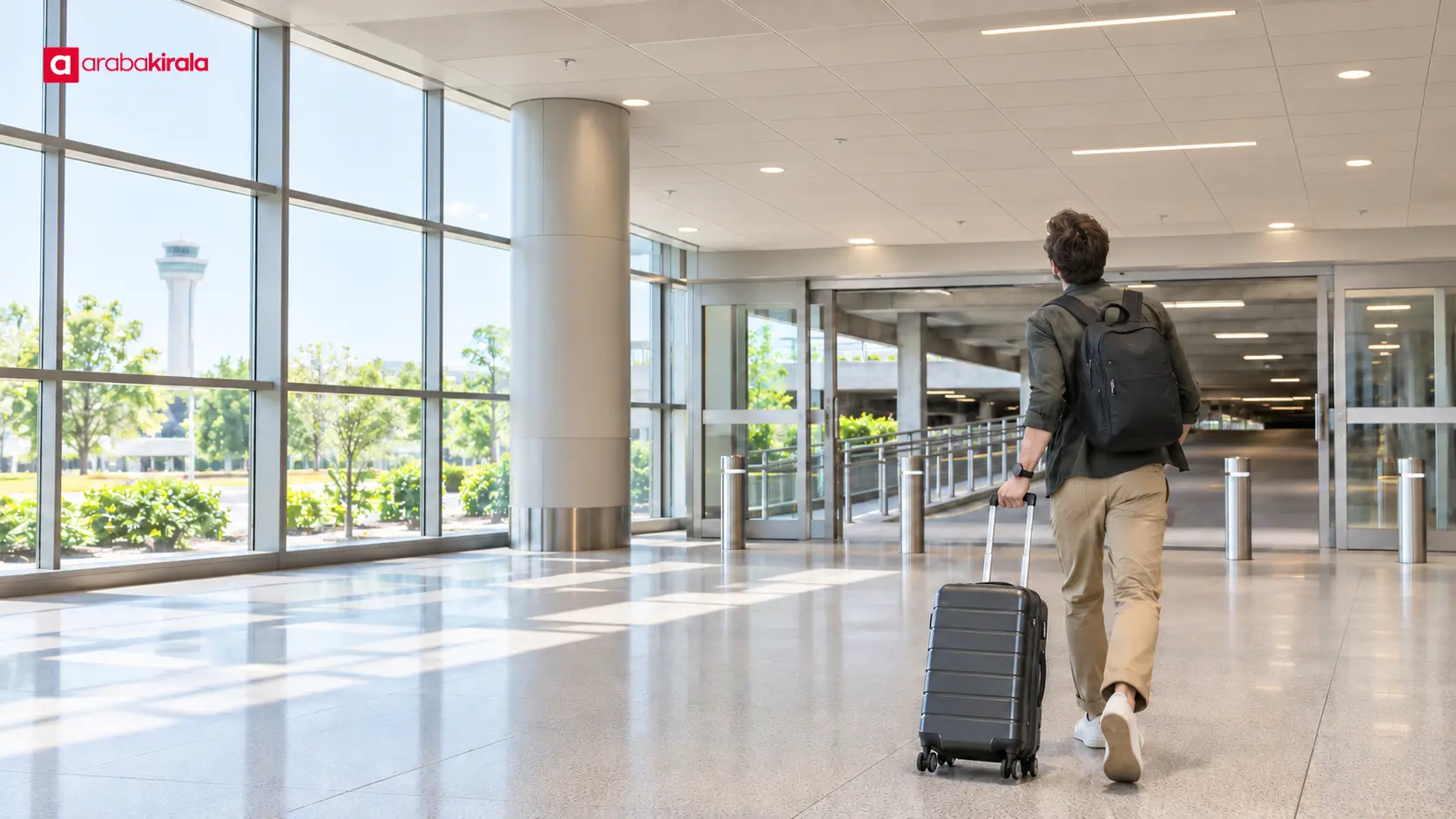
The car rental desk is often in a passenger terminal, while the vehicle pickup area may be in a car park or another designated space. After completing the desk process, first identify the exit, corridor, lift, or parking connection described by the staff member. Matching that instruction to the nearest fixed sign gives you a clear next step instead of relying on memory alone.
Ask for the pickup area's name or section, its level, and the terminal exit or pedestrian route that leads there. If the route crosses into another building or uses a covered walkway, clarify that too. These details depend on the airport and the location serving your booking, so one airport's layout should not be treated as a universal arrangement.
Follow terminal signs in sequence
Airport signs commonly use words and symbols for exits, parking, lifts, and transport connections. Start with the nearest sign after leaving the desk, then look for the next sign at every junction. A general parking symbol may point toward a public car park, while the vehicle handover point may be in a particular section. Seeing a parking sign alone does not confirm that you have reached the right place.
If a sign is unclear or several parking directions appear, pause in a safe place and check rather than choosing a corridor at random. Note the last sign you passed and ask the branch staff or airport information desk to orient you. Lifts, escalators, and doors can change the direction of foot traffic, so check the signs again after using a connection.
A simple way to keep your bearings
- Before leaving the desk, note the pickup area name, section, and level.
- At each junction, look for the next sign pointing toward that destination.
- Read general parking directions together with any vehicle pickup information.
- After using a lift or stairs, confirm both the current level and exit direction.
Confirm the car park level and section
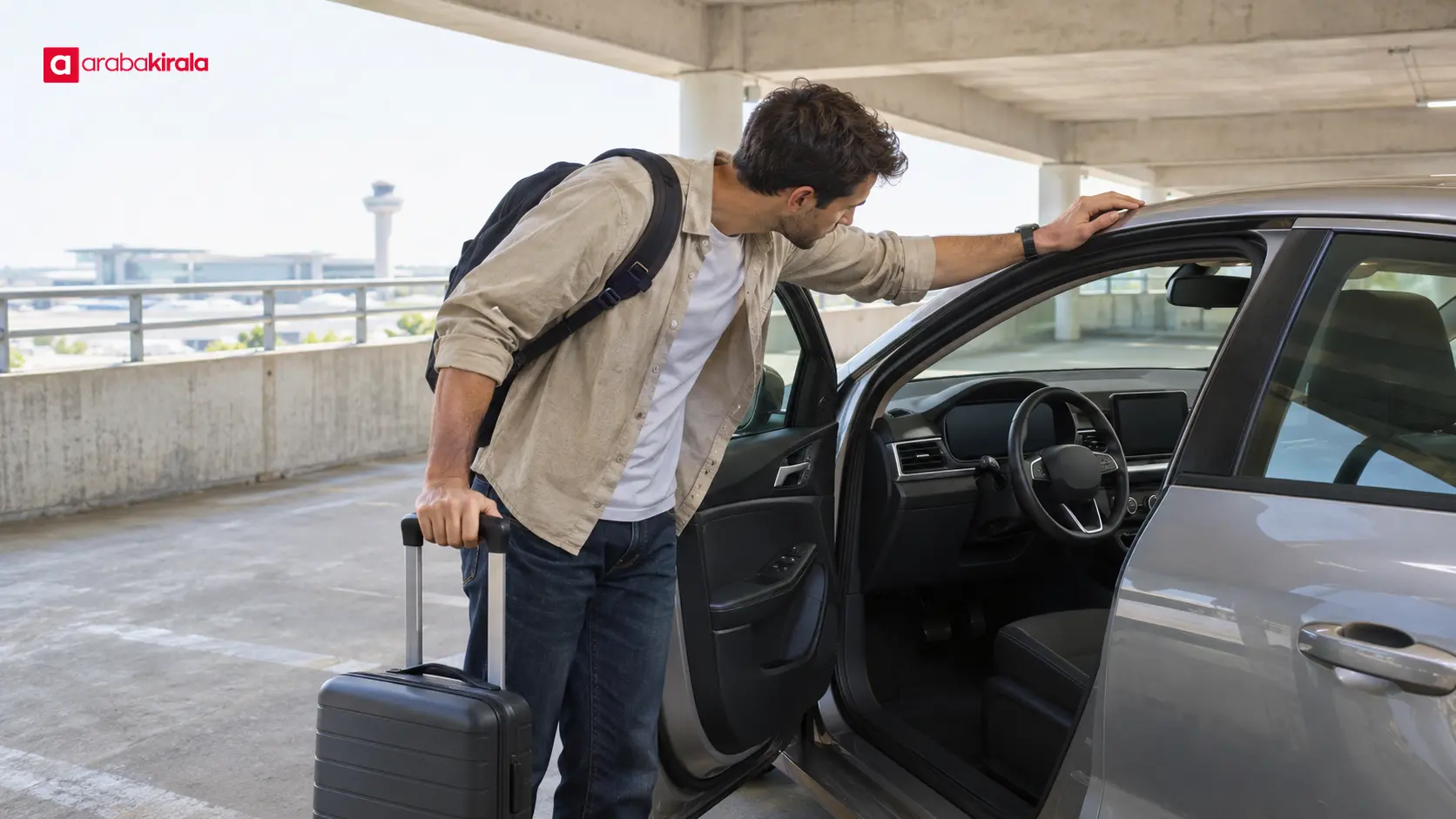
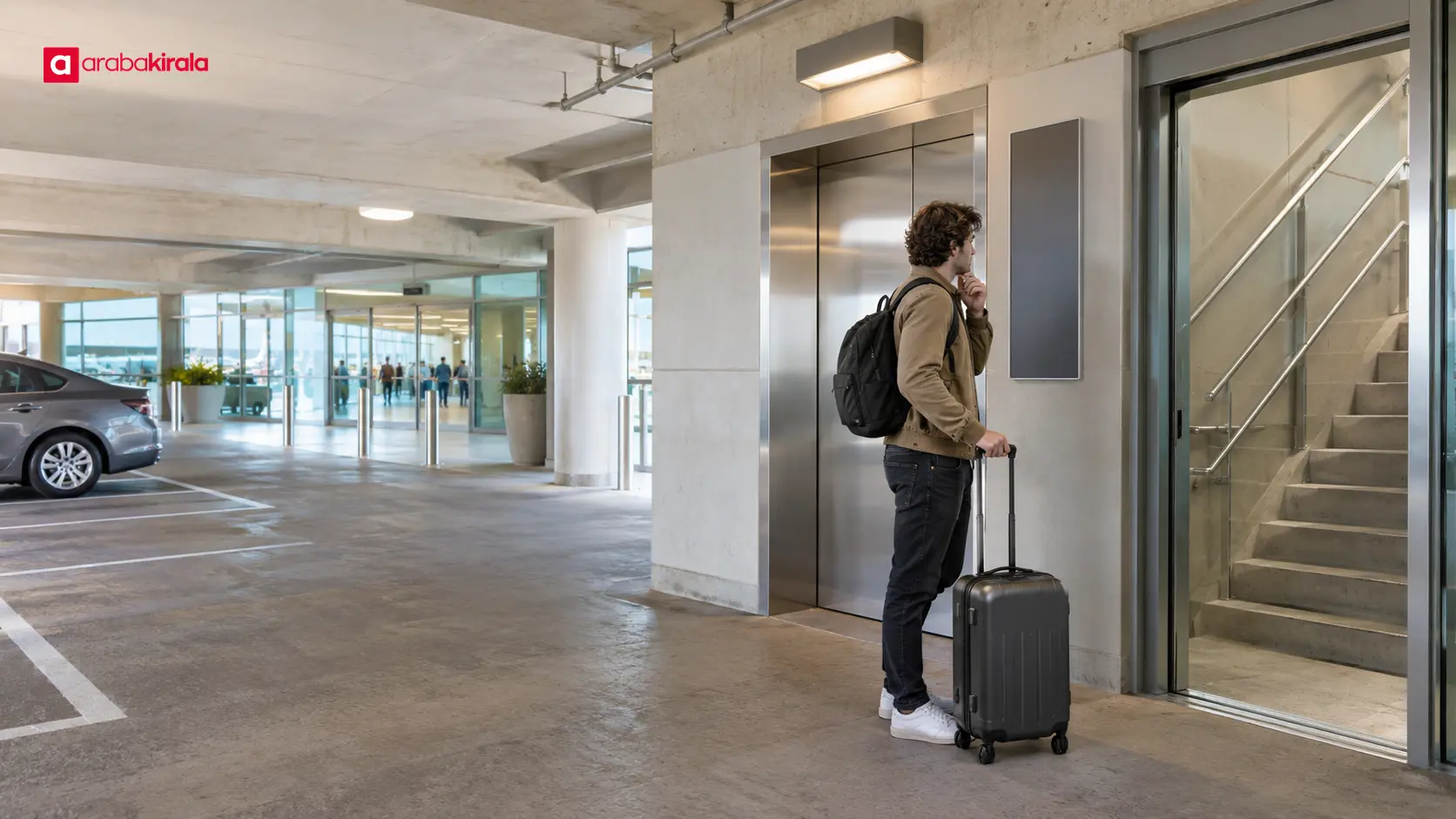
Some car parks have more than one level or pedestrian entrance serving nearby areas. A level number, colored zone, column marker, or entrance name can each provide a clue, but do not rely on a single clue when you can compare them. Check the level described by the staff member against the level indicator and the section signs inside the car park. If a lift connects the terminal to the parking area, confirm which section its doors open onto.
The vehicle parking space and the point where the handover is completed may not be identical. Pickup arrangements can involve a marked row, a designated section, or another location described by the branch. Ask how your specific handover works. If you cannot find the named section, contact the staff rather than walking through rows and guessing which vehicle is yours.
Complete the handover before driving away
Once you find the vehicle, compare the location with the information provided during the handover. Before moving, walk around the vehicle to check visible damage, windows, and the exterior condition of the tires; tell the staff member about anything you notice and ask how it should be recorded. A brief check of the controls and the fuel or charge information can also help you prepare for the drive.
Vehicle exit routes may split from pedestrian routes inside the car park. Follow the signs for vehicle traffic, drive slowly through pedestrian areas, and take care on ramps where visibility is limited. Ask at the desk about the exit route and any gate or payment steps that apply at that location; airport procedures can differ.
If you lose your way
When signs do not match the directions, identify your current location using a level number, entrance name, or fixed section marker. Note the last junction you passed and contact the branch or an airport information point. Giving your terminal, level, and visible section is more useful than saying only that you are in the car park. Stop somewhere safe before using your phone rather than walking while distracted.
If you have luggage, are travelling with children, or need an accessible route, ask about the most suitable connection before setting off on a long or complicated walk. The location of lifts, accessible paths, and assistance points depends on the airport. Explaining what you need at the desk helps staff give directions that fit your route.
Quick check before leaving the desk
- Do you know the pickup area name and parking level?
- Is the terminal exit or pedestrian connection clear?
- Did staff identify a section or meeting point inside the car park?
- Do you know whom to contact if you lose your way?
- Have you been told the vehicle exit route and handover checks?
Summary: connect each sign to the next
For easier airport car rental wayfinding, confirm the pickup area's name, level, and access route before leaving the desk. Read terminal signs again at each junction, then compare the parking level and section markers. If the signs and directions disagree, stop safely and ask the branch or airport information staff for help. Your next step is to contact the branch handling your booking and confirm the pedestrian connection and vehicle exit route for that pickup location.
Frequently Asked Questions
Is the pickup area always in the airport car park?
No. Airport layouts and pickup arrangements differ. Ask the branch where the handover takes place, whether you need to use a covered connection, and which level or section to follow.
What should I do if I mix up the parking level?
Find a fixed marker showing your current level or section, then describe it to the branch staff or airport information desk. Get directions from your present location instead of changing levels at random.
What if the parking signs do not mention car rental?
A general parking sign may only identify the direction to a car park. Follow the section or level information given at the desk, and ask staff if you cannot locate the vehicle handover point.
Can I drive away as soon as I find the vehicle?
First confirm that the handover is complete, check the vehicle and its surroundings, and ask about unfamiliar controls. Get the route out of the car park and any location-specific gate steps from the branch before setting off.
How do I find an accessible route or a lift?
Tell the desk staff what access you need and ask which lift and pedestrian connection reach the pickup area. Routes differ by airport and terminal, so confirm the path for your specific location.