How to read Formula 1 lap times, sectors and splits
Published: November 2, 2026 • Reading Time: 8 min • Last Updated: November 2, 2026 • Author: Merve B.
Learn what F1 lap times, the three sectors, split times and timing colors show, and how to use them when following qualifying and a race.
Contents
- What does a lap time measure?
- How is a circuit divided into three sectors?
- Sector time and split time are not always the same display
- Reading splits and a live timing screen
- What do the timing colors mean?
- Best lap and the sum of best sectors
- Conditions that affect lap times
- How to compare two drivers fairly
- A simple method for following a broadcast
- Summary and what to watch next
- Frequently Asked Questions
A Formula 1 timing screen shows more than which car is quickest. It can also show where on the lap a driver gained or lost time. This guide explains how a lap time is recorded, what the three sectors and split times measure, how timing colors are commonly used, and why one fast or slow split does not tell the whole story. With that context, qualifying, practice and race timing become easier to follow.
What does a lap time measure?
A lap time is the time a car takes to complete one circuit from the start-finish line back to that line. Timing is recorded at designated lines and points around the circuit. A screen commonly displays the result in minutes, seconds and thousandths of a second. For example, 1:23.456 means one minute, 23 seconds and 456 thousandths. The fine precision helps distinguish performances that are very close.
A lap time makes sense in context. In qualifying, drivers’ times help determine their starting positions. In a race, timing helps track completed laps and gaps to the leader. A practice lap gives an indication of performance at that moment. Conditions may differ between sessions, however: track grip, traffic, tyre condition, fuel load and a driver’s purpose can all vary. Comparing times without considering those differences can lead to the wrong conclusion.
How is a circuit divided into three sectors?
For timing purposes, a Formula 1 circuit is divided into three sectors. Each sector runs from one timing line to the next. The boundaries are set for each circuit, so Sector 1 can have a different length and mix of corners from one track to another. The number identifies a measured part of the lap; it does not say by itself whether that part is easy, difficult or fast.
A driver’s lap time can be understood as the sum of the three sector times. A strong first sector can lower the overall time, but time lost in the second or third sector may cancel that gain. Sector information shows where performance changes around the lap. Looking at all three sectors alongside the total gives a better sense of a driver’s pace across different parts of the circuit than the overall time alone.
Sector time and split time are not always the same display
A sector time measures the interval from the start to the end of one sector. A split is a timing reading recorded as a car crosses a timing point. Depending on the layout, a split may show the total elapsed time to that line or the time for the section since the previous point. Read the screen’s headings and columns to tell which is being shown. Sector times and splits are related, but the labels are not always interchangeable.
Reading splits and a live timing screen
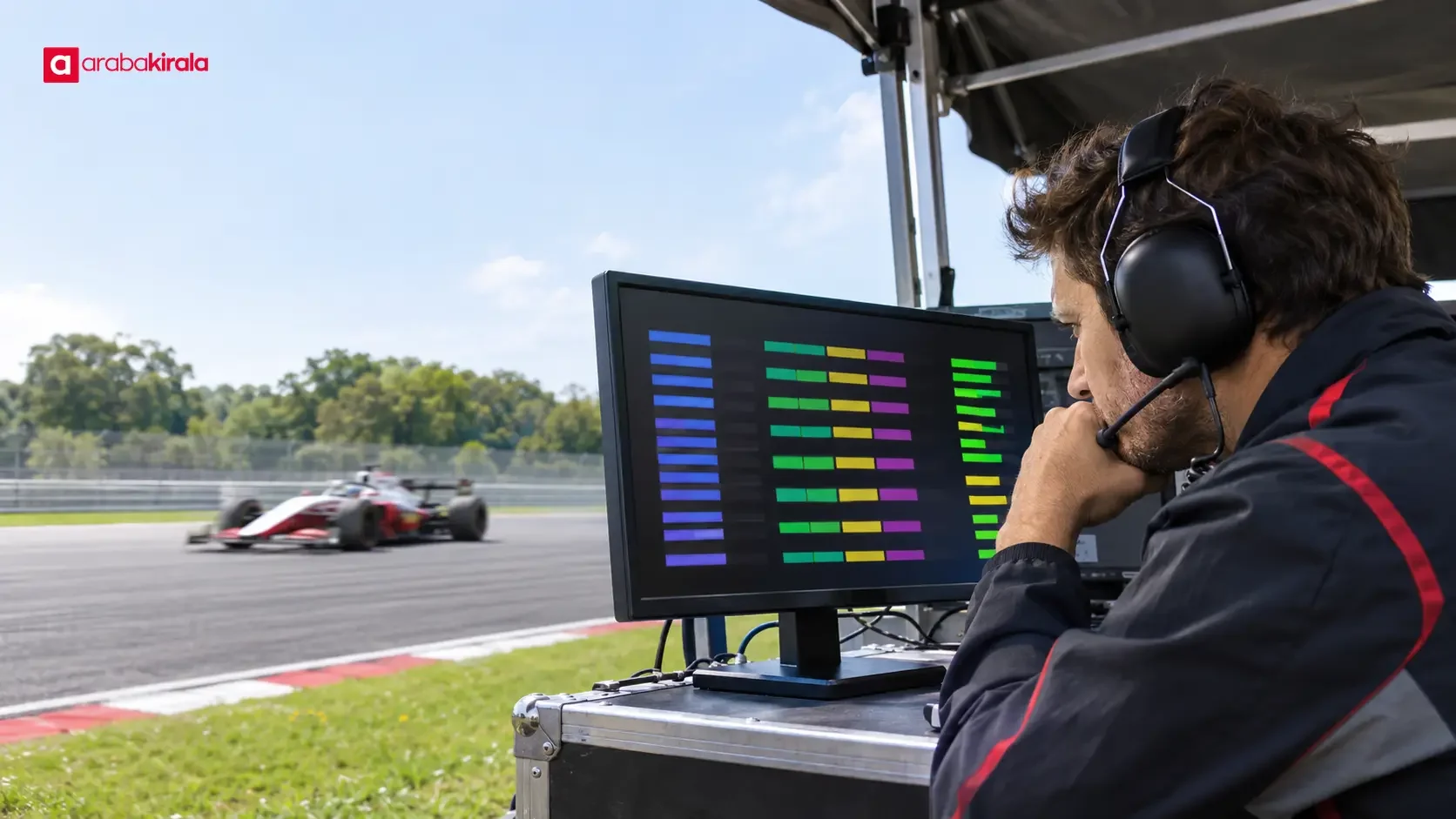
A live timing screen may list drivers, completed laps, last lap time, best lap and gaps to the leader. As a car crosses each sector line, a new split becomes available. Some screens emphasize the time for that sector; others show cumulative time within the lap more prominently. Use the column headings to distinguish an interval from a cumulative reading.
A sector’s final split may not appear until the car has crossed its timing line. Broadcast graphics and official timing screens can also arrange information differently. Before interpreting a number, note where the driver is on the lap and when the screen was last updated. If a car has not reached the line, do not treat the preceding sector’s reading as a completed measurement for that lap.
What do the timing colors mean?
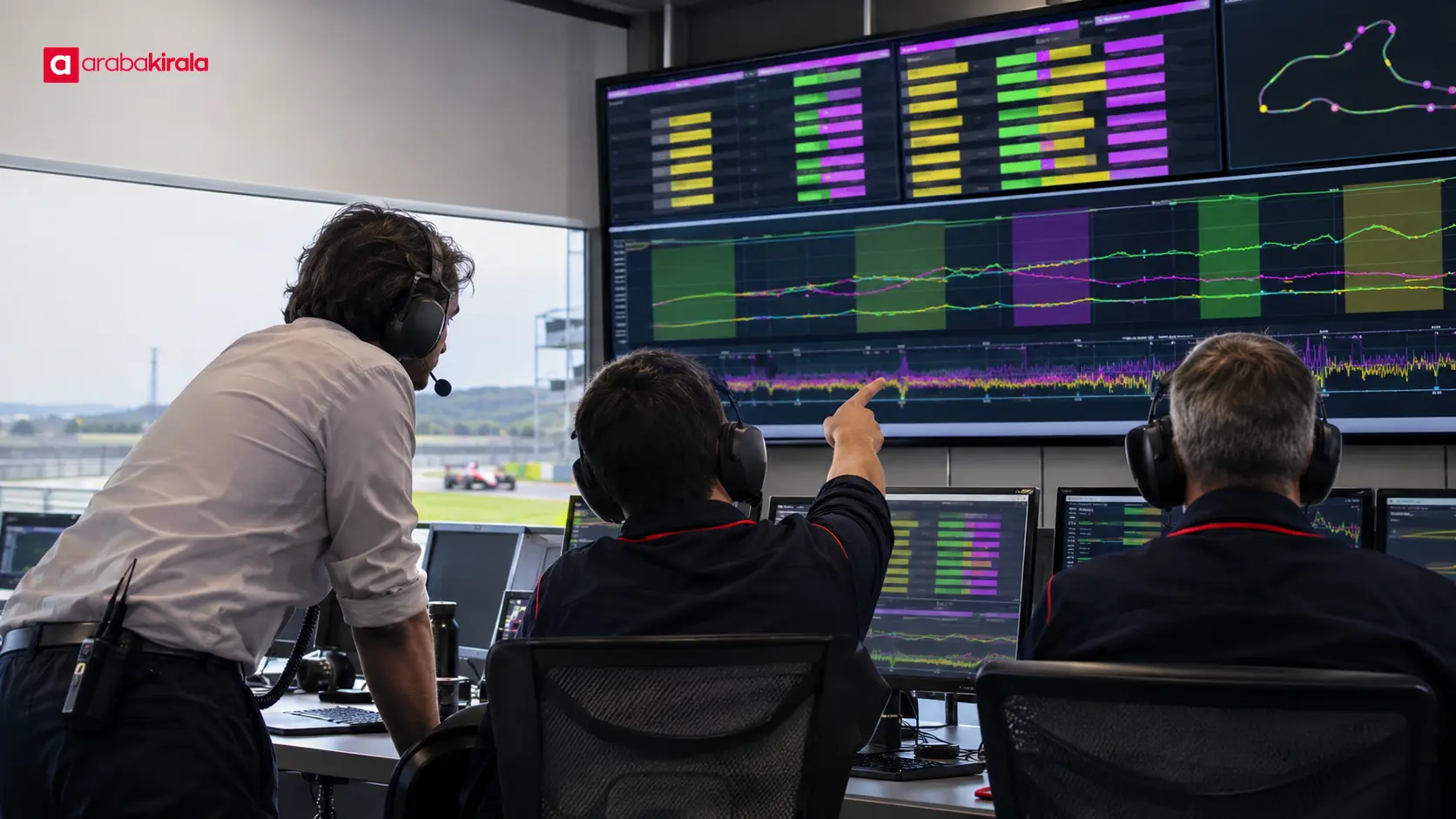
Colors such as purple, green and yellow can make comparisons easier to spot. In common displays, purple may mark the fastest time under the selected session or comparison, green may indicate that a driver has improved on their own best, and yellow may indicate a slower time. The precise meaning depends on the screen design and its comparison baseline. If the broadcast, app or timing display provides a color key, use that as the guide.
Do not draw a conclusion without knowing what the color compares. A purple sector may mean the quickest sector under a particular session measure; it does not mean the driver has the quickest overall lap. A green split may be an improvement on that driver’s previous benchmark, but does not by itself prove it is quicker than another driver’s split. Check whether the comparison is against the whole session, the driver’s own times or another measure.
Best lap and the sum of best sectors
A driver’s best lap is the quickest complete lap they have actually recorded. Timing screens may also show the best time in each individual sector. Adding those sector bests produces a theoretical time assembled from the quickest parts recorded across different laps. It is sometimes called an ideal or theoretical best lap. It does not mean the driver completed a lap in that time, because the best sectors may have come on separate attempts.
This distinction explains why performance cannot be reduced to one lap table. A driver may set a strong first sector and then encounter traffic later on that lap; on another attempt, the final sector may be stronger. A theoretical time can point to areas where more time might be found. The actual best lap shows how all three parts came together on one completed lap.
Conditions that affect lap times
Lap times reflect more than a driver’s ability or a car’s speed. Track grip, weather and track temperature, wind, traffic, yellow flags, and tyre wear or temperature can change performance. A single qualifying lap and a race lap made with different fuel loads and traffic are not necessarily like-for-like comparisons.
Drivers may vary their pace to prepare the tyres, find clear air or leave space to another car. Teams also set their running plans according to the session’s purpose. When a timing result appears, consider the session, the point at which the lap was set, and whether the driver had traffic ahead. Those details help explain why a time has risen or fallen.
How to compare two drivers fairly
Comparing sector and lap times from the same session can reveal where a difference emerged. A useful comparison also takes account of whether the conditions were reasonably similar. Tyre compound and age, the track’s evolution, traffic and whether the lap was uninterrupted all matter. If those details are unavailable, avoid assigning a precise technical cause to the gap.
- Check that the drivers were in the same session and had broadly comparable lap conditions.
- Read the total lap time together with the three sector times.
- Determine whether a split is cumulative or measures only the latest interval.
- Use the screen’s key to see which benchmark the colors refer to.
- Look for a pattern across several laps instead of generalizing from one attempt.
A simple method for following a broadcast
First identify the session. Qualifying, racing and practice use timing for different purposes. Then check whether the displayed time is a completed lap or an intermediate reading from a lap in progress. Follow all three sectors to see where a gap opens. Finally, account for the color key and the conditions. This sequence helps explain not only whether a time is quick, but why it matters.
Live order can change quickly. A driver temporarily at the top of a table does not necessarily mean everyone has completed a lap. In qualifying, some drivers may set their fast lap later; in a race, pit visits and differences in lap count can affect the order shown. When reading position, check whether the lap is complete and how much time remains in the session.
Summary and what to watch next
A Formula 1 lap time measures a complete circuit, sectors divide that lap into three measured parts, and splits record readings at timing points. Colors help compare results, but their meaning depends on the screen’s benchmark. A driver’s actual best lap is different from the sum of best sectors collected across several laps. Next time you follow a session, identify the time type, inspect the sector pattern, then consider the session and track conditions. That order makes it easier to see where lap-time differences come from.
Frequently Asked Questions
What units are used for Formula 1 lap times?
Lap times are commonly displayed in minutes, seconds and thousandths of a second. The reading 1:23.456 means one minute, 23 seconds and 456 thousandths. The thousandths place helps show small differences between close times.
Why is a Formula 1 lap divided into three sectors?
Sectors let viewers track performance across separate parts of a lap. They show where time was gained or lost, while their lengths and contents depend on the circuit layout.
Does a purple sector always mean the fastest lap?
No. Purple commonly marks the fastest sector under the selected comparison, but that does not mean the driver has the fastest complete lap. Check the screen’s color key because its definition can vary.
Why is the sum of best sectors not a driver’s lap record?
The best sector readings may have been set on different laps. Adding them creates a theoretical time that assumes every best section came together on one lap. A real best lap is the quickest single completed lap.
Is a split time the same as a sector time?
Not always. A sector time covers one sector, while a split is a reading at a timing line and may be shown as cumulative elapsed time. Screen headings and layout indicate which value is being displayed.
Does the fastest race lap mean the same as a driver’s best lap?
In a race, the fastest lap refers to the quickest complete lap set during the race. Best times from practice or qualifying are separate. Check which session produced a time before comparing it.
Legal Disclaimer: All content, articles and information on the Araba Kirala website are provided solely to inform users. No information shared on this website constitutes definitive advice or guidance. Araba Kirala Teknoloji A.Ş. and its authors cannot be held responsible for any direct or indirect damages arising from the application of information on the website. For all questions and requests regarding car rental, please contact the office from which you will rent your vehicle.