Is Online Car Rental Booking Safe?
Published: November 3, 2026 • Reading Time: 7 min • Last Updated: November 3, 2026 • Author: Merve B.
Learn how to check a booking site, review payment and reservation details, keep confirmation records, and inspect a rental car at pickup.
Contents
- Is online car rental booking safe?
- What makes a booking process safer?
- Inspect the booking page and website address
- Read the domain carefully
- Use links with care
- What to check when entering personal and payment details
- Read the confirmation and booking terms
- Match the online reservation to the car at pickup
- A practical online car rental checklist
- Next step: complete the booking with clear records
- Frequently Asked Questions
Is online car rental booking safe?
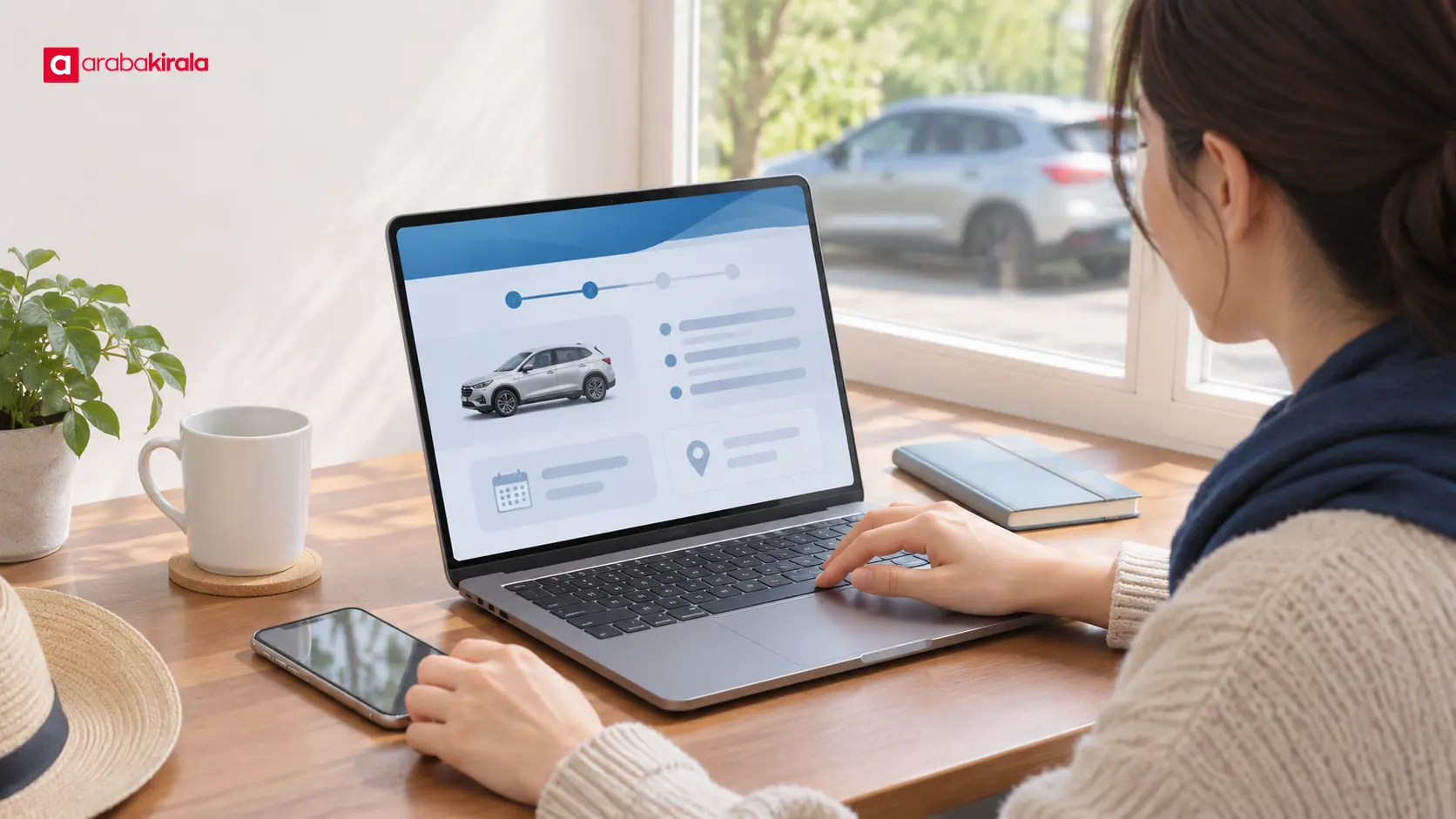
Online car rental makes it easier to choose a vehicle category and pickup time, but reaching a payment page is only one part of a safe booking. This guide explains how to inspect the website and its address, what to verify before paying, how to keep your confirmation, and how to compare the vehicle with the pickup record. These steps are useful whether you are searching for a rental in Beylikdüzü or another destination.
What makes a booking process safer?
Safety comes from several checks working together. First, confirm that you are on the intended website. Next, consider whether each requested personal detail is necessary for the booking. Before paying, review the amount and recipient; after payment, keep written confirmation of the dates, times, vehicle category, and pickup location. At pickup, compare the car’s actual condition with the documents and records you are asked to accept.
These steps cannot eliminate every risk of fraud or technical error. They can help you notice a misleading page, an unexpected payment request, or a mismatch in reservation details before it becomes harder to resolve. Careful online booking also does not replace checking the vehicle in person: the reservation and handover are connected stages.
Inspect the booking page and website address
Read the domain carefully
Instead of automatically opening the first search result, read the domain shown in your browser’s address bar. Added letters, lookalike characters, or unusual subdomains can be misleading. A padlock icon indicates an encrypted connection between your browser and the site; it does not by itself prove who operates the business or whether an offer is genuine. Treat it as one technical signal, not an identity check.
Look for consistency between the business name, contact details, and explanations of the booking process. Misspellings, conflicting information, pressure to act immediately, or unexplained redirects deserve extra attention. If a link sends you to another page, inspect the address there before entering payment or personal details.
Use links with care
If a booking link arrived by email, text, or social media, check where it leads before opening it. Do not enter card, identity, or account details through an unexpected message. You can type a known address into your browser or use a channel you have previously verified to find the booking page. If the displayed link is shortened or redirects through several pages, verify the final domain.
What to check when entering personal and payment details
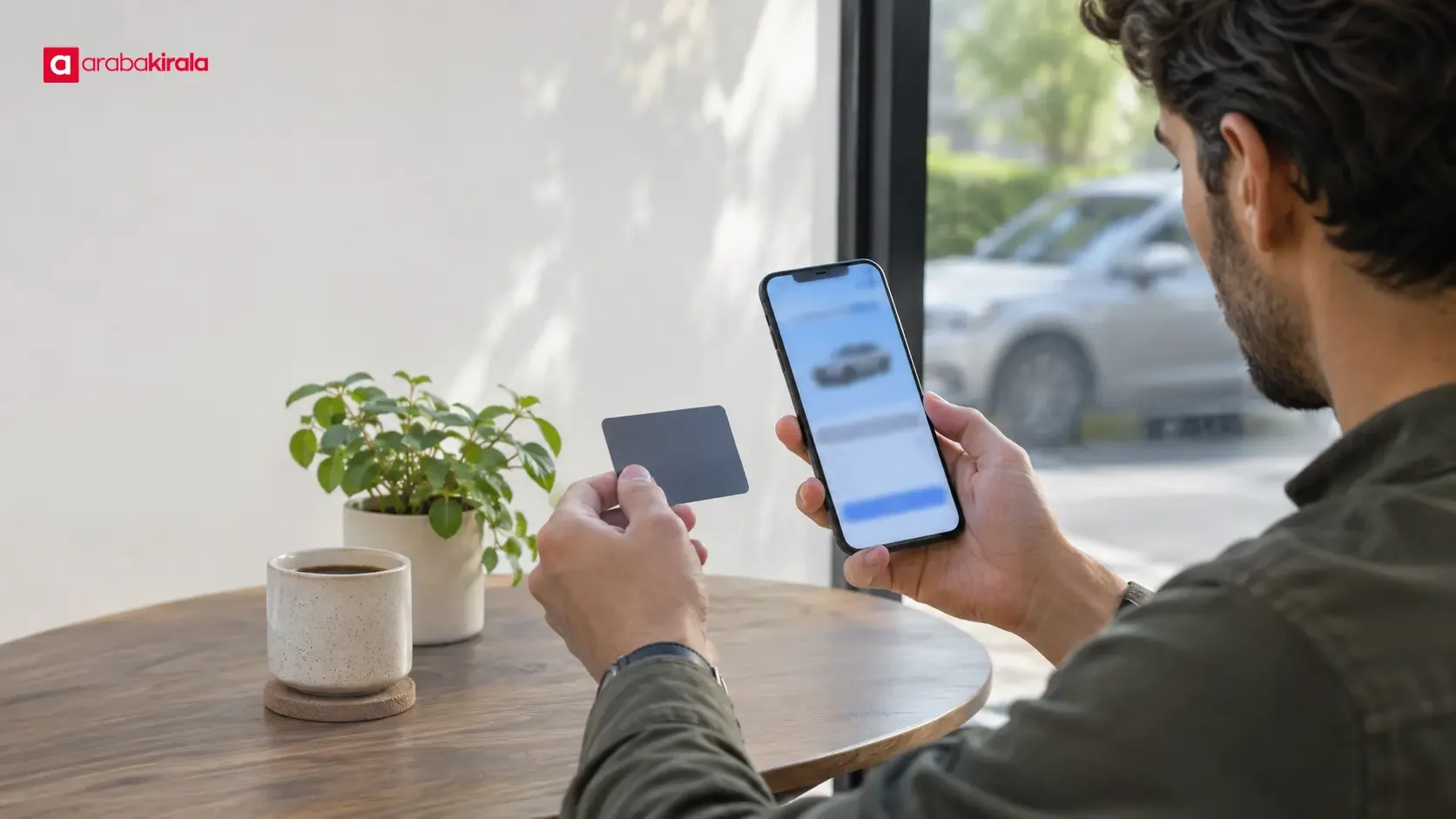
A booking form may request information at different stages. Consider why each field is needed, and be cautious about unrelated account passwords, one-time verification codes, or personal details that do not appear relevant. Even where a legitimate payment flow uses card security or bank verification codes, enter them only on the payment page you opened and verified yourself. Never send such codes to another person by message or over the phone.
Before confirming payment, read the total, currency, any separately listed items, and the payment recipient. If an amount appears without an explanation, find where the terms describe it before completing the transaction. Bank transaction alerts and a review of your account activity after payment can help you spot an unexpected charge. If a payment is declined, check for pending transactions and confirm whether a booking was created before trying again.
Avoid saving card details or passwords on a shared computer. If you must make a payment on public Wi-Fi, use a connection you trust; your own mobile data may be a better option. Sign out when you finish, and keep downloaded reservation documents somewhere only you can access.
Read the confirmation and booking terms
An on-screen confirmation matters, but also keep the reservation document sent to your email or account. Check the name, contact channel, dates, start and end times, pickup and return locations, and selected vehicle category. A category description may not promise a specific model, so read how the booking page defines the vehicle selection.
When reading terms, look for how the total is calculated, how payment and security procedures work, the fuel and mileage arrangements, driver requirements, charges for optional services, and the process for changes or cancellation. These details can vary by location, vehicle, and reservation. A general article cannot define the terms of a particular booking, so confirm anything unclear with the branch where you will collect the car before paying. If you need a written answer, use the reservation channel and keep the reply.
If a phrase in the agreement is unclear, ask for an explanation before signing. If the information on the reservation differs from the terms presented at pickup, understand the difference and its effect before accepting. Keep a copy of the documents after handover so you can refer back to the agreed details.
Match the online reservation to the car at pickup
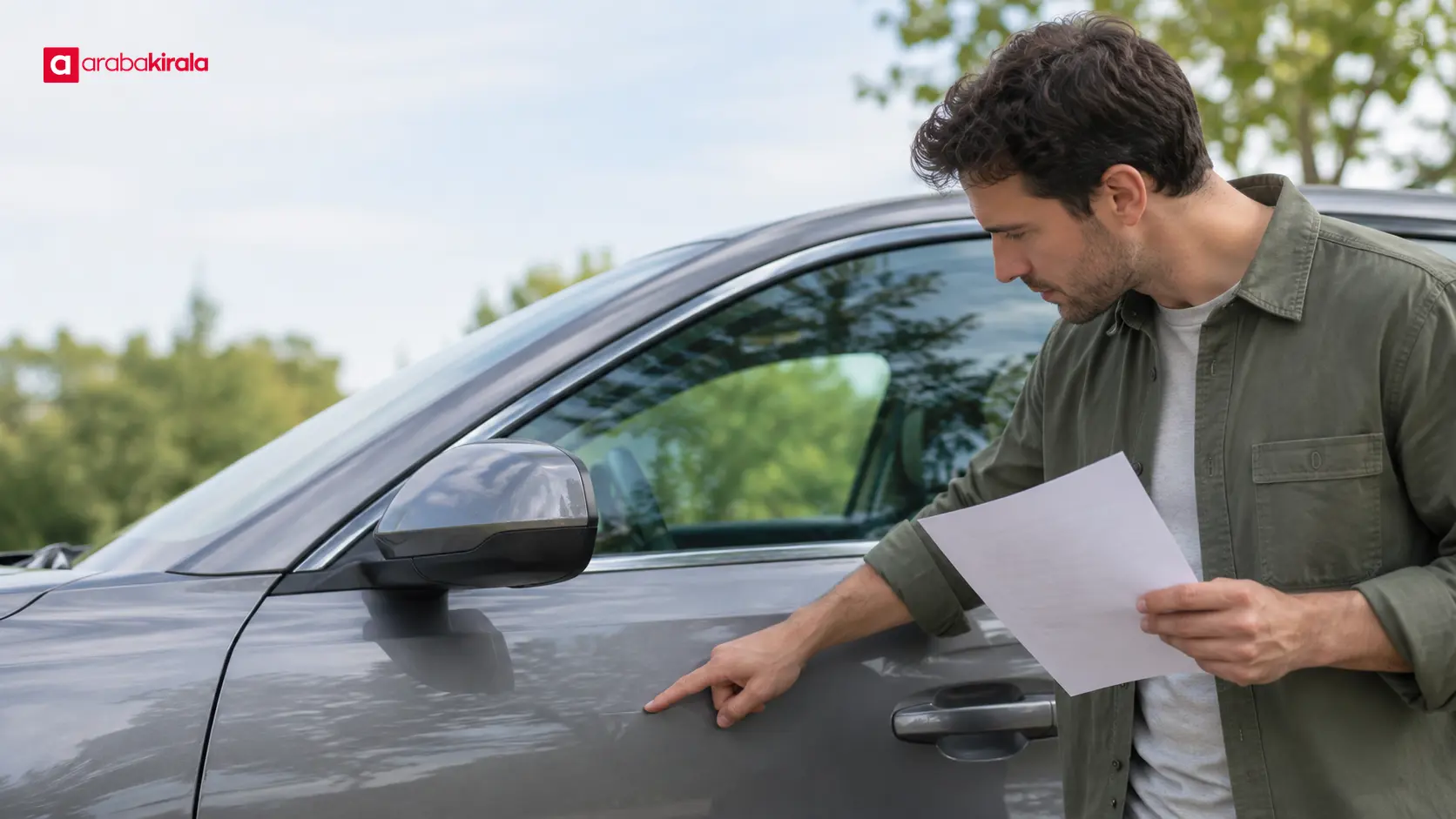
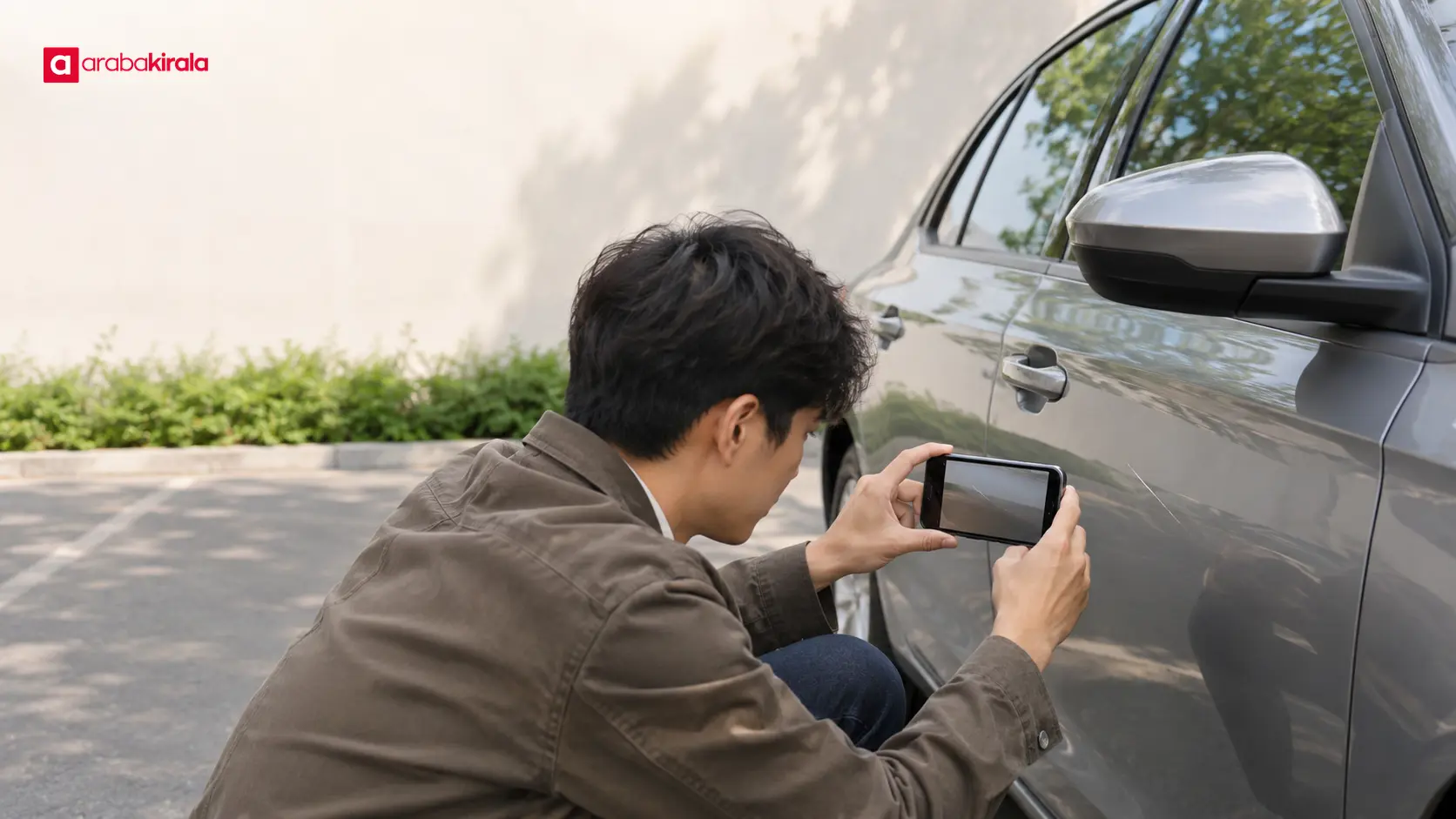
A booking confirmation is not the handover itself. At the pickup point, compare the vehicle category and delivery details in the agreement with the car offered to you. If you find a visible mark or damage on the body, windows, wheels, or interior, point it out before driving and ask for it to be recorded in the existing condition report. Photos can help you keep your own record; save them with the date and vehicle details so they remain useful later.
The fuel level and odometer reading help compare the vehicle’s recorded condition at pickup and return. Check both on the handover form or the record method provided. If a reading is missing or does not match the car, ask for it to be corrected before leaving. A brief explanation of the main controls, lights, seat belts, and warning indicators can also support safe use. If a warning light is unclear, ask what it means before driving.
Where to return the car, the accepted time window, key handover method, and post-return inspection are location-specific details. Clarify them with the branch before your trip. When returning the car, keep a record of the time, odometer and fuel readings, and general condition.
A practical online car rental checklist
- Check the domain and the address of the final payment page.
- Do not share verification codes or information that seems unrelated to the booking.
- Review the total, currency, and any separately explained charges before paying.
- Verify the dates, times, pickup point, vehicle category, and contact details in the confirmation.
- Ask the pickup branch about location-specific mileage, fuel, driver, fee, and return arrangements.
- At handover, compare the car’s condition, fuel, and odometer with the record, and keep copies.
Next step: complete the booking with clear records
Online car rental is easier to manage when you combine an address check, transparent payment review, clear terms, and a careful handover. If you search for a rental in Beylikdüzü or elsewhere, verify the precise pickup location; do not assume that a location shown in search results is the delivery address. Save the confirmation before completing the booking, send any remaining location-specific questions to the branch, and record the vehicle’s condition at pickup. You can then track the online transaction and clarify important vehicle details before setting off.
Frequently Asked Questions
Can I trust a website just because it has a padlock icon?
No single icon verifies the identity of a business or the legitimacy of a booking. The padlock signals an encrypted connection. Also check the domain, business information, payment recipient, and confirmation you receive after the transaction.
I paid but did not receive a confirmation email. What should I do?
Check your spam folder and booking account first, then review your bank activity to see whether the payment completed. Contact the branch or the official channel you used to confirm whether a reservation exists and request its reference. If a payment is recorded, wait for clarification before repeating it.
Does the price shown online always include the full amount due?
Not necessarily. Read what the displayed price includes and whether other items are calculated separately in the booking terms. Ask the pickup branch about any unexplained or unclear amount before paying.
Which details should I check in the confirmation?
Review your name, reservation dates and times, pickup and return locations, vehicle category, total amount, and contact details. If something is wrong, request a correction through the reservation channel before pickup day.
How should I record damage that was already on the car?
Show visible marks to the staff before taking the car and ask for them to be added to the paper or digital condition record. Keep your own dated photos linked to the vehicle, and resolve any disagreement in the records before departure.
Legal Disclaimer: All content, articles and information on the Araba Kirala website are provided solely to inform users. No information shared on this website constitutes definitive advice or guidance. Araba Kirala Teknoloji A.Ş. and its authors cannot be held responsible for any direct or indirect damages arising from the application of information on the website. For all questions and requests regarding car rental, please contact the office from which you will rent your vehicle.
 Add ArabaKirala as a preferred source on Google