
Automotive Cybersecurity: Protecting Connected Vehicle Systems
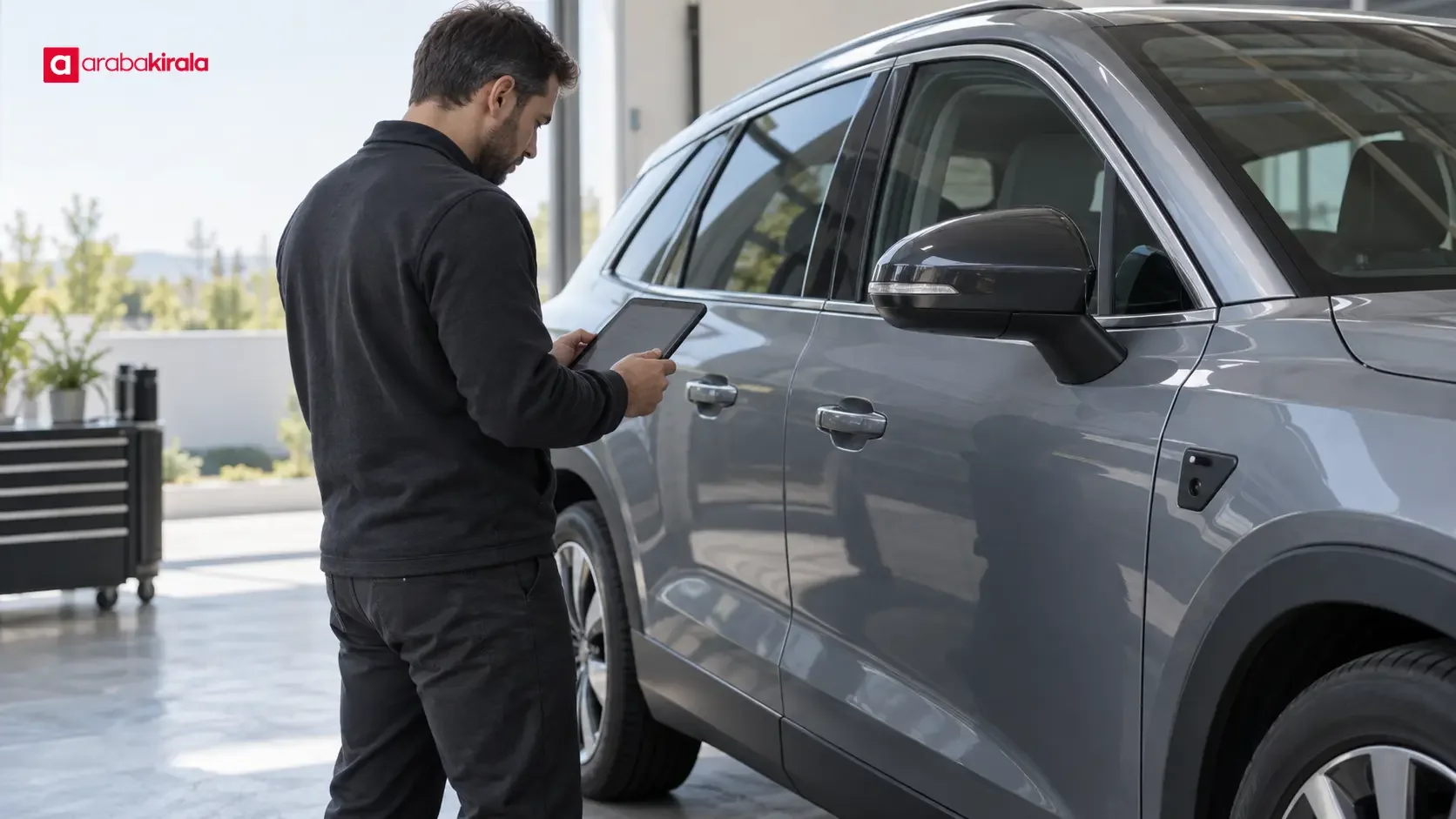
Automotive cybersecurity covers the protection of a vehicle’s electronic systems, the data exchanged among those systems, and digital services that communicate with the vehicle. Connected cars can exchange information through wireless networks, mobile apps, remote services, and software updates. These connections can make vehicle functions more convenient, while also making it important to protect access, software, and personal information.
This guide explains the main layers of automotive cybersecurity, the kinds of risks drivers may encounter, and practical ways to use connected features more safely. Equipment and connectivity vary by vehicle, so consult the owner’s manual for model-specific instructions.
What does automotive cybersecurity cover?
Modern vehicles may use separate electronic control units for functions such as the engine, braking, body electronics, infotainment, and driver assistance. These units exchange data over in-vehicle networks. Cybersecurity addresses not only the protection of individual components but also how they communicate and how they handle information received from outside the vehicle.
Depending on the vehicle, the scope can include:
- In-vehicle networks: Managing and monitoring communication among control units, and limiting the impact of invalid or unauthorized messages.
- External connections: Cellular service, Wi-Fi, Bluetooth, satellite navigation, USB connections, and diagnostic ports that move data into or out of a vehicle.
- Software and updates: Protecting software integrity, checking update packages, and managing the installation process securely.
- Mobile apps and online accounts: Verifying users, protecting account access, and managing personal data associated with the vehicle.
- Production and service processes: Controlling access to vehicle components and data during development, supply, servicing, and support.
These areas depend on one another. For example, communication between an app and a vehicle may rely on account security, an onboard communications module, and the manufacturer’s online services. A sound security approach considers the full chain instead of focusing on one device or connection.
How connected vehicle systems work
In-vehicle networks and electronic control units
Electronic control units receive information from sensors and other units to manage specific functions. An in-vehicle network lets them exchange the messages they need. Not every unit needs access to every function or data item. Limiting communication to what each task requires can help reduce the chance that a problem in one area will affect unrelated systems.
The in-vehicle network may connect to external services through an infotainment system, diagnostic interface, or wireless communications module. Security design therefore considers which routes can carry data, how devices or users are authenticated, and how software components are separated. Drivers should not attempt to change these technical safeguards themselves; they are part of vehicle design and qualified service work.
Remote services and mobile apps
Some vehicles let an app provide information about vehicle status, location, or selected remote functions. The security of an app-based service depends on more than the car itself. Account passwords, access to the phone, app updates, and decisions about who can use the account all matter.
A vehicle may retain details about phones paired with it. Before handing over a vehicle or returning a rental, check paired devices, saved user profiles, and app access so personal information does not remain available to the next user. Menu names and steps differ by model; follow the vehicle manual’s instructions.
Software updates
Updates can add features, improve compatibility, or address software issues. How an update is delivered varies by vehicle and manufacturer; it may be installed remotely or require a service visit. Follow the information shown by the vehicle and the installation guidance in its manual. If the instructions specify conditions for power, connectivity, or vehicle use, follow them.
Downloading files from an unknown source to a USB drive or changing vehicle software outside the official process is not a safe update method. If an update notice seems unusual, verify it through the vehicle’s on-screen information, the manual, or the manufacturer’s official support channel.
Common risks and signs that merit attention
A cybersecurity risk does not always mean someone has taken control of a vehicle. Unauthorized account access, exposure of personal information, temporary loss of remote services, or reduced confidence in software integrity are also relevant concerns. The potential impact depends on the vehicle’s design, its connectivity, and the nature of the event. One unusual sign alone does not prove that an attack has occurred.
Signs to check may include an unfamiliar paired device, unexpected account alerts, unexplained app sessions, or unusual connectivity and software messages on the vehicle display. These can also result from a technical fault or user settings. If an alert may affect safe operation, follow the vehicle’s instructions, stop in a safe place when appropriate, and seek qualified support. Do not use random online troubleshooting steps to alter safety-related systems.
Practical steps drivers can take
Secure accounts and devices
- Use a strong password for the vehicle app that you do not reuse on other accounts. Turn on additional verification if the service offers it.
- Use a screen lock and keep your phone’s operating system current. Install apps through official app stores.
- When other people need access, review any user or sharing controls in the app instead of sharing your password. Remove access when it is no longer needed.
- If you see an unexpected sign-in or alert, change the account password, review active sessions, and contact the manufacturer through an official support channel.
Manage connections deliberately
Do not connect unknown USB devices or install unverified software in a vehicle. Take care when using public wireless networks for sensitive account activity. Check the device name when pairing and remove devices you no longer use. The effect of disabling Bluetooth or Wi-Fi differs by vehicle, so check the manual to understand the available settings.
Remove personal data and profiles
Navigation destinations, call history, contacts, and paired-device details may be stored in a vehicle. Before sharing, selling, or returning a vehicle, check what information has been saved. Profile deletion and factory reset functions can affect different systems, so read the manual first. If you signed into a personal account in a rental car, sign out and remove your paired devices before returning it. Some information may also be stored in an online account, so review account access separately.
Using connected features in a rental car
At pickup, it can help to learn the basic connection options and how to clear personal information before using the infotainment system. If you need to pair a phone, grant only the permissions required and find out how to remove the vehicle profile later. Before signing up for a remote service, check how to close the account or remove access at the end of the rental.
If a security or software warning appears during the rental, do not ignore it or make random changes to system settings. Contact the branch from which you rented the vehicle if you are unsure whether it is safe to continue. You can also ask the branch about vehicle-specific details that are not covered in the manual, such as a particular connectivity feature, saved devices, or how to clear data.
What to do if you suspect a security issue
First consider driving safety. If the vehicle does not behave normally or shows a safety-related alert, follow its instructions and stop in a safe place. For suspected app or account access, use a trusted phone or computer to change the password and close sessions you do not recognize. Do not modify vehicle software, share account details with strangers, or try unverified repairs. Note the time, alert text, or app notification, then contact the manufacturer’s official support team or, for a rental, the branch that provided the vehicle.
Frequently asked questions
Is automotive cybersecurity only about car hacking?
No. Unauthorized access to vehicle systems is one part of it. Protecting online accounts, managing personal information, maintaining software integrity, and keeping connected services available are also part of automotive cybersecurity.
Is using a connected car inherently unsafe?
Connectivity by itself does not mean a vehicle has a security problem. Risk depends on system design, software maintenance, access controls, and the security of the user’s devices and accounts. Drivers can contribute to reducing risk by following basic account and device security practices.
What should I do when the vehicle shows a software update notice?
Check that the notice appears through an official vehicle interface, read the manual’s update guidance, and follow the on-screen instructions. If the source is unclear, do not download a file; contact official support.
How do I remove phone data from a rental car?
Disconnect the phone, remove paired devices and user profiles through the vehicle menu as described in the manual, and review any app account access associated with the car. Because menu steps vary, ask the rental branch how to clear data for that vehicle.
How is automotive cybersecurity related to road safety?
Connected and electronic systems support some vehicle functions, so their reliable operation matters. Drivers should take safety-related warnings seriously and seek help from the manufacturer or rental branch if they notice a technical fault or suspicious behavior.
Automotive cybersecurity relies on protecting electronic networks, software, online services, and user accounts together. Following the vehicle manual, managing account and device access, clearing personal information after use, and seeking official help when warnings appear are practical steps drivers can take.
Legal Disclaimer: All content, articles and information on the Araba Kirala website are provided solely to inform users. No information shared on this website constitutes definitive advice or guidance. Araba Kirala Teknoloji A.Ş. and its authors cannot be held responsible for any direct or indirect damages arising from the application of information on the website. For all questions and requests regarding car rental, please contact the office from which you will rent your vehicle.










