
Automotive Ergonomics Testing: Digital Human Models in Vehicle Development

Published: October 29, 2026 • Reading Time: 6 min • Last Updated: October 29, 2026
Digital human factors help assess cabin layout, visibility, reach, and posture during vehicle design. This guide explains how automotive ergonomics testing works and why digital findings need physical validation.
Contents
- What are digital human factors in vehicle design?
- What do automotive ergonomics tests examine?
- Field of view and visual access
- Reach, controls, and task sequence
- Seated posture and clearance
- How does a digital test proceed?
- How to interpret the results responsibly
- Practical review points for design teams
- What these tests mean for car rental readers
- Summary and next step
- Frequently Asked Questions
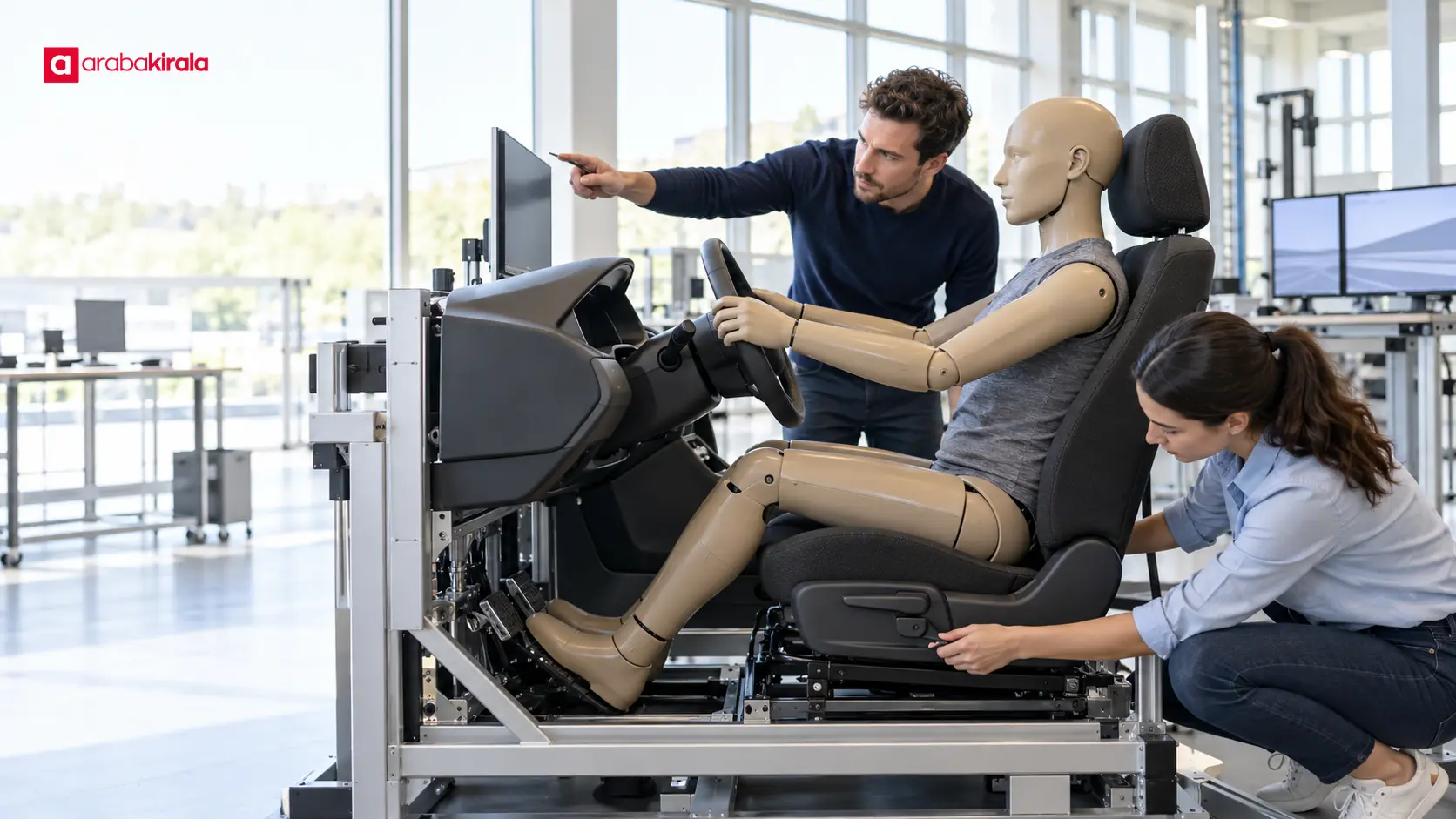
Automotive ergonomics testing examines how drivers and passengers see, reach, sit, and interact with a vehicle interior. Digital human models let design teams study these questions across body dimensions and seating positions before a complete physical prototype exists. This guide explains what digital human factors are, which design questions the tests can address, how the analysis proceeds, and why computer results must be interpreted alongside physical checks.
What are digital human factors in vehicle design?
Human factors study the interaction between people and the systems they use, including how well a system supports a task. In vehicle development, ergonomics covers more than seat comfort. It can include whether a driver can reach pedals and controls, understand displays, make use of mirrors, and maintain a workable posture in the cabin.
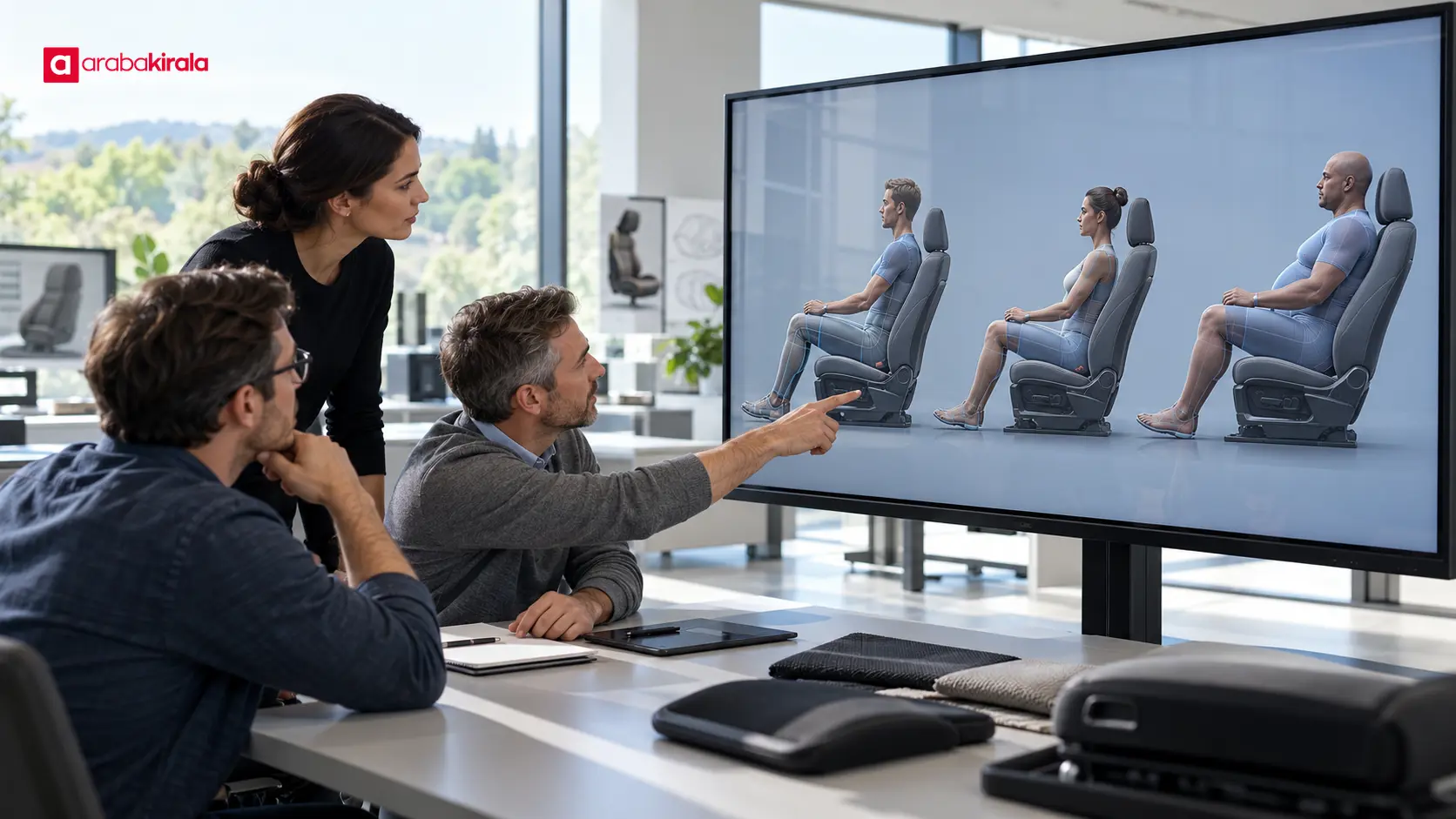
A digital human model represents a person's body dimensions, joints, and posture in software. Design teams place that model within a three-dimensional vehicle cabin and examine the resulting interaction. They can compare sightlines, reach distances, head and knee clearance, or access to a control for models representing different body sizes. The model is an analysis tool, not a real user. Its conclusions depend on the body data, posture, geometry, and assumptions used in the study.
What do automotive ergonomics tests examine?
Field of view and visual access
The windshield, side windows, mirrors, displays, and instrument panel all affect what a driver can see from a particular seating position. A digital assessment can define an eye point and examine how body position and seat adjustment change sightlines. It may reveal where a pillar, hood, or interior feature could obstruct a view. Such analysis does not prove that visibility will be ideal in every real driving condition; physical evaluation and relevant use checks remain important.
Reach, controls, and task sequence
The steering wheel, pedals, gear selector, door handle, display, and frequently used controls influence how a driver interacts with the cabin. Analysts can assess whether a model can reach a control without leaving its seated posture or making an awkward extension. Reach alone does not tell the whole story: a control may be physically accessible but hard to see or distinguish. Ergonomics work therefore considers visibility and the task being performed as well as distance.
Seated posture and clearance
Seat height, backrest angle, steering adjustment, and pedal position jointly affect posture. Digital models help examine head, shoulder, knee, and foot clearance and compare the effects of different seat settings. A static posture study does not represent every condition during motion. Sustained comfort, vibration, fatigue, and user perception call for suitable physical evaluations as well.
How does a digital test proceed?
Define the design question and task. The study might address access to a control, a driver's sightline, or knee room in a rear seat. A clear question gives the results a useful context.
Prepare the cabin and human data. Vehicle geometry, seat adjustment range, and the body dimensions to be represented are brought into the model. Data scope and quality affect whom the results can meaningfully represent.
Set the posture and conditions. Analysts define the model's position, seat and steering settings, eye point, and the task under review. Considering several settings helps avoid relying on just one starting posture.
Run analyses and compare design options. The team reviews reach, visibility, clearance, and posture measures. Changes that improve one measure can affect another, so findings need to be considered together.
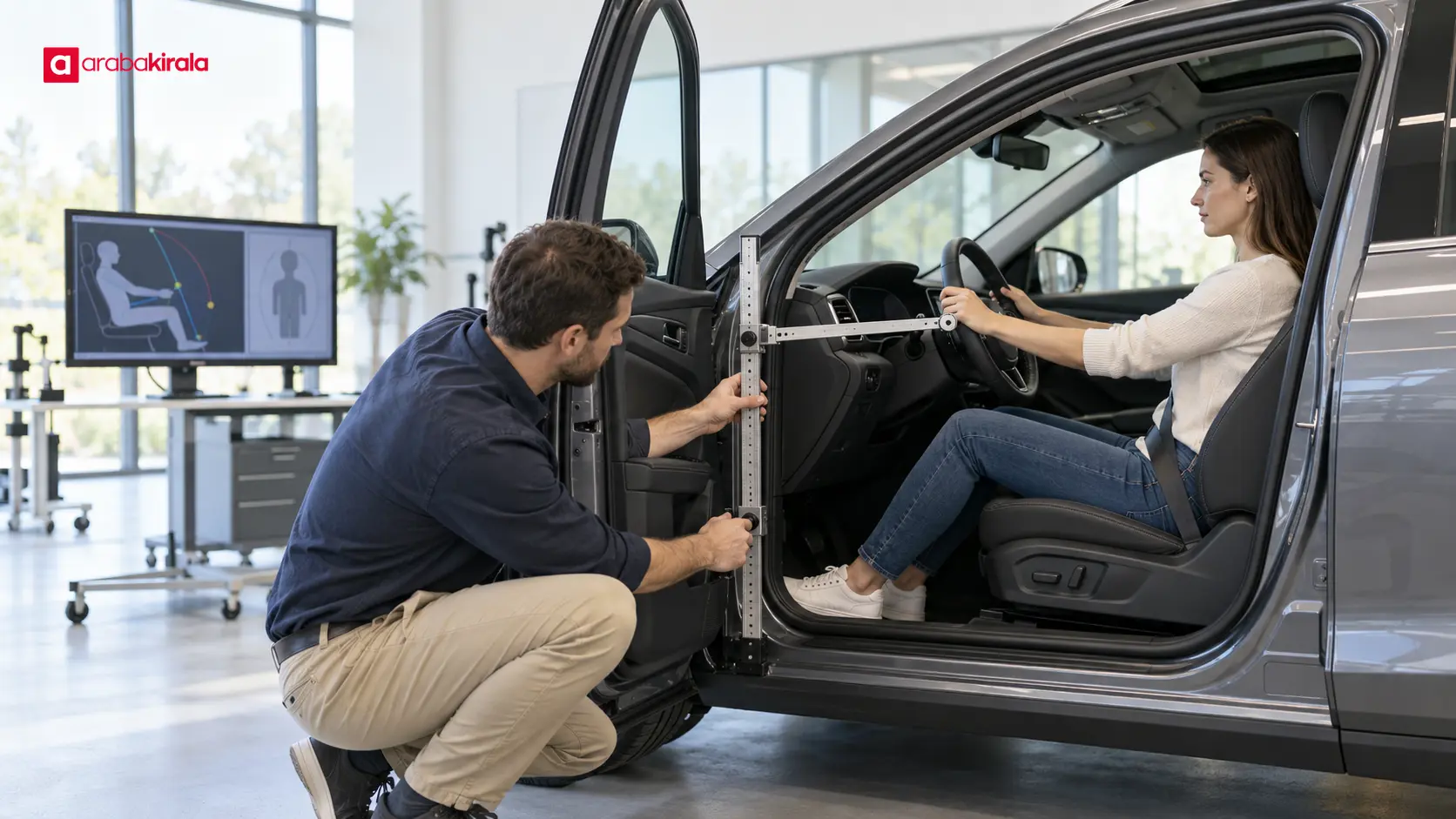
Complete the analysis with physical checks. A mockup, prototype, or suitable user evaluation can reveal tactile perception, actual visual experience, and behavior that a computer model may not capture. Relevant checks should be revisited when the design changes.
How to interpret the results responsibly
Digital analysis is useful for comparing design options and spotting possible issues before a prototype is built. Its findings depend on the body dimensions represented, posture assumptions, accuracy of the cabin geometry, and analysis method. A finding that a model can reach a control does not establish that every driver will find or operate it comfortably, especially while the vehicle is moving.
Check the range of people represented: a study using only an average body size cannot describe a broad user population. Account for seat and steering adjustment, since one initial setting may not reflect varied use. Treat visibility and reach as related but distinct tasks; reaching a control, seeing it, and using it correctly are separate questions. Finally, interpret measurements together with user observation and physical prototype evaluation.
Practical review points for design teams
Write down the question and use task each ergonomics assessment is meant to answer.
Record which body dimensions and postures the human models represent.
Review multiple seat and steering settings and compare their effects on visibility and reach.
Assess reaching, seeing, and correctly operating a control as separate steps.
Validate digital findings with a physical cabin, prototype, or suitable user study.
Check whether design changes affect earlier findings and document the basis for decisions.
What these tests mean for car rental readers
Ergonomics testing explains how human interaction is considered during vehicle design, but it does not establish that a particular vehicle will feel comfortable to everyone. A digital study should not be turned into a blanket comfort or visibility promise for a vehicle model. Driver height, seating preference, and intended use all shape an individual's assessment.
When choosing a vehicle, if you have access to it, adjust the seat, steering wheel, and mirrors to your driving position and check your view and reach to the main controls. If you need details about a particular vehicle group or the vehicle available for a reservation, contact the rental branch. Vehicle availability and branch-specific details can depend on the reservation. This helps distinguish design analysis from the experience of using a specific vehicle.
Summary and next step
Digital human factors help assess vehicle cabin visibility, reach, posture, and clearance during design. A sound study starts with a defined task, describes the body dimensions and postures represented, compares relevant adjustments, and completes digital findings with physical checks. The results inform vehicle development, but they do not guarantee comfort or safety for every driver. Before using a vehicle, check your own seating position and access to controls; ask the branch you plan to rent from for reservation-specific information when needed.
Frequently Asked Questions
What can a digital human model show in vehicle design?
Within defined body dimensions and posture assumptions, it can help examine sightlines, access to controls, and cabin clearances. It does not capture the full experience of a real user, so physical checks are also needed.
Do automotive ergonomics tests measure only seat comfort?
No. Posture is one area, but studies may also consider visibility, pedal and control access, head and knee clearance, and task sequence. The design question determines which topics are assessed.
Can digital testing replace a physical prototype test?
No. Computer analysis helps teams investigate design options early. Actual visibility, tactile perception, and user behavior should also be considered through a physical prototype or appropriate user evaluation.
Is an analysis using one body size enough?
One model provides information for the dimensions and posture it represents. Decisions about a broader range of people require attention to the study's body-size coverage and different seating settings.
Does an ergonomics analysis prove a car is comfortable for everyone?
No. It provides evidence about defined design questions under stated model assumptions. Body shape, preference, and use conditions vary, so an individual's seating and control assessment remains useful.
Legal Disclaimer: All content, articles and information on the Araba Kirala website are provided solely to inform users. No information shared on this website constitutes definitive advice or guidance. Araba Kirala Teknoloji A.Ş. and its authors cannot be held responsible for any direct or indirect damages arising from the application of information on the website. For all questions and requests regarding car rental, please contact the office from which you will rent your vehicle.












