
How Automotive Production Simulation Plans Factory Processes
Published: October 19, 2026 • Reading Time: 7 min • Last Updated: October 19, 2026
Learn how automotive production simulation supports digital factory planning, using process data to assess capacity, bottlenecks, line balance, and material flow.
Contents
- What is automotive production simulation?
- Where does it support digital factory planning?
- New lines and facility layout
- Line balance and cycle time
- Material and intralogistics flow
- What data goes into a model?
- How are bottlenecks and capacity assessed?
- How to run a simulation project
- What to consider when reading results
- A short checklist before planning
- Frequently Asked Questions
Automotive production simulation represents factory flow in a computer model so teams can examine a line, product, or shift plan before making physical changes. This guide explains what simulation does, which data informs a model, how it can reveal bottlenecks and capacity constraints, and how teams can use its results in production planning.
What is automotive production simulation?
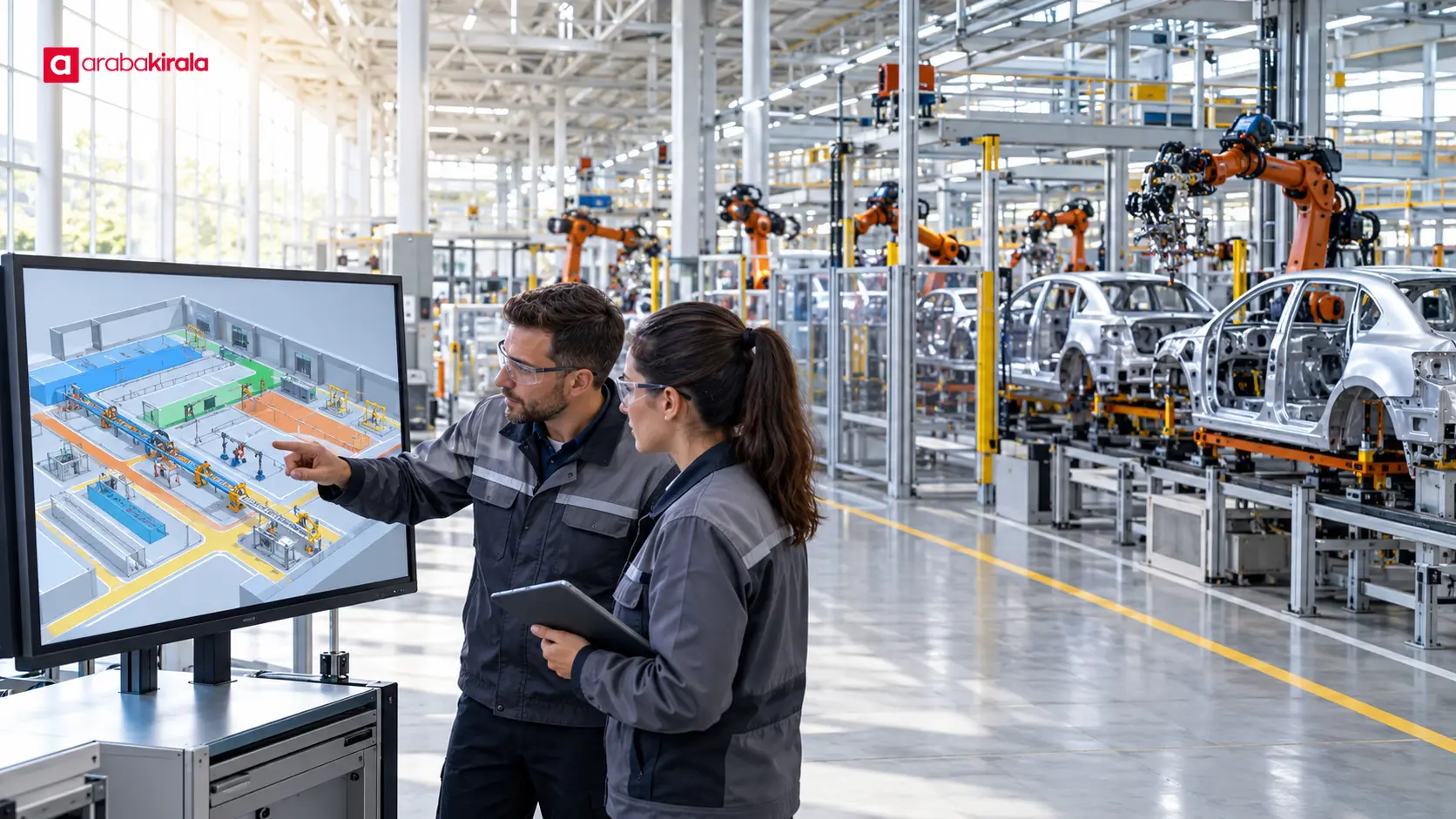
A production simulation models how parts and vehicles move between operations, including processing times, queues, material transfers, and resource use. The model does not need to reproduce every factory detail. It needs enough accuracy to represent the processes that affect the decision under review. For example, a team can model how adding an assembly station might affect cycle time and waiting between operations.
Unlike a drawing or animation, a simulation calculates how the system behaves over time. It can show how a full station affects upstream steps, where an equipment stoppage creates waiting, or how different product mixes change resource demand. Its outputs are estimates shaped by the model's assumptions and data quality. Simulation is a way to test decisions, not a guaranteed promise or a replacement for measurements and engineering judgment on the factory floor.
Where does it support digital factory planning?
New lines and facility layout
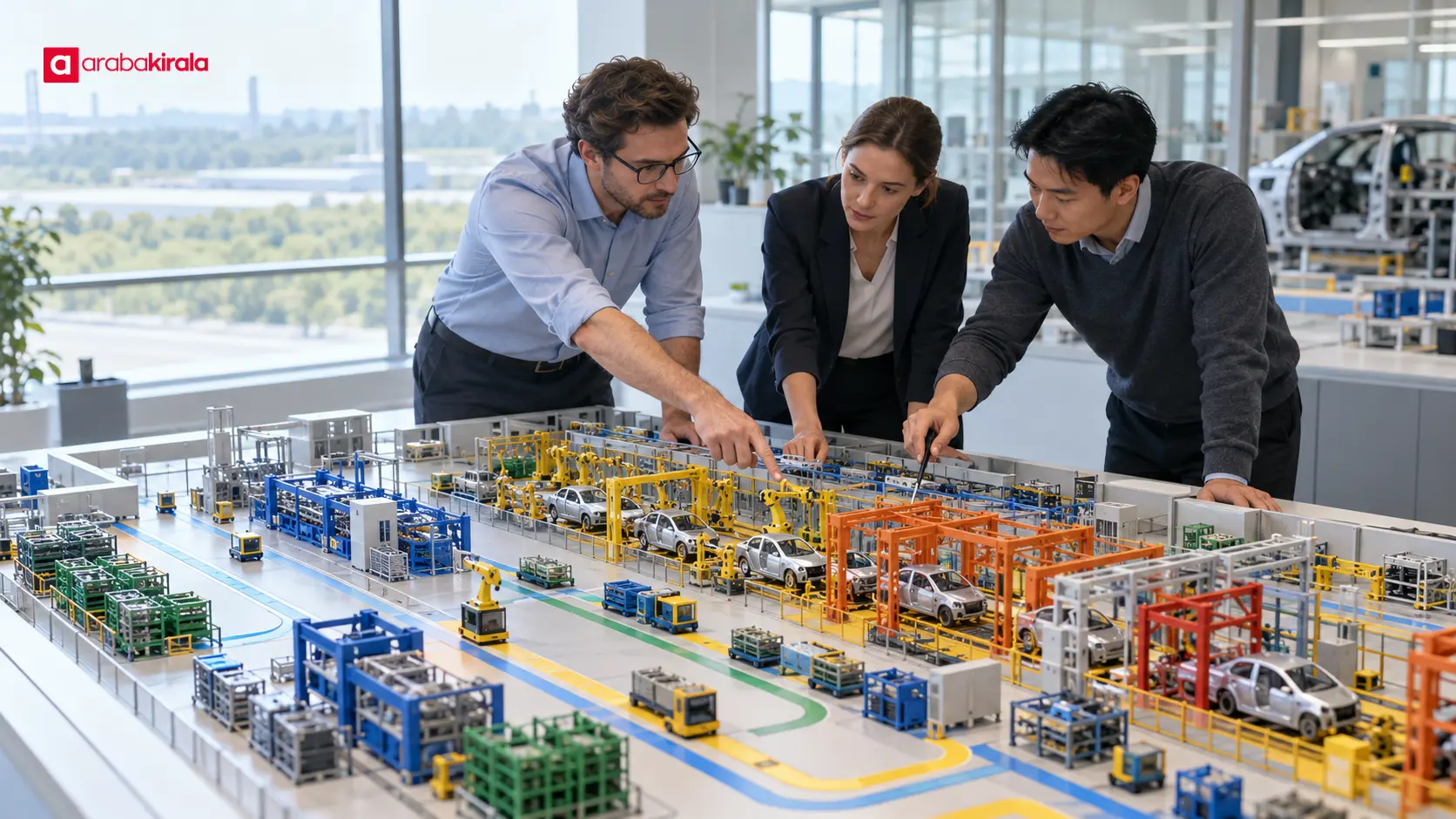
When a facility is built or a line is relocated, station sequence matters alongside spacing, material supply points, and operator movement. A digital model helps planners assess how different layout options may affect flow. Teams can review access to equipment, transit paths, and buffer areas before physical installation. Design data must be checked: a layout that appears workable on screen may not fit the actual space if equipment dimensions or boundaries are out of date.
Line balance and cycle time
Line balancing distributes work across stations to keep production flow aligned. A simulation can reveal whether uneven operation times create queues at some stations while others wait. It can also account for changing workloads when several product variants share a line. Teams can assess task assignments or station arrangements without interrupting live production. Results are more useful when compared with measured cycle times.
Material and intralogistics flow
The movement of parts from storage to the line, between stations, and into buffer areas affects continuity. A simulation can represent vehicle routes, replenishment frequency, and space limits at workstations. The goal is not simply to shorten travel distance; it is to understand where a line may be starved of parts or where excess inventory accumulates. The logistics rules in the model should match actual practice.
What data goes into a model?
Start by defining the planning question. The goal may be to assess shift capacity for a particular product mix, understand the effect of new equipment on an existing line, or locate waiting caused by material supply. A clear question keeps the model focused and makes its results easier to interpret.
- Process steps: Define operation sequence, station connections, and alternative routes.
- Time measurements: Gather processing, setup, transfer, waiting, and planned downtime from a relevant period.
- Resources: Represent equipment, workers, fixtures, and the availability of shared resources.
- Product mix: Record which operations each model or variant uses, including differences in processing time.
- Material rules: Document supply points, buffer limits, and transfer methods.
The data set needs a clear scope and period. Averages can hide variation, so relying on one average may mislead when variability matters. State assumptions about planned downtime, equipment stops, and shift patterns. Rather than treating missing information as certain, make uncertain inputs visible and examine how results change under a range of reasonable assumptions.
How are bottlenecks and capacity assessed?
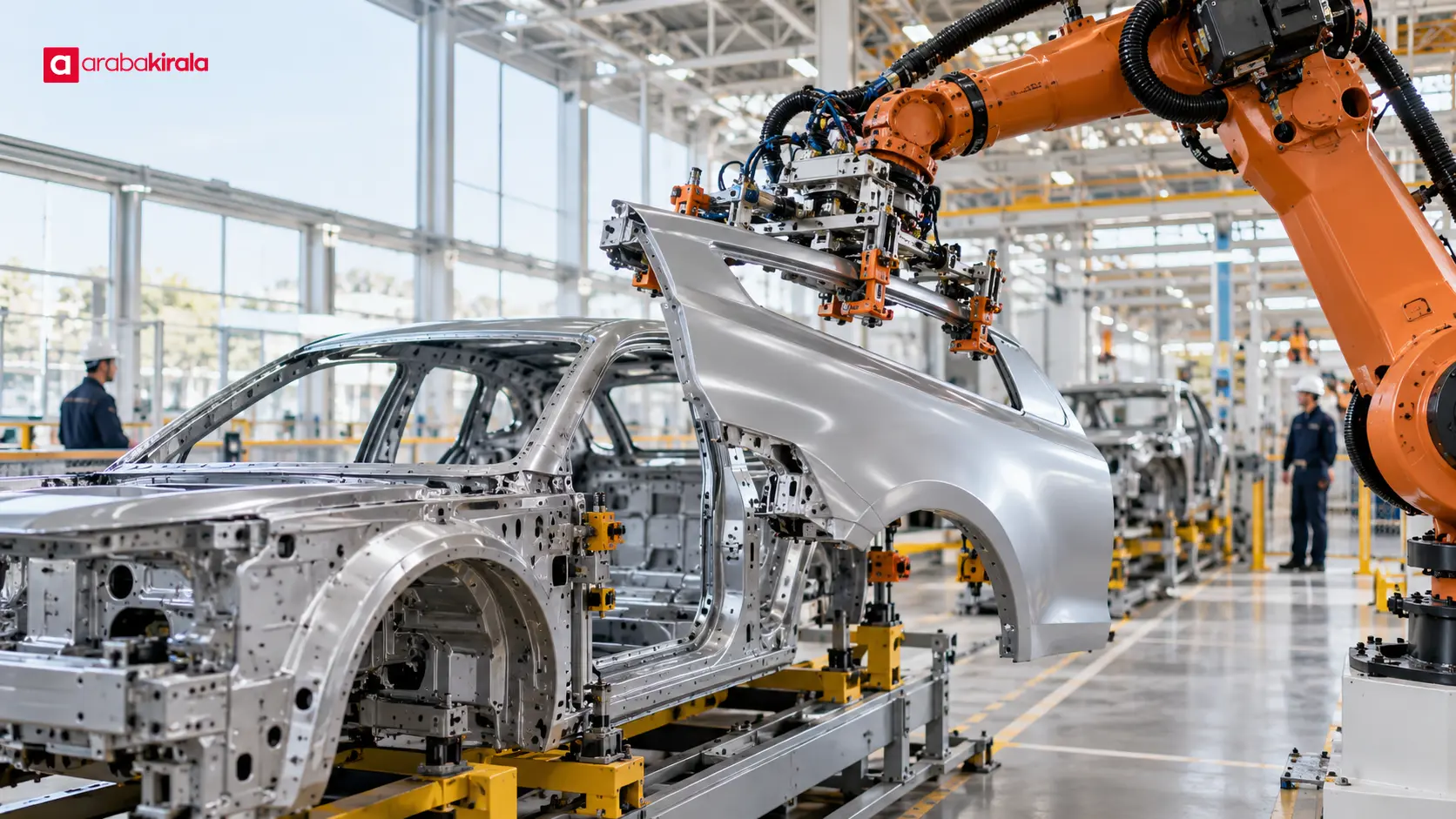
A bottleneck is a process or resource that constrains overall flow. It is not always the single machine with the longest processing time: product mix, stoppage frequency, shared resources, queues, and material supply can also change where the constraint lies. Simulation helps teams review utilization, waiting time, queue length, and completed output together.
Instead of relying on one result screen, test different conditions in the same model. An additional machine, a revised task assignment, or a different buffer rule can each be represented as a scenario. Recording the assumption changed in each scenario makes the results easier to compare. High utilization alone does not prove that an investment is needed; its effect on flow, waiting, and operational feasibility also matters.
A capacity result is the production level the model reaches under its defined operating conditions. It does not guarantee an identical real-world result. If factors such as a new product launch, changing equipment performance, or quality-related rework are missing from the model, the output may be incomplete. Planning teams should document the model's scope and exclusions in the decision record.
How to run a simulation project
- Define the decision. Identify the investment, layout, or production plan to assess and the measures that will indicate success.
- Map the process. Confirm operation sequence, alternate flows, resources, and material movements with people familiar with the factory.
- Prepare the data. Record each measurement's source, period, unit, and known limitations.
- Build and review the model. Check with relevant specialists that the flow rules are applied correctly and the model represents its intended scope.
- Compare with the current state. Check model outputs against production records and floor observations; investigate significant differences.
- Run scenarios. Change a decision-relevant variable at a time and report results alongside assumptions.
- Monitor after implementation. Measure actual performance and identify where the model may need updating.
What to consider when reading results
Simulation outputs support decisions; they do not make decisions automatically. Model validity depends on how well the representation matches the real process and whether it covers the question being asked. Cycle time, output, resource use, and queues affect one another. Improving one measure can add pressure elsewhere, so results should be read across multiple operational indicators rather than as a single number.
Uncertainty belongs in the report. If input times vary or equipment stops occur irregularly, separate runs can produce different results. Documenting the inputs, assumptions, number of runs, and spread of outcomes helps explain how much confidence to place in a result. The report should also identify processes outside the model and the measures to monitor in actual production.
A short checklist before planning
- Are the decision and success measures clear?
- Are processing times, product mix, and downtime assumptions based on current data?
- Does the model include material flow and shared equipment?
- Have outputs been compared with current production records?
- Are scenario assumptions and scope exclusions documented?
- Are post-implementation factory measures defined?
Automotive production simulation is most useful when a team turns a specific factory decision into measurable questions and tests data-based scenarios. As a next step, bring the planned change, measurements of the current flow, and decision measures into one planning framework, then review model results alongside factory validation.
Frequently Asked Questions
Is production simulation the same as a digital twin?
The terms can overlap, but not every simulation model is continuously updated with live factory data. A simulation may be built to examine a specific planning question, while a digital twin approach may maintain an ongoing data connection between a physical system and its digital representation. State which data connections exist and how often the model is updated.
Does simulation give an exact capacity figure?
No. A model calculates capacity under its defined processes and inputs. Actual production may differ because of data quality, equipment behavior, product mix, or factors left out of the model. Results should be checked against factory measurements and reported with their assumptions.
Does a model require data from the entire factory?
No. First identify the processes and data needed to answer the decision question. However, an excluded factor can make results misleading if it affects that decision. Define data needs alongside the model's purpose and document its limitations.
Is the bottleneck always the slowest station?
Not necessarily. The longest operation may be a candidate, but queues, stoppages, product mix, material supply, and shared resources can also constrain flow. Assess the bottleneck by looking at multiple indicators and process connections.
Can simulation make an investment decision on its own?
No. A model makes the likely production-flow effects of options easier to assess. Factory validation, technical suitability, operating requirements, and relevant financial evaluation also belong in the decision process.
Legal Disclaimer: All content, articles and information on the Araba Kirala website are provided solely to inform users. No information shared on this website constitutes definitive advice or guidance. Araba Kirala Teknoloji A.Ş. and its authors cannot be held responsible for any direct or indirect damages arising from the application of information on the website. For all questions and requests regarding car rental, please contact the office from which you will rent your vehicle.












