
Automotive Software Supply Chain: Updates and Support Explained
Published: October 30, 2026 • Reading Time: 8 min • Last Updated: October 30, 2026
Learn how vehicle software moves from suppliers to production cars, how updates are validated and delivered, and what drivers can do to follow the process safely.
Contents
- Why software is central to modern vehicles
- The main participants in the supply chain
- The vehicle manufacturer and system integration
- Software and electronics suppliers
- Testing, production, and service support
- The journey of a software update
- Over-the-air updates and workshop updates
- Why updates need careful handling
- How drivers can follow an update
- What to prepare when requesting technical support
- Summary: verify the source and scope of an update
- Frequently Asked Questions
The automotive software supply chain covers the work involved in developing vehicle software, integrating it into a car, delivering updates, and supporting it over the vehicle’s life. This guide explains who contributes to vehicle software, why an update needs compatibility checks and validation, how over-the-air delivery differs from a workshop procedure, and what drivers can do to follow updates safely.
Why software is central to modern vehicles
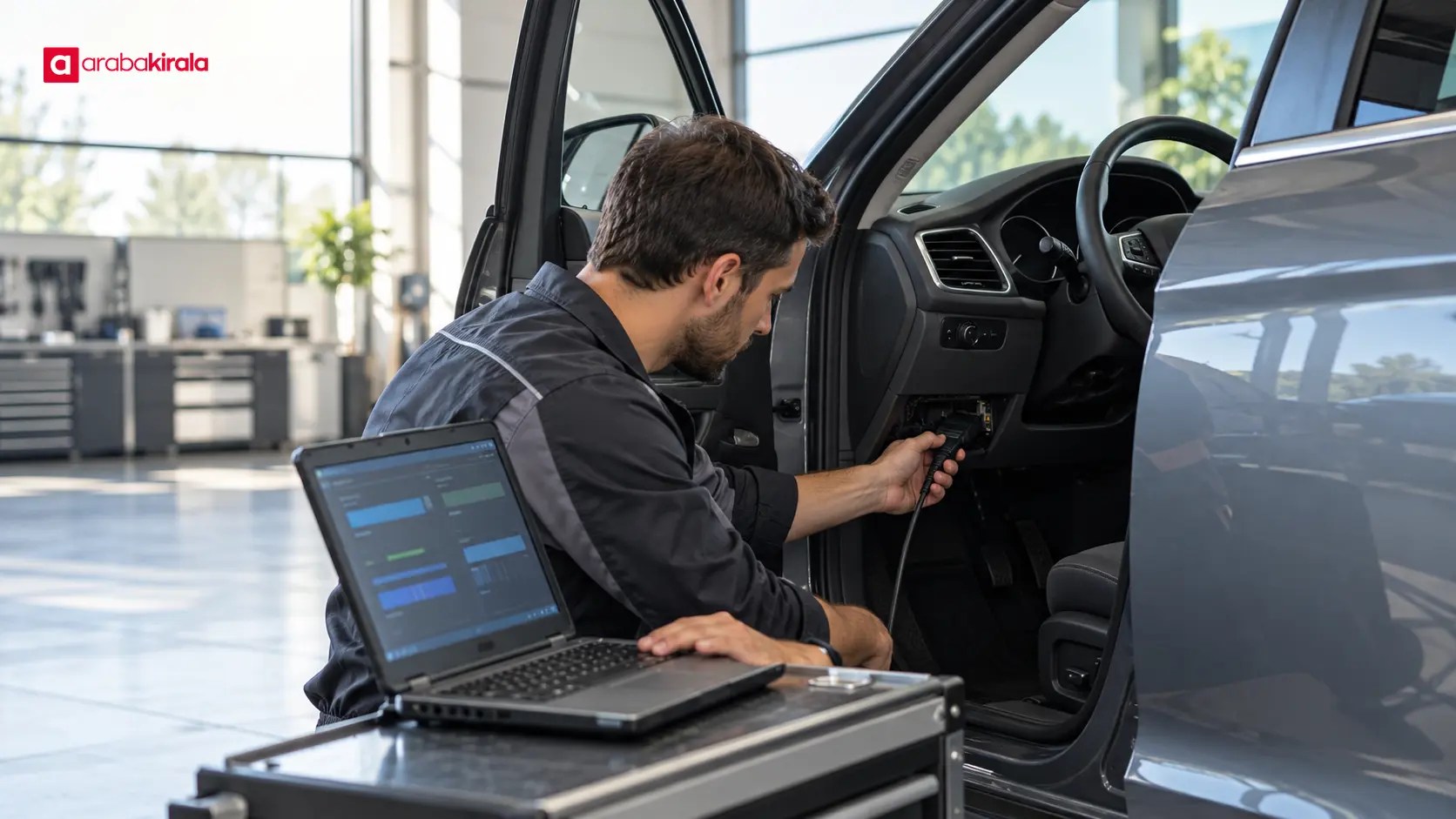
Software in a car does more than run its touchscreen or navigation. Electronic control units manage or support functions such as powertrain operation, driver assistance, body electronics, climate control, connectivity, and charging. The exact scope depends on the model, hardware, and manufacturer’s design. As a result, an update with a similar description may not contain the same changes or use the same installation method across different vehicles.
The supply chain brings together specialists much like a physical parts network, but its deliverables include code, configuration data, test evidence, and ongoing maintenance. A hardware supplier may provide a control unit, software teams may develop components that run on it, and the vehicle manufacturer integrates the systems and checks the vehicle as a whole. Service organizations may carry out defined procedures and relay diagnostic findings through the appropriate support channels.
The main participants in the supply chain
The vehicle manufacturer and system integration
The manufacturer defines how systems fit together and takes responsibility for integrating the vehicle’s overall design. It is not enough for one control unit to work by itself: its communication with other units, compatibility with the electrical architecture, and consistency with vehicle safety goals also matter. The manufacturer validates supplier components against particular vehicle configurations and hardware. A package intended for one configuration should not be assumed to suit another just because the cars look similar.
Software and electronics suppliers
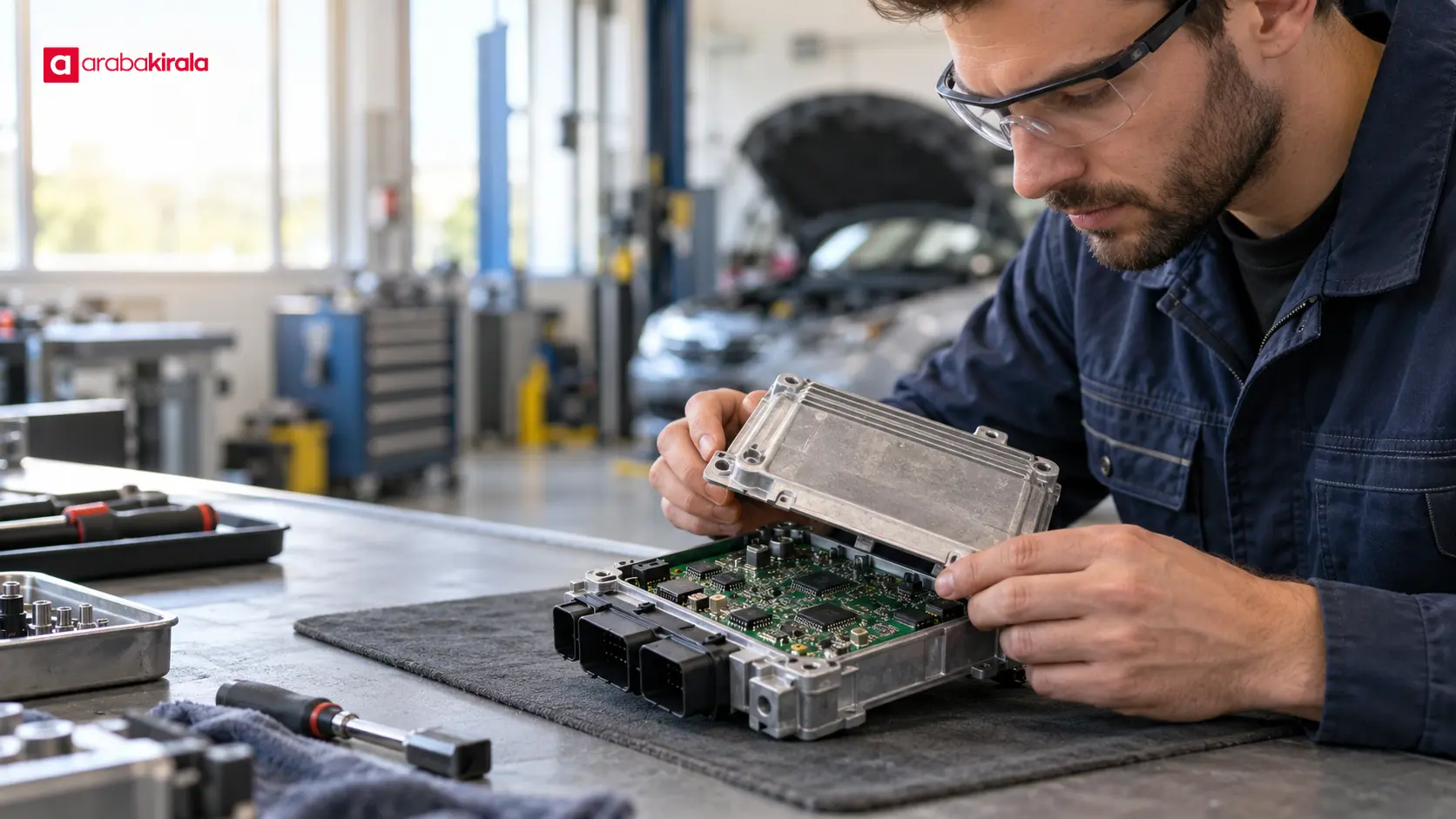
Suppliers may develop operating system components, communication modules, sensor software, control algorithms, or electronic units. A component can serve more than one vehicle function, so a change may have effects beyond a single screen or feature. Technical specifications, version tracking, and defect reporting between suppliers and manufacturers help manage those dependencies. Drivers may never see this layer, but coordination helps ensure that the correct software reaches the correct configuration.
Testing, production, and service support
Validation examines whether software behaves as intended under relevant conditions and how it interacts with other systems. Checks can take place in development environments, on control units, and in complete vehicles. If an issue is found after production, teams need to prepare a correction, identify affected vehicle or component versions, and define a service method. Technicians can use vehicle-specific diagnostic equipment and procedures to assess a condition; the same process does not necessarily apply to every vehicle or service location.
The journey of a software update
An update starts with a need, such as a defect correction, stability improvement, new function, cybersecurity correction, or compatibility change. First, teams identify which vehicle versions, control units, and hardware variants may be affected. They then assess the software alongside related systems, review test results, and determine the conditions for delivery. These steps do not mean that every vehicle receives the update at the same time or through the same method.
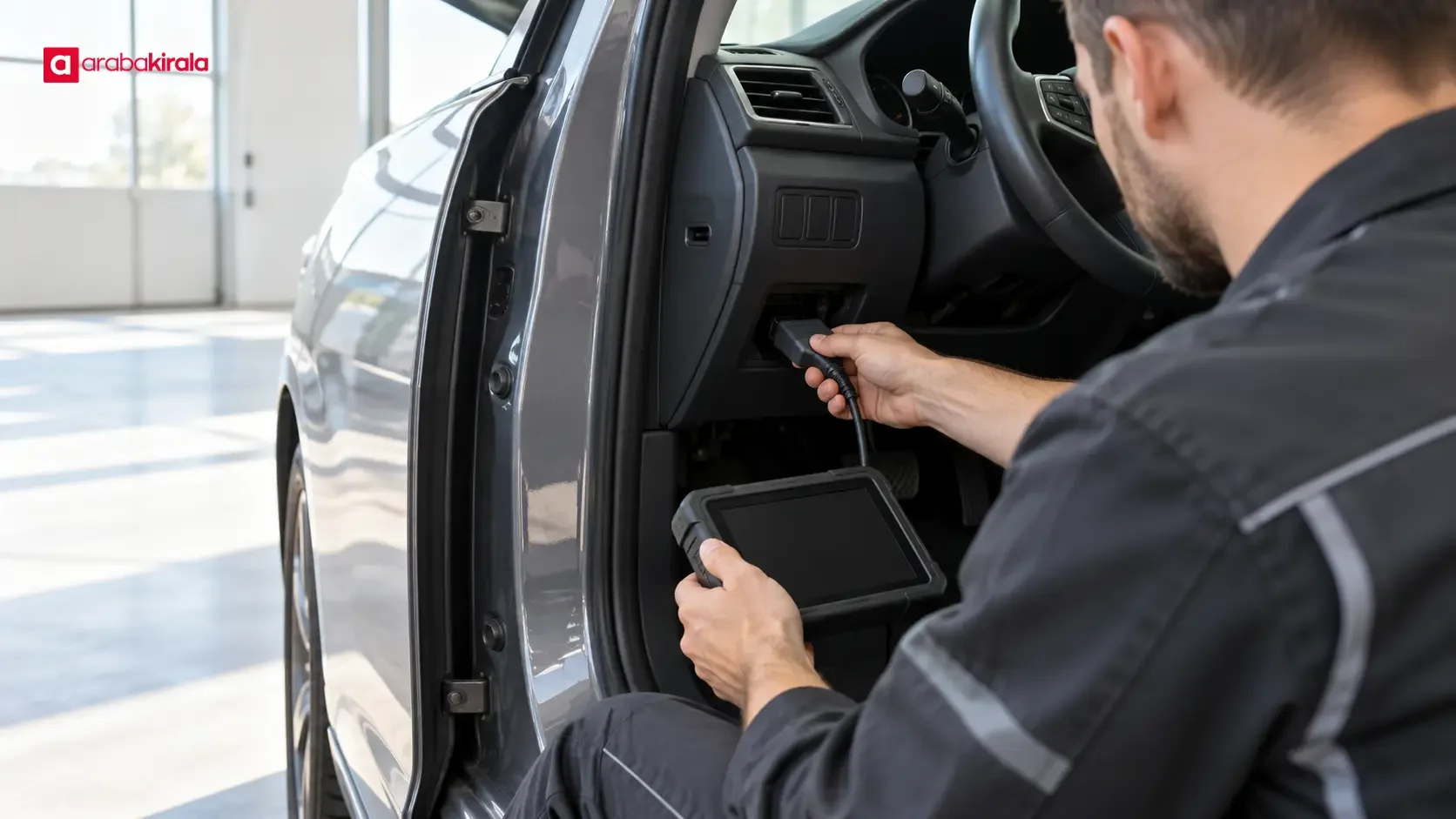
Delivery may take place remotely, during a workshop visit, or as part of production and component supply. An over-the-air update is delivered through a connection supported by the vehicle. A workshop update may use diagnostic equipment or a manufacturer-defined procedure. A vehicle’s ability to receive some updates remotely does not mean every software change can be installed that way. Package size, system type, vehicle configuration, connectivity, and security requirements can affect the method.
After installation, the system should be checked to confirm that the new version starts correctly and that relevant functions work. A completion message on the vehicle display or a service record can help the driver follow the process. If a warning remains, installation was interrupted, or a feature behaves unexpectedly, follow the owner’s manual and contact the manufacturer’s support channel or a service facility. Do not ignore a safety-related warning or install files from unverified sources.
Over-the-air updates and workshop updates
An over-the-air update can allow some software packages to reach a vehicle without a workshop visit. It can be convenient, but the car must support the feature, the particular package must be approved for remote delivery, and installation conditions must be met. The manufacturer may specify that the vehicle be parked, have a sufficient energy level, or meet certain connectivity conditions. Follow the vehicle’s prompts and owner documentation.
A workshop procedure lets a technician connect diagnostic equipment and check the correct software and vehicle configuration. Some updates may require a physical inspection or additional tests. A service visit can also help assess a symptom that is not caused by software, although the appropriate work depends on the vehicle and reported condition. When seeking help, provide the model, production period, and a clear description of the symptom.
Why updates need careful handling
Version control matters because vehicle software can be connected to safety and usability functions. A package intended for a different vehicle or electronic unit can create compatibility problems. Depending on the vehicle architecture and installation method, a loss of power or connection during installation may interrupt the process. The manufacturer’s method determines how to manage these risks; there is no single procedure that applies to every vehicle.
Cybersecurity is also part of the supply chain. Verifying software sources, protecting update packages, managing access, and responding to reported vulnerabilities can involve several organizations. For drivers, a safe approach is to use only the update method offered through the vehicle interface, the manufacturer’s official application, or a defined service channel. Avoid changing system software with unknown USB devices or unverified files. The vehicle’s documents can also explain privacy settings and permissions for connected services.
How drivers can follow an update
When an update notice appears, check where it came from and read the explanation in the owner’s manual. The manufacturer may provide the purpose, prerequisites, steps, and information about whether the vehicle can be used during installation. If the display provides little detail, use the manufacturer’s official digital channels or contact its service team. Do not treat a general online tutorial as instructions for your specific car.
- Note the vehicle model, production period, and hardware version if available.
- Record the notice and visible software version without exposing personal information.
- Confirm whether the update is remote or requires a service visit.
- Prepare power, connectivity, and parking conditions as directed by the vehicle.
- After installation, check that warnings have cleared and affected basic functions work normally.
- If installation does not complete, contact manufacturer support or a service facility instead of repeatedly retrying.
If you are driving a rental vehicle and see a software warning or digital system issue, inform the branch where you rented it. Permission and procedures for changing settings, starting an update, or connecting external devices can vary by vehicle. Follow basic on-screen guidance, and ask the rental branch or its designated support channel before making changes to vehicle systems.
What to prepare when requesting technical support
Support teams can understand a problem more quickly when you explain when it began, which function is affected, and the exact warning shown. If the software version is available in the vehicle menu, note it; do not navigate menus while the car is moving. Mention whether an update notice appeared recently and whether installation completed. Before sharing account details, location history, or other personal data, consider whether the request actually requires them.
A manufacturer or service facility may suggest remote diagnostics. In that case, make sure you understand what data will be examined, how consent is given, and which channel will handle the process. Rather than clicking an update invitation from an unfamiliar link, use the official vehicle application or a known support channel. If a warning affects whether the vehicle can be used, follow the safety guidance in the owner’s manual.
Summary: verify the source and scope of an update
The automotive software supply chain depends on coordination among manufacturers, electronics and software suppliers, test teams, and service support. An update is more than a file installed in a car: it involves identifying the correct vehicle version, checking compatibility, delivering software securely, and confirming the result. Follow official notices and installation instructions, and avoid software from unknown sources. Ask the manufacturer about procedures for a specific vehicle; for a rental, contact the branch where you rented it about support and any action that may be needed.

Frequently Asked Questions
Does every vehicle software update add a new feature?
No. An update may correct a defect, improve stability, address security, or change compatibility. The manufacturer’s release information explains its content and which vehicle functions may be affected.
Can every vehicle receive software updates over the air?
No. Remote updates depend on the vehicle’s hardware, connectivity, software, and the type of package. A workshop visit may be needed if the manufacturer does not offer remote installation or the package is not suited to it.
Can I drive the car while an update is installing?
Whether the vehicle can be used during installation depends on the method and package. Follow the vehicle’s prompts and owner’s manual, and do not use update menus while driving.
What should I do if an update warning remains after installation?
Record the warning text and any available version information, then check the owner’s manual. If the warning continues or a vehicle function is affected, contact manufacturer support or a service facility. For a rental, inform the branch as well.
Can I install a software file I found online?
Do not use files whose source and compatibility with your vehicle are unverified. Use only the manufacturer’s official update method or a service channel defined by the manufacturer.
What information helps when contacting a service team?
The vehicle model and production period, the exact warning, the affected function, and the stage at which an update stopped are useful. Avoid sharing personal account details or unrelated private data.
Legal Disclaimer: All content, articles and information on the Araba Kirala website are provided solely to inform users. No information shared on this website constitutes definitive advice or guidance. Araba Kirala Teknoloji A.Ş. and its authors cannot be held responsible for any direct or indirect damages arising from the application of information on the website. For all questions and requests regarding car rental, please contact the office from which you will rent your vehicle.












