Brake Lights Not Working: Stop Safely and Get Help
Published: November 14, 2026 • Reading Time: 6 min • Last Updated: November 14, 2026 • Author: Merve B.
Contents
Brake lights not working means drivers behind may not receive a clear signal when you slow down or stop. This guide explains how to recognize possible signs safely, where to stop, and what information to share when seeking help. If you cannot confirm that the brake lights work, do not continue normal driving.
Why brake lights matter
Brake lights are the red lights at the rear of a vehicle that illuminate when the driver presses the brake pedal. They give following traffic a visual cue that the vehicle is braking. The lights do not explain the vehicle’s speed or the driver’s full intentions, but they provide useful information for judging following distance and reacting in time.
If one or more lights fail, that cue becomes less visible. A driver behind may notice braking later. Treat the issue as a safety concern rather than a minor bulb inconvenience. The brakes can still function mechanically while the brake lights fail; these are separate functions.
Signs that brake lights may have failed
A dashboard warning may reveal a lighting fault, but some vehicles do not provide a warning for every failed light. The absence of a warning does not establish that the lights are working. Another driver may point out that the lights do not come on, or the vehicle may display an alert if its equipment supports one.
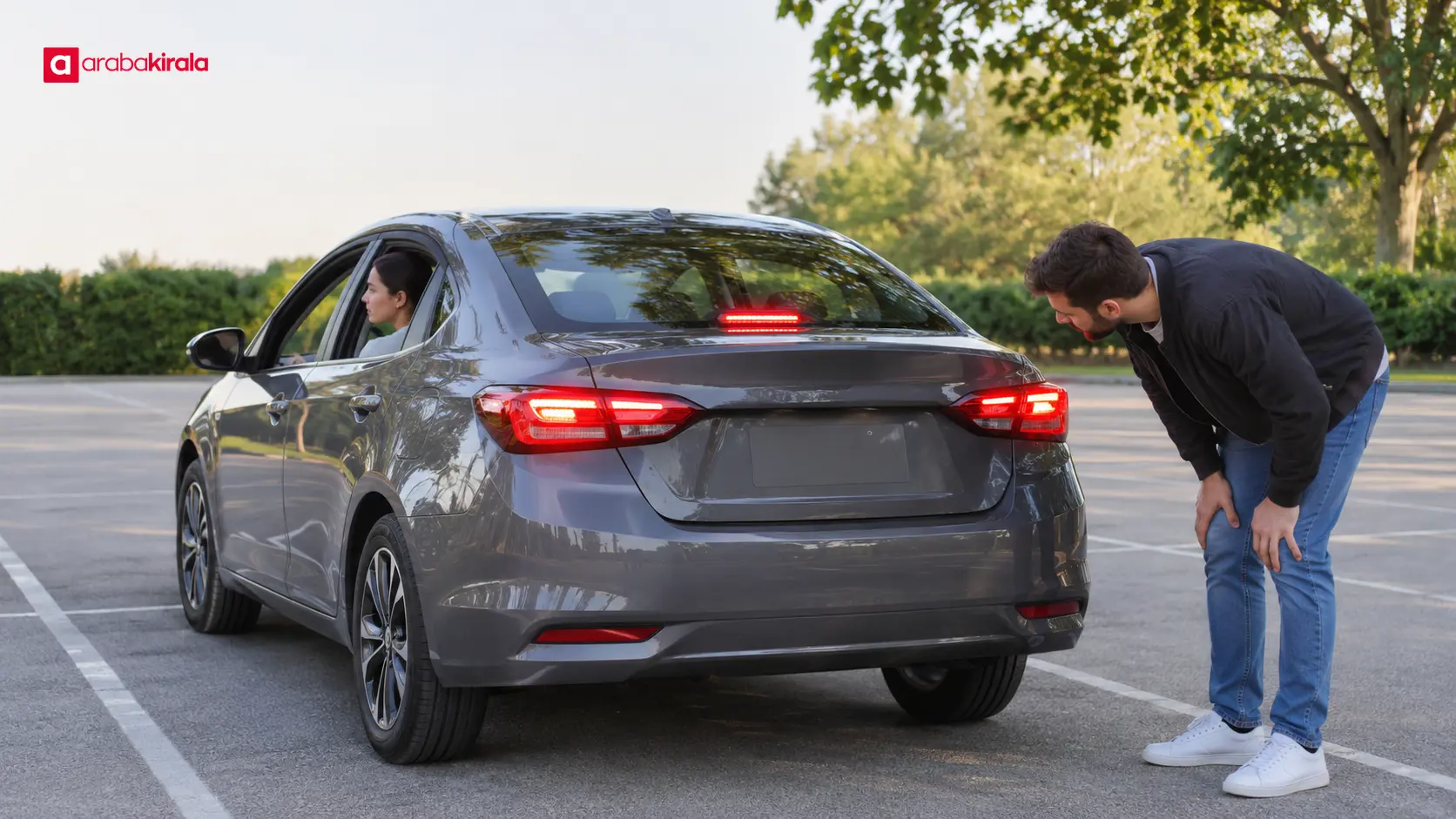
If the third brake light illuminates while the two rear brake lights do not, or the reverse, part of the system may have a problem. Stop lamps and rear position lights serve different functions; rear lights being on while parked do not prove that the brake lights work. Different lights can share a housing, which can make it hard to identify the failed function from a distance.
How to make a safe visual check
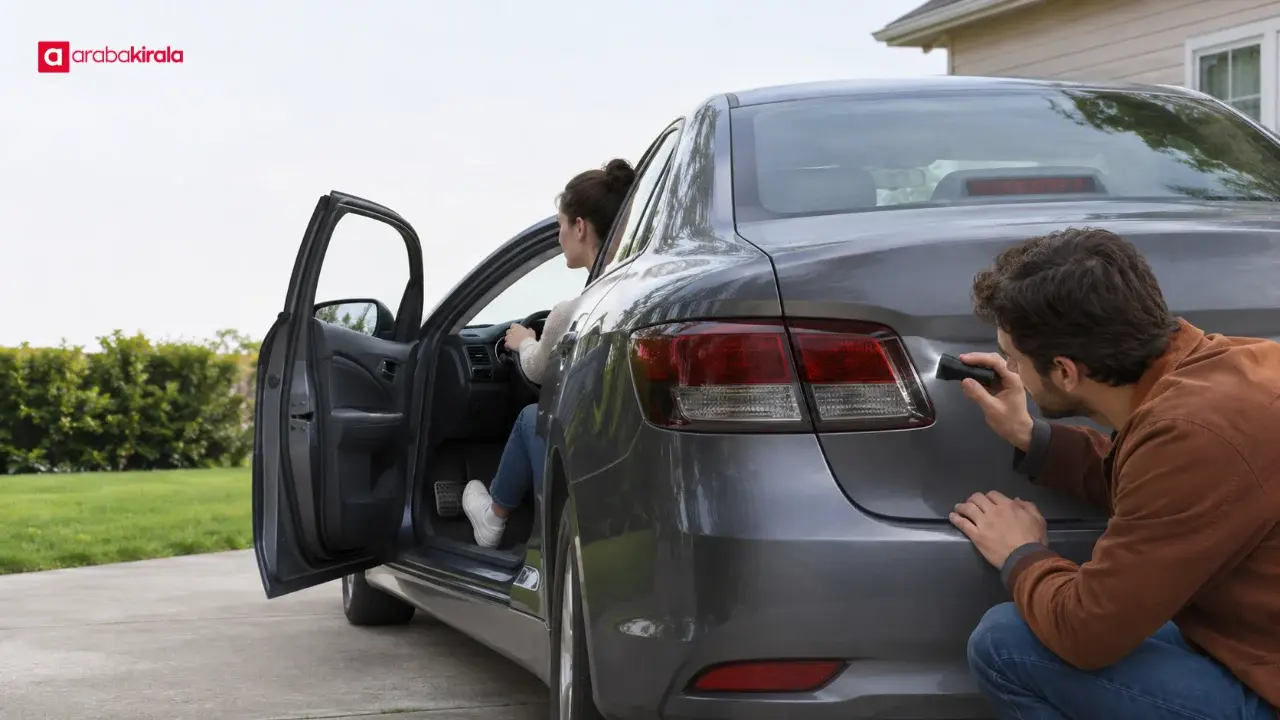
Do not check in traffic or where standing behind the vehicle would be dangerous. Park on a safe, level spot and apply the parking brake. With the driver pressing the brake pedal from the seat, another person can observe the lights from behind. That person should stay clear of the vehicle’s path and avoid an unsafe position around it.
If no one can help, follow only a safe checking method described in the vehicle manual. Moving close to a wall or another surface to infer the lights from reflections may not give a clear or reliable result in every vehicle. Avoid removing bulbs, disturbing electrical connections, or touching an energized circuit; seek qualified assistance instead.
What to do when you notice a fault
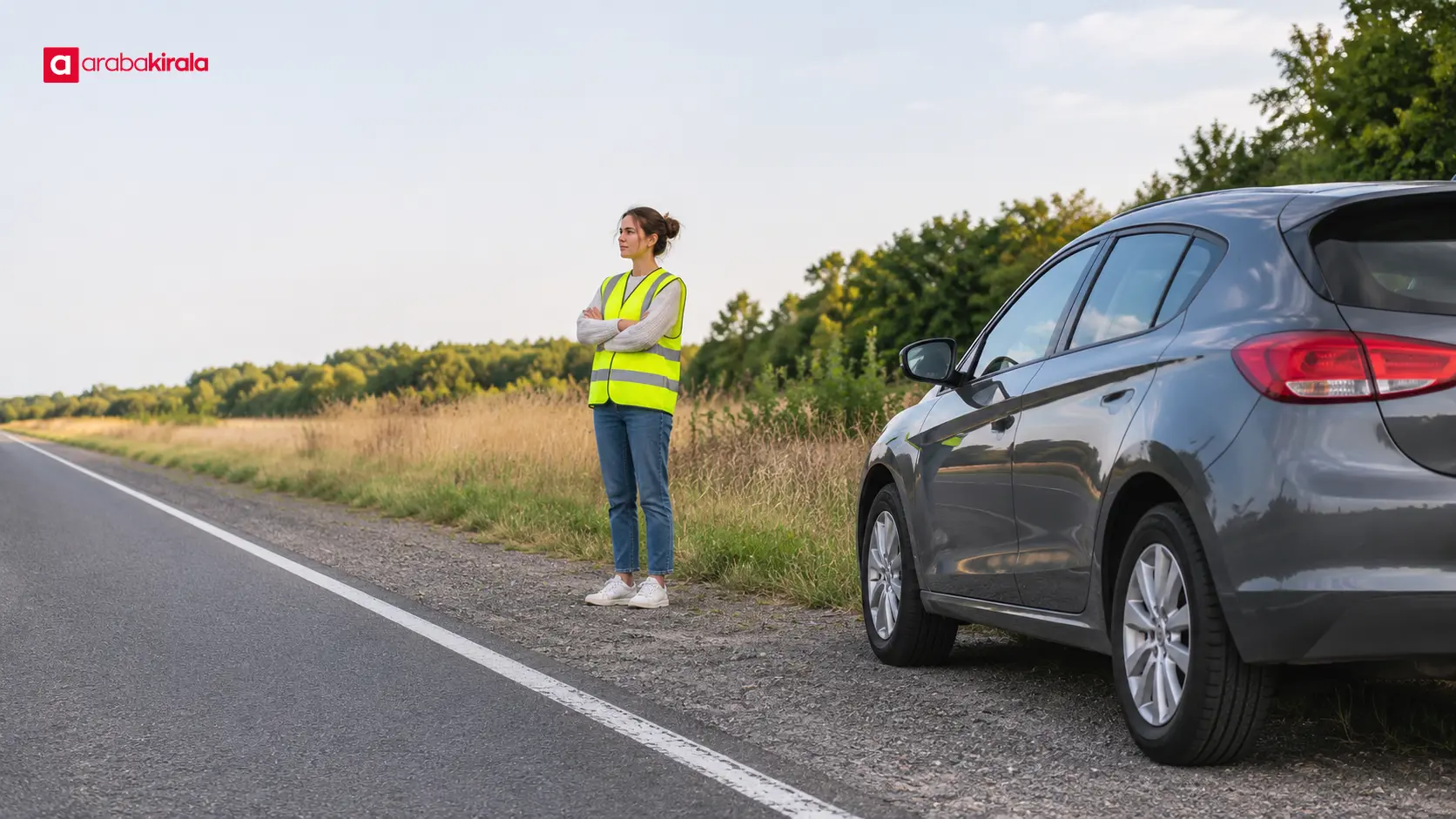
- Stop somewhere safe first. If you are moving, proceed calmly to a suitable safe location without abrupt maneuvers. Do not inspect the lights in the flow of traffic.
- Do not continue the trip. If you cannot confirm that the brake lights work, continuing may leave following drivers without a braking signal. Do not add risk, especially in heavy traffic, darkness, or poor visibility.
- Ask for assistance. If you own the vehicle, contact a repair service or roadside assistance. If it is a rental, contact the branch where you rented it or the support channel provided to you. Ask how the fault should be repaired or how the vehicle can be moved safely.
- Call emergency help when needed. If the vehicle is in a dangerous location, a collision occurred, or someone’s safety is at risk, use the appropriate local emergency channel. Stay in a safe area while waiting.
Hazard warning lights can warn others of a hazard; they do not replace brake lights. Turning them on does not make it safe to drive with failed brake lights. If you need to place a warning triangle, do so only when your location and traffic conditions make it safe; do not step into a live lane.
Possible sources of the fault
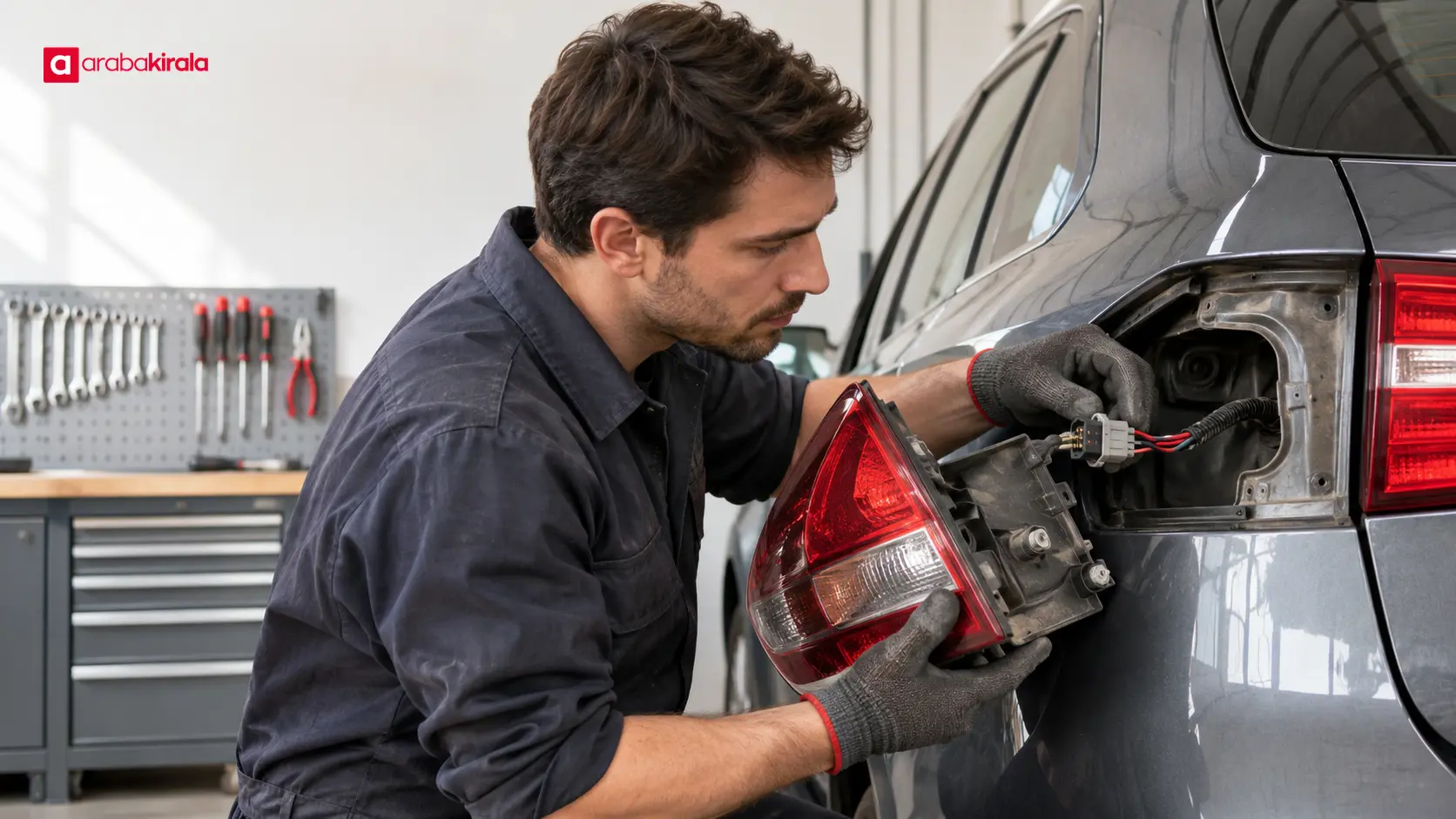
Brake lights may fail because of a bulb or LED unit, fuse, electrical connection, brake pedal switch, or another electrical issue. Several lights going out at once does not by itself identify a specific failed part. The visible symptom alone is not enough for a definite diagnosis.
Moisture in the rear light assembly, impact damage, or a loose connection may also need inspection. These possibilities do not mean the driver should replace parts. Using the wrong fuse or disturbing wiring can cause other problems. Note what you observed and leave technical checks to a qualified repairer.
If the vehicle is a rental
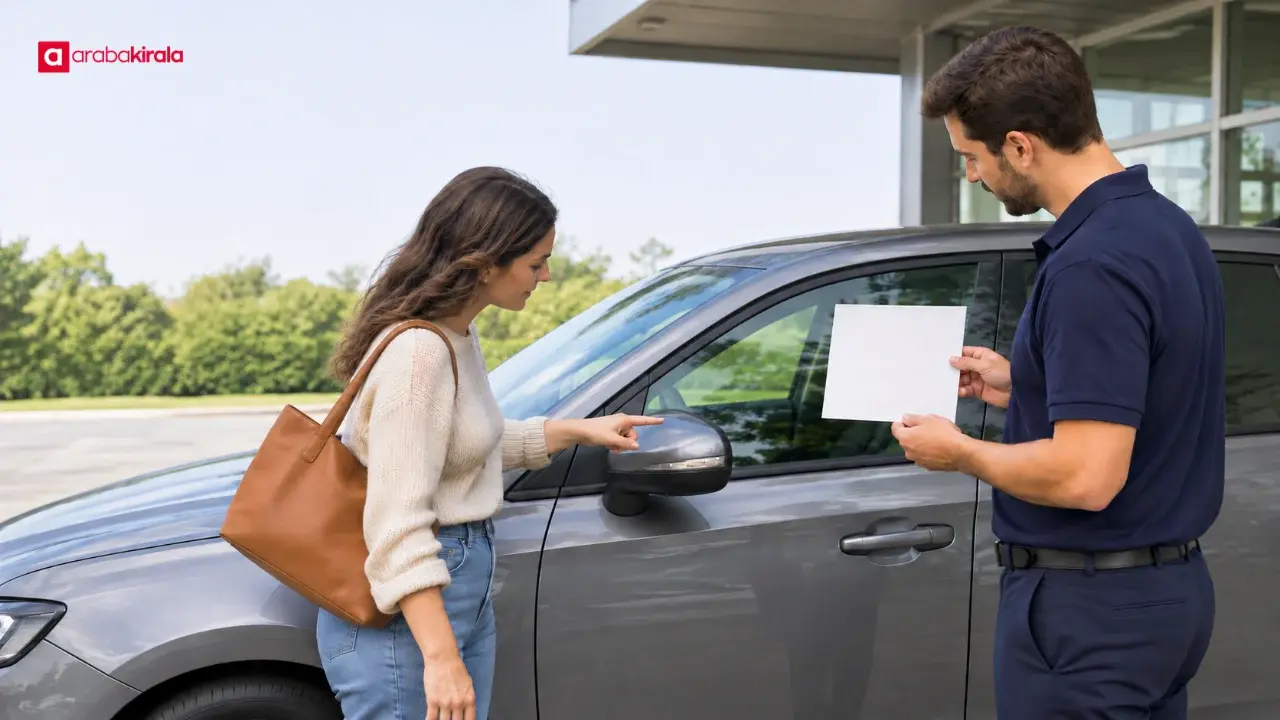
If you notice a brake-light fault in a rental car, first stop safely and contact the branch where you rented it. Clearly share the vehicle’s location, when you noticed the warning, which lights appear not to work, and whether the vehicle is still moving. If taking a photo is safe and does not require approaching traffic, record the issue only from a safe position.
Ask the branch how steps such as arranging a repair, replacement vehicle, or assistance visit should be handled. Do not attempt a repair or drive to another location without authorization. These details can depend on the reservation and branch, so get instructions directly from the office that supplied the car.
Before driving again
Do not set off until the brake lights have been reliably checked. Stop in a safe place, protect yourself from nearby traffic if needed, and contact appropriate technical help. After the issue is addressed, confirm that the lights’ function has been checked; the absence of a dashboard warning is not enough on its own.
In short: Brake lights not working can affect whether other road users notice your vehicle braking. Describe the fault from a safe location and get help. With a rental, contact the branch where you collected the car for the next steps.
Frequently Asked Questions
Can I drive if my brakes work but the brake lights do not?
The brakes working does not mean drivers behind can see that you are braking. If you cannot confirm the lights work, do not continue normal driving; stop safely and get technical assistance.
Does a working third brake light mean the problem is resolved?
No. The third brake light may work while other brake lights have failed. The function of all brake lights should be checked.
Are my brake lights fine if there is no dashboard warning?
Not necessarily. A vehicle may not report every lighting fault on the dashboard. A safe visual check and, when needed, a technical inspection are more meaningful than the absence of an alert.
Can hazard lights replace failed brake lights?
No. Hazard lights serve a separate warning function and do not communicate braking in the same way. Do not treat the fault as resolved; stop safely and seek help.
Who should I tell about a fault in a rental car?
Move to a safe place first, then contact the branch where you collected the vehicle or the support channel given to you. Share the location and symptoms and ask how to proceed.
Related Articles
- Brake Pedal Vibration: Causes and Safe Checks
- Brake Pad Wear Symptoms: Sounds and Pedal Feel
- Recognizing Driver Fatigue and Planning Safe Breaks in a Rental Car