Electric Vehicle Charging Screen: Power, Energy and Time
Published: November 12, 2026 • Reading Time: 7 min • Last Updated: November 12, 2026 • Author: Merve B.
Contents
- What the main charging screen readings mean
- kW: charging power at that moment
- kWh: energy delivered during the session
- Percentage: battery state of charge
- Elapsed time and remaining-time estimates
- How to interpret AC and DC charging screens
- Why charging power can change during a session
- Read the display step by step
- Practical reading for a trip or a rental vehicle
- Summary: read the four indicators separately
- Frequently Asked Questions
- Related Articles
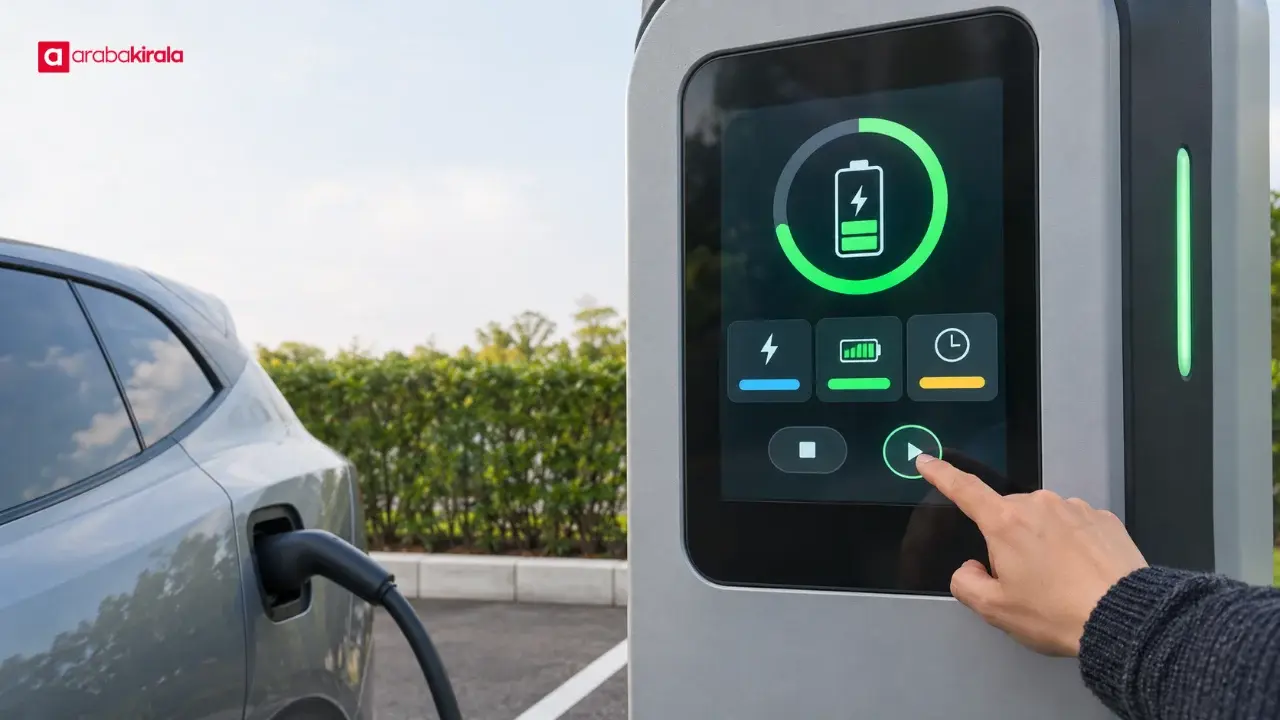
An electric vehicle charging screen shows how quickly energy is flowing, how much energy has been delivered during the session, and how long charging has taken or may take. This guide explains power, energy, battery percentage, and time, and shows how to read a station display alongside the vehicle’s own indicators. You will be able to distinguish what each number measures instead of treating one figure as a complete account of charging progress.
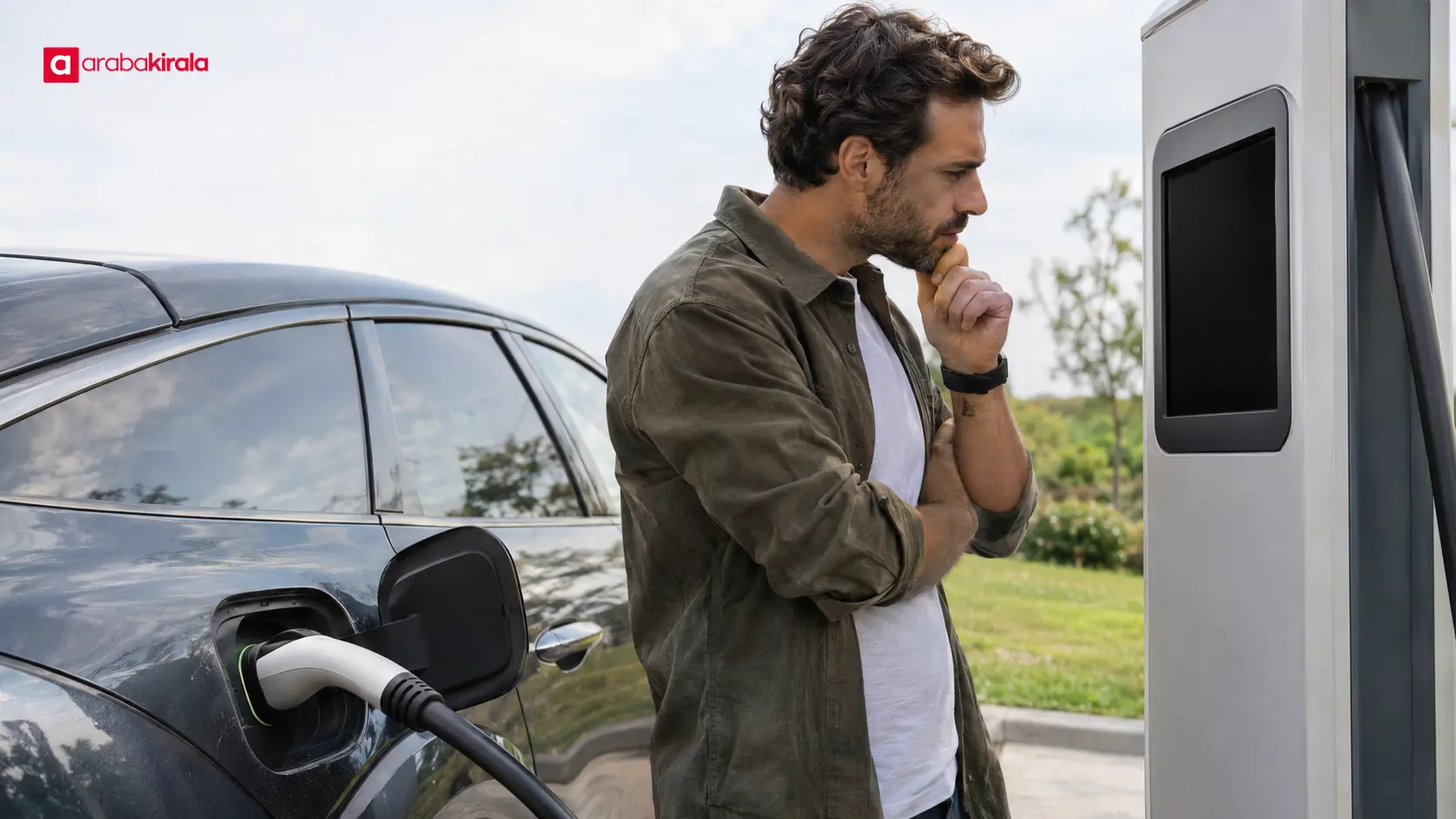
What the main charging screen readings mean
The numbers on a charger are related, but they are not interchangeable. Power describes the current rate of energy transfer, energy records an accumulated amount, battery percentage describes the vehicle battery’s state of charge, and time may be elapsed or estimated. Read the unit and label next to a number before interpreting it.
kW: charging power at that moment
kW (kilowatts) indicates the rate at which energy is being transferred at that moment. Think of it as the session’s current pace. The displayed power can reflect limits of the vehicle and charging equipment, as well as the battery’s condition. A charger’s advertised maximum therefore does not mean the vehicle will receive that power throughout the session.
The value can be higher at one point and lower later. The vehicle’s battery management system can adjust how much power the battery accepts according to its operating conditions. One brief reading is not enough to predict the total duration or to conclude that charging has failed.
kWh: energy delivered during the session
kWh (kilowatt-hours) measures the energy delivered over the charging session. While kW is a rate, kWh is an accumulated quantity. As the session progresses, the kWh reading helps show the total energy transferred by the charger. It does not directly state what percentage of the vehicle battery is full.
Delivered energy and change in battery percentage are different measurements. The starting state of charge, the vehicle’s energy management, and rounding in displays can mean that the kWh total and the vehicle’s percentage do not move in a one-to-one way. Keep that distinction in mind when comparing the two screens.
Percentage: battery state of charge
The vehicle’s battery percentage describes its current state of charge. It differs from the station’s delivered-energy reading: one describes the battery, while the other describes energy transferred during the session. If the station also shows a percentage, check whether it updates alongside the vehicle and what battery reading it represents.
Percentage readings may be rounded, and the vehicle and station displays may differ slightly. For a trip, consider the estimated driving range and route conditions as well as the current battery level. A range estimate is useful for planning but should not be treated as a guaranteed distance.
Elapsed time and remaining-time estimates
An elapsed-time counter reports how long the session has been running. A remaining-time field may estimate how long it will take to reach a particular target. The word “time” alone does not tell you which one is shown, so read the label and any target percentage beside it.
An estimate can change as power changes. The target battery level, the power the vehicle accepts, battery condition, and temperature management can all affect the projection. Treat a remaining-time figure as an estimate rather than a fixed finish time, and check which target the screen is using.
How to interpret AC and DC charging screens
AC and DC describe different ways electrical energy is supplied to a vehicle. With AC charging, equipment in the vehicle converts the incoming energy into a form the battery can use. With DC charging, direct current is supplied toward the battery, with much of that conversion handled by the charging equipment. This distinction helps explain why power and time readings can differ, but it does not establish that one option is always preferable.
The vehicle and charger limits, connector compatibility, and battery condition all matter. The maximum power shown for a charger is not a promise of the power a particular vehicle will accept. Check that the connector is compatible and consult the vehicle manual for the vehicle’s supported charging specifications.
Why charging power can change during a session
Charging power does not have to stay constant. The battery management system may adjust energy intake based on conditions such as battery charge level and temperature. That adjustment is part of the vehicle’s control of battery operation. A changing kW number alone is not conclusive evidence of a fault, a poor connection, or a problem with the charging station.
A charging curve describes how power changes over a session. If a graph shows power against time or battery level, the full curve can be more informative than a single momentary reading. Some displays do not provide a graph. In that case, compare readings over time and also check the session status and connection.
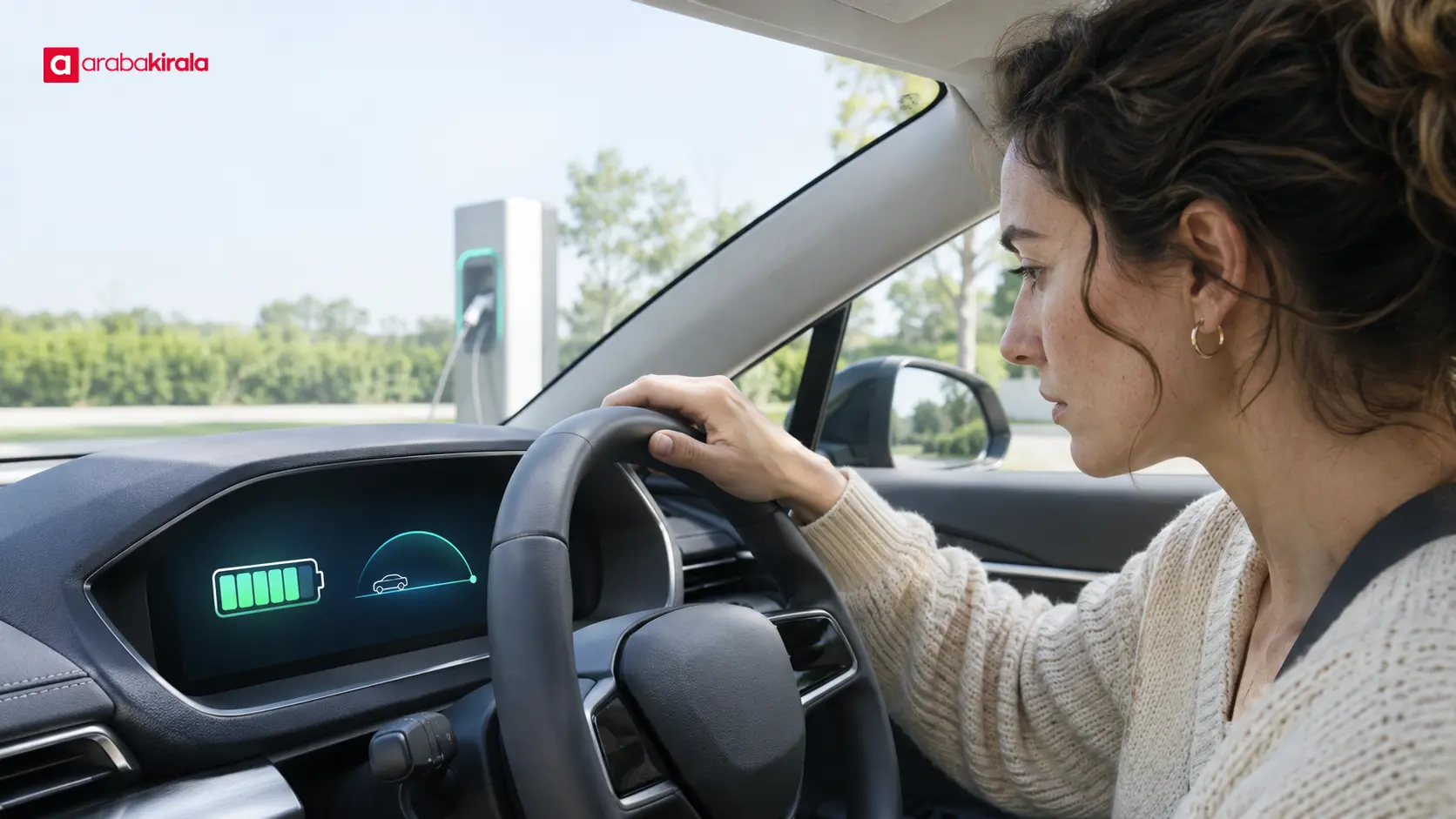
Read the display step by step
- Before charging: Check the connector and connection status. Confirm in the vehicle’s technical information which charging type and connector it supports.
- At the start: Read the units and confirm that the screen indicates an active session. If a starting battery percentage is shown, compare it with the vehicle display.
- During charging: Read kW as current power and kWh as accumulated energy. Check whether the time field is elapsed time or a remaining-time estimate.
- At the end: Check the session status, final energy reading, and vehicle battery indicator. Follow the vehicle and charger instructions for disconnecting the cable.
If the display becomes unclear or you cannot tell whether a session has started, note any status or error message and use the help channel provided at the charger. Do not force the connector out. The release method can depend on the vehicle and charging equipment, so follow their instructions.
Practical reading for a trip or a rental vehicle
A charging screen alone does not determine a trip plan. The vehicle battery indicator, range estimate, route, and conditions at the destination also matter. Before setting out, learn about the vehicle’s charging connection and display functions. For a rental electric vehicle, asking the staff member responsible for handover to explain the indicators and connection steps can make the first charging session easier to follow.
When choosing a charging stop, consider its location, access, and place along the route. Availability and session details can vary by location, so verify current information with the charging point when needed. Do not rely on a displayed time estimate as the only fixed measure for planning the next part of a journey.
Summary: read the four indicators separately
To read an electric vehicle charging screen, first distinguish the units: kW is current power, kWh is delivered energy, percentage is battery state of charge, and time may mean elapsed time or an estimate. Power and time can change during a session. Read the session status and vehicle display together rather than drawing a firm conclusion from one reading.
At your next charging stop, make a short routine of reading the screen labels and units, comparing the battery display in the car, and following the connection instructions. If you are unsure which charging type a vehicle supports or need a branch-specific handover detail, check with the branch from which you will rent.
Frequently Asked Questions
What is the difference between kW and kWh on a charging screen?
kW is the rate of energy transfer at that moment, while kWh is the accumulated energy delivered during the session. One is a rate and the other a quantity, so they answer different questions.
Does a drop in charging power mean charging has stopped?
No. Power can vary while a session is active. Check whether the display still shows an active session and whether the delivered-energy reading continues to progress.
Can I calculate battery percentage from the kWh shown?
The kWh figure describes delivered energy, while percentage describes the battery’s state of charge. Use the vehicle’s battery indicator for its percentage rather than treating the two readings as the same measurement.
Why does the estimated remaining time change?
The estimate can update as charging power and the battery’s acceptance conditions change. Check which target level is being estimated and treat the result as a projection, not a guaranteed finish time.
Is a charger’s maximum power the same as the power my vehicle will receive?
Not necessarily. The vehicle’s technical capability, charger limits, and battery conditions affect the power received. Check the vehicle manual for its supported charging specifications.
How can I learn to use the charging screen in a rental electric vehicle?
At handover, ask the responsible staff member to explain the indicators and connection steps, and consult the vehicle manual. Confirm any service or handover detail specific to the location with the branch where you will rent.