How to Spot EV Charging Interruptions and Power Loss

Published: November 6, 2026 • Reading Time: 7 min • Last Updated: November 6, 2026 • Author: Merve B.
Learn how to read charging indicators, distinguish a slowdown from an interruption, and record useful details when an electric vehicle charges unexpectedly slowly.
Contents
- What charging power and charging time tell you
- How to recognize an EV charging interruption
- Slowdown, interruption, and completion
- Common technical reasons for lower charging power
- A safe, orderly way to check the situation
- How to interpret a charging record
- If an interruption happens in a rental EV
- Ways to reduce charging problems ahead of time
- Summary: what to do first
- Frequently Asked Questions
- Related Articles
- Sources
An EV charging interruption or power loss can be more than a momentary change on the display. This guide explains how to read charging indicators, distinguish a slowdown from a stopped session, and keep useful records without touching an unsafe connection. A clear sequence of checks can help you describe what happened and decide what support to contact.
What charging power and charging time tell you
Charging power describes the rate at which electricity is being delivered at a given moment. It is commonly shown in kilowatts (kW). Energy added to the battery is measured in kilowatt-hours (kWh). Power is an instantaneous rate, while energy accumulates over time. A falling kW reading by itself does not prove that charging has stopped.
Charging time cannot be inferred from the maximum figure printed on a charging point alone. The vehicle, charging equipment, connection, and battery state all play a part. Power may vary during a session, so observing whether a change continues is more useful than interpreting one isolated reading.
How to recognize an EV charging interruption
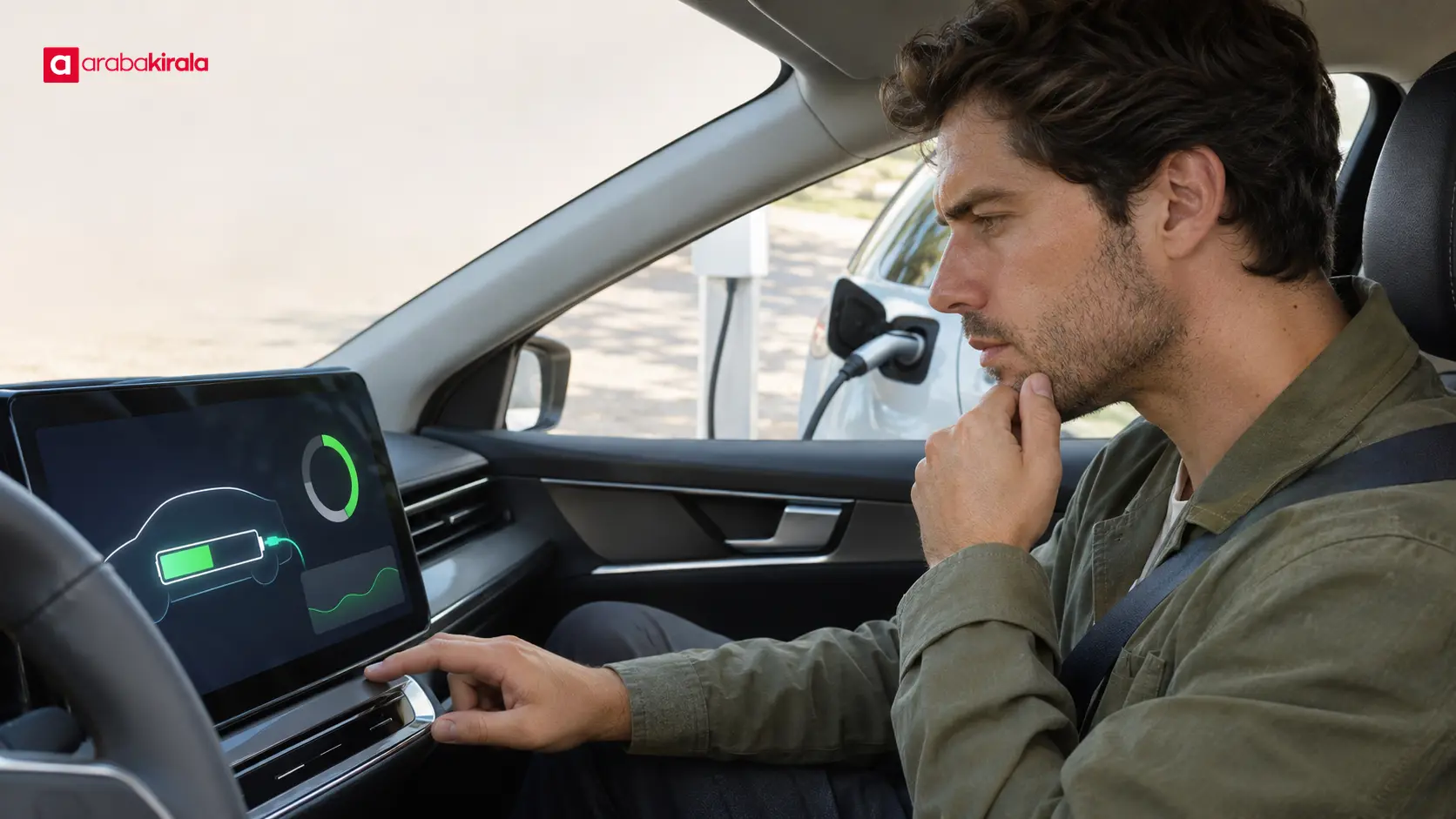
Start by checking the vehicle’s charge status indicator, the charging point display, and any session details available. A message such as “connected” or “charging” may confirm that the connector is recognized and energy transfer has begun. A plugged-in cable alone does not prove that energy is flowing. Note the time if the power reading reaches zero, the session ends, or an error appears.
Power can fall, or briefly approach zero, while a session still appears open. That is different from a confirmed, ongoing interruption. Compare the vehicle, station, and app information when possible: an app can update later than the live display. The session’s recorded energy and end status can help clarify whether charging actually stopped.
Slowdown, interruption, and completion
- Slowdown: The kW reading drops while the session remains active. This does not mean all energy transfer has stopped.
- Interruption: Energy transfer stops or the session ends with an error. The display and session record can help confirm this state.
- Completion: The vehicle may have reached its target charge level, or the session may have ended for another reason. Check the end message alongside the battery percentage.
Common technical reasons for lower charging power
A vehicle’s maximum charging rate does not have to match the maximum output of the charging point. During AC charging, the vehicle’s onboard charger converts alternating current into a form the battery can use. With DC fast charging, much of that conversion happens at the station. The charging method and technical limits of both pieces of equipment affect the power shown.
Charging power commonly decreases as the battery’s state of charge rises. The battery management system can adjust energy delivery to suit battery conditions. Ambient and battery temperatures can also affect charging time. For that reason, the power at the start of a session should not be treated as a promise of the same rate at a higher charge level. Consult the vehicle manual for model-specific charging guidance.
Station capacity sharing or an equipment-side limitation can also reduce the power shown by the vehicle. If several connectors use the same equipment, check the station display or operator information to see whether output is shared. Treat these as possibilities to investigate, rather than proof of a fault based on one observation.
A safe, orderly way to check the situation
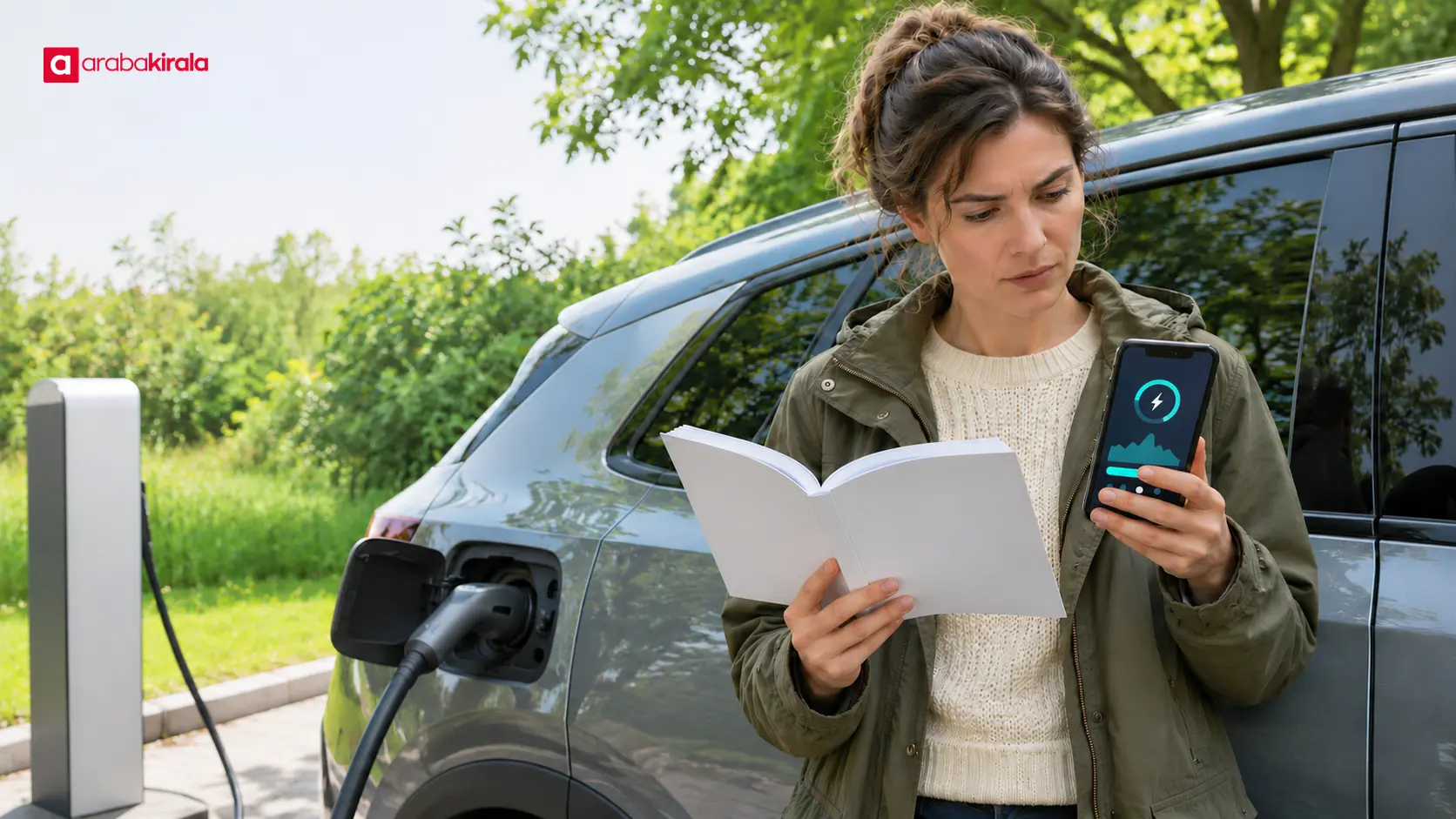
Record what you see. Note the time, battery percentage, displayed power, charging type, and any warning message. If the session app shows duration or energy delivered, record that too. These details help show when the change occurred.
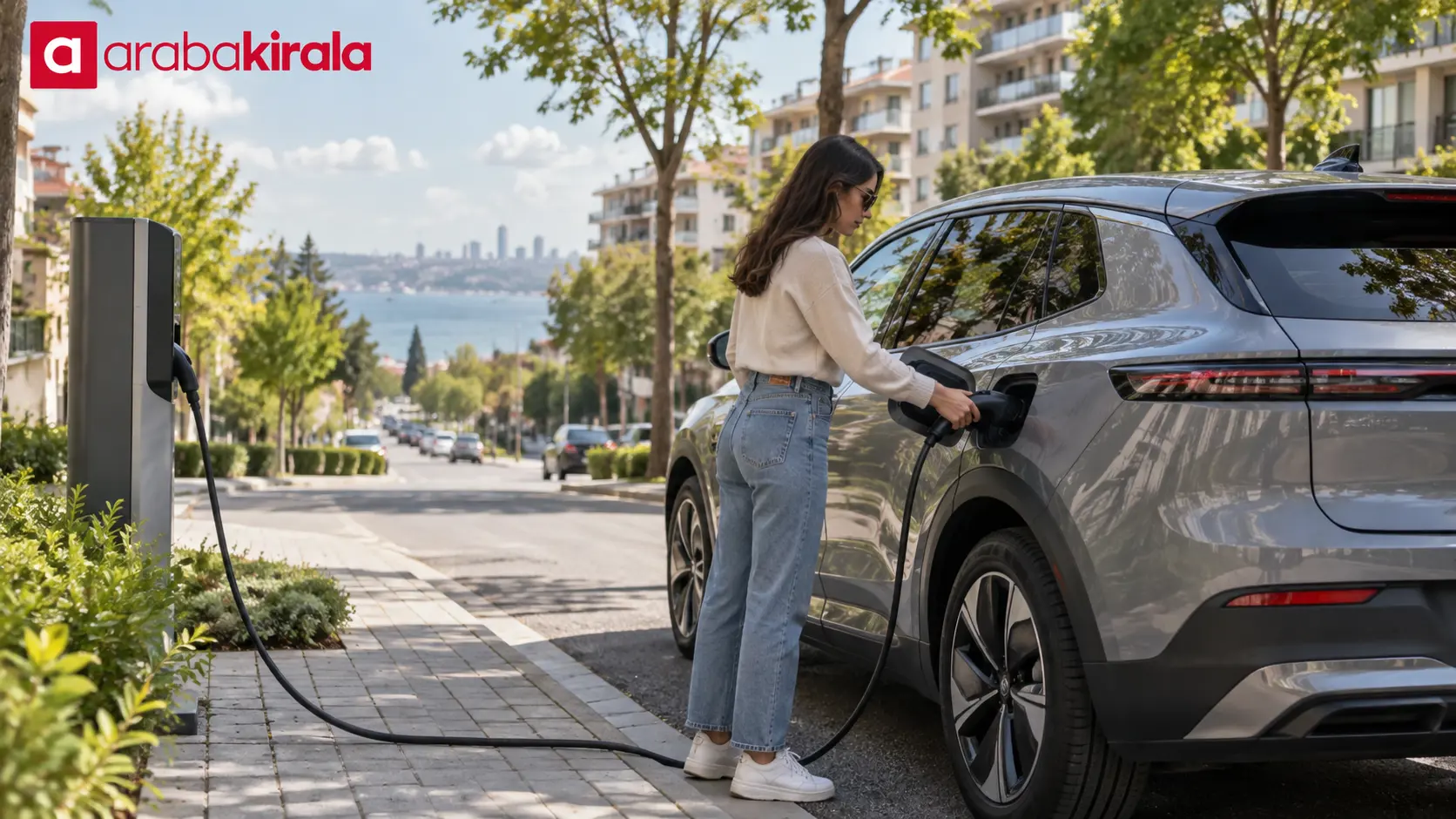
Inspect the connection visually. Check whether the cable appears loose, whether the vehicle recognizes the connector, and whether there is visible cable damage. Do not touch damaged, unusually hot, or wet electrical components. Do not force the cable; follow the manufacturer’s instructions.
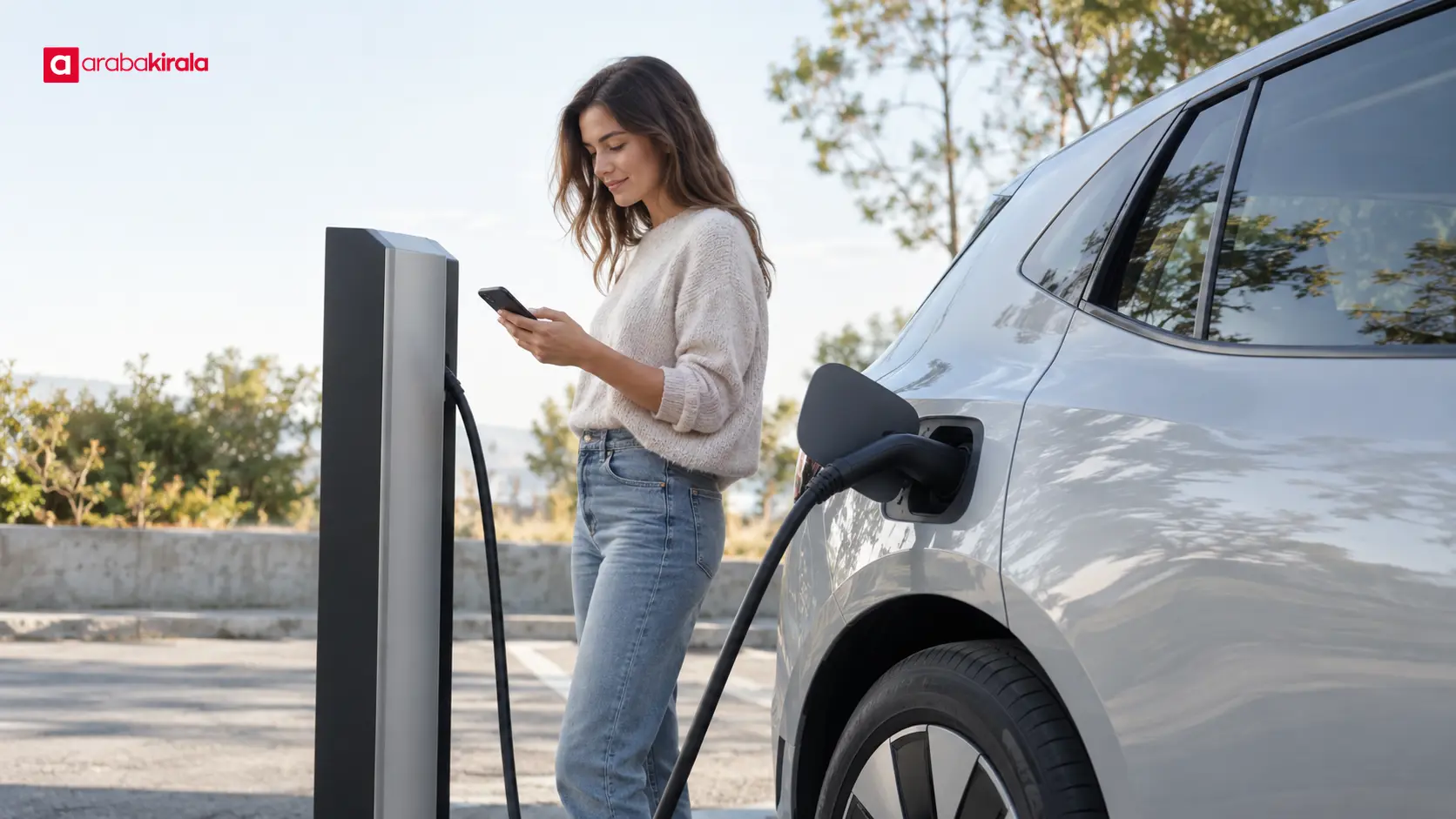
Compare vehicle and station displays. Check whether the vehicle’s charging status matches the station’s session record. An app may show delayed information, so do not treat a live display and a later session summary as the same reading.
End the session safely. Before disconnecting, use the normal stop procedure on the vehicle or station. If both displays report an error or energy transfer never begins, follow the charging point instructions and contact the operator’s support if needed.
Do not open electrical components, repair a cable, or force a connector apart. If you notice a burning smell, smoke, sparks, unusual heat, or visible damage, stop charging safely, move away from the equipment, and seek help under the applicable emergency procedure. Follow the vehicle and charging point safety instructions first.
How to interpret a charging record
Useful session details include the start and end times, battery percentage at the beginning and end, energy delivered, and any error message. They can help establish whether charging never started or stopped partway through. A single low power value, however, does not establish that the vehicle or charging point is defective.
Repeated observations under comparable conditions are more informative. If similar drops occur with the same vehicle at different charging points, check the vehicle manual and contact qualified technical support. If the issue repeats at one charging point, give the operator the session time and station identification. This comparison helps route the report without making a diagnosis from limited evidence.

If an interruption happens in a rental EV
When using a rental electric vehicle, consult the vehicle manual for connector use, status indicators, and safe stopping steps. Access to charging services, station use, and reporting procedures can depend on the specific vehicle and reservation. Ask the branch you will rent from about those details. Do not assume a process at one location applies to every vehicle or branch.
If the interruption repeats, record the time, battery percentage, displayed power, session outcome, and warning message. Do not continue charging if there is a safety concern. Trying another normally operating station may be reasonable only when the surroundings, vehicle manual, and station instructions allow it. Sharing the record with the rental branch or station operator makes it easier to review what happened.
Ways to reduce charging problems ahead of time
Before setting off, review the vehicle manual for AC and DC connector information, charge-port operation, and indicator meanings. Leave adequate time for charging in your travel plan; for a longer trip, identify suitable alternatives in advance instead of relying on only one charging point. Station availability and access details can change, so check current information before travelling.
During charging, check the display periodically, confirm that the cable and vehicle connection appear secure, and keep the session details in case a problem occurs. Consider battery percentage, charging type, and vehicle limits when interpreting power. Do not label one brief drop a fault; use the records to confirm a persistent interruption, and stop if you see a safety warning.
Summary: what to do first
For an EV charging interruption or power loss, compare the vehicle and station status displays first. Record the power, battery percentage, time, and any warning. Keep in mind that charging power can vary with battery state and temperature, and that AC and DC charging work differently. Do not touch visibly damaged equipment or force a cable.
If the problem continues, follow the vehicle manual and contact the charging operator or, for a rental vehicle, the branch you will rent from. A concise record is the most practical way to explain when the interruption occurred and what the displays showed.
Frequently Asked Questions
Does a drop in charging power always mean there is a fault?
No. Battery state of charge, temperature, vehicle limits, and station conditions can all affect power. If the session remains open and energy is still being delivered, the change may be a slowdown. An error, ended session, or lack of energy transfer calls for further checking.
What should I check if the display shows zero power?
Compare the vehicle display, charging point, and session record. Check the time and delivered energy to distinguish a brief update delay from stopped energy transfer. Follow the station instructions if an error appears, and do not open equipment or force the cable.
Can battery charge level affect charging speed?
Yes. Battery management may reduce power as the charge level rises. Do not compare a reading near the start of a session with one at a higher battery percentage as if the conditions were identical. Check the vehicle manual for model-specific guidance.
Do AC and DC charging affect the power reading?
Yes. The vehicle’s onboard charger has a different role during AC charging than the station’s power electronics during DC fast charging. The technical limits of both the vehicle and equipment matter, so read the displayed value in context.
Who should I contact about a charging interruption in a rental EV?
Contact the charging operator about a technical issue at the station. For vehicle or reservation-related procedures, ask the branch you will rent from. Share the time, station details, battery percentage, warning, and session outcome, and do not continue using unsafe equipment.
Related Articles
- Electric Vehicle Charging Power: Station and Car Limits
- How Electric Vehicle Charging Power Sharing Works
- Electric Car Charge Port Lock: Safe Use Guide
Sources
- U.S. Department of Energy: Electric Vehicle Charging Basics
- U.S. Department of Energy: Developing Infrastructure to Charge Electric Vehicles
Legal Disclaimer: All content, articles and information on the Araba Kirala website are provided solely to inform users. No information shared on this website constitutes definitive advice or guidance. Araba Kirala Teknoloji A.Ş. and its authors cannot be held responsible for any direct or indirect damages arising from the application of information on the website. For all questions and requests regarding car rental, please contact the office from which you will rent your vehicle.
 Add ArabaKirala as a preferred source on Google