
EV Charging Connector Locks and How to Tell a Session Has Ended
Published: October 28, 2026 • Reading Time: 7 min • Last Updated: October 28, 2026
Learn why EV charging connectors lock, how to confirm a session has ended, and how to unplug safely without forcing the cable.
Contents
- Why does the charging connector lock?
- How can you tell whether a session is active or complete?
- How to unplug safely after charging
- What to do if the connector will not release
- Preparation that makes charging easier
- What to learn when renting an electric vehicle
- Final check before you leave
- Frequently Asked Questions
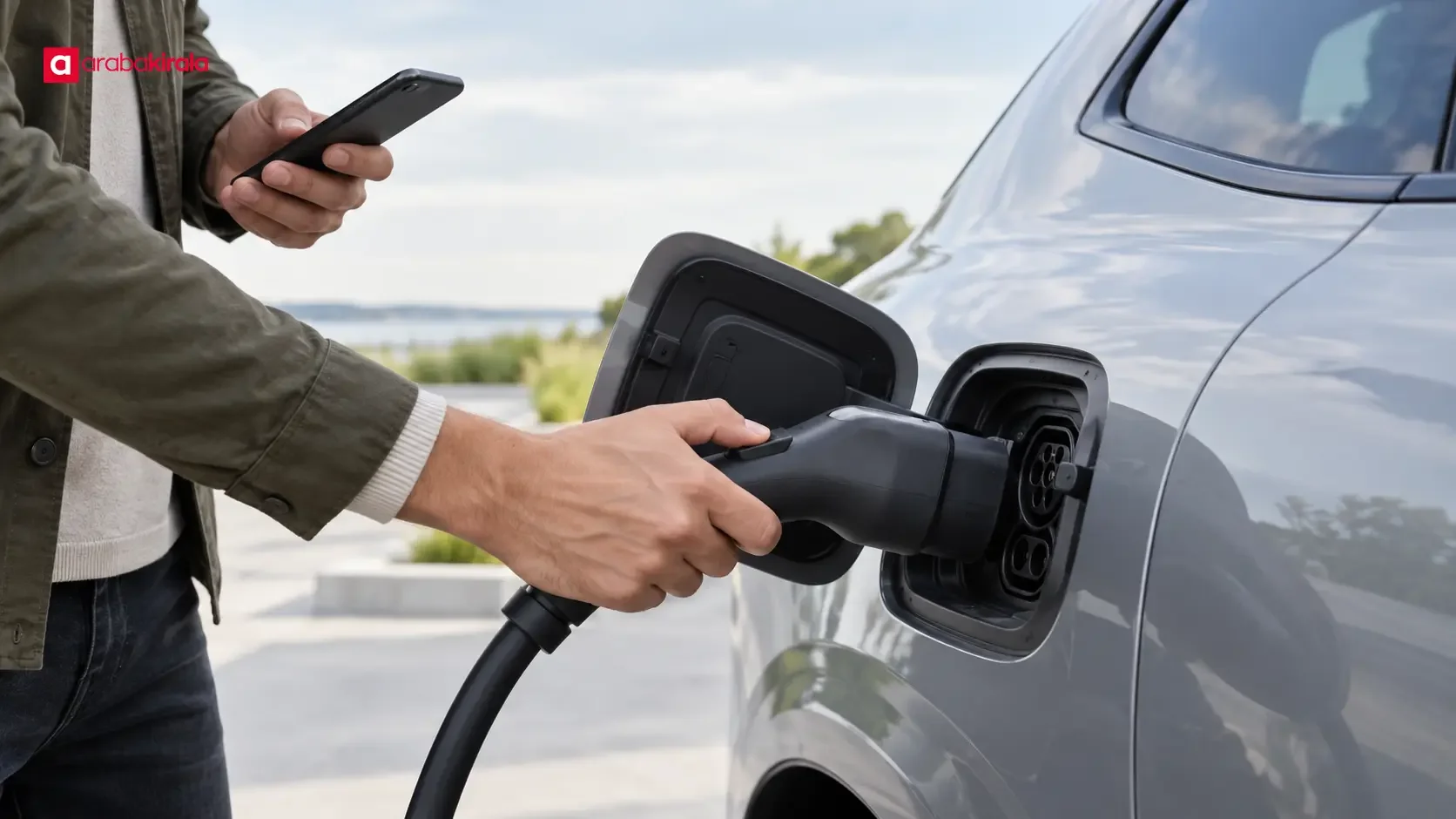
During an electric vehicle charging session, a connector may lock into place to keep the connection secure. This guide explains what the lock does, how to tell whether charging is still in progress or complete, and how to remove the cable without forcing it. Indicators and release behavior vary by vehicle, connector, and charging unit, so use the vehicle manual together with instructions shown at the charging point.
Why does the charging connector lock?
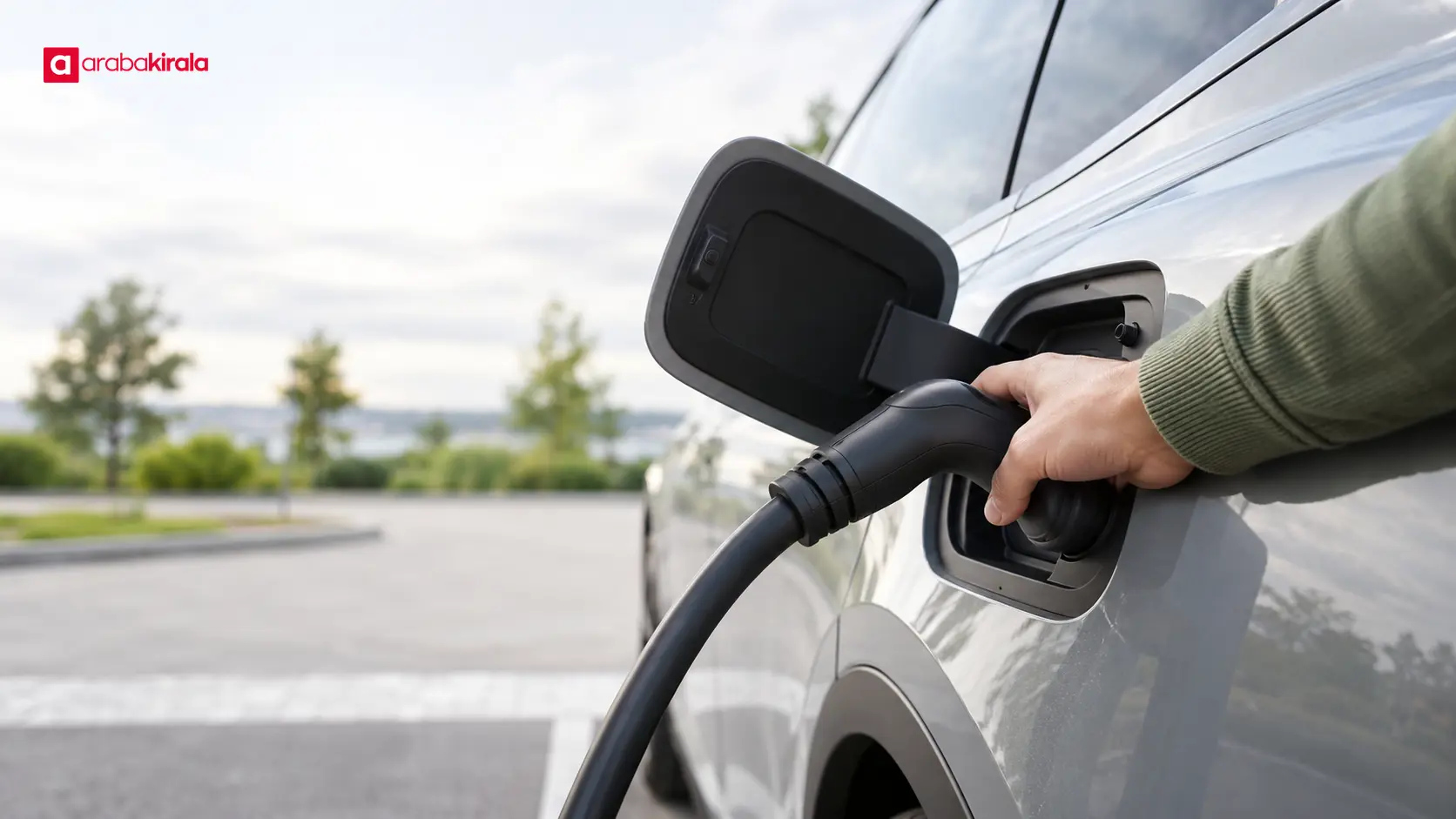
After a plug is inserted, the vehicle or charging equipment may lock the connection. This helps prevent accidental disconnection while power is being transferred and keeps the connector seated. The lock alone does not prove charging has started: it confirms that the plug is physically secured. Check separate indicators, such as the vehicle display, status lights, or charger interface, to confirm that a session is active.
The location and release method of the locking mechanism depend on the design. On some vehicles it may be linked to central locking or charging settings; other systems use a release command on the vehicle or charger interface. Follow the normal removal sequence in the owner’s manual instead of pulling on the plug. If the mechanism does not release, do not tug the cable, force a latch, or insert a tool into the connection.
How can you tell whether a session is active or complete?
A light color or screen symbol does not mean the same thing on every vehicle and charger. Read the charging status on the vehicle display, the charger screen, and, if used, the official charging app together. A message indicating that power is being transferred, an increasing battery level, or a “charging” status may mean the session is still active. A completion message, session summary, or explicit indication that energy transfer has stopped is stronger evidence that it has ended.
Reaching a target battery percentage does not always mean that the connector can be removed immediately. Even after charging is complete, the vehicle may require a separate release command for the lock. Likewise, a dark screen or an unlit indicator does not by itself prove that charging has ended; the screen may have timed out or the connection may have encountered an error. Check the status again on the vehicle or charger interface.
A drop in charging power is not, by itself, a completion signal. The vehicle may reduce power as the battery fills, and operating conditions can also affect the rate. Do not decide that a session has ended based only on the power reading. Status messages, the vehicle’s charge level, and the charger’s session record provide more useful clues.
How to unplug safely after charging
Confirm the status. Check that the vehicle and charger indicate that the session is complete. Do not try to unplug while charging is still in progress.
End the session normally. If needed, follow the stop command on the vehicle display, charger, or official app in use. The same steps may not be available on every system or connector type.
Wait for the lock to release. Use the vehicle’s normal release method and check that the plug is free. Unlocking and relocking the doors can work on some models; consult the manual to see whether that applies to your vehicle.
Hold the plug, not the cable. Remove the connector in a straight motion. Do not pull the cable, twist the connection sideways, or apply excessive force to the latch.
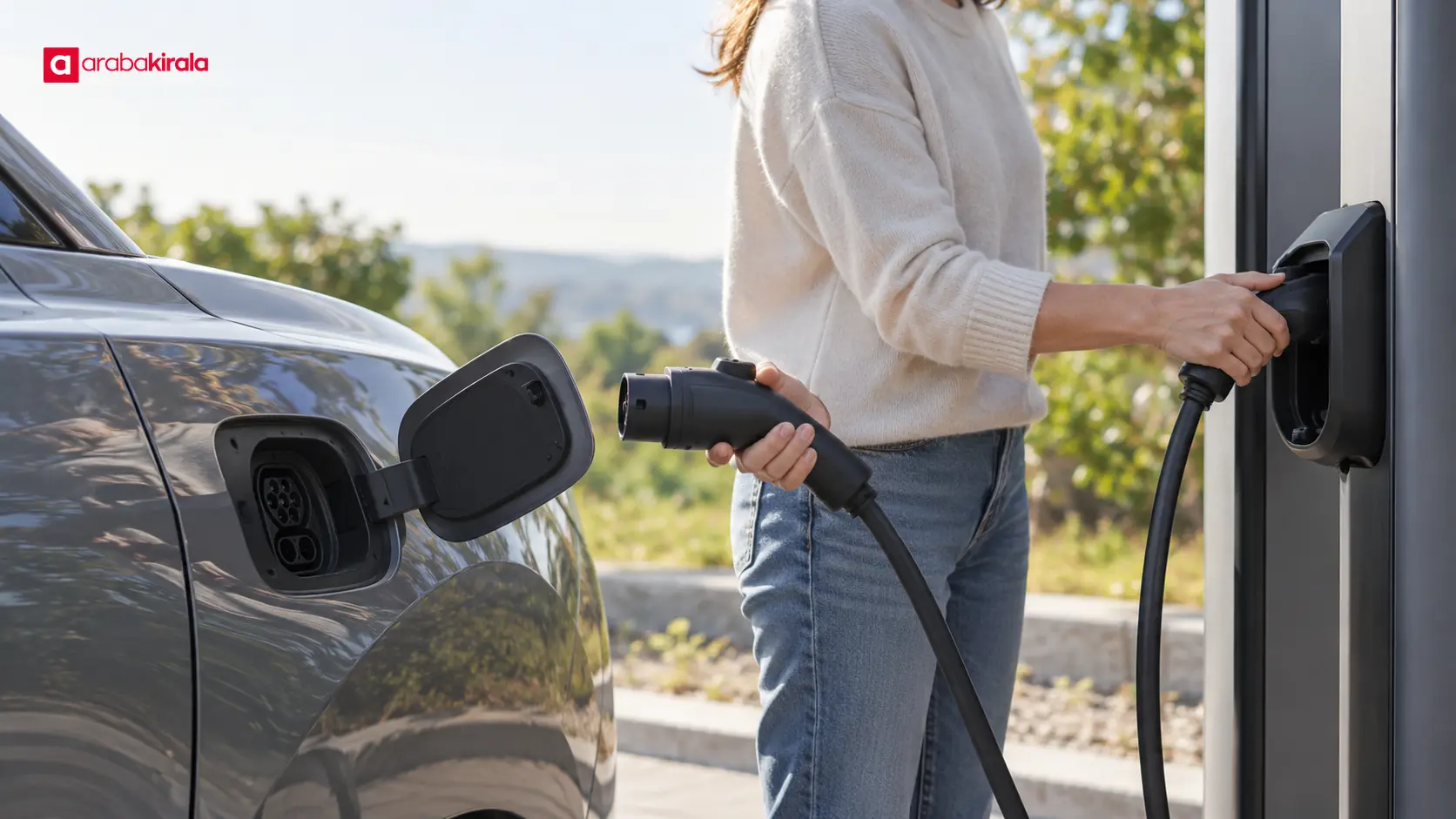
Put the cable away neatly. Return a station cable to its designated holder. If you are using your own cable, stow it as directed for the vehicle and equipment, keeping the connector ends clean and dry.
What to do if the connector will not release
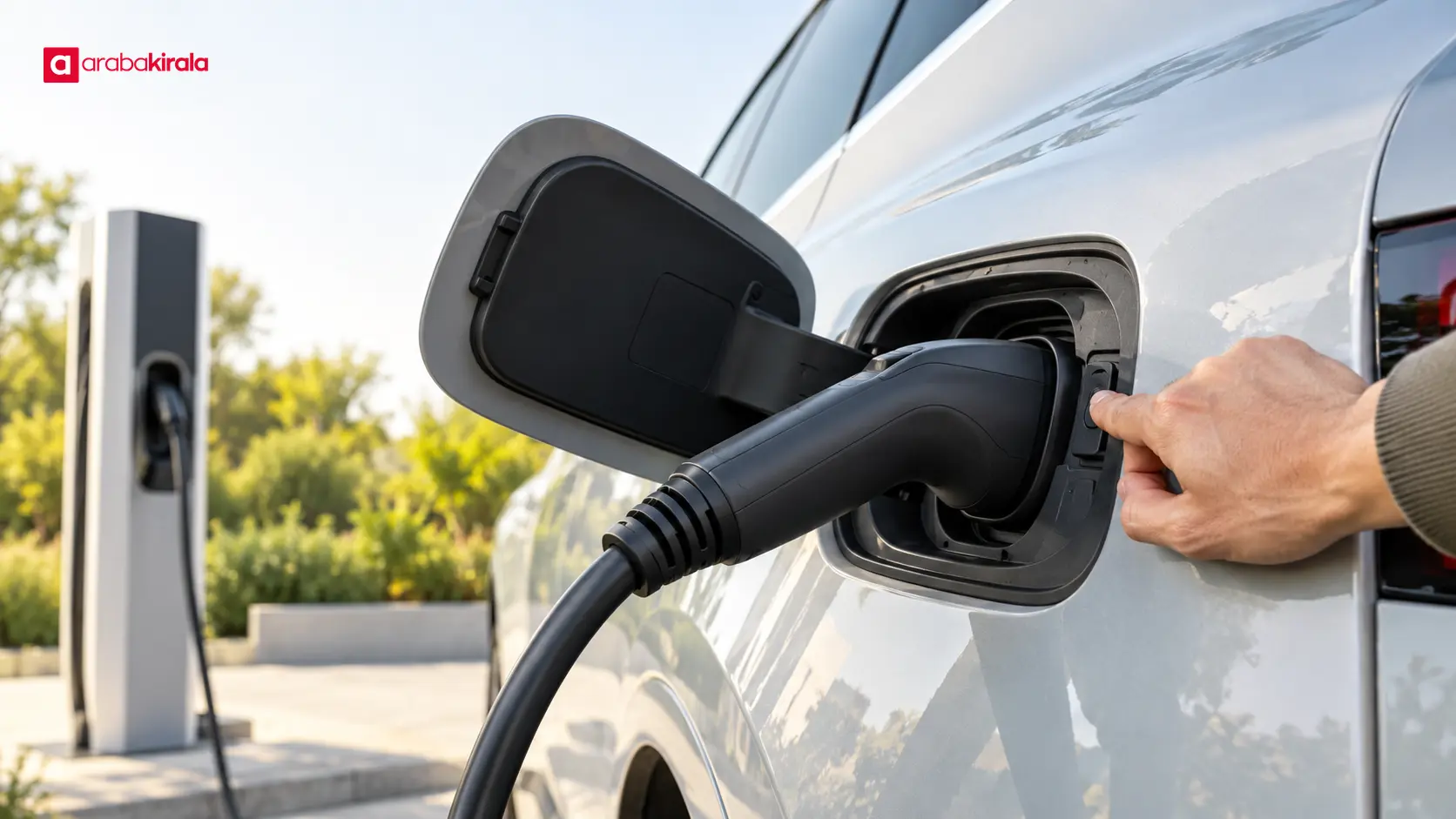
First confirm that the session has actually ended and that the vehicle is unlocked. Then follow the normal removal instructions in the owner’s manual. If an interface appears unresponsive, use the manufacturer’s recommended retry steps; pressing controls at random or trying to interrupt power can create another problem. If the charging unit provides a help or fault-reporting channel, follow the on-screen directions.
Do not shake a stuck connector, move the vehicle, pry the lock with a tool, or force the connection. These actions can damage the vehicle, plug, or charging equipment. If the lock still will not release, contact the charging point’s support channel or seek assistance recommended by the vehicle manufacturer. Stop using a connection that is damaged, unusually hot, wet, or making an abnormal sound; keep a safe distance and request qualified help.
Preparation that makes charging easier
Before driving, review the owner’s manual for the connector’s locking and release steps. Knowing the charging symbols on the vehicle display reduces uncertainty at the station. If you are using a different vehicle, do not assume it has the same buttons or indicator behavior as the one you drove before.
Before plugging in, check that the connector and vehicle inlet appear clean and undamaged. Do not use visibly damaged equipment.
Seat the plug fully and straight; do not let the cable’s weight pull the connection sideways.
After charging begins, check that the vehicle and charger status messages are consistent.
Review the station’s instructions for charge targets, time limits, and payment or session steps. These details depend on the system in use.
Before leaving, confirm that the session has closed and the cable is no longer attached to the vehicle.
What to learn when renting an electric vehicle
When renting an EV, it helps to learn how its connector lock and charging display work before leaving with the vehicle. Ask the branch you are renting from which charging cable, if any, is supplied with the vehicle, how to end a session, and what guidance applies to station use or payment. These details can be specific to the vehicle and reservation; do not assume one method applies to every vehicle or charging point.
Keeping the vehicle manual’s instructions in mind can help prevent a rushed attempt to pull out a cable when a session ends. If you cannot identify the status, follow the charging unit’s on-screen steps, and never use force while the connector is locked. This makes it easier to judge when charging is complete while treating the vehicle and equipment carefully.
Final check before you leave
Confirm the completed-session message, check that the connector lock has released, remove the plug by its body, and return the cable. Then make sure the vehicle inlet is closed, the session has ended, and your belongings are in the car. If any step does not work, consult the vehicle manual and the charging unit’s support instructions instead of forcing the connection. If you are driving a rental, learning the vehicle- and branch-specific charging steps at pickup can make the next session easier to manage.
Frequently Asked Questions
Does a locked charging connector mean something is broken?
No. Many vehicles lock the connection so it stays secure during charging. If the lock does not release after the session ends or the vehicle shows an error, follow the manual’s removal steps and do not force the plug.
If the charging indicator goes dark, has the session ended?
A dark indicator alone is not enough to confirm that charging is complete; its meaning varies by vehicle and station. Check the session status on the vehicle display and the charger. If needed, reactivate the interface to verify the status.
Can I unplug as soon as the battery reaches its target level?
First confirm that the vehicle or charger reports the session as complete and that the connector lock has released. Reaching the target and freeing the plug can be separate steps, so do not pull while it remains locked.
How should I remove a connector that will not unlock?
Do not tug the cable or try to pry open the lock with a tool. Follow the vehicle manual’s normal release sequence. If that does not work, contact the charging point’s support channel or seek assistance recommended for the vehicle.
Where can I learn how to use the charging connector in a rental EV?
Review the supplied owner’s manual and ask the branch where you pick up the vehicle to demonstrate its connector release, cable, and session-ending steps. Because operation varies by model, do not rely on habits from another vehicle.
Legal Disclaimer: All content, articles and information on the Araba Kirala website are provided solely to inform users. No information shared on this website constitutes definitive advice or guidance. Araba Kirala Teknoloji A.Ş. and its authors cannot be held responsible for any direct or indirect damages arising from the application of information on the website. For all questions and requests regarding car rental, please contact the office from which you will rent your vehicle.












