
How to Prepare Offline Navigation for Daily Driving in Istanbul
Published: October 20, 2026 • Reading Time: 8 min • Last Updated: October 20, 2026
Learn how to download an offline map area, check your route and prepare your phone before driving a rental car in Istanbul. See what offline maps can do when data drops and where their limits are.
Contents
- What offline navigation can do
- Choosing an area to download in Istanbul
- Download and test the map before driving
- Offline map limits and route planning in Istanbul
- Preparing your phone for a rental car trip
- Questions to ask before booking or collecting the car
- A quick checklist before you set off
- In short: download first and check the route while parked
- Frequently Asked Questions
Before setting off in a rental car in Istanbul, this guide explains how to download an offline map that covers your day’s driving, check your route while connected, and prepare your phone for navigation. An offline map can help when mobile data is weak or unavailable, but it does not replace live traffic, road closure updates or connected route planning.
What offline navigation can do
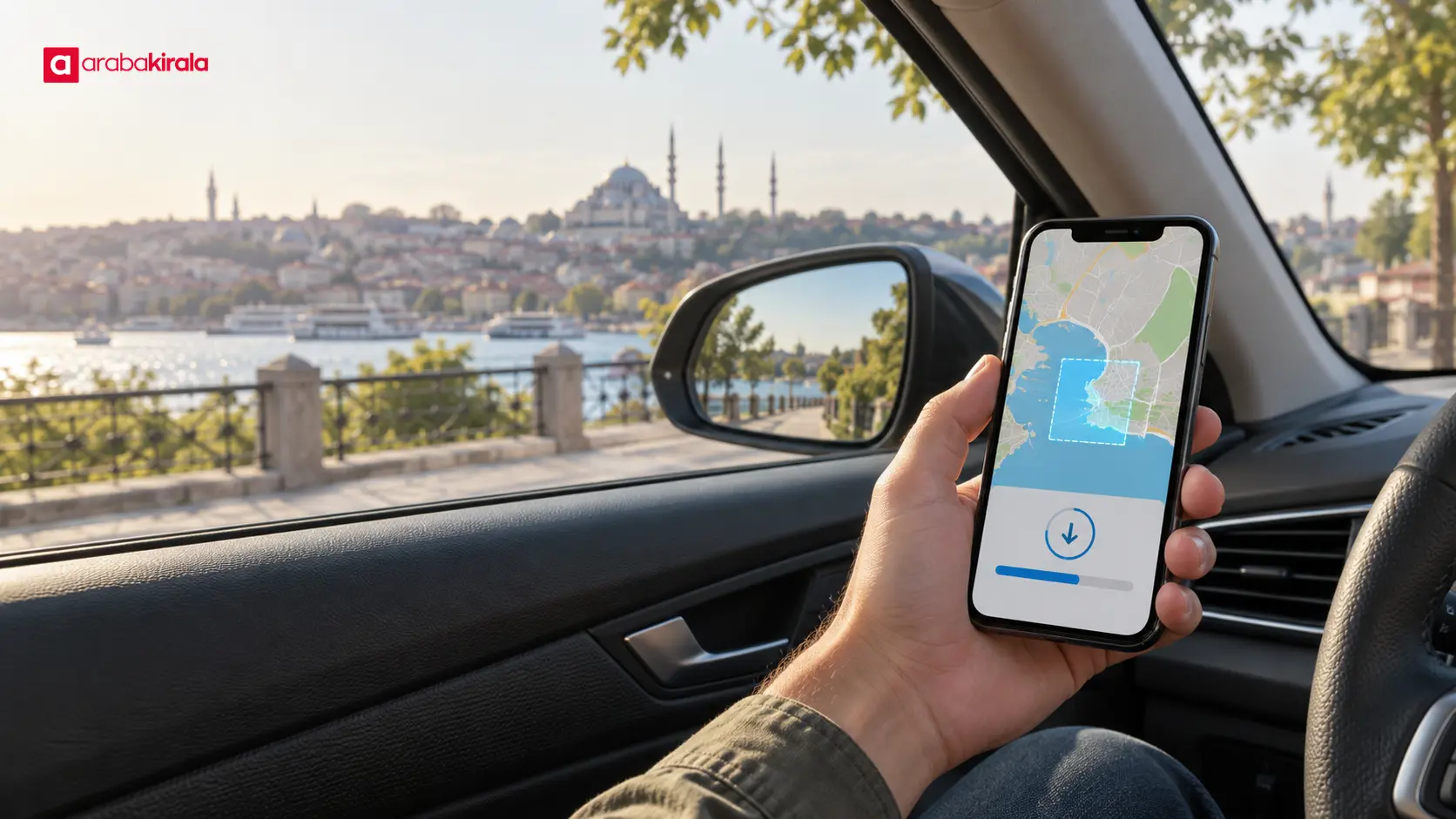
A maps app saves road and place information for an area you choose onto your device. If the phone’s internet connection slows or drops, the app may still open the map within that downloaded area. Depending on the app, device, region and saved data, you may also be able to create a driving route and receive turn-by-turn directions offline. These features vary, so test them on your own phone before you leave.
A phone can determine its location from GPS without using mobile data when it can receive satellite signals, although battery level, location settings and surroundings affect how well it works. Without an internet connection, do not expect current traffic conditions, newly reported road closures or instant alternative routes. Downloaded maps may not reflect recent road changes. Treat the map as a backup for connectivity gaps, alongside a route check while you are online.
Choosing an area to download in Istanbul
Choose an area that covers more than just the destination pin. Include your starting point, the roads you expect to use, the places you plan to visit during the day and reasonable route changes. Journeys across Istanbul can span a broad area. If a bridge, tunnel or coastal-road section falls outside the downloaded boundary, the app may not be able to route that part while offline. Inspect the boundary and make sure the full route fits inside it.
If your day includes several stops, a small map centred on your current location may not be enough. Select a larger area that includes all known stops. At the same time, larger downloads can use more device storage. Check available space and the file size shown by the app before downloading. Apps may also limit the area you can save at once, so do not assume you can download an unlimited region.
Download and test the map before driving
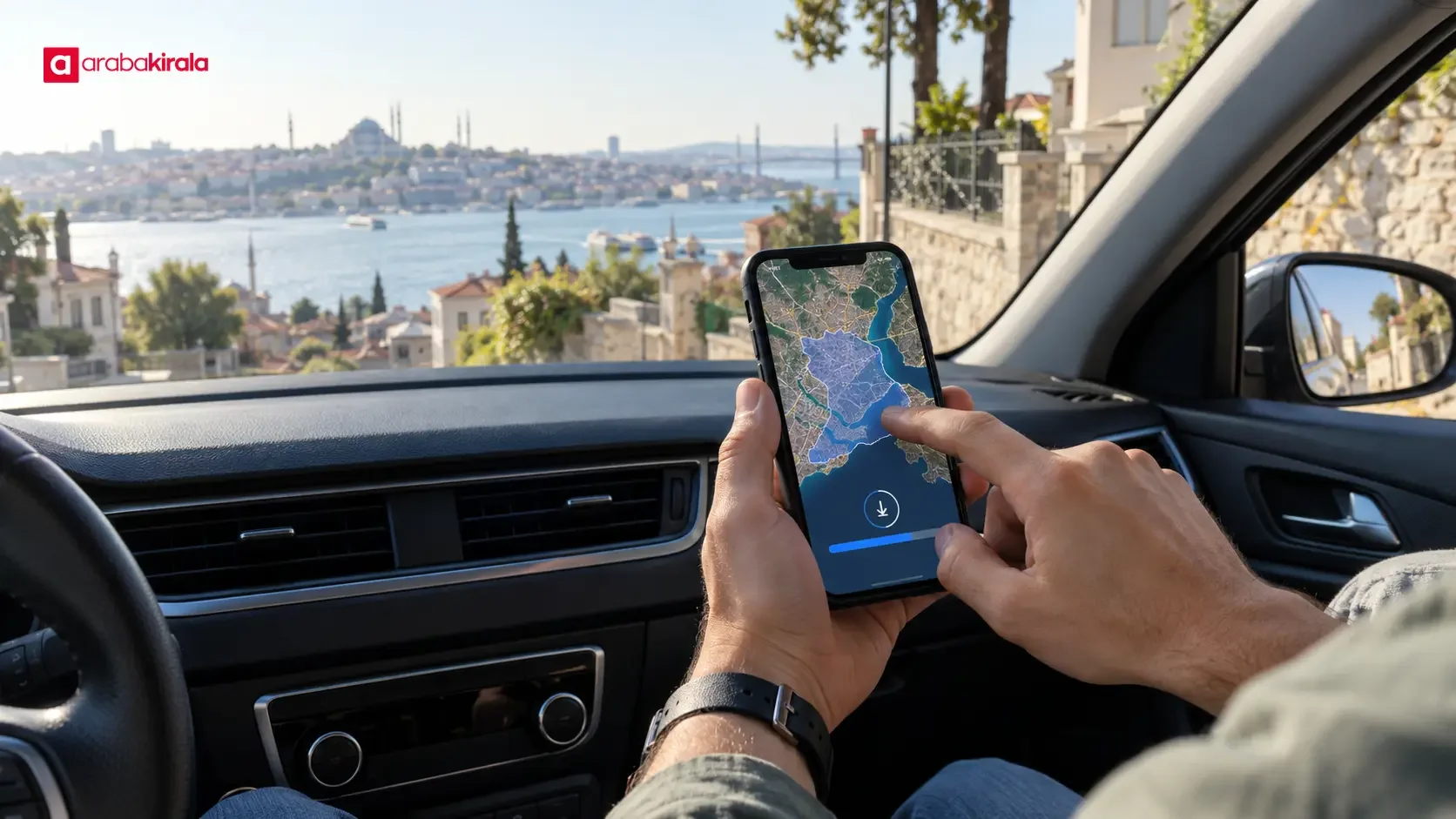
It is practical to download the area over a reliable Wi-Fi connection rather than depending on mobile data. Open the offline maps section of your app and select an area, or open a place on the map and choose the download option. Menu names and steps differ across Android, iPhone and app versions. Once the download finishes, check the saved offline maps list and confirm the area is there before you travel.
- Open your maps app and identify the parts of Istanbul you expect to drive through.
- Select an area that includes the day’s route and reasonable detours; inspect its edges before downloading.
- Start the download, wait for it to finish and confirm the area appears among your saved offline maps.
- Temporarily turn off internet access and test a meaningful part of your route; then restore your connection.
- Resolve any app prompts about location access, map expiry or updates before setting off.
During the test, choose a destination close to the actual entrance or meeting point. The map pin for a large venue, hotel or business centre may not match the entrance that a car can reach. Checking which street or access point the app selects can reduce last-minute confusion. Do this while the car is stationary: adjusting a phone while driving takes attention away from the road.
Offline map limits and route planning in Istanbul
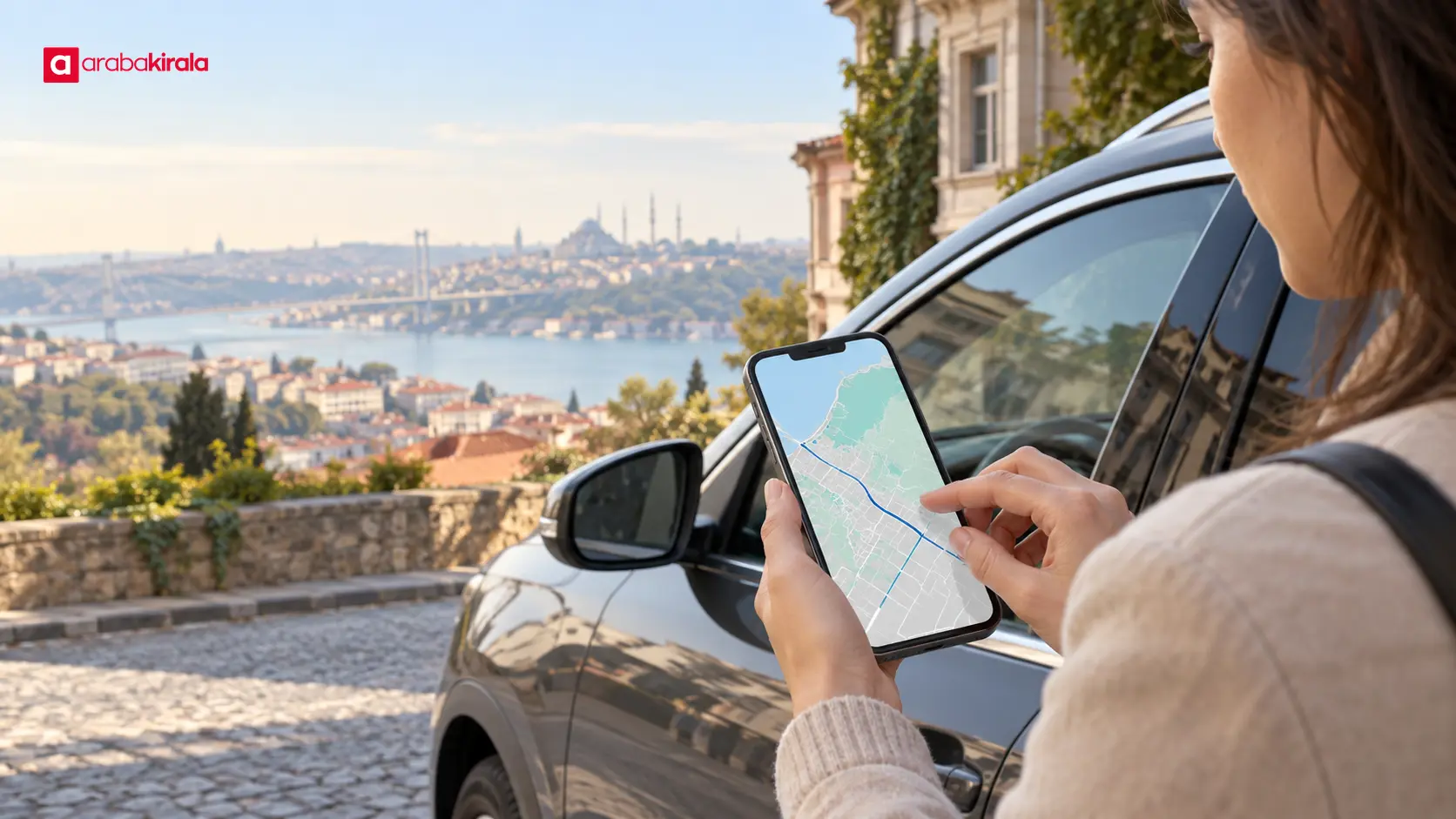
An app may not have access to road information outside the downloaded area. If part of your route falls beyond the boundary, directions may stop or fail to recalculate. Even when your full route is inside the saved area, live congestion and traffic-based alternatives are generally unavailable without internet. Traffic, temporary works and road direction changes can affect a drive in Istanbul, so review the route while connected and follow road signs, official directions and actual conditions once you are on the road.
Offline functions differ between map apps. Google Maps Help says offline driving directions can work when the full route is within the downloaded area, while traffic information and alternative routes are unavailable without a connection. Apple Maps offers offline maps and directions in supported areas, with availability depending on the region and system version. Do not assume every feature will work identically in Turkey or on every device. Download the area and test the app you plan to use. Updates may also change menus and functions.
Preparing your phone for a rental car trip
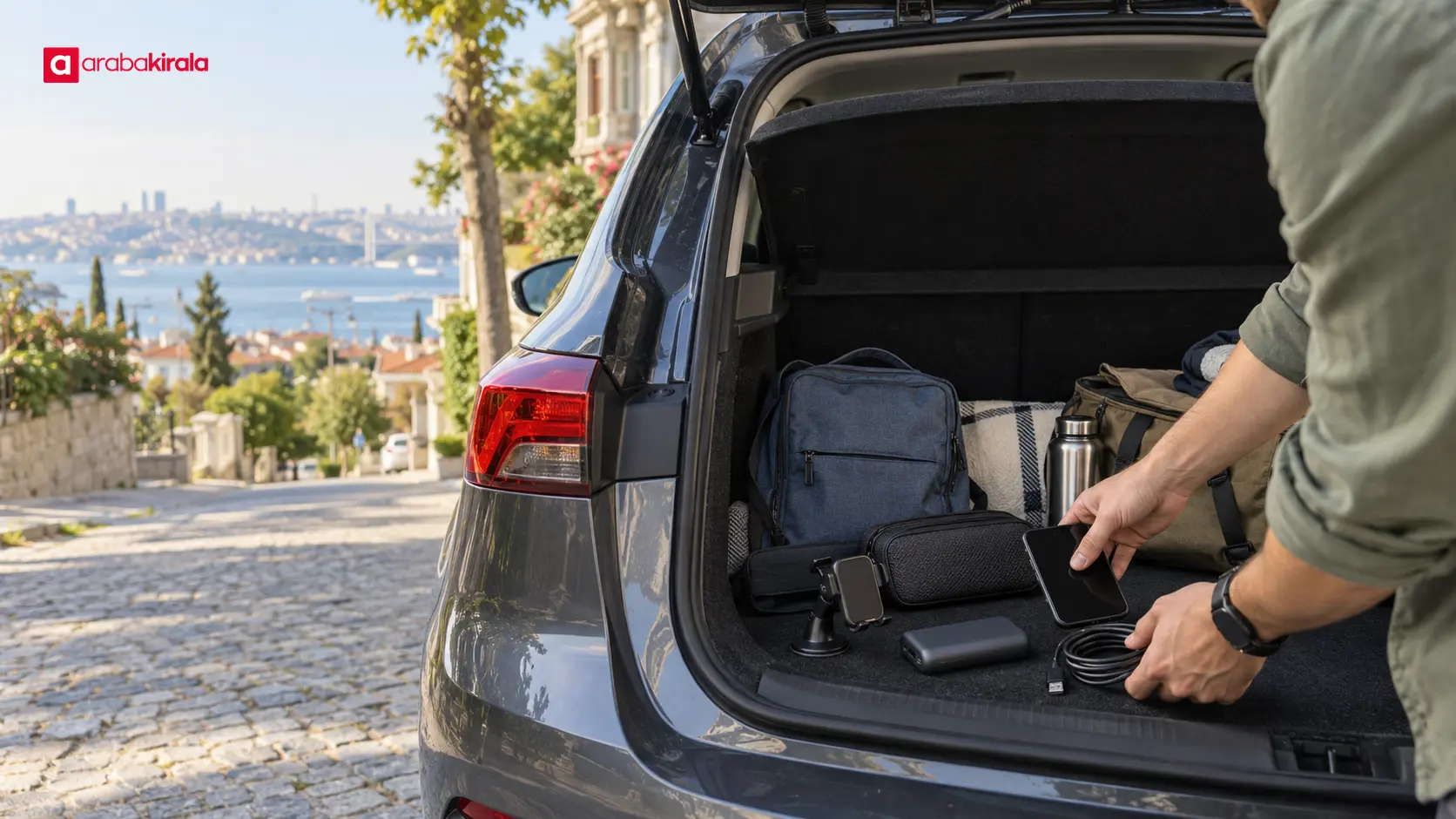
Using GPS and keeping a map open for a long time can drain the battery. Charge your phone before leaving and prepare a compatible cable and phone mount if you intend to use them. Secure the device where it does not obstruct your view or the airbag area. If you need to look at the screen or change a route, stop in a safe place. Setting up voice guidance before moving can help you keep your attention on the road.
Your phone needs enough free storage to finish and keep a map download. Check whether the offline map is current; some apps prompt you to update saved areas or offer tools to manage them. It is also useful to close and reopen the app after downloading to confirm the area remains available. You can keep important addresses and trip notes somewhere accessible as a backup, but do not try to read from a paper note or screen while driving.
Questions to ask before booking or collecting the car
Preparing an offline map is a matter of your phone. Equipment in the rental car and collection arrangements can vary by vehicle and branch. If you plan to use the vehicle’s own navigation screen, ask the branch you intend to rent from whether that feature is available in the car and how it works. Phone pairing, cable type and in-car connectivity may also vary. Do not treat these as guaranteed features.
When collecting the car, make sure a phone mount does not block your view, that your cable is suitable and that you can set navigation safely. Preparing the offline map and destination before the car moves reduces the need to adjust settings on the road. If you are reviewing a city or location page for your rental, use information relevant to your pickup and destination; direct questions about a branch’s vehicle equipment to that office.
A quick checklist before you set off
- I downloaded an offline area that covers the full day’s route and reasonable detours.
- I confirmed the download finished and the map appears in the app’s saved list.
- I tested the map and directions with internet access turned off.
- I charged my phone and prepared a cable and secure mount.
- I checked the current route and road conditions while online.
- I asked the relevant branch about any vehicle navigation or connectivity feature I need.
In short: download first and check the route while parked
Preparing offline navigation for a rental car in Istanbul means choosing an area that covers your day’s driving, downloading the entire map and checking the actual route with a brief offline test. This can help you access a basic map when connectivity is poor; it does not promise live traffic or current road information. Check the route online before leaving, secure your phone and finish navigation setup while parked. If you need to know about the car’s own system or a branch-specific collection detail, ask the office you plan to rent from before booking.
Frequently Asked Questions
Can my phone show my location in Istanbul without internet?
A phone can determine its location from GPS without internet when it can receive satellite signals; a downloaded map helps show that position against the road network. Buildings and surroundings can affect location accuracy. Whether the map or directions work offline depends on the app and the area you saved.
Will an offline map show traffic or newly closed roads?
Live traffic and newly reported closure information generally do not update without an internet connection. The saved map may also be out of date. Check your route while online before leaving and follow road signs during the drive.
Is it enough to download only the area around my destination?
Usually not: the roads along your route need to be inside the downloaded area too. Include your starting point, planned stops, destination and reasonable route changes. Check the map boundary before starting the download.
Do I need to turn mobile data off after downloading a map?
No. A saved map remains on the device while mobile data is on, and the app may use online features whenever a connection is available. To verify offline operation, briefly turn off connectivity and test the map before your trip, then restore your usual settings.
Can I use the rental car’s built-in navigation?
That depends on the car and branch. Before booking, ask the branch you intend to rent from whether the vehicle has a navigation screen, whether it requires a phone connection and how to use it. Preparing an offline map on your own phone gives you a separate personal backup.
When should I download the map?
Download and verify it before your trip while you have a reliable internet connection. After it finishes, confirm the area is listed in the app and do a brief offline test. Leaving it until the last minute gives you less time to resolve connection or storage problems.
Legal Disclaimer: All content, articles and information on the Araba Kirala website are provided solely to inform users. No information shared on this website constitutes definitive advice or guidance. Araba Kirala Teknoloji A.Ş. and its authors cannot be held responsible for any direct or indirect damages arising from the application of information on the website. For all questions and requests regarding car rental, please contact the office from which you will rent your vehicle.












