
Checking Temporary Road Closures on Navigation Maps When Renting a Car in Istanbul
Published: October 28, 2026 • Reading Time: 6 min • Last Updated: October 28, 2026
Learn how to check temporary road closures before driving a rental car in Istanbul, confirm route information with official notices, prepare an alternative, and stay focused on the road.
Contents
- What is a temporary road closure?
- Check the map before setting off
- Set your destination and approximate departure time
- Read the alert in context
- Confirm with official traffic notices
- Plan a usable alternative
- Prepare for navigation when collecting the rental car
- If you encounter a closure while driving
- Before-departure checklist
- Summary and next step
- Frequently Asked Questions
For an Istanbul car rental road closure plan, use current navigation information alongside official traffic notices. This guide explains how to check a route before departure, understand what a temporary closure may affect, prepare an alternative, and respond safely if conditions change while driving.
What is a temporary road closure?
A temporary closure means that a road or part of it is closed to vehicle traffic, or access is restricted, for a limited period. It may relate to maintenance, utility work, an event, a traffic arrangement, or a safety measure. The restriction may affect only one lane, a junction, a connecting road, or traffic in one direction rather than an entire route.
Navigation apps use traffic and road information to suggest routes, but a map alert may not explain the precise limits, start and end times, or any access conditions for particular vehicles. Treat the map as a useful planning aid, not as a replacement for signs on the road or notices from the responsible authorities.
Check the map before setting off
Set your destination and approximate departure time
Enter your destination as precisely as possible. Even two locations in the same Istanbul district can lead to different routes depending on whether the journey uses a bridge, tunnel, main arterial road, or coastal road. Checking the route close to your planned departure time can show traffic and restrictions reported for that period. If you opened the map much earlier, refresh it before leaving.
Read the alert in context
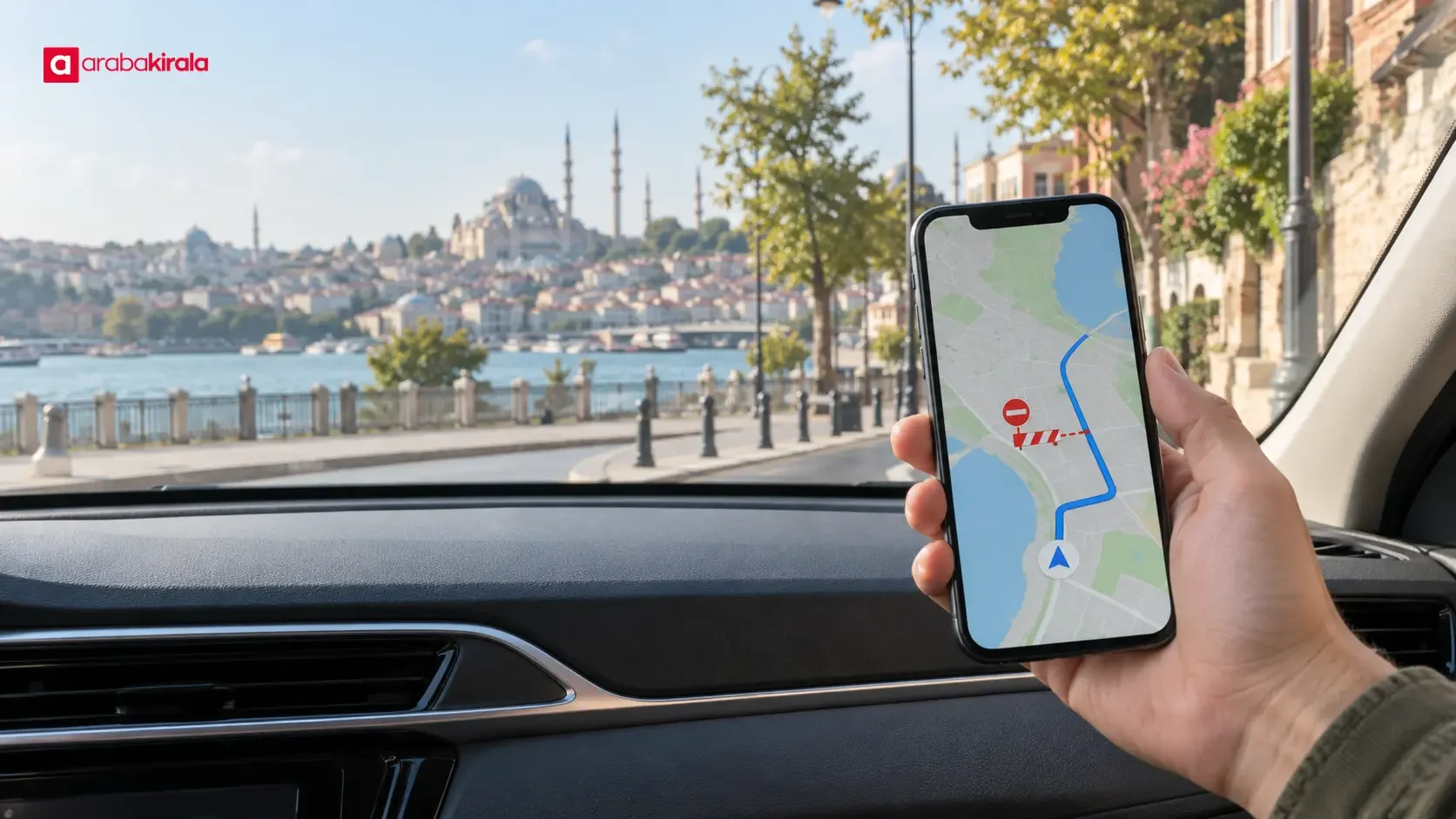
A closure icon near your route does not automatically mean that your direction of travel is blocked. Check which road segment the alert refers to, whether your route uses it, and what change the app proposes. If an alternate route appears, review the main roads it takes you onto. Make sure the app is not relying on an old downloaded map or an area without current connectivity.
Confirm with official traffic notices
If your trip uses a major transport corridor, a bridge or tunnel approach, or a route that may be affected by an event, check current notices from the relevant public authorities. A notice may identify the date, time window, affected direction, and suggested alternatives. An old notice should not be treated as confirmation of today's conditions. If the map and notice differ, follow current road signs and directions from authorized personnel.
Plan a usable alternative
A closure on a main road can lead navigation to narrower or busier streets. Do not judge alternatives only by their estimated travel time. Consider whether the route is suitable for a car, whether its connections are clear, and whether it works with planned stops. Istanbul's coastal roads, ring roads, and main arteries connect through junctions; a restriction at one junction can affect a broader portion of the trip.
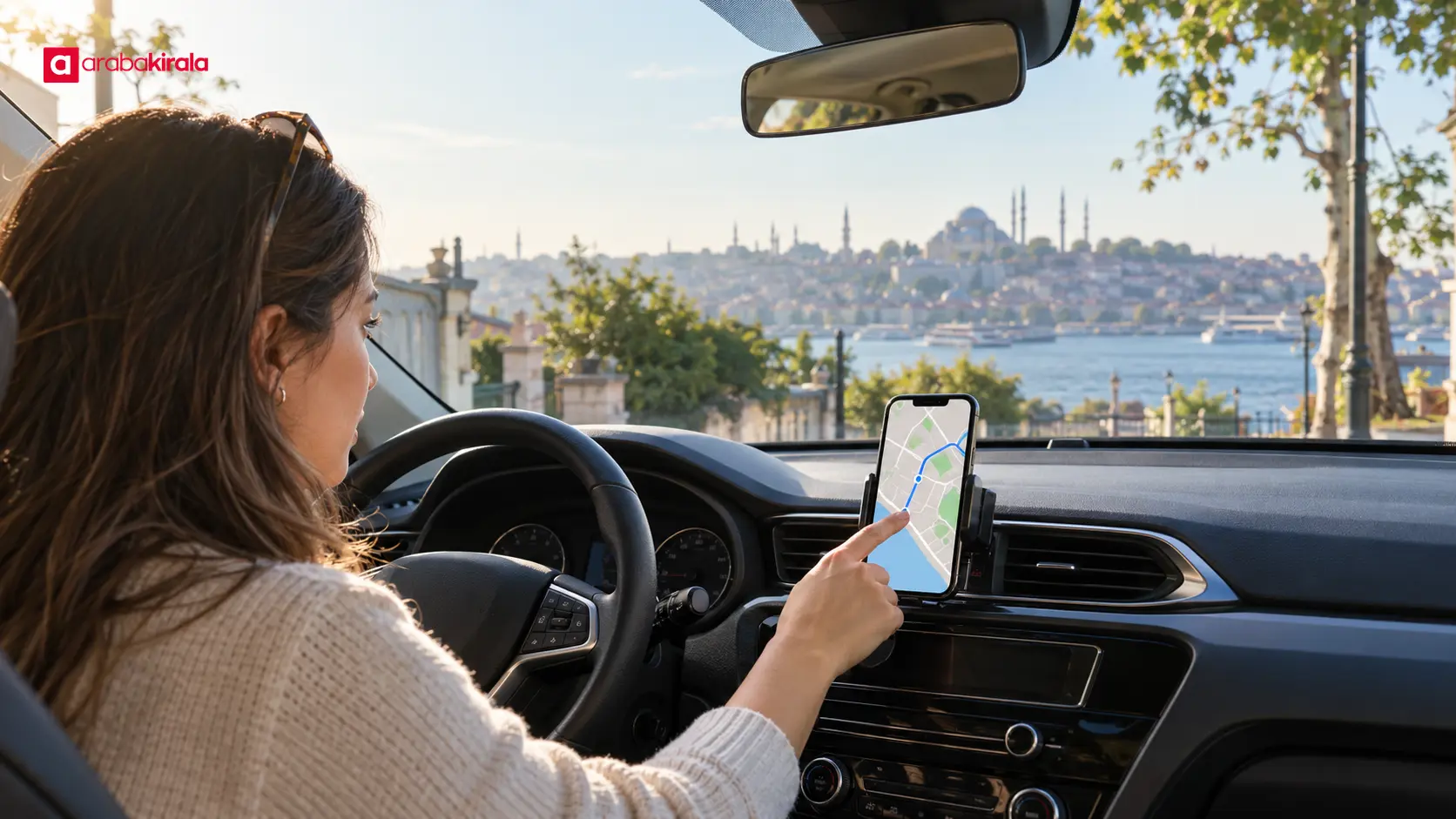
Choose at least one reasonable alternative to your primary route. You do not need to memorize every turn; knowing which main road the alternative follows and where the route might change is enough. Check your phone's charge and set up its holder and voice guidance before the car moves. The driver should not search for closure updates while driving.

Prepare for navigation when collecting the rental car
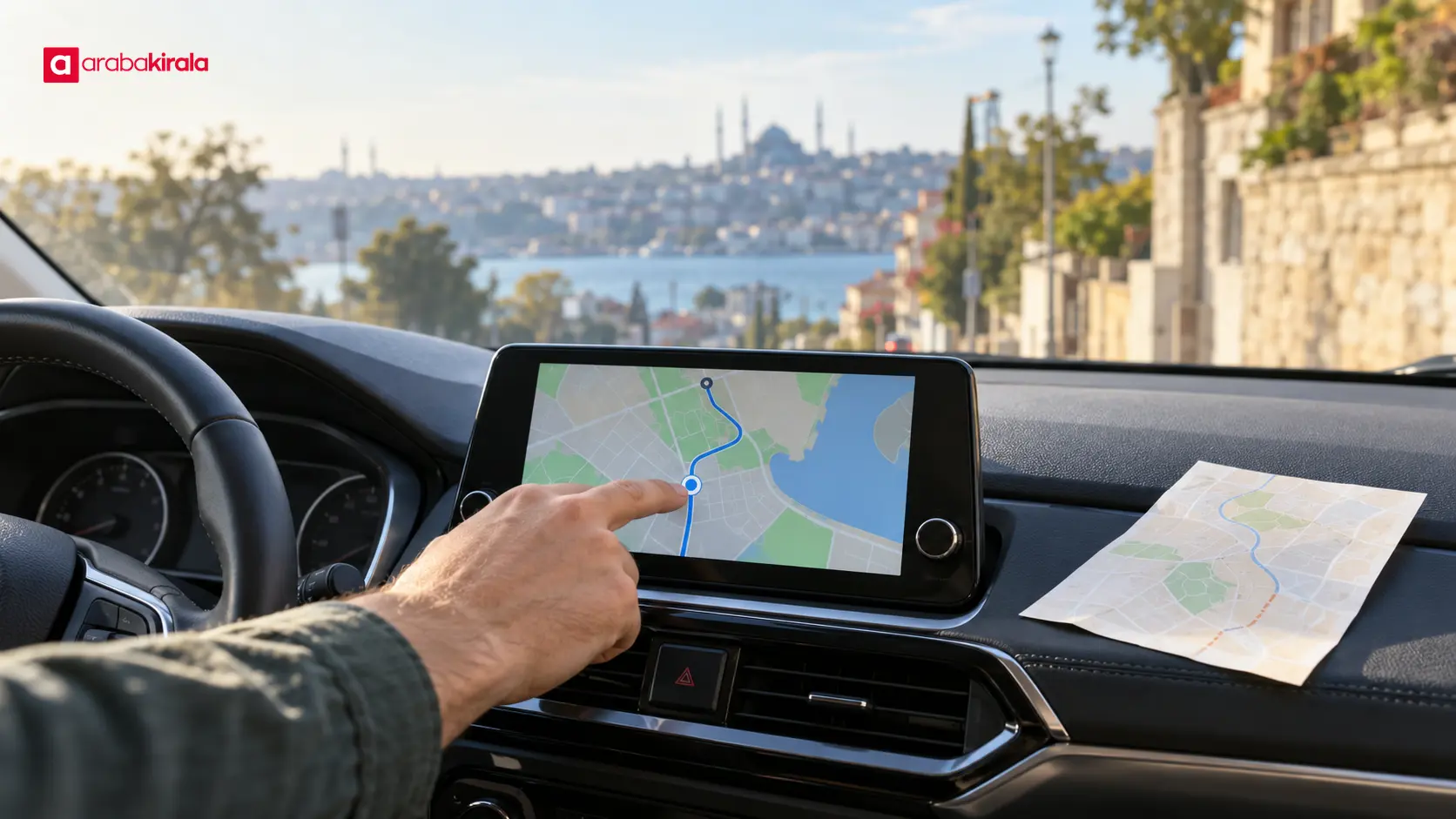
While the vehicle is stationary, learn how your phone can connect to navigation and how to use any map display available in the car. Equipment varies by vehicle, so do not assume that every car has the same screen or connection feature. If your trip depends on a particular navigation method, ask the branch you plan to rent from about the vehicle's equipment and how it works before booking or collection.
If your route uses a bridge, tunnel, or another crossing, review it beforehand and follow the directions during the trip. Any crossing, fee, or usage detail specific to rental arrangements is not a general rule; contact the branch you plan to rent from for that information. Check it separately from your navigation plan.
If you encounter a closure while driving
If road signs, a traffic officer, or a physical barrier conflict with the map, follow the current safe and lawful traffic arrangement. Do not make a sudden maneuver to enter a closed section. Once stopped in a safe and appropriate place, ask the navigation app to recalculate. On a motorway, bridge, or tunnel approach where stopping is not appropriate, do not interact with the screen; keep your attention on driving until you reach a safe stopping area.
A closure may change your estimated arrival time. Leave reasonable flexibility in your schedule instead of planning a tight arrival, and let your destination know if a delay becomes likely. If another passenger is available, they can review navigation and official notices; avoid last-minute directions that distract the driver.
Before-departure checklist
- Enter the destination and planned departure time, then refresh the route.
- Check the exact road segment and direction covered by a map alert.
- Confirm the date and time of current official traffic notices.
- Choose an alternate route and check your phone's battery.
- Set navigation while the car is parked; do not look at the screen while driving.
- Ask the rental branch about vehicle or booking-specific navigation and crossing details when needed.
Summary and next step
The practical way to handle temporary closures in Istanbul is to refresh your route close to departure, check whether an alert affects the road segment you will use, and confirm important restrictions through official notices. Identify an alternative in advance, set navigation while parked, and follow signs and directions from traffic personnel on the road. For a detail tied to the vehicle or rental arrangement, contact the branch you plan to rent from before setting off.
Frequently Asked Questions
Does a navigation app always show road closures?
There is no guarantee that every closure will appear promptly or with the same level of detail in an app. App data can change, so check official notices and signs on the road as well, especially for an important route.
When should I check the route before departure?
Make a general plan ahead of time, then refresh the map close to your intended departure. A final check before the car moves is useful because road conditions can change.
What should I follow if the map conflicts with a road sign?
Follow current road signs, barriers, and directions from authorized personnel. Once safely stopped, update your navigation for the new conditions.
Can I follow my route if my phone loses internet access?
That depends on the app's offline map features and whether the relevant map area was downloaded. Check offline availability before the trip, and do not assume closure or traffic information will remain current offline.
Can I assume the rental car will have a built-in navigation display?
Equipment can vary by vehicle and the car provided. If you need a specific display or phone connection, ask the branch you plan to rent from before booking or collection.
What should I consider when choosing an alternate route?
Along with estimated time, consider its connection to main roads, access, planned stops, and current directions along the route. Do not assume every shortcut suggested by a map is suitable for your trip.
Legal Disclaimer: All content, articles and information on the Araba Kirala website are provided solely to inform users. No information shared on this website constitutes definitive advice or guidance. Araba Kirala Teknoloji A.Ş. and its authors cannot be held responsible for any direct or indirect damages arising from the application of information on the website. For all questions and requests regarding car rental, please contact the office from which you will rent your vehicle.












