
Planning the Route from an Istanbul Rental Pickup Point to a Main Road
Published: October 19, 2026 • Reading Time: 8 min • Last Updated: October 19, 2026
Plan a clear, safer start from an Istanbul city pickup point with practical guidance on address checks, traffic, navigation, vehicle setup, and choosing a backup connection to a main road.
Contents
- Plan the start of your drive from the pickup point
- Confirm the pickup location and first destination
- Break the opening route into three parts
- Allow for traffic and route changes
- Choose a primary route and a backup connection
- Set up the car and navigation before moving
- Keep the first minutes simple in an unfamiliar city
- Think about a safe place to stop
- Verify details that depend on the pickup branch
- A quick departure checklist
- Frequently Asked Questions

Plan the start of your drive from the pickup point
Knowing how to reach a main road from your city pickup point can make the first part of an Istanbul rental journey easier. This guide explains how to confirm the handover location, inspect the nearby street layout, choose a practical connection to your route, account for traffic and navigation changes, and set up the car before moving. The goal is not to find the shortest line on a map. It is to begin with a clear plan that you can adapt safely when conditions change.
Distance alone does not tell you how demanding a route will be in Istanbul. One-way streets, busy junctions, roadworks, parked vehicles, and loading activity can turn a short trip into a confusing start. Treat the route from the pickup point as its own planning step rather than relying on last-minute directions.
Confirm the pickup location and first destination
Start by checking the actual location in your booking or handover details. A location name may identify a district or general area, while the entrance, floor, street, or meeting point can be different. If access, the vehicle’s position, or where to meet is unclear, ask the branch where you will collect the car. Trying to navigate to an unconfirmed pin at the last minute adds avoidable time pressure.
Define the first destination more precisely than “the main road.” Choose the direction of your journey, the next stop, or the larger route you intend to take. A navigation app can then show which exit from the pickup area serves that direction. Whether your plan involves a bridge, a ring road connection, or another part of the city, the route may change, so avoid depending on a single sequence of turns.
Break the opening route into three parts
- Local exit: Identify the first street or junction where you can orient yourself after leaving the pickup point.
- Connection: Review how local streets lead to a main road or the larger route you have chosen.
- Next decision: Note the first major junction or alternative direction after joining the main road.
Look at each part both close up and at a wider map scale. The close view helps with street direction and turns; the wider view shows whether the connection fits your destination. A route displayed on screen does not guarantee current road or traffic conditions. While driving, follow signs and the actual flow of traffic, and only review the route when it is safe to do so.
Allow for traffic and route changes
Traffic in Istanbul can vary with the day, time, weather, and events along the route. Check a traffic view near your departure time, but do not treat an app’s estimate as a guaranteed arrival time. Leave time for the handover, getting familiar with the car, and checking the surroundings. A schedule with no room around the pickup can encourage rushed decisions at the first junction.
If the map offers several routes, compare more than the estimated duration. Consider how complicated the starting streets are, whether the route requires an abrupt lane change, how clear the junctions appear, and whether another connection is available. A route that looks a few minutes quicker but involves repeated turns may demand more attention from someone unfamiliar with the area. A simpler route can be easier to follow, especially on a first drive in Istanbul.
Choose a primary route and a backup connection
Roadworks, closures, or congestion may change the first route. Review a second way to reach a main road near the pickup point. The backup does not need to redesign the whole journey: it may be a different street at the first junction or a connection a few blocks farther along. If a turn is prohibited, a lane is closed, or signs direct traffic elsewhere, do not follow the app blindly. Obey the signs and reconsider the route only after stopping somewhere safe.
Set up the car and navigation before moving
During handover, check that the vehicle presented to you matches the handover record. Follow the pickup process for noting existing exterior marks and the fuel or energy level. The odometer is one of the details that can help compare the records made at pickup and return. If you take photos, do so while the car is parked and without obstructing others. These checks do not replace route planning; they help you become familiar with the vehicle and reduce uncertainty before setting off.
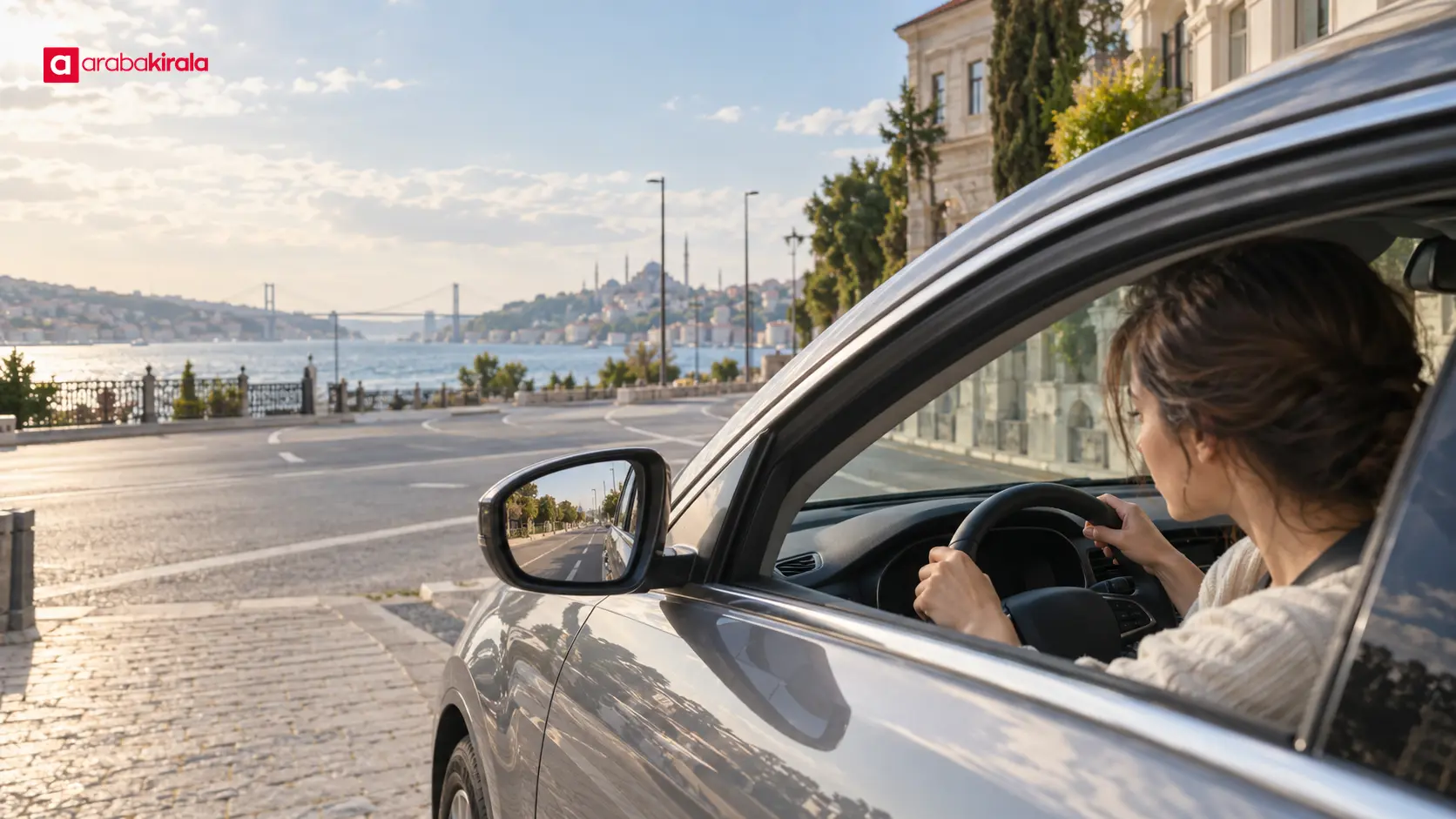
Adjust the seat, mirrors, and steering position while the car is stationary. If a dashboard warning is unfamiliar, ask the pickup branch before driving. Learn the controls for lights, wipers, and gear selection while parked, since they can differ between vehicles. If you notice a tyre or mechanical concern, do not try to diagnose it by testing the car in traffic; discuss it with the handover location.
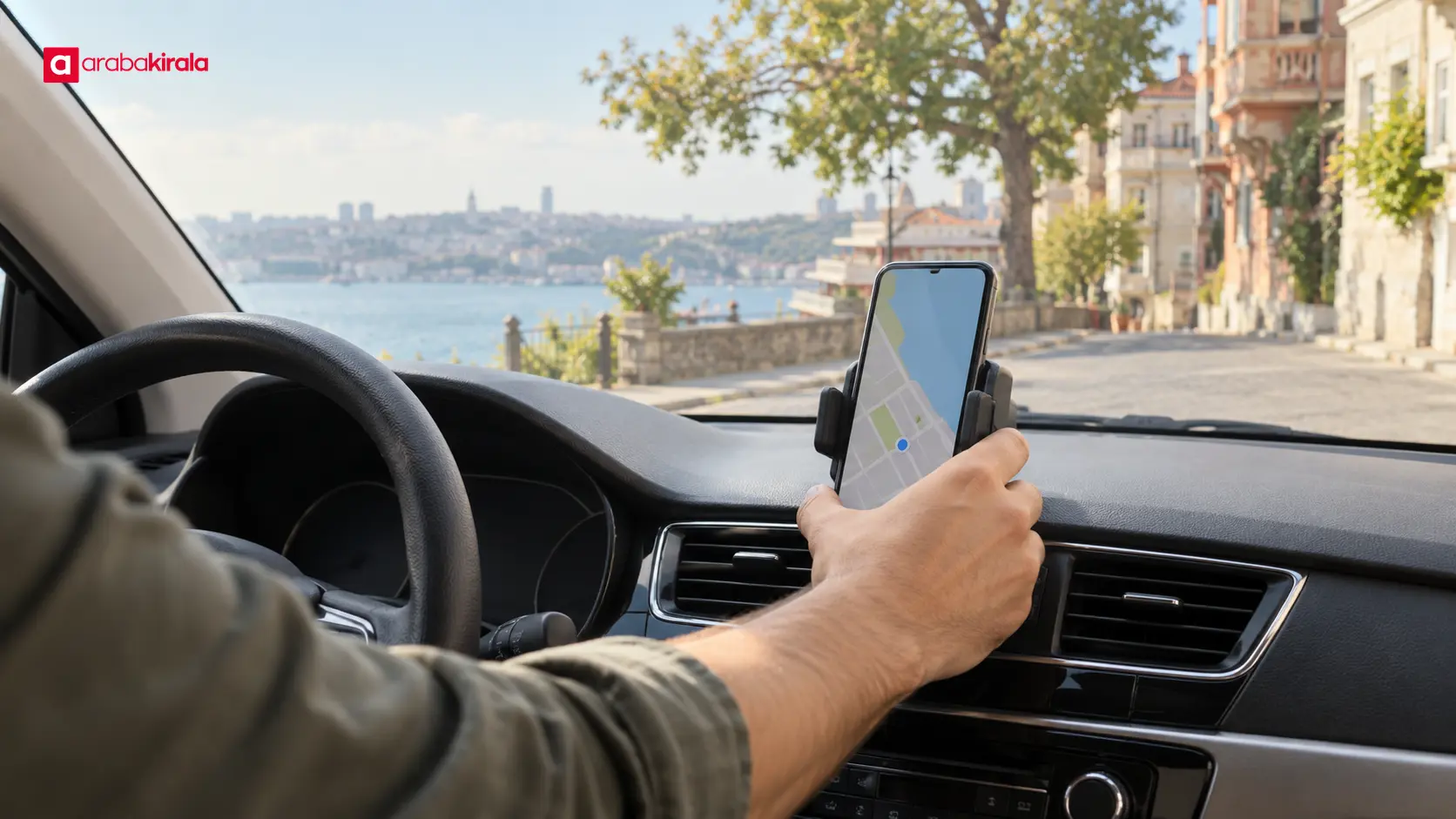
Set the navigation destination, sound level, and phone connection before moving. Searching for directions while holding a phone can distract you from driving. If no suitable phone holder is available, decide on a safe way to receive guidance without handling the device in motion. Voice directions can help, but they do not replace road signs. Consider a backup such as an offline map in case the battery, mobile connection, or app becomes unavailable.
Keep the first minutes simple in an unfamiliar city
If practical, choose a route that lets you orient yourself before entering a complex junction directly from the pickup area. It may not be the shortest route. The aim is to join traffic lawfully and have enough advance information to follow signs. Match your speed to conditions, keep a safe following distance, and avoid last-second lane changes.
City streets can bring buses, motorcycles, cyclists, pedestrians, parked cars, and delivery vehicles into the same space. Check blind spots, signal before turning, and take care near pedestrian crossings. If you miss a turn indicated by navigation, continue safely and wait for new instructions instead of braking sharply or making a prohibited manoeuvre. A missed turn is easier to recover from than an unsafe correction.
Think about a safe place to stop
If you may need to adjust the map or vehicle settings, do not plan to do it by stopping casually at the roadside. Identify an appropriate parking or rest option before the drive. A pavement, bus stop, junction approach, or place that blocks visibility is not a suitable waiting spot. If you need to stop on the way, use an area where stopping is permitted and does not obstruct traffic.
Verify details that depend on the pickup branch
Access arrangements, vehicle collection areas, and local conditions can differ from one city pickup point to another. Confirm the full address, pickup time, and how to reach the car in your booking details. If a garage entrance, access restriction, or meeting point affects where your route begins, ask the branch where you will collect the vehicle. This helps align the map’s starting pin with the place where the handover actually takes place.
If your route includes a bridge, tunnel, toll crossing, or special traffic arrangement, check current road conditions and the applicable arrangements for your trip through official sources. Confirm any vehicle-related payment or usage details with the pickup branch. Do not automatically add these items to a route: the direction, time, and road you choose determine which crossings are relevant.
A quick departure checklist
- I confirmed the full pickup address and the actual meeting place.
- I chose a first destination and reviewed the connection from the pickup point to a main road.
- I checked traffic and road conditions near my departure time.
- I reviewed the turns in advance and know one alternative connection.
- The seat, mirrors, displays, and navigation are set.
- I will not handle my phone while moving, and I will follow signs and surrounding traffic.
A clear but flexible plan makes it easier to leave an Istanbul rental pickup point and join a main road. Confirm the address, review the first few junctions, use traffic estimates as guidance, and finish the basic vehicle setup before moving. If the booking location or handover arrangement is unclear, get details from the branch where you will collect the car, then update the route to match the real starting point.
Frequently Asked Questions
When should I plan the route from an Istanbul pickup point to a main road?
Review the basic route once the address and pickup time are known, then check traffic again close to departure. This gives you time to understand the street layout while still allowing you to update the connection for changing conditions.
Is the shortest route suggested by navigation always the best choice?
No. A short time estimate may not account for complicated junctions, abrupt lane changes, or unfamiliar streets. Also consider how easy the turns are to understand, how the route joins the main road, and whether there is a safe alternative.
What should I do if I miss the first turn after pickup?
Do not brake sharply, change lanes at the last moment, or make a prohibited turn. Continue in accordance with traffic rules, then review the updated directions when you are stopped somewhere safe.
What if the pickup address and the map pin do not match?
Before moving the vehicle, check your booking details and contact the branch where you are collecting it for the meeting point or access instructions. Recalculate the route once the correct starting location is clear.
How should I use phone navigation while driving?
Set the destination, audio, and connection before moving, and place the phone in a fixed position that does not obstruct your view. If you need to interact with the screen, stop first somewhere safe and suitable, and continue to follow road signs.
Legal Disclaimer: All content, articles and information on the Araba Kirala website are provided solely to inform users. No information shared on this website constitutes definitive advice or guidance. Araba Kirala Teknoloji A.Ş. and its authors cannot be held responsible for any direct or indirect damages arising from the application of information on the website. For all questions and requests regarding car rental, please contact the office from which you will rent your vehicle.












