
How to Manage Cybersecurity Updates for Automotive Software
Published: November 1, 2026 • Reading Time: 6 min • Last Updated: November 1, 2026 • Author: Merve B.
Learn what vehicle software updates do, how secure update delivery and installation work, and what drivers can check before and after an update.
Contents
- Why vehicle software updates matter for cybersecurity
- The main stages of an update
- 1. Identify the vehicle and software version
- 2. Prepare and protect the package
- 3. Download, install, and activate
- 4. Confirm the result and keep a record
- How OTA and service updates differ
- What drivers can do before and after an update
- Questions to ask when renting a vehicle
- Conclusion: use trusted instructions and confirm the result
- Frequently Asked Questions
An automotive cybersecurity update is a controlled change to vehicle software intended to address security weaknesses, maintain compatibility, or correct system behavior. This guide explains how updates reach a vehicle, how over-the-air and workshop updates differ, what a secure installation process involves, and what drivers can check before and after an update.
Why vehicle software updates matter for cybersecurity
Modern vehicles use software in systems such as engine management, driver assistance, infotainment, and connectivity. These systems have different roles, and updates do too. A package may contain a security fix, a bug correction, a compatibility change, or a feature improvement. The message “an update is available” alone does not explain what will change or how installation should be performed.
Vehicle networks and external connections enable useful functions, while also requiring protection against unauthorized access and altered software. Cybersecurity therefore is not only a question of whether a car connects to the internet. The software source, vehicle compatibility, protection during delivery, installation conditions, and confirmation of the result all matter. UNECE’s vehicle cybersecurity and software update regulations and ISO 24089 provide frameworks for manufacturers and relevant organizations to manage these processes. They do not mean that every vehicle has the same menu or installation method.
The main stages of an update
1. Identify the vehicle and software version
The first step is determining which vehicle configuration and electronic control units are eligible for a package. Vehicles under the same model name can differ in hardware or installed software, so an update is not necessarily suitable for every one of them. Compatibility checks reduce the risk of applying the wrong package and help associate the result with the correct vehicle.
2. Prepare and protect the package
An update package is more than a software file. Information that identifies the intended version, vehicle, or system also forms part of the process. The package and delivery path need protection against tampering and counterfeit sources. Drivers should not install files found online or use an unknown USB drive to update a vehicle. Follow the vehicle manufacturer’s display, official app, or service instructions.
3. Download, install, and activate
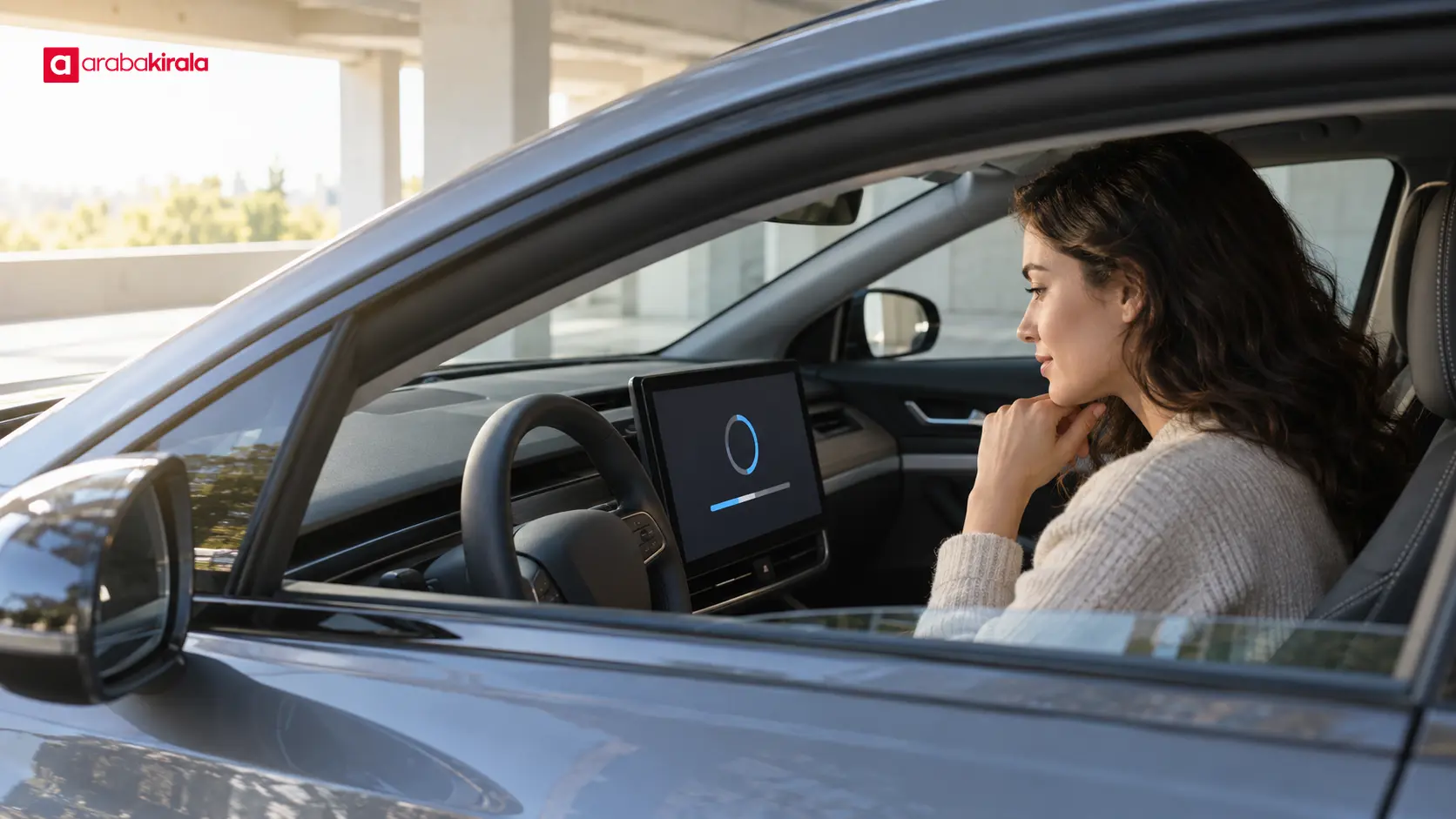
An over-the-air update, often called an OTA update, delivers a package to a vehicle through a wireless connection. A service update uses suitable equipment and technical procedures. Receipt, installation, and activation are separate steps: a package may have arrived without being installed or activated. The vehicle’s status message can help distinguish these stages.
Installation conditions depend on the package and vehicle design. Whether the vehicle should be switched off or parked, whether a certain energy level is needed, and whether it can be used during the process should be confirmed in the manufacturer’s instructions. Follow the displayed safety conditions. Do not drive the vehicle or interrupt the process contrary to the instructions. Do not assume that every update takes the same amount of time or follows the same method.
4. Confirm the result and keep a record
A completion message is an initial sign that the process finished. Drivers can also check the displayed version or status and look for alerts. If an error appears, the vehicle restarts unexpectedly, or a system warning remains after the update, follow the instructions and contact the manufacturer’s support channel or an appropriate service center. If an alert affects safe vehicle operation, do not continue driving until the issue is resolved.
How OTA and service updates differ
An OTA update transfers a software package through remote communication with the vehicle and, on supported vehicles, may be installed in the vehicle. It can reduce the need for a workshop visit, but connectivity, vehicle capability, and installation conditions matter. It should not be assumed that every software change can be delivered OTA.
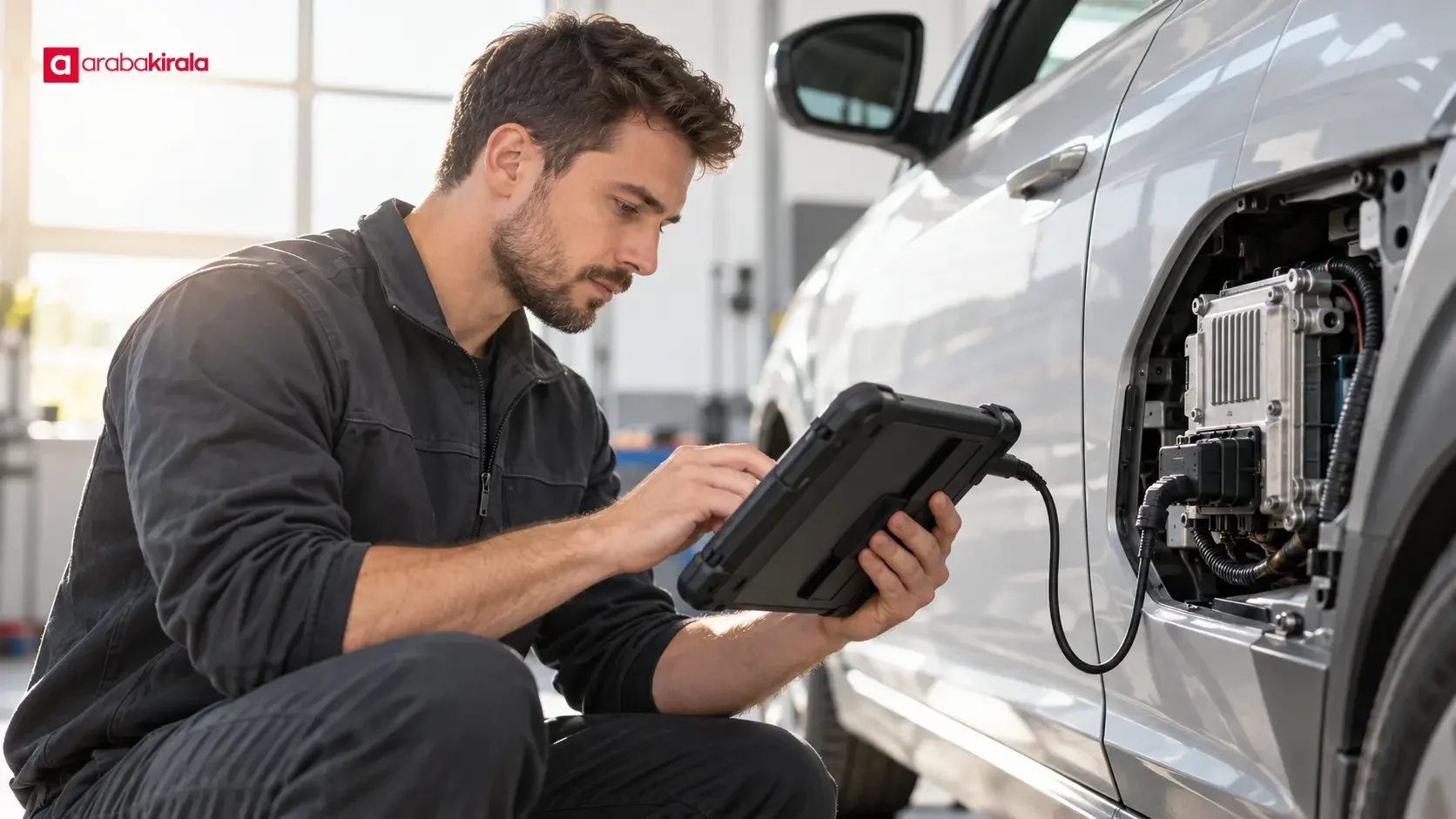
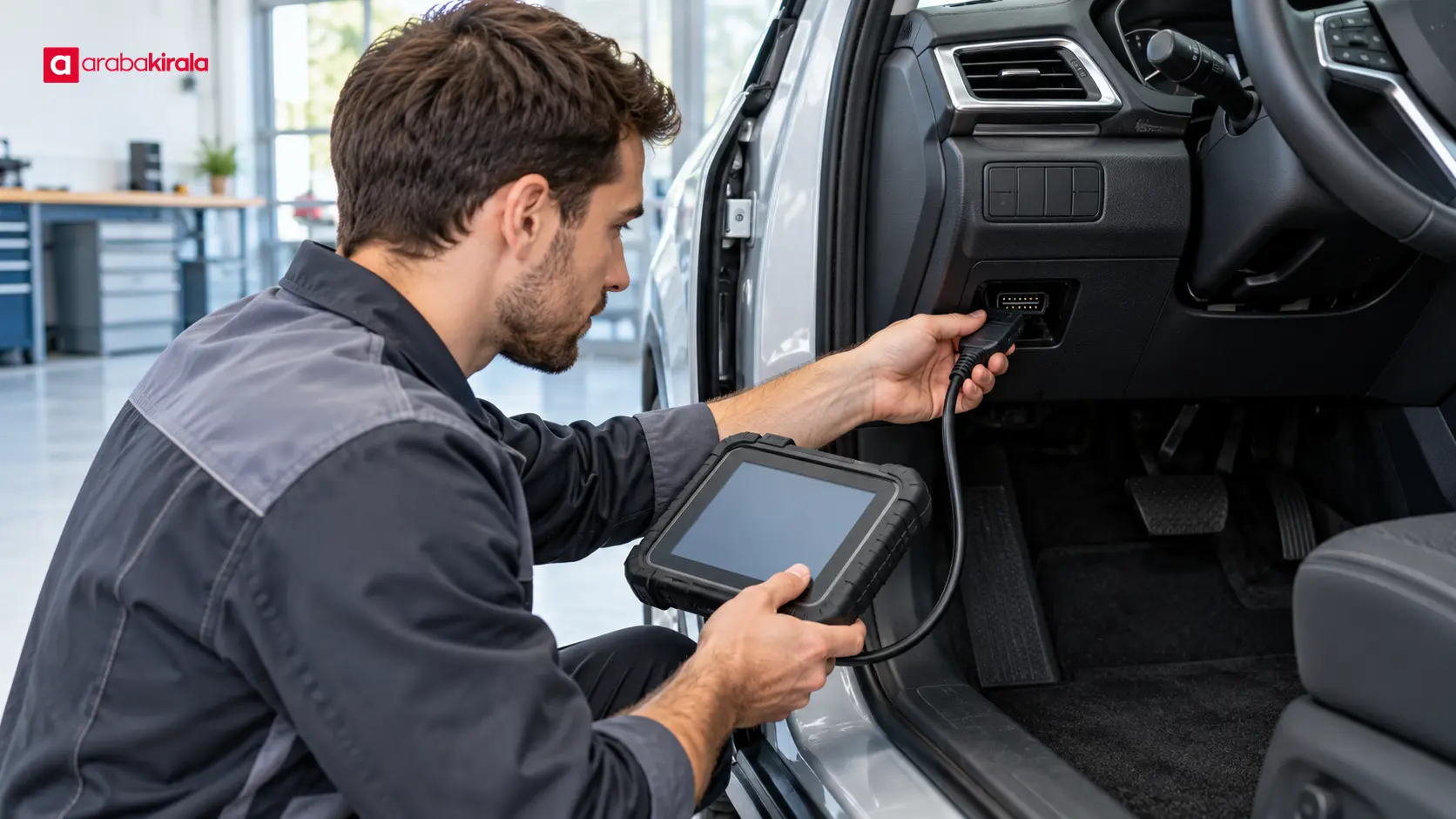
A workshop update lets a technician inspect the vehicle, use diagnostic equipment, or carry out the update alongside other work. This approach may be needed for procedures that cannot be completed through the vehicle display. The manufacturer’s notice or a service assessment should determine which method applies and whether an update is needed for a particular vehicle.
What drivers can do before and after an update
- Verify the source: Check whether the notice appears on the vehicle’s own display, in the manufacturer’s official app, or through trusted service communication. Avoid downloading files from suspicious links or sharing account credentials.
- Read the update notes: Review any explanation of affected systems, driving impact, or preparation. Ask manufacturer support about instructions that are unclear or do not seem to fit your vehicle.
- Prepare the vehicle as instructed: Follow the vehicle display or owner’s manual for parking, power, and connectivity requirements. General online advice is not a substitute for instructions specific to your vehicle.
- Monitor the process: If the display says the vehicle is waiting or installing, do not start driving. If it indicates that the update must be canceled, follow the displayed steps instead of improvising.
- Check completion and alerts: Review the status screen when the process ends. Note changes you observe in driver assistance, connectivity, or infotainment and report unexpected behavior to a service center.
Questions to ask when renting a vehicle
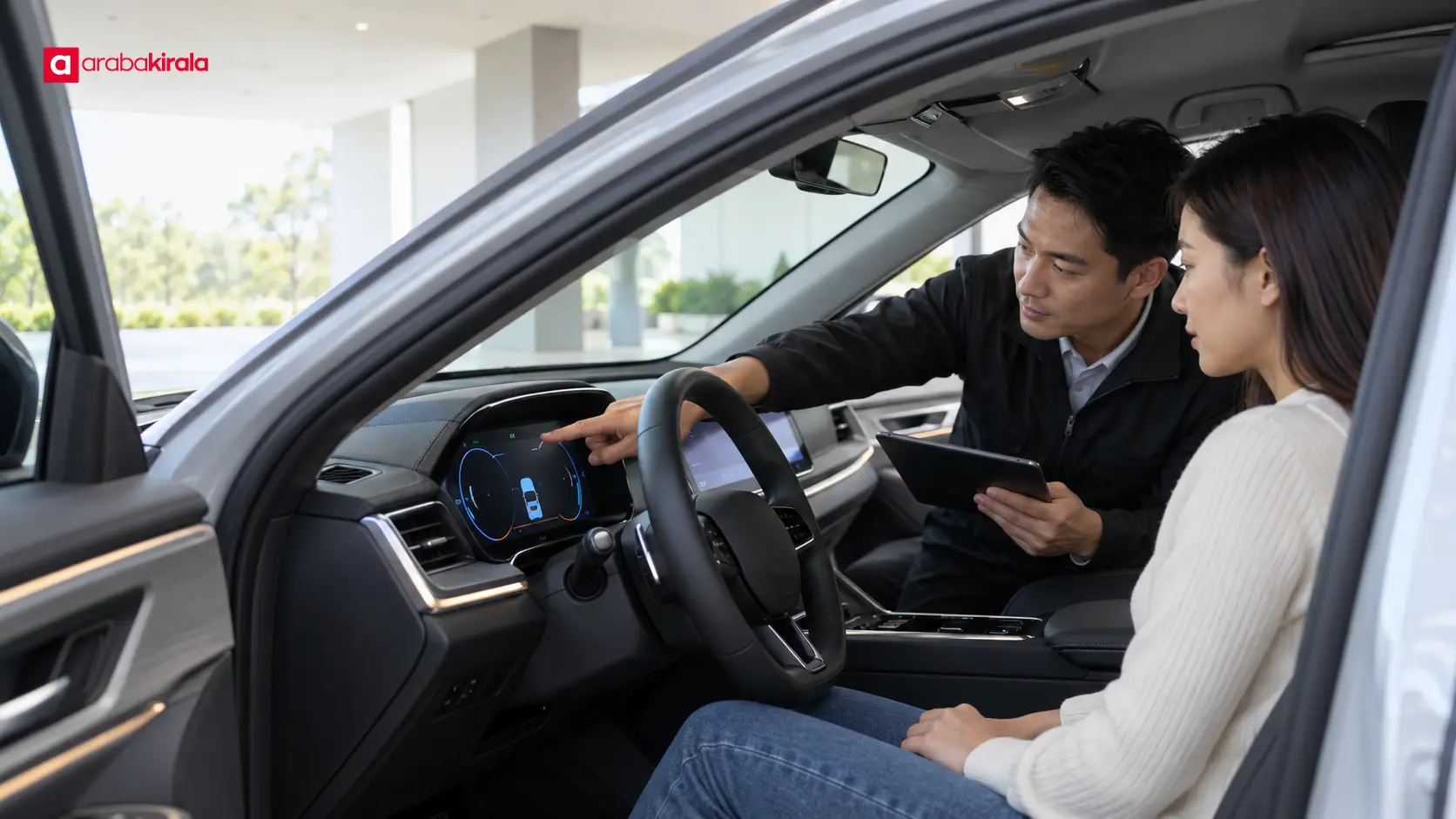
Who manages a software update notice in a rental vehicle, whether an update can wait until the rental ends, and how to report an alert can depend on the vehicle and rental branch. If you see an update screen or an active warning at pickup, ask the staff before starting the process yourself. Clarify any message that could affect safe operation before setting off.
When relevant, ask the branch where you will rent the vehicle who should follow the notice, whether the update limits vehicle use, and which contact channel to use if something goes wrong. These are operational details tied to a particular branch and rental record; they should not be treated as universal industry rules.
Conclusion: use trusted instructions and confirm the result
A secure software update involves selecting a package for the right vehicle, protecting its source and delivery, following installation conditions, and checking the outcome. Drivers can help by following vehicle-specific instructions, avoiding unknown files and links, and taking error messages seriously. If a rental vehicle displays an update or security alert, ask the pickup branch for guidance before initiating the process.
Frequently Asked Questions
What is an automotive cybersecurity update?
It is a controlled change to vehicle software that addresses security weaknesses or helps systems operate securely and compatibly. Its scope depends on the vehicle and the package.
Are OTA and workshop updates the same?
No. OTA updates deliver packages through a wireless connection, while a workshop update may require a technician and diagnostic equipment. Not every update is available through both methods.
Can I drive while an update is installing?
That depends on the vehicle and update instructions. Follow the display or manufacturer’s manual, and do not move the vehicle if driving is prohibited during installation.
Can I install a software file I found online?
Do not install files whose source and compatibility have not been verified. Use official manufacturer channels or a service center the manufacturer directs you to.
What should I do if an update reports an error?
Follow the displayed error and recovery steps. If no instructions are provided, contact manufacturer support or an appropriate service center instead of repeatedly retrying or forcing a shutdown. Do not drive if an alert affects safe operation.
Who should I ask about an update notice in a rental car?
Contact the branch that provided the vehicle before starting the update. Clarify what the notice means for use or safety and whether the vehicle can continue to be driven.
Legal Disclaimer: All content, articles and information on the Araba Kirala website are provided solely to inform users. No information shared on this website constitutes definitive advice or guidance. Araba Kirala Teknoloji A.Ş. and its authors cannot be held responsible for any direct or indirect damages arising from the application of information on the website. For all questions and requests regarding car rental, please contact the office from which you will rent your vehicle.












