
How to Recognize a Rental Car’s Dashboard and Center Console Controls
Published: October 14, 2026 • Reading Time: 7 min • Last Updated: October 14, 2026
Learn how to read a rental car’s instrument panel and identify steering wheel and center console controls before driving, with a practical safety-focused orientation routine.
Contents
- What information does the instrument panel show?
- Distinguish warnings from information lights
- Steering wheel and nearby controls
- What is on the center console?
- Climate, fan and windshield demisting
- Infotainment screen and connections
- A safe orientation routine before driving
- Reorient yourself when switching vehicles
- Check the vehicle information at handover
- Summary: what to do before setting off
- Frequently Asked Questions
Recognizing a rental car’s controls before setting off helps you keep your attention on the road instead of searching for a button while moving. This guide explains how to read the instrument panel, make sense of warning indicators, and get familiar with steering wheel and center console controls safely. Equipment and button layouts vary by vehicle, so use the car’s own owner’s manual and ask the branch where you collect it about vehicle-specific details.
What information does the instrument panel show?
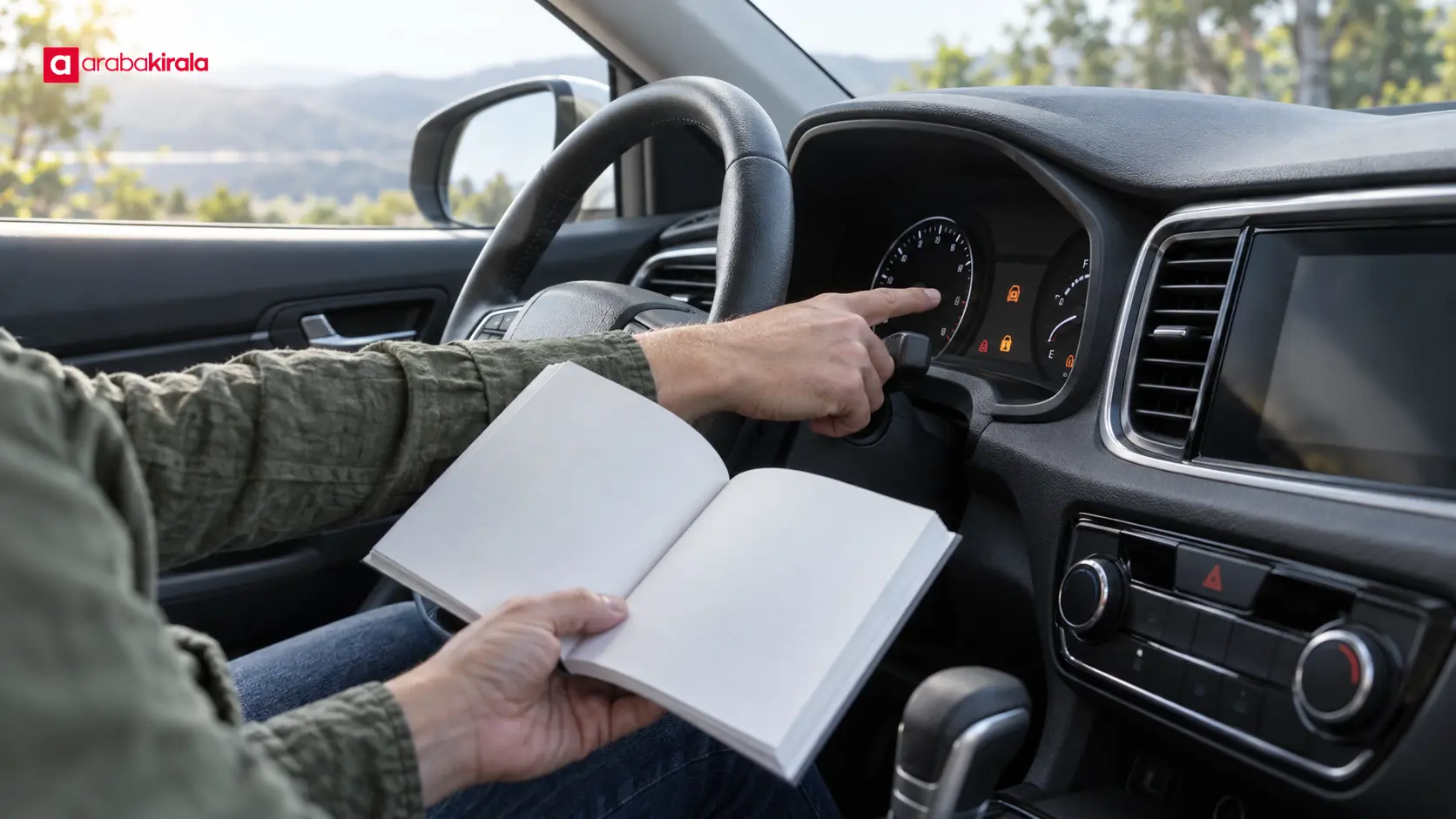
The instrument panel brings together information such as road speed, fuel or energy level, engine speed and vehicle status indicators. Some cars use physical dials, others use a digital display, and many combine the two. The layout may change, but the purpose is consistent: to make key driving information visible near the driver’s line of sight.
Before starting, locate the speed display, fuel or energy gauge, and gear position indicator. The odometer and trip computer are different: the odometer records the vehicle’s total distance, while a trip screen may show journey distance or other selected data. If the odometer reading appears inconsistent with the handover record, tell the staff member before leaving.
Distinguish warnings from information lights
Some symbols indicate that a system is active; others call for attention or a check. Color alone is not enough to interpret a symbol. Its meaning depends on the vehicle, its equipment and the explanation in the owner’s manual. If you are unsure, check the manual’s indicator section rather than guessing, or ask the branch to explain before the car moves.
Some lights may briefly appear during the vehicle’s start-up checks, but do not assume every car behaves identically. Pay attention to a warning that remains on, flashes or appears with a message after starting. If its meaning is unclear, resolve it before driving. If a new warning appears while underway, move to a safe place to stop, follow the manual’s guidance and contact the rental branch.
Steering wheel and nearby controls
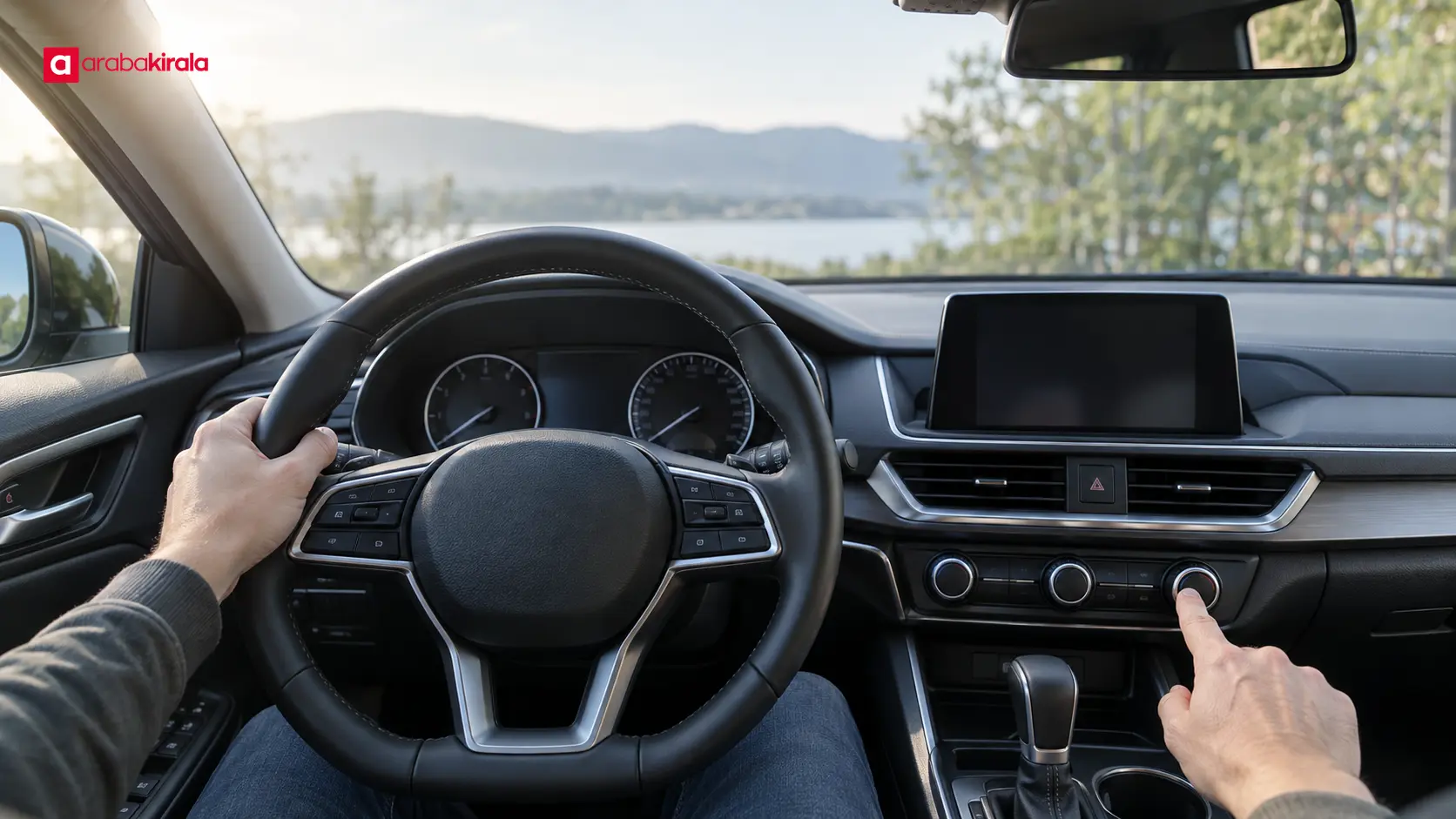
Depending on the car, steering wheel buttons may operate audio, phone connectivity, instrument display menus or cruise control. Similar-looking icons can perform different functions in different vehicles. Do not learn them by trial and error while moving. With the car parked, match the controls to the manual’s illustrations and focus on the functions you expect to use.
Turn signals and lights are often controlled by a stalk near the steering wheel, while wipers and washers may be operated by another stalk. Their positions and operation vary. Before leaving, find the headlight setting, turn signal and windshield wiper controls. Knowing where they are makes it easier to respond in rain, low visibility or when turning. Make adjustments while parked and keep your eyes on the road when driving.
What is on the center console?
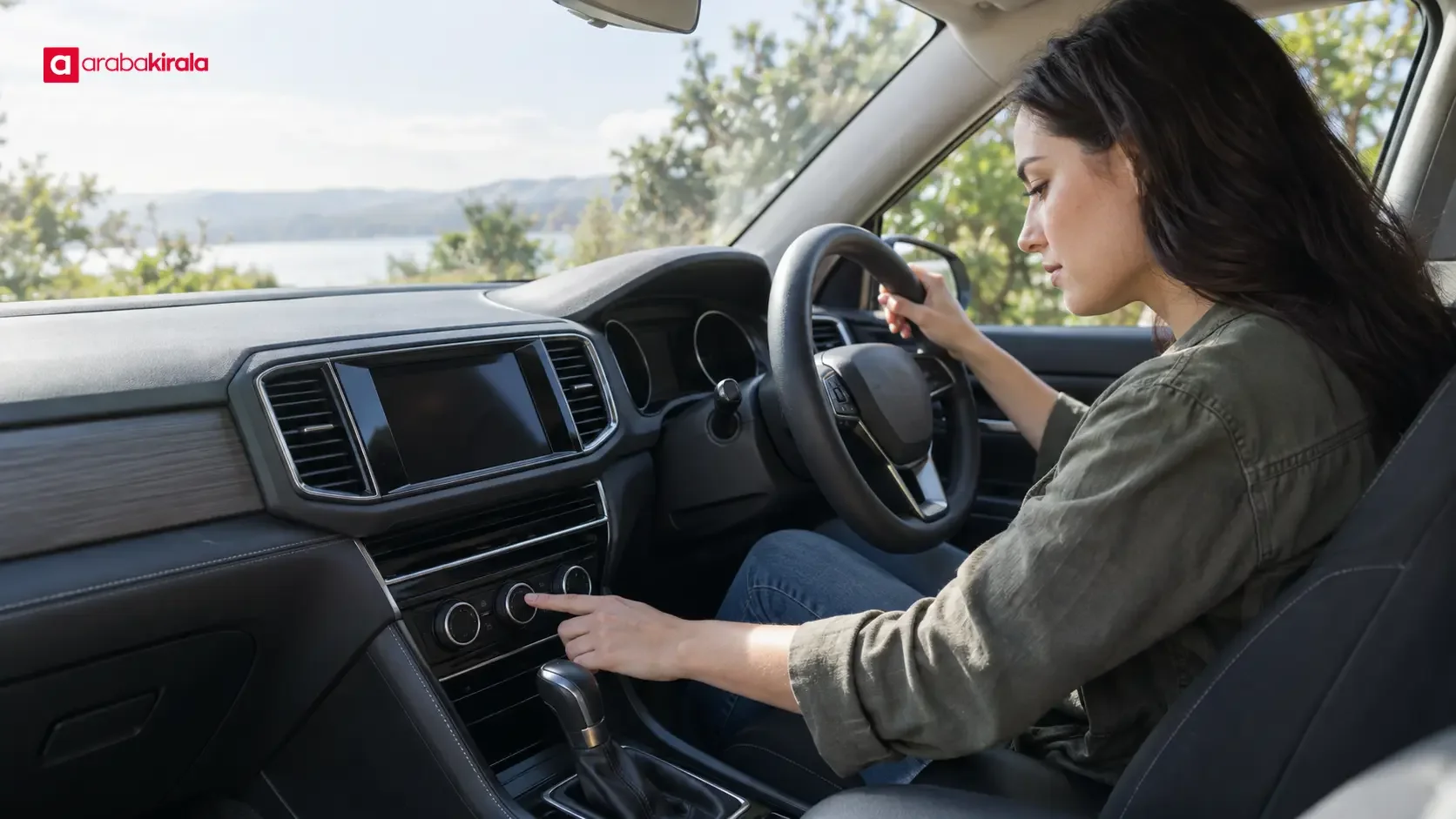
The center console is the control area in the middle of the front dashboard or between the front seats. It may contain climate and ventilation controls, an audio system, a touchscreen, a hazard warning button and, where fitted, drive mode settings. Some functions use physical buttons; others are inside screen menus. You do not need to explore every icon before leaving. Prioritize controls that affect visibility, cabin comfort and basic audio use.
Climate, fan and windshield demisting
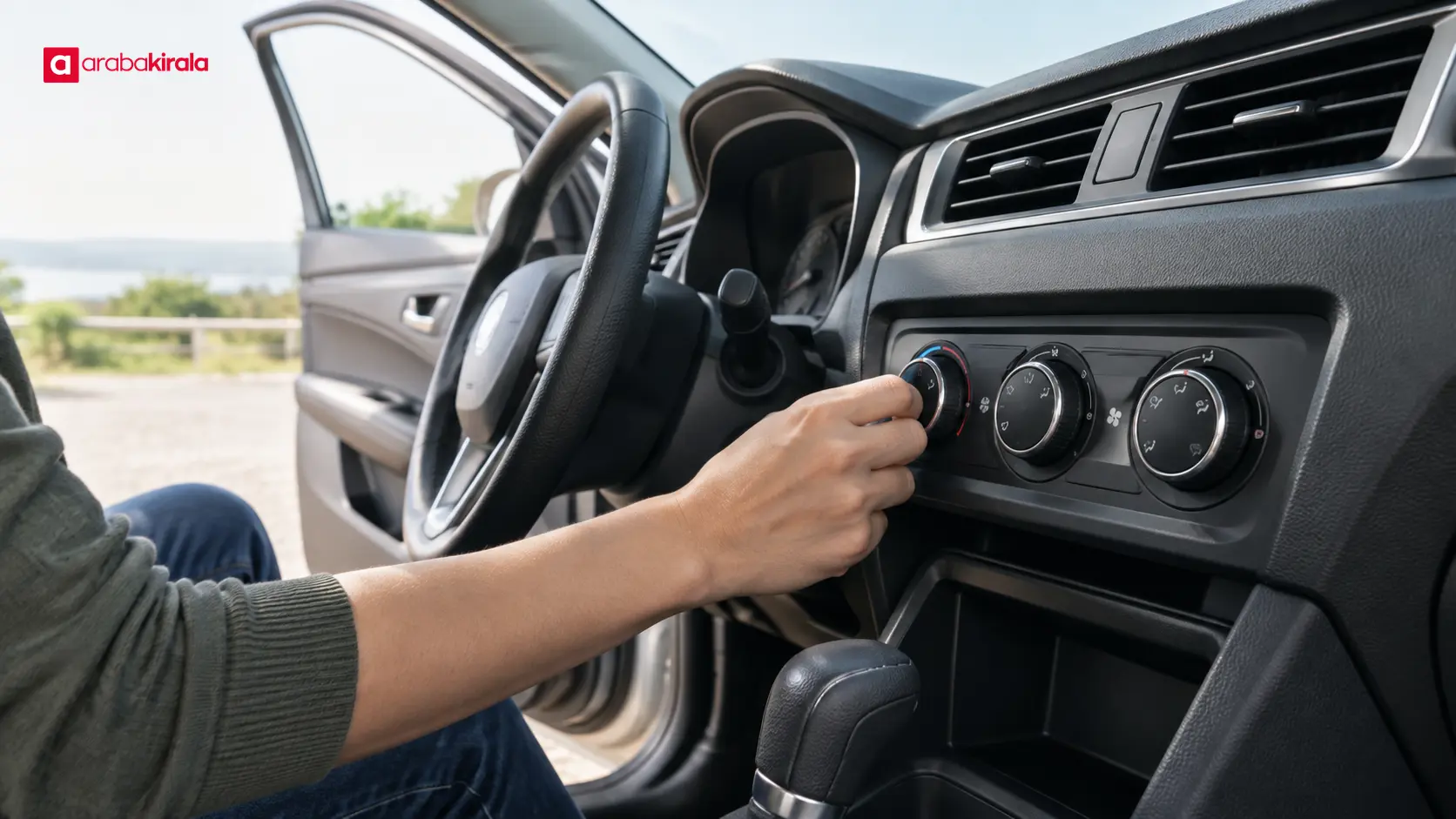
Climate controls commonly include temperature, fan speed, airflow direction and an air conditioning function. An automatic system can adjust fan and airflow to reach a selected temperature; a manual system may require separate adjustments. A windshield demisting symbol may direct air toward the glass. Layouts and operation differ, so confirm unfamiliar icons in the manual.
Fogged windows can reduce visibility and affect safe driving. Before moving, make sure the windshield and side windows provide a clear view, and set the airflow while parked. If the glass fogs while driving, avoid searching through controls for an extended time; stop somewhere safe and follow the manual’s instructions. Having the air conditioning switched on does not guarantee that windows will clear immediately in every condition.
Infotainment screen and connections
The center screen may provide navigation, phone connectivity, media and vehicle settings. Complete attention-demanding tasks such as pairing a phone or entering a destination before moving. While parked, learn how to lower the volume and return to the home screen. If a connection fails, do not handle the phone while driving; stop somewhere safe before checking settings.
Where fitted, a reversing camera or parking sensors provide assistance, but they do not show every surrounding hazard or replace direct observation. Check around the vehicle before maneuvering and learn the system’s warnings from the owner’s manual.
A safe orientation routine before driving
A short, orderly check while parked reduces unnecessary trial and error. After adjusting the seat and mirrors, make sure you can reach the controls comfortably. Then follow this sequence:
- Locate the speed display, fuel or energy gauge, gear position and odometer.
- Learn the vehicle-specific start procedure and the location of the ignition or start button.
- Find the light, turn signal and wiper controls; check their basic operation while stationary.
- Match the climate, fan, airflow and windshield demisting controls to the manual’s icons.
- Locate the hazard warning button and, if applicable, the gear selector’s position display.
- If an indicator or control remains unclear, do not guess; consult the manual and ask the branch.
Use this sequence to locate essential controls, not to test every feature. Keep the vehicle stationary while adjusting the seat or mirrors. Extended browsing through touchscreen menus can distract you, especially once the vehicle is moving.
Reorient yourself when switching vehicles
Do not assume a familiar button will be in the same place in a different car. The instrument display, gear selector, parking brake, lighting and climate controls can vary by model or equipment. Digital menus may also be arranged differently. Even if you have driven a similar car, take a moment at each handover to get oriented.
Information about the general features of the vehicle group assigned to a reservation can help set expectations. The exact button location and operating steps depend on the car you receive and its manual. If the gear selector, electronic parking brake or starting procedure is unfamiliar, ask the staff member to show you before moving the vehicle.
Check the vehicle information at handover
Learning the instrument panel is also part of reviewing the vehicle’s condition at pickup. Look at the fuel or energy gauge, odometer and any visible warning indicators. If these readings appear in the handover record, compare them with the display. Tell the branch about a discrepancy or an unexplained warning before setting off. This helps distinguish information present at pickup from a new issue that appears during use.
Read the agreement and handover records for vehicle, fuel, use and return details. For branch- or reservation-specific points such as mileage use, additional drivers, or pickup and return times, ask the branch you will rent from. These details are separate from the function of a dashboard control and should not be assumed to be the same for every vehicle or location.
Summary: what to do before setting off
First locate the essential information on the instrument panel, then identify the steering wheel and center console controls you may need while the car is stationary. Check warning symbols in the manual and do not guess about an unfamiliar light or button. Adjust your seating position and mirrors, compare the display with the handover information, and ask the branch about anything unresolved. A few minutes of preparation helps you use rental car controls with confidence and focus on driving.
Frequently Asked Questions
How can I find out what a dashboard warning light means?
Check the warning indicator section of the vehicle’s owner’s manual. Do not assume that a symbol means the same thing as it did in another model; its meaning and the recommended response can vary. If you cannot find an explanation, ask the rental branch before setting off.
Should I try every center console button before driving?
No. Start with controls for visibility, climate, hazard warnings and any basic media function you need. Consult the manual instead of experimenting with an unfamiliar drive mode or vehicle setting. Make any checks while the car is parked.
When should I enter a destination or change phone settings?
Complete destination entry, phone pairing and menu setup before the car moves. If you need to make a change during a trip, stop in a safe place first. Connection steps and screen functions vary by vehicle, so use its manual.
What should I do about a warning I notice at pickup?
Before moving the car, check the manual and tell the staff member about the warning. If it is unexplained or may affect safe operation, get guidance from the branch before driving.
Why check the odometer in a rental car?
The odometer records total vehicle distance, while the trip computer can show other selected information. Comparing the odometer with the handover record helps confirm the starting reading. Ask the branch you will rent from if you have a question about the record or mileage terms.
Legal Disclaimer: All content, articles and information on the Araba Kirala website are provided solely to inform users. No information shared on this website constitutes definitive advice or guidance. Araba Kirala Teknoloji A.Ş. and its authors cannot be held responsible for any direct or indirect damages arising from the application of information on the website. For all questions and requests regarding car rental, please contact the office from which you will rent your vehicle.












