
Rental Booking Confirmation: Vehicle Groups and Features
Published: October 14, 2026 • Reading Time: 7 min • Last Updated: October 14, 2026
Learn how to read vehicle group, model, and equipment details in a rental confirmation, clarify your needs, and check the car against your booking at pickup.
Contents
- What information does a booking confirmation contain?
- Vehicle group, model, and equipment are different things
- A vehicle group describes a category
- A model name identifies a more specific vehicle
- Equipment is a separate layer of information
- How to interpret the wording
- Translate your needs into vehicle requirements
- Match the car and booking at pickup
- Questions to ask when something is unclear
- Summary: set expectations from the written record
- Frequently Asked Questions
A car rental booking confirmation records the vehicle class requested for a rental and any features or services shown with it. This guide explains the difference between a vehicle group and a specific model, how to interpret equipment details, and what to check when you collect the car. The aim is to help you set realistic expectations from the written record and clarify any feature that matters to your trip before pickup.

What information does a booking confirmation contain?
A confirmation brings together the main details entered when the booking was made. It may show a vehicle group or class, rental dates, pickup location, and selected equipment or services. Layouts and labels vary, so read each item in the context of the other booking details rather than relying on one phrase by itself.
A vehicle group describes a category of vehicles with broadly similar size or use, rather than necessarily naming one exact model. It helps you understand the type of vehicle requested. Cars in the same group can still differ in body shape, interior space, luggage layout, engine, and equipment. If the confirmation does not clearly name a model, that does not establish that a particular model has been set aside.
Vehicle group, model, and equipment are different things
A vehicle group describes a category
Group information gives you a general frame for thinking about the type of car. It is useful when considering passenger count, luggage, and how you plan to drive. But a group label is not a precise measurement of exterior dimensions, seating arrangement, or cargo capacity. Class names may also vary between booking systems and providers.
A model name identifies a more specific vehicle
A make and model is a more concrete description than a vehicle group. Check whether the confirmation actually names a model and what the label says around it. If a model appears only as an example, do not assume that it is the specific car reserved for you. If the model matters, ask the branch handling your booking whether the record refers to one model or a vehicle group.
Equipment is a separate layer of information
Equipment refers to features in the vehicle or items and services listed as part of the booking. Examples include an automatic transmission, a child seat, or navigation. These are different from the vehicle class. Even if a feature seems typical of a class, do not assume every car in that group has it. If a feature is missing from the confirmation or its wording is unclear, ask what exactly is included.
How to interpret the wording
First locate the fields for vehicle group, model, and equipment. Then separate information stated specifically from general class descriptions. Phrases such as “similar vehicle” or “vehicle group” do not identify a guaranteed make, model, or color; they indicate that the booking is defined at a category level. If terms such as “automatic” or “air conditioning” appear, confirm which vehicle or service the term refers to and whether it is recorded on your booking.
If the confirmation email, booking screen, and any add-on summary appear to differ, ask for an explanation using the latest booking record. It is useful to clarify a feature’s name, quantity, or scope before pickup instead of waiting until you are at the counter. Refer to the relevant field and your reservation number, and keep the explanation somewhere you can find it later.

Translate your needs into vehicle requirements
Whether a vehicle group suits you cannot be determined from its label alone. Consider how many people will travel, how much luggage you have, whether you need a child seat, whether the trip is mostly urban or long-distance, and what the drivers are comfortable using. This makes it easier to distinguish essential requirements from preferences.
- Passengers and luggage: Think about the number of people and approximate size of the bags. If cargo space is critical, do not rely only on the class name; ask the branch what capacity information is available for the group.
- Transmission: State whether you need a manual or automatic transmission and check that the confirmation reflects the request correctly.
- Travel with a child: Decide what seat is appropriate for the child’s practical needs. Ask the branch about availability, seat type, and whether the request is recorded.
- Driving support: If navigation, connectivity, or another feature matters, name it clearly. Do not assume that a function available through a phone app is also built into the car.
- Accessibility or special use: Share any specific need involving entry, seating, or equipment before the rental. A general vehicle group label cannot answer these questions by itself.
Match the car and booking at pickup
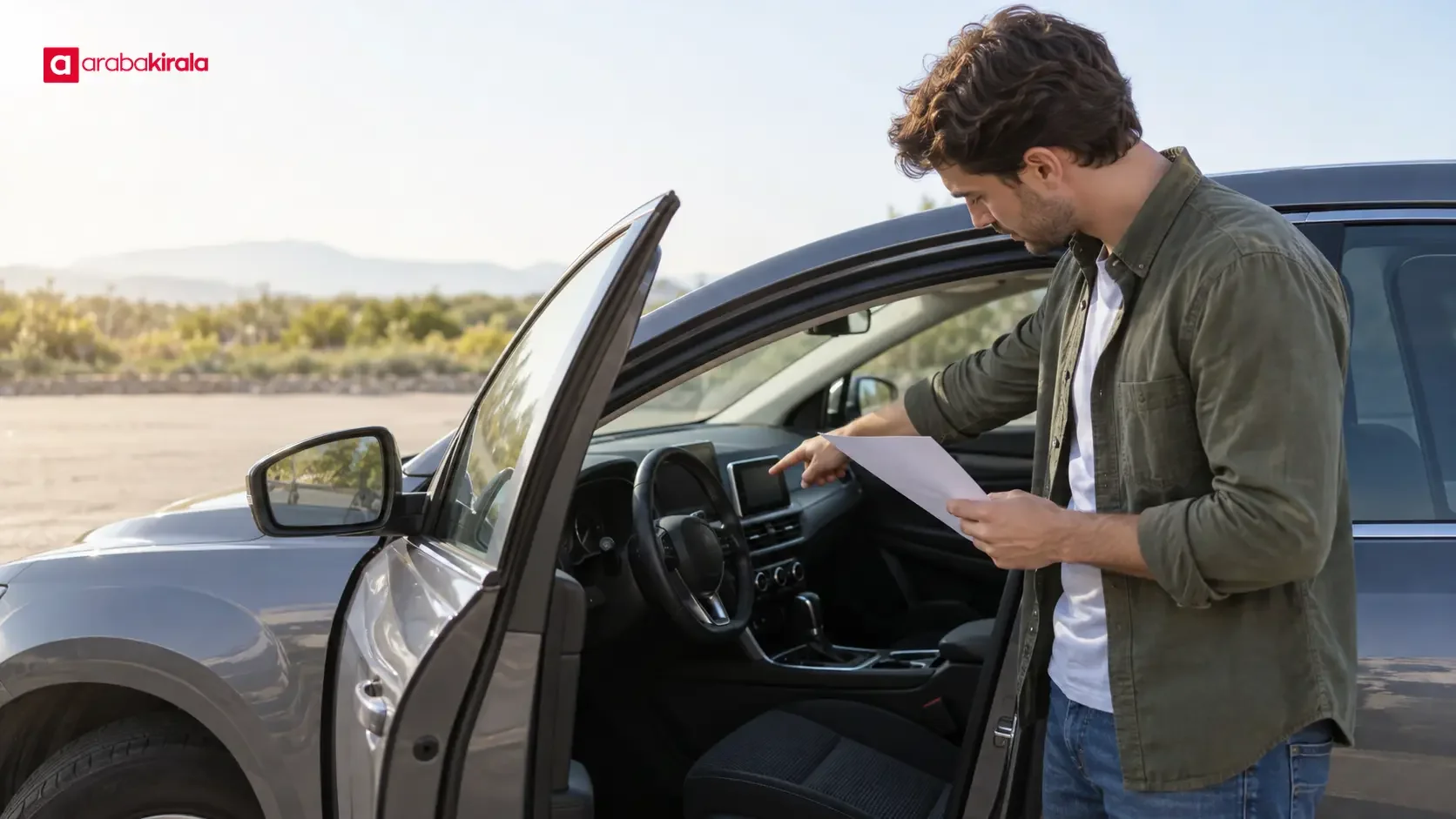
When collecting the car, compare the vehicle group and listed features with the car presented to you. A car may be in a similar class while differing in model or equipment; if you notice a difference, ask for an explanation before driving away. If a missing feature affects how you will use the vehicle, clarify with the branch staff how it will be addressed.
Inspecting the interior and exterior at pickup helps you understand the vehicle’s condition, separately from the booking details. Check records such as the fuel level and odometer for use during the handover and return process, and point out any existing marks or damage with staff so the condition can be recorded. These checks do not identify the car’s model or class; they help establish a clear record of the rental and vehicle condition.
If you are unsure how a feature works, ask before setting off. For dashboard alerts, driving assistance, or child-seat attachments, use the vehicle manual and ask authorized staff. Avoid making adjustments that distract you while in traffic.
Questions to ask when something is unclear
Not every booking will show the same level of detail. Choose questions based on your needs, and do not treat a feature that is absent from the confirmation as a guaranteed entitlement or company promise. When contacting the branch, describe both the wording on the record and what you need from the vehicle.
- Is this booking for a specific model or for a vehicle group?
- Is the feature shown on the confirmation part of the vehicle, or a separate service that must be requested?
- Has the required feature been added to the booking, and where should it appear on the confirmation?
- What technical information is available to assess whether this group suits our passenger and luggage needs?
- If the requested equipment is unavailable at pickup, what options can the branch explain?
These questions are a general checklist. They do not mean that a particular model, accessory, or feature is offered at every location. Consider the branch’s answer together with your booking record, and clarify any material change before the rental begins.
Summary: set expectations from the written record
A vehicle group describes a class, a model name identifies a more specific car, and equipment details describe features or items expected to be included. Understanding the difference helps you read your confirmation and explain needs around passengers, luggage, transmission, or special equipment. Identify what is essential, check how it appears in the booking, and contact the branch handling your rental if the document does not clearly confirm a model or feature. At pickup, compare the car with the record and resolve any important uncertainty before driving.

Frequently Asked Questions
Does the vehicle group in a booking confirmation guarantee a specific model?
A vehicle group generally refers to cars in a similar class; by itself, it does not show that one make and model has been assigned. If a particular model matters, ask the branch handling the booking what the confirmation means.
Will the example car shown on the confirmation definitely be delivered?
Unless the document clearly confirms otherwise, a model shown as an example should not be treated as the exact car that will be supplied. Ask the branch whether the model is a booking-specific confirmation or an illustration of the group.
Does a vehicle group tell me the exact luggage capacity?
No. A class label gives a general indication, but cars may have different body shapes and cargo layouts. If luggage space is important for your trip, explain your needs and ask what capacity information is available.
What should I do if the confirmation does not mention automatic transmission or a child seat?
If the feature is necessary, contact the branch before the rental to ask whether it can be added to the booking and what is available. Also clarify how the request will be confirmed in the record.
What if the car at pickup seems different from the group in my confirmation?
Show the difference to staff before driving away and clarify whether the vehicle group, model details, and necessary equipment match your booking. Discuss any important omission or uncertainty before starting the rental.
Legal Disclaimer: All content, articles and information on the Araba Kirala website are provided solely to inform users. No information shared on this website constitutes definitive advice or guidance. Araba Kirala Teknoloji A.Ş. and its authors cannot be held responsible for any direct or indirect damages arising from the application of information on the website. For all questions and requests regarding car rental, please contact the office from which you will rent your vehicle.












