
Understanding Rental Car Dashboard Warnings Before Driving

Published: October 19, 2026 • Reading Time: 8 min • Last Updated: October 19, 2026
Learn how to read dashboard colors and symbols before setting off in a rental car, which warnings call for a safe stop, and what vehicle specific details to confirm with the branch.
Contents
- What does the dashboard tell you?
- How to interpret dashboard colors
- Red: Put safety first
- Amber or yellow: Check what is happening
- Green, blue, and white: System information
- Common symbols and what they can indicate
- A practical check at pickup
- If a new warning appears while driving
- What vehicle specific information should you get from the branch?
- A quick summary before you set off
- Frequently Asked Questions
Recognizing rental car dashboard warning and information symbols helps you understand the vehicle’s condition before setting off. This guide explains what dashboard colors generally indicate, what common symbols may mean, how to check the display at pickup, and how to respond safely if a warning appears on the road. Symbol designs and procedures vary by vehicle, so use the owner’s manual and vehicle specific guidance from the branch where you rent the car.
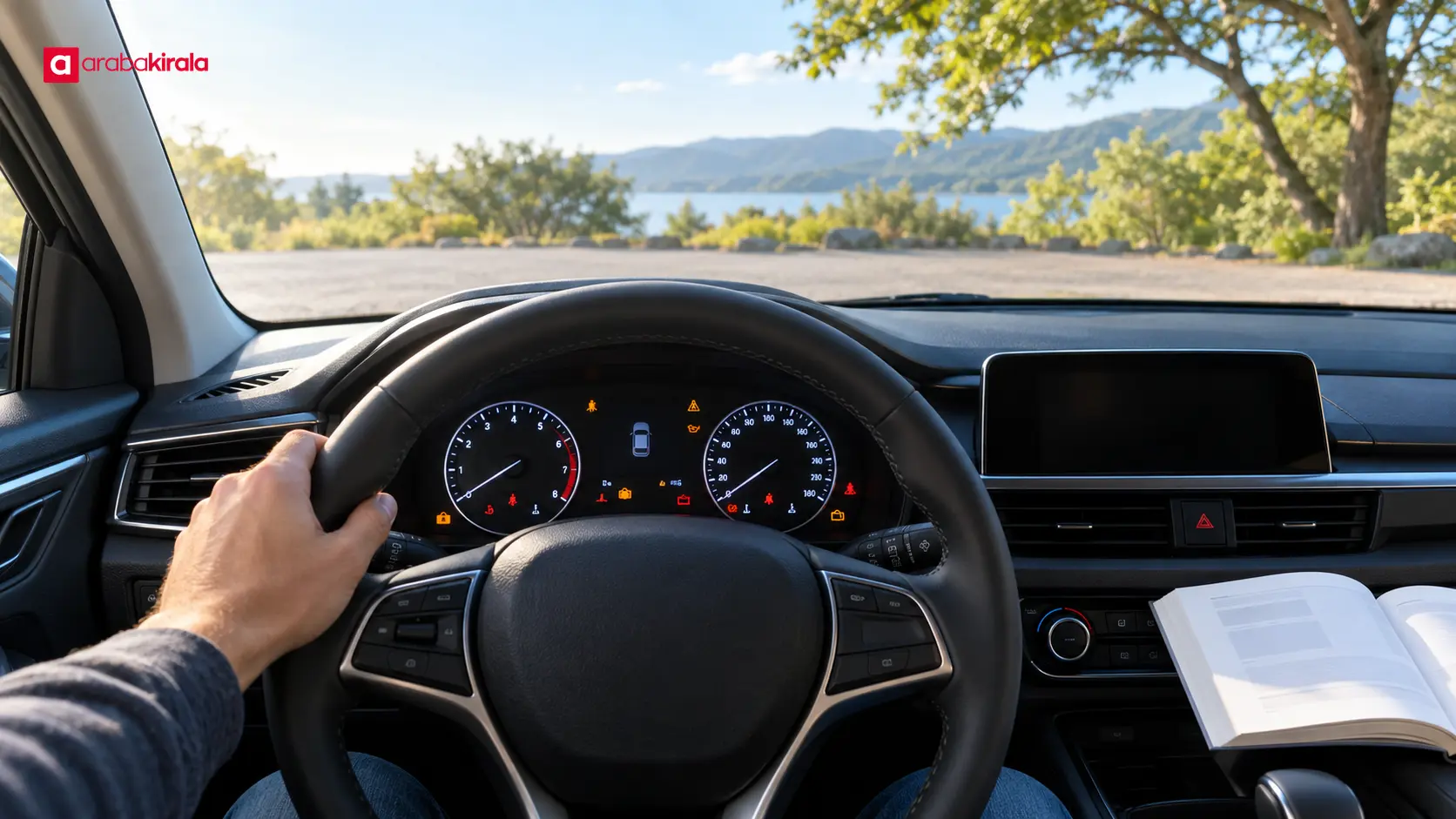
What does the dashboard tell you?
The dashboard provides information about the vehicle’s operation and the status of some systems. Alongside readings such as speed and fuel level, it displays symbols when certain conditions arise. A symbol may provide information, show that a feature is active, or flag a condition that needs attention.
Not every light means something is broken. Some warning lamps may illuminate briefly during the system check when the ignition is switched on, before the engine starts. A light that remains on after startup, returns while driving, or appears with a message deserves attention. Do not diagnose a fault by color alone: check the manual’s explanation and any accompanying message.
How to interpret dashboard colors
Red: Put safety first
Red warnings generally signal a condition that needs prompt attention. A red oil pressure, brake system, or engine temperature warning should not be ignored. Continuing may damage the vehicle or put safety at risk. When you can do so without creating a traffic hazard, stop in a safe place. Check the manual and contact the rental branch or the assistance channel you were given if needed.
Red does not mean that every vehicle uses the same symbol or response procedure. Note any message on the display as well. If you also notice smoke, a burning smell, unusual noise, or a change in braking, do not continue driving. A safe stop and getting help take priority.
Amber or yellow: Check what is happening
Amber and yellow lights often indicate a condition to check or address. Symbols for tire pressure, engine management, fuel level, or driver assistance systems may use these colors. Yellow does not mean “unimportant.” Pay attention to how the vehicle behaves, follow the manual’s guidance, and ask the branch for help if the meaning or next step is unclear.
Green, blue, and white: System information
Green, blue, or white symbols often show that a feature is active or provide driving information. Indicators for lights, turn signals, or cruise control can appear in this group. Color conventions can be helpful, but the manual remains the best way to confirm what a particular symbol means in that vehicle.
Common symbols and what they can indicate
- Oil can: May relate to the lubrication system. If it appears red, stop safely, switch off the engine, and follow the manual. Do not assume an oil pressure warning is resolved just because you checked the oil level.
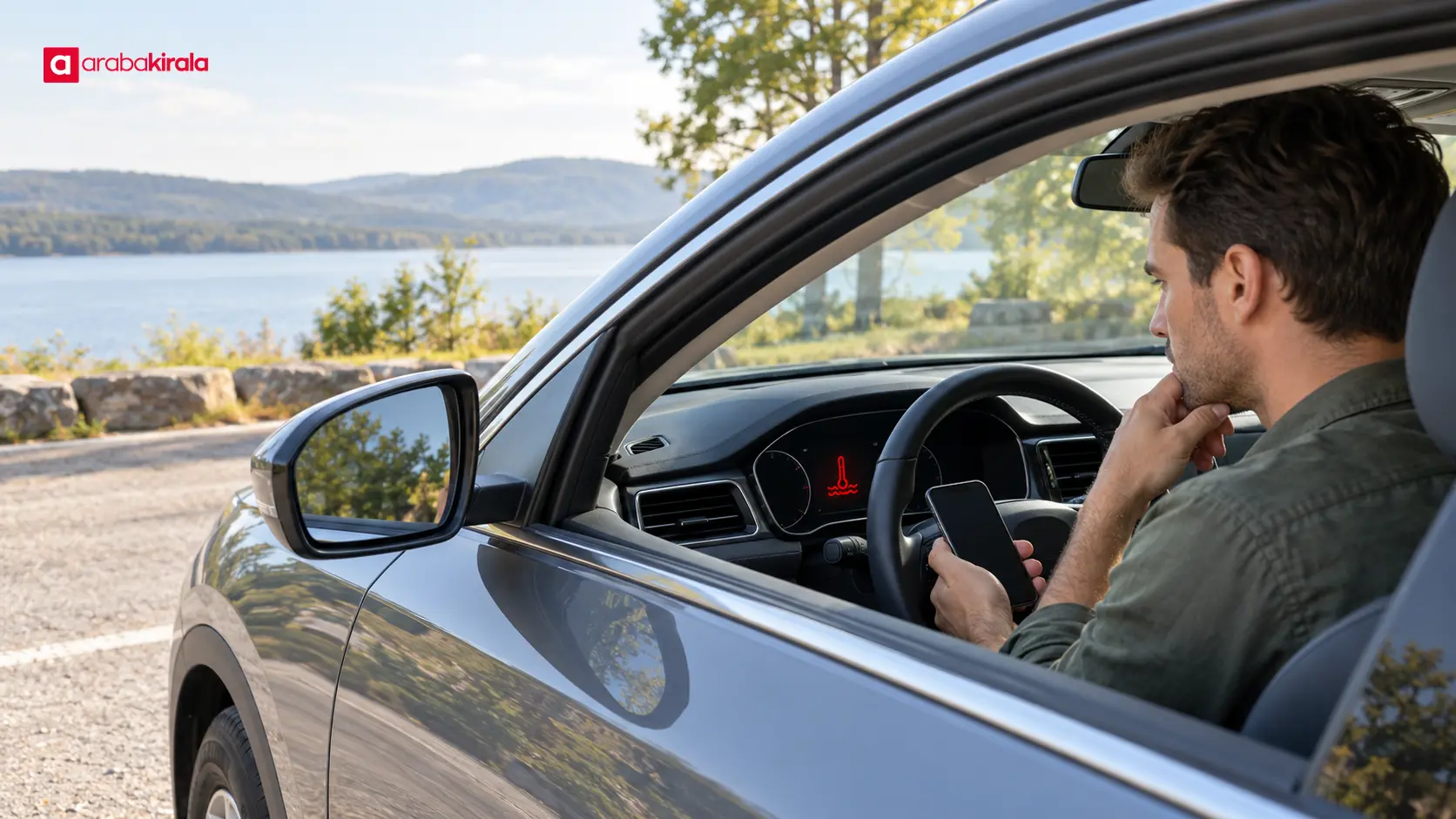
- Thermometer or temperature gauge: May indicate that engine coolant temperature is high. Stop in a safe place and seek assistance. Opening a hot cooling system can cause burns; leave that work to qualified people.
- Battery: May point to a charging system issue. If the warning stays on while driving, stop safely and ask for support because electrical systems may be affected.
- Brake symbol or exclamation mark: It may indicate that the parking brake is engaged, or it may be a brake system warning. Check that the parking brake is fully released. If the light remains on or braking feels different, do not drive on.
- Exclamation mark inside a horseshoe shape: In many vehicles this is associated with tire pressure monitoring. A visual check alone cannot confirm pressure. Follow the manual and the manufacturer information on the vehicle; ask the branch if measurement or assistance is needed.
- Engine outline: May relate to engine management or emissions control. If it flashes or you notice power loss or misfiring, avoid stressing the vehicle, stop safely, and seek help. Follow the manual even if the light stays on steadily.
- Seat belt and airbag symbols: These may show that a belt is not fastened or that the airbag system needs attention. Make sure all passengers buckle up. If an airbag warning remains, tell the branch before setting off.
- Fuel pump: Indicates that fuel is low. The displayed range is an estimate and can vary with driving and road conditions, so do not leave fuel planning until the last moment.
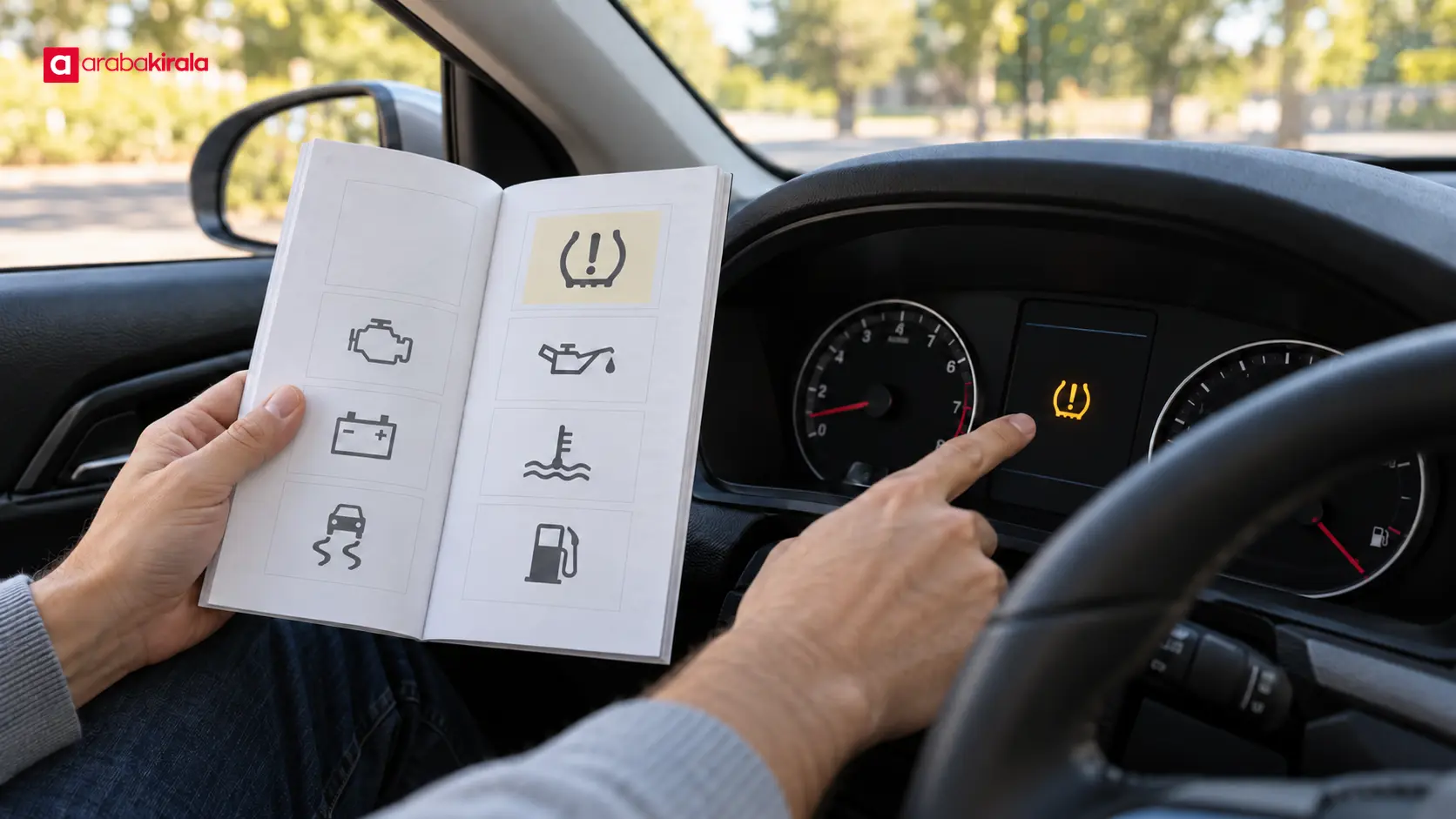
A practical check at pickup
- Review the display while the car is stationary. The way to switch on the ignition or start the vehicle varies by model. Follow the staff member’s instructions and note which symbols appear during the initial check.
- Read the panel again after startup. Use the manual to learn which lights are expected to go out after the brief check. Report a warning that remains on or appears with a message before you leave.
- Note fuel and range information. These readings are estimates, and driving style and road conditions affect range. Check fuel level at pickup and return using the method shown in your rental documents.
- Confirm unfamiliar symbols. Ask the person handing over the vehicle to point out important warnings and show you where the owner’s manual is kept.
- Do not set off with an unresolved warning. A photo of a symbol and its message can help you explain it accurately, but take it only while safely parked. Contact the branch first to agree on what to do.
If a new warning appears while driving
Keep your attention on the road. Do not use your phone or stare at the display while the car is moving. If the warning is red, flashing, or accompanied by power loss, smoke, unusual noise, a smell, or changed braking, stop in a safe and lawful place. Use hazard lights if the traffic situation calls for them, and watch for traffic before leaving the vehicle.
Once safely stopped, look up the symbol and message in the manual. Do not assume restarting the car will fix the problem. With oil or temperature warnings, leaving the engine running or opening hot components can be dangerous. Tell the branch or the assistance contact you were given where you are, what the vehicle is doing, and when the warning began. Do not attempt technical repairs without guidance.
What vehicle specific information should you get from the branch?
Dashboard layouts and equipment vary, so a brief introduction at pickup is useful. Ask where the manual is, what fuel the vehicle uses, how to operate basic lights, and which contact to use if a warning appears. If the car has driver assistance features, ask what their symbols indicate and what the driver is expected to do. These are general preparation points; confirm any vehicle or rental specific procedure with the branch where you collect the car.
If you are collecting in a different city or in a vehicle class you have not driven before, take time for the handover explanation. You can photograph the dashboard while the vehicle is safely parked, as long as personal details and the license plate are not in frame. A reference photo can make it easier to match a symbol to the manual later.
A quick summary before you set off
Reading the dashboard means considering more than a symbol’s color. Note when the warning appeared, whether it is steady or flashing, and whether the vehicle shows any other symptoms. For red or serious warnings, prioritize a safe stop and help. For amber warnings, check the manual and get appropriate support. For information lights, identify which system is active. At pickup, learn where the manual is and how to contact the branch. If you are unsure about a warning, confirm it with the rental branch before driving.
Frequently Asked Questions
Is it normal for all warning lights to come on when I switch on the ignition?
Some vehicles briefly illuminate warning lamps as part of a system check before the engine starts. Which lights should go out and when depends on the model, so consult the manual. If a warning remains after startup, get an explanation before setting off.
Can I drive with the amber engine light on?
There is no single answer for every vehicle. Whether the light is steady or flashing, and whether you notice power loss or other symptoms, matters. Follow the manual; if it flashes or the vehicle runs unusually, stop safely and contact the branch for help.
Is a visual tire check enough if the pressure symbol appears?
No. A tire can look normal while its pressure is outside the recommended range; visual inspection does not replace measurement. Follow the method in the manual and contact the rental branch if the warning remains.
Should I stop immediately if a red warning light comes on?
The priority is to find a safe place without stopping abruptly in traffic. For oil pressure, overheating, or brake system warnings, do not continue driving; follow the manual and assistance guidance.
What should I do if an unfamiliar symbol appears on the dashboard?
Keep the vehicle in a safe place and check the symbol and any display message in the manual. Do not try to take a photo while driving. If you cannot identify it, describe it to the branch and get guidance before continuing.
Legal Disclaimer: All content, articles and information on the Araba Kirala website are provided solely to inform users. No information shared on this website constitutes definitive advice or guidance. Araba Kirala Teknoloji A.Ş. and its authors cannot be held responsible for any direct or indirect damages arising from the application of information on the website. For all questions and requests regarding car rental, please contact the office from which you will rent your vehicle.












