
How to Set Your Driver Profile and Seat Memory Before Driving a Rental Car
Published: October 16, 2026 • Reading Time: 6 min • Last Updated: October 16, 2026
Learn how to adjust the seat, steering wheel, mirrors and driver profile before setting off in a rental car. This guide explains what seat memory does, how to build a safe driving position and what to check before returning the vehicle.
Contents
A rental car driving position involves more than sliding the seat forward or back. Seat distance and backrest angle, steering wheel reach, mirror visibility, seat belt fit and any electronic driver profile all work together. This guide explains how to establish a safe position, use seat memory or profile features where available, and complete a final check before you drive.
What is a personal driving position?
A personal driving position is the arrangement of the driver’s seat, steering wheel and mirrors that lets you operate the vehicle comfortably and maintain a clear view. Depending on the car, it may also include lumbar support, mirror positions and multimedia preferences. Rental vehicles differ by model and equipment, so the available adjustments are not the same in every car.
Seat memory is a feature that stores selected settings, often for a power seat, under a button or driver profile so they can be recalled later. The settings included vary: one system may store only the seat, while another may include additional equipment. A memory button does not mean the saved position is right for every driver. After recalling a position, check your posture, visibility and control reach again.
Set a safe seating position first
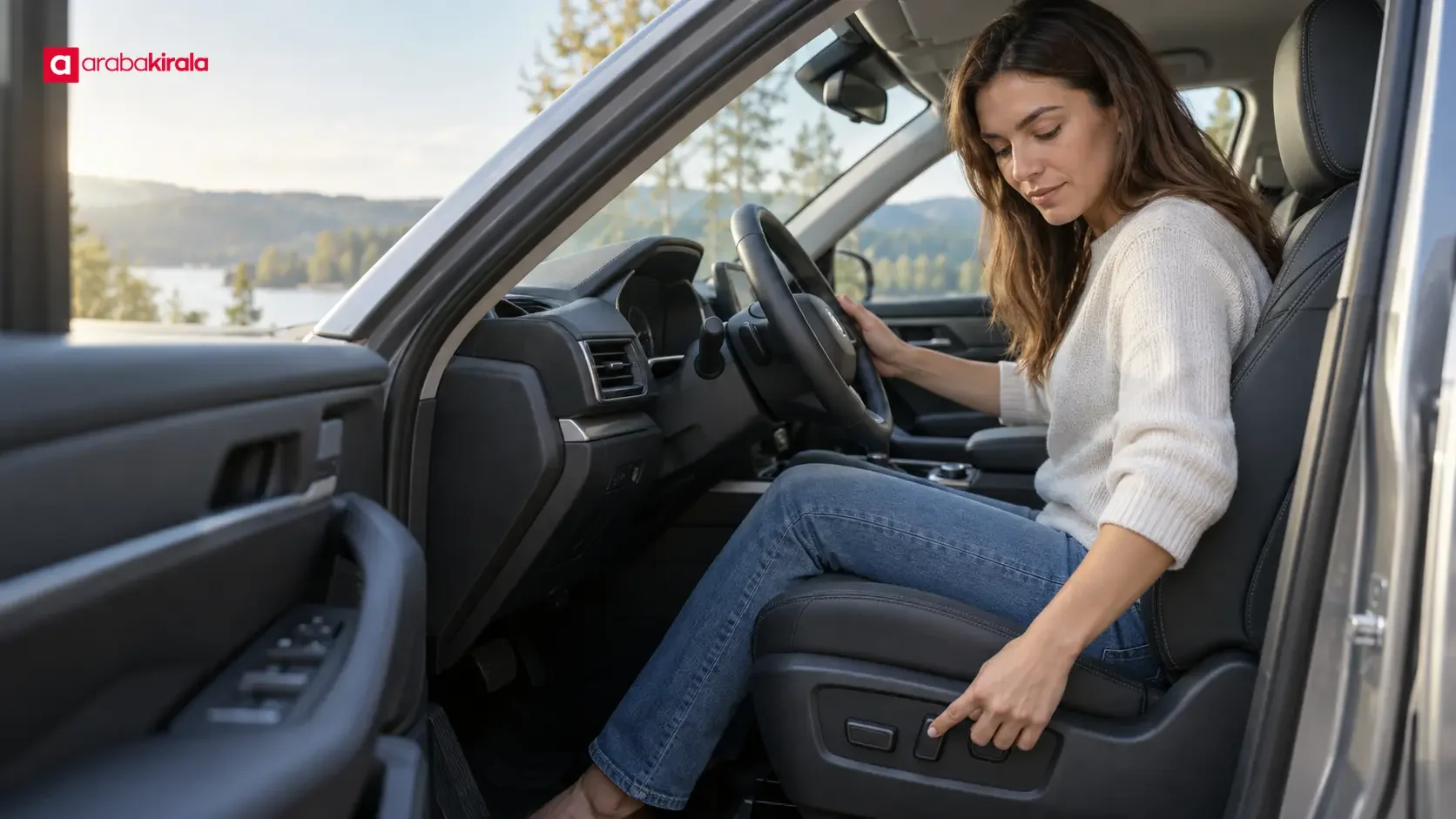
Make adjustments while the vehicle is fully stopped and safely parked. Keep your feet clear of the pedals while moving the seat, and make sure passengers or objects are not in its path. Adjusting a power seat, steering wheel or profile menu while driving can distract you, so finish before setting off.
Seat distance and backrest angle
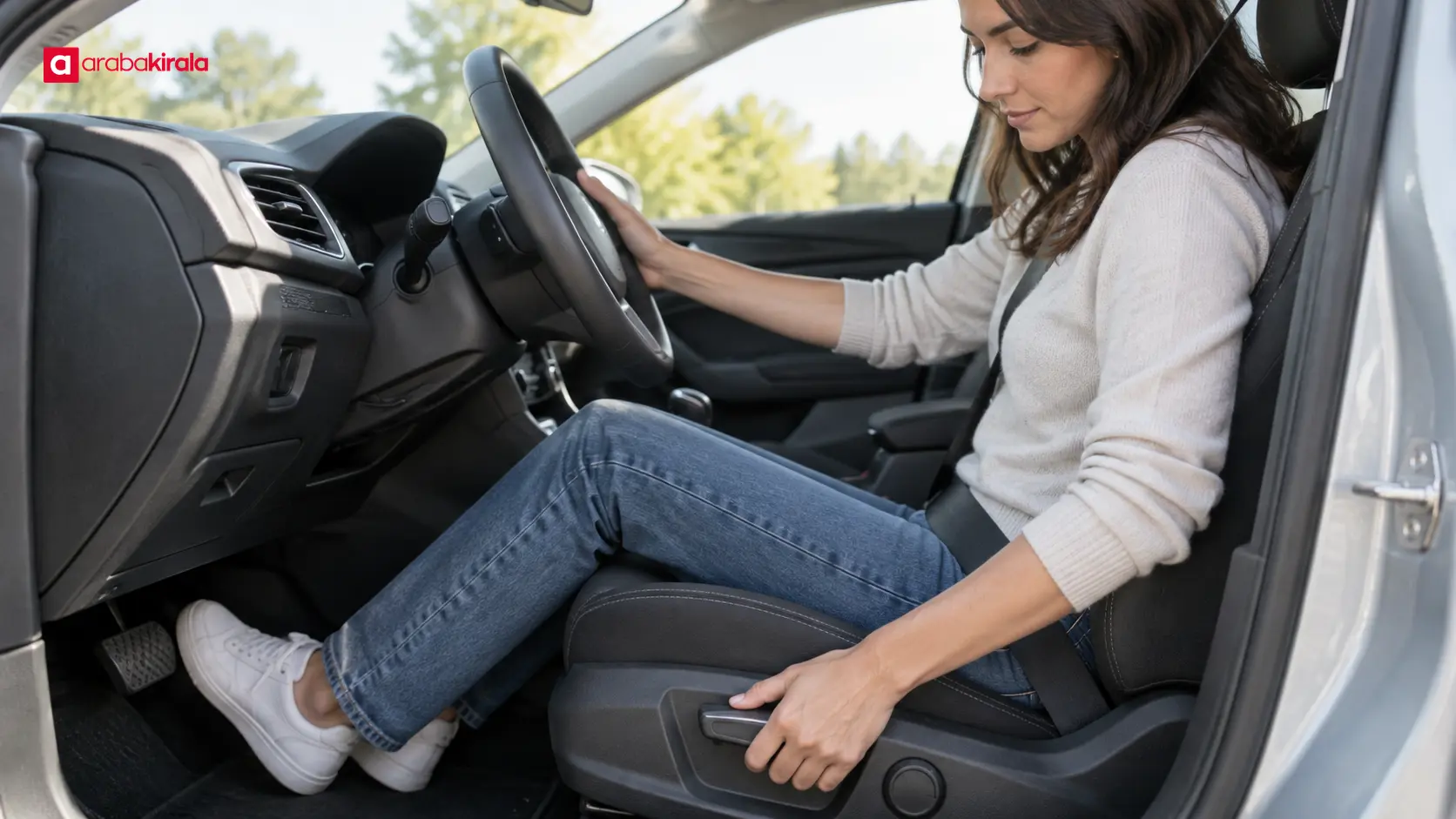
Move the seat so you can press the brake pedal comfortably without locking your knee. A slight bend in the knee helps you retain control of the pedals. Moving too far back can make the pedals difficult to reach; moving too close can reduce your space around the steering wheel and front airbag. Follow the vehicle manufacturer’s guidance in the owner’s manual.
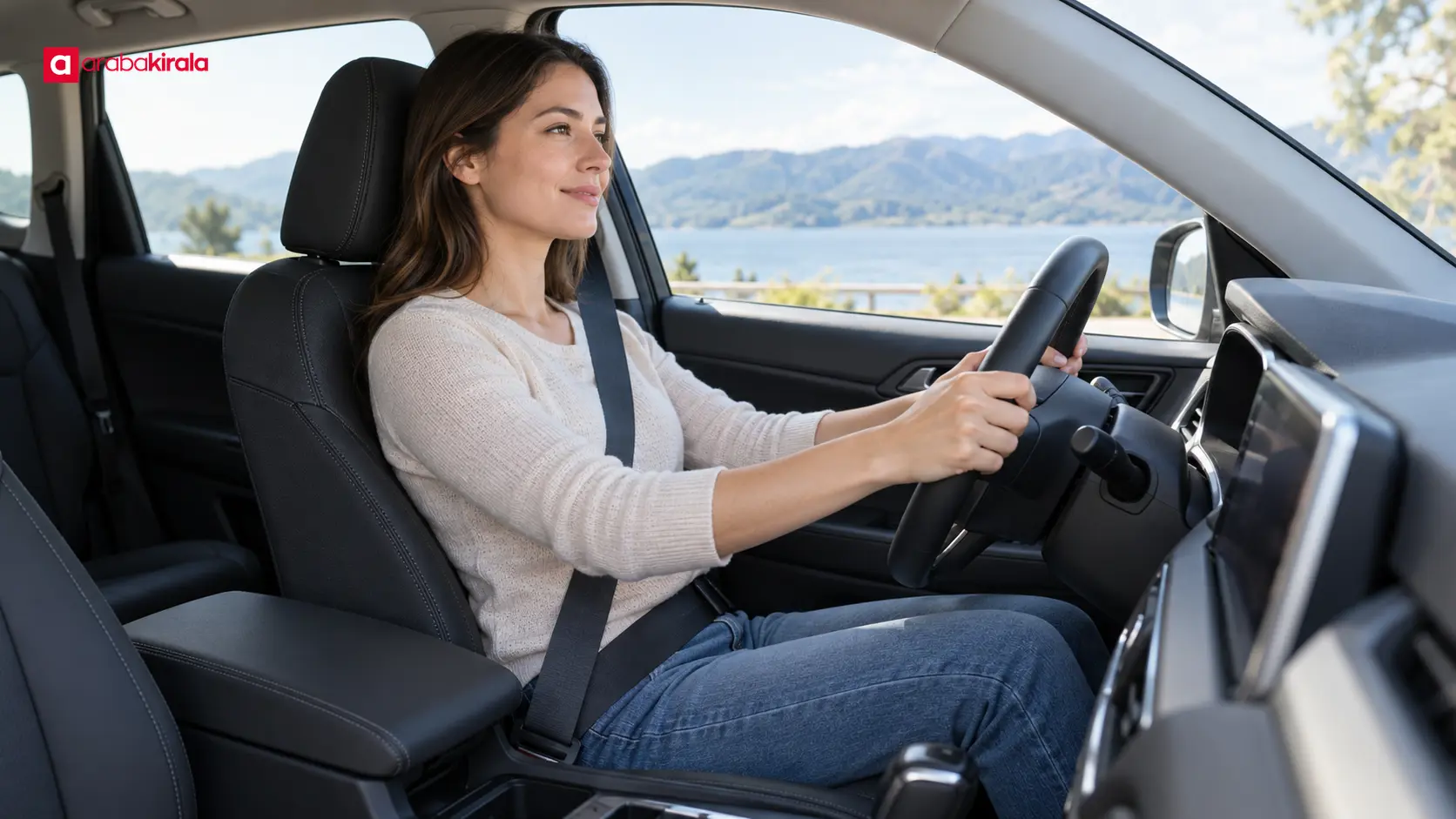
Set the backrest upright and supportive. With your shoulders against it, you should be able to reach the upper part of the steering wheel with a slight bend in your elbows. If you need to lift your back off the seat to turn the wheel, readjust your position. Set the head restraint to support the back of your head; the adjustment method depends on the seat design.
Steering wheel, mirrors and seat belt
After setting the seat, adjust the steering wheel’s height or reach if the vehicle allows it. You should be able to see the instruments and turn the wheel without stretching your shoulders forward. Then adjust the interior and exterior mirrors from your normal seated position. Recheck their view if you later move the seat or steering wheel.
The shoulder part of the belt should cross the middle of your chest and stay away from your neck; the lap portion should rest over your hips, not your stomach. Check that the belt is not twisted and that the buckle is engaged. NHTSA recommends positioning the belt across the shoulder and hips as described in its seat belt safety guidance.
Using seat memory and a driver profile
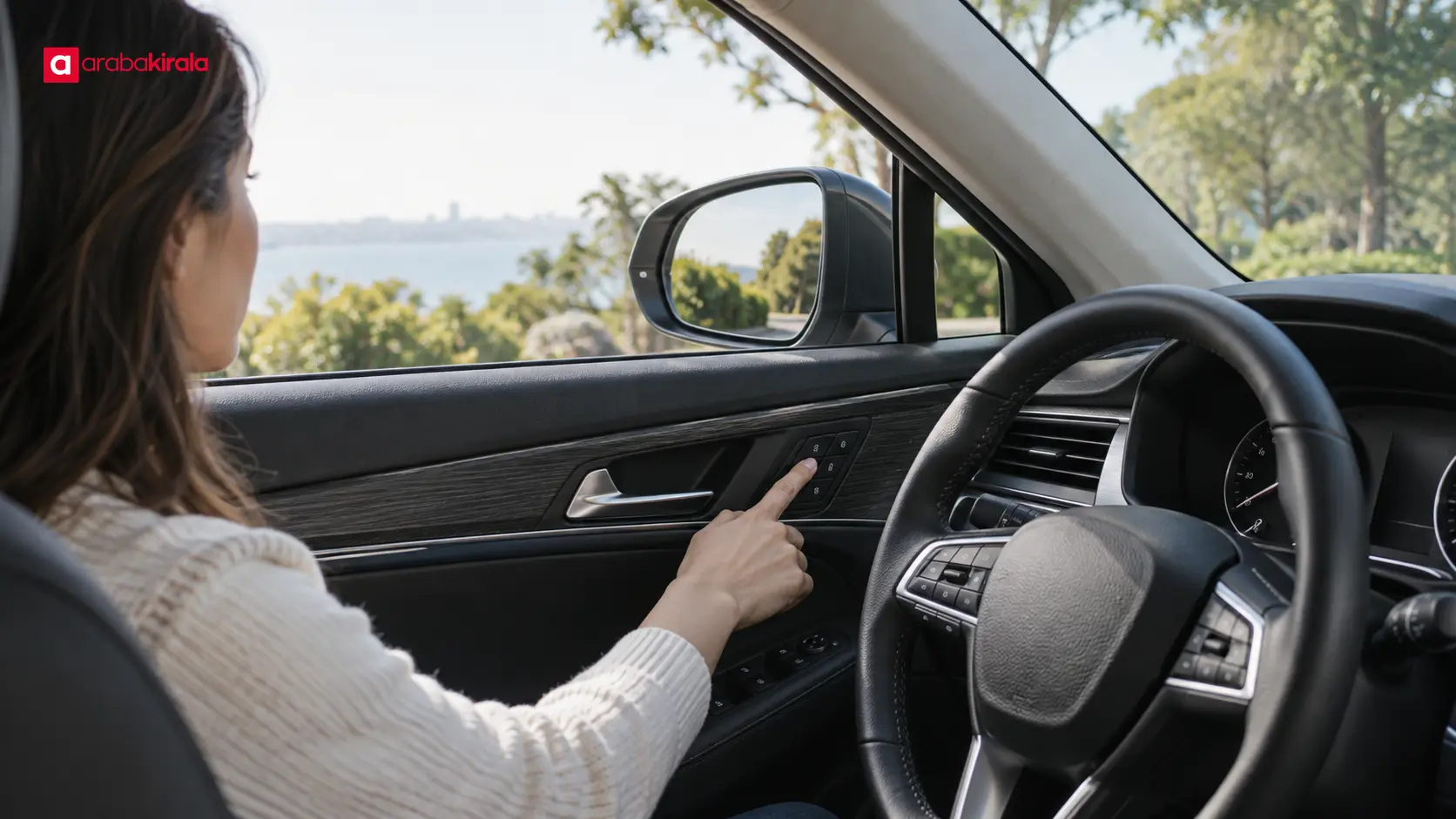
Learn the controls while parked. Power-seat switches are often on the side of the seat, while memory controls may be near the seat, door or vehicle screen. The on-screen owner’s guide, control symbols or vehicle manual can explain the order for saving and recalling a position. If you cannot find the feature, do not search through menus while driving; consult the manual for the model or ask the branch where you collect the car.
If memory is available, first adjust the seat manually to a safe position. Then follow the vehicle’s instructions to save it. Some cars use numbered buttons, while others store positions through a driver profile menu. Do not assume a button sequence applies to every vehicle. Watch the screen to see whether saving the position also changes other settings.
If selecting a profile can move the seat automatically, check that the area around the seat is clear and that any passenger is positioned safely before starting the movement. If the seat or steering wheel moves somewhere unexpected, stop the process and return to a safe position using the manual controls. Do not experiment with the feature while driving. When another person will drive, that driver should set and verify their own position rather than relying on a previous driver’s saved setting.
Personal data and returning the car
Some newer vehicles can associate a driver profile with information beyond seat settings, such as a paired phone, navigation destinations, favorites or media preferences. Whether these functions are available and how they work depends on the vehicle. Connect only what you need, and learn where the vehicle’s connection and removal controls are before pairing a phone.
Before returning the vehicle, check how to disconnect your phone, remove personal destinations or sign out of a profile. Menu steps vary by model, so follow the vehicle manual instead of guessing. If you are unsure what a deletion option removes, ask the branch where you collected the car. This is a practical way to manage personal information in the vehicle; it does not imply that a particular digital service is included in every rental.
A quick check before setting off
- Confirm the seat is locked in place and you can comfortably reach the brake pedal.
- Check that the backrest, head restraint and any lumbar support suit your posture.
- From your normal sitting position, verify steering control, instrument visibility and mirror views.
- Check that the belt lies across your chest and hips, is not twisted and is buckled.
- If you recalled a memory setting, wait until the seat stops and verify that it fits you.
- If a control or menu is unfamiliar, consult the manual before driving instead of testing it on the move.
These checks take only a few minutes and can make it easier to get used to an unfamiliar car. Seat switches, steering adjustment and memory functions can differ between models, so it can be useful to ask for a brief orientation at pickup. Ask the branch where you will collect the car whether the assigned vehicle has a power seat or driver memory and how its controls work; do not assume a particular feature will be present.
Frequently Asked Questions
Does every rental car have seat memory?
No. Seat memory depends on the vehicle model and its equipment. Ask the pickup branch about the car assigned to you. If it has no memory feature, adjust the seat manually.
Can I drive as soon as I recall a saved position?
Wait for the seat movement to finish, then check pedal reach, steering control, mirrors and belt fit for your own body. The saved position may have been set for another driver.
Should I adjust the seat while the car is moving?
Set the position before departure while parked so the adjustment does not take your attention from the road. If you need to change it during a trip, stop in a safe place and park first.
Can a driver profile leave phone information in the car?
Phone pairing and profile functions vary by vehicle. Check what information may appear before pairing, and use the vehicle manual to learn how to disconnect the phone and remove personal records before returning the car.
Should I adjust the mirrors before or after the seat?
Set the seat and steering wheel first, then adjust the mirrors from your normal driving position. If you move the seat afterward, check the mirror views again.
What if I do not recognize the power-seat controls?
Check the seat and memory section of the vehicle’s manual, or ask the pickup branch to show you the controls. Avoid learning them by trial and error while the vehicle is moving.
Legal Disclaimer: All content, articles and information on the Araba Kirala website are provided solely to inform users. No information shared on this website constitutes definitive advice or guidance. Araba Kirala Teknoloji A.Ş. and its authors cannot be held responsible for any direct or indirect damages arising from the application of information on the website. For all questions and requests regarding car rental, please contact the office from which you will rent your vehicle.












