
How to Check a Rental Car’s Locks, Windows, and Mirrors
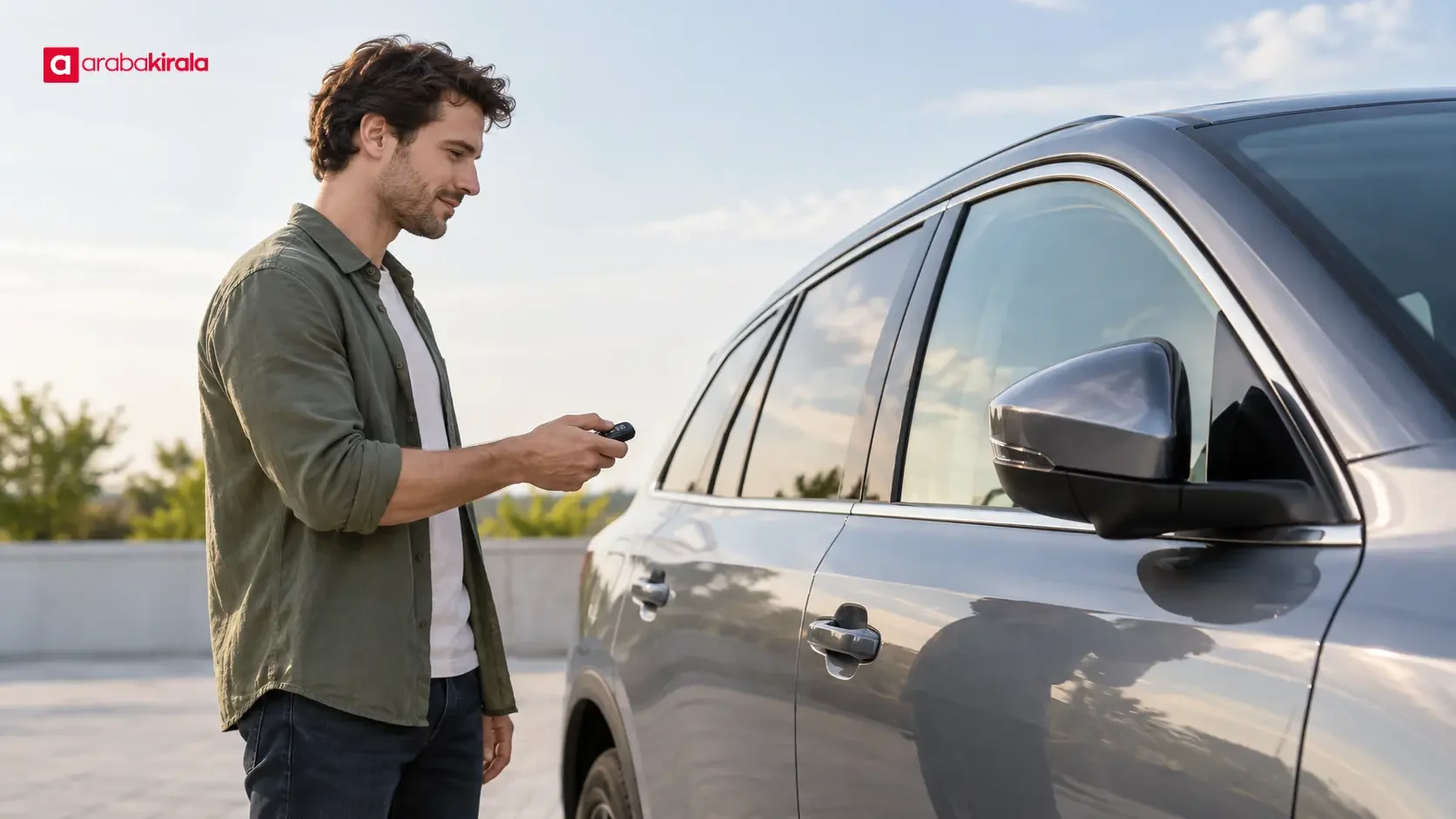
Published: October 30, 2026 • Reading Time: 6 min • Last Updated: October 30, 2026 • Author: Merve B.
Learn how to check a rental car’s central locking, doors, windows, and mirrors before departure, and what to do if a control does not respond.
Contents
- What does the central locking system do?
- Check the doors and locking response
- Walk around the vehicle first
- Observe the remote and spare key
- Try the interior lock button
- Test the windows safely
- Adjust mirrors for your driving position
- Record and report issues at handover
- A quick checklist before departure
- Frequently Asked Questions
A rental car central lock check means observing how the remote and interior controls affect the doors, checking that the windows move, and adjusting the mirrors before driving. This guide explains a safe order for those checks, what responses to look for, and how to handle a control that does not work as expected. Keep the vehicle parked, have the key with you, and make sure the surrounding area is clear.
What does the central locking system do?
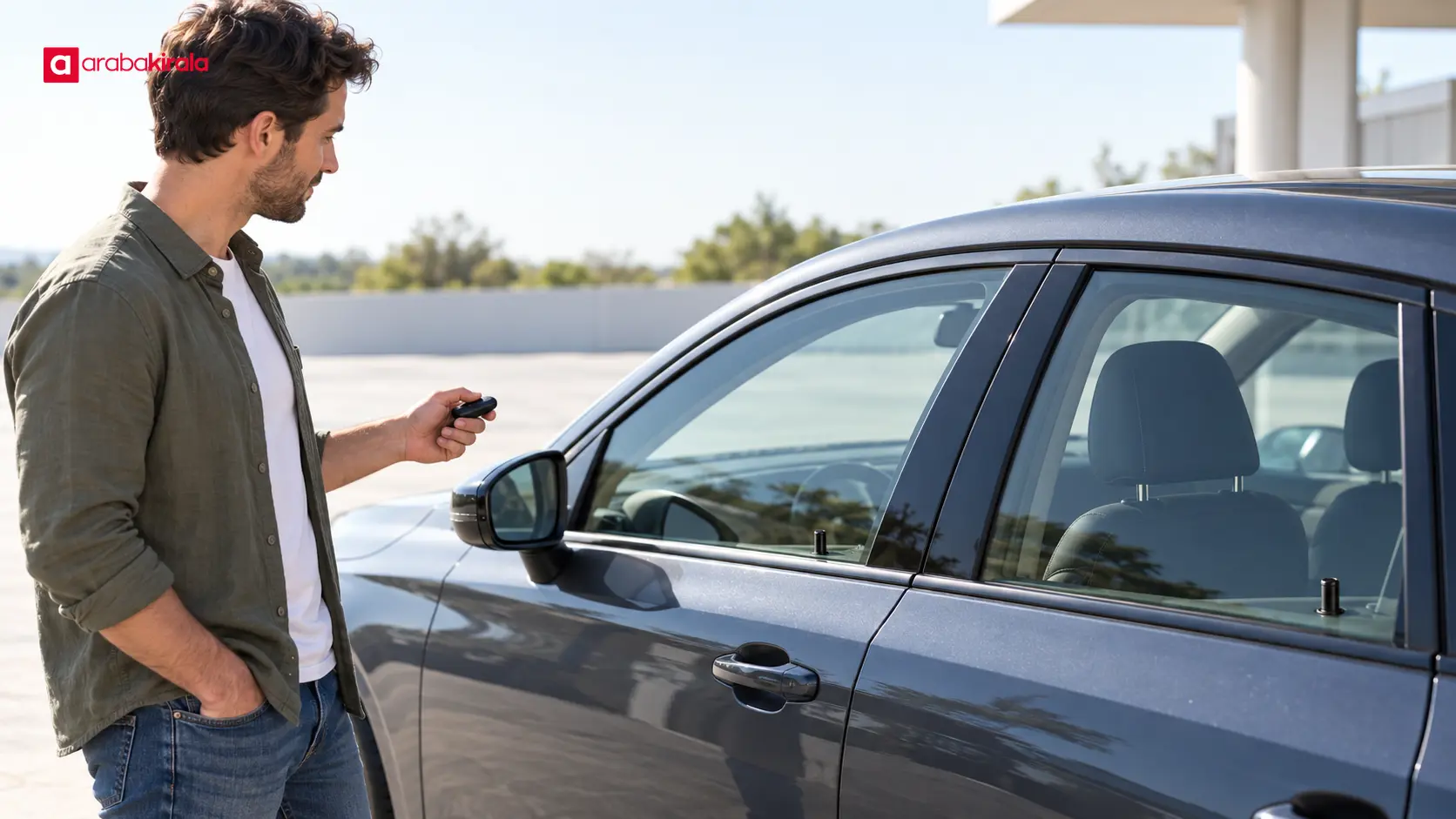
Central locking lets one remote or interior control lock or unlock several doors. After you press the remote, confirm that the doors actually change state. The signal can vary by model: some vehicles use lights, sounds, visible lock indicators, or folding mirrors, while others do not. Do not treat any one of these signals as a feature every vehicle must have. The useful check is whether each door is locked or unlocked as intended.
Try the lock and unlock buttons separately. After each press, check the door handles without forcing them. Avoid repeatedly pressing the remote before giving the car a moment to respond. If the vehicle has keyless entry, keep the key with you and try the designated area on the handle, if the handover staff has shown you how it works. If the system’s response is unclear, consult the vehicle’s manual or ask the staff member.
Check the doors and locking response
Walk around the vehicle first
Before testing controls, look over the doors, tailgate, and fuel flap. If you notice a fresh scratch, dent, or misalignment, ask for it to be recorded at handover. The tailgate may behave differently from the side doors, and the fuel flap may have its own design. Do not assume these parts respond to the remote in the same way as every door.
Observe the remote and spare key
Stand at a reasonable distance and watch all doors while using the remote. If one door does not lock or unlock, check that it is fully closed. A door-open warning, indicator, or brief sound may help explain the status on some vehicles, but the absence of these signals does not prove a fault by itself. If the remote does not respond, do not pry open its case or force the key. Tell the handover staff and ask how to use any alternative key.
Try the interior lock button
With the vehicle parked and its doors closed, use the interior central locking button and observe the result. Then try the unlock control. If anyone is in the vehicle, ask the handover staff how occupants can exit when the doors are locked. Child locks and automatic locking features can work differently by model; do not experiment with them while driving.
Test the windows safely
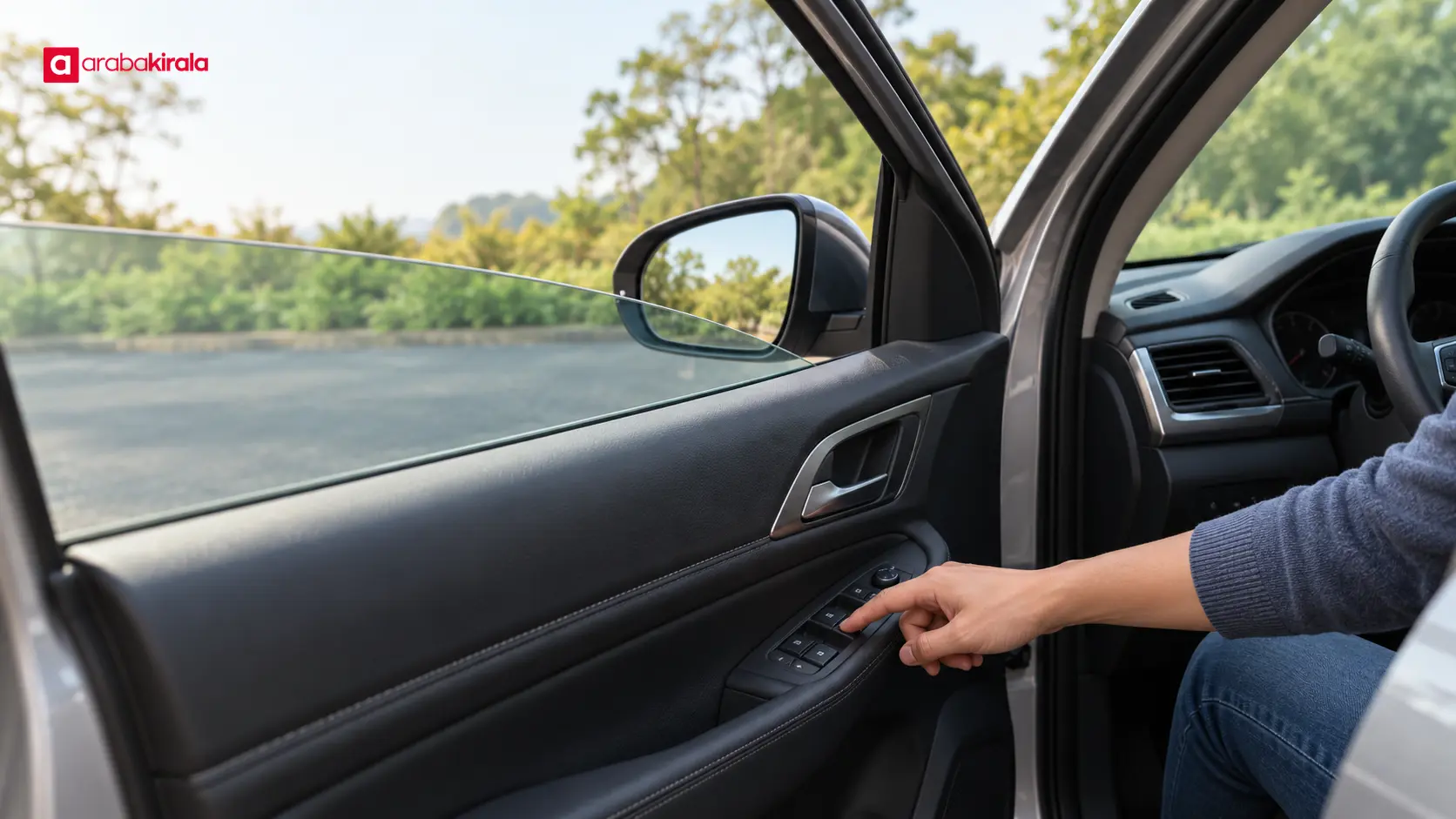
Keep the vehicle stationary and check that no person or object is in a window’s path. Briefly lower and raise each window using its own door switch. Notice whether movement is smooth, the glass stays in its track, and the switch responds. If the driver’s door has a master panel, use it to check the other windows as well. Stop pressing the switch if you hear an unusual noise or the glass appears to tilt or jam.
Some vehicles have one-touch operation, window lock controls, or anti-pinch features. Their availability and operation depend on the vehicle. Never put a hand or object in the closing path to test a safety feature. If a window does not work, or the controls behave unexpectedly, have the issue noted at handover. A faulty window can affect visibility, ventilation, and weather protection, so resolve the matter before setting off.
Adjust mirrors for your driving position
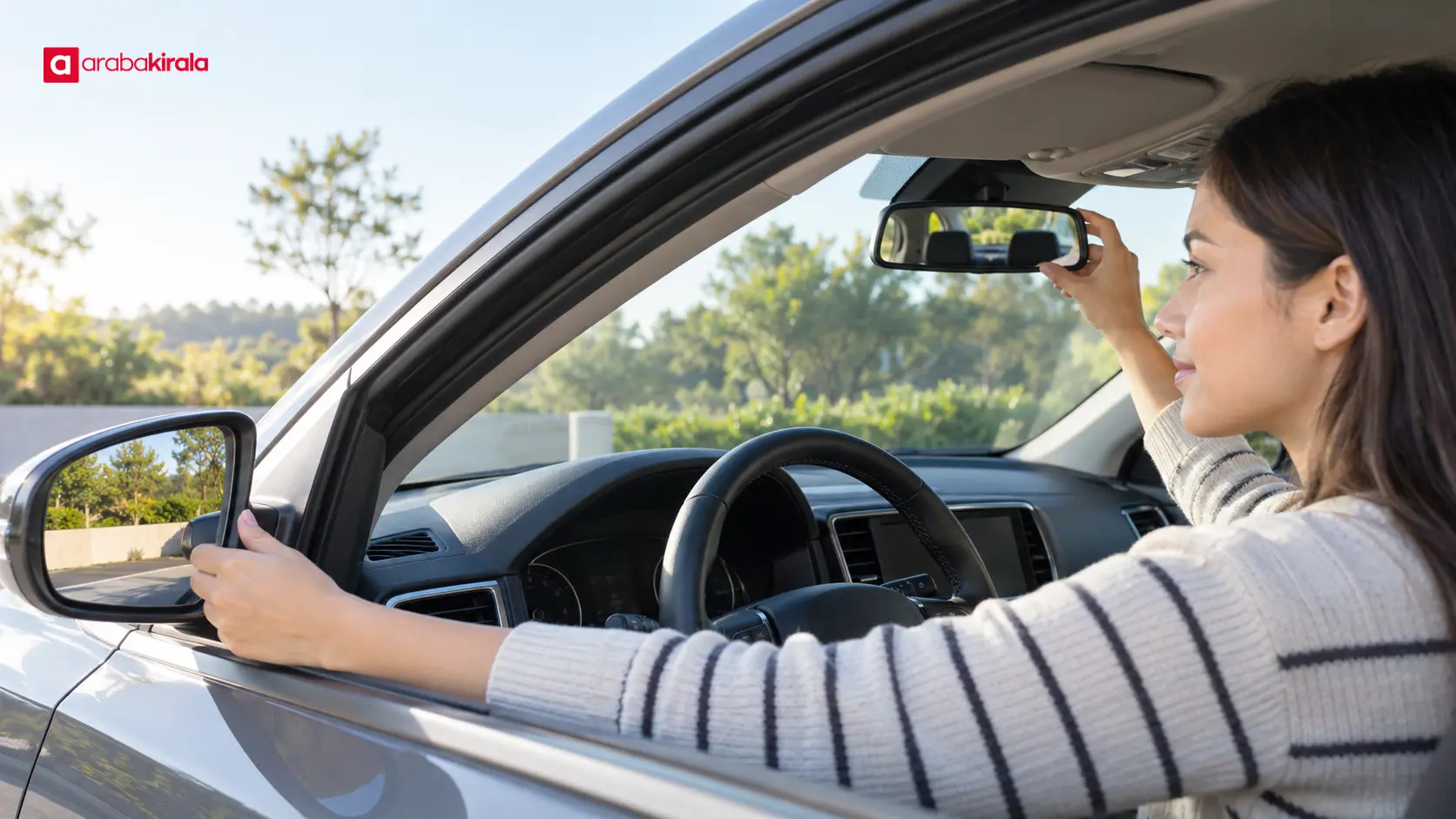
Set the seat and steering position first. Adjust the interior mirror to show as much of the rear window as practical. Set the side mirrors so the road and adjacent areas take up most of the view, with only a small part of the vehicle’s side as a reference. The precise view depends on the driver and vehicle. Before moving, check that you can see adequately on both sides.
If the mirrors are electrically adjusted, use the control to move them in small increments. If you check a folding function, keep the vehicle parked and make sure there are no nearby obstacles. Do not push the mirrors by hand; mechanisms differ by model. Report cracked glass, looseness, or an adjustment control that does not respond. A mirror that does not fold may simply be a vehicle without that feature.
Record and report issues at handover
The purpose of a pre-departure check is to clarify the vehicle’s condition and address a problem that could affect safe use before you leave. If a door will not lock, a window will not move, a mirror will not hold its position, or a mechanism makes an unusual sound, ask the staff member to record it. If you take a photo, make sure it shows the issue, its location, and the handover context. Confirm with the staff member how the note will be added to the handover record.
Do not dismantle a control, fuse, or wiring to investigate a fault. If a door will not close or remains locked, or a window is left open in a way that obstructs visibility, contact the branch before driving. If a new issue appears during use, stop somewhere safe and use the support contact provided in your rental documents.
A quick checklist before departure
- Use the remote to lock and unlock, then verify each door without forcing it.
- Try the interior central locking control while the vehicle is parked.
- Briefly operate each window from its own switch and, if available, the driver’s control panel.
- Adjust the mirrors for your seat position and check any electric adjustment.
- Have any issue recorded and agree on how it will be handled before leaving.
This brief check is not a technical inspection; it gives you a chance to observe basic functions at handover. For model-specific controls or a branch-specific handover procedure, ask the branch where you will collect the vehicle. Recheck your mirror view before starting a city or highway journey.
Frequently Asked Questions
Should the side mirrors fold when I lock the car?
No. Folding on lock depends on the vehicle’s equipment and settings. Check the doors’ lock status directly; mirror movement alone does not confirm whether the locks have worked.
The remote light comes on, but the doors do not respond. What should I do?
Check that the doors are fully closed and that you are using the key provided for the vehicle. If there is still no response, tell the handover staff rather than forcing the remote. Follow their guidance if the battery or key needs attention.
Is it normal if the window switches work only from the driver’s door?
Check whether the driver’s window-lock button is enabled; it can disable switches on other doors. If that does not explain the behavior or a window will not move, report it before departure.
Can I adjust the mirrors after collecting the car?
Adjust them while parked and before moving. Reaching for a mirror while driving diverts attention from the road. If the driver changes, the new driver should check the mirrors before setting off.
Should I take the car if a lock or window does not work?
Explain how the issue could affect safe use and ask the handover staff to record it. Whether the car can be used or another solution is available depends on the issue and the branch. Clarify this before driving away.
Legal Disclaimer: All content, articles and information on the Araba Kirala website are provided solely to inform users. No information shared on this website constitutes definitive advice or guidance. Araba Kirala Teknoloji A.Ş. and its authors cannot be held responsible for any direct or indirect damages arising from the application of information on the website. For all questions and requests regarding car rental, please contact the office from which you will rent your vehicle.












