
How to Adjust a Rental Car for a Long Drive: Seat, Steering Wheel and Driver Aids
Published: October 29, 2026 • Reading Time: 7 min • Last Updated: October 29, 2026
Set up a rental car for your body and line of sight before a long trip. Learn how to adjust the seat, steering wheel, mirrors and driver assistance features safely.
Contents
- Get familiar with the car before adjusting it
- Set the seat to fit your body
- Seat distance and pedal reach
- Backrest and head restraint
- Position the steering wheel and mirrors for a clear view
- Use driver assistance features as support
- Stay comfortable and alert during the trip
- A short check before setting off
- Summary: a comfortable position and continued attention
- Frequently Asked Questions
Rental car long drive preparation starts with adjusting the vehicle to your body and view before you set off. This guide explains how to position the seat, steering wheel and mirrors, what driver assistance features can and cannot do, and how to stay comfortable and attentive on the road. Make adjustments while the car is parked, and learn unfamiliar controls before entering traffic.
Get familiar with the car before adjusting it
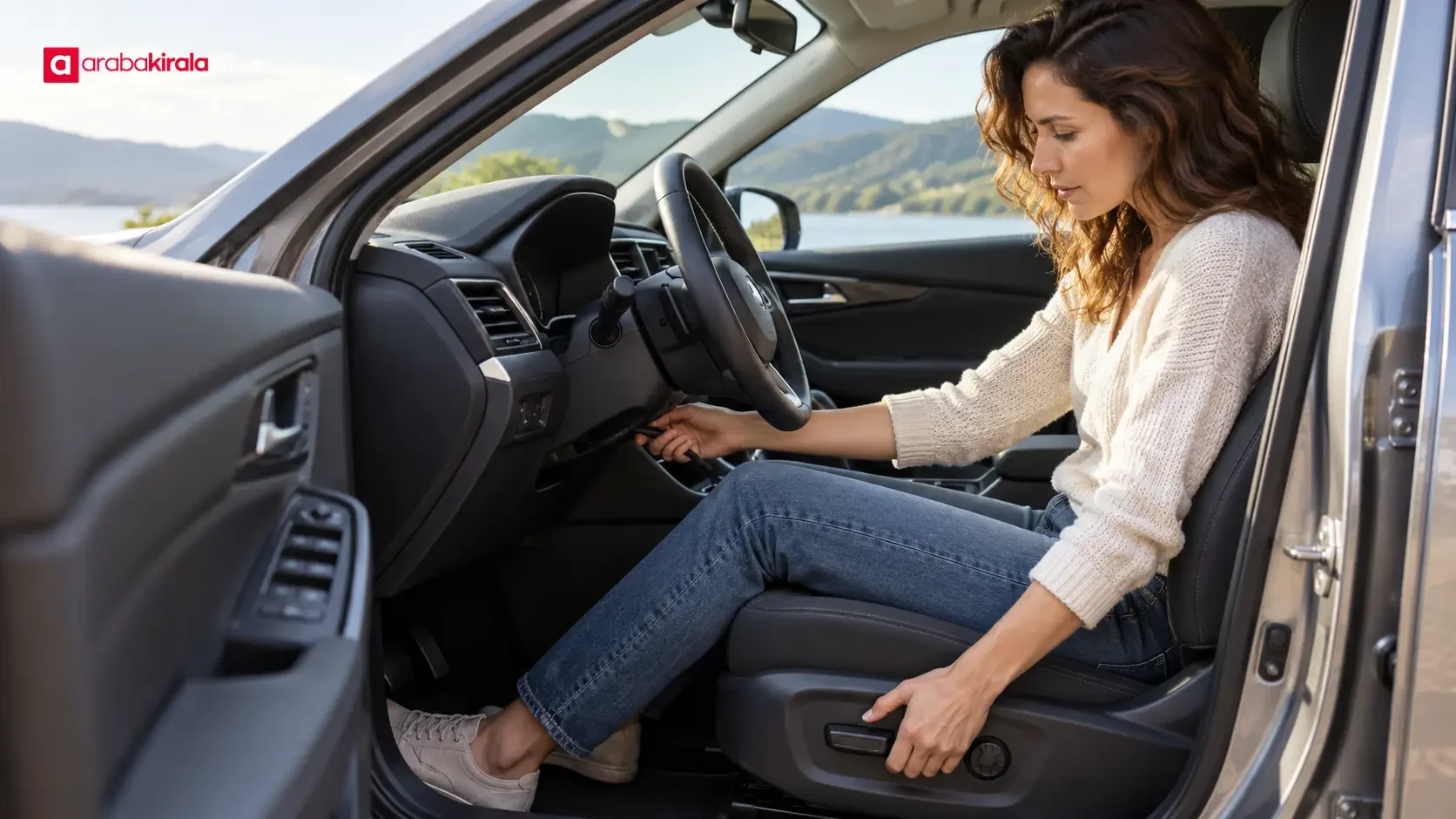
Seat controls, steering column releases and display menus vary from one vehicle to another. Locate the controls before moving the seat: a manual seat may have a lever below it, while power seats commonly use switches on the side. Learn how the steering wheel’s height or reach adjustment locks in place. Check the vehicle handbook if a control is unclear, or ask the branch you are renting from about a vehicle-specific feature. Avoid forcing a control or guessing what it does.
Begin on level ground in a safe parking place. Select park where applicable and apply the parking brake. Keep your feet clear of the pedals while adjusting the seat. Changing the seat, mirrors or steering wheel while driving can take your attention away from the road, so finish the setup before moving off.
Set the seat to fit your body
Seat distance and pedal reach
Move the seat so you can press the brake firmly and comfortably without locking your knee. Your hips should remain supported by the back of the seat; you should not have to lean forward to reach the pedals. A position that lets you operate the pedals smoothly while sitting back can reduce unnecessary tension over a long drive. Press the brake a few times while parked to make sure your foot stays stable and you can apply pressure without stretching.
Rest your left foot on the footrest if the car has one, rather than on the clutch pedal or moving parts. In an automatic car, use the pedals in the way the vehicle is designed for; do not let both feet drift toward the pedals. If you are unfamiliar with the layout, take time to learn it while parked instead of experimenting in traffic.
Backrest and head restraint
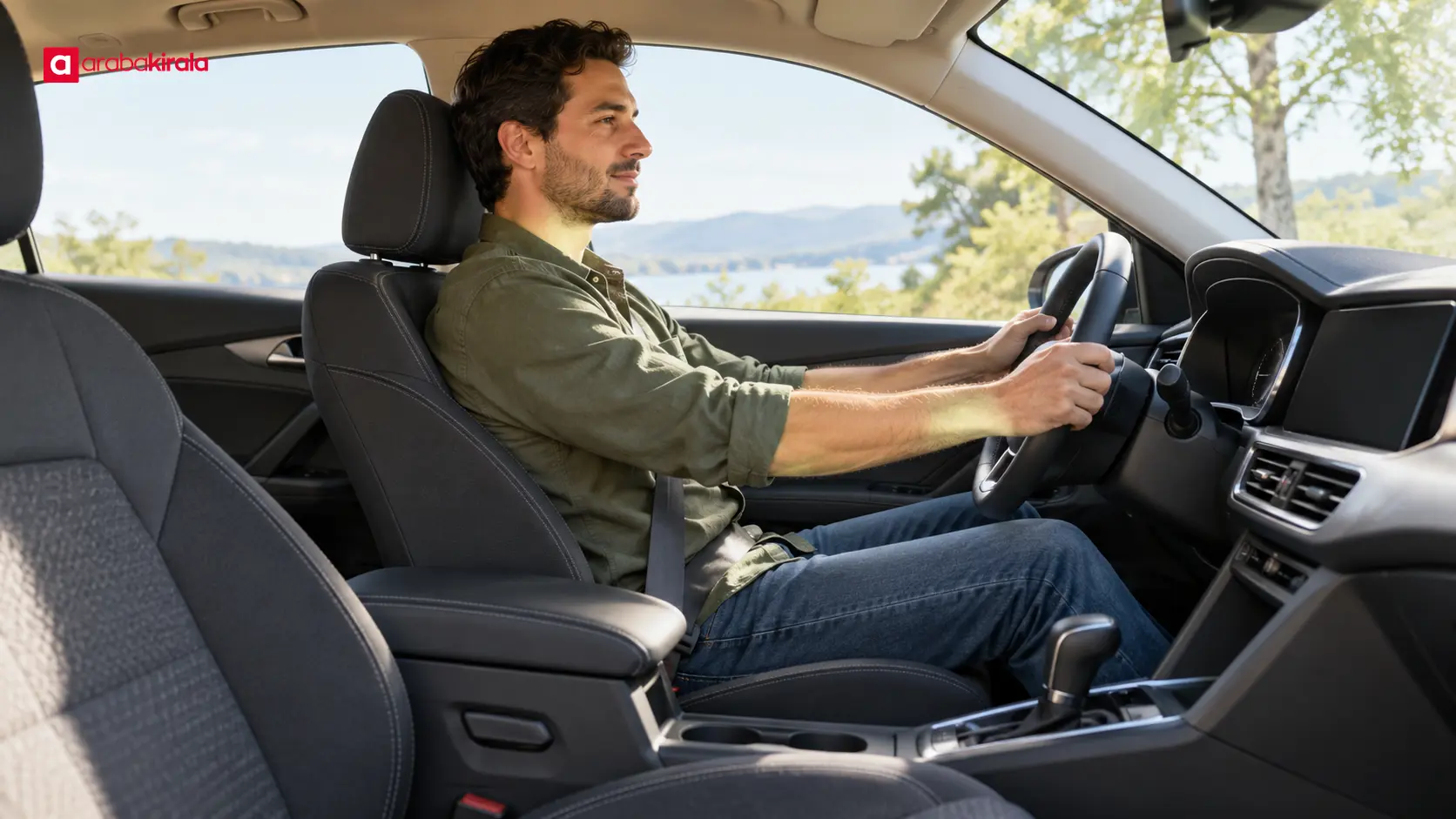
Set the backrest so your shoulders stay in contact with it while your arms reach the steering wheel with a slight bend at the elbows. A very upright position can feel tense, while a heavily reclined position can make steering less controlled and affect how the seat belt sits. Sit fully back and wear the belt across your shoulder and chest. Do not route it under your arm or behind your back.
Position the head restraint with its upper edge near the top of your head and keep the gap between your head and the restraint small. It should not push your head forward, but it should be close enough to help limit backward movement if needed. If it can be adjusted, make sure it is locked in place. Treat it as part of the seat setup, not as an optional comfort accessory.
Position the steering wheel and mirrors for a clear view
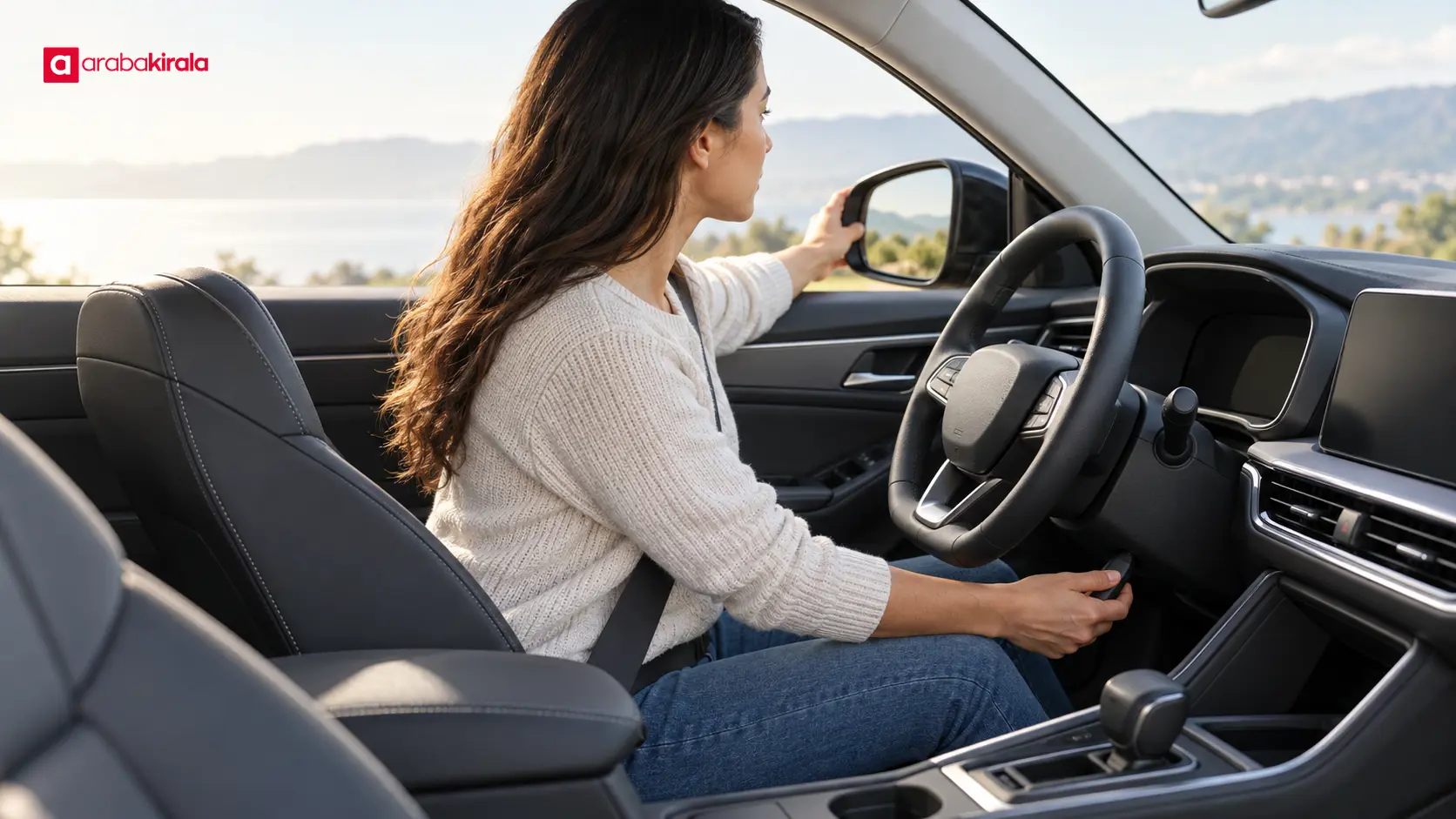
Set the steering wheel so it does not block the instruments and leaves space between your chest and the airbag cover. With your hands on the wheel, your elbows should remain slightly bent. A useful check is that you can reach the upper part of the wheel without lifting your shoulders from the seat. Secure the steering column adjustment once you are satisfied, and confirm that it is locked. Keep your hands on the wheel rim rather than reaching through it.
Adjust the interior mirror first so it shows as much of the rear window as possible. Then position the side mirrors to cover the areas beside and behind the car while limiting how much of the vehicle’s own side blocks the view. Mirrors cannot remove every blind spot. Signal before changing lanes, check the mirrors, and make a brief over-the-shoulder check when it is safe. Make sure luggage or passengers do not obstruct the rear view.
Use driver assistance features as support
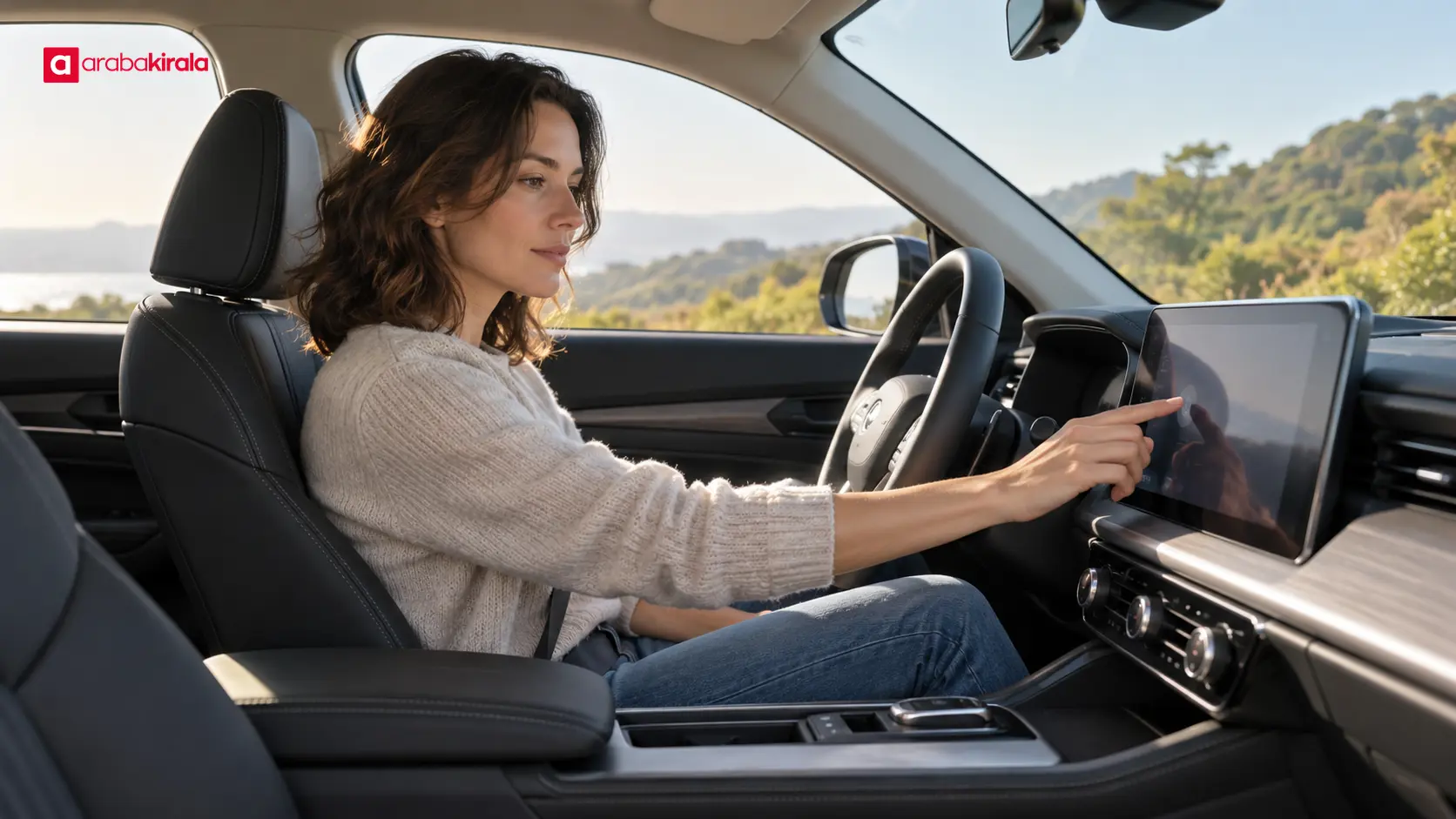
Features such as lane departure alerts, cruise control or driver attention warnings may not be fitted to every car, and their operation depends on the vehicle and its settings. They support the driver; they do not replace attention or control. Check the handbook to learn which features are present, how the indicators appear, and how to change or turn off a setting. Do not explore menus while moving; set up features before the trip.
Cruise control can help maintain a chosen speed in suitable road and traffic conditions, but it does not remove the need to monitor traffic or keep a safe following distance. Do not assume adaptive cruise control is fitted or know its limits without checking the vehicle. A lane warning may alert you as the car approaches a marking, but its response can vary with curves, faded lines or poor weather. Keep your hands on the wheel and continue to follow road markings and signs.
Before departure, make sure you understand the warnings and symbols displayed in the car. If you cannot identify a warning, pull over safely and consult the handbook. Ask the rental branch about vehicle-specific equipment if a detail remains unclear. If an assistance system warning appears or the car behaves unexpectedly, stop somewhere safe and seek help.
Stay comfortable and alert during the trip
A good driving position supports both comfort and control. Remove bulky outerwear if it prevents the seat belt from sitting close to your body, and keep the belt flat and snug. Put your phone, water and other travel items where you can reach them without leaning or taking your attention from the road. Keep loose items away from the pedals, places where they could slide under the seat, and positions that obstruct the rear window.
Remaining still for a long time can contribute to fatigue. Use a safe, suitable stopping place to stretch and check how alert you feel. If you notice drowsiness, repeated yawning, distraction or difficulty maintaining your position in the lane, stop driving and rest somewhere safe. Set basic ventilation and temperature before leaving so you are not repeatedly making adjustments while driving.
A short check before setting off
- While parked, adjust seat distance, backrest angle and head restraint.
- Confirm comfortable brake access and steering reach without raising your shoulders.
- Fasten the seat belt correctly, set all mirrors and clear anything that blocks your view.
- Use the handbook to learn the assistance features and dashboard warnings fitted to the car.
- Ask the branch you are renting from about any vehicle-specific control or equipment you do not understand.
Summary: a comfortable position and continued attention
For rental car long drive preparation, learn the vehicle first, then set the seat, steering wheel and mirrors for your body and field of view. Treat driver assistance as support: the driver remains responsible for steering, following distance and recognizing fatigue. After collecting the car, take a moment in a safe place to check your position and controls. Ask about any unfamiliar feature before setting off.
Frequently Asked Questions
Should I adjust the seat or steering wheel first?
Adjust the seat first for pedal reach and back support. Then position the steering wheel so your arms remain slightly bent and the instruments are visible. Finish with the mirrors and seat belt, and check that you can reach the controls while the vehicle is stationary.
How much of the car should I see in the side mirrors?
The car’s side can remain visible as a narrow reference, but it should not take up most of the mirror. Adjust the mirrors to cover more of the adjacent area. They cannot eliminate blind spots, so check your surroundings before changing lanes.
Does cruise control mean I need fewer breaks on a long drive?
No. Cruise control may help maintain speed in suitable conditions, but it does not reduce the need to pay attention, monitor traffic or take breaks. If you feel tired, stop at a safe place and rest.
How can I find out how a rental car’s driver aids work?
Check the vehicle handbook for the equipment and warning symbols in that car. If a control or feature is unclear, ask the branch you are renting from. Do not assume a vehicle has a particular feature or that it works in a specific way.
What should I do if my seat becomes uncomfortable during a long drive?
Do not operate seat controls while driving. Stop somewhere safe, adjust your position and take a break if needed. After changing the seat, recheck pedal reach, belt placement and your view in the mirrors.
Legal Disclaimer: All content, articles and information on the Araba Kirala website are provided solely to inform users. No information shared on this website constitutes definitive advice or guidance. Araba Kirala Teknoloji A.Ş. and its authors cannot be held responsible for any direct or indirect damages arising from the application of information on the website. For all questions and requests regarding car rental, please contact the office from which you will rent your vehicle.












