
Which Records Should You Compare When Picking Up and Returning a Rental Car?

Published: October 25, 2026 • Reading Time: 8 min • Last Updated: October 25, 2026
Learn how to compare mileage, fuel or charge level, damage, equipment and timing at pickup and return, and how to use the inspection form and photos together.
Contents
- Why compare rental car pickup and return records?
- What information belongs in the records?
- Vehicle identification and handover time
- Odometer reading
- Fuel or battery level
- Damage and vehicle equipment
- How to make pickup records consistent
- What should you compare before returning the car?
- How to handle a mismatch in the records
- A short checklist for pickup and return
- Frequently Asked Questions

Why compare rental car pickup and return records?
A rental car pickup and return record is the set of details documenting the vehicle’s condition, mileage and handover time at the start, then its condition and return time at the end. It may include an inspection form, odometer and fuel or battery readings, photos around the vehicle and a record of key handover. This guide explains what each record is useful for, what to compare at pickup and before returning the car, and how to clarify a mismatch.
The purpose is to assess the starting and return condition using the same reference points. Consistent records make it easier to distinguish a previously noted mark from a new one, explain mileage and fuel readings, and confirm when the handover occurred. A photo alone does not establish every condition; it is most useful alongside the written records.
What information belongs in the records?
Vehicle identification and handover time
Check that the vehicle description on the form matches the car you receive. Details such as the model or vehicle identifier, date and time help avoid confusion with a record for another car. Review the document or digital record before taking the keys. At return, check the recorded drop-off time and the person or location shown as receiving the car.
The time can matter when a question concerns the timing of pickup or return. Photos with timestamps on your phone can serve as personal notes, but they do not replace the rental provider’s handover record. If the times differ, raise the discrepancy while you are still there and ask for written clarification where possible.
Odometer reading
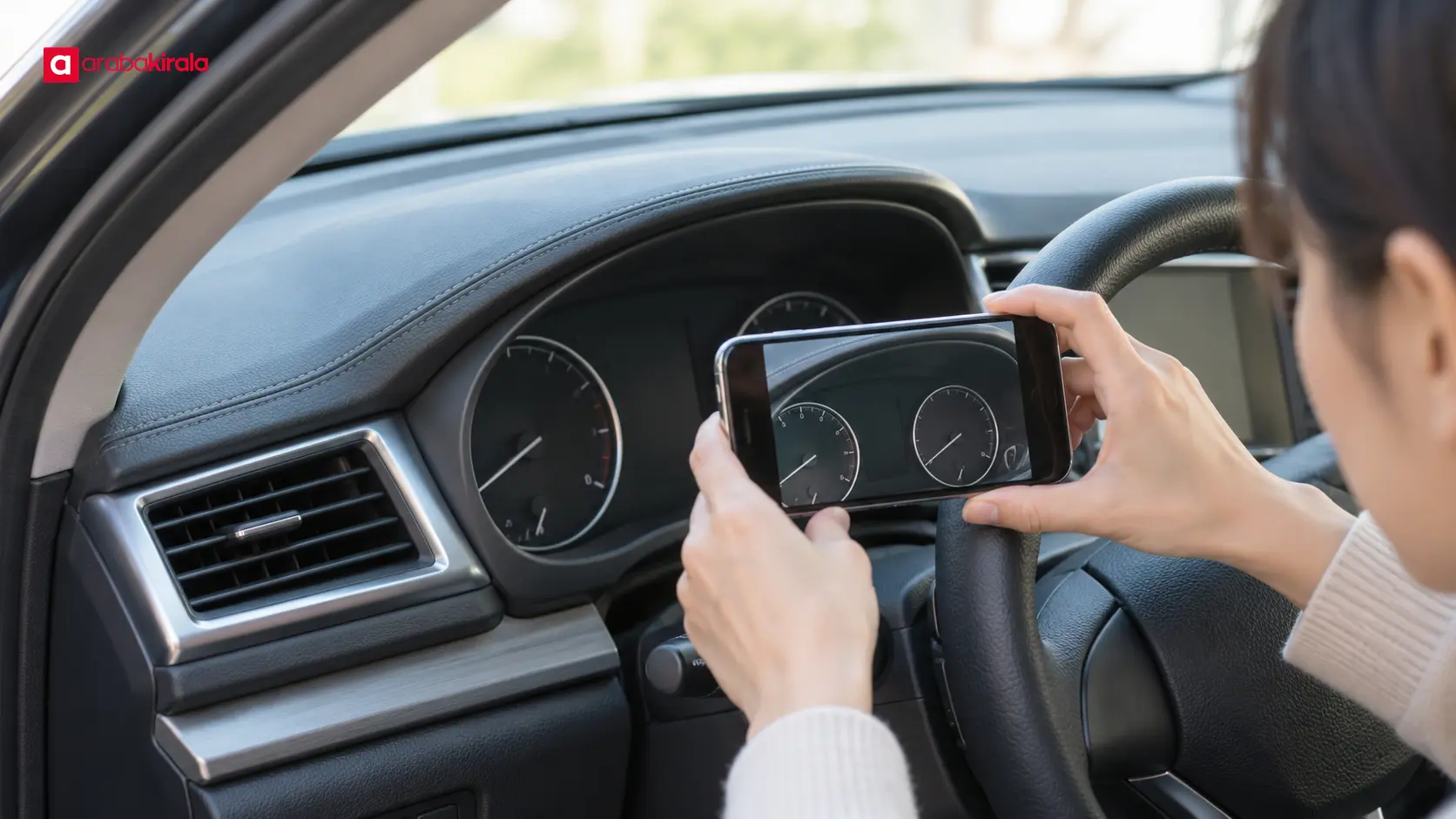
The pickup odometer reading is the reference value for the beginning of the rental. Compared with the return reading, it shows the distance recorded during the rental period. This grounds the mileage calculation in the display rather than memory. Photograph the odometer soon after getting in and again before returning the car, then compare the images with the values written on the form.
Frame the display so the mileage is clear and the dashboard context is recognizable. Retake the photo if glare, shadow or movement makes the digits hard to read. If a mileage allowance or charge applies, ask the branch you will rent from how it is stated in your booking and agreement; do not assume there is a universal industry limit.
Fuel or battery level
The fuel gauge records the level at pickup and return for comparison. A clear photo can support the level written on the handover form. Note whether the gauge uses bars or marked intervals, and avoid presenting a small visual difference as a precise amount. For an electric vehicle, record the battery percentage and any charge information included in the handover record.
Fuel or charging expectations can depend on the booking and agreement. Before leaving, clarify the expected return level, how the displayed level will be assessed, and how any shortfall is calculated. Knowing this in advance can reduce confusion over small changes in the gauge at return.
Damage and vehicle equipment
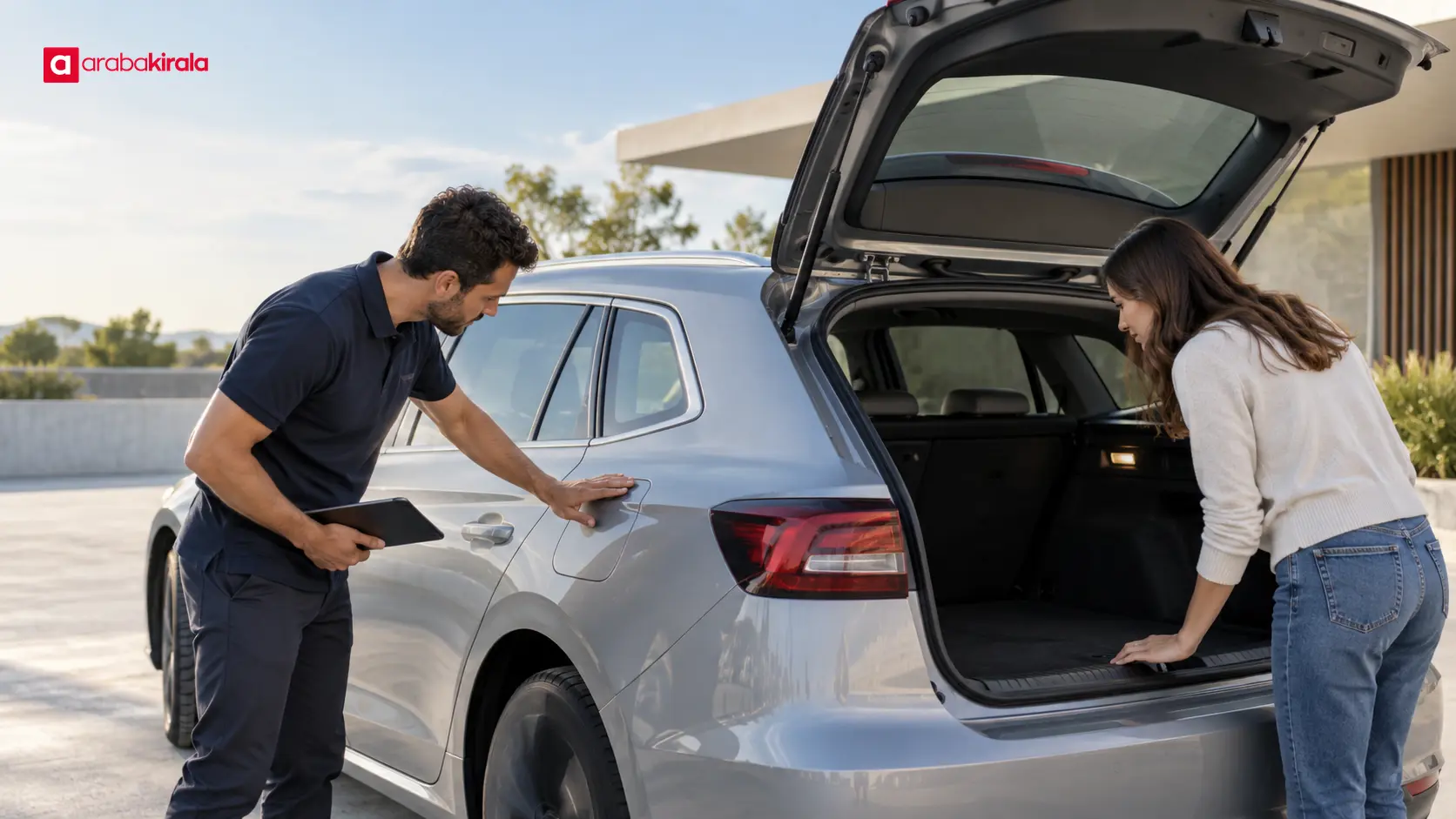
Walk around the car and inspect the bodywork, bumpers, windows, mirrors, wheels and tyres. If you see a scratch, dent, crack or scuff, do not rely only on a verbal mention. Check that it appears on the form and, where possible, photograph both a close view and the wider area around it. A clear location and angle make it easier to review the same spot at return.
Look over the seats, trim and visible interior fittings as well. If the vehicle comes with items such as a key set, charging cable, child seat or other stated equipment, check that their presence and condition match the record. Do not assume every vehicle has the same equipment; confirm what is included with the car you receive. At return, check that these items remain in the vehicle and that the handover record is complete.
How to make pickup records consistent
- Read the form first: Compare the vehicle description, pickup time, mileage, fuel or charge level and damage marks with the car itself.
- Inspect in a steady order: Walk around the exterior, then check the windows, wheels and interior. Repeating the same sequence helps you avoid overlooking a section.
- Take clear photos: Capture the overall vehicle, close-ups of each existing mark, the instrument panel and any equipment in separate, readable images. Store them somewhere easy to find.
- Report a difference immediately: If a mark is missing from the form or a gauge reading does not match, show the staff member before driving away. Ask for a corrected record or written confirmation.
- Keep your copy: Make sure you can access the signed form, digital handover document and photos. Ask what an empty or unclear field means before signing.
Allow enough time for the inspection. A busy pickup area does not mean you need to sign before reviewing the records. If the size or position of a mark is unclear, ask for a note describing its location instead of trying to add an improvised scale to the photo. Keep images unaltered; original files may preserve useful time and context information.
What should you compare before returning the car?
Open your pickup form and photos before the return inspection, then follow the same sequence. Compare the odometer and fuel or battery level first, the areas with recorded damage next, and the equipment and interior last. This makes it easier to identify where a difference appears. Before handing the car back, also check the cabin and boot for personal belongings.
Photographing the car from angles similar to those used at pickup can make the comparison clearer. Lighting and weather may differ, so do not treat an area hidden in one image as definitively damage-free. If a mark was recorded at pickup, show that record to the staff member during the return inspection. If you notice a new mark, identify its location and when you noticed it. A photo documents appearance but cannot, by itself, establish the cause.
Keep the document showing that the return process is complete, any final inspection notes and confirmation of key handover. If you need to leave the car somewhere without handing it to a staff member, ask the branch you will rent from whether that method is available for your booking, how the time will be recorded and how you will receive confirmation. Do not assume an unattended drop-off procedure.
How to handle a mismatch in the records
First identify which two records differ: the form and the dashboard, the pickup and return photos, or the recorded times. Describe the mismatch specifically and show the relevant image or document. A precise explanation—such as which panel mark appears in the pickup photo, or which document has a different mileage figure—makes the discussion more productive than a general objection.
If someone explains or corrects a record, note which document was updated and by whom; where possible, request a copy of the revised record. If a charge or assessment is sent after the return, review the supporting records, photos and the agreement provision it refers to. Ask for a detailed explanation if you do not understand the amount or basis. This general record-checking guidance does not imply that a particular coverage or fee rule applies.
A short checklist for pickup and return
Rental car pickup and return records create a practical way to compare the vehicle’s condition at the start and end of the rental. Review the form, odometer, fuel or battery level, photos of existing marks, equipment and timing together. Record the starting condition carefully, inspect the same points in the same order before return, and clarify a mismatch before leaving the vehicle.
As a next step, read your booking details and agreement before pickup. Confirm booking-specific items such as mileage terms, fuel or charging expectations, included equipment and the return method with the branch you will rent from. Once you know your city or destination, the relevant ArabaKirala location page may help you plan where to collect the vehicle.
Frequently Asked Questions
What should I do if existing damage is missing from the pickup form?
Show the mark to the staff member before moving the car and ask for it to be added to the record. Keep your own photos until the form is updated or you receive written confirmation. Clarify which record has changed rather than relying only on a verbal note.
Does a mark count as new if it is not visible in the return photo?
A single photo cannot establish when a mark appeared. Angle, lighting and distance affect visibility. Share the pickup close-up and inspection form during the return review and ask for the same area to be compared.
How can I check the mileage difference?
Read the pickup and return mileage values on the forms alongside the dashboard photos. Subtracting the starting value from the return value gives the distance recorded during the rental. Ask your branch whether a mileage allowance or additional charge applies to your booking.
How should I record a fuel level between gauge marks?
Take a clear image of the gauge and check that the level on the form reflects the same display. Do not convert a position between marks into an overly precise value. Ask the branch before pickup what return level is expected.
Can I return the car without a staff member present?
The same return method may not be available at every location or for every booking. Ask the branch where to leave the key, where to park, how the return time will be recorded and how you will know the process is complete.
How long should I keep the photos?
Keep them with the pickup and return documents until any question about the records has been fully resolved. Saving original files and copies of the forms separately can make them easier to retrieve for a later comparison.
Legal Disclaimer: All content, articles and information on the Araba Kirala website are provided solely to inform users. No information shared on this website constitutes definitive advice or guidance. Araba Kirala Teknoloji A.Ş. and its authors cannot be held responsible for any direct or indirect damages arising from the application of information on the website. For all questions and requests regarding car rental, please contact the office from which you will rent your vehicle.












