
How to Reset Seat and Mirror Memory in a Rental Car for Different Drivers
Published: October 20, 2026 • Reading Time: 6 min • Last Updated: October 20, 2026
Learn how to reset a rental car’s seat and mirror position for each driver, understand memory controls, and check visibility before setting off.
Contents
Rental car seat and mirror settings should be adjusted for the person who will drive the car. This guide explains how to set the seat, steering wheel, and mirrors in a safe order, what seat memory may store, and how to handle a position left by another driver. Make adjustments while the car is parked in a safe place, then check your view and reach before moving off.
Learn the controls before changing settings
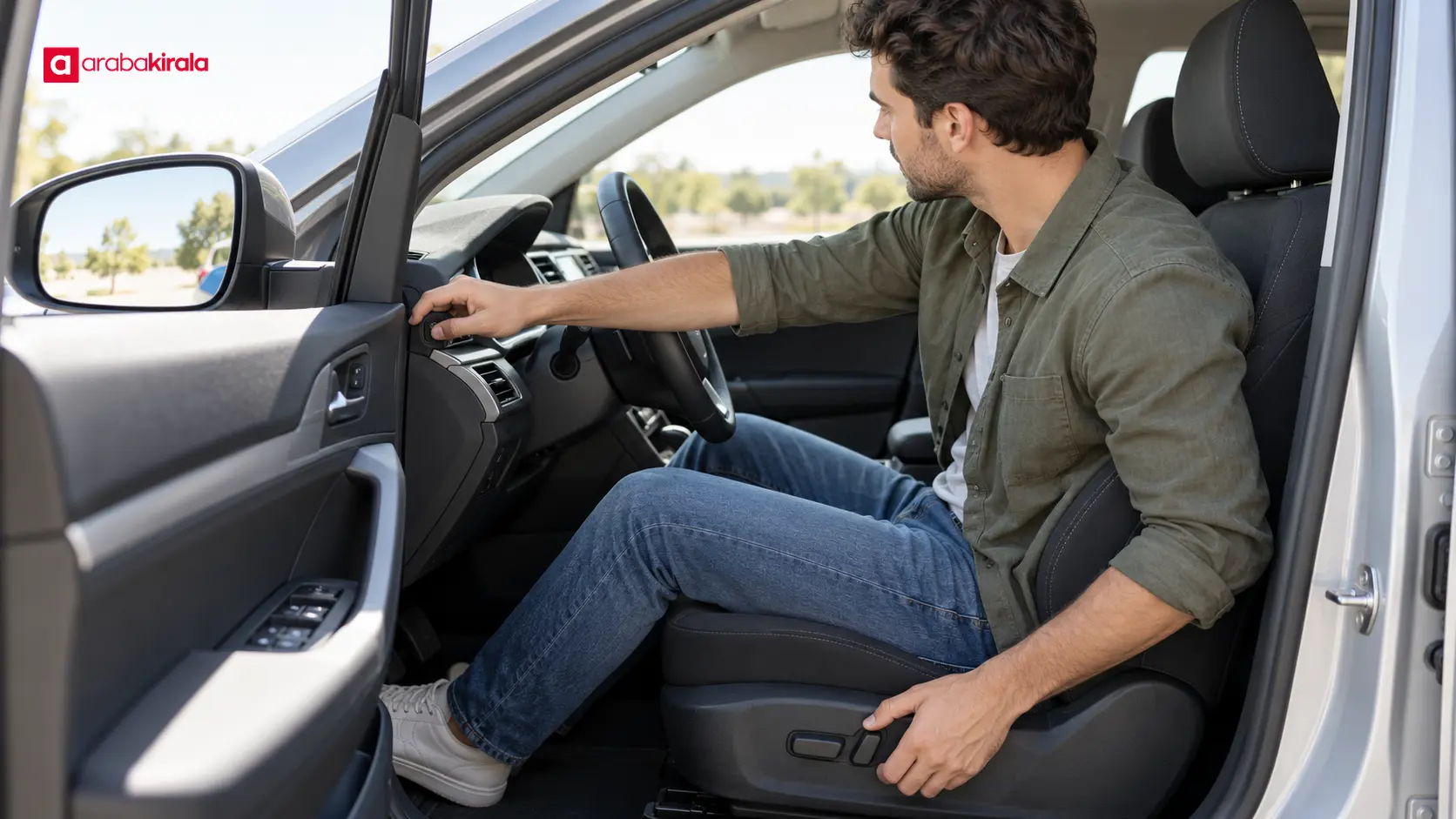
Seat controls vary by model. A car may have manual levers or electric switches for seat distance, height, and backrest angle, as well as separate controls for lumbar support. The steering wheel and mirrors may have their own adjustments. Some cars also have memory buttons that recall stored seat or mirror positions. Their location and functions are not universal.
Look at the symbols and consult the vehicle’s handbook or on-screen instructions if available. Do not force a control whose purpose is unclear. If you cannot identify the memory system, ask the branch where you are renting the car for a brief explanation. Check whether the system stores the seat alone or also includes mirrors or steering position; the answer depends on the vehicle.
Set your seat and steering position first
Adjust the seat before the mirrors, since changing your seating position changes what you see in them. Sit with your hips against the back of the seat. You should be able to press the pedals comfortably while keeping a slight bend in your knees. Your legs should not be crowded against the steering column, and you should not need to lean forward to reach the wheel.
Set the backrest so your shoulders remain supported while you hold the wheel. If the steering wheel adjusts for reach or height, choose a position that lets you see the instrument panel and hold the wheel with control. Adjust the head restraint so its upper portion is near the top of your head, following the vehicle’s guidance where provided. Make small changes, then check your posture and reach again. Seat height and steering position should let you see the road and relevant instruments without straining.
Adjust the interior and exterior mirrors
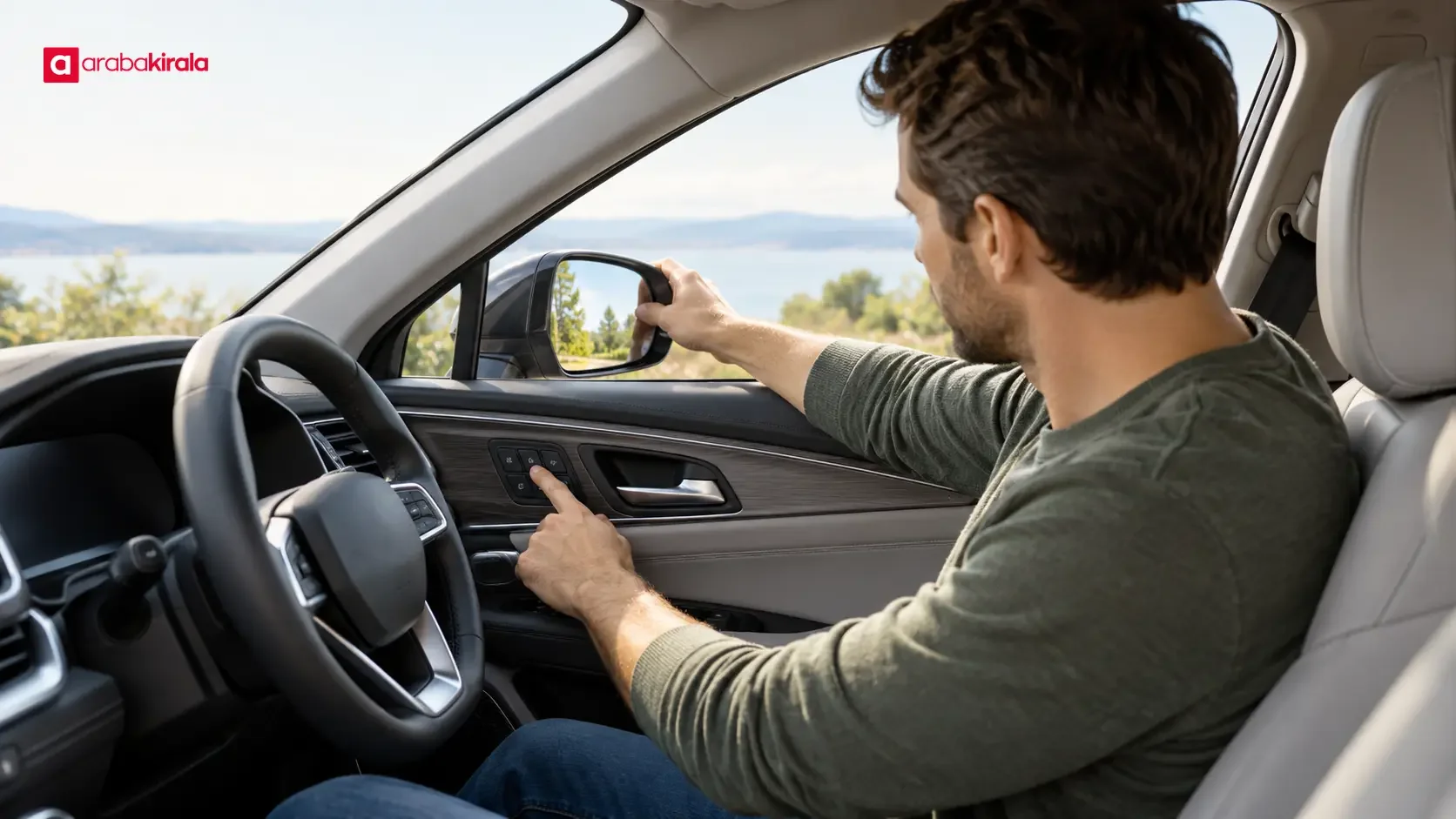
Once the seat is set, position the interior mirror to show as much of the rear window as practical. Adjust each side mirror from your normal driving position so you can monitor traffic alongside and behind the vehicle. A small view of the car’s side can help with orientation, but too much of the bodywork reduces the area available for traffic. Check that both mirrors give a useful view without moving your head far from its normal position.
Adjust mirrors only while the car is stationary. If you need to correct a view while driving, stop somewhere safe first. Mirrors cannot eliminate every blind spot. Before changing lanes, check the mirrors and look around the vehicle when appropriate. If another driver moves the seat or steering wheel, recheck all mirror views before setting off, even if the car has a saved position.
Use memory buttons carefully
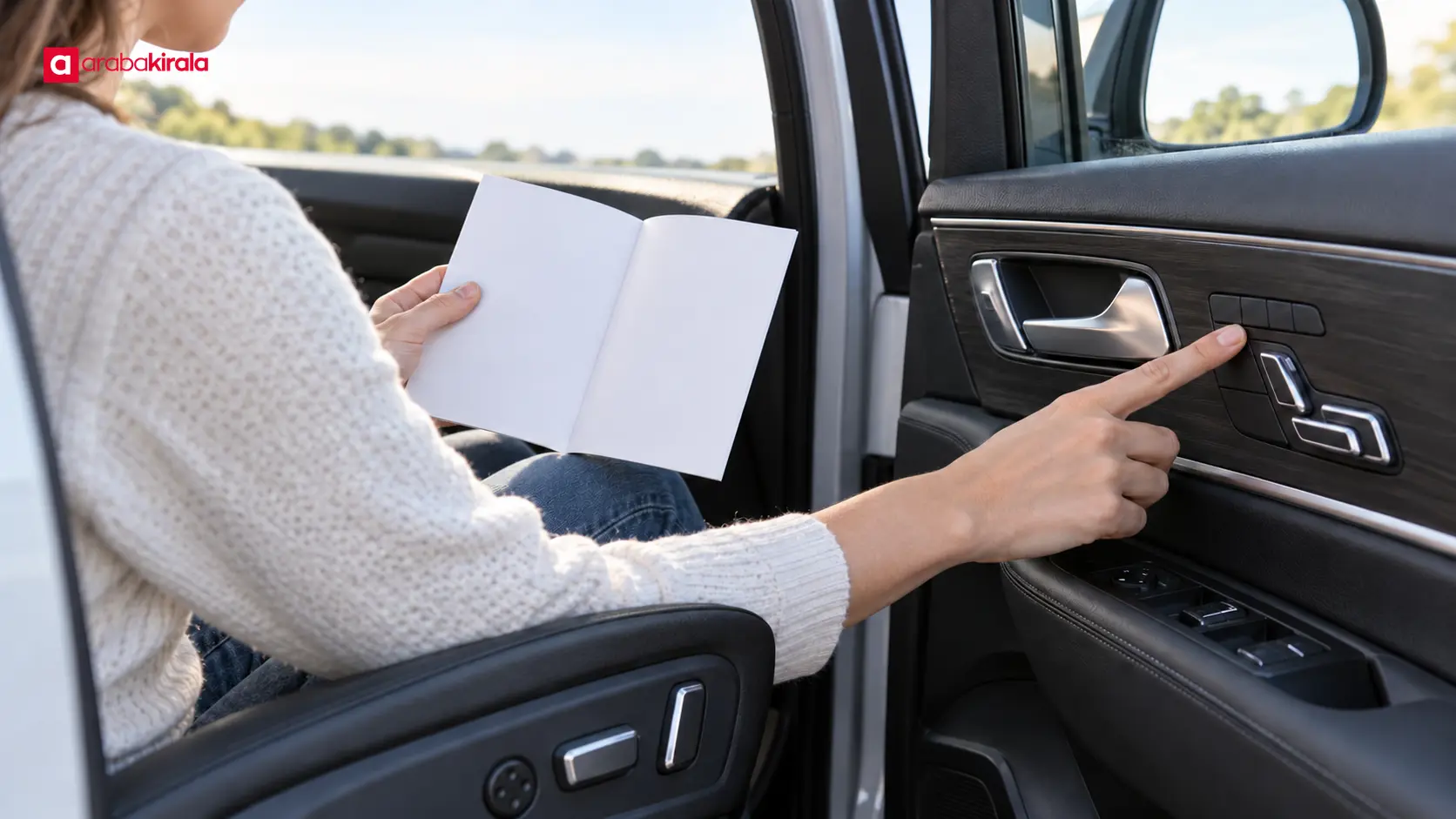
Memory systems differ. One model may require pressing a set button and then a numbered position; another may use a driver profile or a screen menu. Follow the instructions for that vehicle instead of assuming a universal sequence. Keep hands, feet, and loose items clear of the seat tracks while the seat moves. If the seat starts moving unexpectedly, allow it to stop before using the controls again.
In a shared rental car, do not assume that the previous driver’s stored position fits you. Adjust the seat, wheel, and mirrors physically to suit your own posture. If the car clearly offers a temporary profile for your use, follow its instructions. Avoid erasing or replacing another person’s saved setting unless you have a reason and understand how the system works. A saved setting is a convenience, not a substitute for checking visibility and control reach.
When another driver takes over
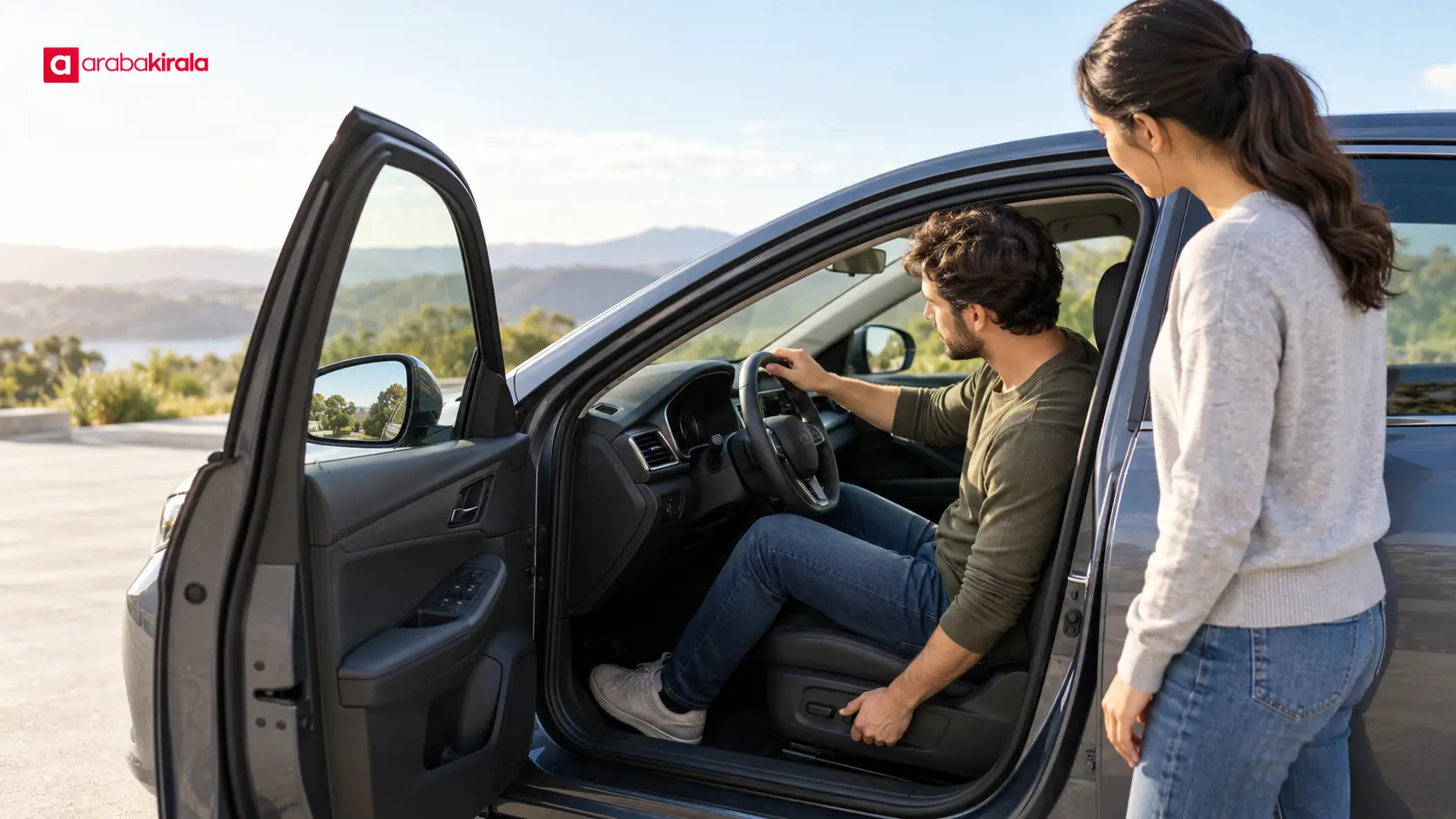
Before a different driver starts the car, that driver should confirm the seat, steering position, and mirrors from their own seated position. A memory button can provide a starting point, but the final check belongs to the person driving. Differences in height, posture, footwear, or seat position can affect pedal reach and mirror views.
Make the handover while the car is parked in a safe place. Keep feet away from the pedals and hands clear of moving seat rails while the seat is adjusting. After changing positions, check the instrument panel, the view through the windscreen, and both side mirrors. Remove or reposition any loose item that blocks the driver’s view before moving off.
At pickup and return
At pickup, take a moment to locate the seat, mirror, and memory controls before leaving. If the pickup area does not give you enough room to adjust safely, move to an appropriate parking spot rather than making adjustments in traffic. Ask the rental branch if a control or feature is unfamiliar.
Do not assume that you must restore the seat or mirrors to a previous position before returning the car; follow any instructions provided by the branch. In all cases, park safely, switch off the vehicle, collect personal belongings, and check around the seat for items. Tell the staff member receiving the car if a control has behaved unusually or an adjustment feature appears faulty, so the next driver can be informed.
Frequently Asked Questions
What order should I use to set a rental car’s seat and mirrors?
Set the seat and steering position first, then adjust the interior and exterior mirrors from that position. If you move the seat later, check the mirrors again because the viewing angles will change.
What should I do if a memory button moves the seat?
Wait for the movement to stop and keep your hands and feet clear of the seat tracks. Then use the controls to set your own position. If the seat does not stop or the controls behave unexpectedly, ask the rental branch for help before driving.
Should I delete the previous driver’s stored setting?
You can usually adjust the seat and mirrors to suit yourself without deleting a saved position. Memory features vary by model, so follow the vehicle’s instructions if you need to change or remove a stored setting. Ask the branch if the controls are unclear.
Do properly adjusted mirrors remove all blind spots?
No. Correctly positioned mirrors improve the view around the car but do not show every angle. Check the mirrors before changing lanes and look around the vehicle when appropriate.
Can I create a separate memory profile for a second driver?
That depends on the vehicle’s equipment and profile features. If the car provides a profile option, use the instructions for that model. If you cannot tell how it works, ask the branch where you rented the car.
What if my seat or mirror position changes while driving?
Do not adjust the controls while the car is moving if your view or pedal reach has been affected. Find a safe place to stop, reset the position, and check your view before continuing.
Legal Disclaimer: All content, articles and information on the Araba Kirala website are provided solely to inform users. No information shared on this website constitutes definitive advice or guidance. Araba Kirala Teknoloji A.Ş. and its authors cannot be held responsible for any direct or indirect damages arising from the application of information on the website. For all questions and requests regarding car rental, please contact the office from which you will rent your vehicle.












