Beylikdüzü Car Rental Route Plan for Highway Links
Published: November 4, 2026 • Reading Time: 7 min • Last Updated: November 4, 2026 • Author: Merve B.
Plan your first drive out of Beylikdüzü by checking highway access, traffic, toll routes, vehicle handover details, and safe navigation practices.
Contents
- Set a specific destination before choosing a route
- Read Beylikdüzü’s highway connections as part of the whole journey
- Review an alternative route too
- Choose a departure time with traffic in mind
- Check toll settings and navigation details
- Check the vehicle before starting the route
- Drive the access road and highway safely
- A practical order for planning your first route
- Frequently Asked Questions
- Related Articles
A Beylikdüzü car rental route plan should account for the way out of the district as well as the rest of the journey. The shortest line on a map may not be the most practical choice when traffic, highway access, toll roads, and your destination all affect the drive. This guide explains how to review route options, set a realistic departure time, check handover details, and use navigation safely.
Set a specific destination before choosing a route
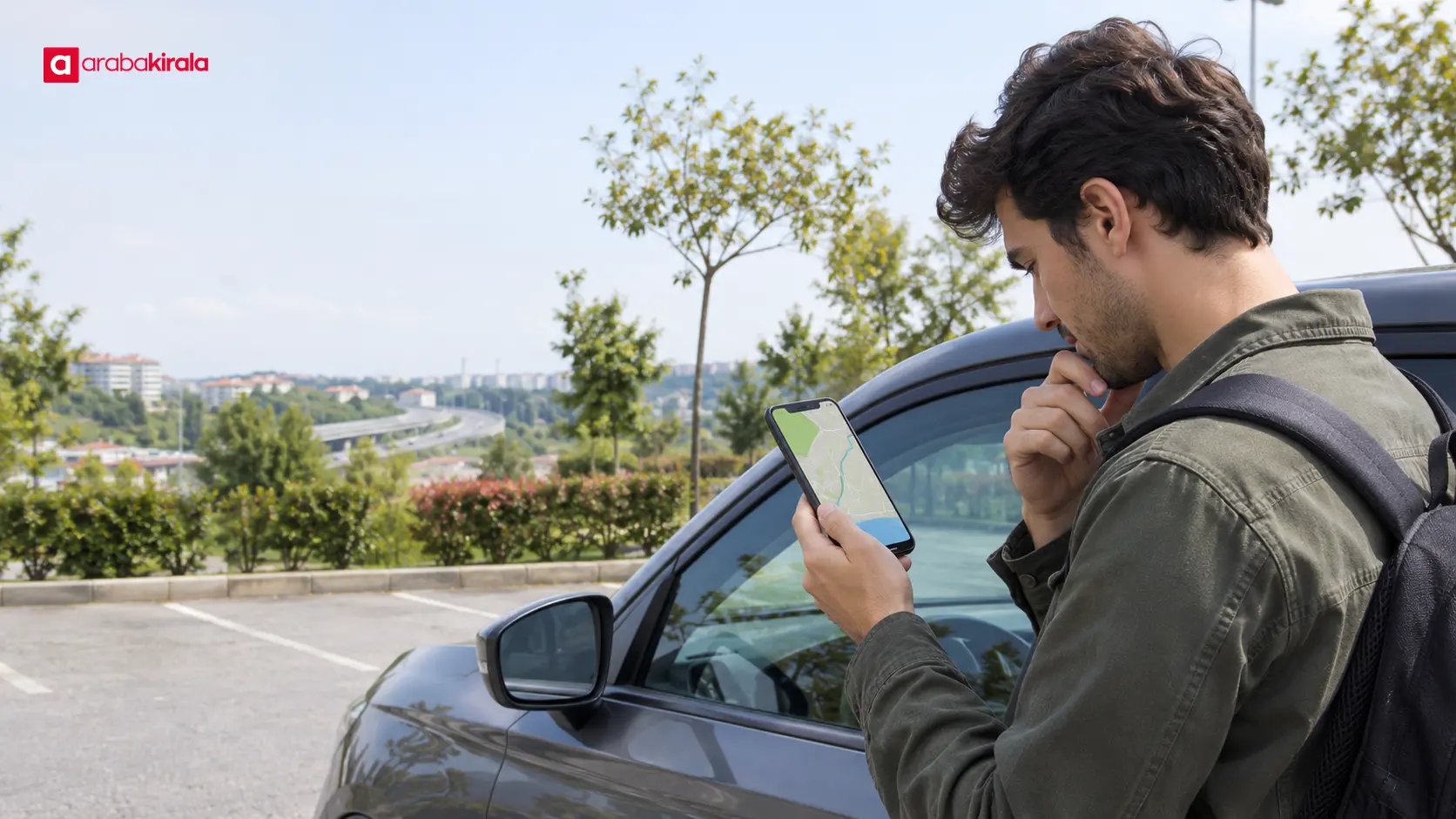
“Leaving the district” is not a precise destination. Decide whether you are heading to another part of Istanbul, a nearby stop on the European side, or a destination outside the city. Enter the full address, including the neighborhood and street where possible. This lets you review the whole journey, rather than focusing only on the first road beyond Beylikdüzü.
Your purpose also shapes the plan. For a time-sensitive appointment, allow for traffic and the time needed to park and reach the final address on foot. For a trip with luggage or several passengers, consider where a rest stop might fit. A clear destination and arrival target make the estimated travel time more useful.
Read Beylikdüzü’s highway connections as part of the whole journey
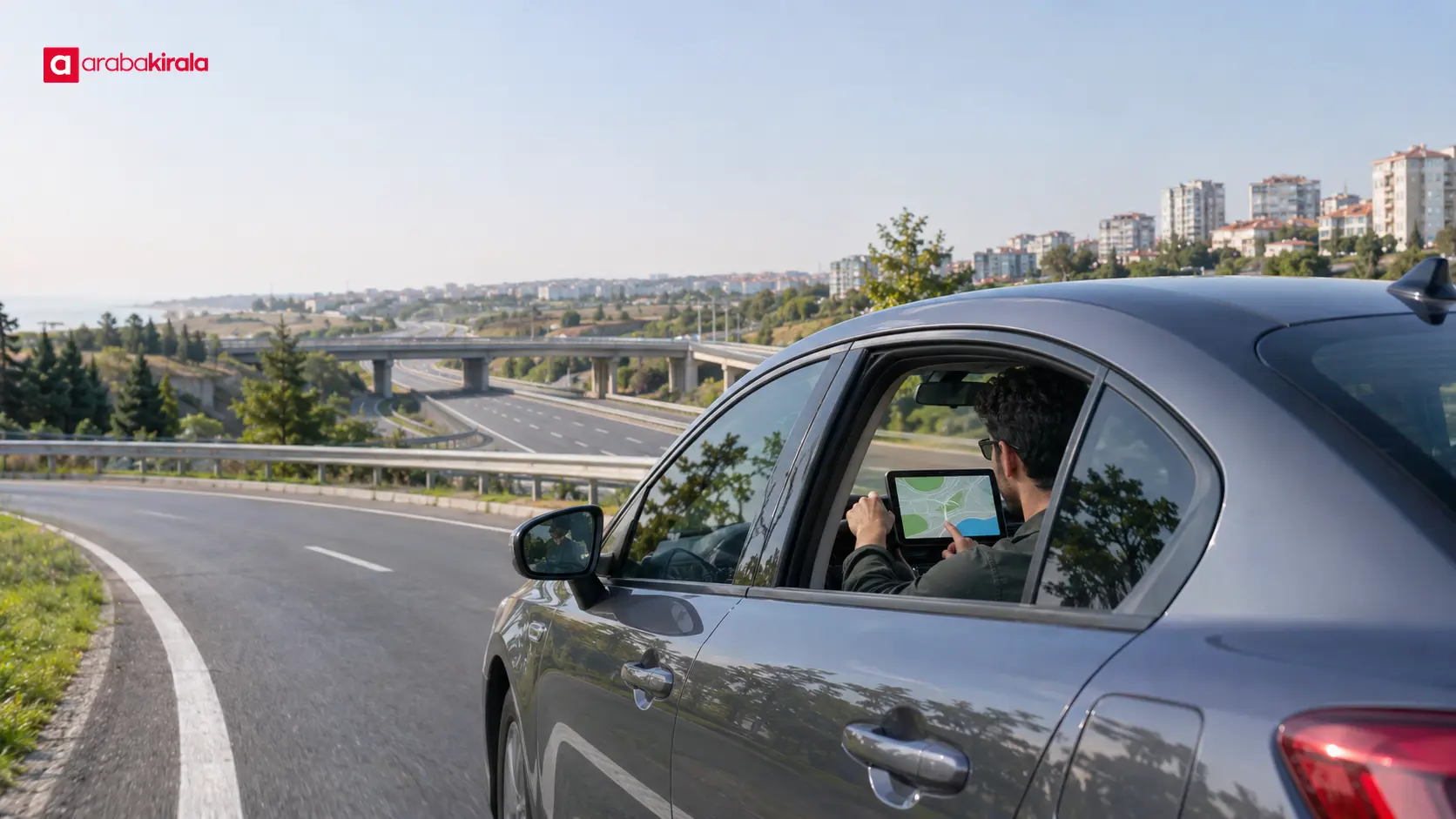
Depending on your starting point, destination, and current conditions, navigation may suggest different main roads and highway access points. Trace the route from the rental pickup location to the main road, then check which direction the chosen connection takes you. Reviewing the route on the map helps you see where you will join the highway and where you are expected to leave it.
Joining a highway sooner does not always shorten the full trip. Congestion on an access road, traffic around an interchange, roadworks, or the location of your destination exit can change the timing. Open the route preview and identify the main junctions in advance. This helps you anticipate lane choices instead of reacting to an exit at the last moment.
Review an alternative route too
Look at another suggested route before setting off. It may cover more distance while avoiding a busy access road or a series of complicated turns. Compare estimated duration, road type, number of turns, and urban traffic rather than choosing by kilometres alone.
Alternative routes are not guaranteed to remain faster or available because traffic information changes. Check conditions just before departure, and make any updates only when safely stopped. Do not hold or operate your phone while driving.
Choose a departure time with traffic in mind
Travel time on the same route can vary by time of day, day of the week, and current traffic flow. Treat the navigation estimate as a planning guide, not a guaranteed arrival time. If you have a booking or appointment, include time for parking, getting out of the vehicle, and walking to the final location.
If your navigation app allows trip planning, review the route using your intended departure time. Temporary events such as roadworks or a collision can affect a highway connection. Checking the traffic again just before leaving helps you decide whether an earlier route plan still reflects current conditions.
Check toll settings and navigation details
Some route options may include motorways or other roads with tolls. Review the app’s toll-road preference and any available options for toll facilities. Since apps display this information differently, inspect the route details to confirm whether a toll section is included.
The method for toll access, payment, or later billing can depend on the particular vehicle and rental location. Ask the branch you will rent from how those details work for your booking. Do not assume that every rental vehicle uses the same method.
Downloading an offline map can help if mobile data becomes unavailable during the trip. Set navigation audio to a comfortable level and place the device in a holder that does not obstruct your view. Make these adjustments before moving so you have less reason to look at the screen on the road.
Check the vehicle before starting the route
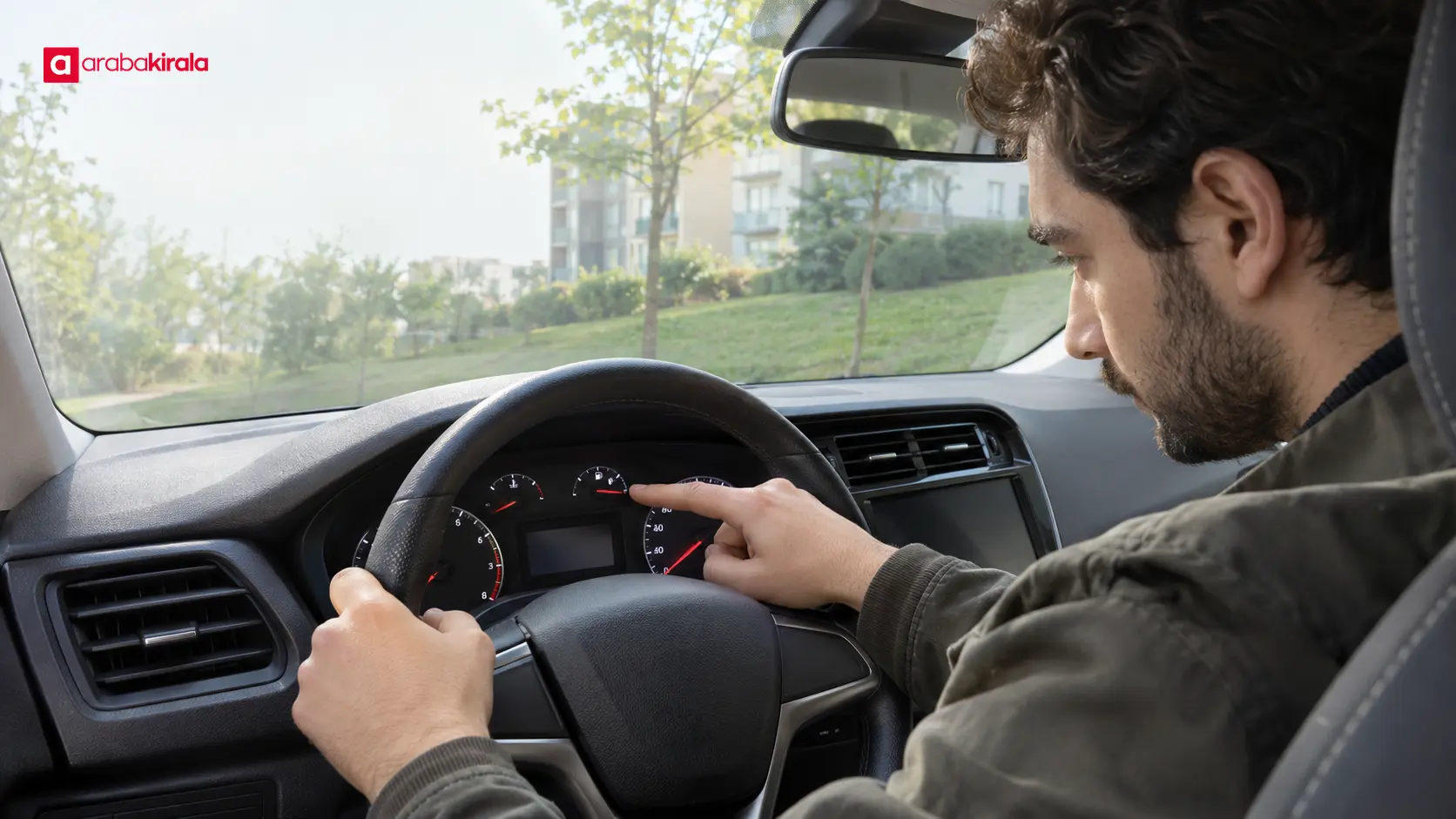
A route plan works best alongside a brief review of the handover information. Before departure, check the displayed fuel or charge level, the odometer, and any records provided at pickup. These readings help document the vehicle’s condition at handover and support a comparison at return. They do not, by themselves, establish a distance allowance or fuel policy.
- Confirm that the pickup and return locations in your booking fit the planned trip.
- Ask what fuel type the vehicle uses and how the fuel level is recorded.
- Ask the branch how highway toll access, payment, and notifications are handled.
- Read any booking-specific terms about mileage, additional drivers, or use outside the city instead of assuming they are universal.
- Tell the staff about a warning light, visible damage, or an equipment question before leaving, and check the handover record.
This is a practical handover check, not a way to diagnose a mechanical problem. If a warning or safety concern appears, stop somewhere safe and contact the rental branch. Do not use your phone to manage navigation while the vehicle is moving.
Drive the access road and highway safely
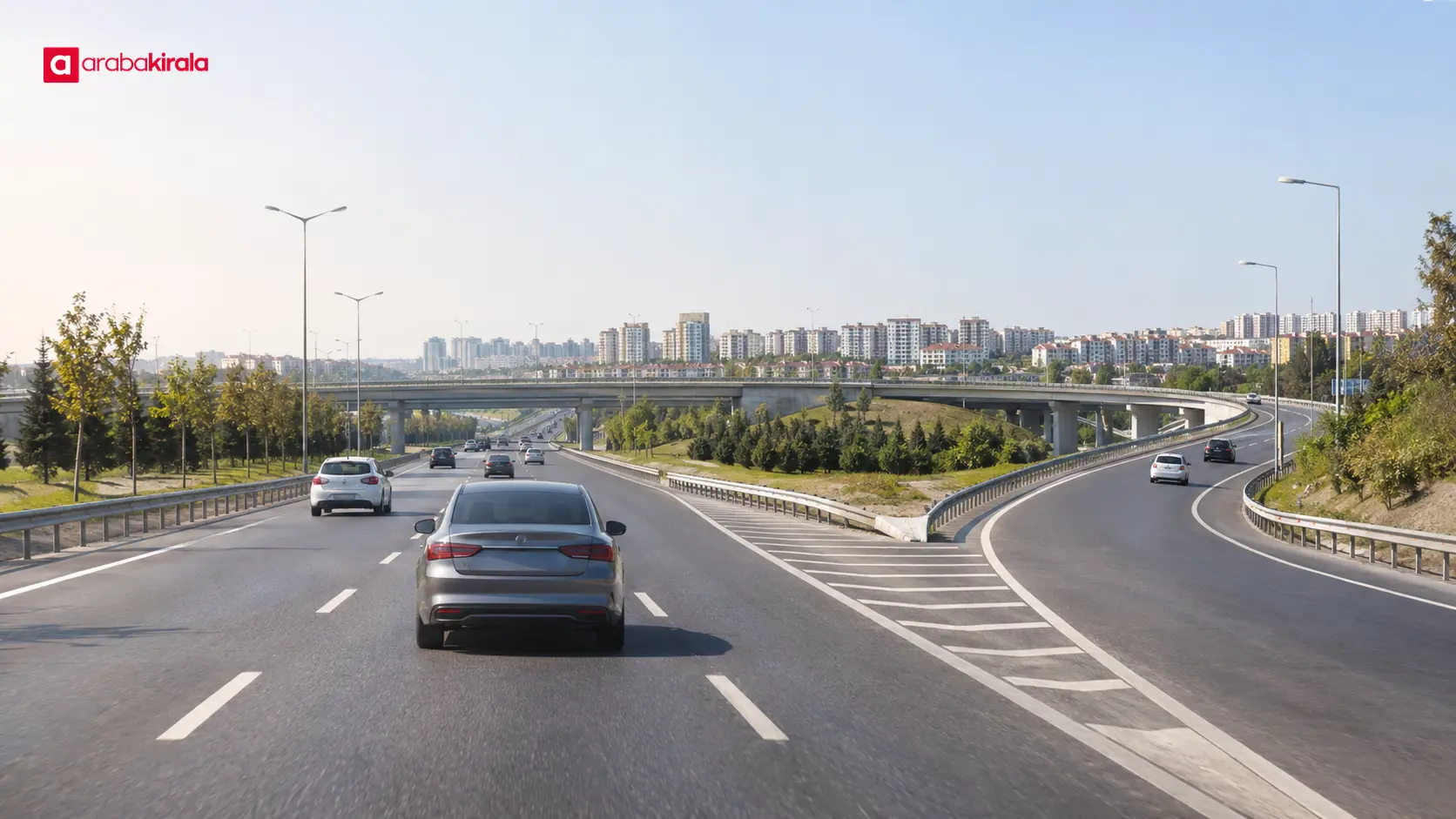
When joining a highway, choose a speed and following distance that suit the traffic and road conditions. Accelerate on an access lane only when it is safe and conditions allow. Avoid abrupt manoeuvres to force a place in dense traffic. If rain, poor visibility, or another weather condition affects the road, reduce speed and leave more space ahead.
If you need to change the route, review the new instruction at a safe stopping place. Missing an exit is not a reason for a sudden lane change; let the navigation app calculate another route. On a longer drive, take a break in a suitable safe place if you feel tired. A passenger can help follow directions so the driver can keep attention on the road.
A practical order for planning your first route
- Enter the destination: Use the full address and set an arrival time if needed.
- Review the first connection: Trace the road from your starting point in Beylikdüzü to the main road or highway.
- Compare route options: Consider estimated time, road type, junctions, and any toll sections.
- Clarify branch-specific details: Ask about tolls, mileage, and use conditions that apply to your vehicle or booking.
- Check just before leaving: Review live traffic, secure your phone, and compare vehicle readings with the handover record.
This sequence makes a Beylikdüzü car rental route plan useful in real driving conditions. Treat the district exit, highway choice, and final approach as one journey. If traffic changes, update the route from a safe stop. Before setting off, check your booking and handover details, then save the route in your navigation app.
Frequently Asked Questions
Should I join a highway first when leaving Beylikdüzü?
That depends on your destination and current traffic. Review the local road from your starting point, the highway access, and the exit near your destination together. A highway is not necessarily the quickest option for every journey.
How can I tell whether a route includes toll roads?
Check the navigation app’s route details and toll-road settings. Toll access, payment, or notification procedures may depend on the vehicle and rental branch, so ask the branch before departure.
Which vehicle details should I check before joining a highway?
Check the fuel or charge level, odometer, and handover record. Confirm the vehicle’s fuel type and read the booking terms that apply to your use. These details help with trip planning and documenting the handover.
What should I do if navigation changes the route?
Review the new direction when safely stopped. Do not reach for your phone while driving. If you miss an exit, let navigation recalculate rather than making a sudden manoeuvre.
Can I change routes if a highway connection is congested?
You can consider alternatives using current traffic information. Compare estimated duration, road type, and turns as well as distance, and make any change from a safe place.
Related Articles
- Planning a Rental Car Handover Around Public Transport in Beylikdüzü
- Planning a Rental Car Drive on Beylikdüzü’s Sloped Roads
- Choosing a Car Size for Narrow Streets in Beylikdüzü
Legal Disclaimer: All content, articles and information on the Araba Kirala website are provided solely to inform users. No information shared on this website constitutes definitive advice or guidance. Araba Kirala Teknoloji A.Ş. and its authors cannot be held responsible for any direct or indirect damages arising from the application of information on the website. For all questions and requests regarding car rental, please contact the office from which you will rent your vehicle.
 Add ArabaKirala as a preferred source on Google