Beylikdüzü Car Rental Parking Camera and Sensor Check
Published: November 5, 2026 • Reading Time: 6 min • Last Updated: November 5, 2026 • Author: Merve B.
Learn to recognize a rental car’s parking sensors and reversing camera at handover in Beylikdüzü, check their basic operation safely, and identify details to confirm with the branch.
Contents
- What do parking sensors and cameras do?
- How to get familiar with the systems at handover
- Locate the equipment and learn the basic controls
- Check the picture and alerts separately
- How to interpret the camera view
- Recording a fault, damage, or uncertainty
- Parking in Beylikdüzü: points to keep in mind
- Quick handover checklist
- Frequently Asked Questions
- Related Articles
A Beylikdüzü car rental parking camera and sensor check at handover helps you understand the parking aids before your first maneuver. This guide explains what sensors and camera displays can show, how to check them in a safe handover area, and what details to confirm with the branch. Knowing the limits of these aids helps you avoid relying on a screen alone.
What do parking sensors and cameras do?
Parking sensors can provide an audible or visual warning when an obstacle is near the vehicle. Their detection area and alert pattern vary by vehicle. Some systems monitor the front or rear; others activate only under particular conditions. At handover, locate the sensors and ask which area each alert relates to.
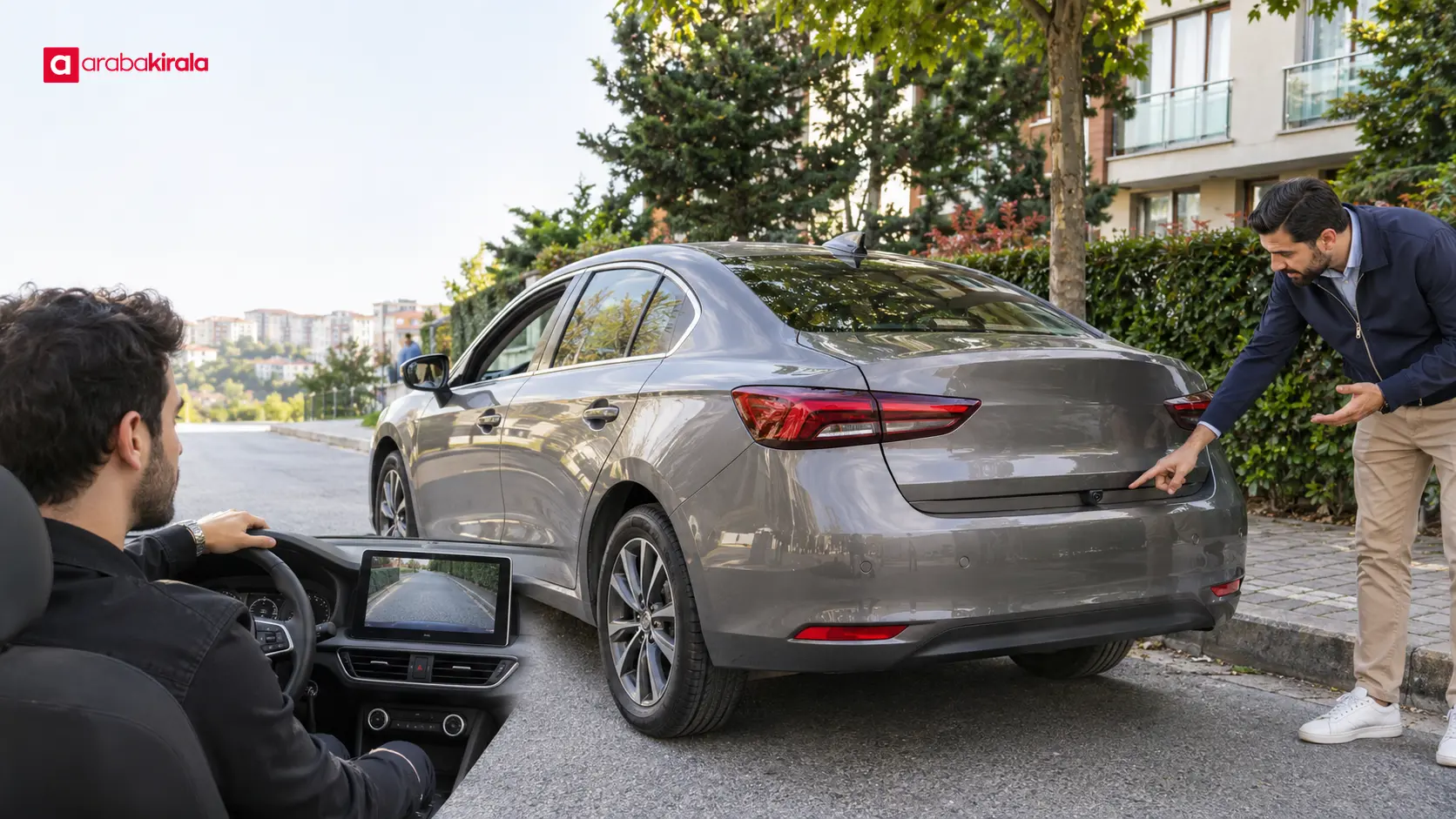
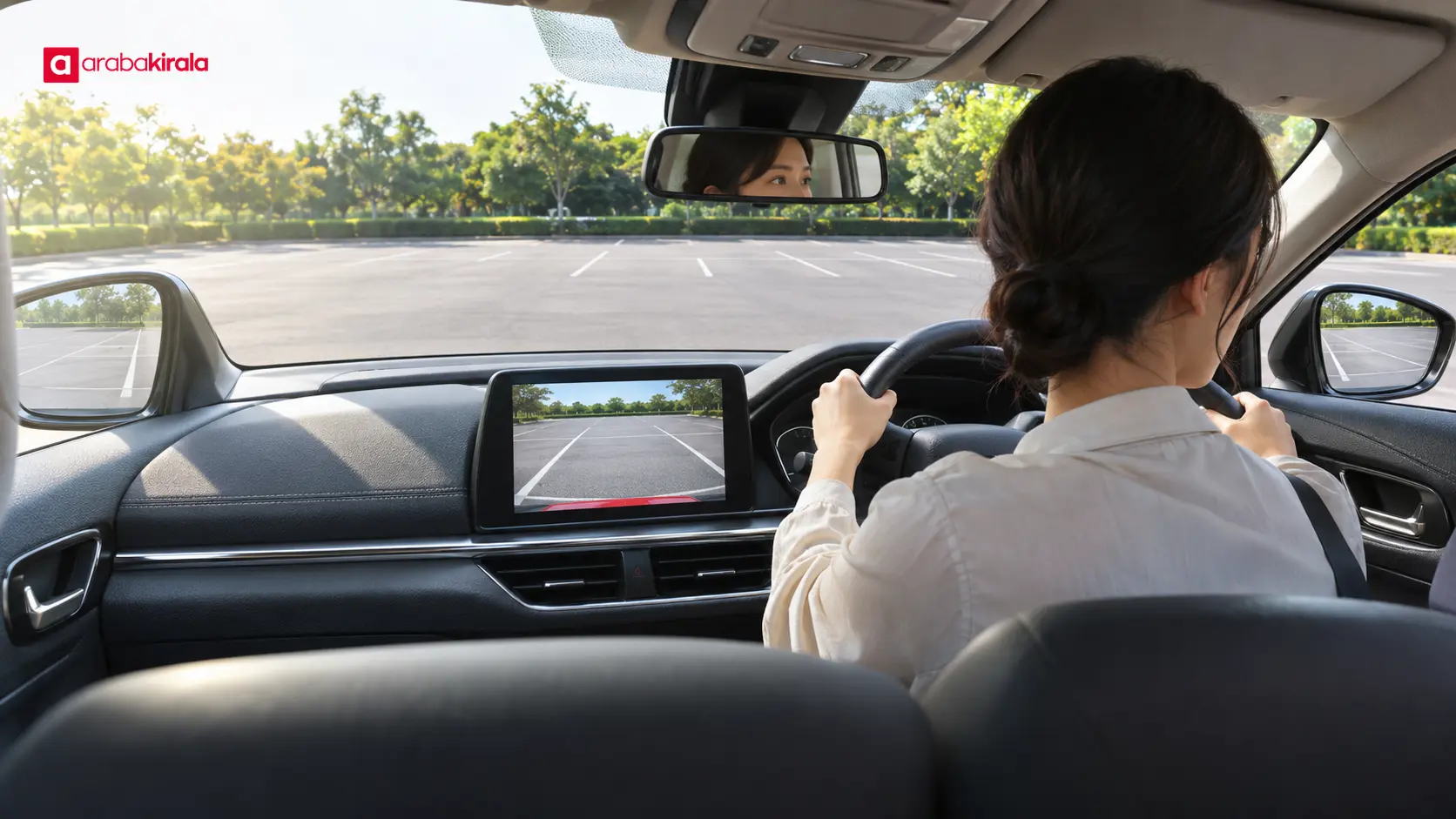
A reversing camera displays an image of the area behind the vehicle. Guide lines, when available, can help you understand the direction of a maneuver, but they do not necessarily show exact distance or every obstacle. The display does not replace mirror checks or looking around the vehicle.
The two systems serve different purposes. A sensor may warn about a nearby object, while a camera presents what falls within its view. A low, narrow, moving, or out-of-view obstacle may not be detected by either system. Keep checking your surroundings directly as you reverse.
How to get familiar with the systems at handover
Locate the equipment and learn the basic controls
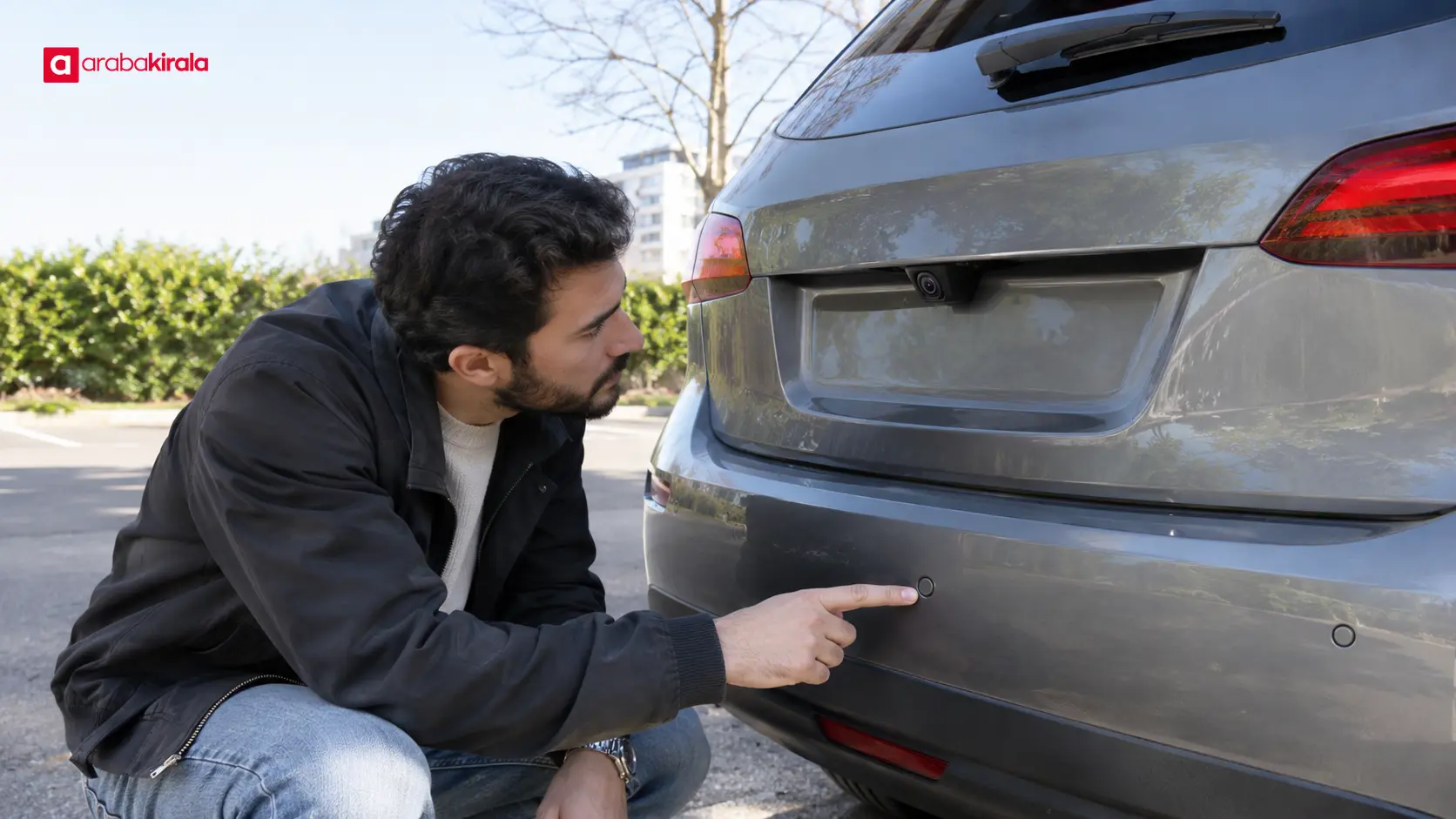
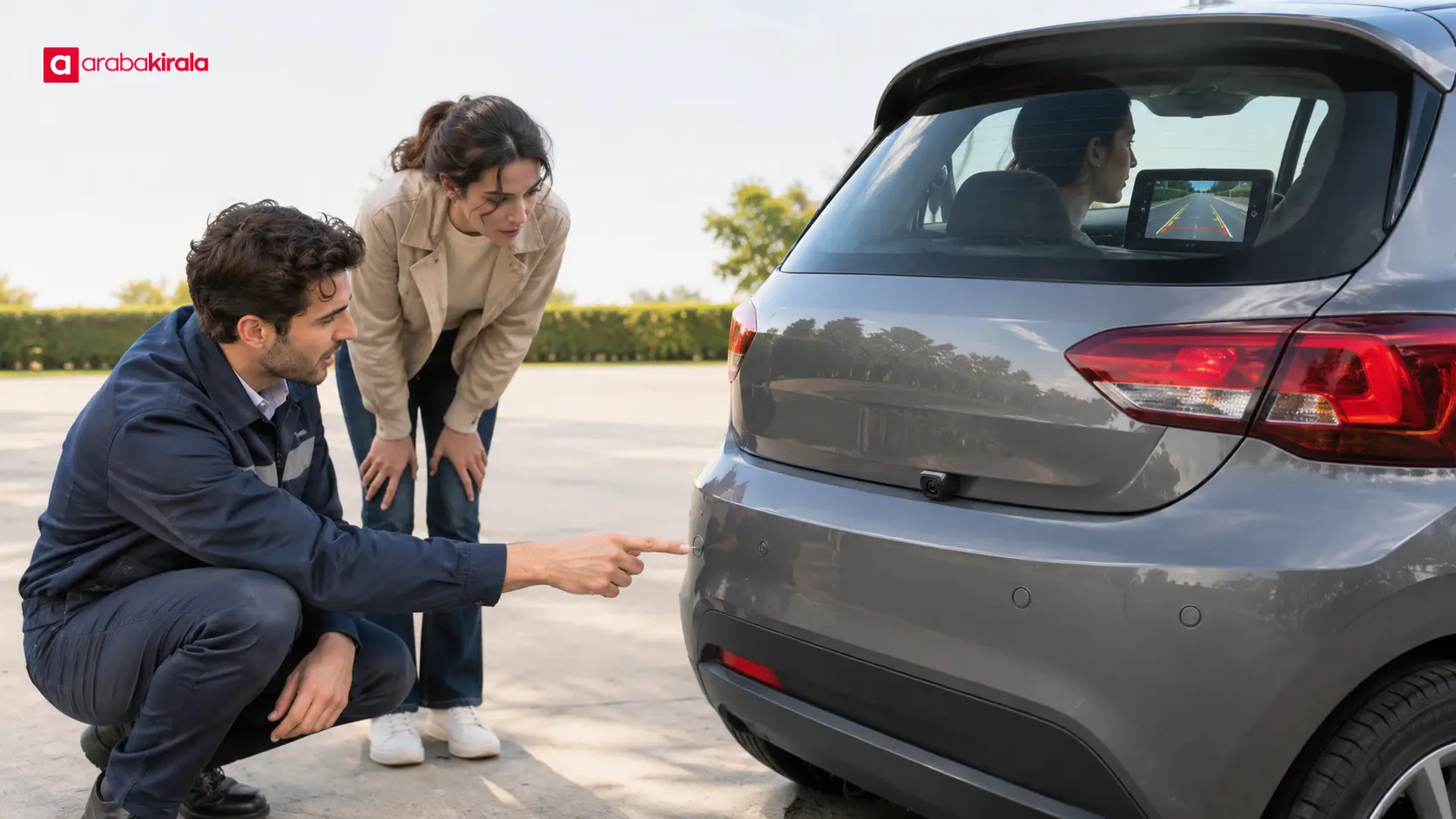
Look for sensor points on the rear bumper and, if fitted, the front bumper. Ask the staff member to point out the camera lens. Learn which display or control brings up the camera view and when it appears. Follow the staff member’s guidance when operating the vehicle’s controls.
Make checks only while the vehicle is stationary and the handover area is safe. Ensure there are no pedestrians, moving vehicles, or fixed obstacles in the maneuvering area. If a safe demonstration is not possible, do not move the vehicle; ask how the system is operated. Do not guess what an unfamiliar symbol on the dashboard or screen means.
Check the picture and alerts separately
When the display turns on, check whether the image is clear, whether it shows the area behind the vehicle, and whether the image appears delayed. Tell the staff member if the lens looks dirty or obstructed. In a safe space, observe whether the camera view appears during reverse while continuing to check your surroundings.
If the sensors provide an alert, learn how the sound or on-screen indicator changes. Do not make a risky maneuver to test how close you can get to an obstacle. If the staff member can demonstrate the system in an appropriate safe area, observe the basic alert behavior from a safe distance. Report a missing alert or image before completing handover.
How to interpret the camera view
The lens may not show every point immediately behind the vehicle. Objects near the edges of the image can appear closer or differently shaped than they are. If guide lines appear, treat them as maneuvering aids rather than precise distance measurements.
Rain, mud, dust, darkness, or strong light can make the picture harder to read. If the lens needs cleaning, follow the vehicle manual or ask the handover staff for an appropriate method; do not scrape it with a hard object. If the image is blurred, dark, or intermittent, do not continue a maneuver by watching the screen alone.
Before reversing, scan the area directly, check the mirrors, and watch for pedestrians and moving vehicles. Move slowly and under control. Treat the camera as an additional view and the sensors as alerts. If visibility is limited, stop and check again safely or ask for help when needed.
Recording a fault, damage, or uncertainty
If a sensor is cracked, loose, or visibly damaged, or the camera lens or display appears faulty, show the issue to staff before accepting the vehicle. Ask how the observation should be included in the handover form or the branch’s record process. Procedures can vary by location, so follow the method the branch provides.
A photo can help you remember the condition at handover. Use it alongside telling staff and completing the vehicle condition record; do not treat a photo alone as the branch’s formal record. If you are unsure how the equipment works, ask which alerts correspond to which area or how to activate the camera view.
Clarify any known fault, damage, or use limitation before setting off. If staff tell you that a system is not working, discuss vehicle use and available options directly with the branch you are renting from. Do not assume that a particular aid is fitted to every vehicle or works the same way at every location.
Parking in Beylikdüzü: points to keep in mind
Parking lines, walls, columns, curbs, and low obstacles can look different on a camera display. Before starting a maneuver in a tight space, assess whether there is enough room and keep track of nearby vehicles and pedestrians. Consider whether luggage or other items are blocking your view through the rear window or mirrors.
Take your time during the first maneuver. The warning sound or camera image may differ from what you are used to. If you want to get familiar with the alerts, choose a safe, open area where you will not obstruct traffic. Remember that rain or darkness can also change how useful the camera view is.
Quick handover checklist
- I located the front and rear sensors and the camera lens, if fitted.
- I learned when the display appears and how the sensor alerts are presented.
- I checked for visible dirt or damage on the lens and sensors.
- I reported any fault or uncertainty and asked how it should be recorded.
- I understand that I must also check the mirrors and surroundings when reversing.
These steps help you recognize the parking aids fitted to the car and resolve questions before driving away. When arranging a Beylikdüzü car rental parking camera vehicle, make time to understand its equipment as well as the booking details. Confirm the specific vehicle equipment, handover procedure, and record process with the branch you will rent from.
Frequently Asked Questions
Does a parking camera show every obstacle?
No. It displays only what falls within its field of view, so a low, narrow, or out-of-frame object may not appear. Continue to check the mirrors and surroundings.
What does a parking sensor alert mean?
An alert may indicate that the system has detected a nearby obstacle. The alert style and detection area vary by vehicle, so learn how to interpret the sound or display in the car you are collecting.
What should I do if the camera image is blurry?
Stop safely and do not continue by relying on the display alone. If the lens looks dirty or damaged, report it to staff and ask for an appropriate cleaning or inspection method.
Should I accept a car if a parking sensor is not working?
Tell staff about the issue before you begin using the vehicle. Clarify how it will be recorded and discuss vehicle use options with the branch you are renting from.
Is it useful to take a photo of the parking equipment at handover?
A photo can help you remember what the equipment looked like at handover. Also report a fault or damage to staff and follow the branch’s vehicle condition recording process.
Related Articles
- Beylikdüzü Car Rental Parking Plan: Managing Time by the Coast and Inland
- Know Your Visibility and Lighting Controls When Renting a Car in Beylikdüzü
- Planning Visibility and Parking When Renting a Car in Beylikdüzü
Legal Disclaimer: All content, articles and information on the Araba Kirala website are provided solely to inform users. No information shared on this website constitutes definitive advice or guidance. Araba Kirala Teknoloji A.Ş. and its authors cannot be held responsible for any direct or indirect damages arising from the application of information on the website. For all questions and requests regarding car rental, please contact the office from which you will rent your vehicle.
 Add ArabaKirala as a preferred source on Google