Electric Car Charge Port Lock: Safe Use Guide
Published: November 5, 2026 • Reading Time: 8 min • Last Updated: November 5, 2026 • Author: Merve B.
Learn how the charge flap and connector lock differ, how to connect and remove a cable safely, and what to do if the lock will not release.
Contents
- The charging flap and connector lock do different jobs
- Checks before connecting
- Connecting the plug and confirming the lock
- Ending a session and removing the connector
- If the lock will not release
- What to learn when collecting a rental electric car
- A short practical checklist
- Summary and next step
- Frequently Asked Questions
- Related Articles
- Sources
This guide explains the electric car charge port lock, how it differs from the outer charging flap, how to connect and remove a plug, and what to do if a latch does not release. Controls vary by vehicle, so follow the owner’s manual for model specific instructions.
The charging flap and connector lock do different jobs
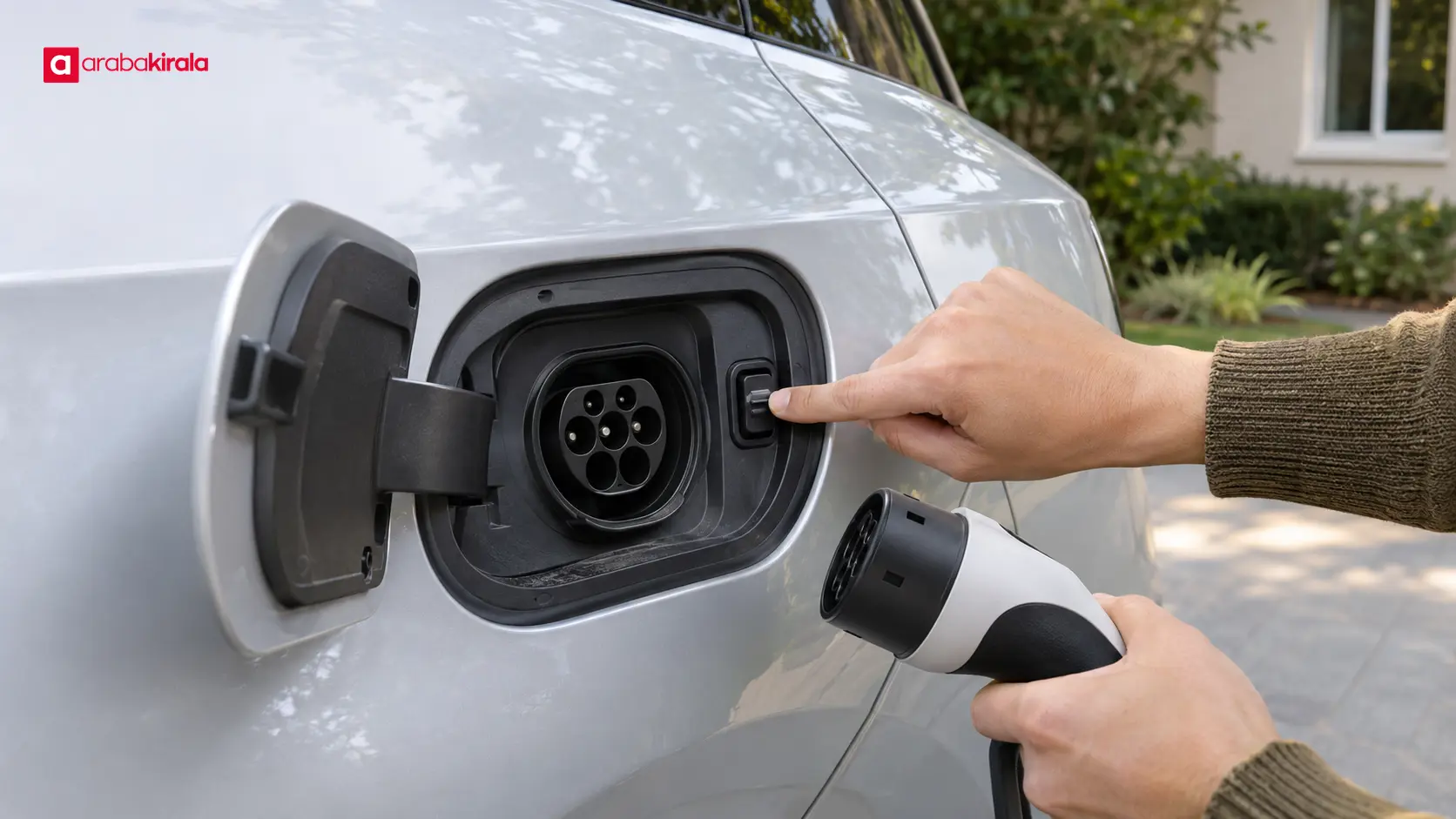
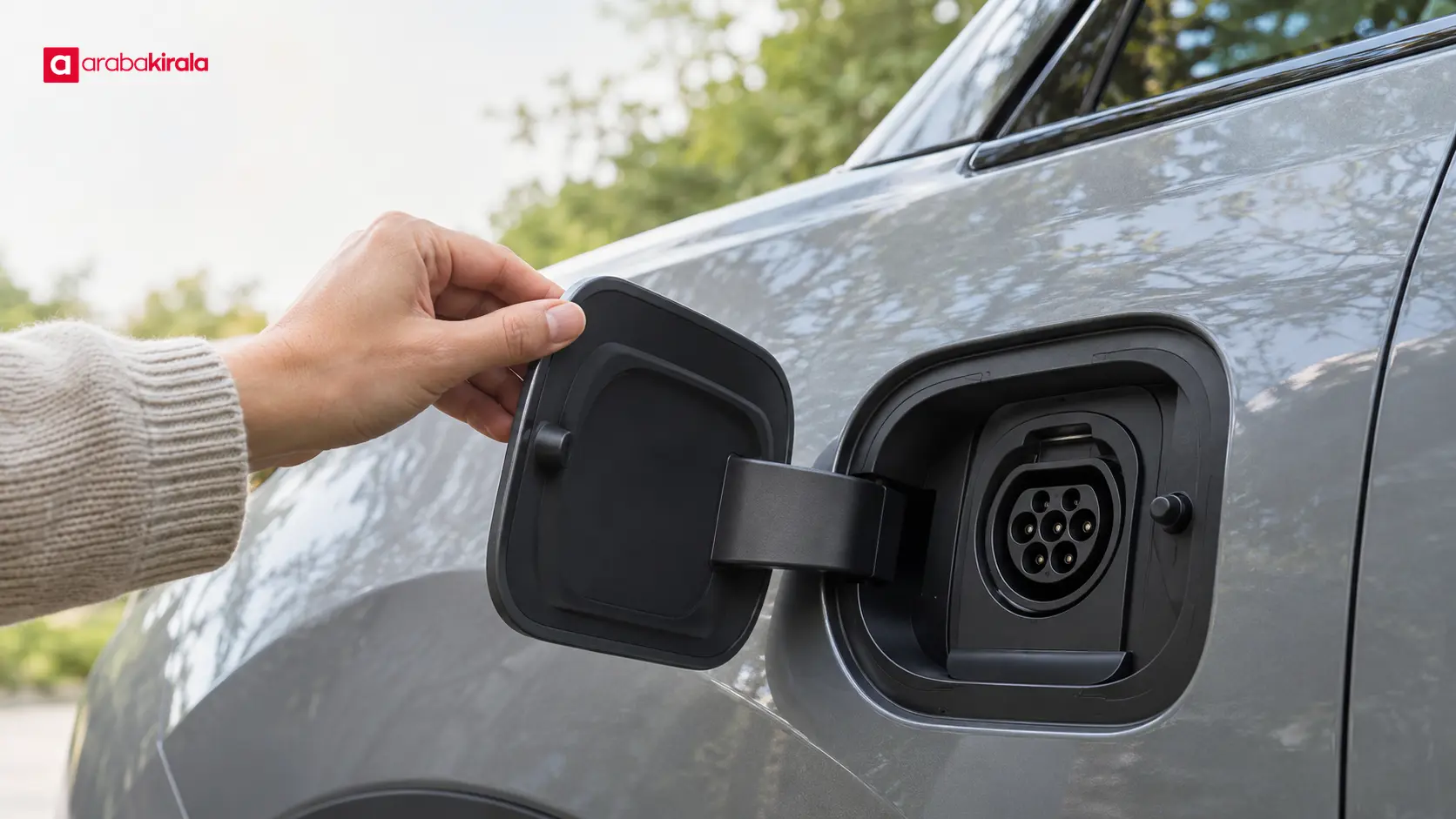
For electric car charge port lock, the practical points below should be considered together. The charging flap covers the vehicle’s charge inlet when it is not in use. Depending on the model, it may open by hand, from a button, through the vehicle screen, or with a key or app command. Its purpose is to protect the inlet from ordinary exposure. A flap latch and a connector lock are separate mechanisms, even when they are near each other.
The connector lock holds the charging plug in the vehicle inlet. It may prevent the plug from being removed while charging or while the vehicle is locked. Some vehicles offer a setting for when the connector is locked; others tie release to unlocking the doors, stopping a session, or pressing a release control. Do not assume that a control sequence used on one vehicle applies to another.
People may use “charge port lock” to mean the vehicle’s connector latch, the flap latch, or the release button on a charging handle. Identify which part is not moving before taking action. This simple distinction helps prevent pulling on the cable when the issue is actually a vehicle lock or a flap that has not opened.
Checks before connecting
Park in a safe, permitted place and put the vehicle in the required parked state. Check the owner’s manual for any model specific preparation steps. Look at the inlet, plug, and cable for visible damage, dirt, moisture, or foreign material. If you see damage or suspect the equipment is wet or contaminated, do not force a connection; seek appropriate assistance.
Know where the charge inlet is and how its flap opens before you need to charge. If the flap is powered, use the prescribed control and keep your hands clear while it moves. Check the manual for indicator meanings and any cautions about cold weather. If ice appears to keep the flap shut, do not pry it open with a tool; use only the manufacturer’s guidance.
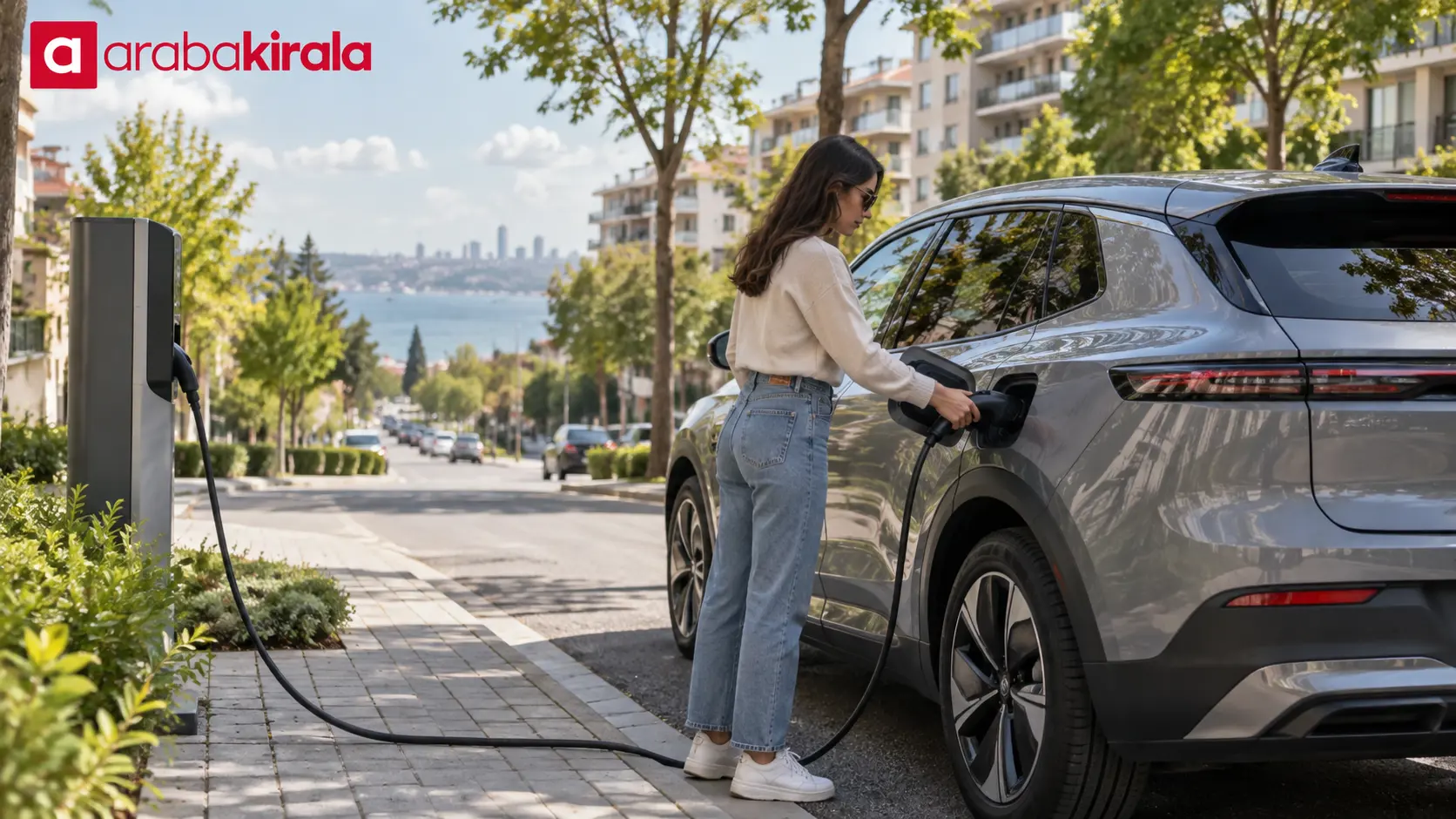
Make sure the connector is compatible with the vehicle and charging point. Hold it by its handle, align it with the inlet, and avoid letting the cable’s weight pull sideways on the socket. The cable should not be stretched or routed where it creates a trip hazard. The connector should enter straight without excessive pressure.
Connecting the plug and confirming the lock
- Open the charge flap using the method specified for that vehicle, such as a physical control, screen command, key, or manual release.
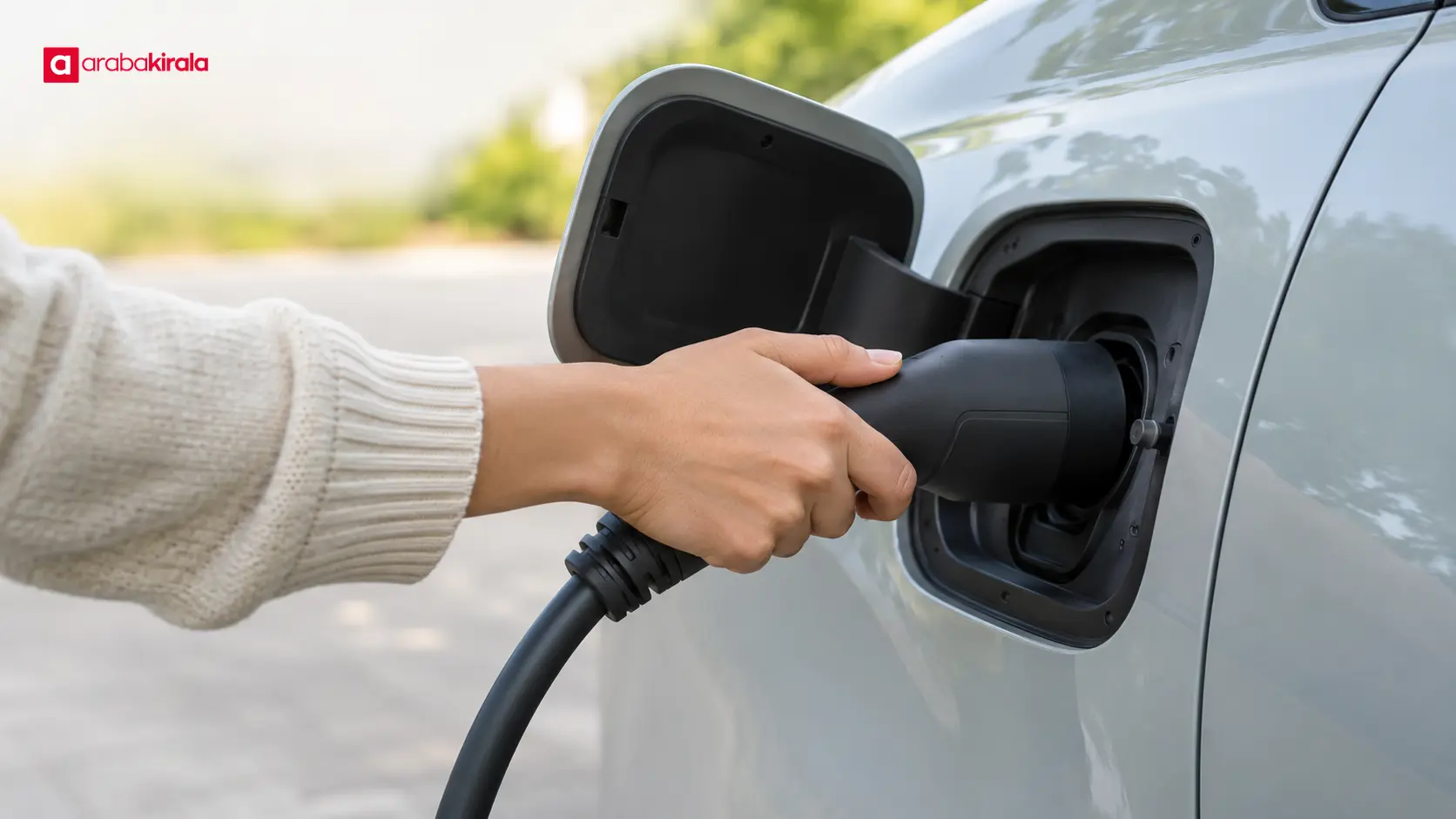
- Align the connector with the inlet and hold it by the handle as you insert it fully. If it sits crooked, remove it and realign rather than pushing harder.
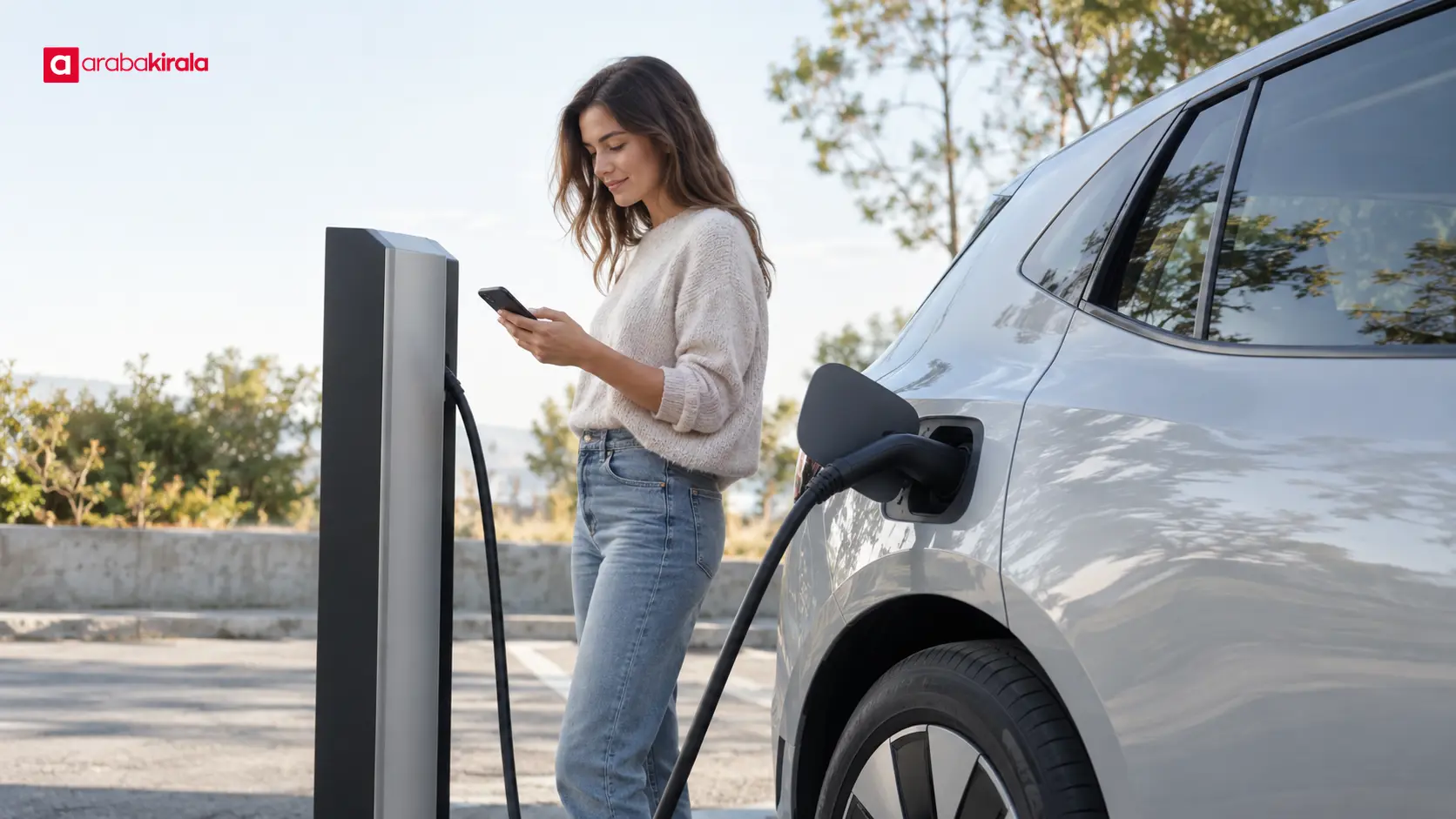
- Complete the start steps on the vehicle or charging unit. Confirm charging has started using the vehicle display, inlet indicator, or charger status screen.
- If the plug is retained, that may be normal. Do not tug the cable to test the lock; retaining the connector is its intended function.
On AC charging, the locking behavior may depend on a vehicle setting. One model may lock as soon as the plug is inserted, another only while charging, and another may offer selectable modes. DC fast charging can include a separate stop step on the charger. Indicator colors and flashing patterns also vary, so use the vehicle and equipment instructions rather than a universal color assumption.
Ending a session and removing the connector
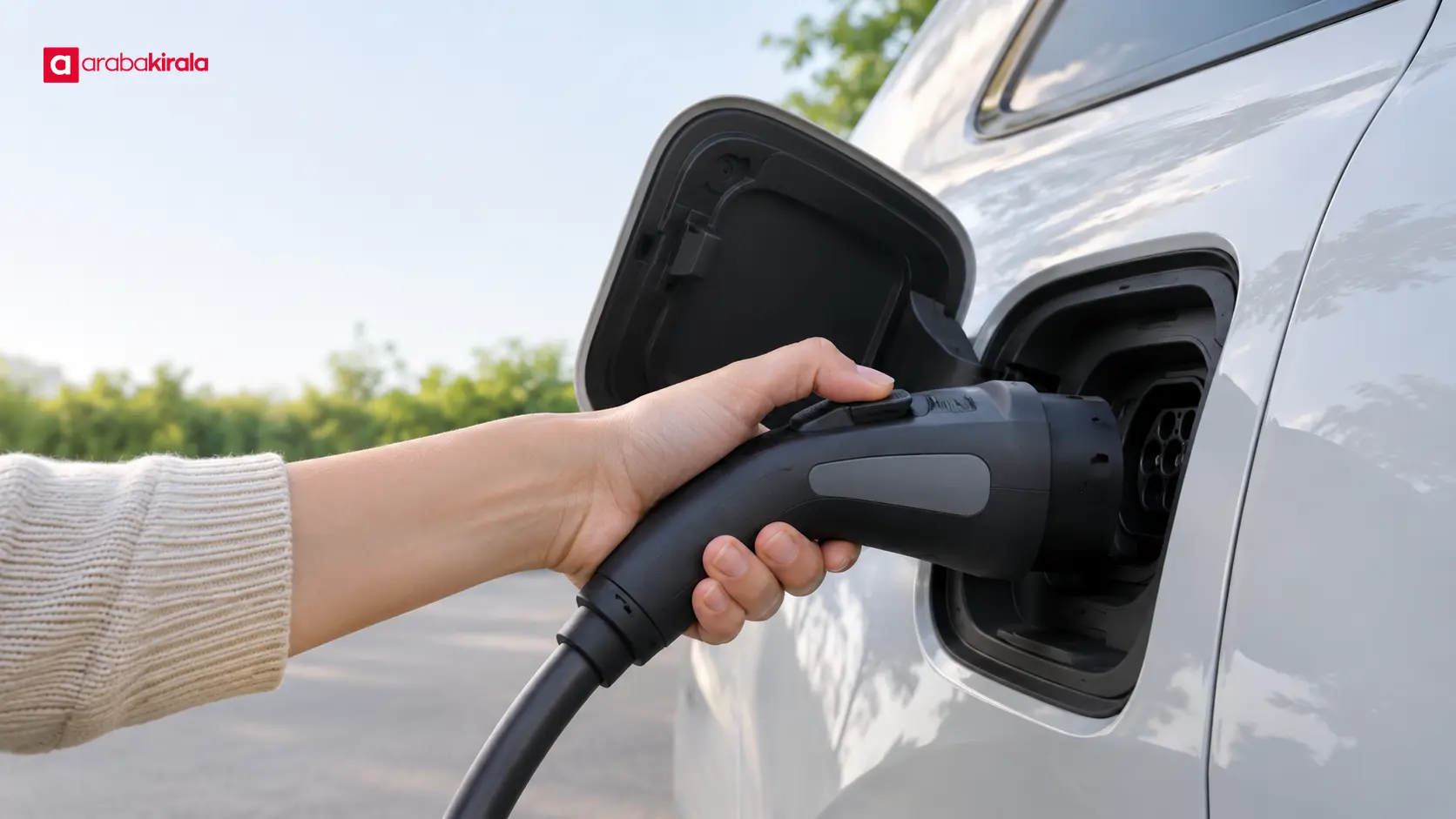
First confirm that charging has finished or has been stopped, using the vehicle or charger status display. Do not try to unplug while a session is active. Releasing the vehicle lock may require unlocking the doors, having the key recognized, choosing an unlock command on the screen, or pressing a button on the connector handle. The correct sequence is model specific.
After the latch releases, use the connector’s release button or handle latch and pull the plug straight out by its handle. Do not pull the cable, twist the connector, or press against the inlet. If it does not come free, stop and check the lock procedure instead of increasing force. Some flaps close automatically after removal; others need to be closed by hand.
Once the connector is out, check that the flap and any protective caps are fully closed. Keep the plug ends clean and protected from impact, and arrange the cable without dragging it on the ground. If the charging unit has its own stop or disconnect instructions, follow those as well.
If the lock will not release
Check that charging has ended and confirm the vehicle’s lock state. Unlock the doors or use the release command described in the manual. Wait briefly, then try the connector’s release control. If the vehicle display and charger appear to show different states, avoid pulling on the plug until you understand whether the session is still active.
Cold weather, ice, or foreign material around the inlet can interfere with movement. Do not pry the flap, insert an object into the latch, shake the cable, or pull an emergency release cable at random. Emergency release methods differ and may involve a specific location and sequence. Use one only when the manual clearly describes it and you understand the instructions.
If the latch repeatedly sticks, the plug or inlet looks damaged, or the charger reports an error, stop using the equipment and contact the charging network or vehicle support. For a rental, ask the branch that provided the vehicle for model specific guidance if the manual is unavailable or the correct release process is unclear.
What to learn when collecting a rental electric car
At collection, ask for a brief demonstration of where the charging flap is, how it opens, and which command releases the connector lock. Seeing how to check charging status and remove the plug in the proper order can make the first charging stop much easier. If the vehicle has a digital or printed manual, note where the charging section can be found.
If a cable is supplied with the vehicle, ask which use it is intended for and how it should be stored. Public charging equipment may have its own screen and steps for starting and ending a session. Equipment and vehicle details can depend on the specific rental, so confirm only the relevant details with the branch from which you will collect the car.
A short practical checklist
- Park safely and confirm the vehicle is in the required parked state.
- Check the flap, plug, and cable for visible damage, dirt, or moisture.
- Align and insert the connector by its handle without forcing it.
- Confirm charging has started using the vehicle and charger indicators.
- Stop charging and release the lock as described before removing the plug.
- Close the flap and store the cable so it is protected from damage.
Summary and next step
The flap covers the inlet; the connector lock retains the plug. Opening the flap, unlocking the connector, and ending a charge session can vary by vehicle and by AC or DC equipment. Avoid force, check the status indicators, and follow the vehicle’s own instructions. Before driving a rental electric car, ask the branch to show you how its flap and lock work.
Frequently Asked Questions
What should I do if the charging flap will not open?
Confirm the vehicle is unlocked and that you are using the correct control for that model. Ice can keep a flap from moving in cold weather, so do not pry it with a tool. Check the manual’s advice for frozen flaps or emergency access, and contact support if it remains stuck.
Is the connector lock different from the charging flap lock?
Yes. The flap covers the inlet. The connector lock retains the plug in the inlet. A vehicle may operate these with different controls, and the flap itself may not have a lock at all.
Can I pull the charging cable to remove the plug?
No. Stop charging and release the vehicle latch using the procedure in the manual. Then operate the connector handle’s release and remove the plug by its handle. Pulling on the cable or forcing the connector can damage the inlet or plug.
Does the vehicle always release the plug when charging ends?
No single behavior applies to every vehicle. Some models release the lock at the end of charging; others require unlocking the doors or using a separate command. Check the lock settings and instructions for that vehicle.
Is the release sequence the same for AC and DC charging?
Not necessarily. AC charging may depend on the vehicle’s connector lock setting or handle latch. DC charging may also require ending the session at the charging unit. Follow both the vehicle display and charger instructions.
How can I learn the lock on a rental car?
At pickup, ask to see the flap opening, charging start, and connector release steps on the actual vehicle. Check its manual, and ask the rental branch about any vehicle specific point that remains unclear.
Related Articles
- EV Charging Connector Types and Cable Compatibility Guide
- Electric Vehicle Charging Power: Station and Car Limits
- How to Plan Electric Car Charging Times and Time-of-Use Electricity
Sources
- Kia owner’s manual: Charging connector lock
- Tesla: Charging
- Kia owner’s manual: Disconnecting the charging connector
Legal Disclaimer: All content, articles and information on the Araba Kirala website are provided solely to inform users. No information shared on this website constitutes definitive advice or guidance. Araba Kirala Teknoloji A.Ş. and its authors cannot be held responsible for any direct or indirect damages arising from the application of information on the website. For all questions and requests regarding car rental, please contact the office from which you will rent your vehicle.
 Add ArabaKirala as a preferred source on Google