Electric Car Charging Costs: Payment and Session Guide
Published: November 14, 2026 • Reading Time: 6 min • Last Updated: November 14, 2026 • Author: Merve B.
Contents
- How a charging session and its cost work
- Payment methods and the transaction flow
- Paying through an app
- Paying by card or at the station
- Reading the price screen
- Starting and ending a session: a practical check
- Planning charging costs when renting an electric car
- Summary and next step
- Frequently Asked Questions
- Related Articles
Electric car charging cost may involve more than one number on a station screen. This guide explains how payment steps work, how to read the unit and session details, and which records to check when charging is done. Interfaces and accepted payment methods vary by station, so use the current instructions displayed at the charger before starting.
How a charging session and its cost work
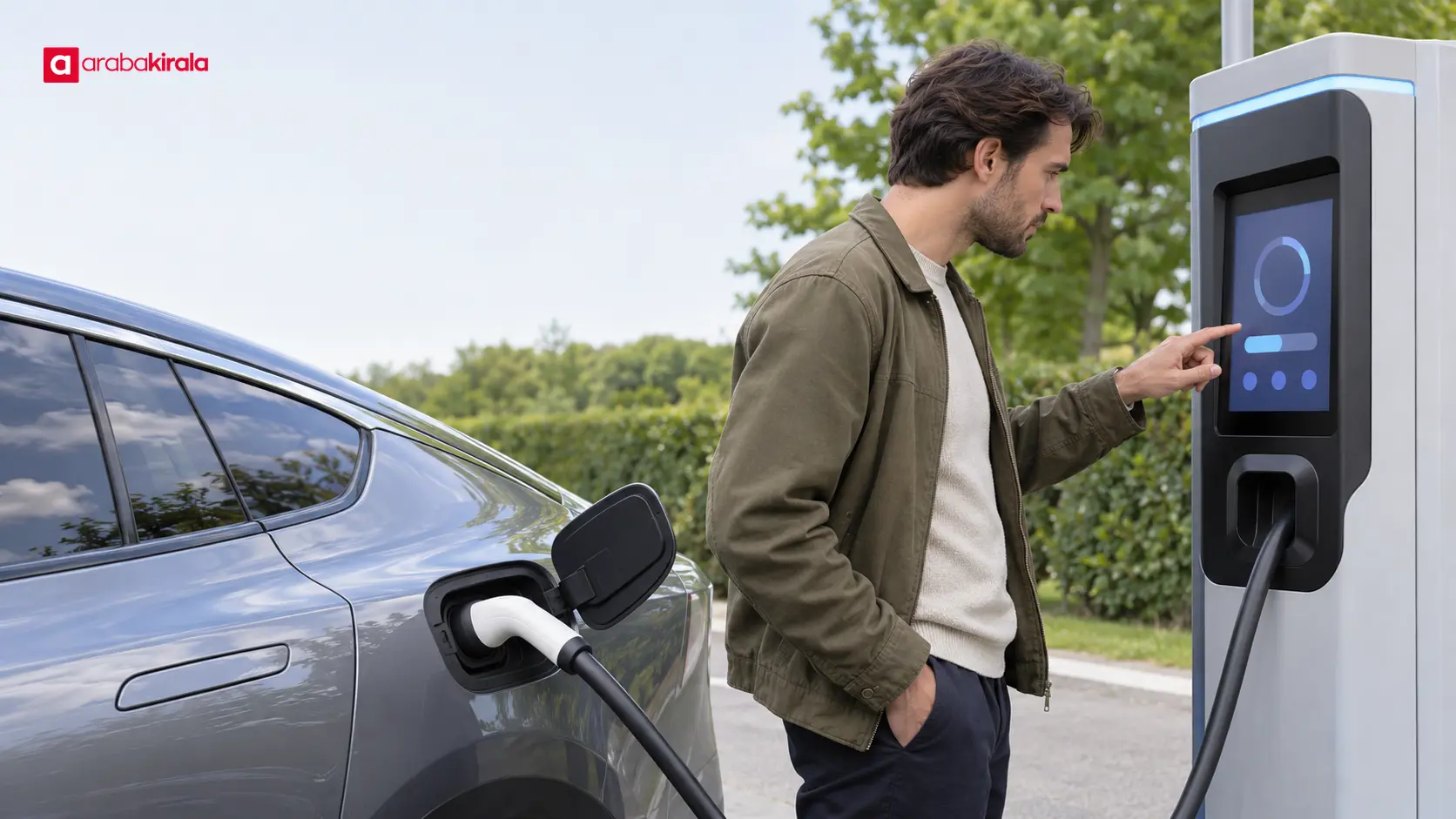
A charging session is the transaction that runs from connecting the car and starting the process through to ending it. The session screen may show energy delivered, elapsed time, or a running total. Which fields appear, and how the final amount is calculated, can differ between charging systems.
Pricing may be based on energy, shown in kilowatt-hours (kWh). A kWh is a unit used to measure energy. If a price per kWh is displayed, check whether it refers to the energy charge alone or to the total shown for the session. The unit rate by itself is not the same as the final session cost.
A display may also list other items related to time or transaction conditions. Read the station’s pricing explanation to see whether any such items apply and when they take effect. If the wording is unclear, ask the operator’s support channel before beginning. Do not assume every station uses the same pricing structure.
Payment methods and the transaction flow
Depending on the station, payment may be handled through an app, a contactless card, or another option shown on the screen. Available methods vary by location and system, so do not assume a payment method is accepted everywhere. The station’s instructions describe the flow for that particular charger.
Paying through an app
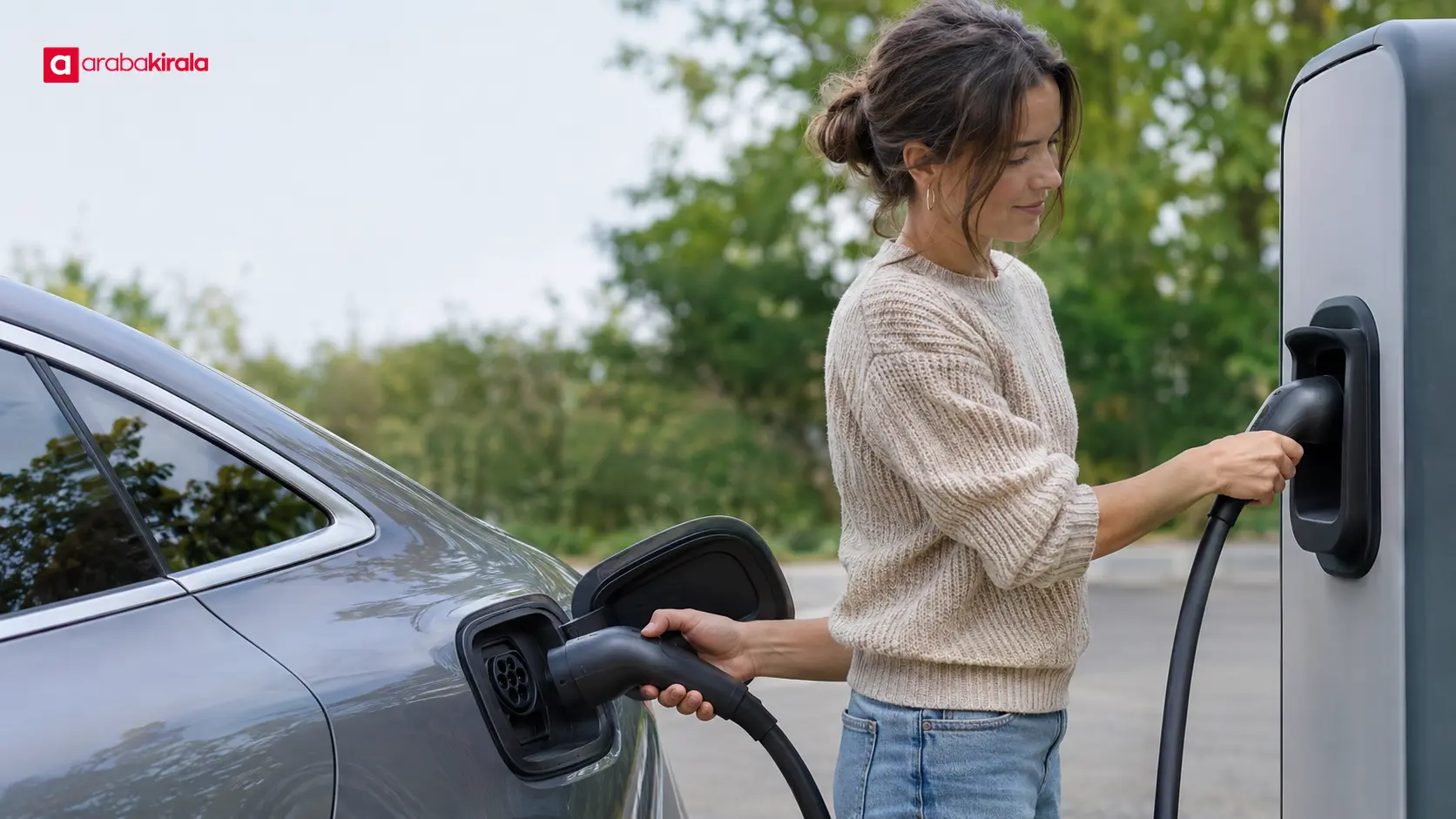
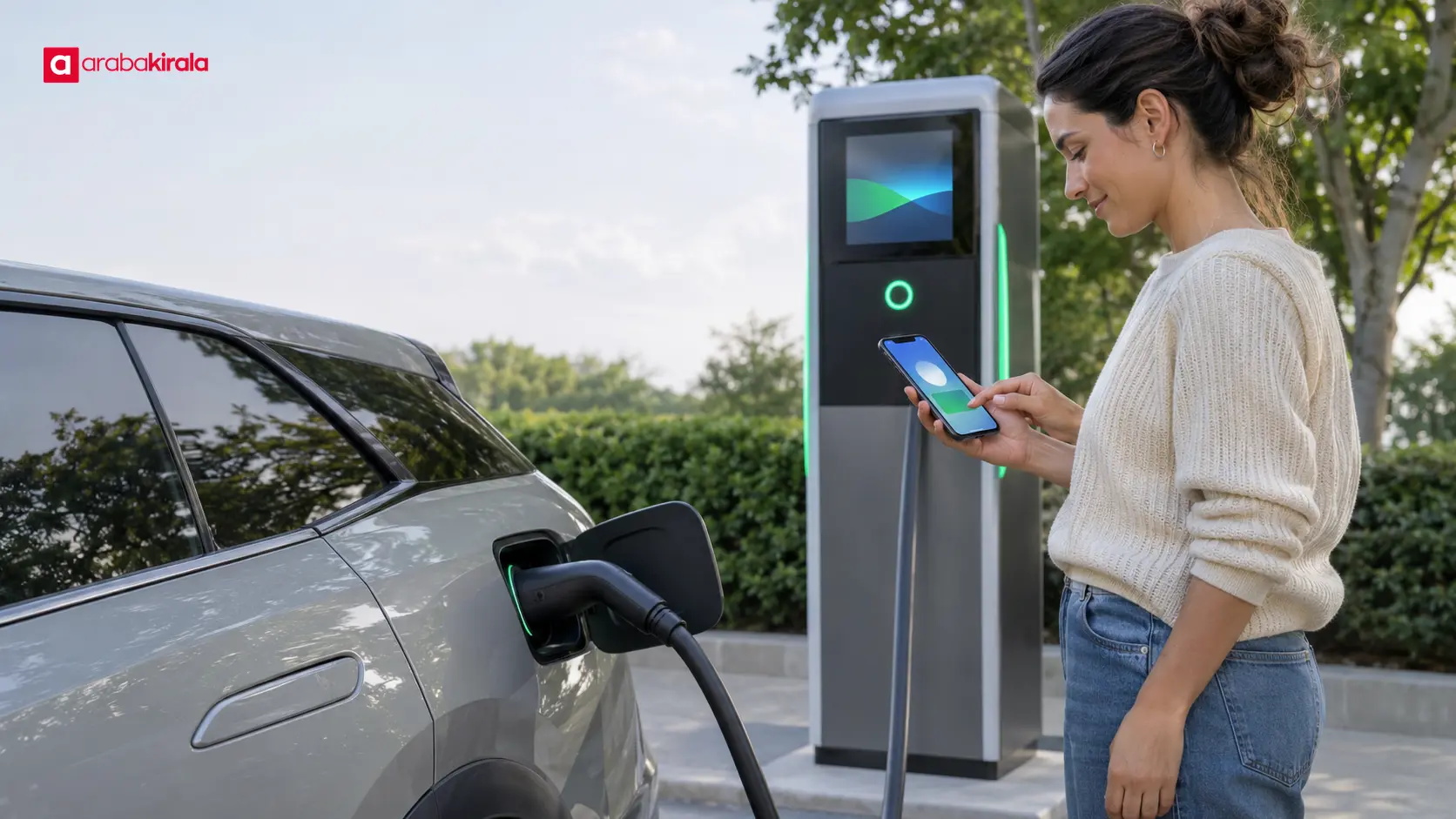
An app may ask you to identify the station, choose an available connector, and select a payment method. Check that the connector shown in the app matches the one you will use with the car. A connected cable does not necessarily mean the session has started; check for confirmation in both the app and the charger display.
Paying by card or at the station
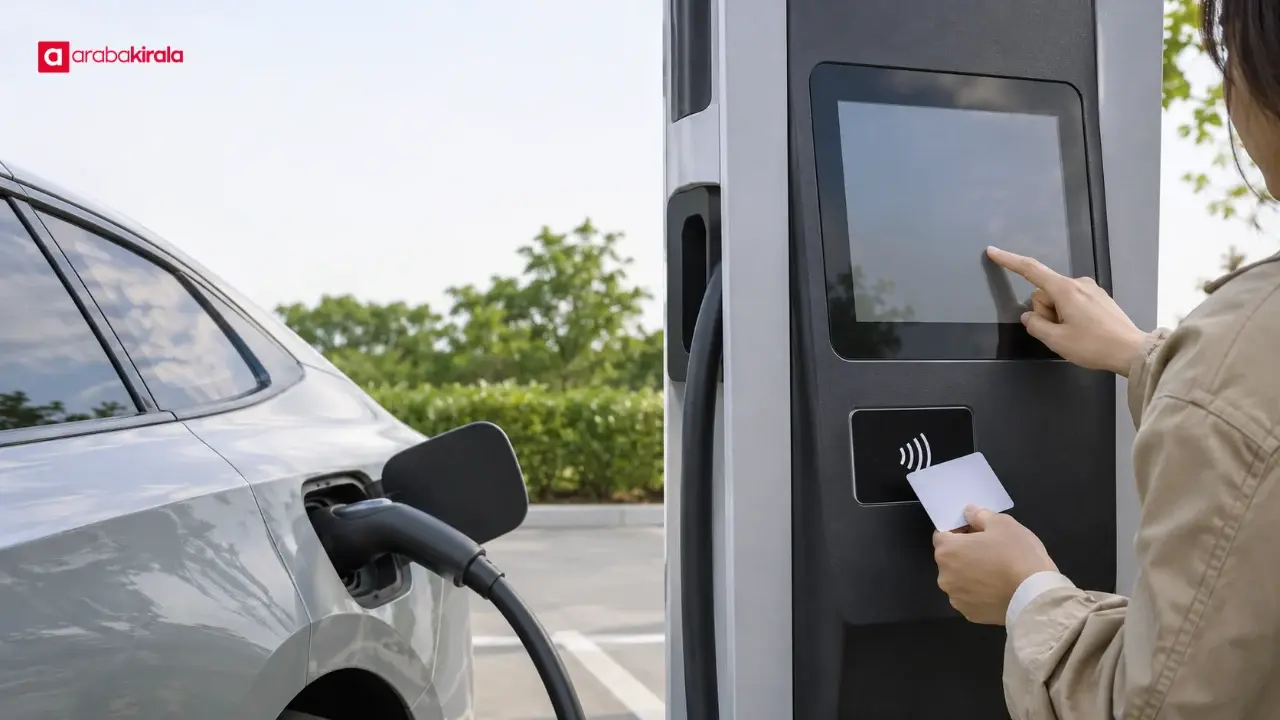
If contactless payment is offered, follow the payment prompt on the station. A temporary authorization or estimated amount may appear before or as charging begins; check the on-screen explanation to determine whether it is the final session cost. If your card record differs from the completed session total, check the transaction status with your bank and the session record with the operator, then request help.
Reading the price screen
Before starting, identify the unit used for the price: an amount per kWh, a time-based charge, and a session total mean different things. Take into account any clear note about whether taxes or other charges are included. If the display does not explain the final amount, ask the operator instead of trying to infer it.
- Unit: Check whether the amount is per kWh, per minute, per hour, or for the whole session.
- Starting amount: Do not treat an estimate or pre-authorization shown at the start as the confirmed final cost.
- Additional items: Read when any stated duration, connection, or transaction charge applies.
- Ending the session: Find out whether the app, car, or station controls the stop action.
When comparing prices, use the same basis. Comparing only the kWh rate may not explain the total if a separate time-based item also applies. Review the stated components and the conditions under which prices are updated so you can assess the charging option for your needs.
Starting and ending a session: a practical check
Before charging, check that the connector suits the car, the cable is connected as instructed, and the station indicates that it is ready. Complete any payment or identification step and wait for confirmation that charging has started. If an error or pending message appears, check the session and payment status before attempting to pay again.
To finish, follow the stop instructions shown by the car and station. If a cable is locked, do not force it; check the display or contact the operator. Wait for a completed-session message or final status before leaving. After disconnecting, return the station connector as directed in its instructions.
Review the session summary for energy delivered, duration, and total cost. The app, charger, and payment record may show information from different stages, so use the final completed-session amount. Keep any receipt or digital record. If you see a discrepancy, note the station identifier, session time, and transaction reference and share them with the operator.
Planning charging costs when renting an electric car
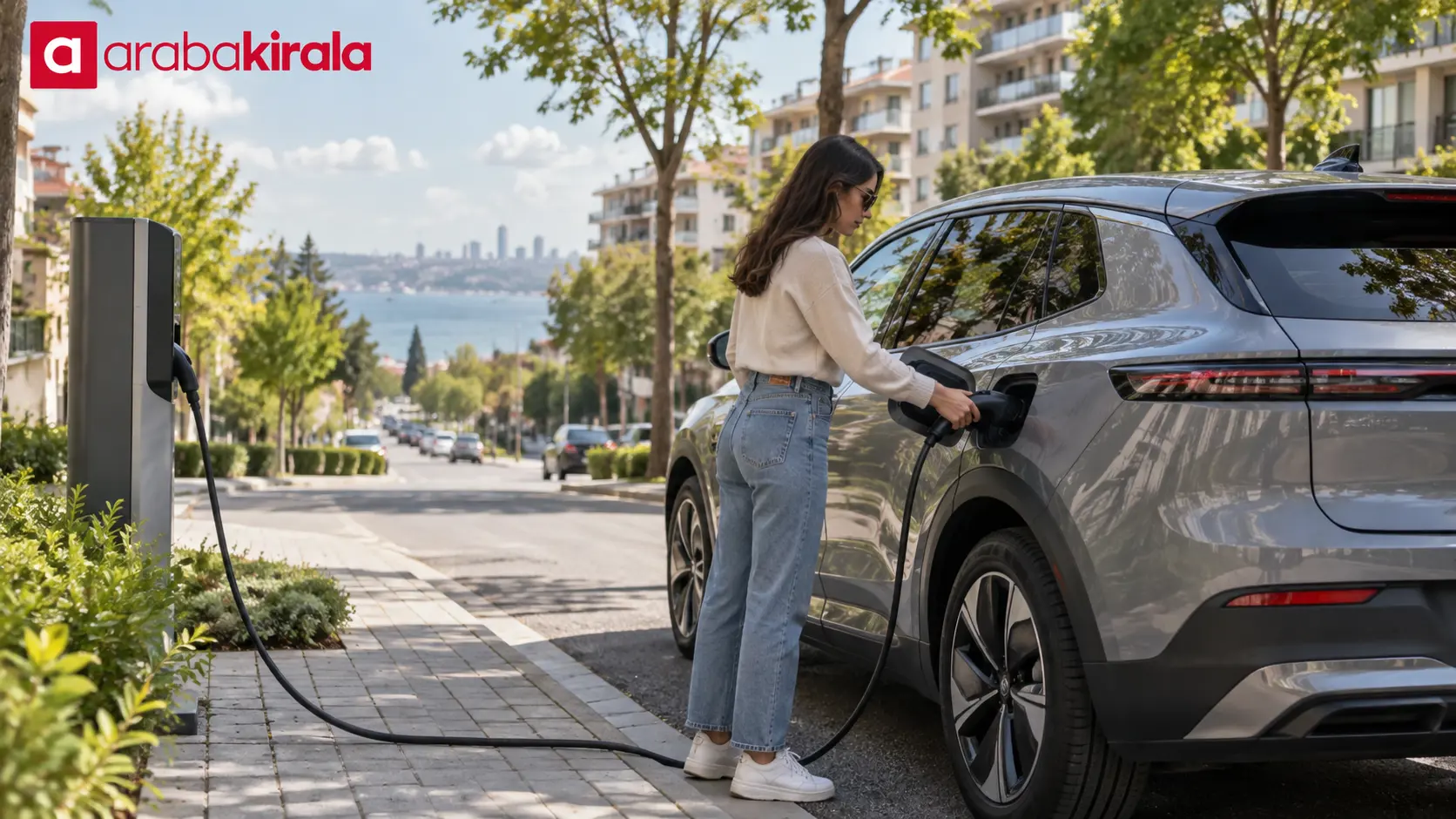
Before a trip in a rental electric car, consider charging locations along the route together with the vehicle’s range. Range can vary with the model, weather, and driving conditions. It is useful to identify accessible alternatives along the way rather than relying on a single charging stop. Follow the vehicle’s own charging instructions.
At pickup, ask the branch whether charging cables or other equipment are included, how to use them, and what charge level is expected at return. These details depend on the rental arrangement. If you are looking for an electric car for a particular trip, ArabaKirala city or location pages may help you explore relevant options; confirm vehicle and handover details with the branch.
Summary and next step
To understand an electric car charging cost, read the unit rate, any listed additional items, the payment flow, and the final session record together. Review the price before charging, then check energy, duration, and total at the end. Before your next session, look over the station’s displayed price information and payment instructions.
Frequently Asked Questions
What information determines an electric car charging cost?
Depending on the station, the calculation may include energy use, elapsed time, or other clearly stated items. Check the unit shown and whether additional charges are listed; ask the operator about anything unclear.
Is the price per kWh the same as the session total?
No. A price per kWh is the amount for each unit of energy used. The session total depends on energy delivered and any other charges that are clearly stated.
Which payment methods can I use for charging?
The method depends on the station. It may offer an app, contactless card, or another option shown on its screen. Follow the current instructions at the charger you are using.
What should I do if I paid but charging did not start?
First check the session status in the app and on the station screen, then see whether the payment is pending or completed. If the session has not started, contact the operator with the session and transaction details.
How can I tell that charging has ended?
Check for a message confirming that the session is over and review the final session summary. Do not rely only on the cable being connected or a change on the car’s display to conclude that charging is complete.
What if the amount at the end differs from what I expected?
Compare energy, duration, and total in the session summary with the payment record. Keep the receipt or transaction reference if available, and ask the station operator to explain the difference.