Istanbul Rental Car Interchange Route: Lane and Exit Planning
Published: November 7, 2026 • Reading Time: 7 min • Last Updated: November 7, 2026 • Author: Merve B.
Contents
- Why plan lanes and exits before a multilevel interchange?
- How to prepare your route before setting off
- Look beyond the estimated journey time
- Get comfortable with the car and phone setup
- Following lane and direction guidance near the interchange
- Confirm directions using more than one cue
- Change lanes early and with care
- When navigation and the road layout do not match
- What to do if you take the wrong exit
- Planning an urban trip in a rental car
- Quick check before an interchange
- Frequently Asked Questions
- Next step: review the route before moving
- Related Articles
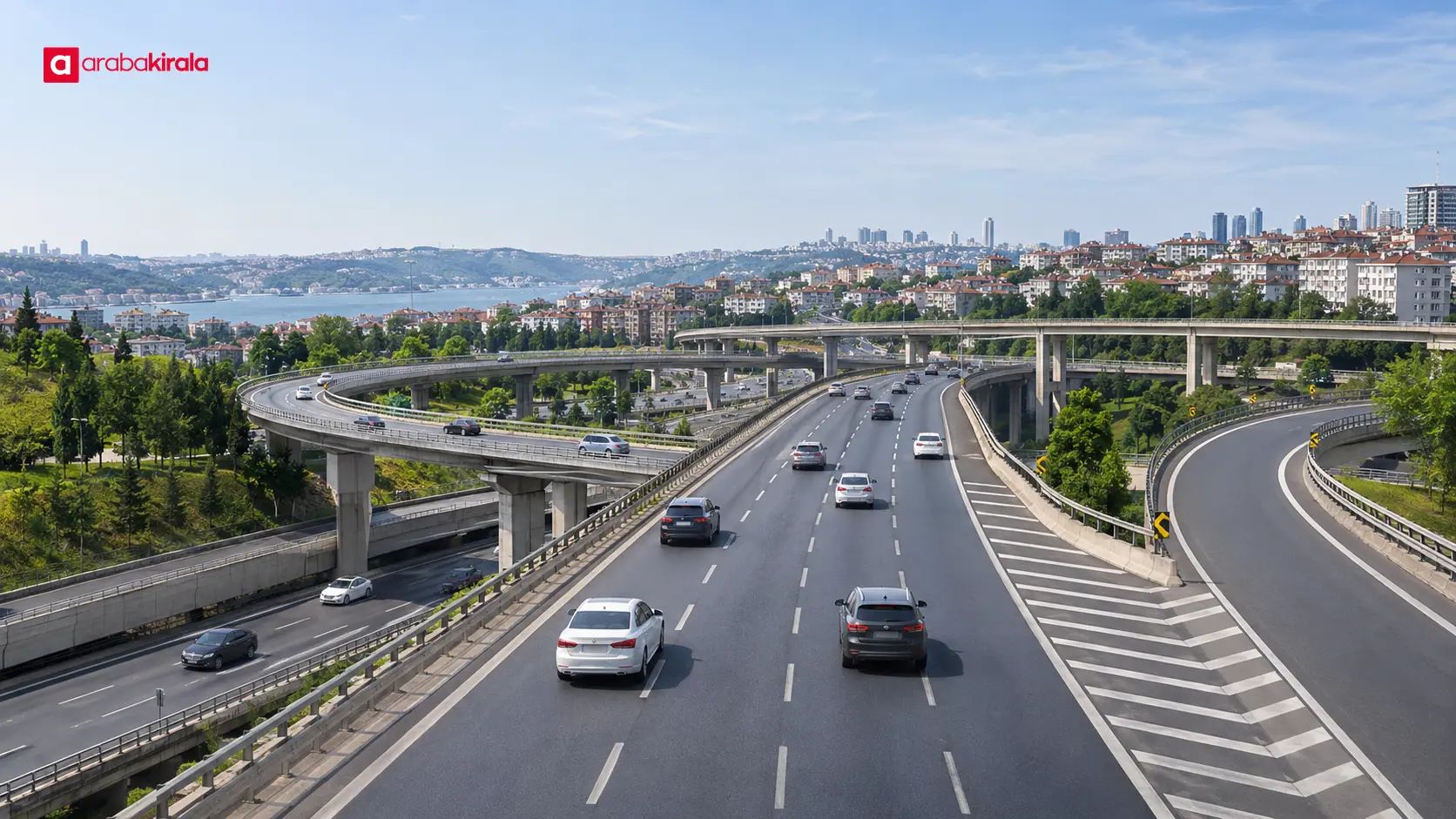
An Istanbul rental car interchange route is easier to manage when you know which lane leads toward your destination before you reach a multilevel junction. This guide covers reviewing the route before departure, reading navigation alongside road signs, and continuing safely if you miss an exit.
Why plan lanes and exits before a multilevel interchange?
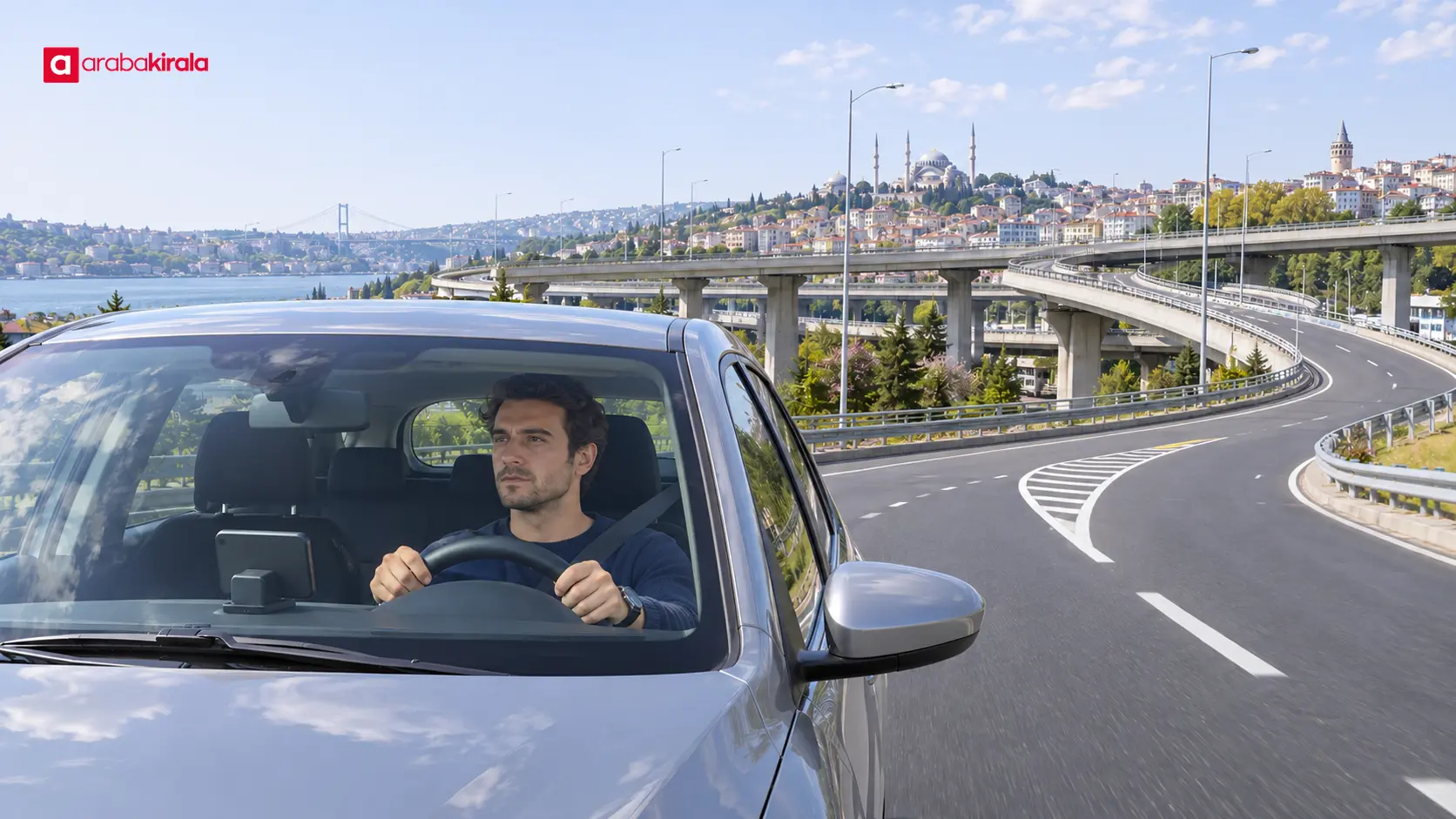
Multilevel interchanges connect or separate roads that travel in different directions, often using ramps at different heights. Some lanes continue along the main road while others branch toward a different road. Knowing the interchange name alone may not tell you which branch to take; you also need to understand the direction you want and where that road leaves the main route.
Heavy traffic, close following distances and several nearby splits can leave little time for a decision. When you are driving an unfamiliar car, mirror placement, visibility and the vehicle’s response may also feel different. Getting comfortable with the car and reviewing complex junctions before departure reduces the need to make decisions at the last moment.
How to prepare your route before setting off
Look beyond the estimated journey time
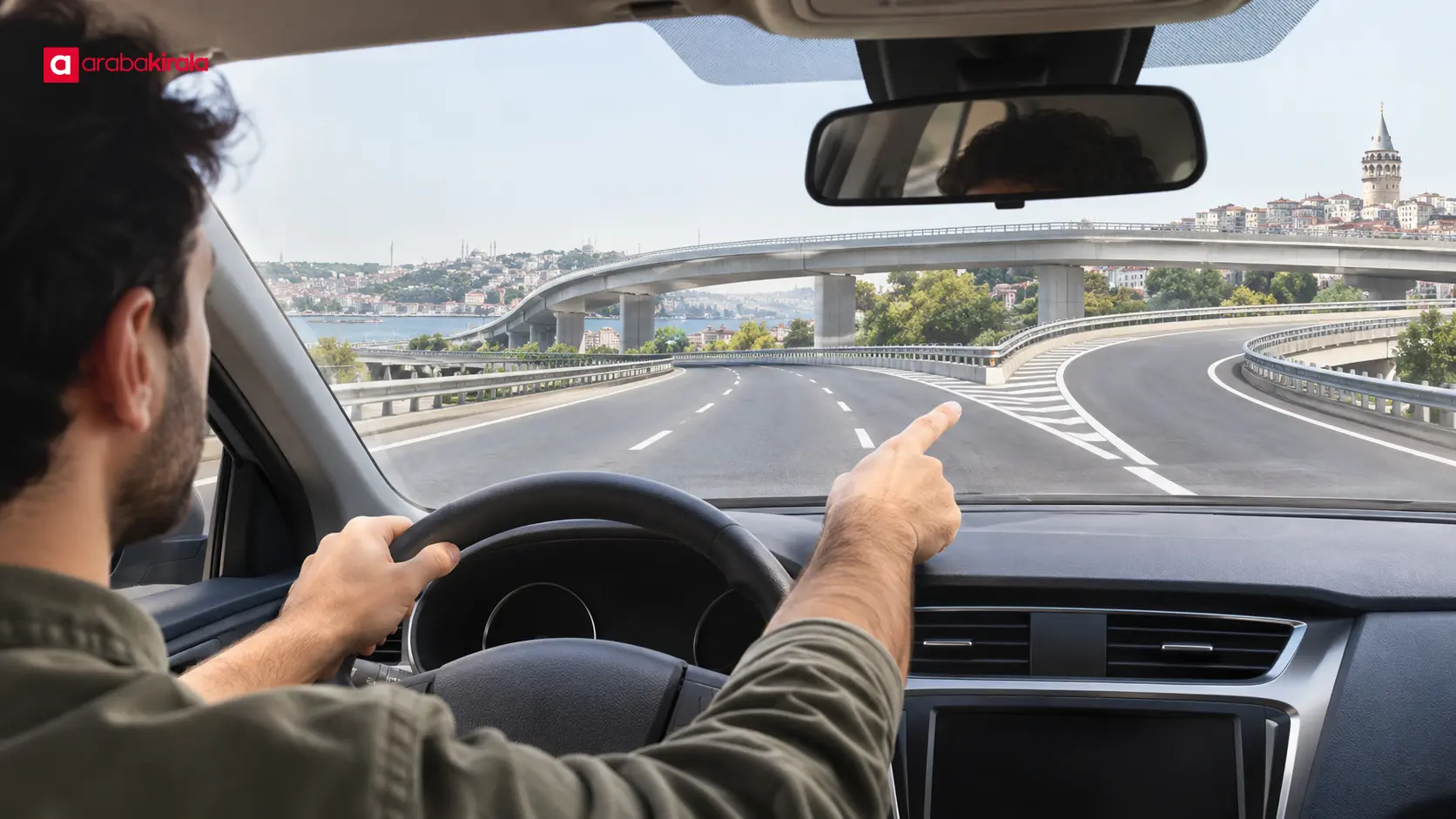
Enter your start and destination in navigation, then review the route’s major interchanges as well as its overall direction. Check which side the exit ramp leaves from, what direction follows it, and whether another split comes soon afterward. Reviewing the route with a passenger or saving a map view can reduce the temptation to handle your phone while driving.
Maps may not show current road conditions and lane markings in equal detail. Treat the map as a preparation aid, and follow the directions and lane markings on the road. Keep the general direction of your destination in mind in case the planned route changes. That makes a missed prompt easier to handle without losing track of the broader journey.
Get comfortable with the car and phone setup
Before moving, adjust your seat and mirrors and locate the basic controls you will need. If you use navigation, make sure the phone is fixed in place and does not obstruct your view or the airbag area. Enter the route and set the audio before departure; do not search for directions while holding a phone in a moving car.
A passenger can monitor the map and help the driver stay focused on the road and surrounding traffic. If you are travelling alone, turn on spoken directions in advance and leave any screen settings that require attention until you are safely stopped.
Following lane and direction guidance near the interchange
Confirm directions using more than one cue
Navigation tells you how far away a junction is and which way to go. Direction signs, lane arrows and road markings show the current layout. Use both sources: when you hear an instruction, look for the destination direction on signs and the matching lane arrow. This is more reliable than reacting to one short prompt on its own.
Try to read signs early. An overpass, barrier or changing view can make a sign hard to see later. If the guidance mentions several exits, it helps to know from your map which road continues in the general direction of your destination. If you cannot identify the sign, keep a speed appropriate to traffic and focus on driving safely in your current lane.
Change lanes early and with care
If you need to move toward an exit lane, do so while there is enough space and time to check around you. Signal, check your mirrors and blind spot, and leave a safe gap. A signal does not by itself make a lane change safe; observe how nearby drivers respond and stay in your lane if there is no safe opening.
Once the exit markings become clear, do not cut across several lanes to reach the ramp. If your lane does not lead to the exit, or traffic does not allow a safe change, keep driving predictably. Missing an exit is easier to manage than making a sudden move that cuts across another vehicle’s path.
When navigation and the road layout do not match
Roadworks, traffic management or delayed location data can make a navigation prompt differ from the signs in front of you. Do not enter a closed or separated area, or cross a continuous line, to catch up with the screen. Follow the road signs and traffic flow safely, then allow the device to calculate a new route.
If you need to adjust the screen, stop somewhere suitable and safe. Stopping on a flowing roadway, narrow ramp or place with limited visibility can create danger. If there is no safe stopping place, focus on driving and leave route adjustments until the next safe stopping point.
What to do if you take the wrong exit
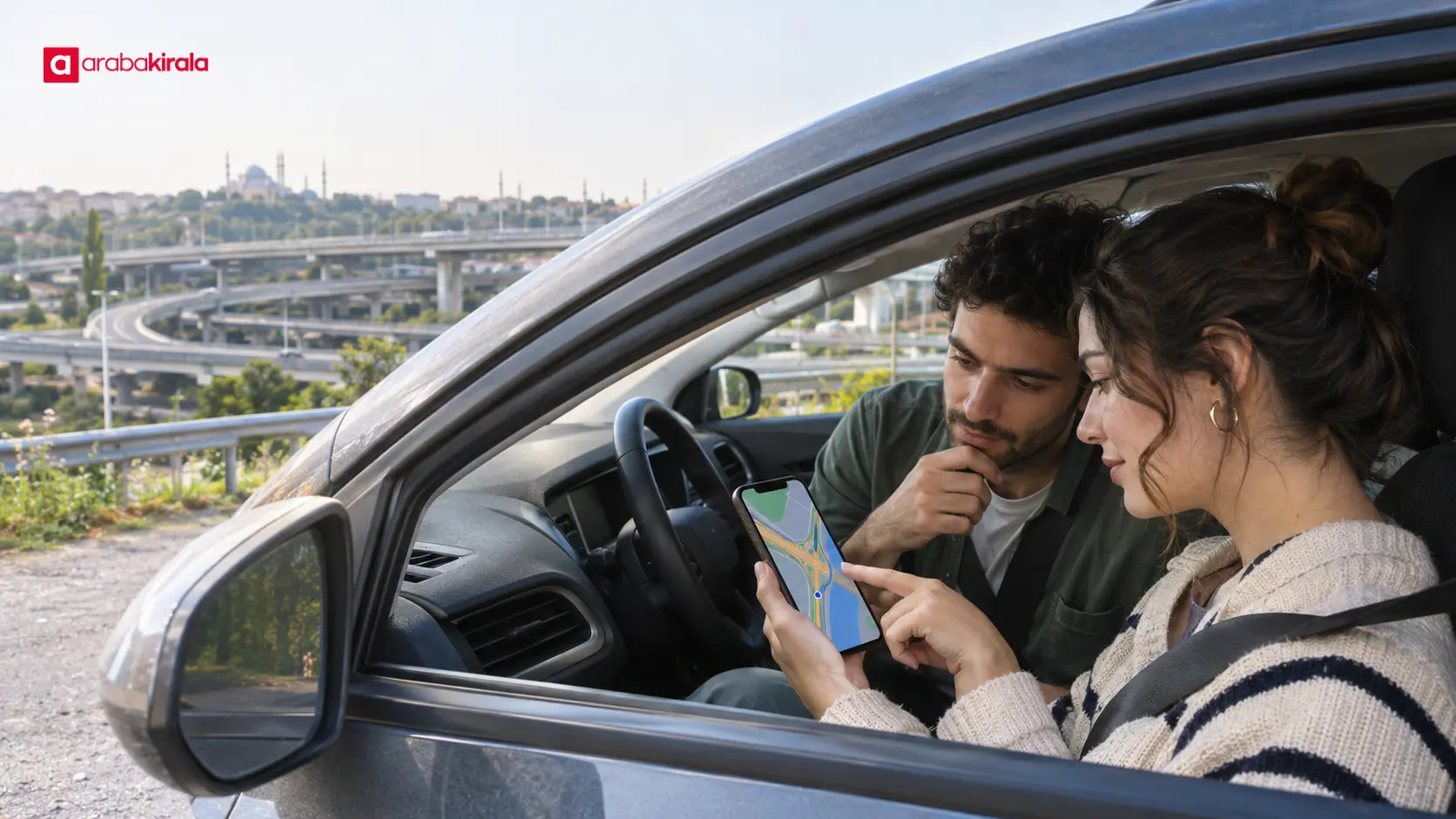
Taking the wrong branch does not mean the journey cannot continue. Follow the traffic flow instead of crossing markings, reversing or stopping on a ramp. When navigation updates your location, follow the new route. If the device responds slowly, do not handle the screen while searching for a direction; check the route after reaching a safe place.
If you have a passenger, ask them to review the new direction. If travelling alone, give navigation a few moments to recalculate. A rushed decision in traffic can turn a small route detour into an avoidable driving risk. You may reach your destination by a different road, but preserving safety on the way matters more than sticking to one planned branch.
Planning an urban trip in a rental car
After collecting a car, take a moment to become familiar with its controls and visibility before setting off. Your route may begin at an airport, coach station, accommodation area or another location; reviewing complex junctions in advance helps regardless of the starting point. ArabaKirala’s city and location pages may provide relevant context for trip planning; do not assume that a particular vehicle or branch service is available.
If a collection or return point associated with your reservation affects the route, check those details in your reservation documents. For a location or process detail specific to a branch or reservation, confirm it with the relevant contact. This is a separate planning step from safe driving and interchange navigation.
Quick check before an interchange
- Review the destination direction and key exits on the map before setting off.
- Secure the phone and finish route and audio settings before the car moves.
- Use direction signs, lane arrows and road markings together with navigation.
- Change lanes early, signal and check the surrounding traffic.
- If you miss an exit, continue safely and let navigation recalculate.
Frequently Asked Questions
How long before a multilevel interchange should I check the route?
There is no single distance that suits every junction; road speed, sign visibility and traffic vary. Review the route before the trip and watch for signs early as you approach. If you need to change lanes, decide while there is enough room to check the surrounding traffic.
What if navigation and a road sign point in different directions?
Follow the current road signs and safe traffic flow. Navigation can show location or road changes with a delay. Do not enter a closed area or make a sudden move to force the suggested route; proceed safely and wait for a new route.
Should I change lanes if I notice the exit lane at the last moment?
Change only if the move is safe and the road markings allow it. If another vehicle is alongside, the line does not permit a crossing or you would need to cut across several lanes, stay where you are and let the route recalculate.
Can I reverse after taking the wrong exit?
Follow the ramp’s traffic flow instead of reversing or stopping on it. Check the new route once you reach a suitable safe place. Do not make a sudden move to look for a way back if the road layout does not provide one safely.
How should I set up my phone for navigation in an Istanbul rental car?
Place it securely where it does not block your view or controls, then set the destination, route and volume before moving. Do not hold the phone to search for an address while driving; stop somewhere safe if an adjustment is needed.
Next step: review the route before moving
For an Istanbul rental car interchange route, the most useful preparation is to identify key exits, set up the phone and car before departure, and follow signs as you approach each junction. Review your route now, change lanes with enough space, and if you miss an exit, wait for a safe recalculation instead of making a sudden move.
 Add ArabaKirala as a preferred source on Google