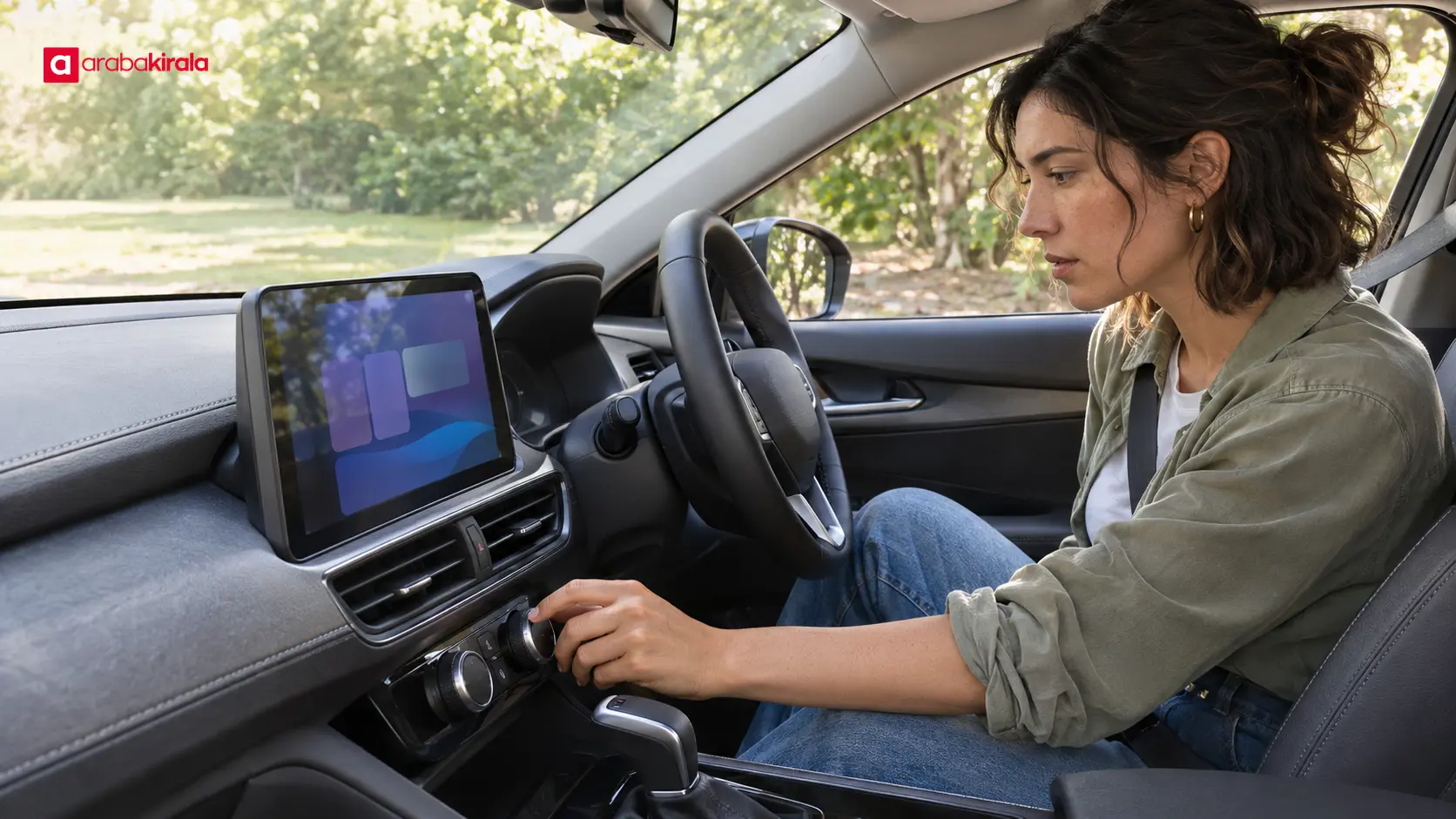
Screens and Physical Controls in New Cars
Published: November 13, 2026 • Reading Time: 6 min • Last Updated: November 13, 2026 • Author: Merve B.
Contents
- Why screens and buttons have different roles
- Which tasks may suit a physical control?
- When screens can be useful
- Balancing access and attention
- Get familiar with the cockpit before driving
- What to clarify when renting a car
- Summary: learn the controls before setting off
- Frequently Asked Questions
- Related Articles
Screens and physical controls in new cars shape how drivers reach information and everyday functions. This guide explains why designers use both, which tasks may suit each approach, and how to get familiar with a car's cockpit before driving. Layouts vary by model, so these are general design principles rather than specifications for a particular vehicle or rental company.
Why screens and buttons have different roles
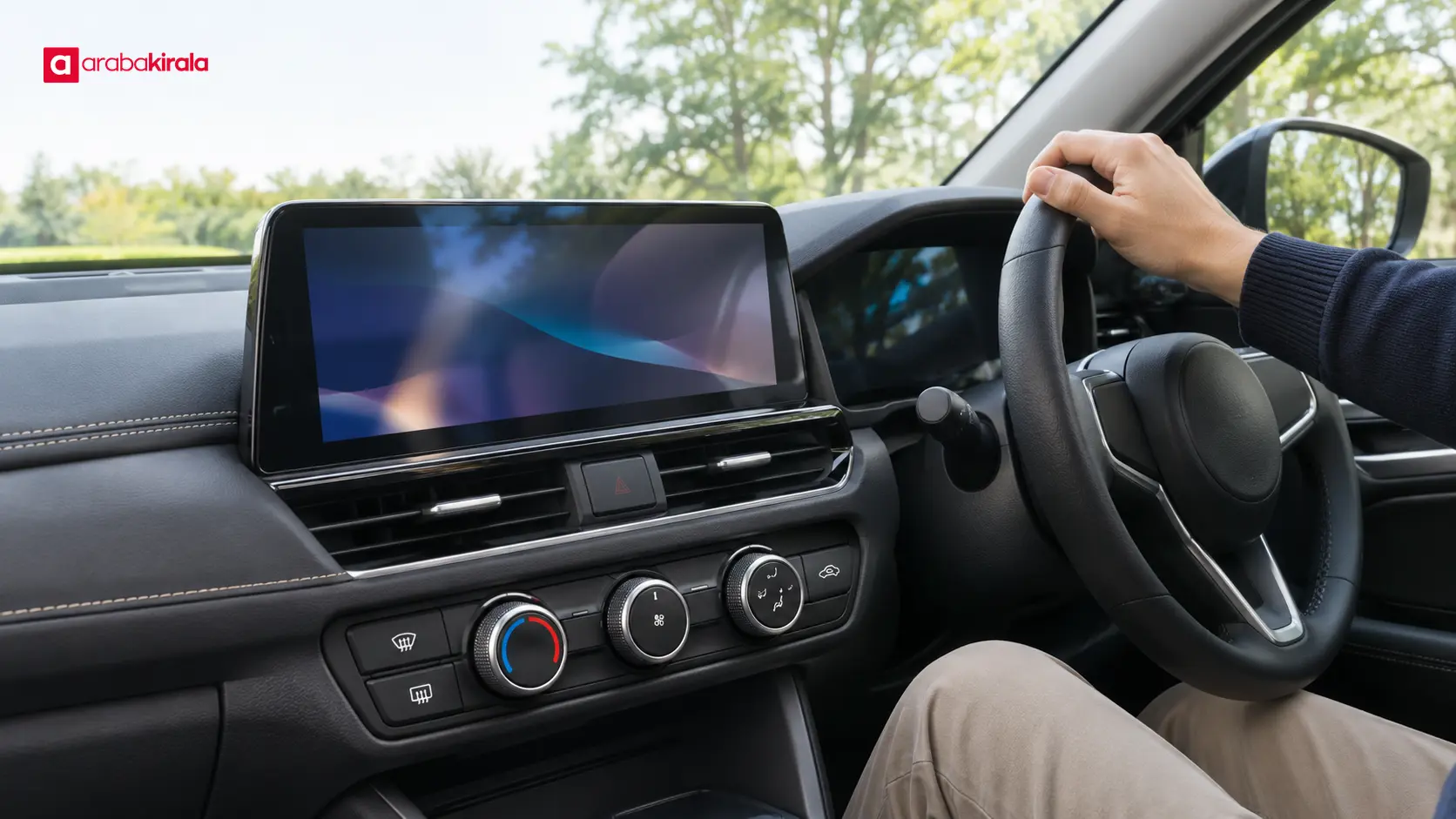
For screens and physical controls in new cars, the practical points below should be considered together. A touchscreen can place navigation, media, connectivity, and vehicle settings on one surface. Because software can change what appears, designers can offer many functions in a limited area. Menus can also be reorganized or updated as a vehicle's interface evolves.
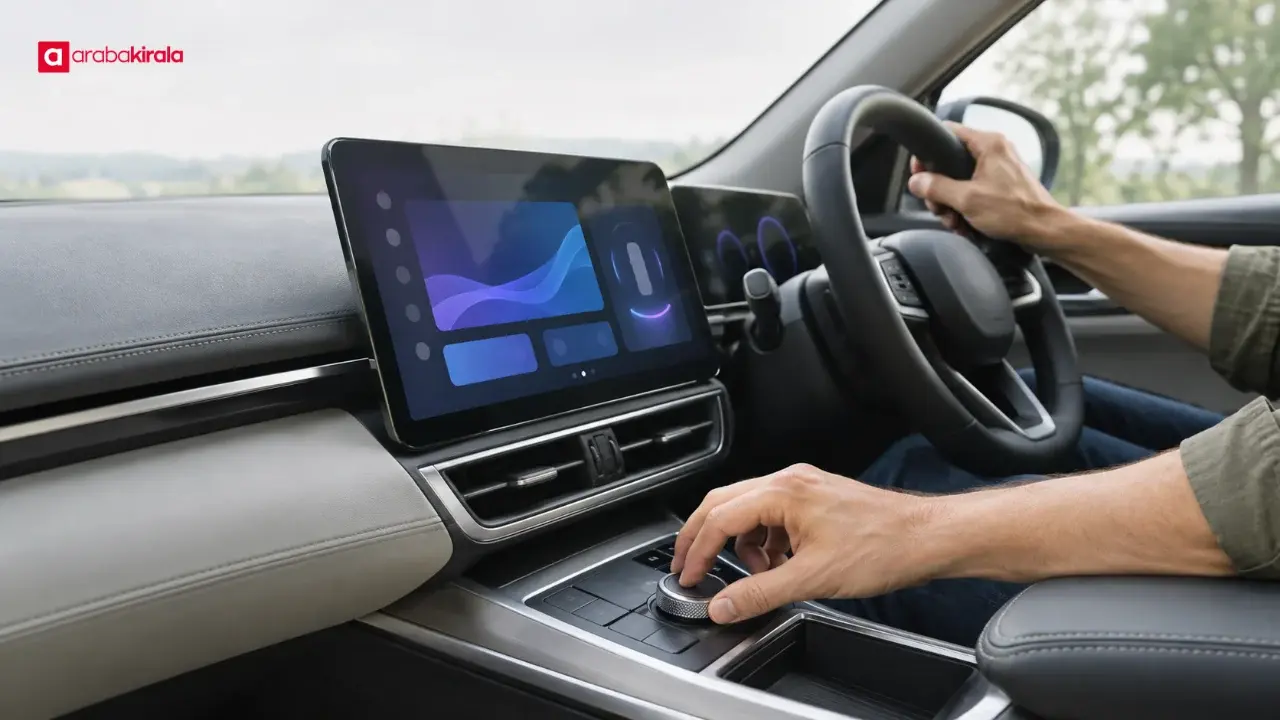
A physical control is a part the hand can locate and move directly. Its shape, position, and motion can make it recognizable without relying only on a visual menu. That is one reason some frequently used functions may have dedicated controls. There is no universal layout: the functions assigned to buttons differ by model and equipment.
The two approaches do not have to compete. A screen can present many choices and visual information, while a physical control can provide a short route to a particular task. Vehicle ergonomics is about how easily a driver can understand and complete an action, not simply how many buttons or displays the cockpit contains.
Which tasks may suit a physical control?
Functions a driver uses often or may want to adjust promptly can be offered through a button or rotary control. Volume, windshield demisting, or climate settings have dedicated controls in some cars; in others, some of these functions may be accessed through a screen. These are examples of design choices, not fixed industry rules.
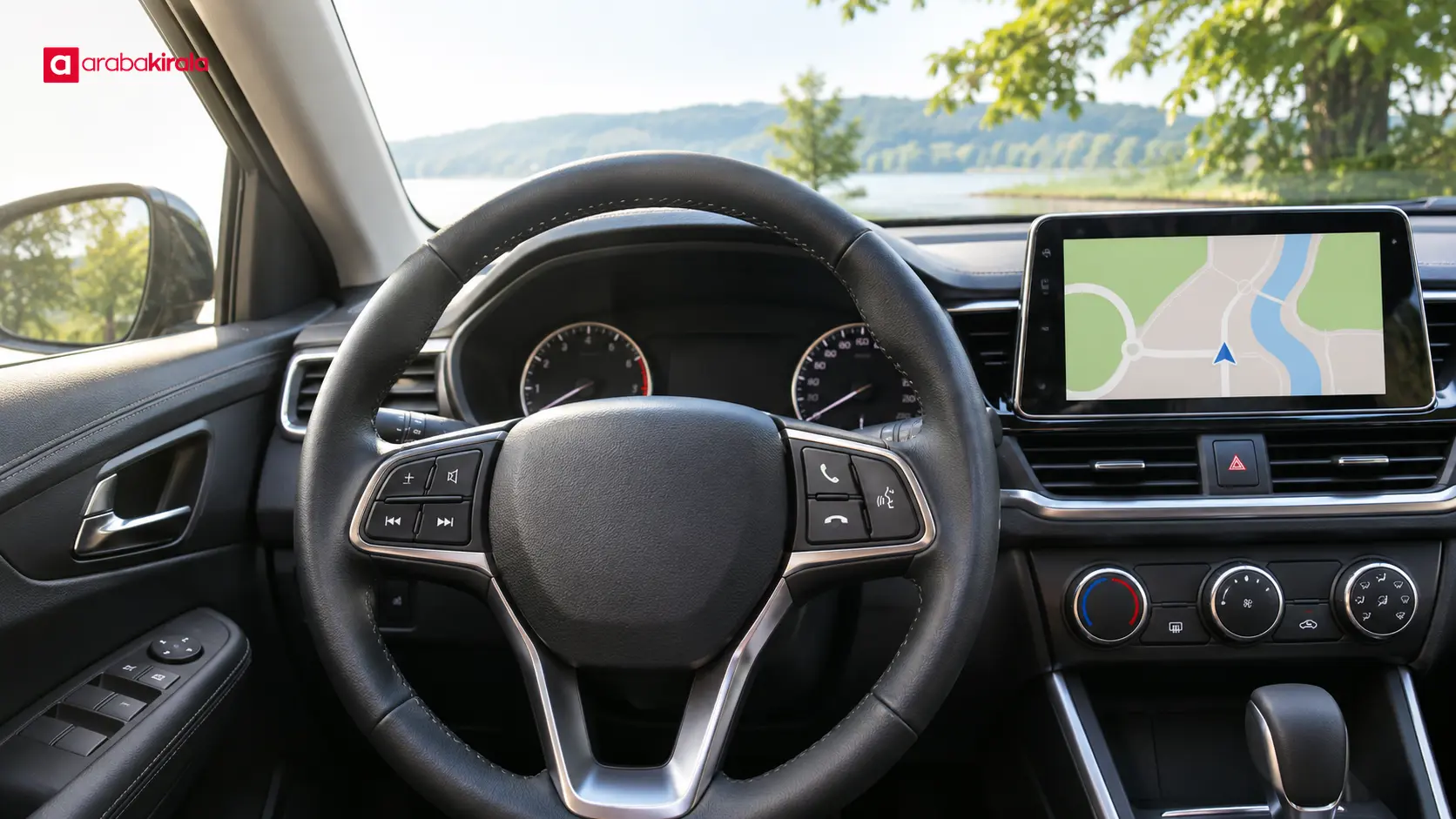
Steering wheel controls can also help a driver reach audio, phone, or display functions without moving a hand away from the wheel. Their meanings depend on the icons, menus, and vehicle manual. Having a control within reach does not make every interaction safe in every situation; attention still belongs on the road.
When screens can be useful
A touchscreen works well for visual content such as maps and route guidance, lists of media options, or groups of less frequently used settings. Drivers can move among choices and see the result of a selection. Infotainment system menus depend on the vehicle's equipment, so learn where functions are located in the specific car.
Deeply layered menus can make a setting harder to find. Clear organization, readable text and icons, and prominent presentation of important information all affect usability. From the driver's perspective, a useful interface minimizes the need to look away and the time spent completing an action.
Balancing access and attention
Cockpit design balances access to information with the attention needed for driving. A button that can be identified by touch may reduce the need to look, while finding an item in a screen menu can require visual attention. Still, no control makes prolonged interaction safe while driving. Set up the vehicle before a trip and handle involved tasks while parked.
Ergonomics also involves more than physical reach. Access from the driver's seat, understandable icons, screen readability in different light, and consistent menus all matter. Drivers with different seating positions may experience the same cockpit differently, so inspect controls from your own adjusted seat and steering wheel position.
Get familiar with the cockpit before driving
- While parked, adjust the seat, steering wheel, and mirrors to get a comfortable view.
- Locate essential controls such as climate settings, volume, hazard lights, and windshield demisting.
- Explore the main screen menus, how to open navigation, and where to change the audio source.
- Learn the steering wheel icons and what information they change on the driver display.
- If you need to pair a phone or complete another setup, do it before moving off.
- For an unfamiliar function, check the owner's manual or ask the branch where you collect the car to explain that model's controls.
This brief orientation can reduce the chance of looking away while searching for a setting. Once driving, avoid trying a new menu or making a lengthy adjustment; pull over somewhere safe and suitable before continuing. A car display may assist with navigation, but it does not replace the driver's responsibility to monitor driving conditions.
What to clarify when renting a car
Screen and control layouts can differ from one rental vehicle to another. A vehicle class in a reservation does not necessarily specify screen size or control design. If you want to know the model or learn how its basic functions work, contact the branch you plan to rent from. Features such as phone connectivity, navigation, and vehicle settings also depend on the car provided.
At pickup, it is useful to check that the controls work and review any warnings on the display. If an icon or control is unclear, ask for an explanation instead of experimenting. Understanding its purpose and basic operation can help prevent unnecessary distractions during the trip.
Summary: learn the controls before setting off
Screens can gather many settings and information in one place, while physical buttons can provide direct access to some frequently used functions. Using both lets a cockpit address different needs, but the location of any particular function depends on the model. Explore the essentials while parked, consult the manual when unsure, and ask the rental branch about details specific to the car you will collect.
Frequently Asked Questions
Are touchscreens or physical buttons easier to use?
It depends on the task, the control's placement, and the driver's familiarity. A physical button may be found by touch, while a screen can present many choices and visual information. Learning the basic layout before driving helps with either approach.
Do all new cars adjust climate settings through a screen?
No. Climate controls may use a screen, physical buttons, or a combination, depending on the model. At pickup, locate the temperature, fan, and windshield demisting controls.
What do steering wheel buttons do?
Depending on the car, they may manage audio, phone functions, driving information, or display menus. Check the icons and the owner's manual; if a function is unfamiliar, stop in a safe place before trying it.
Is it safe to use a car screen while driving?
A display can provide useful information such as navigation, but interacting with menus takes visual attention. Set routes and preferences before moving off, and handle longer tasks while the vehicle is parked.
Can I learn a rental car's screen features in advance?
The layout depends on the vehicle supplied. If a particular connectivity or navigation feature matters to you, contact the branch you plan to rent from before booking and ask for a brief introduction at pickup.