Rental Car Controls: A Guide Before Your First Drive
Published: November 13, 2026 • Reading Time: 7 min • Last Updated: November 13, 2026 • Author: Merve B.
Contents
Learning rental car controls is a useful first step before driving a car you have not used before. This guide shows how to set your seat and mirrors, read the essential dashboard information, and locate the lights, wipers, and climate controls while the car is stationary. The aim is not to memorize every button; it is to reduce uncertainty that could distract you once you are on the road.
Start with the car and your driving position
For rental car controls, the practical points below should be considered together. Take a brief moment to get settled before leaving the parking space. Adjust the seat so you can reach the pedals comfortably and hold the steering wheel without stretching your arms. Set the backrest to support you without restricting your view or movement, and position the head restraint close behind your head at a suitable height.
Adjust the mirrors to give you a clear view around the car. The rear-view mirror should show the rear window, while the side mirrors should help you see alongside the vehicle and nearby traffic. Completing these adjustments before moving means you will not need to take your eyes off the road for an extended period later.
Fasten your seat belt and check that passengers have done the same. If you are using a child seat, follow the instructions for both the seat and the vehicle to confirm its placement and attachment. Secure loose items in the cabin and luggage area so they do not move during braking.
What to check on the dashboard
The car dashboard provides information you need while driving, such as speed and fuel or battery level. Some cars use conventional gauges, while others show these details on a digital display. Layouts differ, so take a moment while parked to identify the readings you are likely to need.
Some warning lights may appear briefly when the car starts as part of a system check. If a light stays on, appears while driving, or is accompanied by a dashboard message, do not guess what it means. Stop in a safe place, consult the vehicle manual, and contact the rental office if you need guidance. Treat red warnings and a noticeable change in how the car behaves with particular care.
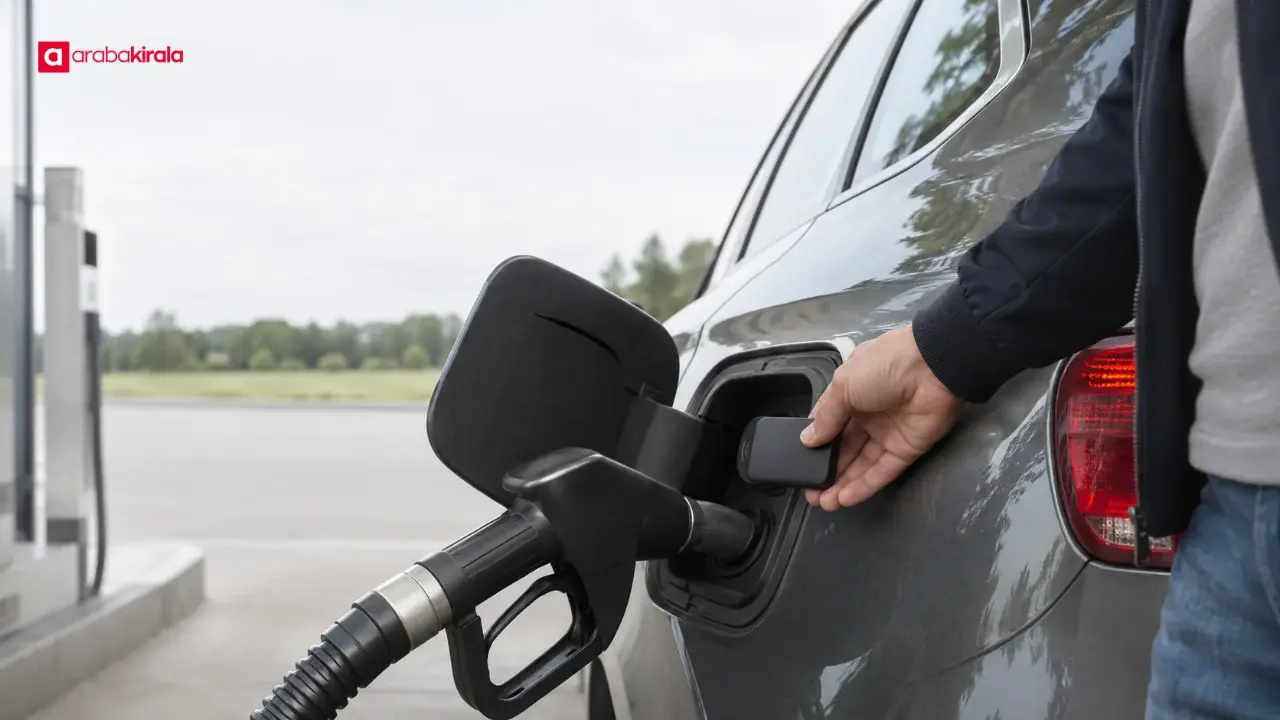
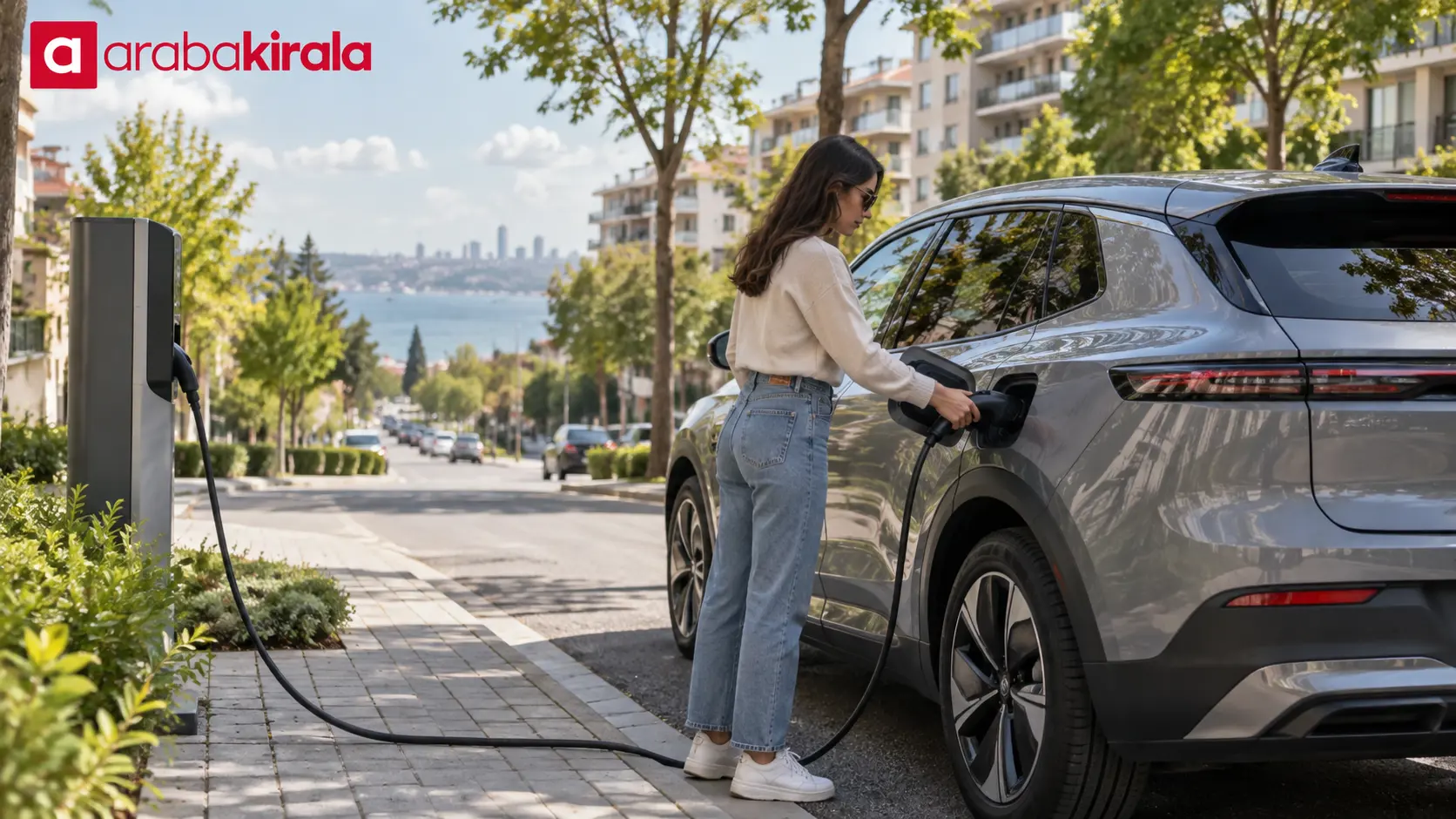
A small arrow beside the fuel gauge may indicate which side the fuel flap is on, but the display can vary. Confirm the fuel type and the level recorded at pickup. In a hybrid or electric car, also get familiar with the energy display, estimated range, and any basic charging information shown on screen.
Learn the steering, lighting, and wiper controls
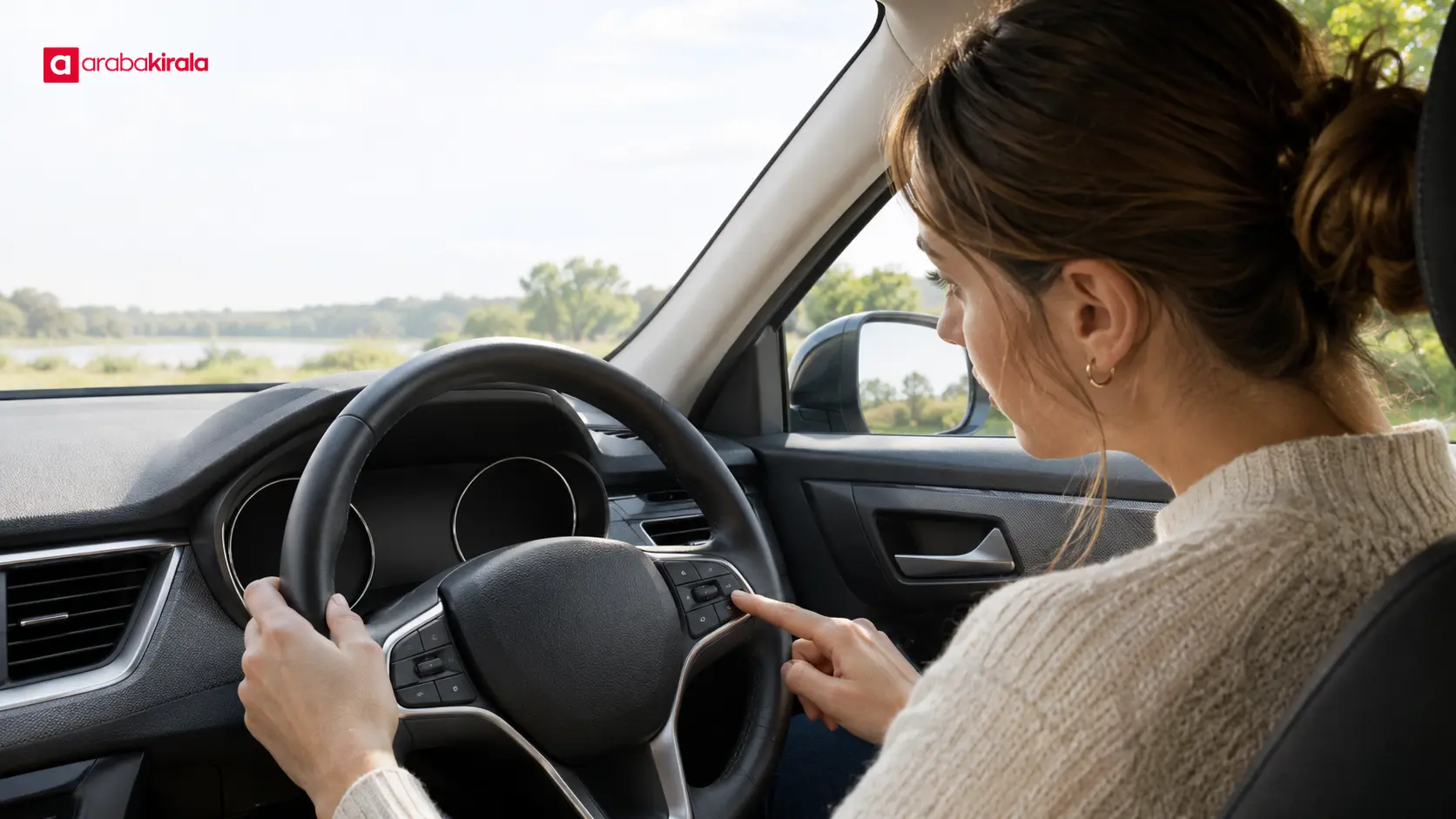
Steering wheel buttons can operate the audio system, display menus, or driving features. Their location and purpose vary by vehicle, so identify only the controls you need before setting off. Explore a screen menu while parked instead of trying to find it while driving.
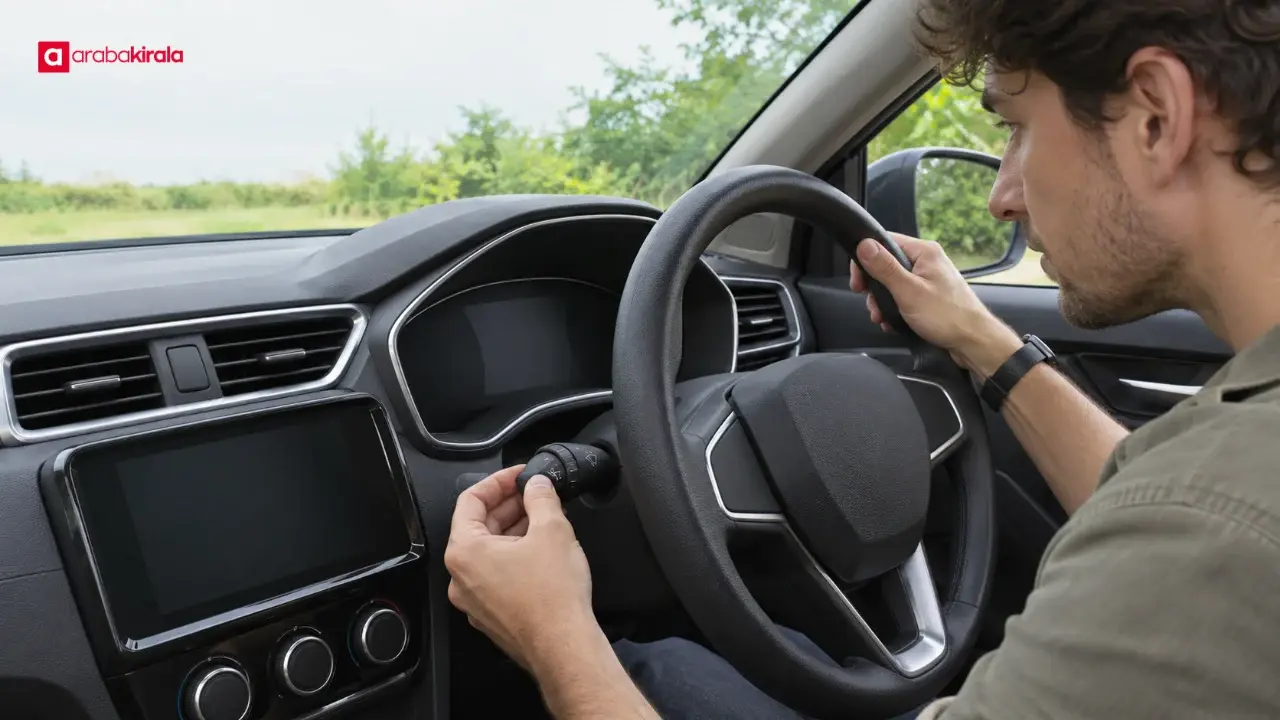
Locate the headlight and turn signal stalk and learn how to use them while stationary. Knowing how to signal and select the lights matters especially in darkness or poor visibility. If the car has automatic headlights, check which lights are actually on rather than assuming the automatic setting will match every situation.
Find the windshield wiper speed and interval settings, as well as the washer function if fitted. Searching for them when rain starts can compromise your attention and view. The rear wiper and rear-window demister may be separate controls, so identify their locations before you move.
Climate, gears, and the parking brake
Climate controls usually let you choose temperature, airflow direction, and fan speed separately. If the windshield fogs, knowing how to direct air to the glass and use the demister helps maintain visibility. Take note of the air recirculation and temperature settings, and avoid spending a long time adjusting them while driving.
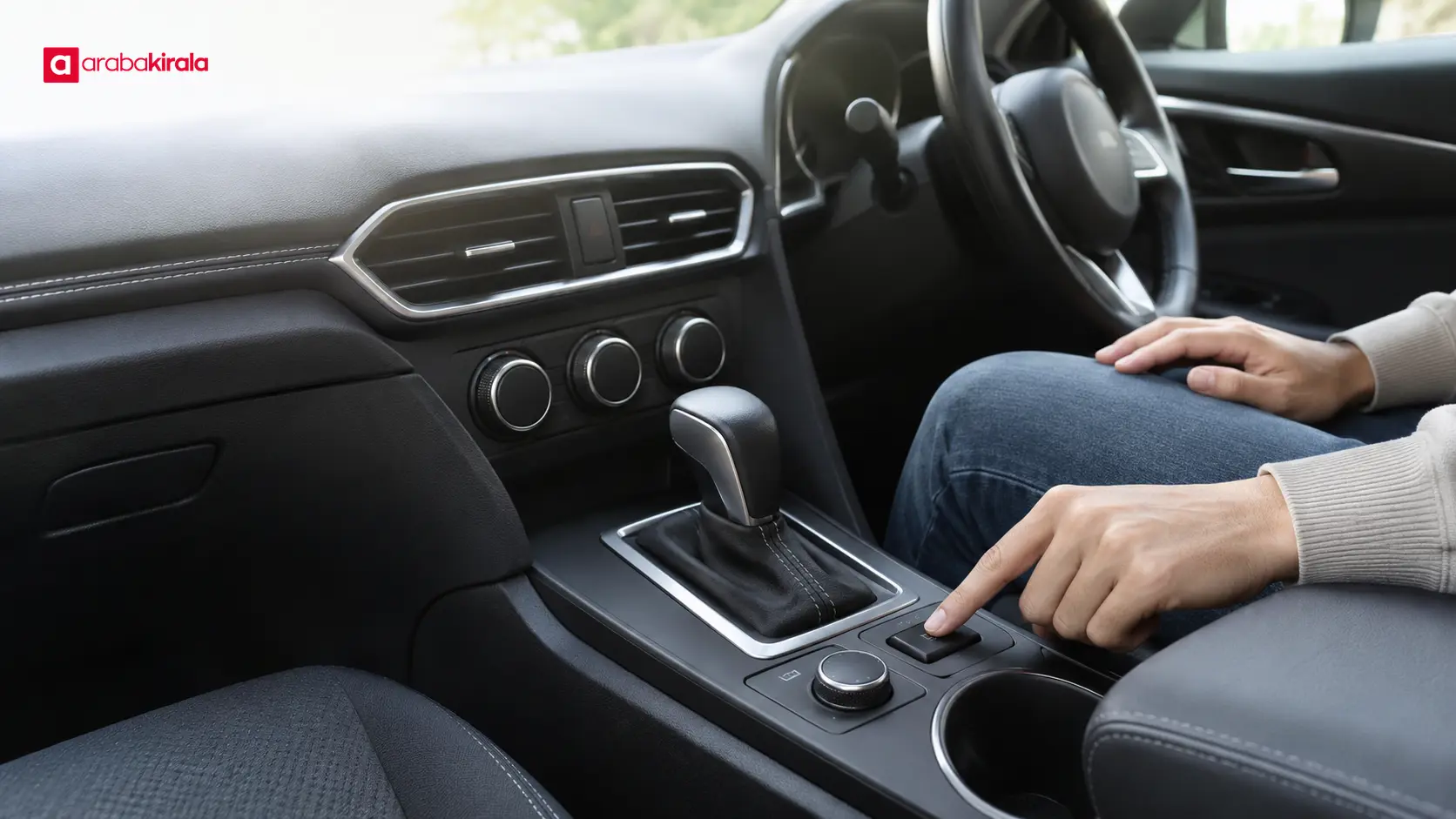
Identify the gear selector positions and learn how the parking brake engages and releases before the car moves. Depending on the vehicle, the parking brake may use a hand control or an electric switch. Gear letters follow a familiar basic pattern in many cars, but selector operation can differ. If you are unsure, consult the vehicle manual or ask the rental office before trying an unfamiliar action.
Before starting, check that you can reach the pedals properly and know the selector’s position. Recheck your surroundings, mirrors, and dashboard before moving. A quiet start or a different engine feel may be unfamiliar, especially in an electric or hybrid car.
Make a brief pickup inspection
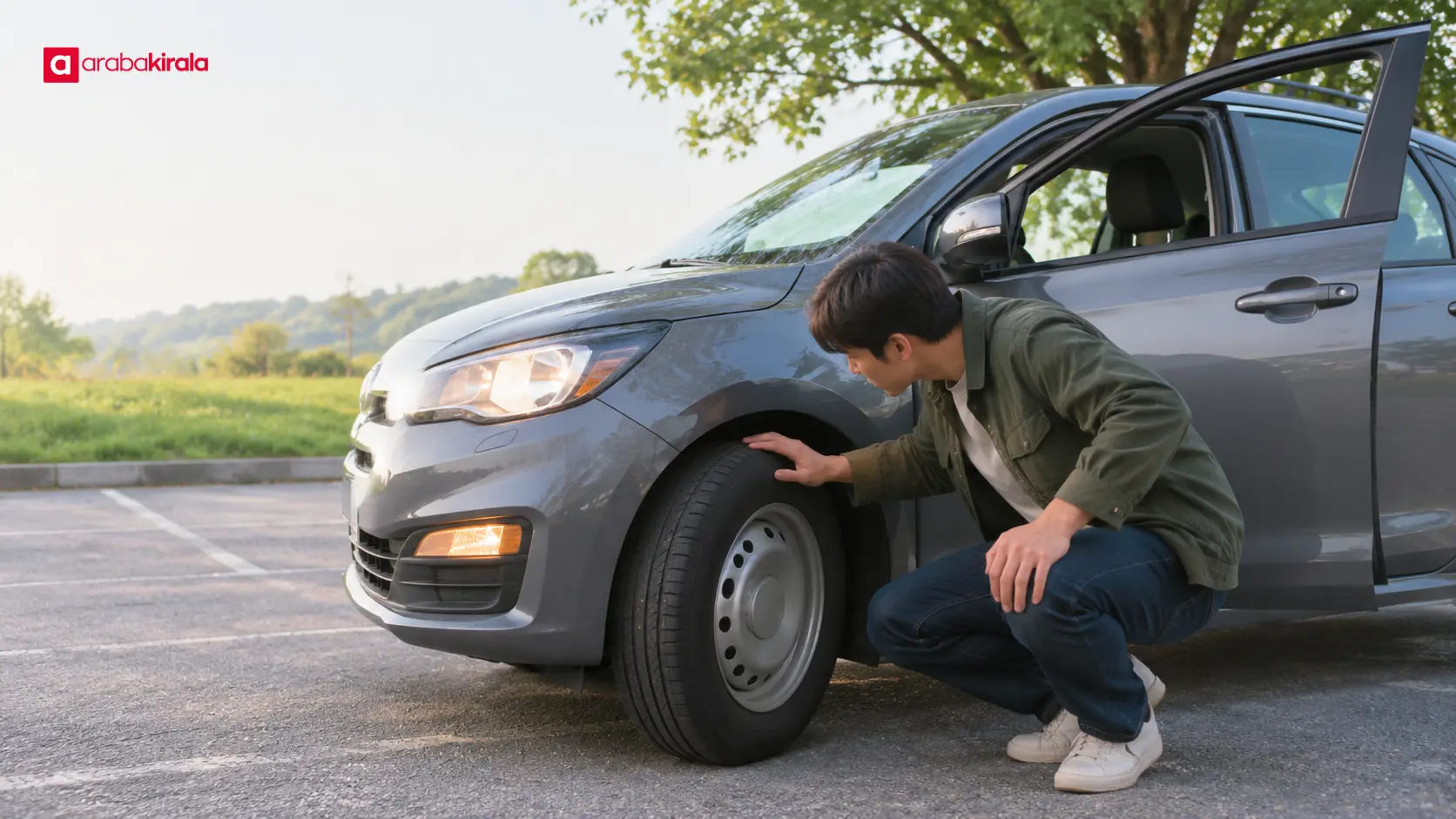
Look carefully over the car’s interior and exterior at pickup. Point out existing scratches, dents, or other visible marks and have them recorded with the staff member; consistent pickup and return records help avoid confusion later. Report visibly damaged tires, cracked glass, or lighting problems before setting off.
Recording the odometer, fuel or battery level, and visible condition at pickup makes it easier to compare the car at return. If you take photos, make sure the images clearly show the condition and are easy to identify later. The process and channel for sharing records can vary, so ask the pickup office how to document them.
While parked, check the doors, windows, trunk, and lights. Ask where the spare tire or tire repair kit, warning triangle, and first-aid supplies are, if provided. Do not assume every vehicle has the same equipment; clarify anything you need to know for using the car before departure.
A simple sequence before the first drive
- Set the seat, steering wheel, and mirrors for a clear view and comfortable reach.
- Fasten seat belts, check any child seat, and secure items in the luggage area.
- Review the fuel or energy level, estimated range, and visible warnings.
- Locate the turn signals, headlights, wipers, climate controls, gears, and parking brake while stationary.
- Check the car’s surroundings and pickup record; ask the office about anything unclear.
This sequence reminds you that controls do not have to be in the same place in every make and model. A calm inspection that takes a few minutes can help you become familiar with the car. If you need to find a control later, stop somewhere safe first; while moving, keep your attention on the road instead of the screen.
Frequently Asked Questions
What should I do if a dashboard warning light stays on?
The meaning of a symbol can vary by car. Stop somewhere safe and check the vehicle manual. If the warning remains or the car is not operating normally, contact the rental office. Do not continue driving with a warning you do not understand.
Can I learn the headlight and wiper controls while driving?
It is safer to locate the main controls while the car is parked. Searching for a button in rain, darkness, or poor visibility can take your attention away from the road. If you need an unfamiliar function, stop at a safe location first.
Do the fuel gauge and estimated range show the same thing?
No. The fuel or energy gauge indicates the level in the tank or battery, while the range is the car’s estimate of remaining distance under current conditions. Because that estimate can change, consider the gauge and your route needs together before a longer trip.
What is useful to record when I pick up the car?
Recording the odometer and fuel or energy level, along with visible marks on the car, helps compare its condition at return. Point out any marks to staff and ask the rental office how pickup records should be made.
Can I find the controls in the vehicle manual?
Many vehicle manuals explain basic controls and dashboard symbols, though their format and location vary. If you cannot find a manual in the car, ask the pickup office where to access its digital version.
Next step
Before setting off, adjust the seat and mirrors, review the basic dashboard information, and locate the lights, wipers, climate controls, and parking brake while stationary. Record the odometer and visible condition at pickup. Ask the rental office about any unclear vehicle feature or location-specific pickup detail, then set off once you are ready.