Rental Car Cruise Control and Speed Limiter Guide

Published: November 19, 2026 • Reading Time: 6 min • Last Updated: November 19, 2026 • Author: Merve B.
Contents
Rental car cruise control and a speed limiter are two different systems that can help a driver manage speed. This guide explains how they differ, how to identify the controls and dashboard indicators, and how to learn the specific vehicle’s controls before setting off. Equipment and button layouts vary by model, so start by understanding the car you actually receive.
Cruise control versus a speed limiter
For rental car cruise control, the practical points below should be considered together. Cruise control works to maintain a cruising speed selected by the driver. When active, the vehicle may adjust its speed in response to the road and operating conditions. The driver still steers, watches the road, and intervenes with the brake or accelerator when needed. The system does not take over the driving task.
A speed limiter helps keep the vehicle from exceeding an upper speed selected by the driver. The driver continues to use the accelerator; depending on the vehicle’s design, the system may restrict acceleration beyond the chosen threshold or provide a warning as the car approaches it. Some cars may allow a temporary override through firmer accelerator input. Do not assume this behavior applies to every model: check that vehicle’s manual.
In short, cruise control works to sustain a chosen speed, while a limiter constrains how far the driver can accelerate. Neither replaces attention or changes the need to respond to traffic signs, weather, and road conditions.
Recognizing controls and dashboard indicators
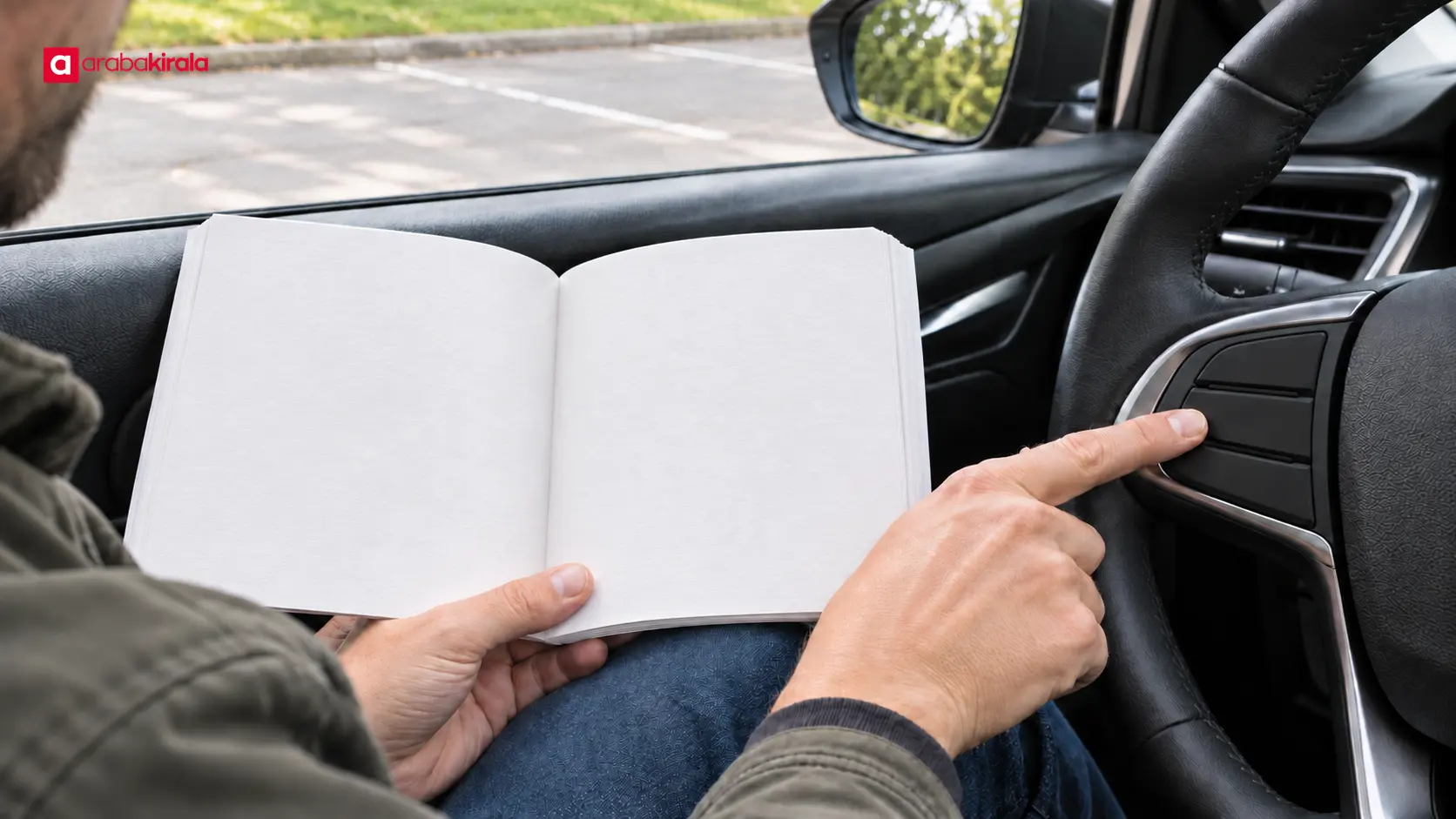
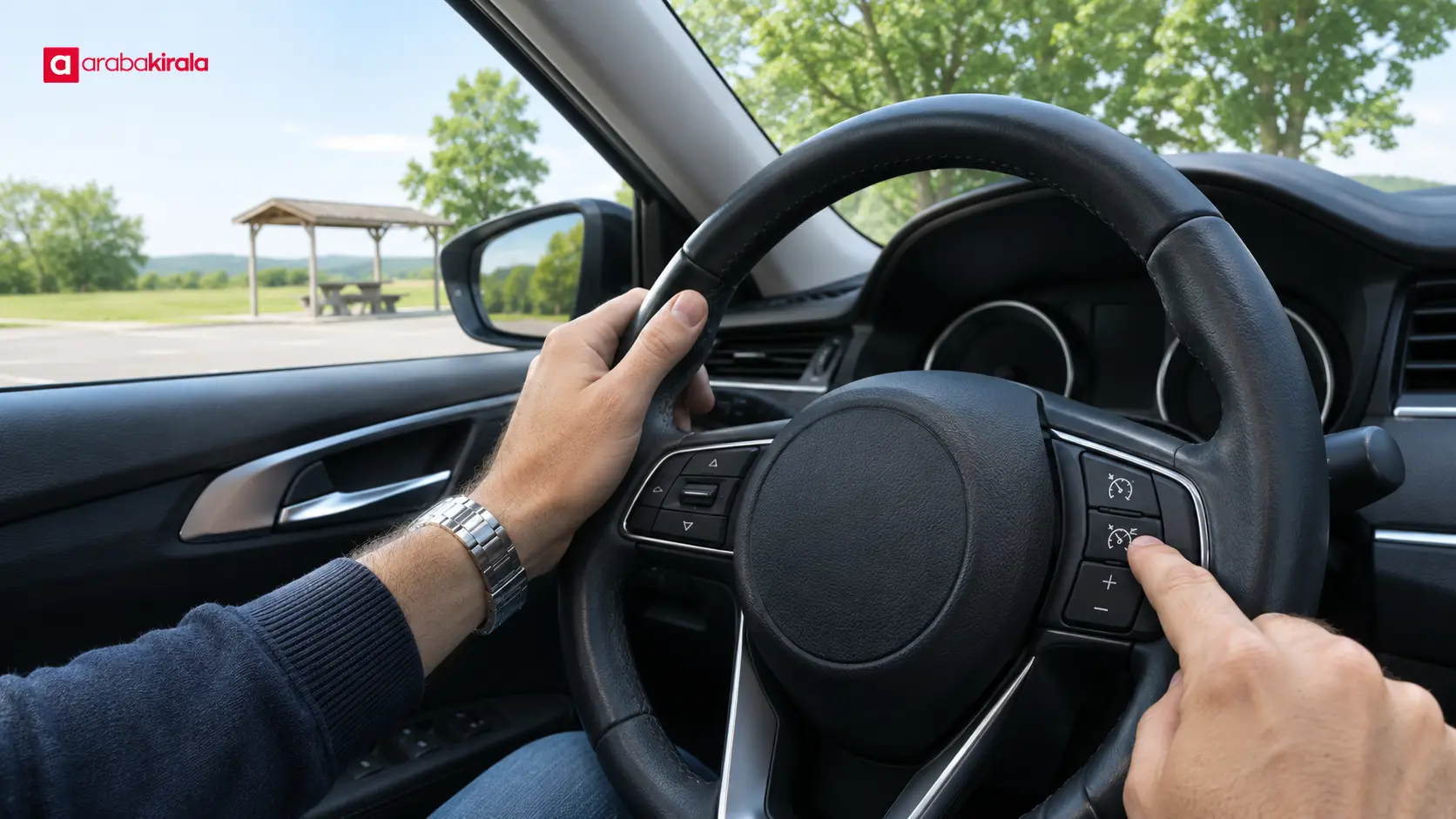
Speed control buttons may be on the steering wheel, on a stalk nearby, or in another control group. Labels such as “SET,” “RES,” or plus and minus symbols may relate to speed adjustment, but their meaning and layout depend on the manufacturer and model. Do not treat a familiar-looking symbol as proof of its function.
Dashboard indicators may show whether a system is ready, active, or on standby. Color, flashing, and accompanying messages can also affect what an indicator means. Before moving the car, find the relevant section in its owner’s manual. If the manual is unavailable, ask the branch handing over the rental to explain how the features work.
A short familiarization routine before driving
- While the car is parked, locate the speed control buttons on and around the steering wheel.
- Read the cruise control and speed limiter sections in the manual, then match their symbols to the dashboard.
- Learn which control activates the system, adjusts speed, and cancels it; ask for an explanation while safely stopped.
- Check which mode is selected on the dashboard. Do not activate a system you cannot identify before driving.
When each system may be useful
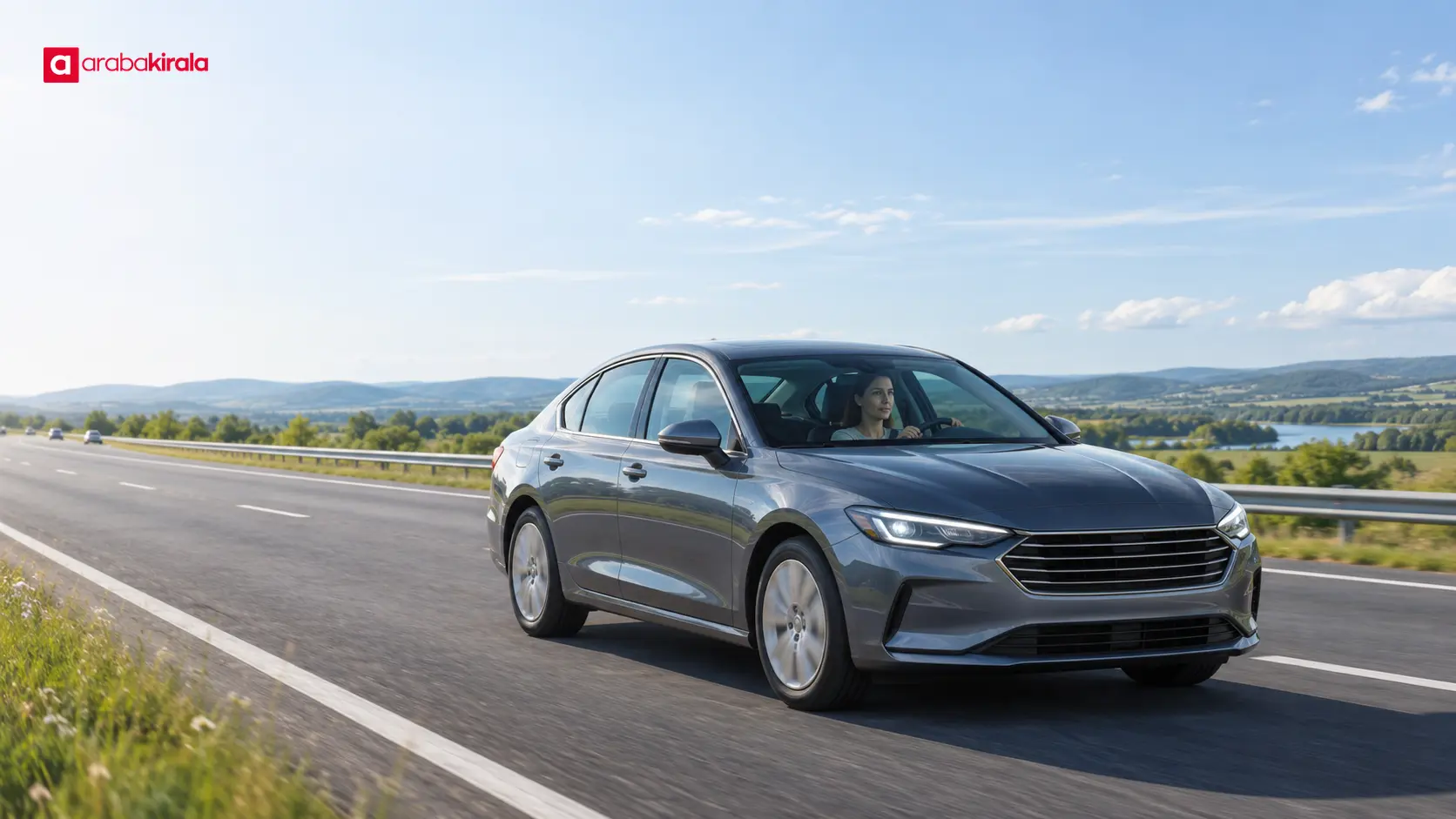
Cruise control may make it easier to maintain a steady speed on a suitable long drive with a clear view and consistent traffic. On roads with frequent speed changes, junctions, heavy traffic, sharp curves, or varying gradients, speed needs regular reassessment. The convenience of the system does not reduce the need for attention in those conditions.
A speed limiter may be useful when the driver wants to keep controlling acceleration with the pedal while setting an upper threshold. That threshold does not replace the posted limit or a safe speed for the conditions. Watch road signs and check that the selected value remains appropriate when the limit changes.
Adaptive cruise control, when fitted, can also adjust speed according to the distance from a vehicle ahead. It works differently from conventional cruise control. Do not assume it is available in every rental car or behaves identically in every situation. Follow the instructions and operating limits in the vehicle’s manual, and keep watching the road.
Driving habits for safer use
These systems are driving aids, not substitutes for attentive driving. Keep control of the steering, watch other vehicles and pedestrians, and choose a speed suitable for the road. In rain, fog, ice, heavy traffic, or poor visibility, do not rely on automatic speed support to maintain your pace. Switch it off and manage speed yourself when conditions call for it.
Learn how the system disengages before using it. The brake pedal, a cancel button, or another control may have different effects from one model to another. Do not activate a system until you know how to take control when needed. Rather than searching through menus or experimenting with buttons while moving, stop somewhere safe.
If you notice unexpected acceleration, deceleration, or a dashboard warning, first maintain safe control of the vehicle. Do not take your attention off the road to diagnose the system. Once safely stopped, consult the manual or contact the rental branch.
Vehicle-specific questions at pickup
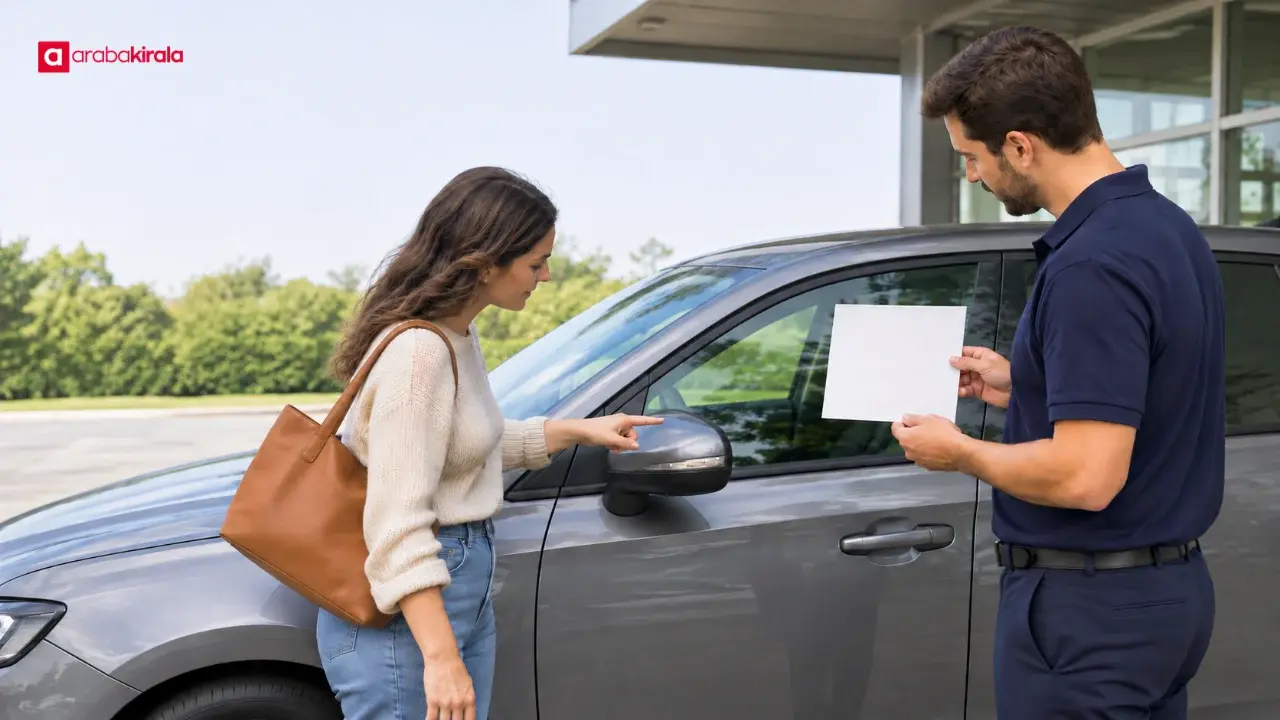
Not every model has the same buttons, operating logic, or equipment. At pickup, ask whether the vehicle has cruise control or a limiter, where their controls are, and how to cancel each system. If adaptive features are present, clarify where to adjust following distance and what operating limits the manual describes.
If the vehicle delivered differs in model or equipment from the one you expected, familiarize yourself with the actual controls first. If the feature is unclear enough to make the car difficult to operate, ask the branch for a brief explanation before moving. ArabaKirala’s city and location pages may help you find pickup points for your trip; confirm speed-control equipment with the branch handing over the vehicle.
Summary and next step
Cruise control works to maintain a selected cruising speed; a limiter helps keep acceleration below a selected upper threshold. Controls and indicators differ between vehicles. Read the manual, locate the controls and cancellation method while parked, and keep watching traffic and signs in all conditions. Ask the branch about the specific model at pickup, and do not use an unfamiliar system until you understand its operation.
Frequently Asked Questions
Does cruise control drive the car without the driver pressing the accelerator?
It can help maintain a selected speed, but it is not a self-driving system. The driver must continue steering and monitoring the surroundings, and adjust speed or direction when needed.
Does a speed limiter completely prevent the car from exceeding the selected speed?
That depends on the vehicle’s design and settings. Some systems limit the upper threshold, while others may warn differently or permit a temporary override. Check the owner’s manual for the specific behavior.
Can I use cruise control on a wet or slippery road?
Slippery surfaces, reduced visibility, and changing traffic can make speed control more demanding. Do not depend on the system in those conditions. Adjust speed yourself and switch it off when appropriate.
Does every rental car have cruise control?
Equipment can vary by model and by the vehicle delivered. Ask the rental branch whether the vehicle you will receive has the feature, either during booking or at pickup.
What should I do if I cannot identify the steering wheel speed buttons?
Check the owner’s manual while the vehicle is parked and compare its diagrams with the controls. If the function or cancellation method remains unclear, ask the branch before setting off.