How to Read a Rental Car Fuel Consumption Display
Published: November 7, 2026 • Reading Time: 6 min • Last Updated: November 7, 2026 • Author: Merve B.
Contents
- What do the dashboard readings show?
- Instant versus average fuel consumption
- Instant consumption
- Average consumption
- Why can average speed look low?
- Why do fuel consumption readings change?
- Steps for reading trip data carefully
- Is the displayed figure an exact fuel calculation?
- Monitoring consumption without losing focus
- Summary and next step
- Frequently Asked Questions
- Related Articles
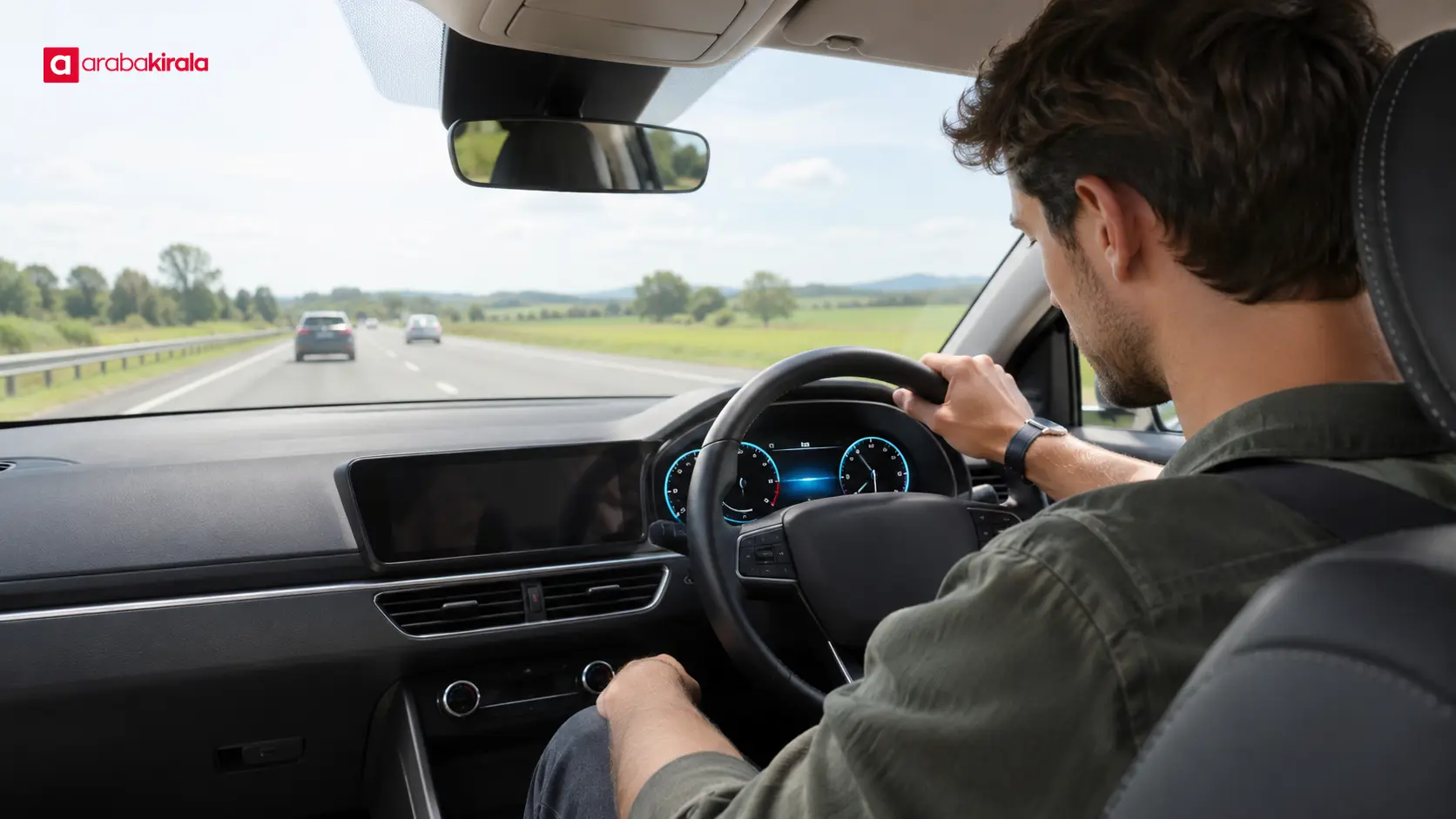
A rental car fuel consumption display shows values calculated by the trip computer about fuel use while driving, often alongside information such as average speed. This guide explains the difference between instant and average consumption, why the figures change, and how to make sense of the readings when you collect a rental vehicle.
What do the dashboard readings show?
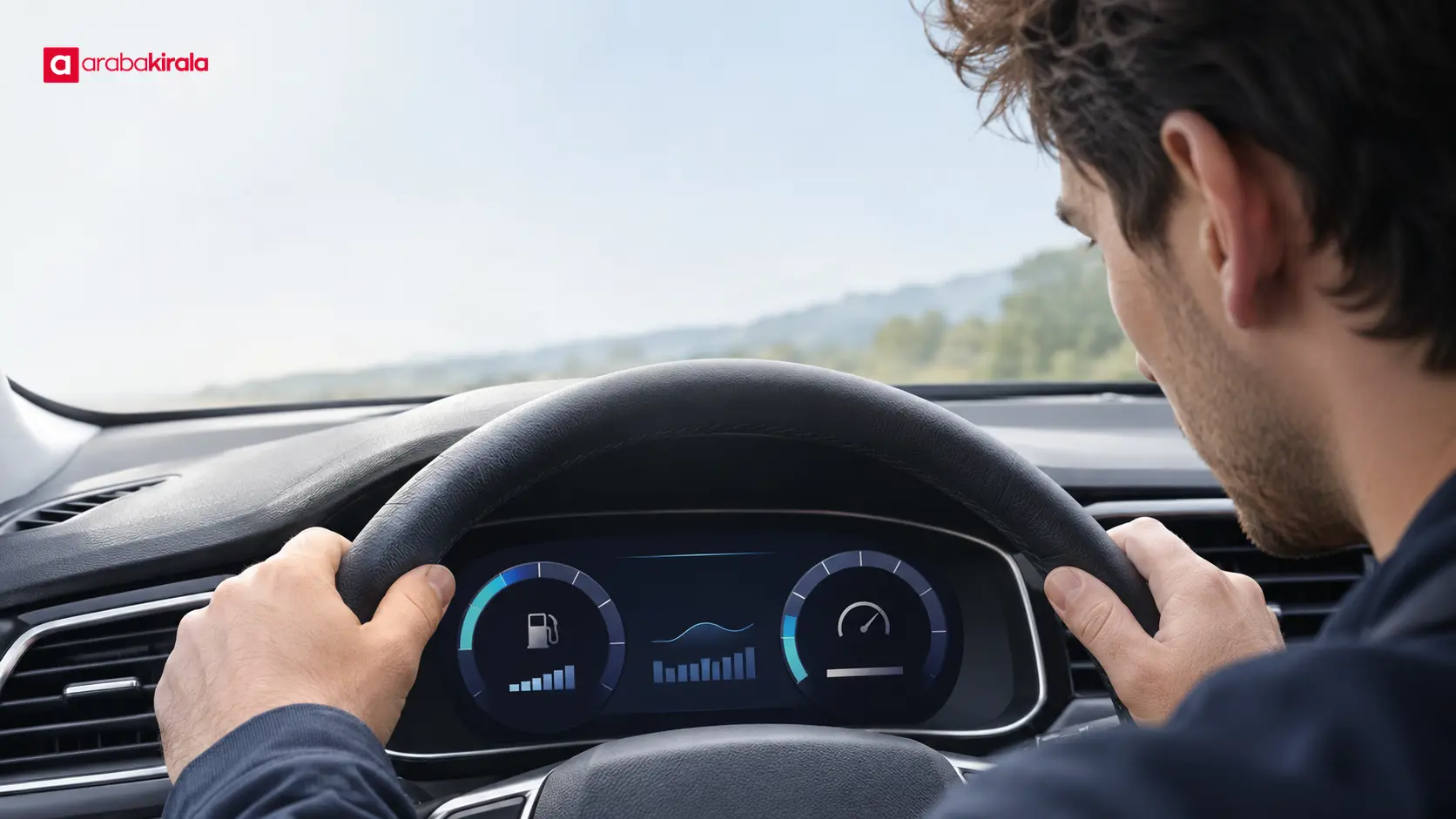
A trip computer uses information gathered from vehicle systems and during a journey to calculate selected readings. Depending on the vehicle, the display may include fuel consumption, distance, elapsed time, and average speed. Screen layouts, units, and available functions vary by model.
These readings are estimates that can help you understand a trip. The fuel gauge and consumption display do not mean the same thing: one indicates the approximate amount remaining in the tank, while the other estimates fuel use over a particular driving period. A dashboard figure by itself is not a record of fuel purchased or an official measurement.
Instant versus average fuel consumption
Instant consumption
Instant fuel consumption is an estimate that changes with the vehicle’s current movement. Acceleration, a hill, steady cruising, or lifting off the accelerator can affect the reading quickly. Some vehicles do not show this figure while stationary, or use a different display behavior.
Do not use an instant reading by itself to judge an entire journey. A brief increase does not mean the whole trip used fuel at that same rate. This view can help you notice how driving conditions relate to the immediate reading; it is not a basis for drawing a firm conclusion from one number.
Average consumption
Average fuel consumption is calculated from driving data collected since a particular starting point. The start of the measurement matters: the figure may cover driving since the last reset, a longer period, or another interval selected in the vehicle.
For that reason, do not treat the average already shown when collecting a car as the starting value for your own trip. Check the owner’s manual to see whether the trip data or measurement has been reset and which readings can be reset separately. If the screen is unclear, ask the rental branch how to use that display.
Why can average speed look low?
Average speed relates the distance travelled to elapsed time during the measurement period. It should not be assumed to be calculated in exactly the same way as an average of the instantaneous speed shown on every vehicle. The result depends on the time and distance included by the trip computer.
Stop-and-go traffic, short breaks, and slow urban travel can lower average speed. A long stretch of steady driving can raise it. A low reading alone does not mean that the car is slow or inefficient; consider the route and measurement interval as well.
Why do fuel consumption readings change?
Fuel use can vary with speed and acceleration, road gradient, traffic flow, journey length, and the conditions in which the vehicle is being used. Climate control and other electrical equipment may also have different effects from one vehicle to another. Engines, drivetrains, vehicle weight, and display calculations are not identical across cars.
Figures from another trip, vehicle, or display therefore may not be directly comparable. A useful comparison involves the same vehicle under similar route, traffic, load, and driving conditions. A short urban leg and a long uninterrupted drive do not provide the same basis for comparison.
Steps for reading trip data carefully
- Identify the units. A vehicle may show litres per 100 kilometres, litres per kilometre, or another distance-based format. Read the unit on screen alongside the explanation in the manual.
- Find the measurement period. Check when the trip information began accumulating. Do not attribute an average that includes older records to your own drive.
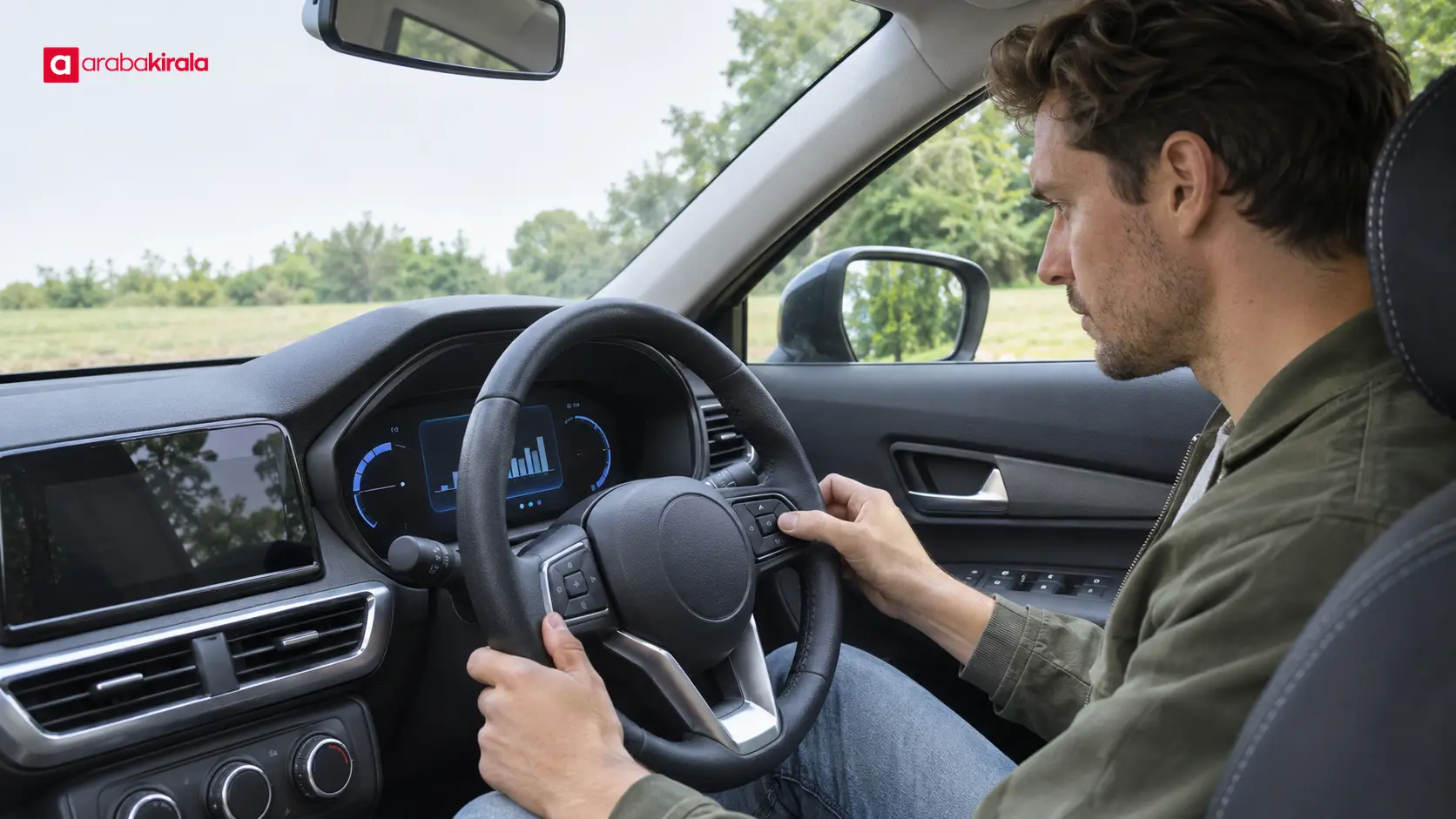
- Review the display while parked. Exploring menus while moving can distract you. Check settings with the vehicle safely parked, and focus on the road while driving.
- Keep the context in mind. When comparing consumption and average speed, consider whether the journey was urban or open-road driving, how traffic flowed, and how long the measurement lasted.
- Report an unusual reading. If a warning light, inconsistent display, or noticeable change in vehicle behavior appears, stop somewhere safe, follow the owner’s manual, and contact the rental branch.
Is the displayed figure an exact fuel calculation?
The trip computer’s consumption figure is a calculated display reading. It is not the same as a receipt for fuel, the tank level, or a measured quantity used over a known distance. Calculation and rounding can vary between vehicles. It is best treated as an approximate indicator of use.
Fuel purchase and return procedures may depend on details specific to the reservation and branch. Do not assume the dashboard reading alone determines those steps; ask the office where you collected the car how the fuel level is recorded and which procedure applies.
Monitoring consumption without losing focus
Smooth, attentive driving can also make readings easier to understand. When traffic allows, avoiding abrupt acceleration and hard braking, keeping a suitable following distance, and limiting unnecessary speed changes may help. These are general driving suggestions, not a promise of a particular fuel use or saving.
Avoid watching the trip computer continuously while driving. Checking the screen can take attention from the road, so review menus and measurement settings when parked. For questions about tyre pressure, vehicle load, or maintenance warnings, consult the manufacturer’s manual and the rental branch. Do not attempt repairs yourself if you suspect a technical fault.
Summary and next step
A rental car fuel consumption display helps you understand current use and an average over a selected measurement period. Average speed also makes sense only in the context of its interval and route. Checking the units, reset status, and period covered by the trip computer helps you interpret the numbers more accurately.
When collecting the vehicle, use the manual to find how to view the display and start a measurement for your own trip. Direct questions about reservation details, fuel-level records, or return procedures to the branch where you will collect the car.
Frequently Asked Questions
Why does the instant consumption reading keep changing?
It responds to current acceleration and road conditions, so it can move quickly. Short fluctuations do not represent the average for the whole journey.
Should I reset average consumption as soon as I collect the car?
First check the manual to see which measurement would be reset and how to do it. If you are unsure about a menu setting, review it while parked or ask the branch that handed over the car.
Why is average speed lower than the speed I experienced?
Average speed depends on distance and time over the measurement period. Stops and slow traffic can reduce it, while the speedometer shows speed at a particular moment.
Does the dashboard show the exact amount of fuel used?
No. It is an estimate calculated by the trip computer and should not be treated as an exact measurement or as the quantity of fuel purchased.
Can I compare consumption screens in different cars?
Units, calculation methods, vehicle characteristics, and driving conditions can differ, making a direct comparison unreliable. Check that the measurement periods and conditions are comparable first.
 Add ArabaKirala as a preferred source on Google