
How to Read Dashboard Warning Lights Before Starting a Rental Car
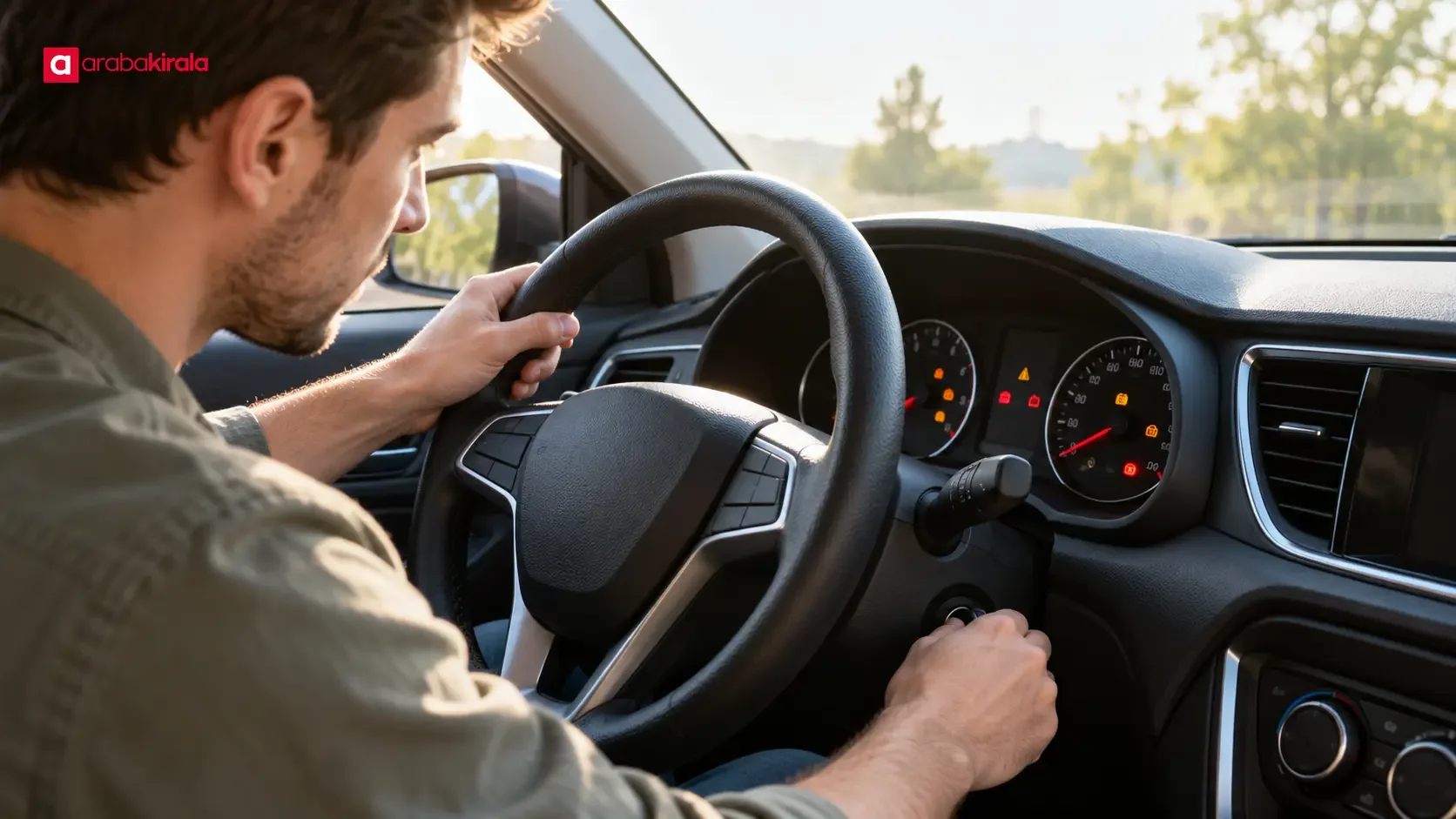
Published: October 31, 2026 • Reading Time: 8 min • Last Updated: October 31, 2026 • Author: Merve B.
Learn what dashboard lights generally mean, how to check them before setting off, and what to do safely when a warning remains on or appears while driving a rental car.
Contents
- What dashboard lights tell you
- Read the color and behavior together
- Red warning lights
- Amber or yellow warning lights
- Green and blue indicators
- A simple check before starting the engine
- Common symbols and sensible next steps
- If a warning appears while driving
- Pair the dashboard check with the pickup inspection
- Before you set off
- Frequently Asked Questions
A rental car’s dashboard helps you review the vehicle’s basic status before setting off. This guide explains the general meaning of warning light colors, the brief lamp check that may occur at startup, and practical steps to take before driving. Symbols and equipment vary by vehicle, so use the car’s owner’s manual for the exact meaning and contact the rental branch if an alert is unclear.
What dashboard lights tell you
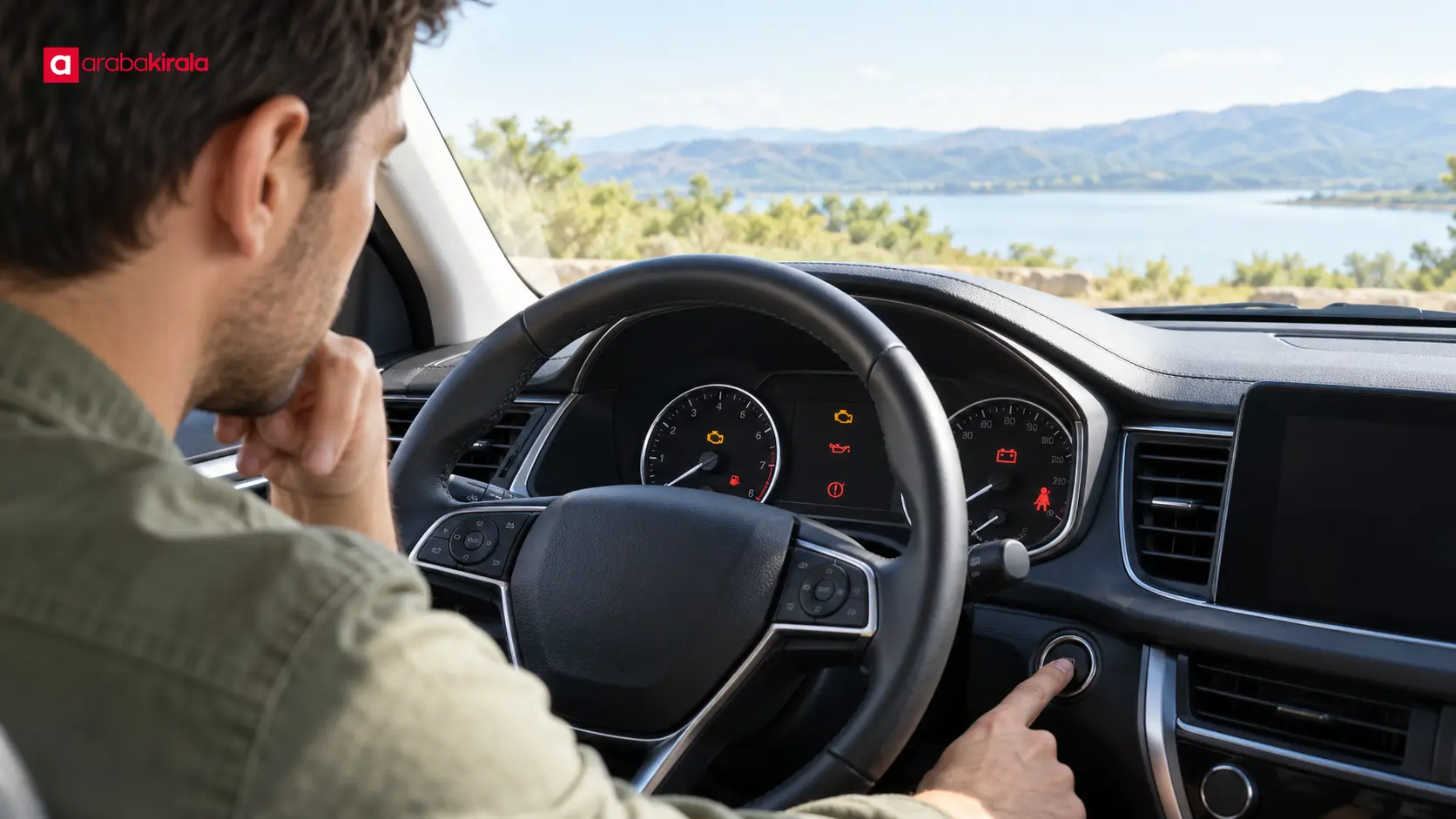
The instrument panel is the vehicle’s visual way of communicating with the driver. Some lights show that a feature is active; others call attention to a condition that needs checking. Interpret a light by considering its symbol, color, whether it is steady or flashing, and whether it remains lit after the engine starts.
When you switch on the ignition, many cars briefly illuminate several lights. This can be part of the vehicle’s initial system check. Some alerts may go out after the engine starts, but there is no single pattern that applies to every vehicle. If a light stays on or returns, do not assume it was only part of the initial check.
Read the color and behavior together
Red warning lights
Red lights generally call for prompt attention. They can relate to different systems, such as oil pressure, brakes, engine temperature, or a seat belt, so the color alone does not identify the issue. If a red warning remains after startup, especially one related to braking or the engine, keep the car parked while you consult the owner’s manual. If a serious warning appears while driving, stop in a safe place and seek assistance.
Amber or yellow warning lights
Amber or yellow lights often indicate that a system needs checking. They may relate to engine management, tire pressure monitoring, airbags, or driver assistance features. Color alone cannot confirm whether it is safe to continue driving. Look up the exact symbol in the manual. If it is flashing, the car feels or sounds unusual, or the meaning is unclear, contact the rental branch and ask whether the vehicle should be driven.
Green and blue indicators
Green and blue indicators often show that a driver selected a feature, such as a light or turn signal, is active. They do not necessarily indicate a fault. Still, it is useful to know what is switched on: for example, a high beam indicator means the headlights may affect the visibility of oncoming drivers. Check the manual because symbols and equipment differ between vehicles.
A simple check before starting the engine
Taking a moment to review the dashboard at pickup can help you notice an alert before leaving. Do this while the car is safely parked and you can pay attention to your surroundings.
- Get oriented: Check that the gear selector is in Park, note the parking brake status, and adjust your seating position. Starting procedures vary by vehicle.
- Observe the panel when the ignition is on: Note which lights appear and where the symbols are. Use the manual or ask the branch about unfamiliar alerts instead of relying on a guess.
- Start the engine and check again: Distinguish a brief startup light check from a warning that remains illuminated. Do not dismiss a light just because some other lights have gone out.
- Read any screen message: If the car displays a text alert, note the wording and consider it together with the symbol.
- Stay parked if needed: If an alert looks serious, the car shows unusual behavior, or you cannot identify the warning, contact the rental branch before driving.
Common symbols and sensible next steps
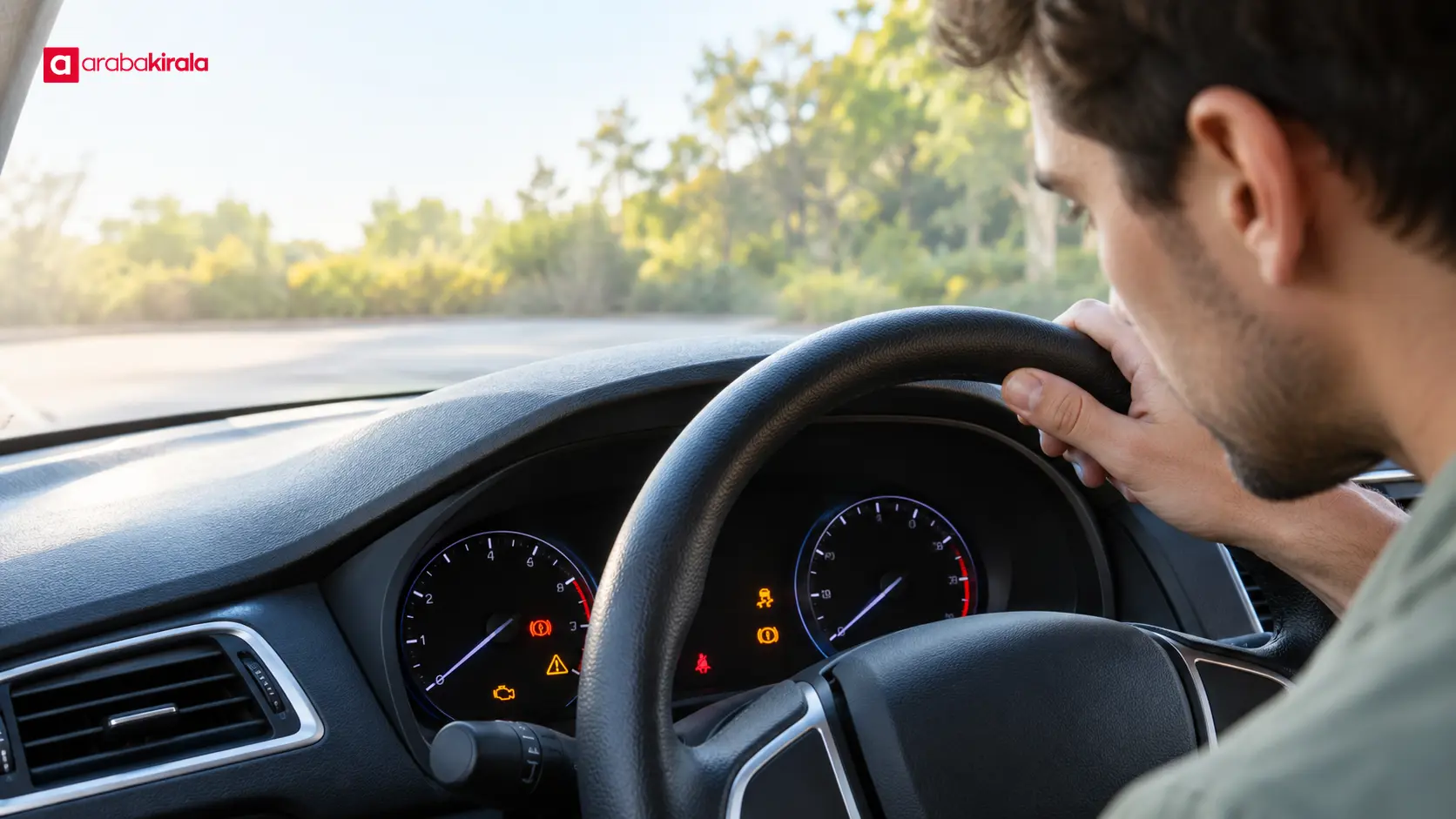
Several symbols can look similar, and their explanation can vary by model or equipment. These examples can help you recognize a category, but they do not replace the manual for your vehicle.
- Engine-shaped symbol: It may relate to the engine or emissions control system. Note whether it is steady or flashing and whether a message appears. If the car shakes, loses power, or makes an unusual sound, contact the branch before driving.
- Oil can symbol: It may indicate an issue with the lubrication system. If it remains illuminated while the engine is running, do not set off; follow the manual and seek assistance.
- Thermometer or temperature symbol: It may relate to engine temperature. If the warning persists, do not strain the vehicle. Avoid touching hot components and get help safely.
- Brake system symbol: Some vehicles show a light while the parking brake is engaged. Do not ignore one that remains after releasing it. If braking feels different, do not begin the trip or stop safely if already moving.
- Tire pressure symbol: It may indicate a tire pressure issue. Visually check the tires; do not drive if one is visibly damaged or losing air. Check the correct pressure in the manual or on the vehicle’s manufacturer label.
- Battery symbol: It may relate to the charging system. If it stays on while the engine runs, contact the branch and do not assume electrical features will continue to work normally.
If a warning appears while driving
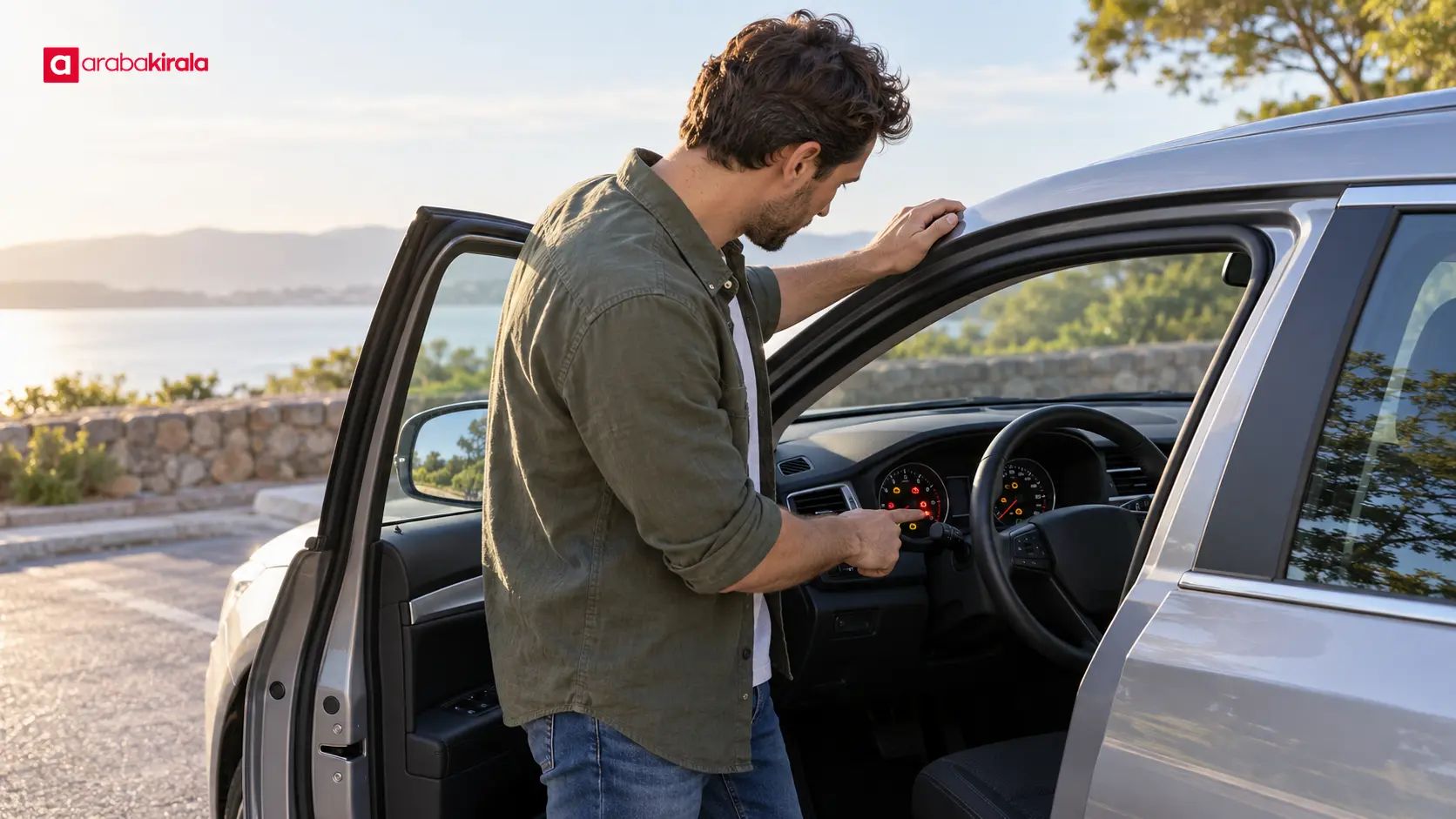
If a new warning appears on the road, first consider traffic, the road conditions, and a safe place to pull over. Avoid abrupt maneuvers. If the warning looks serious, the brakes or steering feel different, or there is smoke, a burning smell, unusual heat, or an unusual noise, stop safely and request assistance. Even an amber light should not be dismissed based on color alone if the car behaves differently.
Once safely stopped, note the symbol and any screen message; do not try to read them while moving. Tell the rental branch where you are, which light appeared, any message shown, and how the car behaved. Ask the branch or its roadside assistance contact how to proceed. Opening the hood or touching hot parts can cause injury; do not attempt a technical repair yourself.
Pair the dashboard check with the pickup inspection
The dashboard review is one part of checking the car’s condition at pickup. With the ignition on, check displayed information such as fuel or battery level as relevant to the vehicle, following the pickup record process. If a warning or message is present, report it to the branch before driving and ask how it should be recorded. Clear communication helps establish what you observed at handover.
The indicators depend on the vehicle. Electric cars may show battery and charging information, while hybrids can have distinct powertrain symbols. Do not assume a similar-looking light has the same meaning in a gasoline or diesel vehicle. The manufacturer’s manual is the most direct source for interpreting a specific model’s symbols.
Before you set off
Do not treat every light that appears when you switch on the ignition as a fault, but do not ignore a warning that remains after startup or appears later. Consider its color, behavior, and any screen message together. Check the manual, contact the rental branch before moving if the alert is serious or unclear, and report anything you notice during pickup. Start the trip only when you are confident that the situation is safe.
Frequently Asked Questions
Is it normal for all dashboard warning lights to come on when I switch on the ignition?
Many vehicles briefly display warning lights as part of an initial check. Their appearance alone does not necessarily mean there is a fault. Consult the vehicle’s manual to see what should happen for that model, and pay particular attention to warnings that remain after the engine starts.
Can I drive with a red warning light that stays on after startup?
You cannot determine that safely without knowing the symbol and the vehicle’s condition. Red warnings can concern important systems. Keep the car in a safe place, check the manual, and ask the rental branch for guidance before driving.
Do I need to stop immediately if the amber engine light is on?
The next step depends on whether the light is steady or flashing, what the manual says, and whether the car shows other symptoms. If it flashes or the vehicle loses power, shakes, or makes an unusual noise, pull over safely and seek help. Even with a steady light, confirm whether driving is appropriate with the manual and rental branch.
Where can I find the meaning of a dashboard symbol?
Start with the owner’s manual for the rental vehicle or its official in-car help screen. Explanations found online for a similar-looking symbol may not match the vehicle’s model or equipment. If you are unsure, describe the symbol and any message to the branch staff.
What should I do if a warning light appears while I am driving?
Keep your attention on the road and look for a safe place to stop. If the warning appears serious, or you notice unusual noise, odor, heat, or a change in braking or steering, stop safely and request assistance. Tell the branch what symbol appeared and how the car behaved; do not attempt a repair yourself.
Who should I tell about a warning that is already on at pickup?
Tell the rental branch before setting off if possible. Ask how the alert should be assessed and whether it is appropriate to drive the car. Also clarify how the condition you observed at pickup will be recorded.
Legal Disclaimer: All content, articles and information on the Araba Kirala website are provided solely to inform users. No information shared on this website constitutes definitive advice or guidance. Araba Kirala Teknoloji A.Ş. and its authors cannot be held responsible for any direct or indirect damages arising from the application of information on the website. For all questions and requests regarding car rental, please contact the office from which you will rent your vehicle.












