
How to Record Fuel Type and Dashboard Readings at Rental Car Pickup

Published: October 13, 2026 • Reading Time: 8 min • Last Updated: October 13, 2026
Learn how to confirm the correct fuel type, record the starting fuel level and dashboard readings, and compare them with the return record.
Contents
- Fuel type, fuel level, and dashboard readings
- Confirm the right fuel before accepting the car
- How to check the dashboard at pickup
- When the gauge is between marks
- Match the handover record to the vehicle
- Use photos and notes to support the starting record
- Fuel and dashboard checks while driving
- Compare the return reading with the pickup record
- A practical pickup checklist
- Frequently Asked Questions
Recording fuel details at rental car pickup means more than glancing at the gauge. You should confirm the vehicle’s fuel type, compare the displayed level with the handover record, and notice any dashboard warnings before setting off. This guide explains which readings matter, how to document the starting condition, and how to compare it with the return record later.

Fuel type, fuel level, and dashboard readings
Fuel type identifies the energy source a vehicle uses, such as petrol, diesel, LPG, or electricity for a rechargeable vehicle. Fuel level is the approximate amount remaining in a fuel tank as shown by the gauge. The dashboard may also show the odometer, an estimated driving range, and alerts about the engine or vehicle systems.
These readings are related but not interchangeable. The fuel gauge represents the current level; the range estimate is an approximate distance that can change with driving conditions. The odometer records distance travelled and does not measure fuel. If a handover form has a “fuel” field, check what the field means and how the level is recorded.
Confirm the right fuel before accepting the car
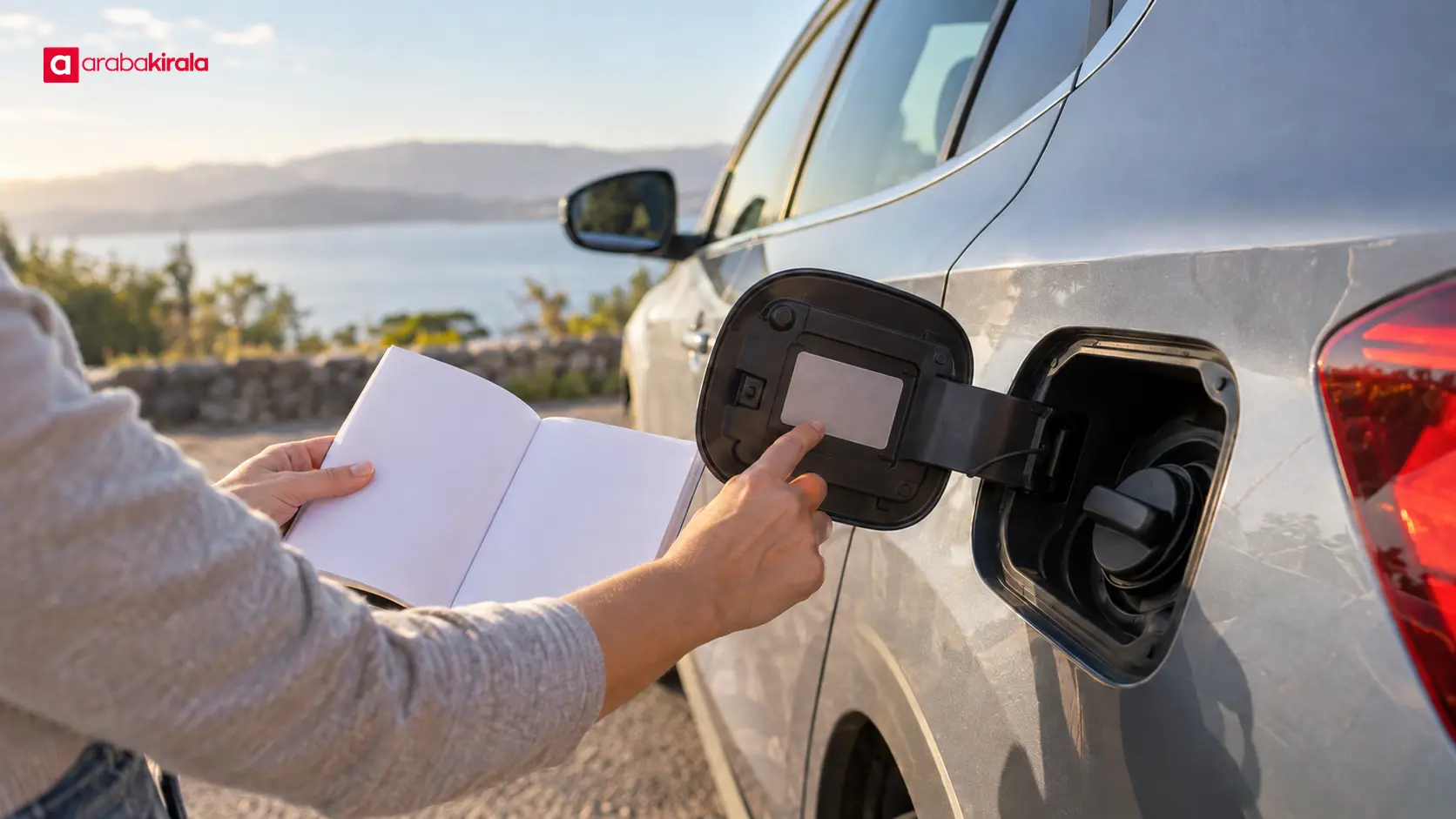
A label inside the fuel flap, the owner’s manual, or information on the vehicle can help identify the correct fuel. Do not infer the fuel type from the vehicle’s size, appearance, or the car you drove previously. Different versions within a model range can use different powertrains. If you are unsure, ask the pickup staff before taking the keys and make sure the answer matches the vehicle information.
Electric and hybrid vehicles need a slightly different check. A fully electric vehicle has no fuel tank; its dashboard displays battery charge and an estimated range. A plug-in hybrid can show both fuel and battery information. Ask the rental branch which reading is entered on the handover record and what level is expected at return. If you are unfamiliar with the vehicle’s energy system, review the relevant manual guidance before departure.
How to check the dashboard at pickup
With the vehicle safely parked and ready for inspection, review the instrument panel. Check the fuel gauge, whether it is an analogue needle or a digital bar, and distinguish brief startup checks from alerts that remain after the engine is running. Do not guess the meaning of an unfamiliar symbol. Show it to the staff member or consult the vehicle manual. If a warning relates to safety, do not drive until its meaning and next steps are clear.
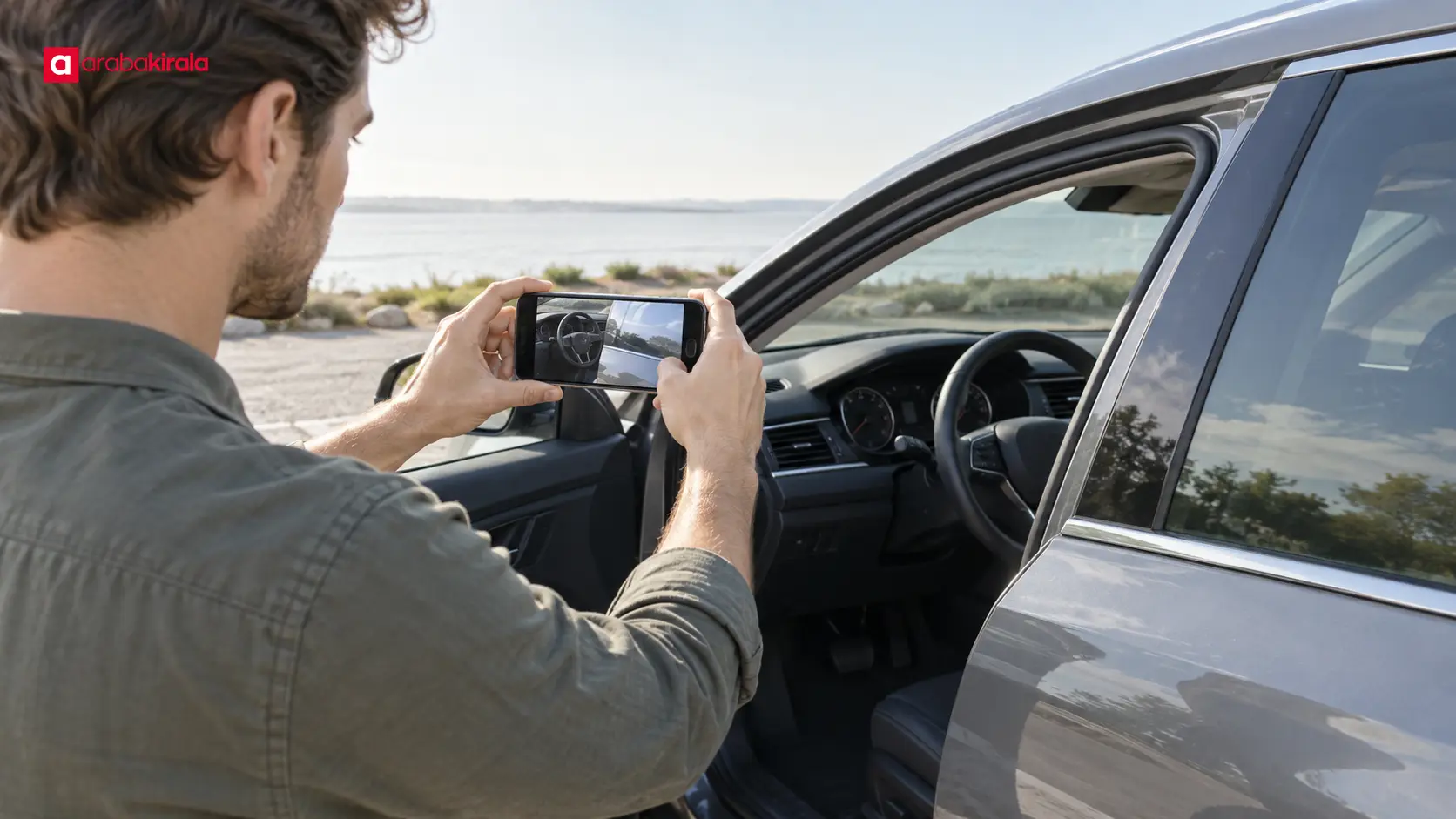
A photograph of the dashboard can support the handover record. Make sure the fuel level and odometer are legible and that there is enough context for you to identify the handover. Treat the photograph as supporting evidence, not a replacement for the form: read the recorded values and ask for a correction before completing pickup if they do not match the display.
When the gauge is between marks
If the needle sits between two marks or a digital display does not show a precise fraction, avoid recording more precision than the instrument provides. Check how the form represents fuel: it might use fractions, quarter marks, needle position, or another description. If the entry does not reflect the display, point it out and ask the staff member to review the reading with you. The gauge cannot necessarily show the tank’s exact contents.
Match the handover record to the vehicle
Fuel should not be considered in isolation. Matching the form’s vehicle details with the readings you see makes the starting condition easier to understand later. Forms differ, so read the fields provided and ask about any abbreviation or unclear wording.
- Fuel or charge level: Check how the starting gauge level is entered on the form.
- Fuel type: Confirm that the type shown on the vehicle is consistent with the information provided at pickup.
- Odometer: Compare the displayed distance with the value written in the record.
- Warning lights: Report symbols that remain lit or need explanation, and ask for a note where appropriate.
- Existing condition: Note any damage or missing equipment you see so the handover record reflects the vehicle’s condition.
The record may be on paper or in a digital system. In either case, review the information presented to you and ask how blank fields will be completed. Do not confirm the handover until you understand the recorded readings. Keep a copy of the form or digital record that is made available to you.
Use photos and notes to support the starting record
If you take photos, capture the fuel gauge clearly, without glare. A separate odometer photo may make both readings easier to see. If the vehicle has several screens, note which display contains the fuel information. Photos can help explain a discrepancy between what you saw and what the form says.
Photos are most useful alongside the handover record prepared by the staff member. Do not handle your phone while driving or in a way that distracts you from people and traffic nearby. If you share an image, check that it does not reveal unrelated personal information or other vehicles’ number plates. If the recording method or form wording is unclear, ask the branch handling your rental to explain it during pickup.
Fuel and dashboard checks while driving
Before refuelling, compare the type shown on the pump with the type marked on the vehicle. If the fuel flap label or manual does not resolve uncertainty, contact the rental staff before filling up. Putting the wrong fuel in a vehicle can damage its systems. If the wrong fuel has started flowing, do not start the vehicle; contact the rental provider and the appropriate roadside assistance channel. Starting or attempting a repair yourself may make the problem worse.
A low-fuel warning means the level is low; it does not guarantee a specific remaining distance. Traffic, road conditions, vehicle load, weather, and driving style affect consumption. Refuel at a safe and suitable location rather than relying on the range estimate until the last moment. Before a longer drive, check the level and plan refuelling stops along your route.
Compare the return reading with the pickup record
Before returning the vehicle, compare the gauge with the starting level in the handover record. If you bought fuel during the rental, keeping receipts or digital payment records can help you recall when and where you refuelled. A receipt alone does not establish the vehicle’s fuel level; it should be considered alongside the pickup and return readings. If a different measurement was taken at return, ask how it was calculated and what was entered on the record.
The method used to compare pickup and return levels can depend on the booking and fuel policy. Before collecting the car, ask the rental branch what return level is expected, how a difference is recorded, and whether a receipt is needed. Do not assume one approach is a universal industry rule. At return, check that the final reading is recorded accurately and keep the return record provided to you.
A practical pickup checklist
- Confirm the vehicle’s fuel type using the fuel-flap label, manual, or information from pickup staff.
- Keep the fuel level, range estimate, and odometer reading distinct.
- Look for dashboard alerts that have not been explained.
- Compare the gauge and odometer with the handover record; report differences before leaving.
- Take clear photos if useful, and keep a copy of the form or digital record.
- Ask the rental branch in advance about the return level and how fuel differences are recorded.
A clear starting record makes it easier to understand the readings taken at pickup and return. As your next step, review your booking details alongside the handover form. If the fuel type, recording method, or return expectation is unclear, ask the branch handling your rental before driving away.
Frequently Asked Questions
How should the fuel level be recorded at pickup?
Record the level in the format used by the handover form, based on what the gauge actually shows. If the display and written entry differ, ask the staff member to review the gauge with you and correct the record. A photo can support the record but does not replace checking the form.
Where can I confirm which fuel the car uses?
Check the marking inside the fuel flap, the vehicle manual, and the information given by the pickup staff. If these sources are unclear or conflict, contact the rental branch before refuelling.
Can the range estimate replace the fuel gauge reading?
No. Range is an estimate of how far the vehicle may travel with the current energy supply, while the gauge shows the fuel or charge level. Use the value specified by the handover form for the recorded starting level.
What should I do if a dashboard warning is on?
Do not guess what it means. Show the symbol to the staff member and check the explanation in the vehicle manual. If the warning may affect safety or remains unexplained, wait for clarification before driving.
Should I keep fuel receipts?
A receipt or digital payment record can help you recall a refuelling stop and its cost. It does not by itself prove the vehicle’s fuel level at pickup or return. Ask the rental branch whether it needs receipts for its fuel record.
Does the car have to be returned with the same fuel level?
Return expectations can depend on the booking and fuel policy. Before pickup, ask the rental branch what level is expected and how any difference is recorded; do not assume a universal rule.
Legal Disclaimer: All content, articles and information on the Araba Kirala website are provided solely to inform users. No information shared on this website constitutes definitive advice or guidance. Araba Kirala Teknoloji A.Ş. and its authors cannot be held responsible for any direct or indirect damages arising from the application of information on the website. For all questions and requests regarding car rental, please contact the office from which you will rent your vehicle.












