How to Safely End an Electric Vehicle Charging Session
Published: November 20, 2026 • Reading Time: 6 min • Last Updated: November 20, 2026 • Author: Merve B.
Contents
- What does ending a charging session involve?
- Checks before disconnecting
- Stopping the session and removing the cable
- AC and DC charging: practical differences
- If the connector stays locked or the session will not end
- A quick end-of-session checklist
- Summary and next step
- Frequently Asked Questions
- Related Articles
This guide explains how to end an electric vehicle charging connection, confirm that power transfer has stopped, release a locked connector, and put the cable away safely. The basic sequence is to follow the vehicle and station instructions, verify the session status, and never force a connector that remains locked.
What does ending a charging session involve?
For End an Electric Vehicle, the practical points below should be considered together. Ending a session involves more than waiting for the battery to reach a target level. Power transfer must stop, the connector lock must release, and the cable must be disconnected at its connection points. The precise sequence can vary by vehicle, by AC or DC fast charging equipment, and by the station's interface.
Some vehicles let the driver stop charging through the vehicle display or key. Other setups may require an action at the station or through the method used to start the session. No single button or order should be assumed to work for every vehicle. Follow the vehicle owner's manual and the instructions displayed by the station.
Checks before disconnecting
- Check the vehicle status: Look at the dashboard for an indication that charging is still active and check whether the connector is locked. A battery indicator reaching its target does not by itself prove the session has ended.
- Read the station display: Look for a message confirming that the session is complete or stopped. If the status is unclear, follow the station instructions rather than pulling the cable.
- Keep the vehicle secure: Make sure it is stationary and in park. Do not leave the cable positioned where the vehicle could move over it.
- Inspect the cable and connector: Do not force a connection if you see damage, debris, or unusual water around the cable, connector, or charge port. Do not continue using visibly damaged equipment.
Stopping the session and removing the cable
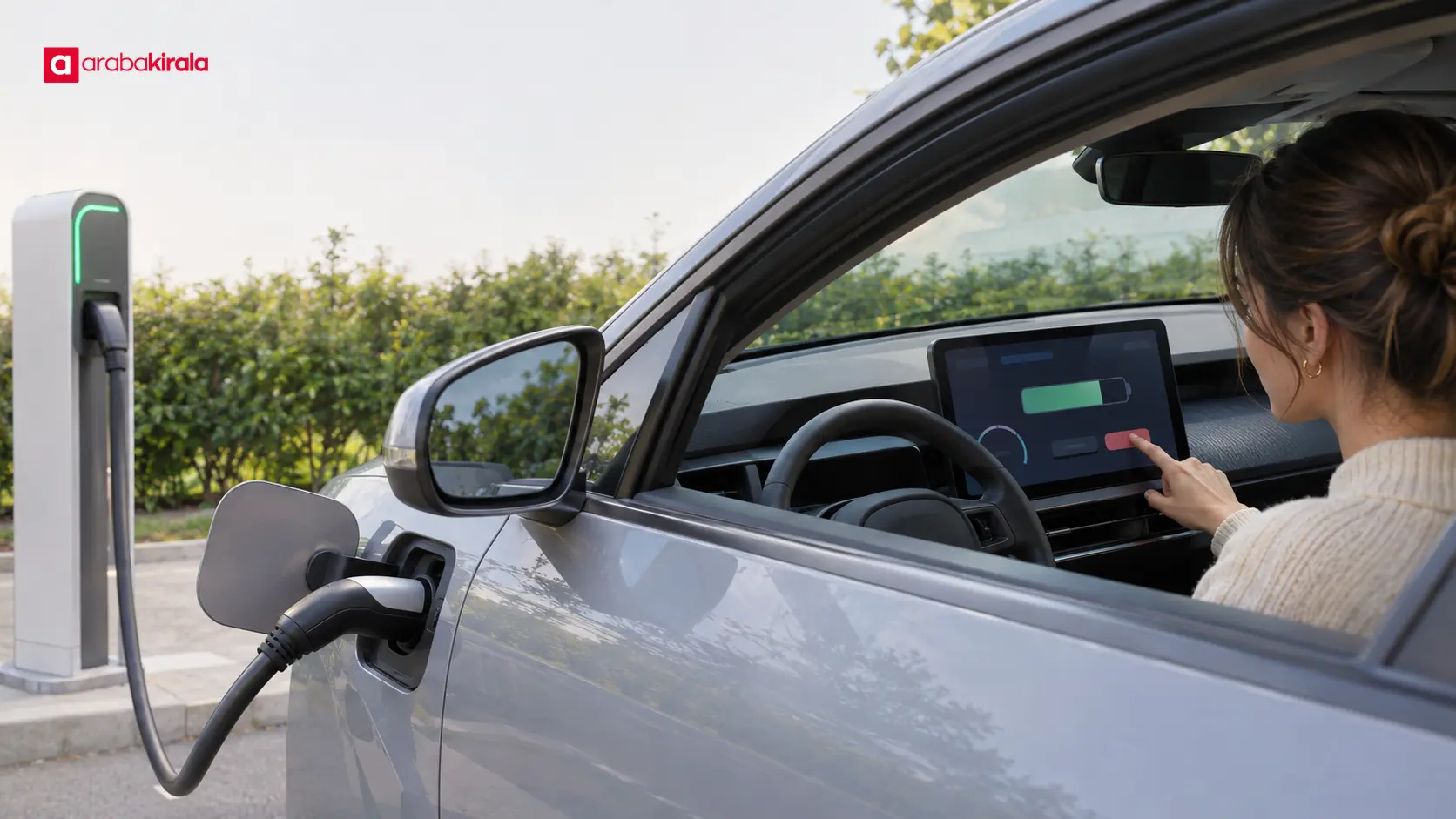
First stop power transfer using the method specified by the vehicle or station. The way a session starts may determine how it should be ended; the station display may request a confirmation, for example. Wait for the status to change, then check the vehicle's charging indicator again.
Next, wait for the connector lock to release. The method may involve the vehicle key, an in-car control, or a latch on the connector, depending on the model. If the connector does not come free, do not bend the cable sideways, pull on the cord, or tamper with the locking mechanism using a tool. Consult the owner's manual or ask the station's support service for help.
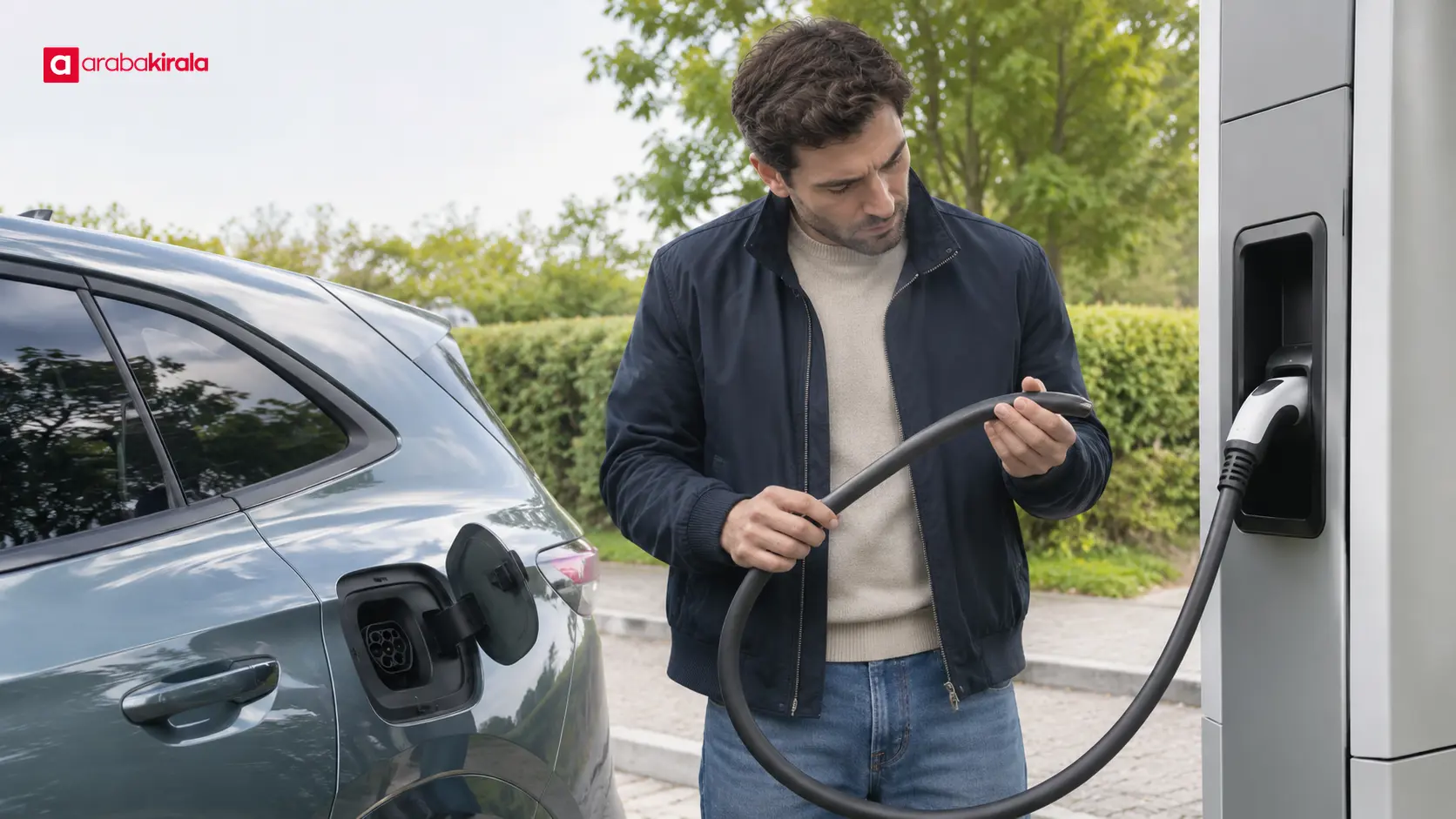
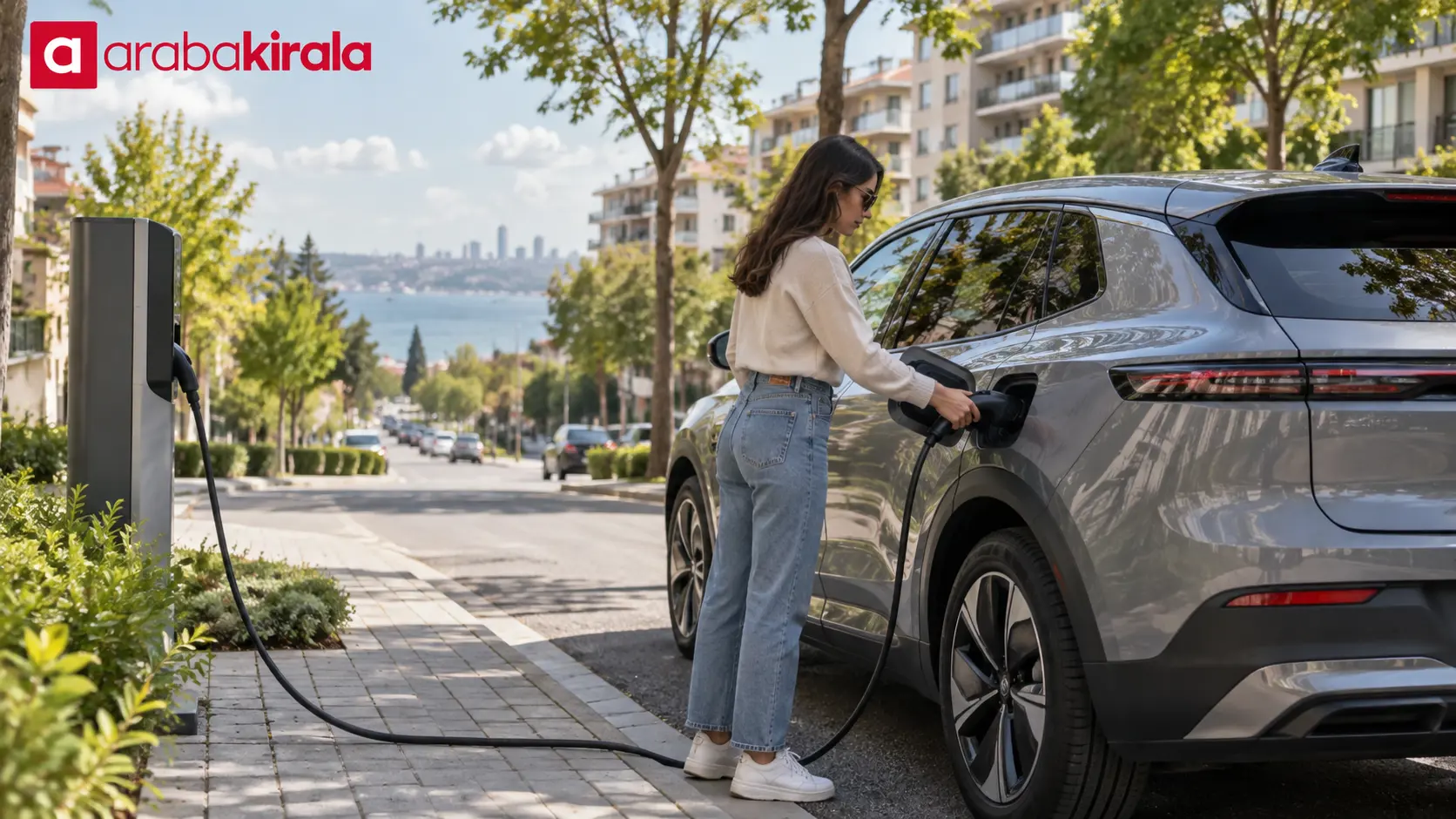
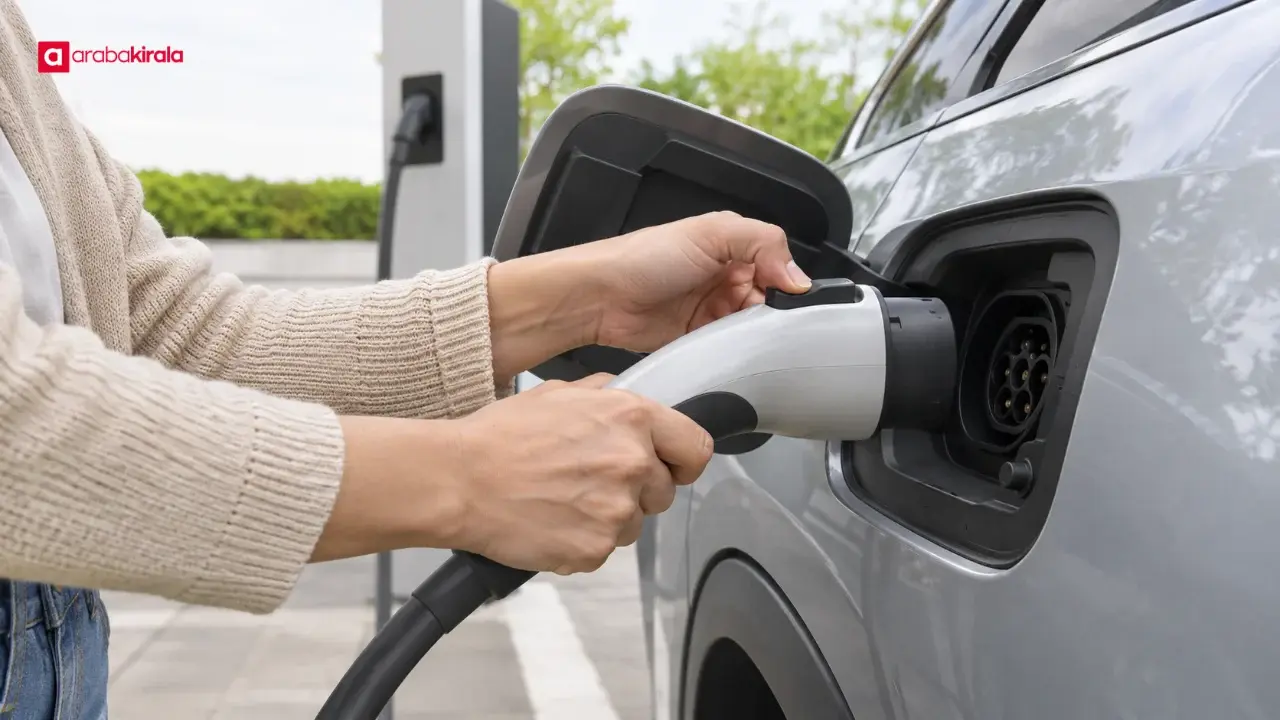
Once released, grip the connector by its handle and remove it in a straight, controlled motion. The order for disconnecting the vehicle and station ends can differ between AC and DC charging arrangements, so follow the equipment instructions. Do not drag the connector on the ground. Replace any protective cap and return the cable to its designated holder.
AC and DC charging: practical differences
With AC charging, some of the power conversion happens in systems inside the vehicle, and the connection to the station is often made with a separate cable. DC fast charging equipment commonly has a heavier cable attached to the station. These physical differences affect how the cable is handled, but they do not make the end-of-session procedure identical across all equipment.
In either case, confirm the session status on the display and do not try to remove a connector before its lock releases. Support the cable so its weight does not pull sideways on the connector. If the station cable is heavy, guide it by its handle rather than dragging it or letting it strike the vehicle body.

If the connector stays locked or the session will not end
If the connector remains locked, first check the session status on the vehicle and station. If charging is still active, confirm that the stop command has completed. If the vehicle is locked, use the release method shown by its manufacturer; on some vehicles, the central locking state can affect the connector lock. Pulling hard, standing on the cable, or treating emergency-stop equipment as an ordinary session control is not a suitable fix.
If the station shows an error or the connector remains locked after the session appears to have ended, use the help channel shown on the station. The vehicle owner's manual may also describe the release steps. If you notice smoke, a burning smell, excessive heat, sparks, or visible damage, do not touch the connector. Move to a safe distance and contact station staff or the appropriate emergency service.
A quick end-of-session checklist
- Have the vehicle or station confirmed that the session has stopped?
- Has the connector lock released, allowing the cable to come out without force?
- Are there any visible signs of damage on the cable, connector, or vehicle charge port?
- Is the connector back in its holder, with the cable clear of the driving path?
- Have you completed any final confirmation shown on the station display?
These checks help leave the equipment tidy for the next user and reduce the chance of damage from unnecessary force. Limit your inspection to what you can see; do not open or attempt to repair charging equipment.
Summary and next step
To disconnect safely, stop the session as instructed, confirm on the vehicle and station displays that power transfer has stopped, wait for the lock to release, and remove the connector by its handle. Because vehicle models and station interfaces vary, review the charging section of the owner's manual before your first use. If you are renting an EV, ask the branch where you collect it how its charge port and cable lock work before setting off.
Frequently Asked Questions
Can I unplug as soon as the battery reaches my target level?
First confirm on the vehicle or station display that the session has ended. Reaching a target battery level does not always mean that power transfer has stopped or that the connector lock has released.
Why will the connector not come out of the vehicle?
The session may still be active, the vehicle may be holding the connector lock, or the station may be waiting for confirmation. Follow the display and owner's manual, and do not force the cable.
Should I disconnect the vehicle end or station end first?
The order depends on the AC or DC equipment and the vehicle instructions. Follow the sequence specified for that vehicle and station rather than assuming one order applies to every setup.
What should I do if the charging cable is wet?
Ordinary environmental moisture is different from unusual water around a connector. If you see water accumulation, damage, or another abnormal condition on the cable or connector, do not use it and contact station support.
What if the session ends with an error message?
Check the message and session status on the station display, follow its help steps, and do not tug on the cable. If the issue persists, contact station support. Move away from the equipment if there is smoke or excessive heat.