How to Read Car Headlight Symbols and Controls
Published: November 4, 2026 • Reading Time: 7 min • Last Updated: November 4, 2026 • Author: Merve B.
Learn to recognize low and high beam, parking, fog and automatic headlight symbols, understand their controls and check a vehicle manual before driving.
Contents
- How to start reading the symbols
- Common headlight symbols and what they indicate
- Low beam
- High beam
- Parking lights and daytime running lights
- Front and rear fog lights
- Automatic headlights and light sensors
- How to identify controls safely
- Why symbols can look different
- A short check before driving
- Key points and next step
- Frequently Asked Questions
- Related Articles
Car headlight symbols show which lighting function is selected and, in some vehicles, which system is active. This guide explains the common signs for low and high beams, parking lights, fog lamps and automatic headlights. You will also learn how to identify the controls before setting off. Symbols and control locations vary by vehicle, so use the owner’s manual to confirm the meaning for the specific car.
How to start reading the symbols
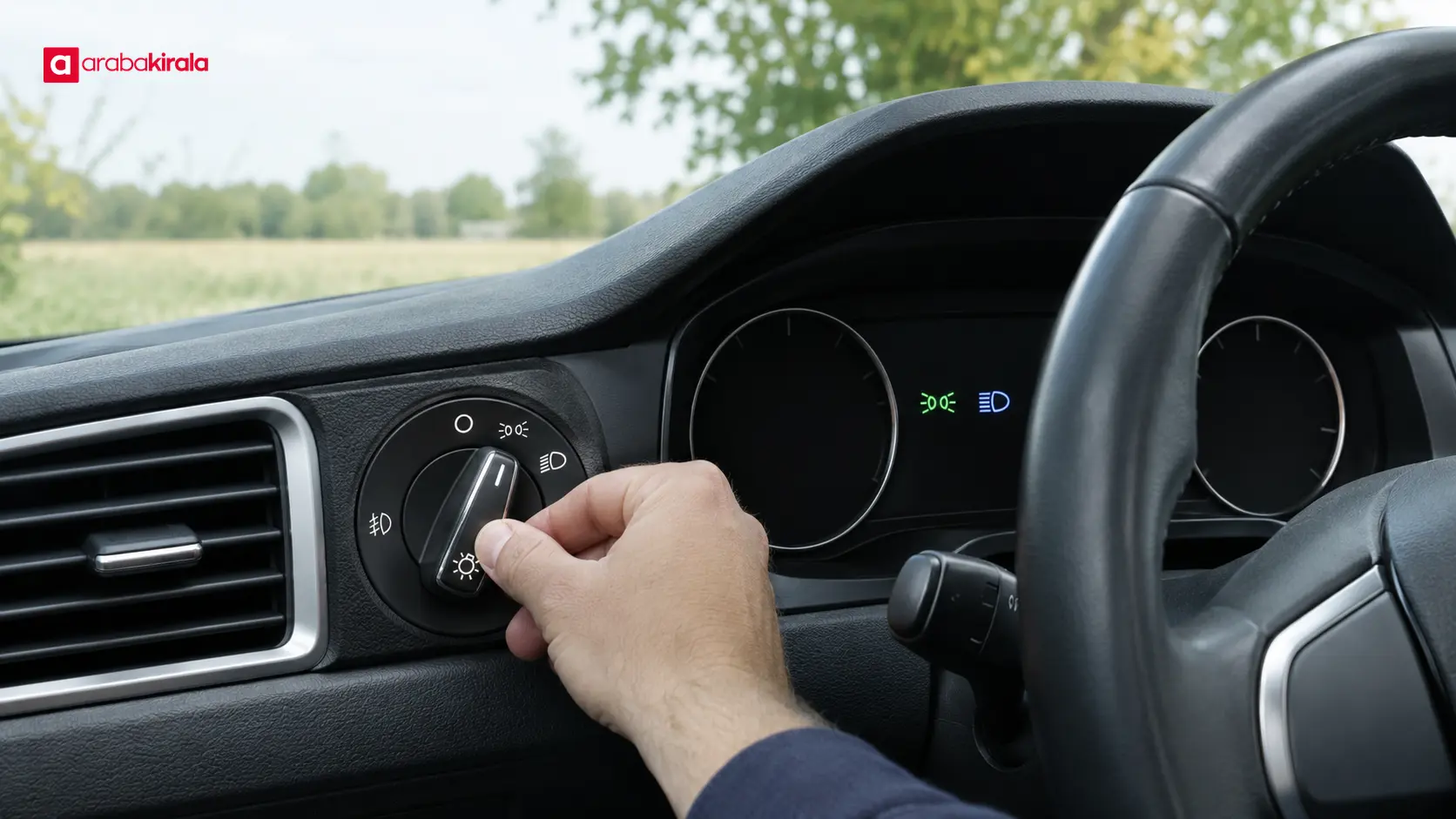
For car headlight symbols, the practical points below should be considered together. Lighting indicators often combine a lamp shape with lines that represent light beams. Similar-looking marks may refer to different functions. Check the icon’s color, the selector position and the manual together instead of relying on the shape alone. A symbol on the dashboard also does not always prove that an exterior lamp is working correctly.
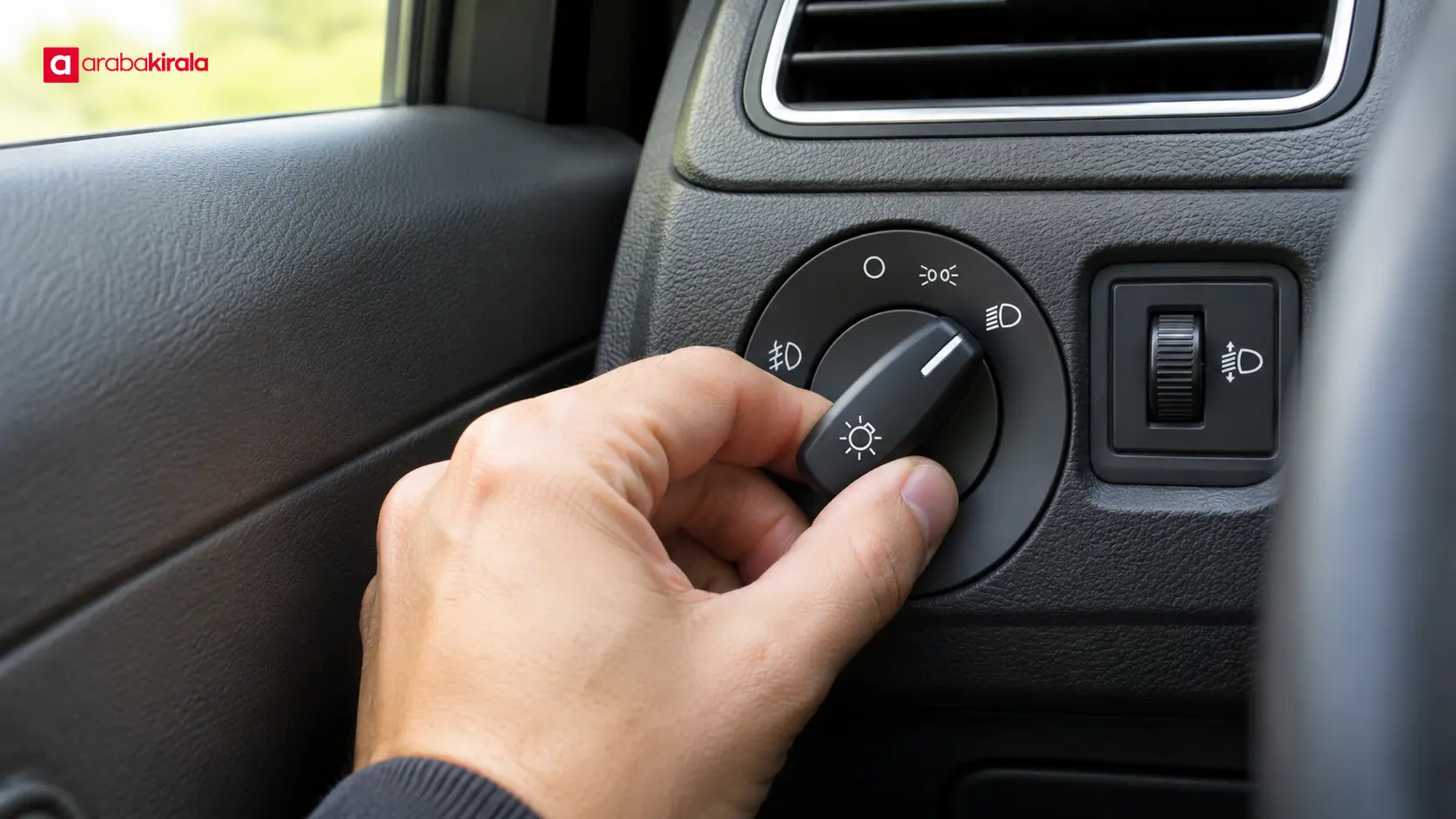
Inspect the controls while the vehicle is safely parked. A headlight stalk may sit beside the steering wheel; other vehicles use a rotary switch on the dashboard or a touchscreen menu. Learning the controls while stopped helps you avoid searching through menus or looking away from the road while moving.
Common headlight symbols and what they indicate
Low beam
Low beam is the usual forward lighting setting for driving when conditions call for headlights. Its icon commonly shows light rays angled downward from a lamp. The downward direction distinguishes it from many high beam symbols. Use suitable lighting for darkness and reduced visibility, and follow the road rules that apply where you are driving.
On many vehicles, an illuminated indicator means low beam has been selected. The exact display logic can differ. Confirm that the exterior headlights are actually on from a safe place, and consult the manual if the symbol or behavior is unfamiliar.
High beam
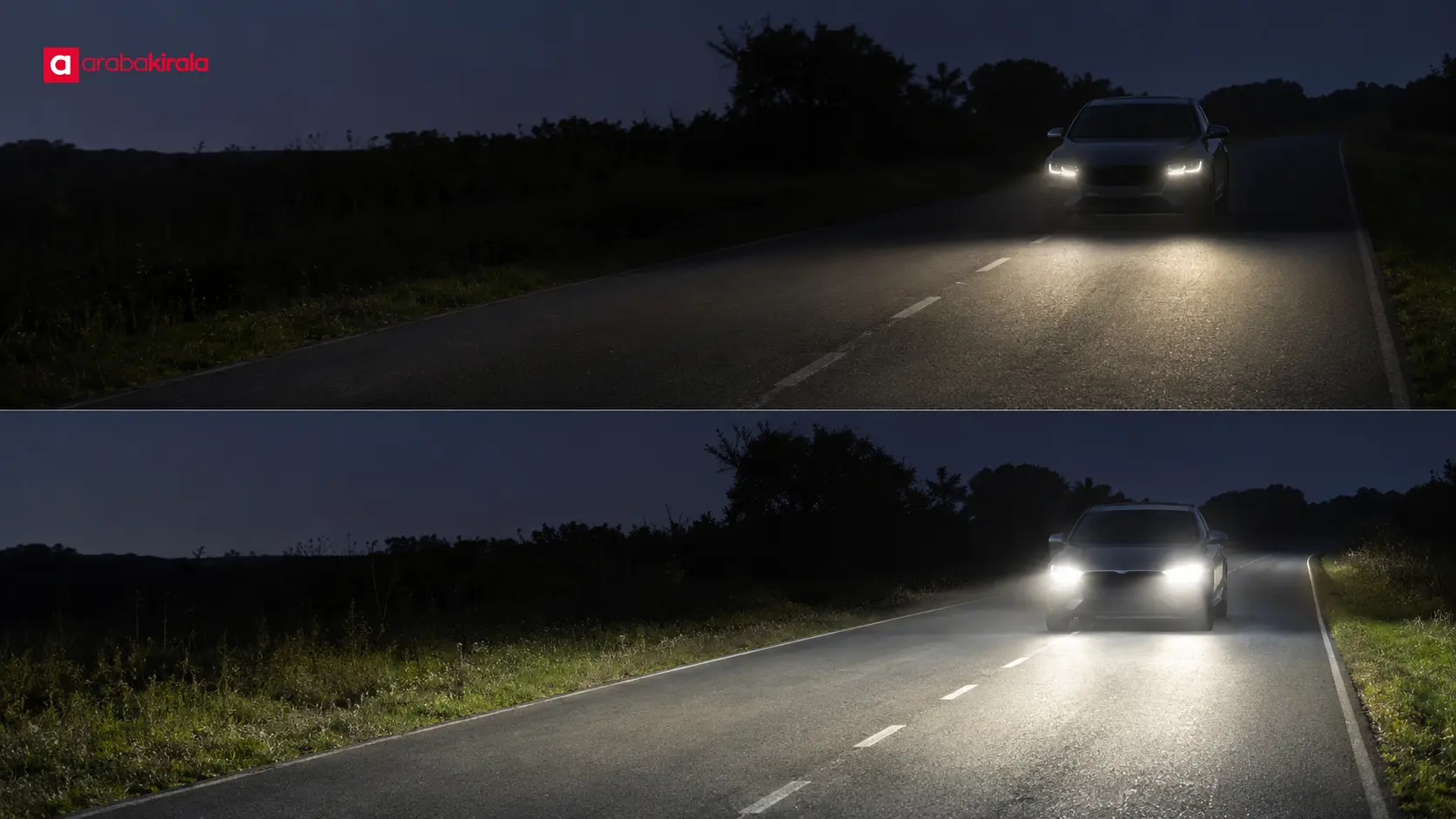
High beam projects light farther ahead and is often shown with straighter or slightly upward rays. It can improve forward visibility on dark, unlit roads. Switch back to low beam when approaching oncoming traffic or when the beam could disturb a driver ahead. Use high beam only when conditions and local rules permit it.
The control may be pushed forward, pulled back or operated through a separate switch. Depending on the vehicle, a movement may select high beam continuously or flash it briefly. Check the manual to learn the function of each position. A blue dashboard indicator is common, but the display can vary by model.
Parking lights and daytime running lights
Parking lights help indicate a vehicle’s position while parked. Their symbol may show small lamps or rays pointing in opposite directions. They do not provide the same forward illumination as driving headlights and should not be treated as a replacement for low beam on a dark road.
Daytime running lights are designed to help make a vehicle more visible during daylight. Their operation and relationship to rear lights differ by vehicle; on some cars the rear lamps may not illuminate with them. Check the manual to understand the system and choose appropriate headlights when light or visibility conditions require them.
Front and rear fog lights
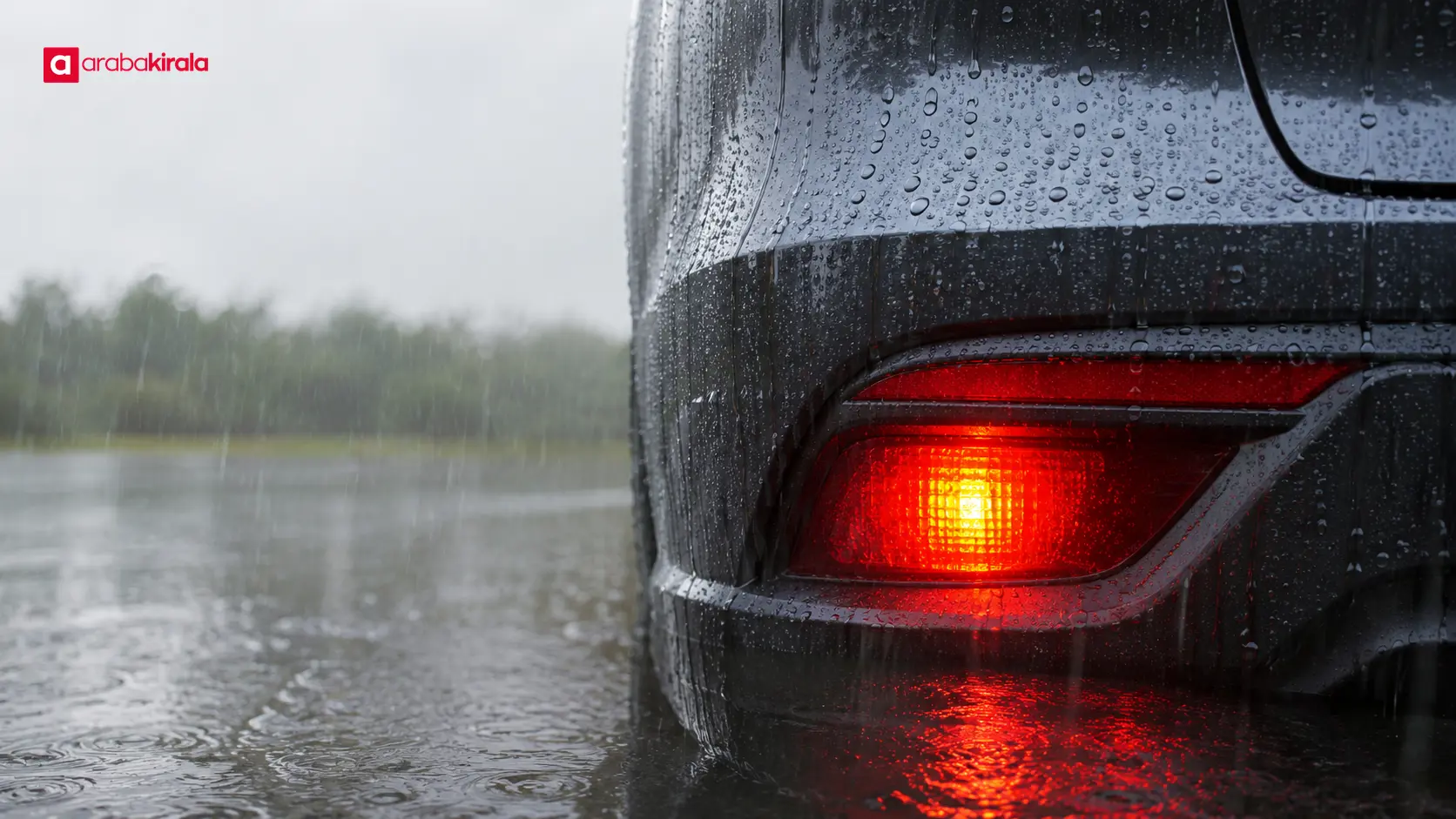
Fog lamp symbols commonly include light rays crossed by a wavy line. The front and rear indicators are distinguished by the direction of the rays and may also use different colors. Front fog lamps illuminate the area close to the vehicle, while the rear fog lamp makes the vehicle more noticeable from behind in severely reduced visibility.
Use fog lamps only when visibility is substantially reduced and in line with applicable rules. A rear fog lamp can be uncomfortable for drivers behind you when conditions are clear. Learn how to switch it off as well as how to turn it on. The manual shows the exact control and indicator for the vehicle.
Automatic headlights and light sensors
An automatic setting is often marked “AUTO” on the lighting selector. A sensor detects ambient light and may switch headlights on or off. The response in tunnels, at dusk and when daytime running lights are active depends on the vehicle’s design and settings.
Automatic headlights do not remove the need to pay attention to visibility. Rain, fog, twilight or other conditions may require headlights even if the system has not activated them. Learn the system’s limits from the manual and select the appropriate setting while safely stopped if needed.
How to identify controls safely
Before driving an unfamiliar vehicle, take a moment while parked to locate its lighting controls. Match the symbols you see to the diagrams in the owner’s manual. Identify the selector positions for off, parking lights, low beam and automatic operation, then learn how the vehicle operates high beam and fog lamps.
- Find the headlight selector and identify its main positions.
- Learn how to select high beam and use a brief flash, if equipped.
- Locate front or rear fog lamp controls and their dashboard indicators.
- Check the manual’s dashboard symbol guide for unfamiliar marks.
- From a safe location, confirm that exterior lights illuminate as expected.
Do not try to work out an unfamiliar control while driving. Menus on a touchscreen can demand attention, so review them before moving. If a symbol or control remains unclear, stop in a safe place and consult the manual or ask the rental branch for information about the specific vehicle.
Why symbols can look different
Manufacturers may change icon designs, colors and control layouts across models, model years and equipment levels. The symbol on a selector may differ from the dashboard indicator. A warning light can also signal a fault rather than simply confirm that a lighting mode is selected. A flashing indicator, a changed color or a message alongside the symbol may need a separate explanation.
Look under “lighting,” “headlights” or “dashboard indicators” in the manual. Rental vehicles can have different models and equipment, so confirm the controls in the car you receive. If the control is hard to locate or a dashboard message is unclear, ask the branch where you are renting for vehicle-specific guidance before setting off.
A short check before driving
Make sure the windshield is clear, headlamps are unobstructed and the selected lights suit the conditions. Dirt, snow or mud can reduce the light reaching the road. If a headlight appears damaged or does not work, stop safely and follow the vehicle’s guidance for getting assistance. Do not attempt technical repairs based on a dashboard symbol alone.
At a rental handover, understanding the lighting selector and dashboard indicators is a useful part of getting familiar with the car. Ask the branch about details specific to the vehicle or the handover if needed. This preparation can make night driving and trips through changing weather easier to manage.
Key points and next step
Low beam provides the usual forward lighting when headlights are needed; high beam extends visibility farther ahead; parking lights indicate position; and fog lamps support visibility in specific conditions. Automatic headlights respond to ambient light, but the driver still needs to judge visibility. Read symbols using their shape, color, control position and manual explanation together.
Before your next drive, find the lighting section in the vehicle manual and identify the controls while parked. If a rental car has an unfamiliar symbol or layout, get an explanation for that specific vehicle from the branch before you leave.
Frequently Asked Questions
How can I tell the low beam symbol from the high beam symbol?
Low beam icons usually show rays angled downward, while high beam icons often have straighter rays. Designs vary, so use the vehicle manual’s dashboard symbol guide to confirm what each indicator means.
How do I know whether automatic headlights are on?
Check that the selector is set to AUTO and review the dashboard indicators. The system’s behavior depends on the vehicle, so consult the manual to learn when exterior lights activate. When visibility calls for headlights, make sure the appropriate lights are on.
How do I distinguish front and rear fog lamp indicators?
The direction of the rays and the position of the wavy line often distinguish the two symbols. Their colors may differ as well. The vehicle manual is the clearest way to match each icon to its control.
Are daytime running lights enough for driving at night?
Daytime running lights are not a substitute for the headlights used for night driving, and they may not illuminate the rear lamps. Select the appropriate lighting for darkness or reduced visibility, following the manual and applicable road rules.
What should I do if a lighting indicator appears unexpectedly?
Check the manual to determine whether the mark indicates a selected setting or a fault. From a safe location, check the exterior lights. If the warning remains or its meaning is unclear, seek vehicle-specific assistance rather than ignoring it.
Related Articles
- How to Assess Headlamp Height and Lighting Distance
- Rental Car Climate Controls: Learn the Vents and Air Conditioning
- How to Recognize a Rental Car’s Dashboard and Center Console Controls
Legal Disclaimer: All content, articles and information on the Araba Kirala website are provided solely to inform users. No information shared on this website constitutes definitive advice or guidance. Araba Kirala Teknoloji A.Ş. and its authors cannot be held responsible for any direct or indirect damages arising from the application of information on the website. For all questions and requests regarding car rental, please contact the office from which you will rent your vehicle.
 Add ArabaKirala as a preferred source on Google