How to Read Formula 1 Sector Colors and Time Gaps
Published: November 6, 2026 • Reading Time: 7 min • Last Updated: November 6, 2026 • Author: Merve B.
Understand what sector colors, lap times and time gaps show in Formula 1 live timing, with a practical guide to reading comparisons in context.
Contents
- What is a sector?
- Common meanings of purple, green and yellow
- Put the color in context
- What does a time gap or delta show?
- How sector times relate to a lap time
- A practical sequence for reading live timing
- Why lap type and track conditions matter
- Common interpretation mistakes
- A quick guide for viewers
- Frequently Asked Questions
- Related Articles
Formula 1 sector colors and time gaps help explain where a driver gains or loses time during a lap. This guide covers how sectors divide a lap, what purple, green and yellow indicators commonly mean, and how to interpret gaps on a live timing screen. A color alone cannot explain a car’s full performance: lap type, track conditions and the comparison being shown all matter.
What is a sector?
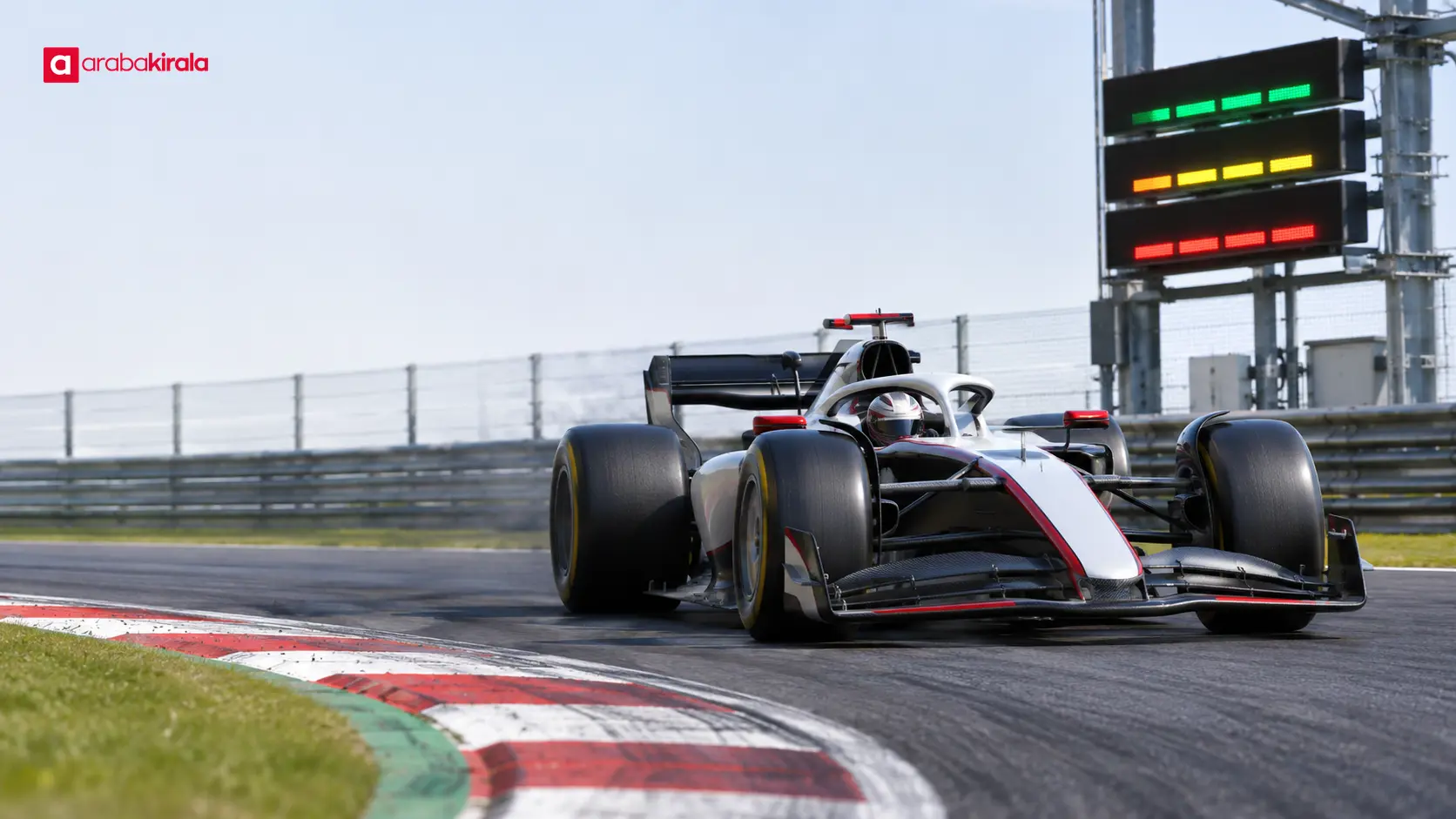
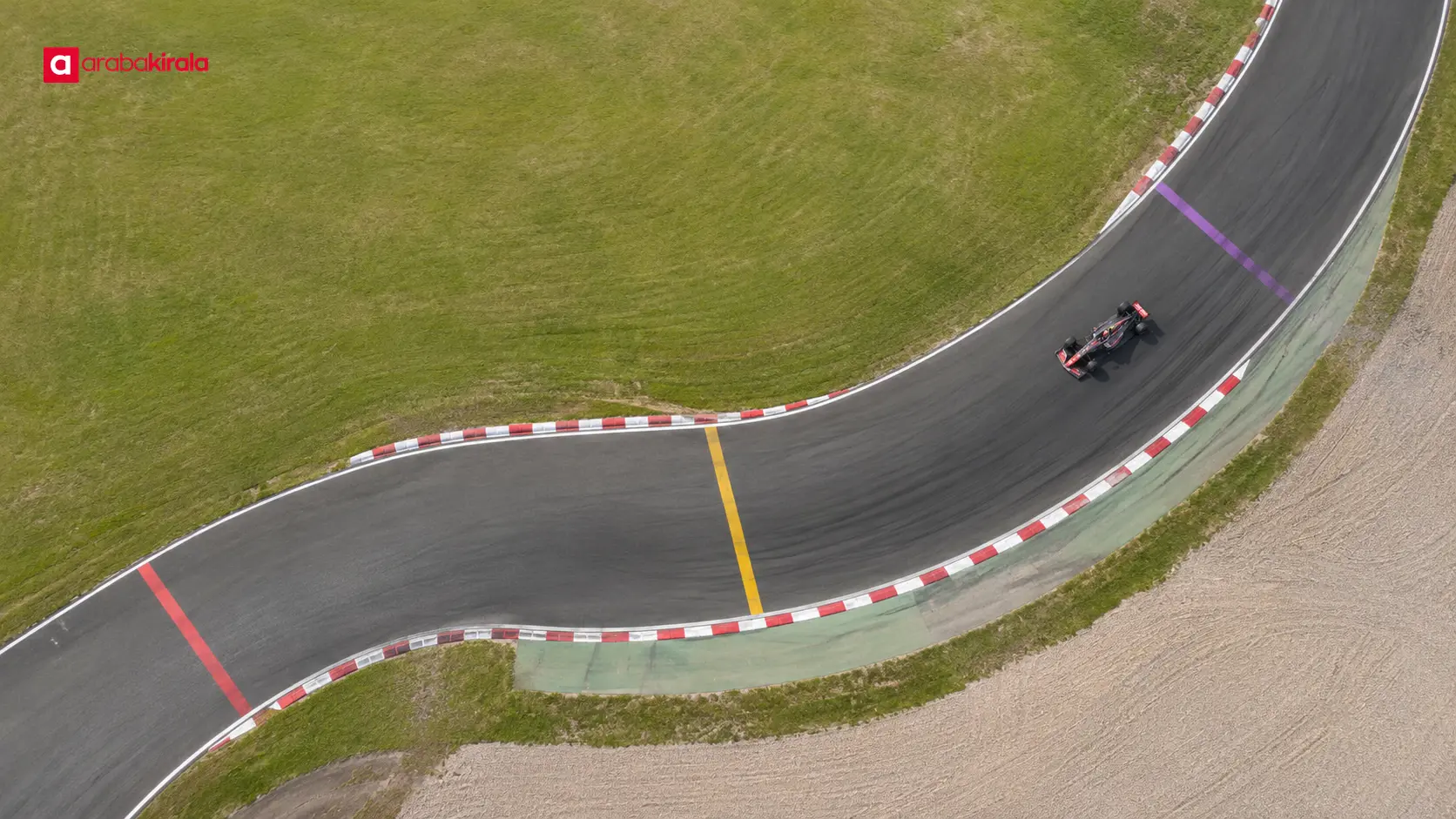
A circuit lap is divided into timing sections called sectors so that progress can be followed in more detail. The official timing system defines the sector boundaries. A lap begins when a car crosses the start line, and the elapsed time for each section is recorded as the car passes its timing point. Viewers can follow progress within a lap instead of waiting for the total lap time.
Sector times show where drivers differ during the same lap. A car may be quick in the first section and slower in the next. The final lap time combines those effects. One sector color therefore does not establish who was faster over the whole lap; it offers information about a particular part of a comparison.
Common meanings of purple, green and yellow
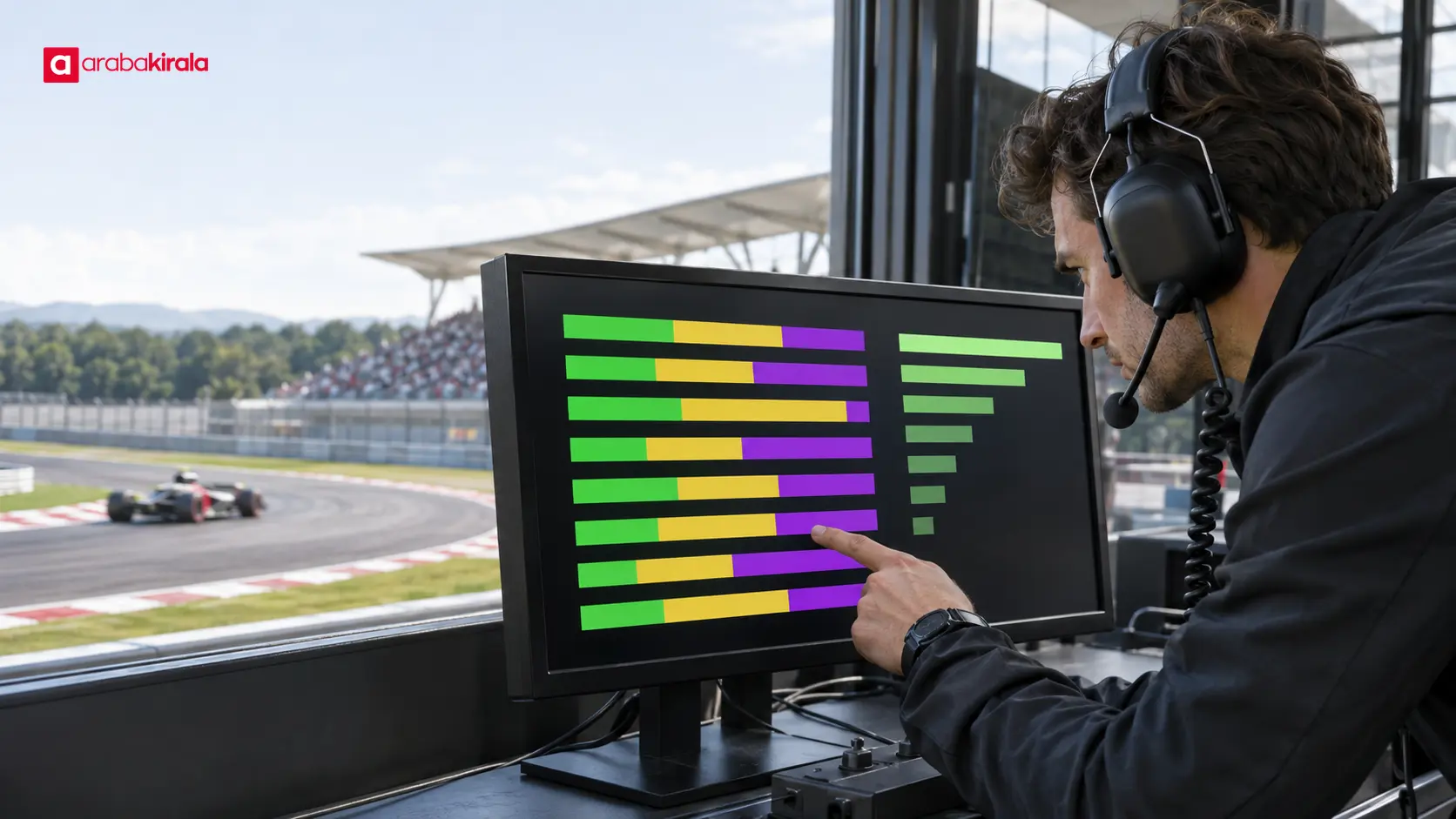
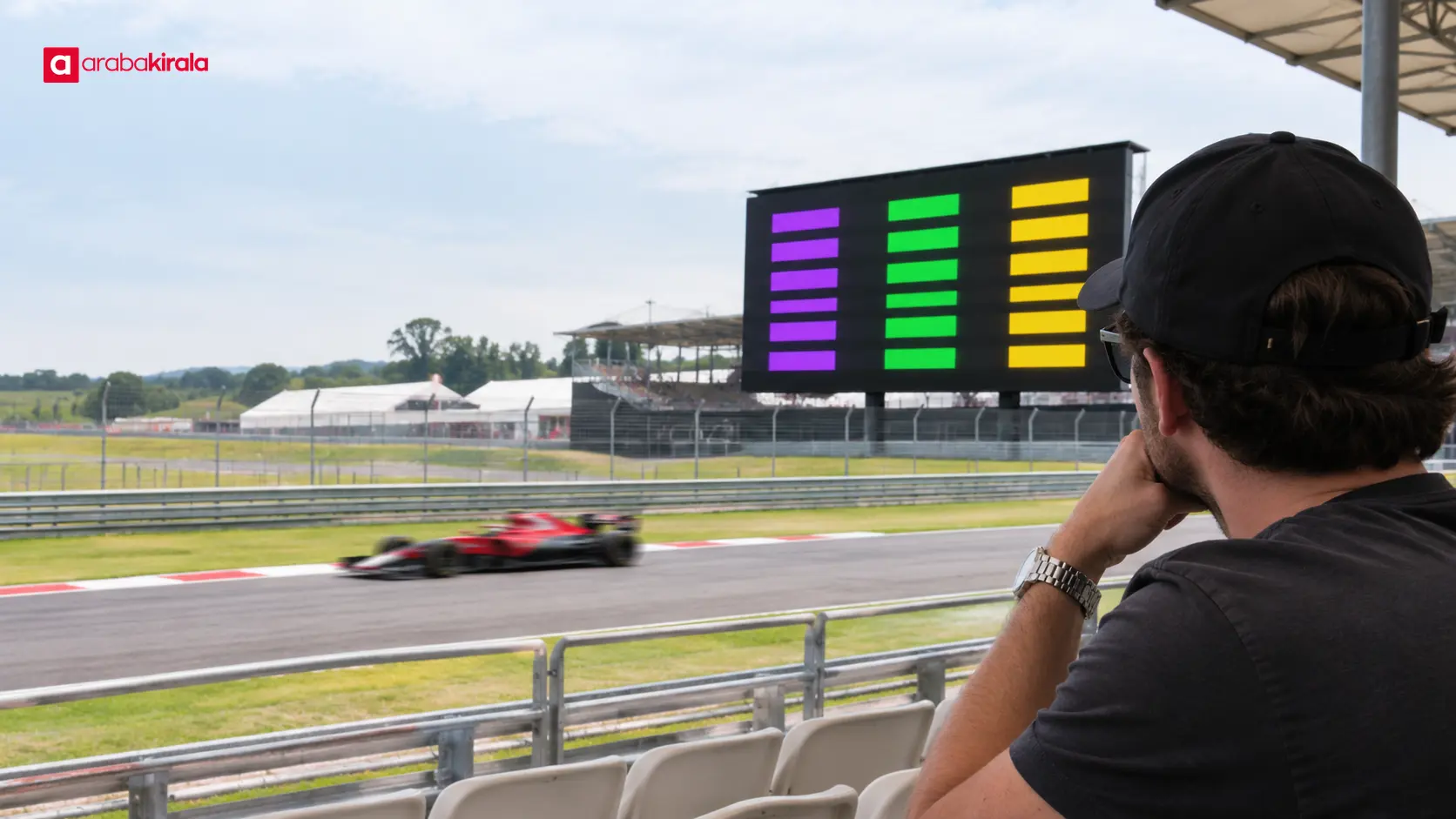
On many live timing displays, purple commonly marks the fastest sector or lap within the session’s stated scope. Green often means a driver has improved on their own previous best sector, while yellow can indicate a slower time against that driver’s reference. Interfaces and comparison rules can vary, so use the display’s legend when available.
It is easy to misread a color without knowing its reference. Green does not always mean the driver is faster than every other driver. They may have improved their personal best while another driver still holds a quicker sector. Purple should also be read within the session or reference range used by that display.
Put the color in context
- Purple: May identify the best sector or lap within the scope defined by the display.
- Green: May show that a driver has improved on their own reference time.
- Yellow: May indicate a slower section or lap against the applicable reference.
Colors label an outcome; they do not explain its cause. Traffic, tyre condition, track evolution, a driver abandoning a lap or a different stage of the session can affect a time. Consider the surrounding timing information and lap context before drawing conclusions.
What does a time gap or delta show?
A time gap is the difference in elapsed time between two drivers or two lap times. A delta, often shown with a plus or minus sign, can show how far ahead or behind a driver is against a selected reference. That reference might be the car ahead, a best lap, a previous lap or another comparison. Check which car or lap is being used before interpreting the number.
If one driver’s sector time is shorter than a rival’s, they spent less time in that section. The overall gap can change when they reach the sector boundary. It is not fixed through the rest of the lap: it may grow, shrink or reverse in the next sectors. A live delta describes the comparison at the moment it is measured.
Do not treat a delta as the physical distance between cars. A time gap is measured in seconds, while track position is a distance. Because cars travel at different speeds and do not maintain one speed around the circuit, a time difference does not correspond to a constant distance.
How sector times relate to a lap time
A lap time is the elapsed time from one crossing of the start line to the next. Sector times show parts of that lap; the completed sector times add up to the lap time. Before the car completes the lap, displayed values may still be provisional. Wait for the final sector and the line crossing before treating the result as a completed lap.
An ideal lap can combine the best sectors recorded across different laps. It is a measure of potential, not an actual lap time. It does not mean the driver put all of those best sections together in one attempt. Tyres, traffic and track conditions can change from lap to lap, so use an ideal lap as a performance indicator rather than a result.
A practical sequence for reading live timing
- Identify the session. Practice, qualifying and the race have different purposes, and the same time can mean something different in each context.
- Find the reference. Check whether the display compares a driver with the session’s best lap, their personal best or another car.
- Check whether the sector is complete. A value can still be live or provisional until the car crosses the timing point.
- Consider the lap type. A push lap, an out lap and a race pace lap are not directly comparable conditions.
- Follow the next sectors. Time gained in one section may not be kept through the rest of the lap.
This sequence helps avoid conclusions based on a single color. In qualifying, for example, whether a driver is on a push lap, how traffic is affecting the run and whether the lap is complete all add context.
Why lap type and track conditions matter
A push lap is driven with the aim of setting a strong time. An out lap or a cool-down lap has a different purpose. Those laps can involve different speeds and tyre conditions, so they are not suitable for a direct performance comparison. During a race, fuel load, tyre wear, traffic and a driver’s immediate objective can influence lap times.
Track surface and weather can also change from lap to lap. More rubber on the racing line may affect grip; rain or changing temperatures can alter driving conditions. These effects are not necessarily equal in every sector. A time gain in one part of the circuit alone does not prove that a car is generally faster.
Common interpretation mistakes
- Assuming green means overall fastest: It may indicate improvement against a personal best.
- Judging a whole lap from one sector: Read that section alongside the rest of the lap.
- Treating a delta as a fixed distance: A time gap is measured in seconds and the physical gap can change.
- Equating different lap types: Preparation, push and race laps serve different purposes.
- Taking provisional data as final: A display can change until a sector or lap is complete.
A quick guide for viewers
When reading Formula 1 sector colors and time gaps, first check the color legend and the reference used for comparison. Then see whether the sector is complete, what kind of lap the driver is on and how the gap changes in the following sections. Sector time describes part of a lap, lap time describes the complete lap, and delta describes a time difference against a chosen reference.
For the next race broadcast, follow three details together: what comparison the color represents, which section the time belongs to and what reference the delta uses. This simple habit makes live timing easier to understand and keeps one indicator from carrying more meaning than it supports.
Frequently Asked Questions
What does purple mean on Formula 1 timing screens?
Purple commonly marks the fastest sector or lap within a defined scope. The scope can depend on the session or timing interface, so check the display’s legend where one is provided.
Does a green sector mean faster than every driver?
No. Green often indicates that a driver has improved on their own reference time. A separate comparison is needed to see how their sector ranks against other drivers.
Does a delta show the distance between two cars?
No. A delta is a time difference, usually read in seconds. Physical spacing depends on where the cars are and how quickly they are moving around the circuit.
Is an ideal lap an actual recorded lap?
No. An ideal lap may combine best sectors from separate laps. It does not show that the driver recorded those sectors together in one completed lap.
Does losing time in one sector mean a driver has lost the lap?
Not by itself. A driver can make time back in later sectors. Follow the total time on a completed lap and compare runs made in similar conditions.
Are sector colors identical on every timing display?
The common meanings are similar, but interfaces and comparison references can differ. Use the display’s legend and avoid interpreting a color in isolation.
Related Articles
- How to Read a Formula 1 Race Weekend: Practice, Qualifying and the Grand Prix
- Formula 1 Tyre Colors: Hard, Medium, Soft and Wet Tyres
- What Do the F1 Race Director and Team Race Engineer Do?
Legal Disclaimer: All content, articles and information on the Araba Kirala website are provided solely to inform users. No information shared on this website constitutes definitive advice or guidance. Araba Kirala Teknoloji A.Ş. and its authors cannot be held responsible for any direct or indirect damages arising from the application of information on the website. For all questions and requests regarding car rental, please contact the office from which you will rent your vehicle.
 Add ArabaKirala as a preferred source on Google